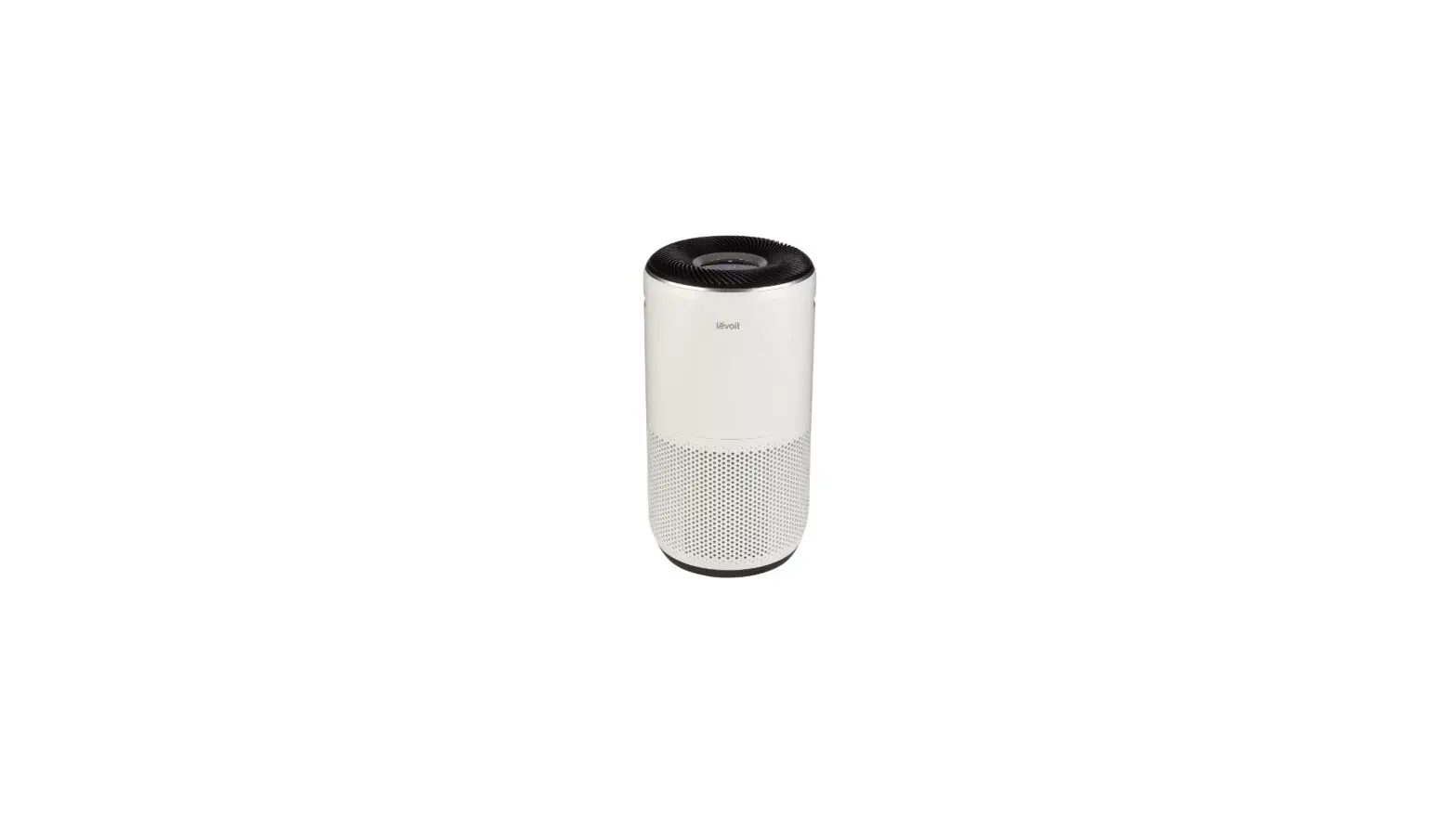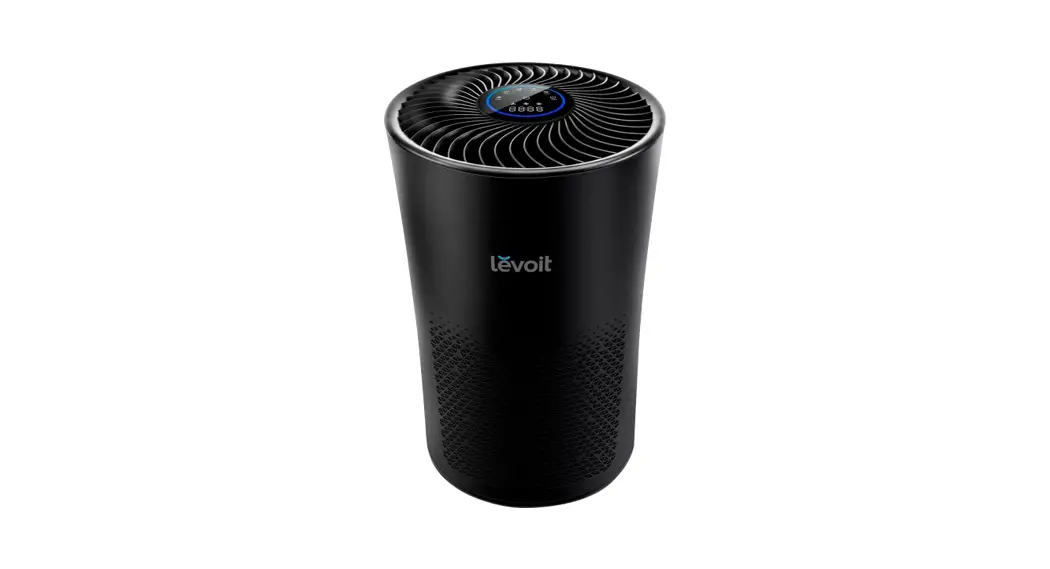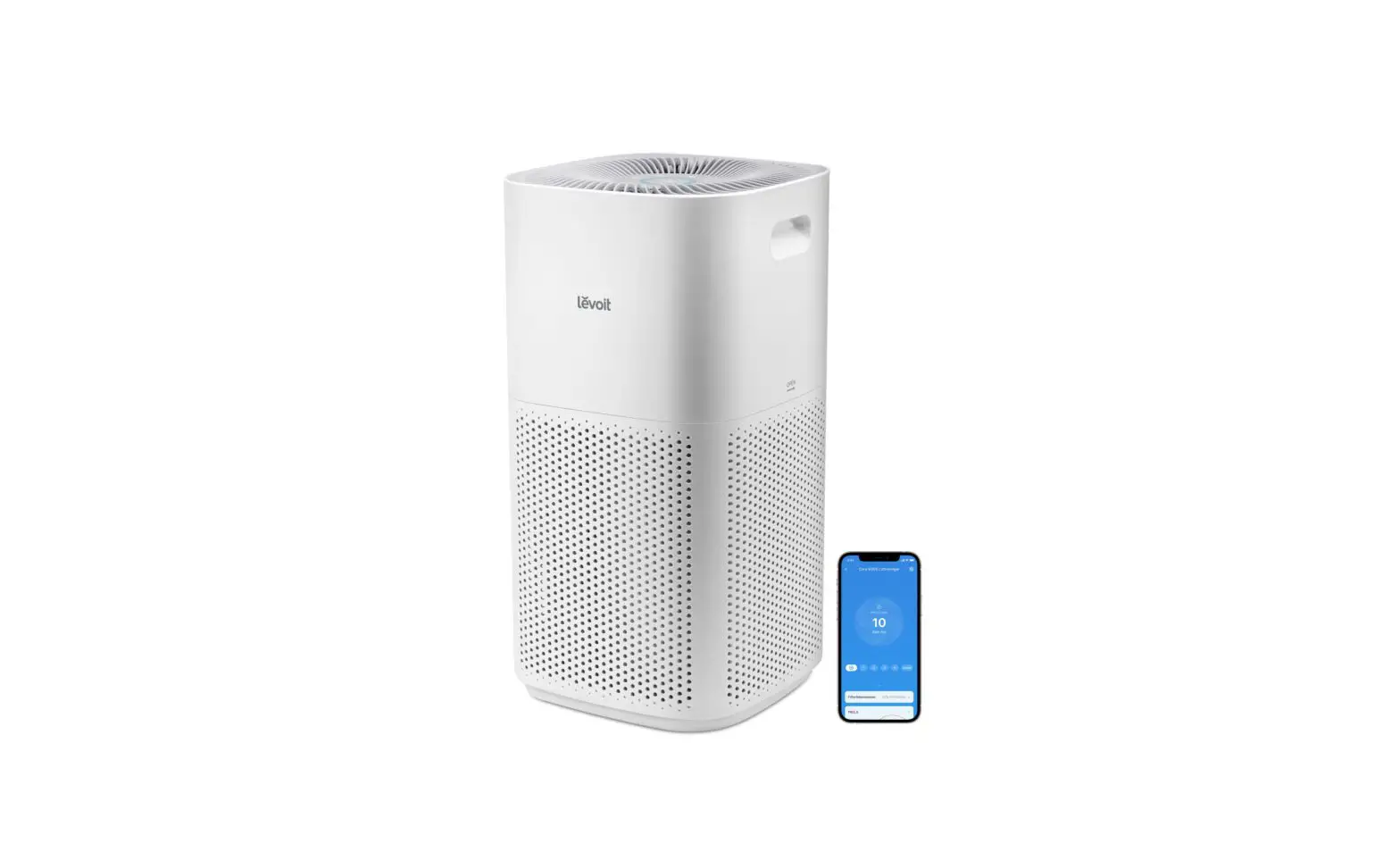
levoit 101561 Smart True hepa Air Purifier User Guide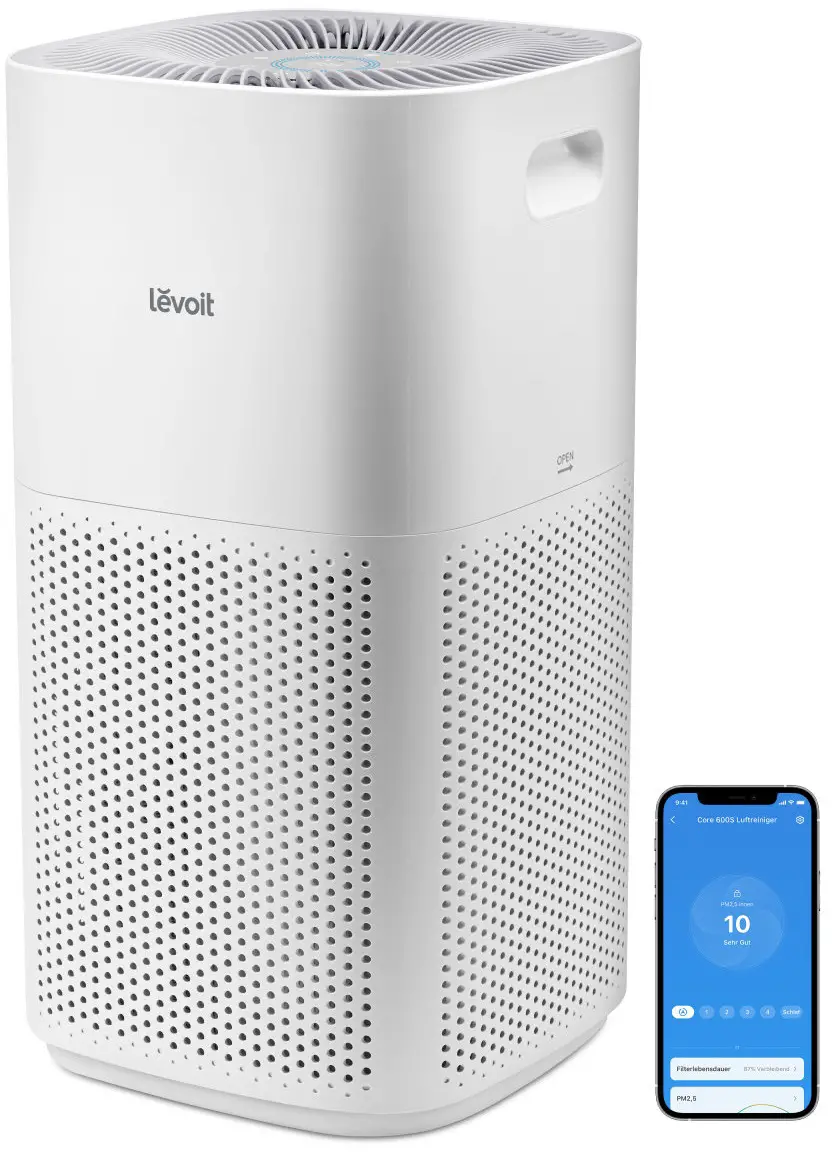
Setting Up
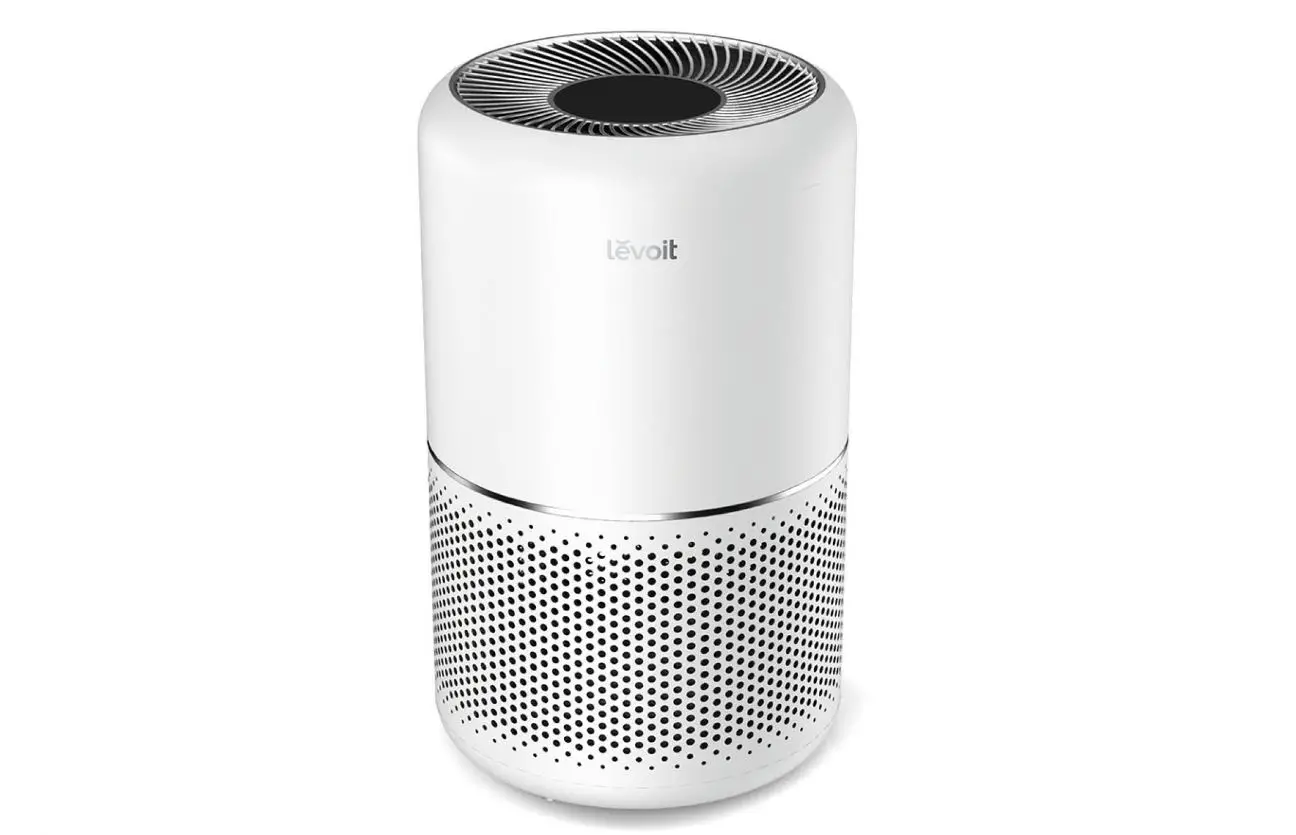
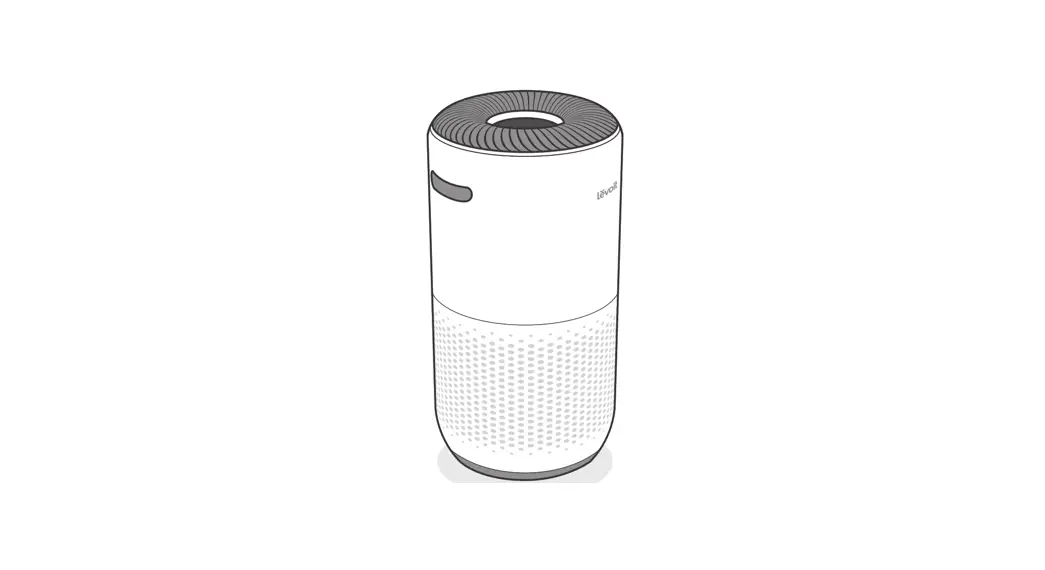
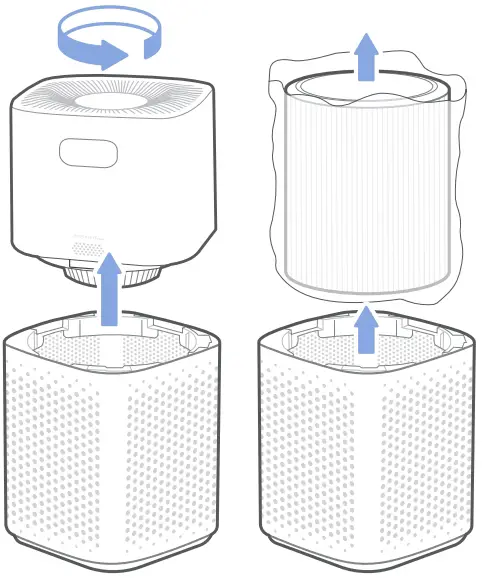
- Twist the top half of the air purifier anticlockwise and lift up to remove it.
- Take out the filter and remove its plastic packaging.
Place the filter back into the air purifier. - Place the top half of the air purifier directly back onto the bottom half of the air purifier, aligning each corner. Press down to snap the top into place.
- Plug in your air purifier and turn it on.
Working with VeSync
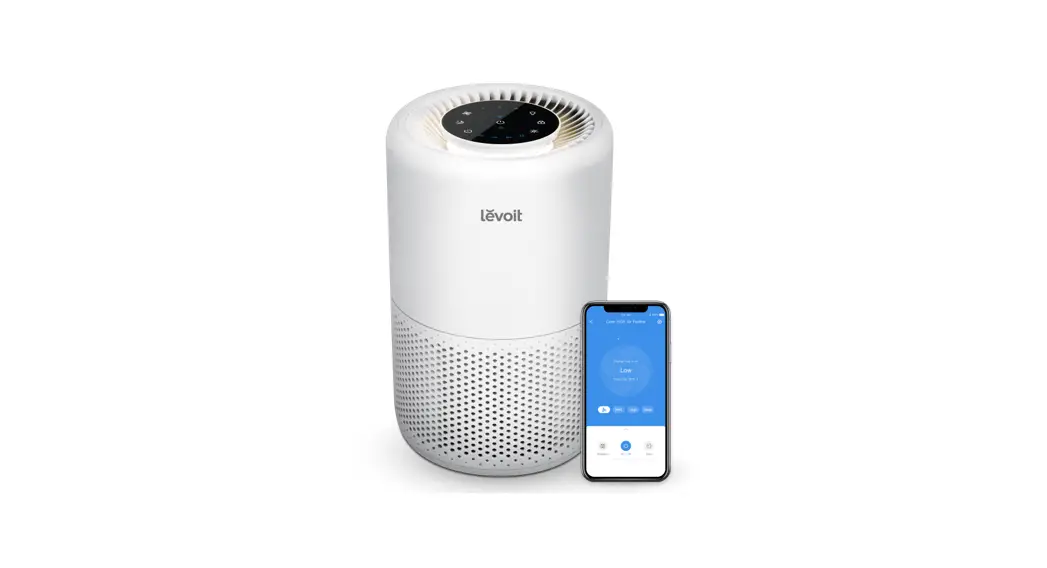
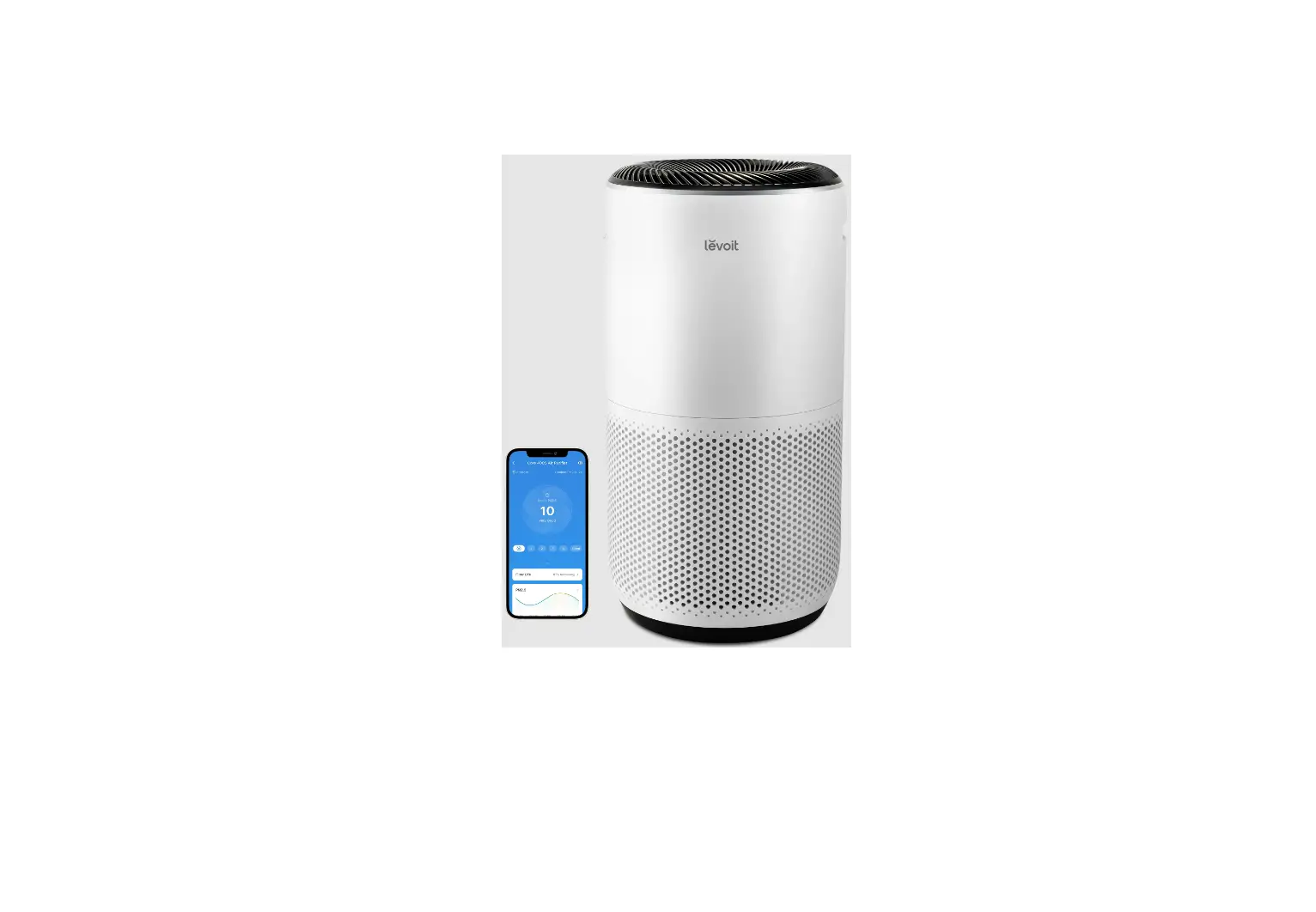
- To download the VeSync app, scan the QR code or search “VeSync” in the Apple App Store® or Google Play Store.
- Open the VeSync app. Log In or Sign Up.
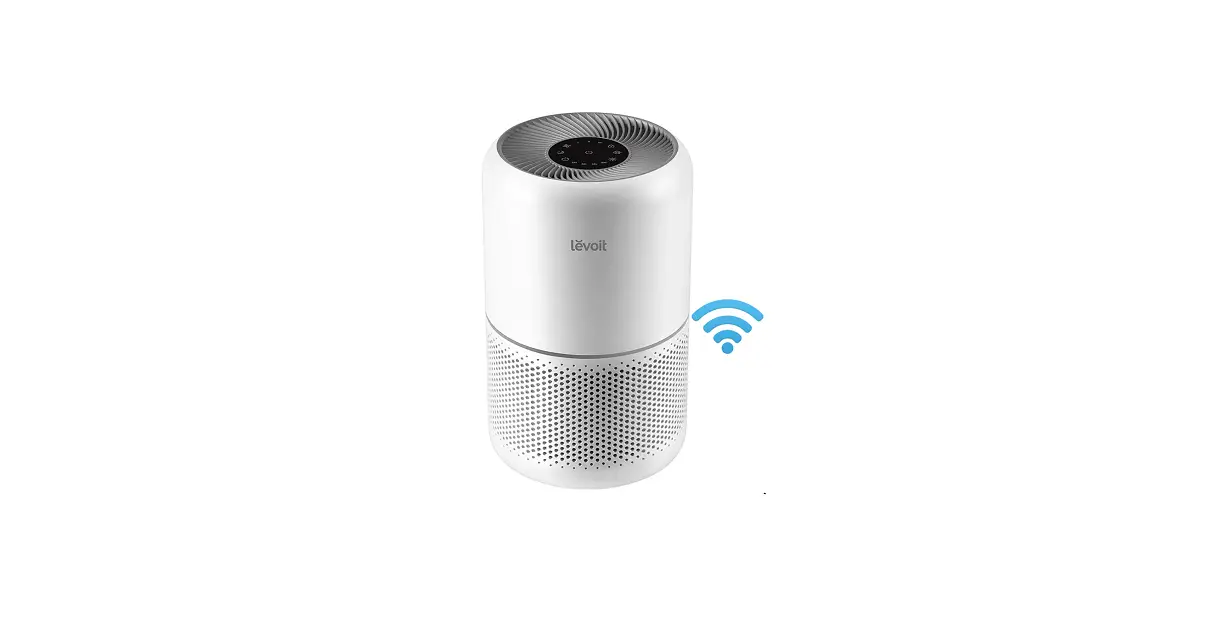
- Follow the in-app instructions to finish setting up your smart air purifier.
Note: You can use the VeSync app to connect your smart air purifier to Amazon Alexa or Google Assistant’:



 WARNING
Do not use the air purifier without first removing the plastic packaging from the filter. The air purifier will not filter air and may overheat, causing a fire hazard.
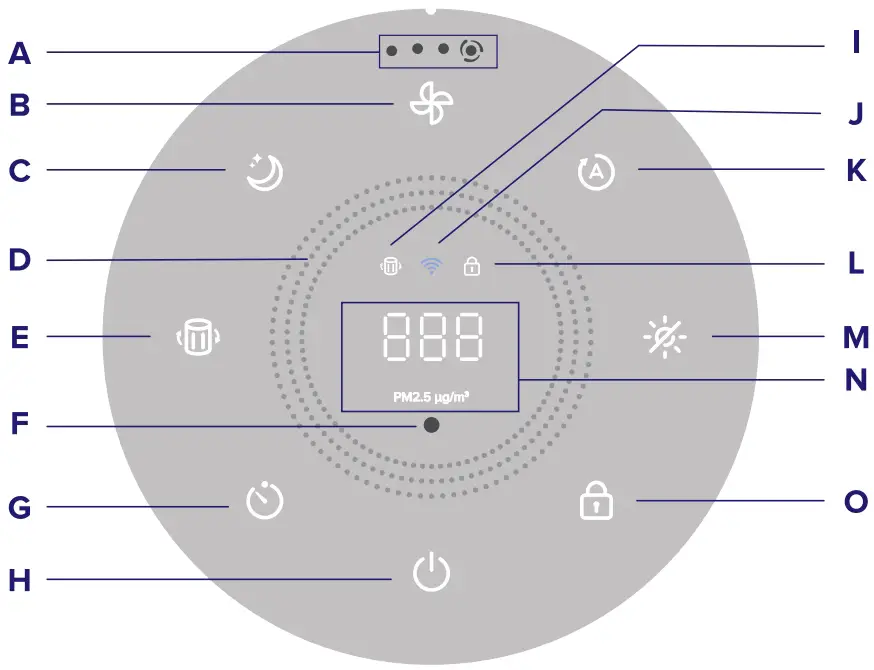
- A. Fan Speed Indicators
- B. Fan Speed Button
- C. Sleep Mode Button
- D. Air Quality Indicator Rings
- E. Check Filter Indicator Reset Button
- F. Light Sensor
- G. Timer Button
- H. On/Off Button
- I. Check Filter Indicator
- J. Wi-Fi® Indicator
- K. Auto Mode Button
- L. Display Lock Indicator
- M. Display Off Button
- N. PM2.5/Timer Display
- O. Display Lock Button
Read the manual for further instructions, helpful tips, troubleshooting, and more.
Questions or Concerns?
Please contact us at [email protected]
Quality Assurance
Your product comes with a 2-year warranty starting from the date of purchase.