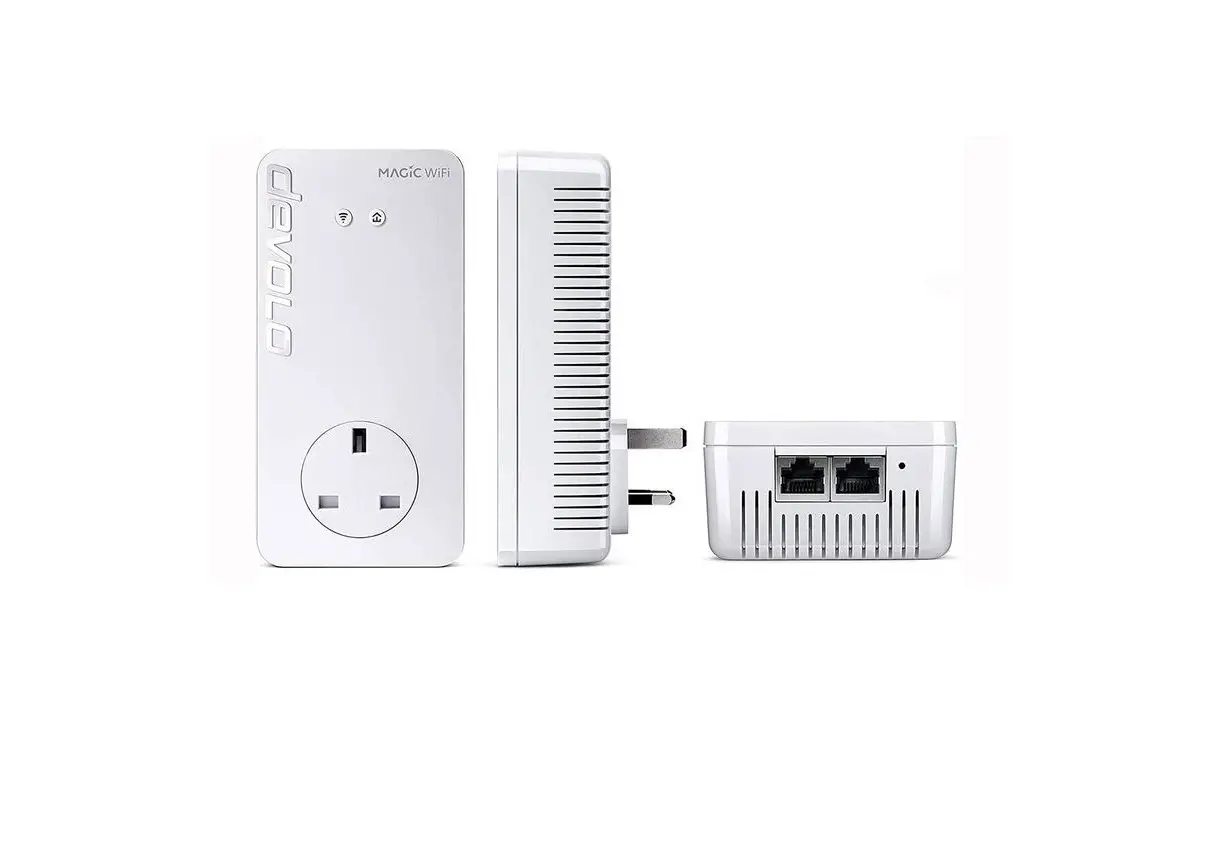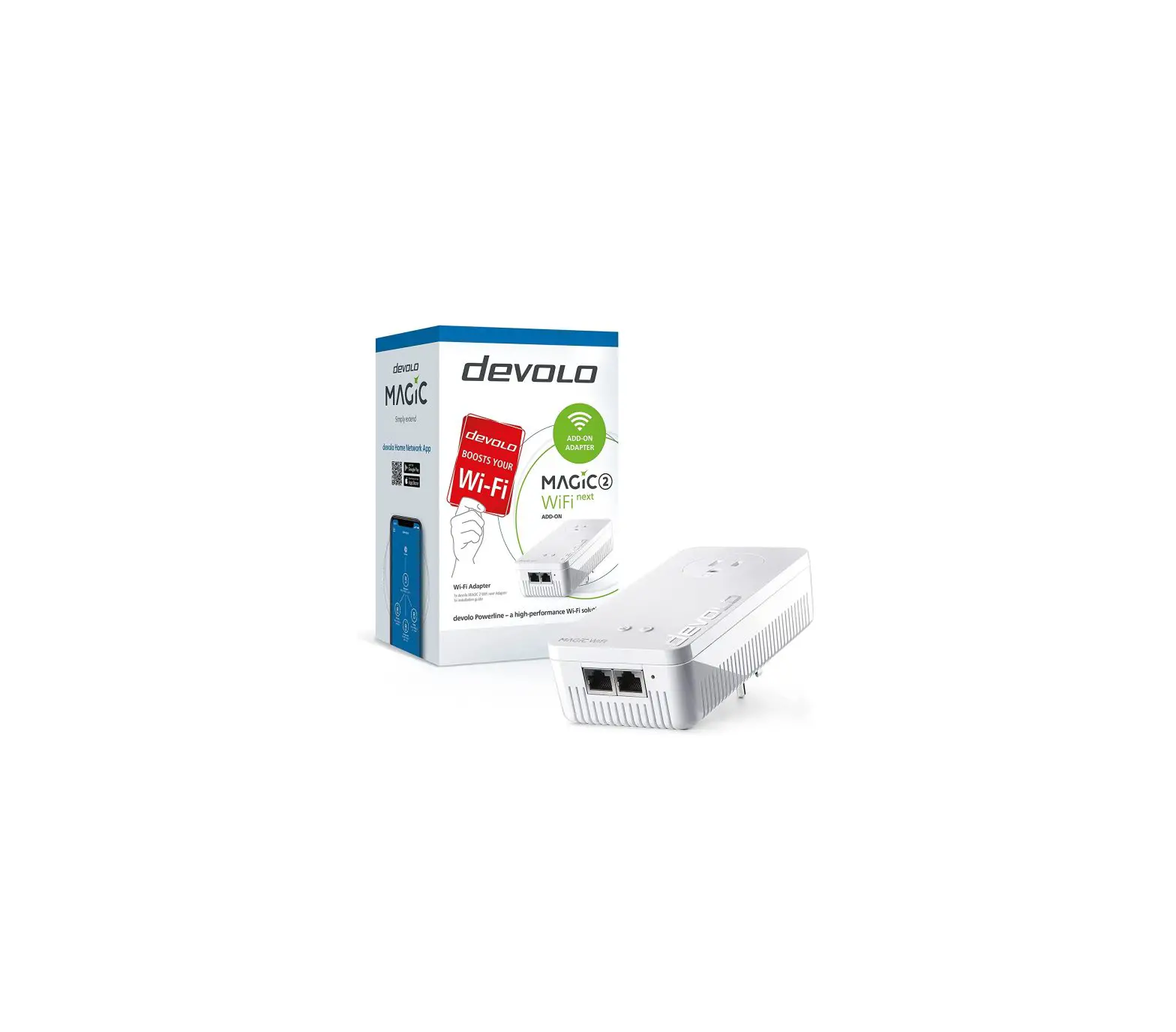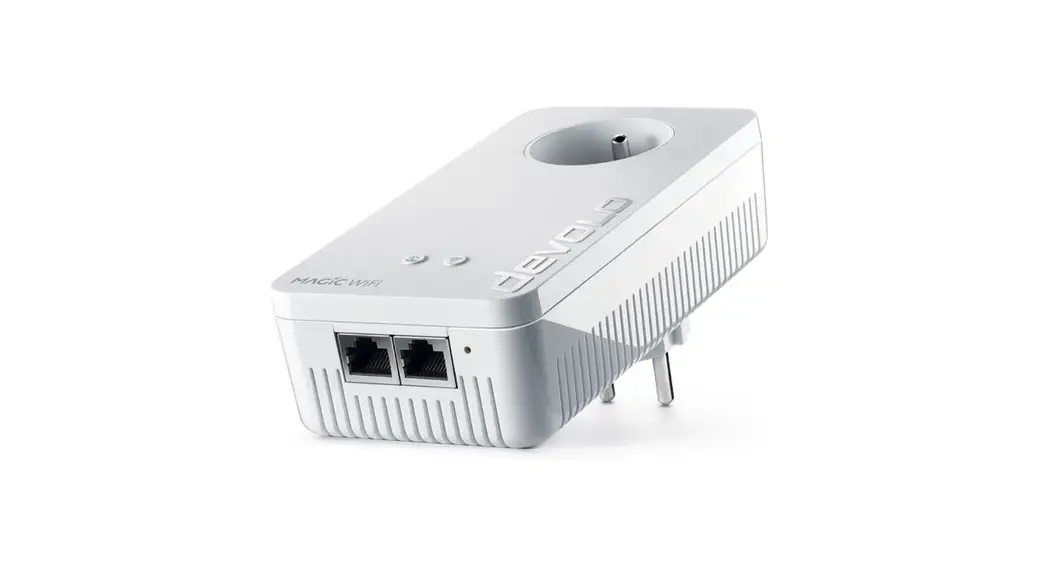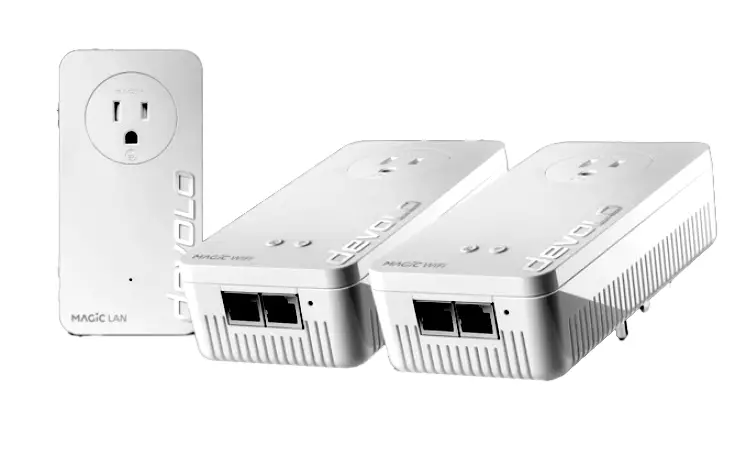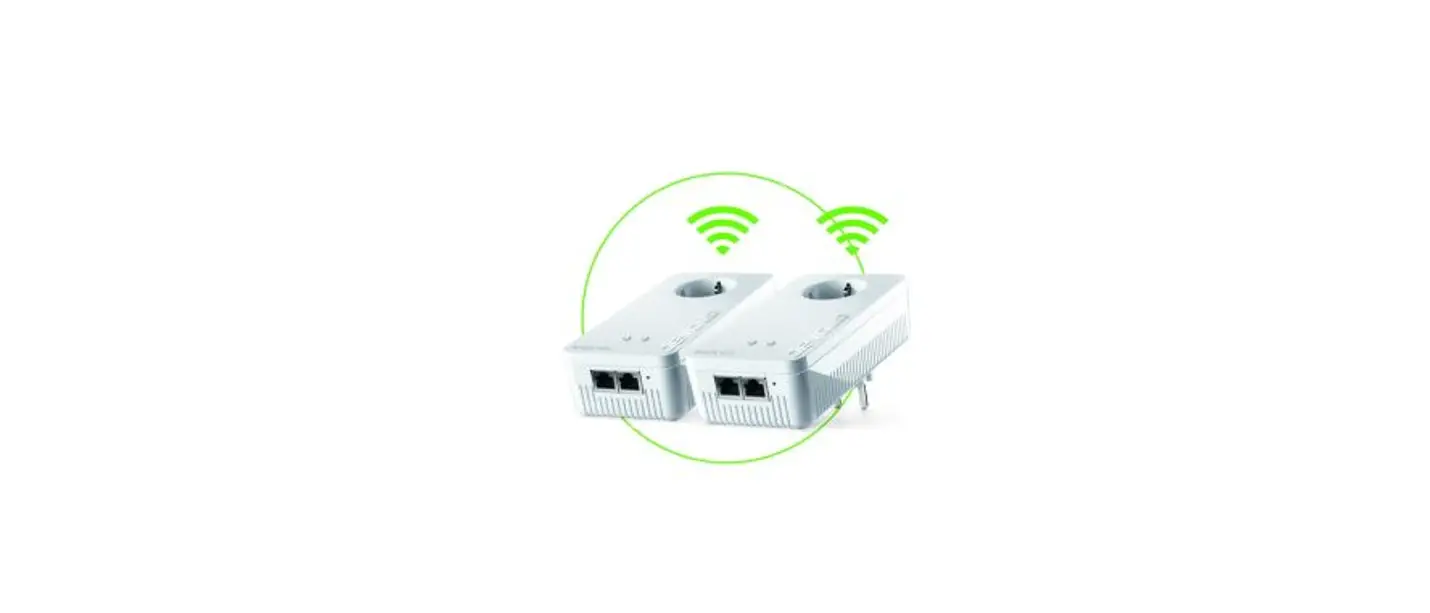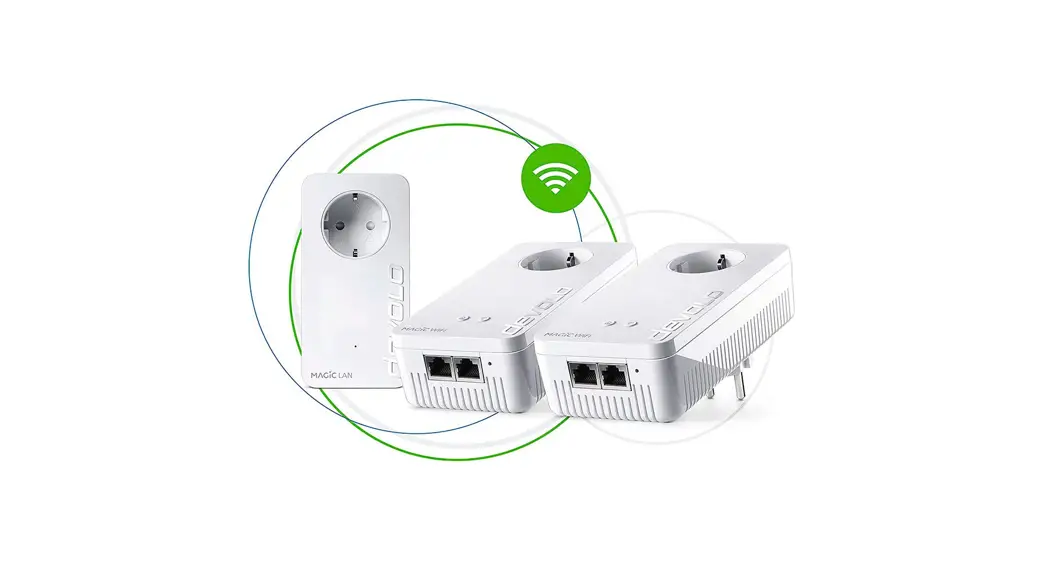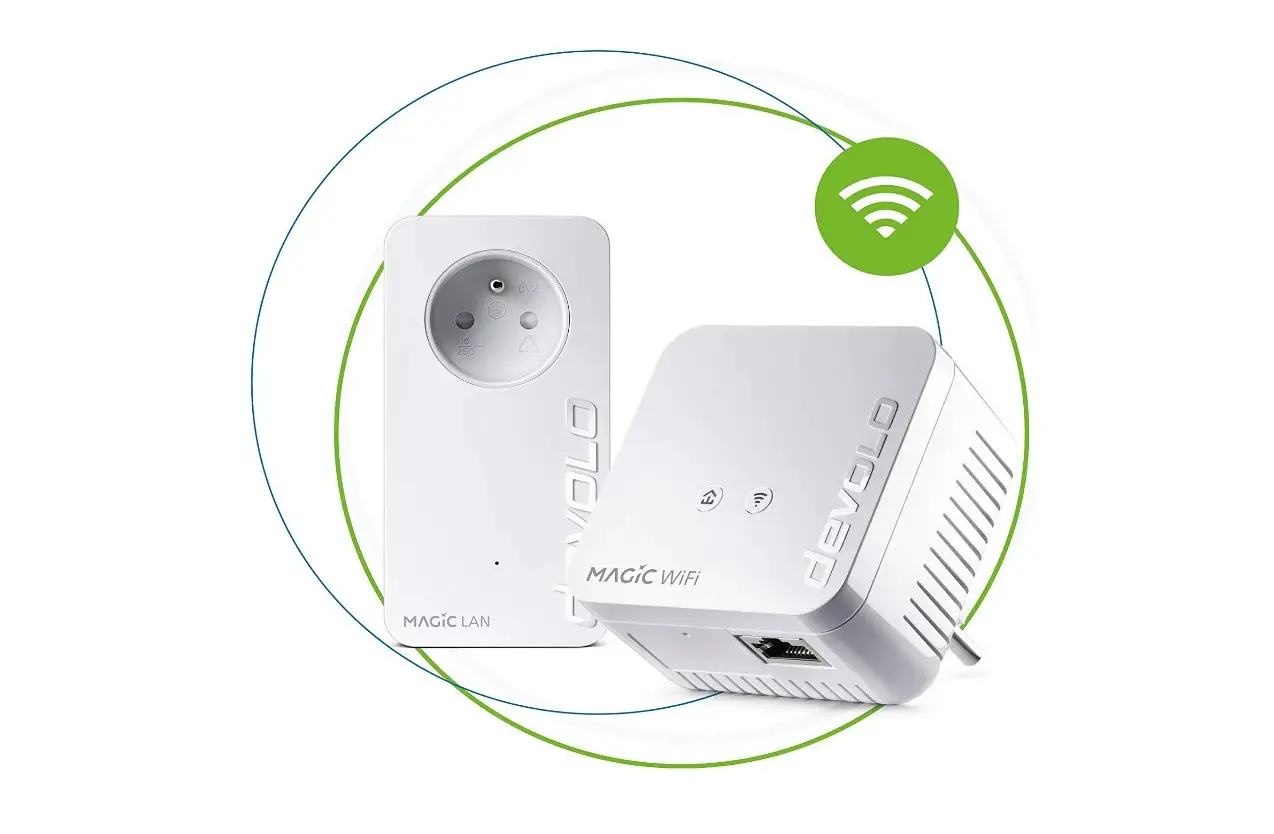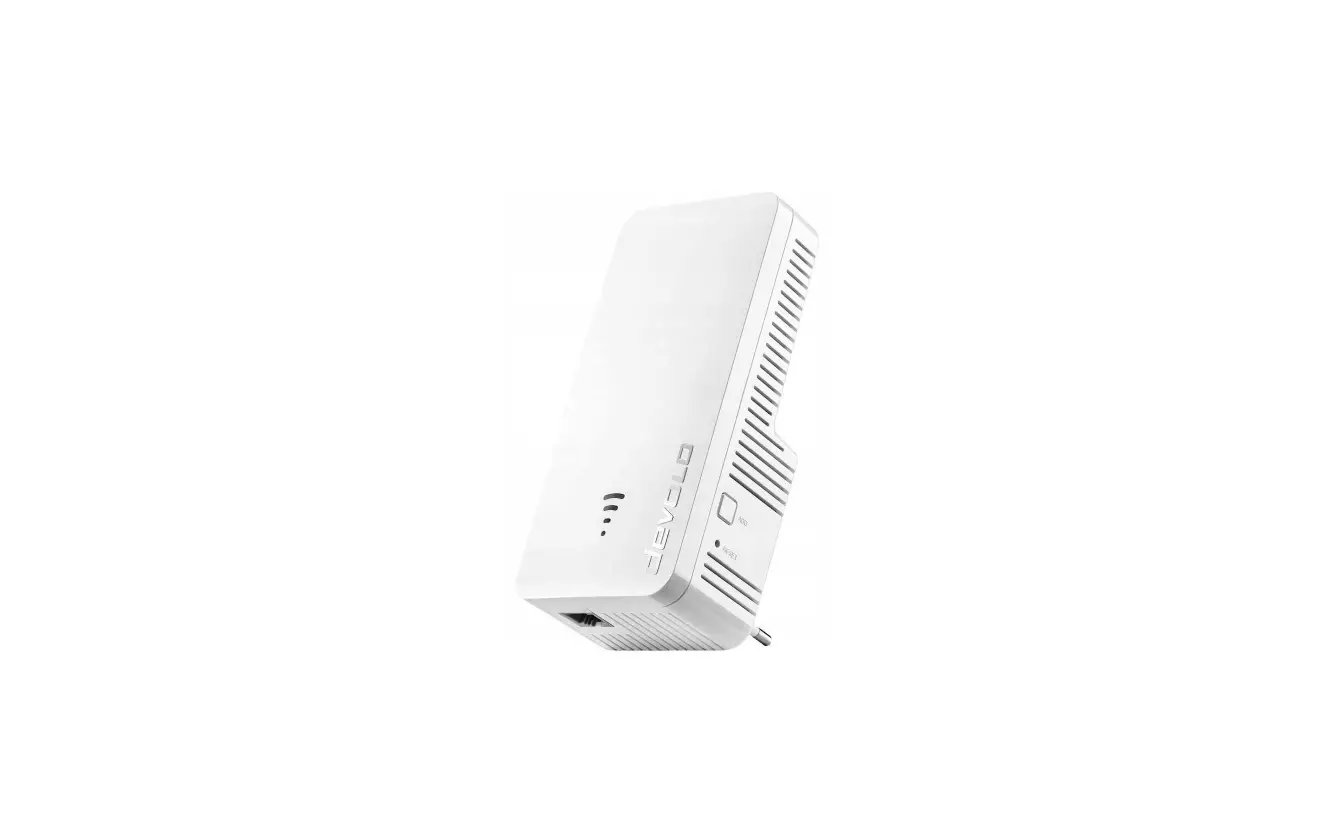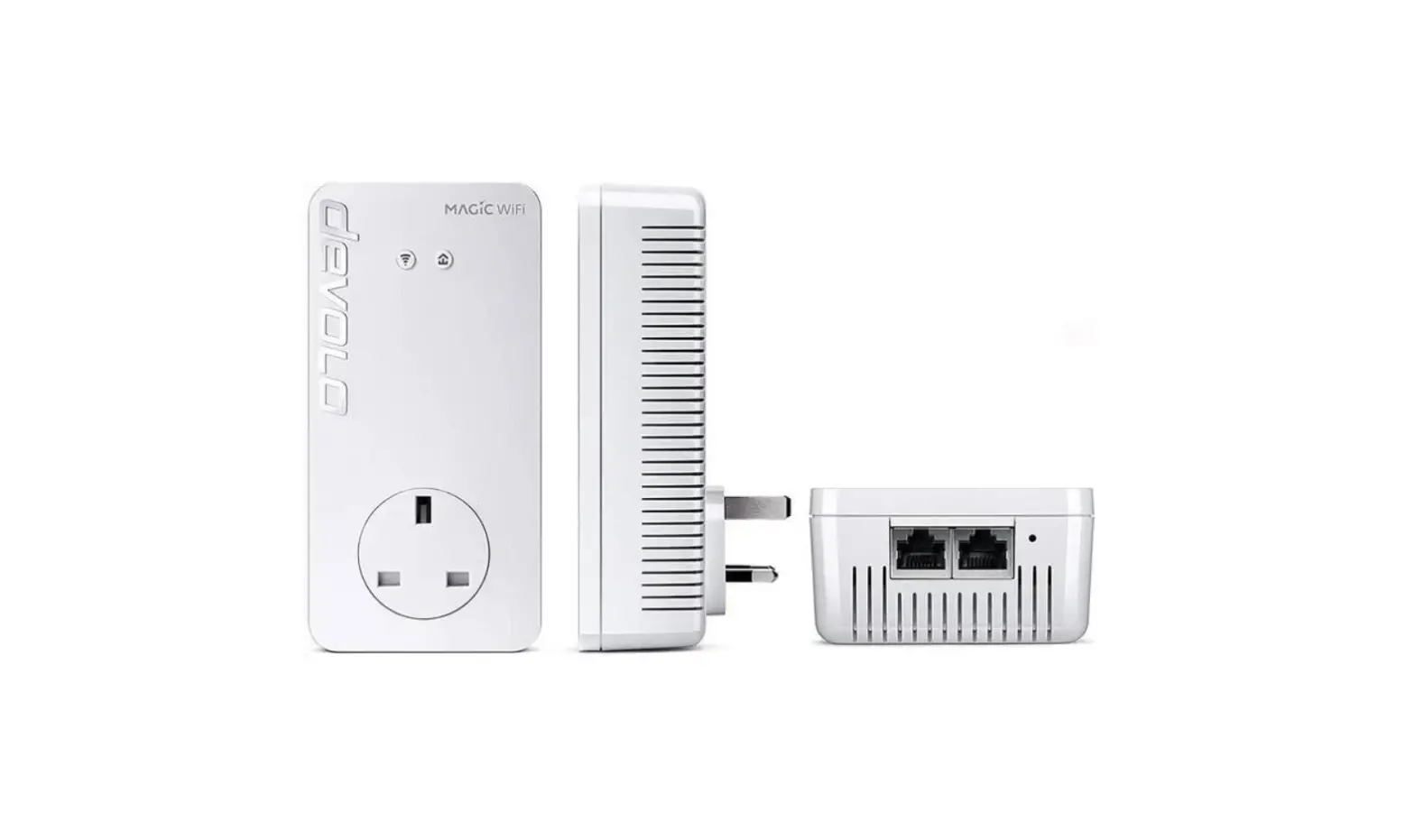
devolo Magic 2 WiFi 6 2400 Mbps Powerline Adapter Installation Guide
Safety Instructions
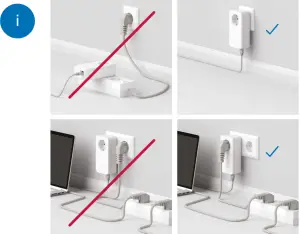
Installation Instructions
- A. Installation via App
Download now!
devolo Home Network App


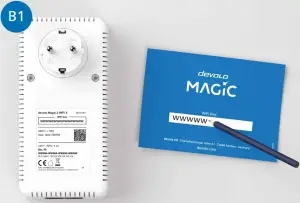
Download the devolo Home Network app. An installation wizard will take you through the configuration stepby-step. If you prefer to carry out the installation without the app, follow the steps in Part B. - Make a note of the Wi-Fi key on the back of the devolo Magic adapter. On the back of this flyer you can use the field reserved for this purpose.

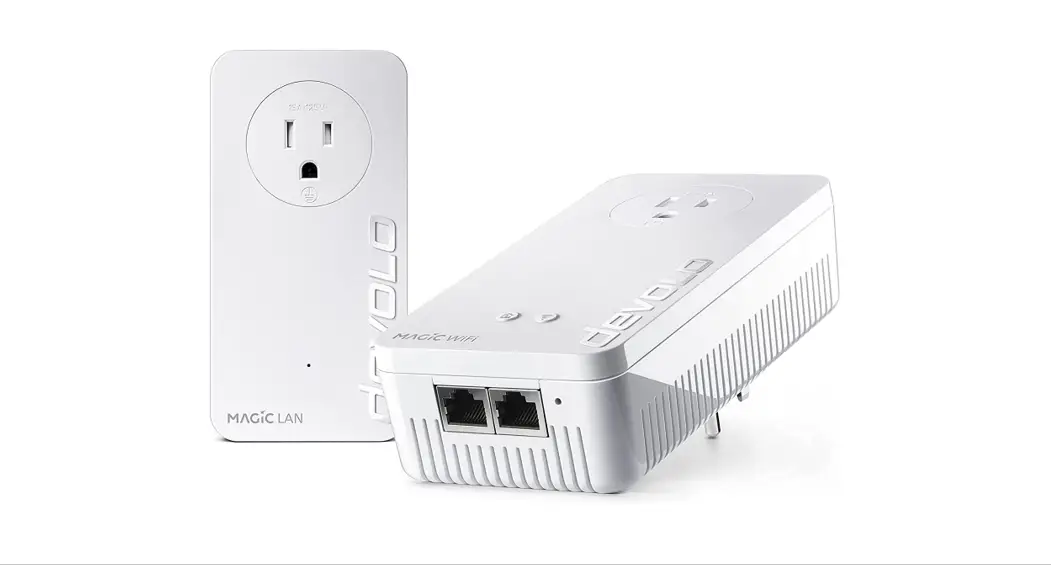
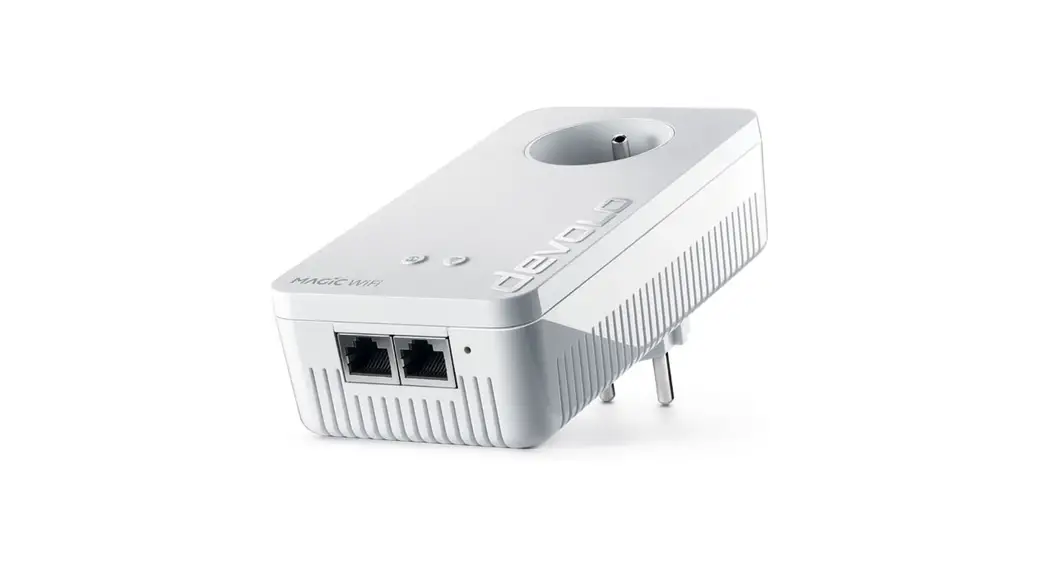
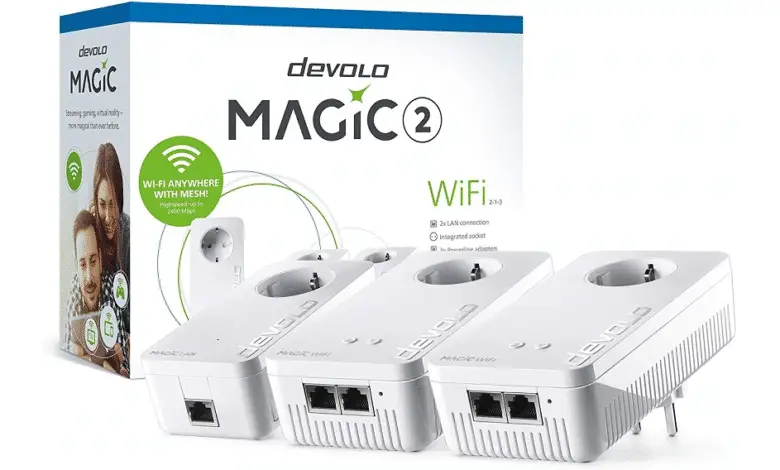
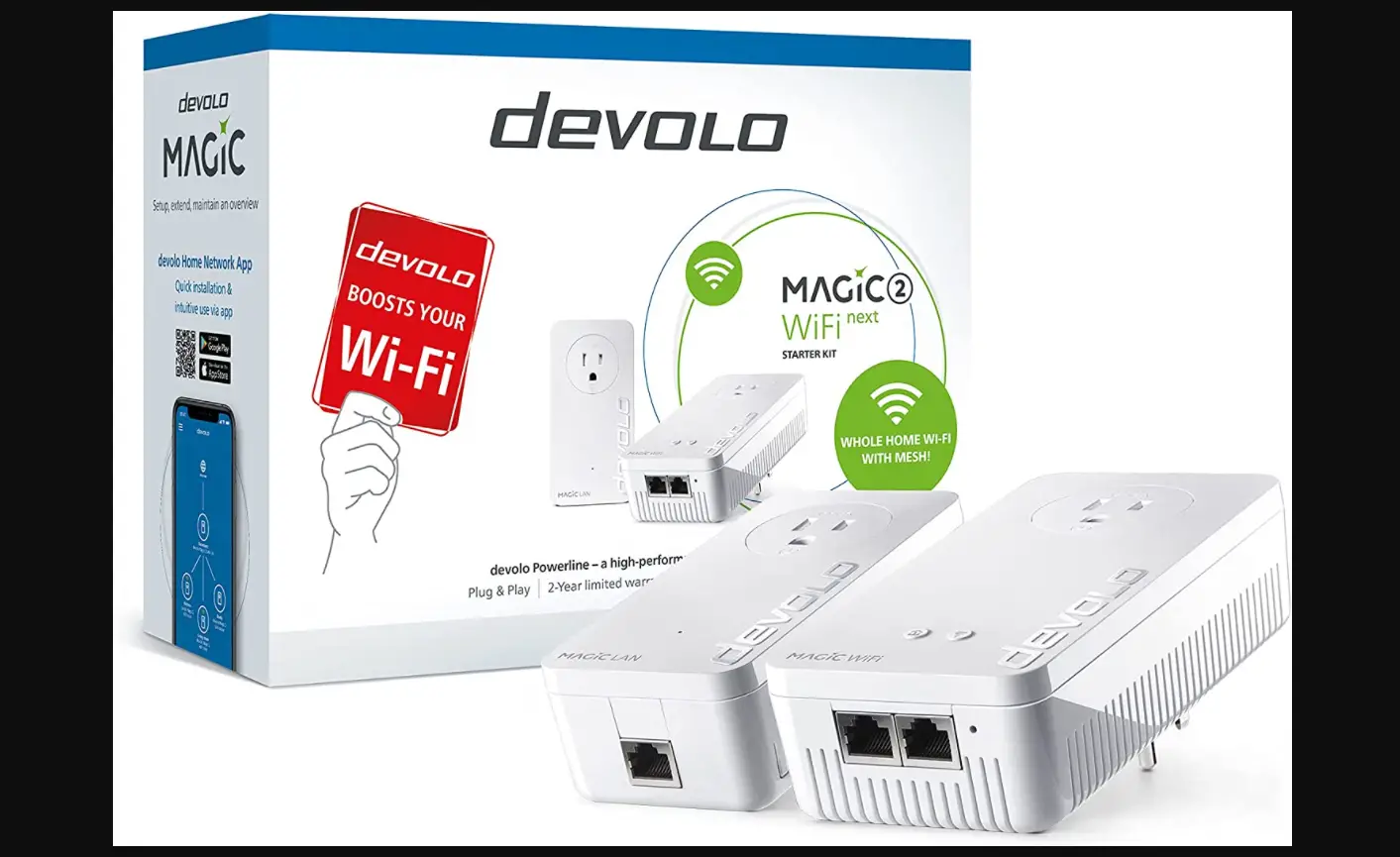
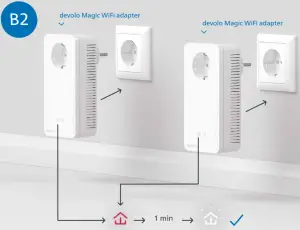
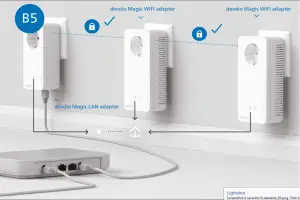
- Connnect the two devolo Magic WiFi adapters to a free wall socket and wait until the
 LEDs quickly flash white (approx. 1 minute).
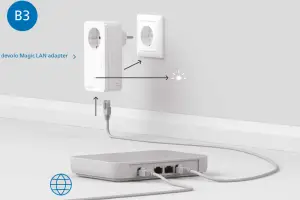
- Within 2 minutes, connect the devolo Magic LAN adapter to the socket and connect it to your router using the enclosed LAN cable.

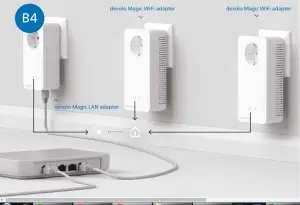
- The encryption process takes place automatically. During this time, the LEDs of all adapters flash white.

- The process is complete as soon as all of the LEDs on the devices light up solid white. The process takes a maximum of 3 minutes.
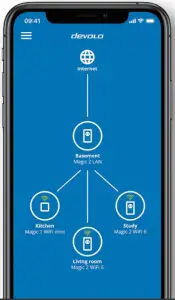
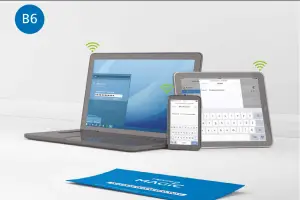
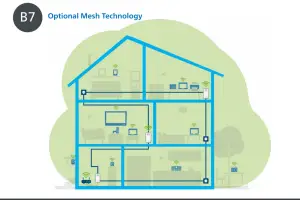
- Set up the Wi-Fi connection on your smartphone, etc. The basic installation process is complete. Optionally, you can then use Mesh technology to connect all devolo Magic adapters and your router to a contiguous network and connect seamlessly to the Internet with the strongest possible connection anywhere in the house.
- To do this, the Wi-Fi access data is transferred as a one-off to the devolo Magic WiFi adapter at the press of a button.
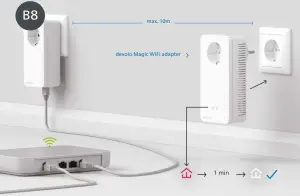
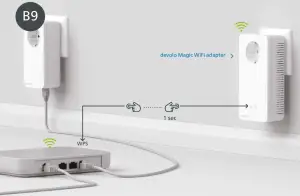
This gives you the best Wi-Fi coverage in any room. If the devolo Magic WiFi Adapter is already near your router (max. distance 10 metres), continue with step B9, otherwise with B8 - Only connect one devolo Magic WiFi adapter for the transmission of the Wi-Fi access data to a free wall socket near your router (max. distance 10 metres) and wait around 1 minute until the LED lights up white.

- Briefly press the button on your devolo Magic WiFi adapter. After the button is pressed, the LED flashes white. Press the WPS button on your router within 2 minutes. Please consult your router‘s instruction for use to find out how long to press the button for.
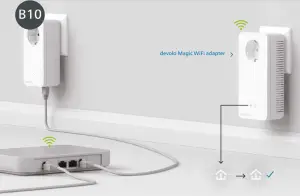
- Once the LED lights up solid white, the process has been completed successfully for both devolo Magic WiFi adapters.
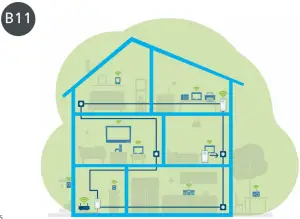
- You can now disconnect your devolo Magic WiFi adapter and place it in your preferred location. Done! devolo Magic adapters get you seamlessly onto the Internet anywhere in the house with the strongest possible connection.




Duration of the button press  | Action | LED behaviour |
| 1 second | Start pairing with other devolo Magic adapters (on Wi-Fi adapters: start ConfigSync) | Flashes white |
| > 10 seconds | Reset devolo adapter to factory settings | Lights up red |
| PLC LED | The devolo Magic WiFi adapter … | LED behaviour |
| … is working perfectly. It is connected to other devolo Magic adapters | Lights up white | |
| … is currently establishing a pairing connection with another adapter | Quickly flashes white | |
| … is not connected to the network* | Flashes red | |
| … is in standby mode. | Slowly flashes white | |
| … is currently undergoing a software update. | Alternately flashes white and red | |
| … has a poor Powerline connection. | Lights up white and then briefly flashes red | |
| … is currently in the start-up process. … cannot see any other devolo Magic adapters. | Lights up red | |
| … no longer has any LED function since it was disabled by the user. | None |
Duration of the button press  | Action | LED behaviour |
| 1 second | WPS function is being carried out | Flashes white |
| > 3 seconds | Wi-Fi is being switched of | LED goes out |
| Wi-Fi LED | The devolo Magic WiFi adapter … | LED behaviour |
| … has a fault-free connection to the Internet. | Lights up white | |
| … is attempting to establish a connection via WPS. | Flashes white | |
| … no longer has any LED function since it was disabled by the user | Of |
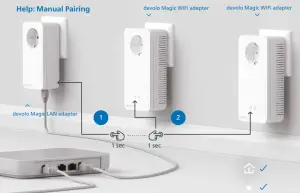
Help: If automatic pairing during initial installation was unsuccessful, you can carry out manual pairing of the Magic adapters. Connect both devolo Magic WiFi adapters to a free wall socket and wait until the LEDs flash white (approx. 1 minute).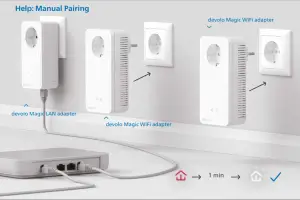
Within 3 minutes, press the button on the side of your devolo Magic LAN adapter which is connected to the router. Second, press the LED on your Magic WiFi adapters. As soon as all of the LEDs light up white, pairing has been completed successfully.
Support
| Deutschland | http://www.devolo.de/service | |
| Österreich | http://www.devolo.at/service | |
| Schweiz/Suisse/Svizzera | http://www.devolo.ch/service | http://www.devolo.ch/fr/service |
| Great Britain | http://www.devolo.co.uk/service | |
| France | http://www.devolo.fr/support | |
| Italia | http://www.devolo.it/supporto | |
| Espana | http://www.devolo.es/servicios | |
| Portugal | http://www.devolo.pt/suporte | |
| Nederlands | http://www.devolo.nl/service | |
| Belgien/Belgique/Belgie | http://www.devolo.be/service | http://www.devolo.be/fr/service |
| Sweden | http://www.devolo.se/support | |
| Ελλάδα | http://www.devolo.gr/ypostirixi | |
| Other countries | http://www.devolo.global/support |
Manual


http://www.devolo.global/support/downloads