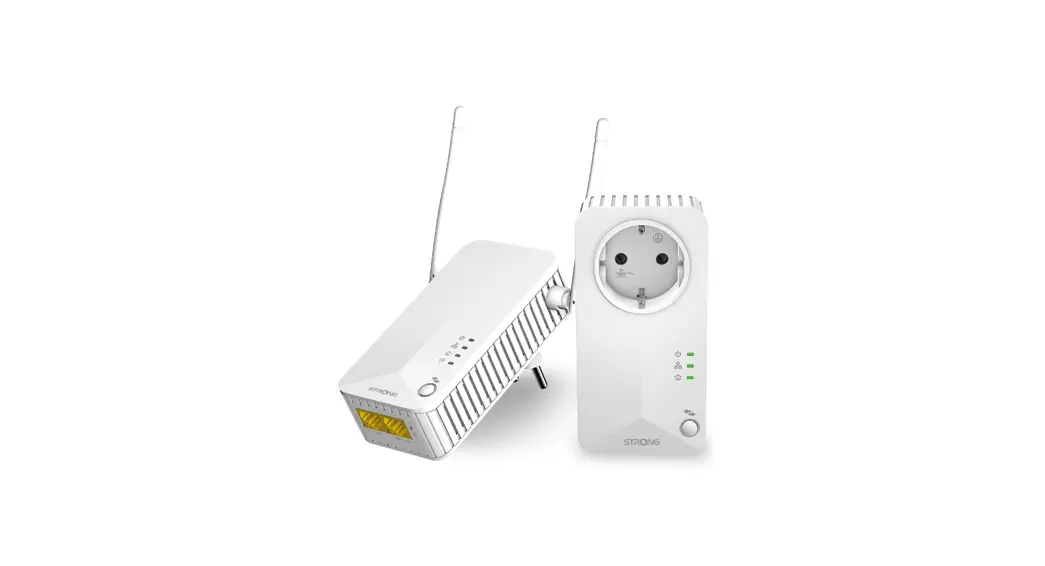
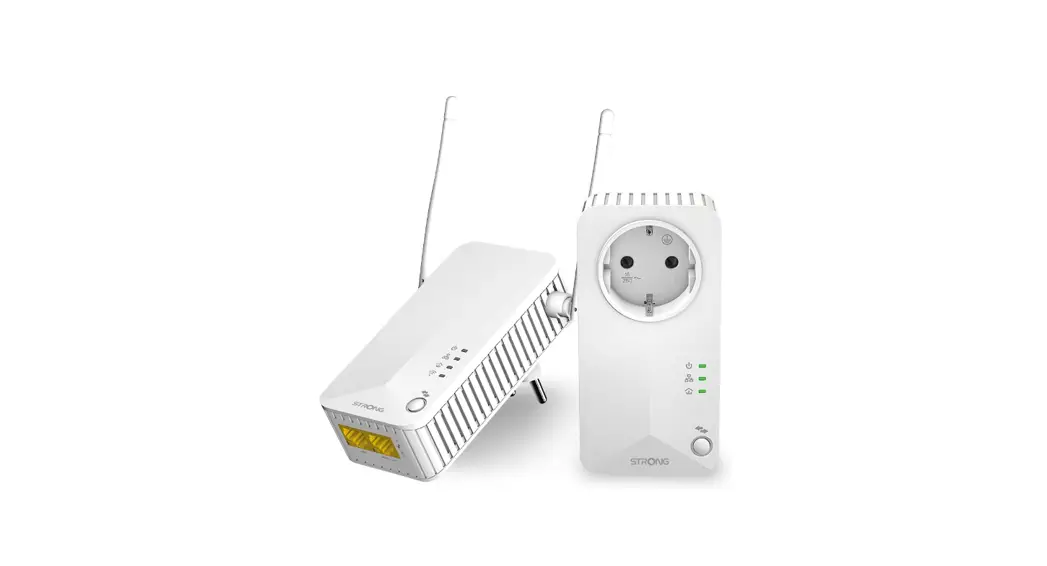
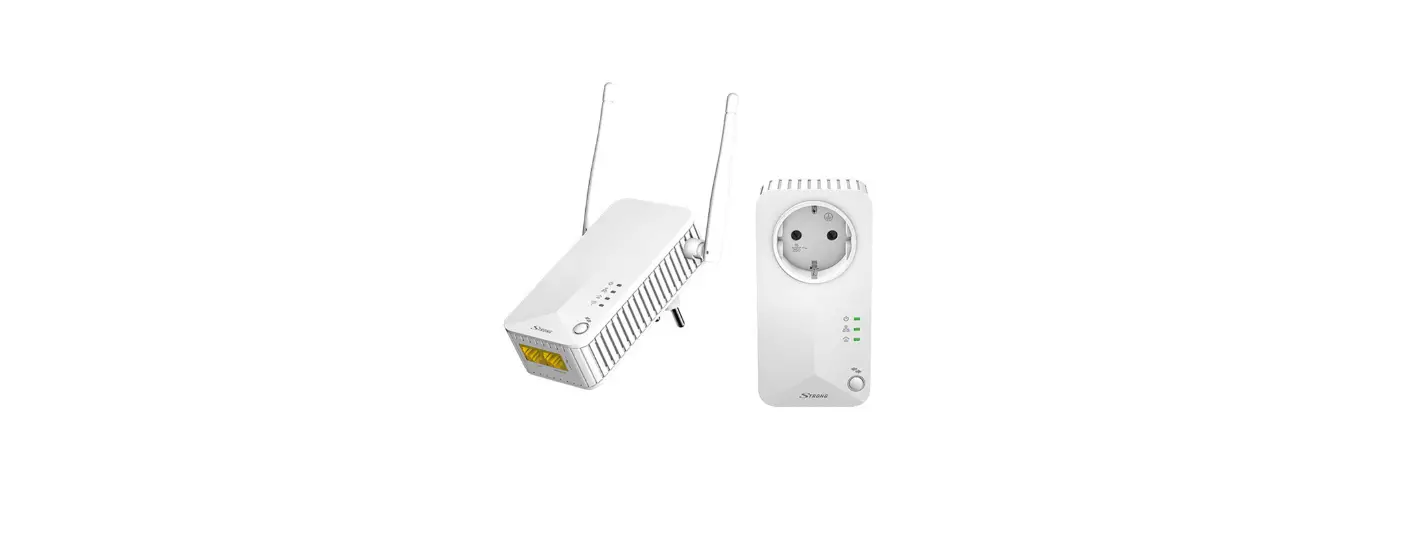
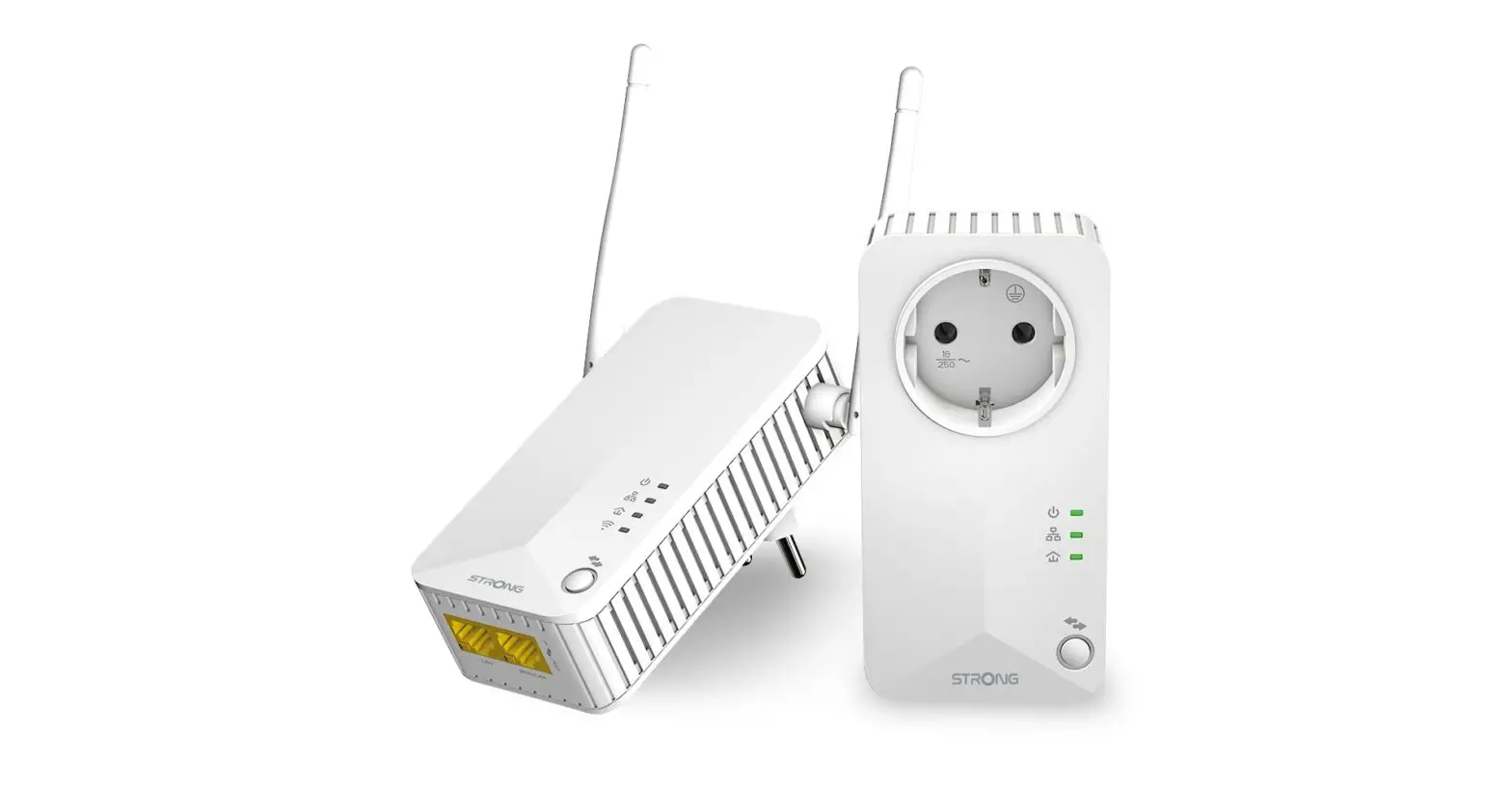
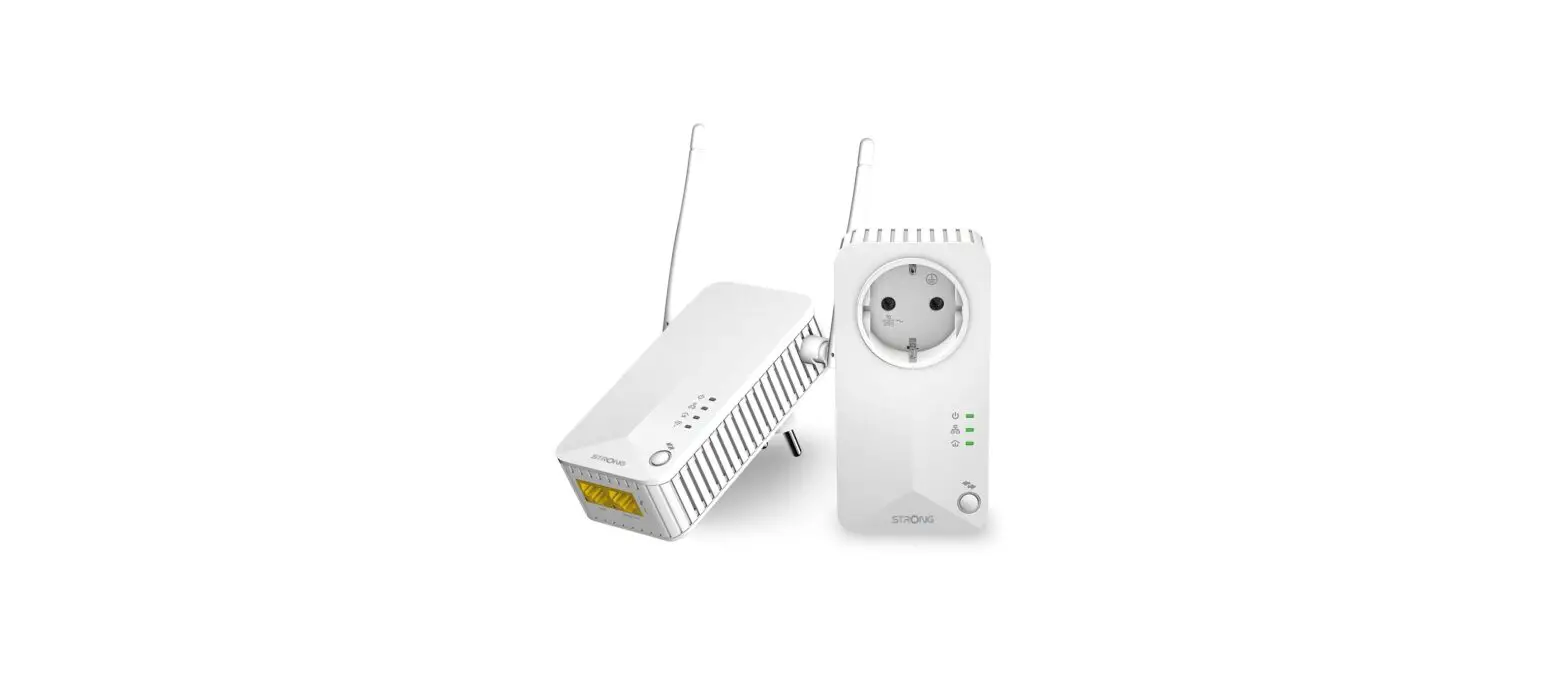
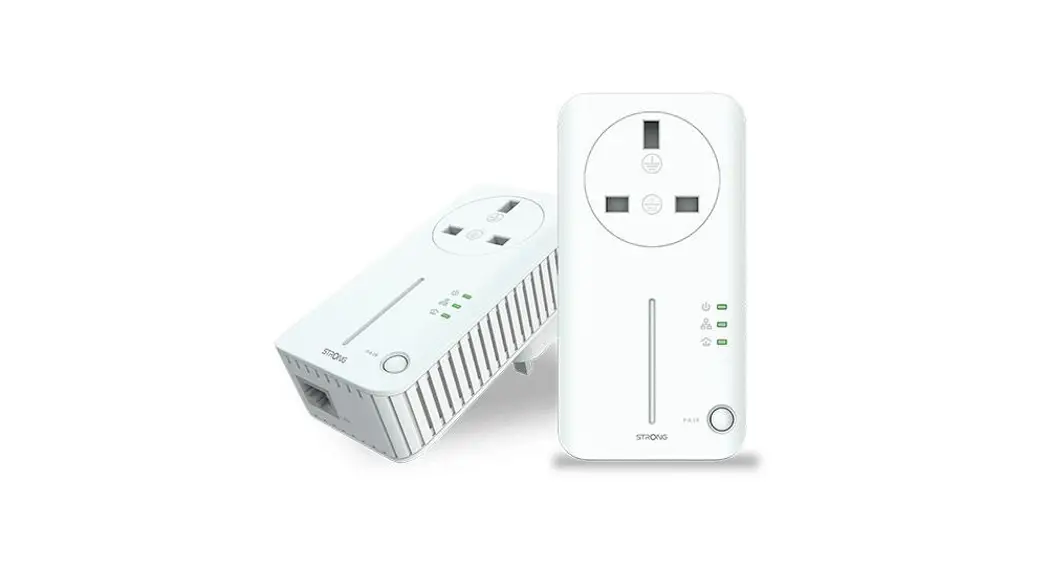
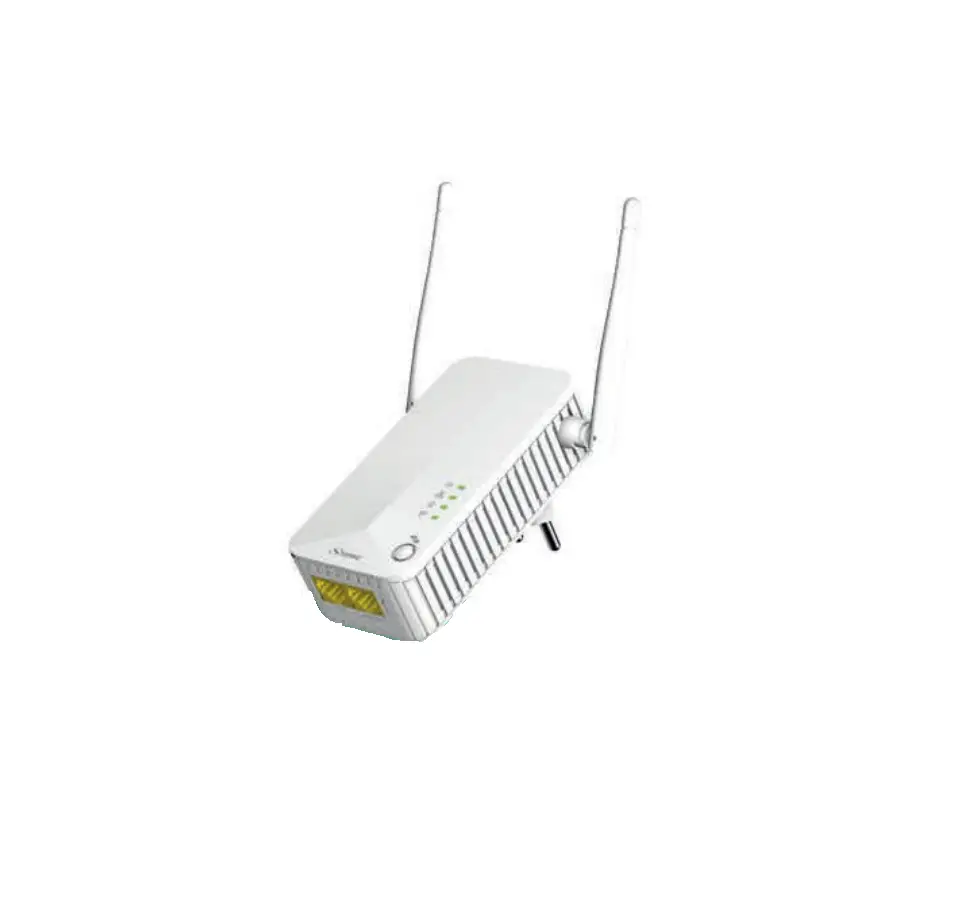
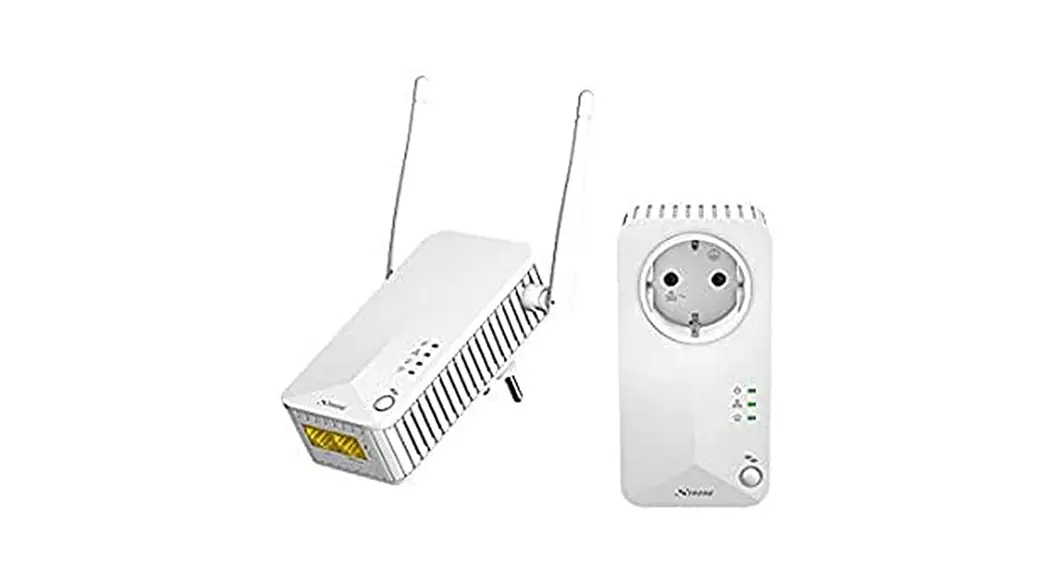
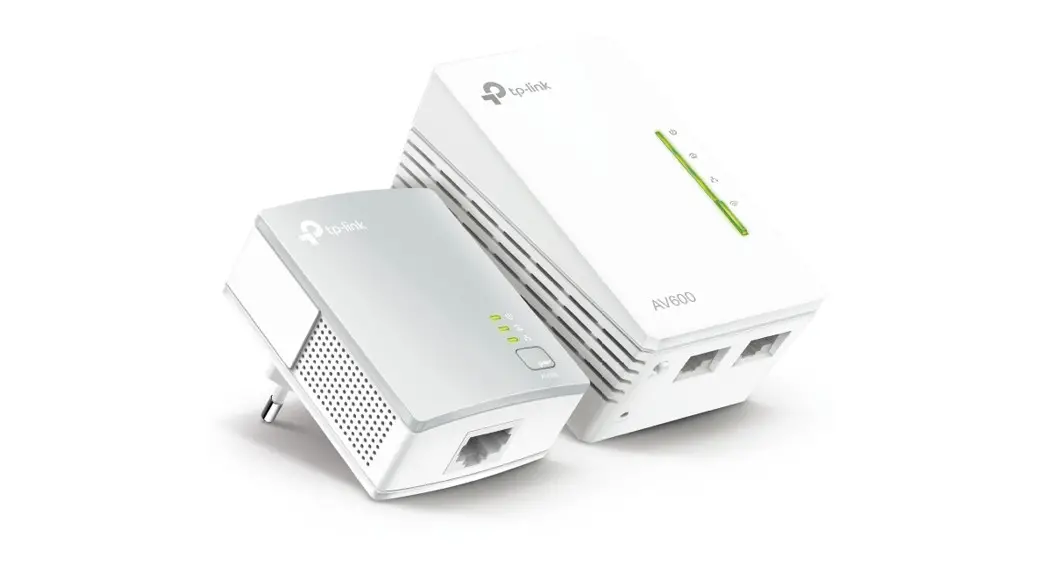
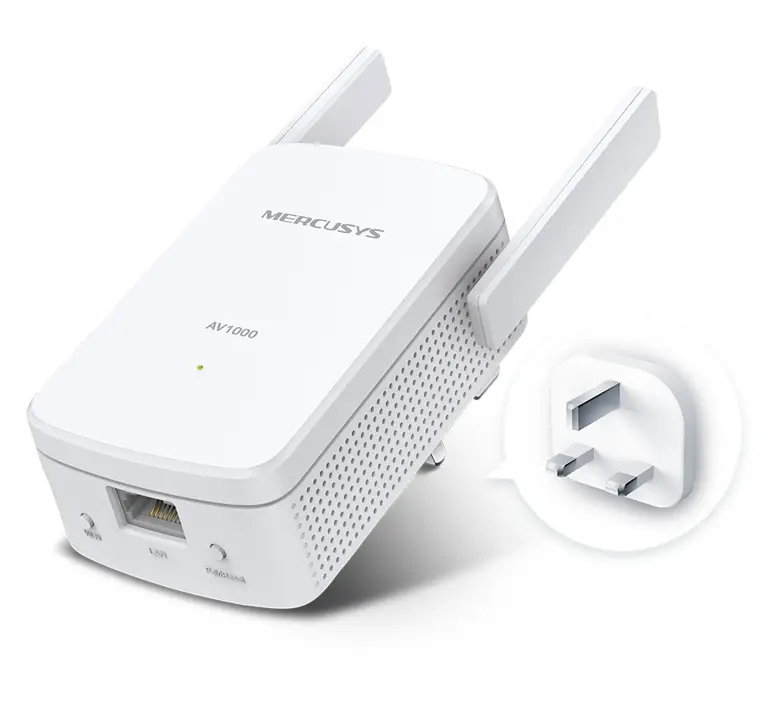
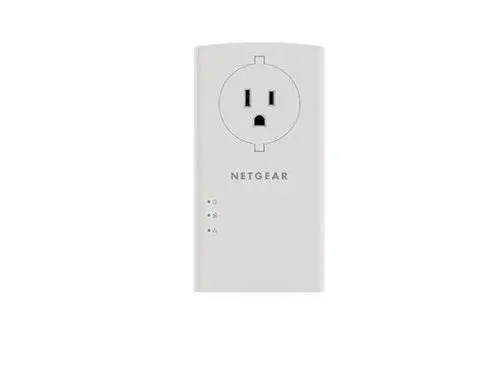
B0BFF4HPQS Powerline Wi-Fi 600 Kit Powerline Adapter
Product Information:
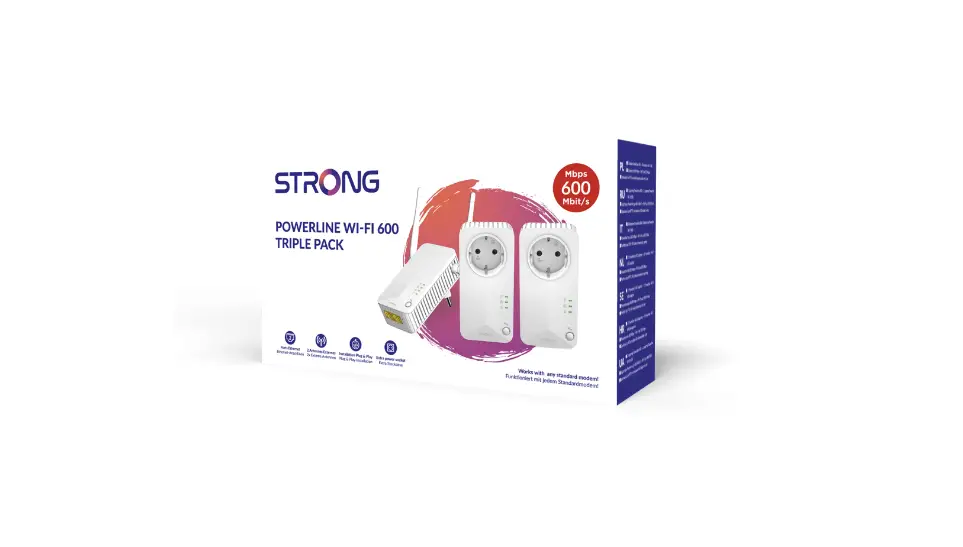
The product is the KIT CPL WI-FI 600, also known as the
Powerline Wi-Fi 600 Kit. It is designed to provide a reliable and
high-speed internet connection by using the existing electrical
wiring in your home or office. This kit includes all the necessary
components to set up a powerline network with Wi-Fi
capabilities.
Product Usage Instructions:
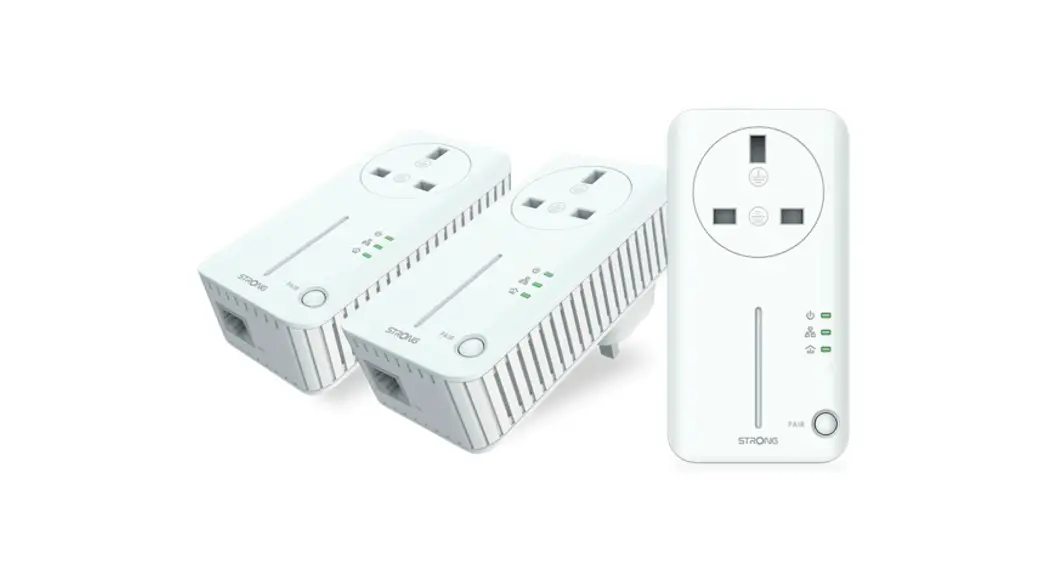
- Ensure that you have received all the components mentioned in
the product packaging. - Select a suitable location near an electrical outlet to set up
the main powerline adapter. Make sure it is within the range of
your existing router or modem. - Plug the main powerline adapter into the electrical outlet and
connect it to your router or modem using the provided Ethernet
cable. - Find a convenient location for the secondary powerline adapter,
preferably in an area with weak Wi-Fi coverage. - Plug the secondary powerline adapter into an electrical outlet
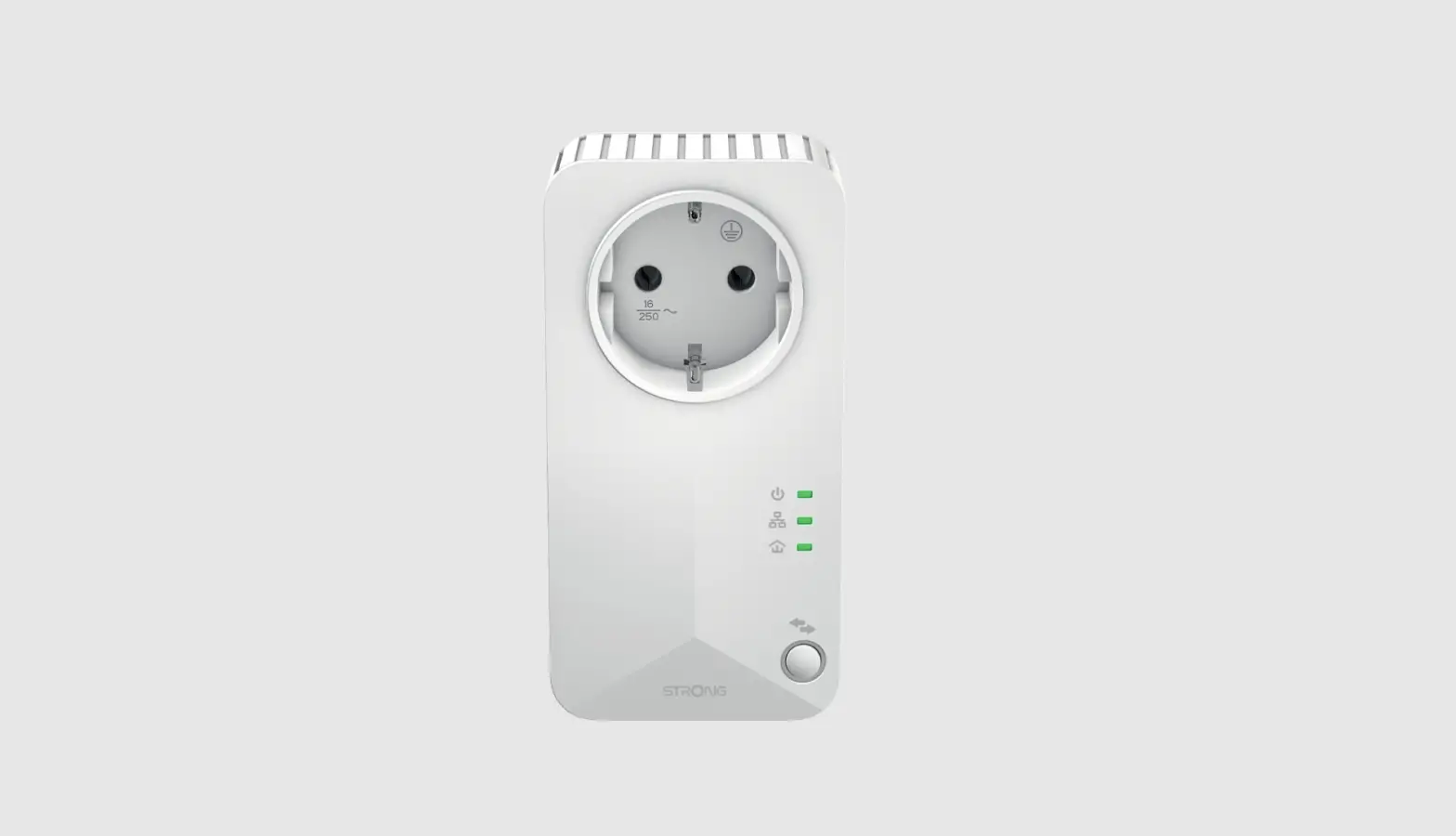
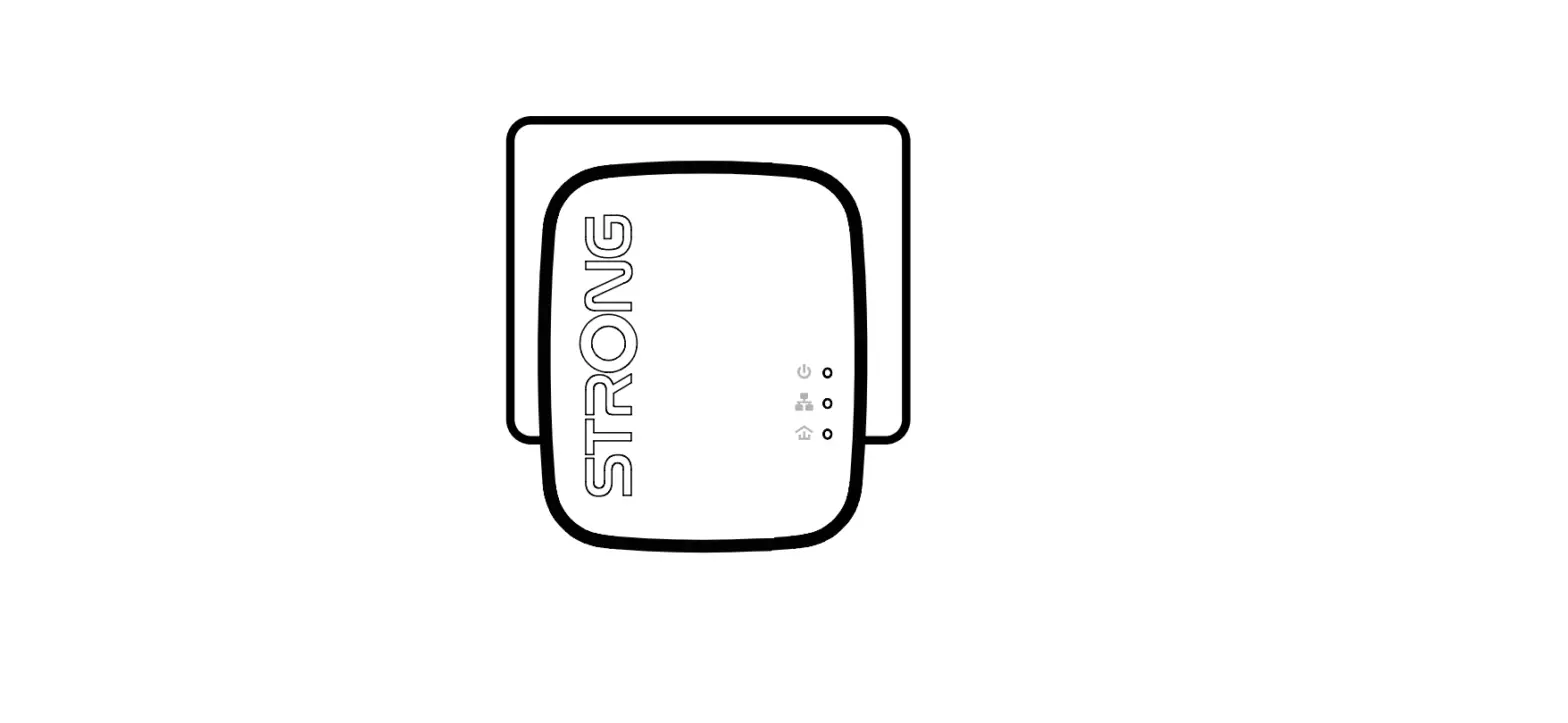
in that location. - Wait for the powerline adapters to establish a connection. The
LED lights on the adapters will indicate the status of the
connection. - Once the connection is established, you can connect your
devices to the Wi-Fi network created by the powerline adapters.
Look for the network name and password provided in the product
documentation. - If you encounter any issues during the setup or usage, please
refer to the FAQ section for Powerline products on the official
website at www.strong.tv.
Please follow these instructions carefully to ensure a
successful setup and optimal usage of the KIT CPL WI-FI 600.
4
FAQ
5
EN: To learn more about Powerline Network security, please visit the FAQ section for Powerline products at www.strong.tv
FR : Pour en savoir plus sur la sécurité des réseaux CPL, veuillez consulter la section FAQ relative aux produits CPL sur www.strong.tv.
NL: Voor meer informatie over de beveiliging van Powerline-netwerken, kunt u de FAQrubriek voor Powerline-producten bezoeken op www.strong.tv
CZ: Dalsí informace o zabezpecení sít Powerline najdete v sekci Casto kladené dotazy (FAQ) pro produkty Powerline na www.strong.tv
SK: alsie informácie o sieovom zabezpecení produktov Powerline nájdete v casti s najcastejsie kladenými otázkami pri produktoch Powerline na lokalite www.strong.tv
KIT CPL WI-FI 600
Powerline Wi-Fi 600 Kit
600
Instructions d’installation Installation Instructions
Installatie Instructies Pokyny k instalaci Pokyny k instalácii
6
Fourni par STRONG AUSTRIA Représenté par STRONG Ges.m.b.H
Teinfaltstraße 8/4.Stock A-1010 Vienne, Autriche Email : [email protected]
July 4, 2022 12:32 PM
1
2
CPL Wi-Fi 600 – Modèle : POWERLWF600FR PRI: 100 ~ 240 V, 50/60 Hz, 0,15 A pour le produit Fourni par STRONG AUSTRIA Représenté par STRONG Ges.m.b.H Teinfaltstraße 8/4.Stock A-1010 Vienne, Autriche Email : [email protected] Made in China
3
 Home | Strong-eu.com