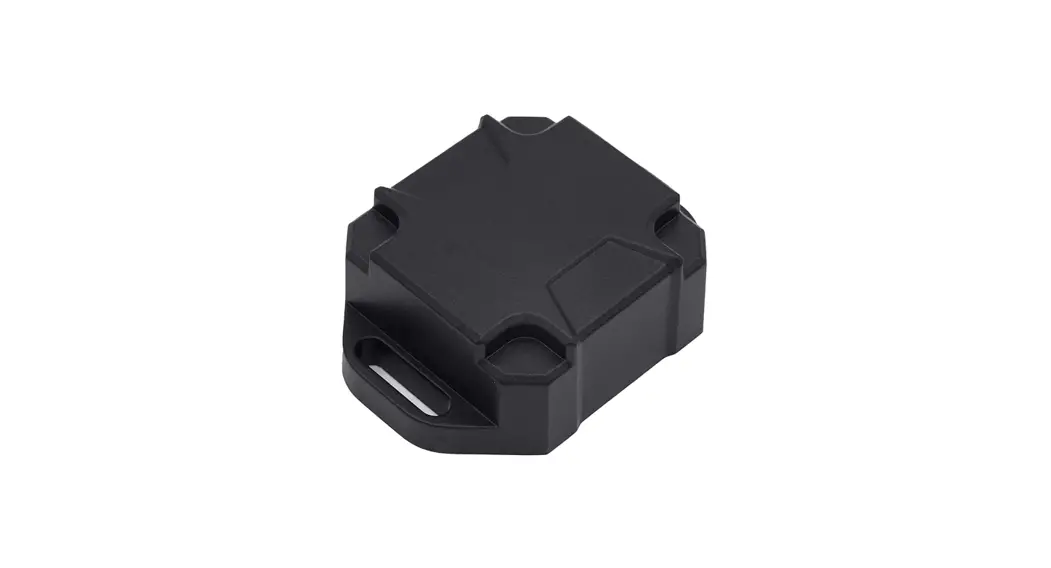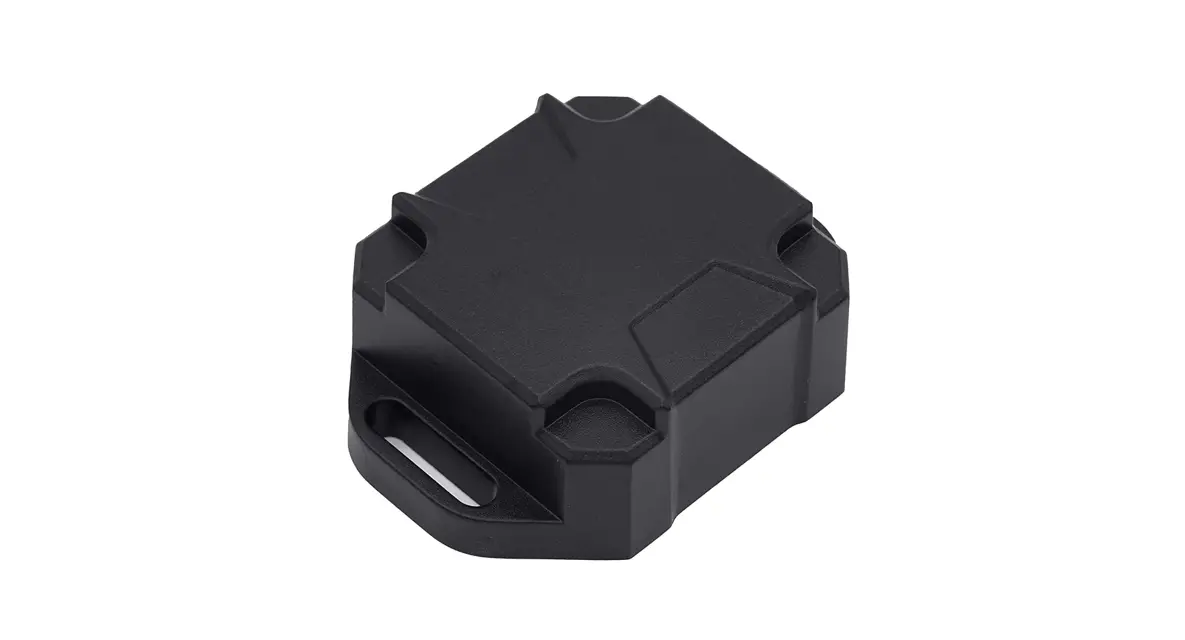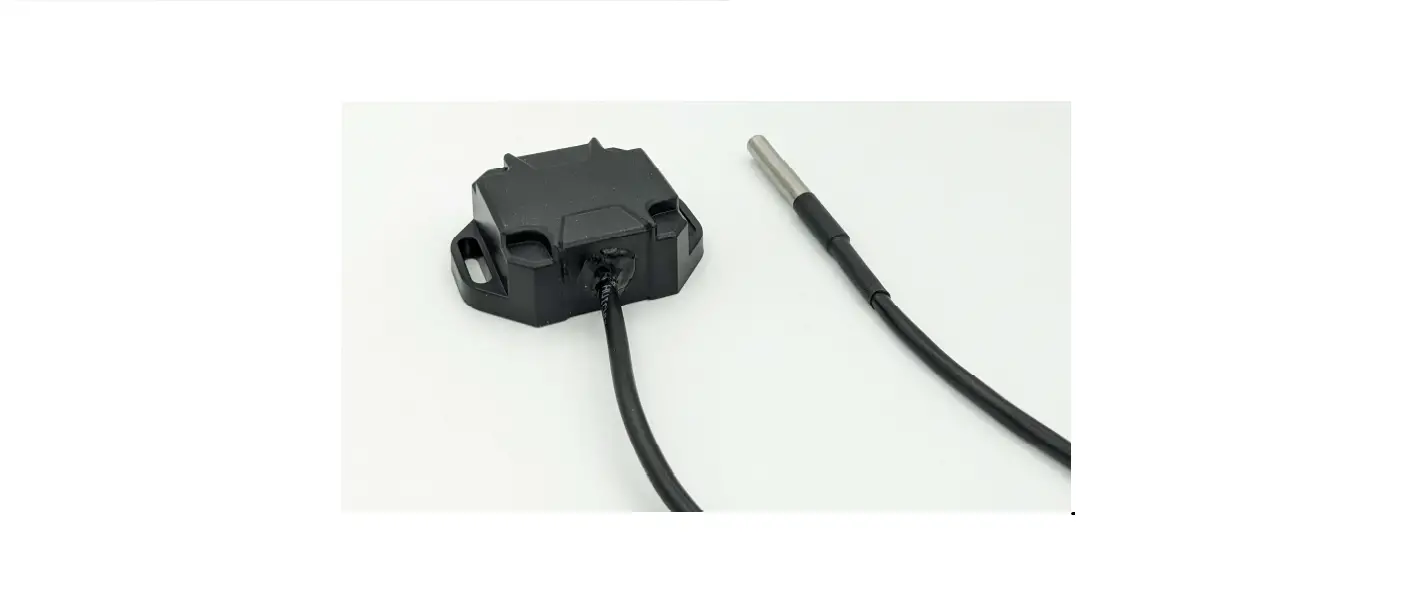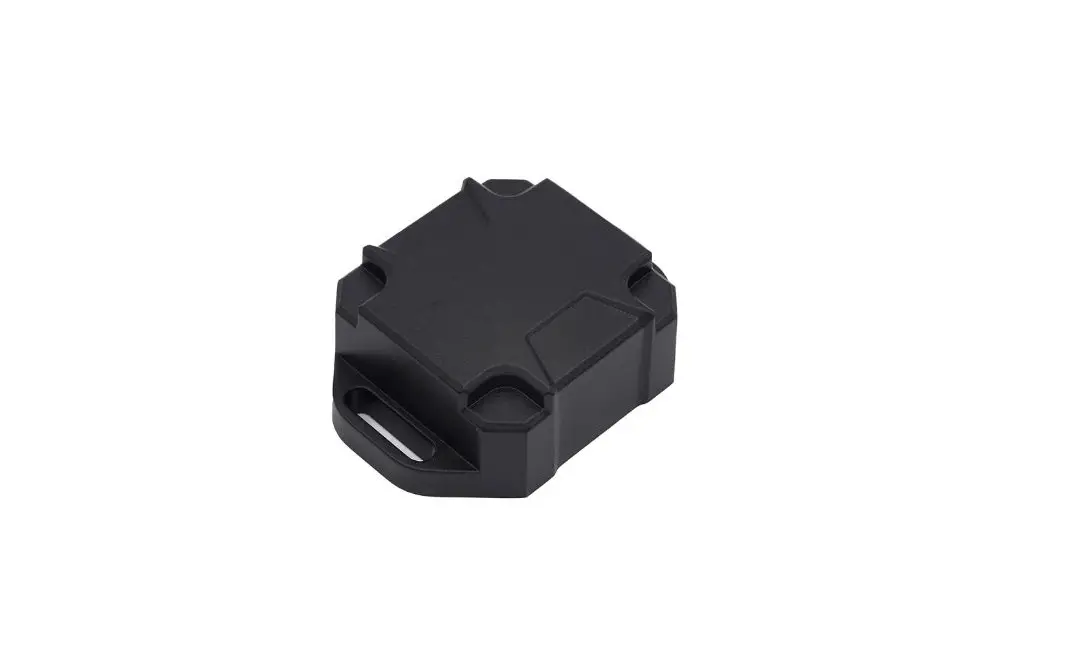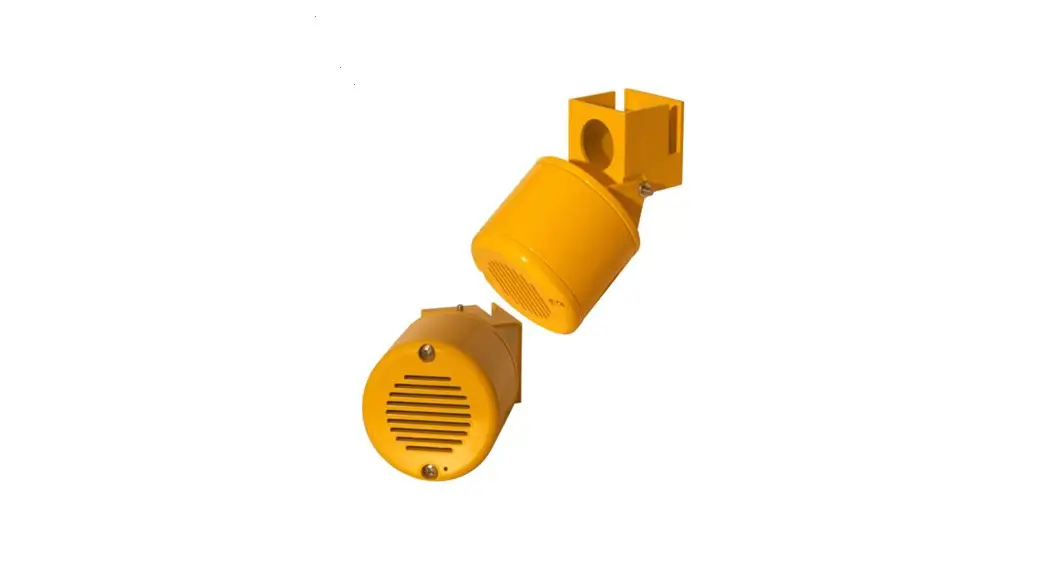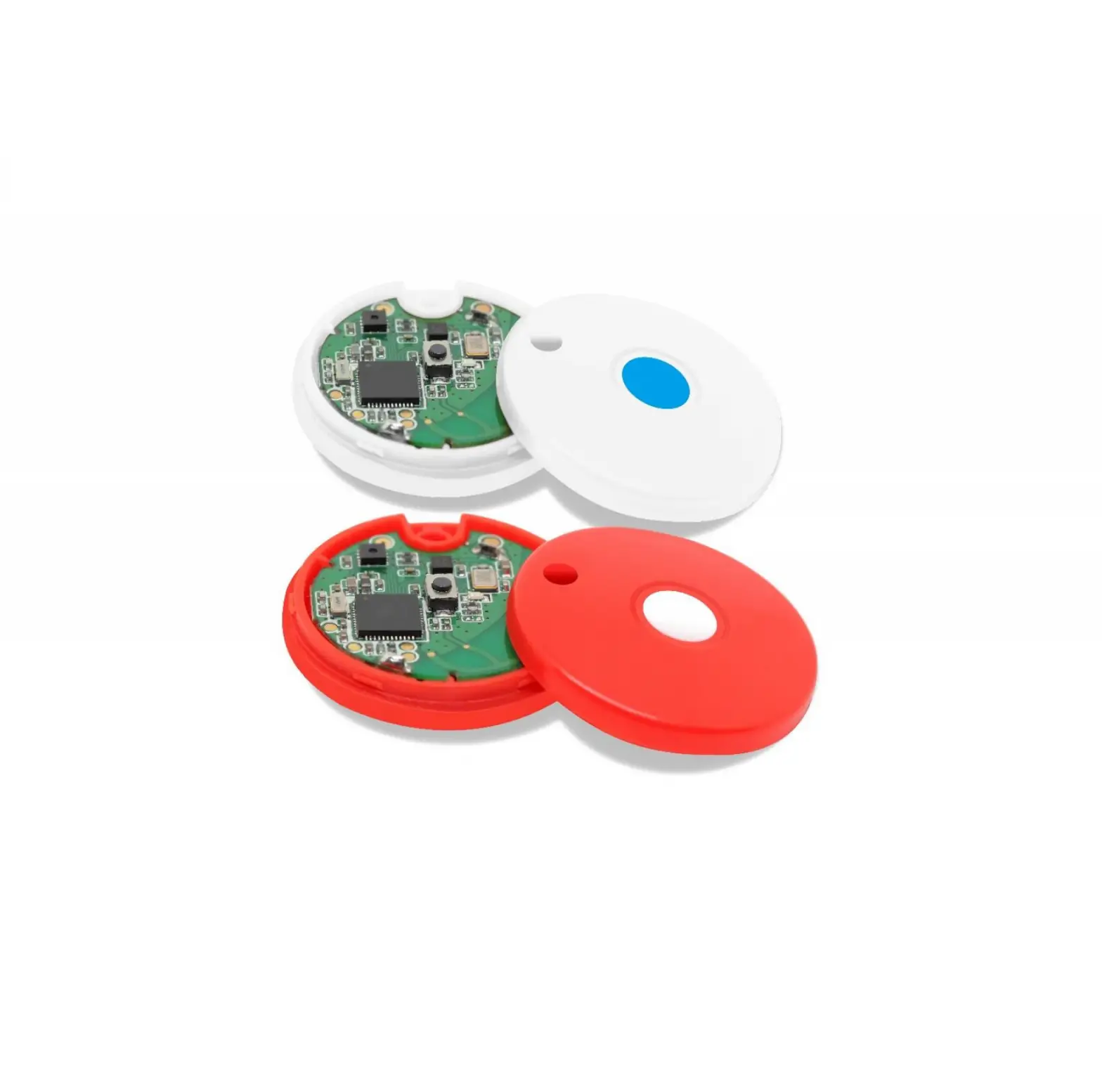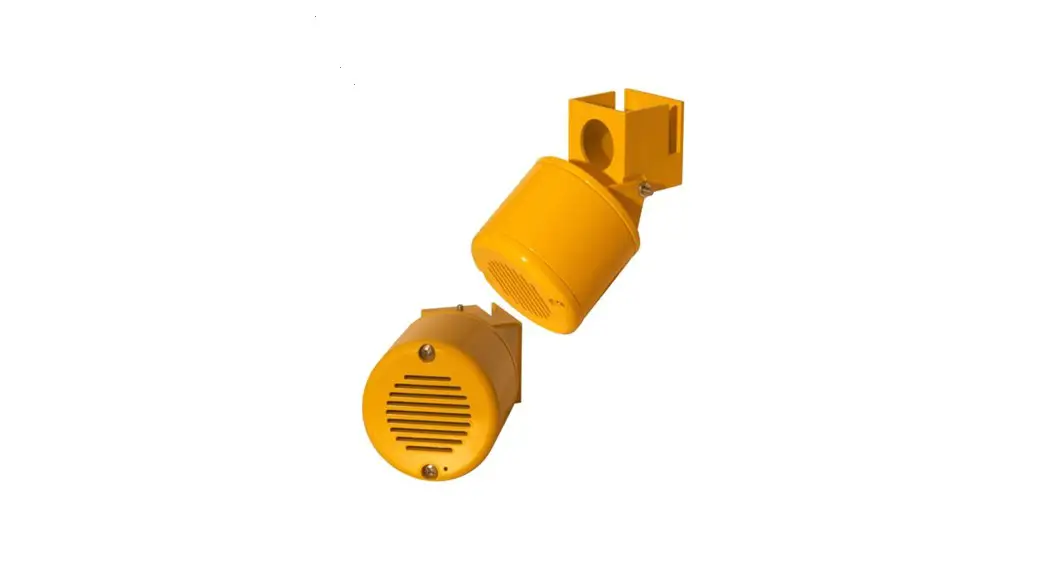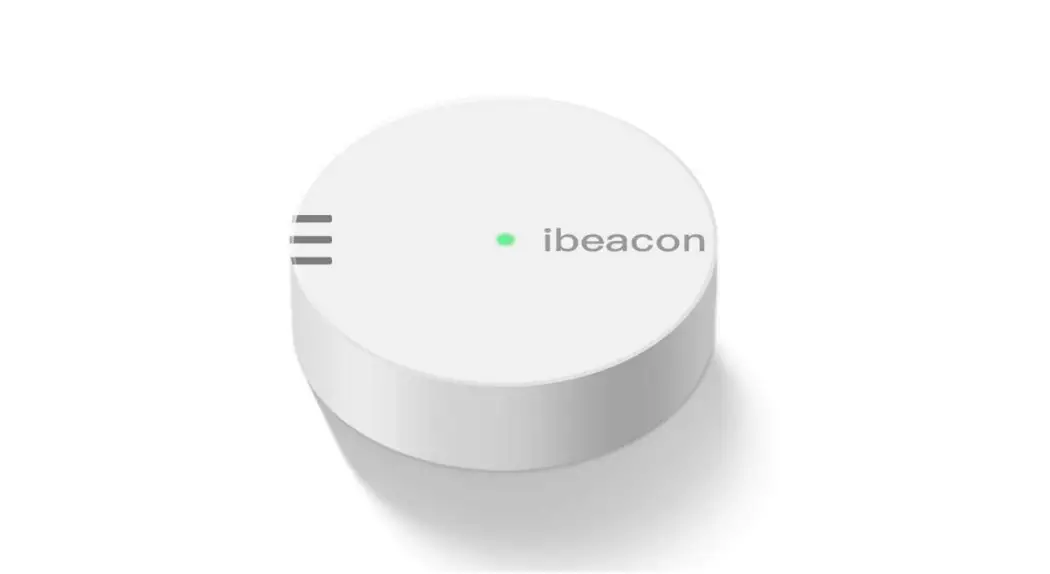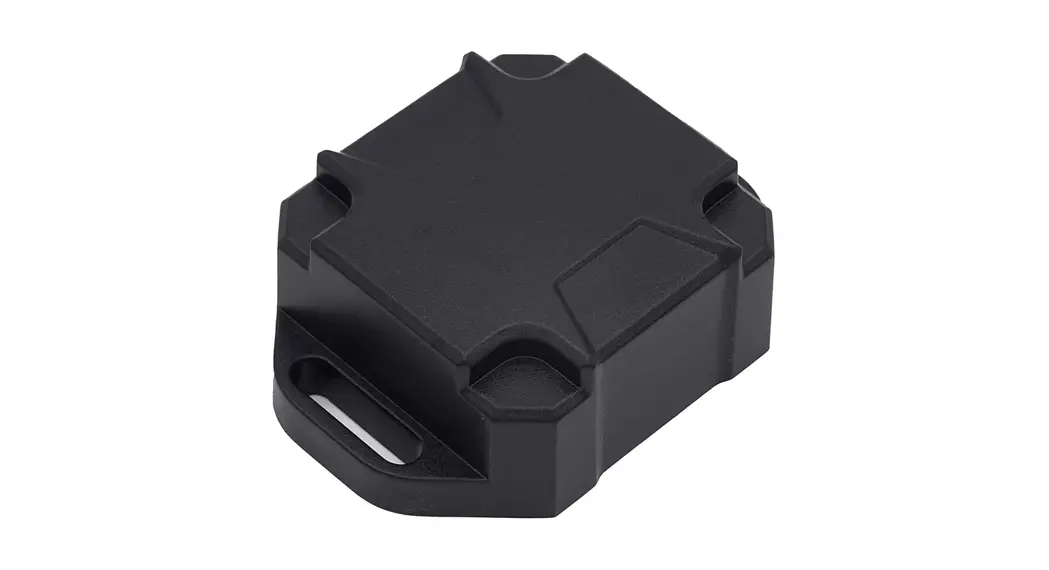

Arco AC-BLE-T110 iBeacon Quick Start Guide
Revision: v1.1 Updated: 26 Nov 2020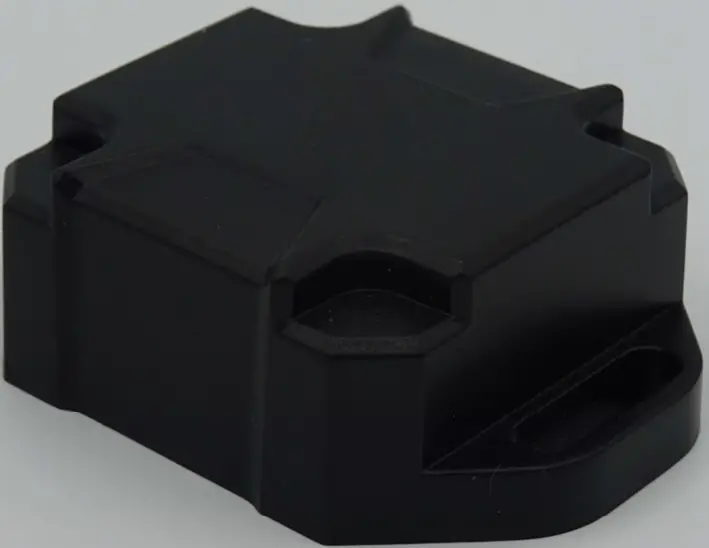
Specification
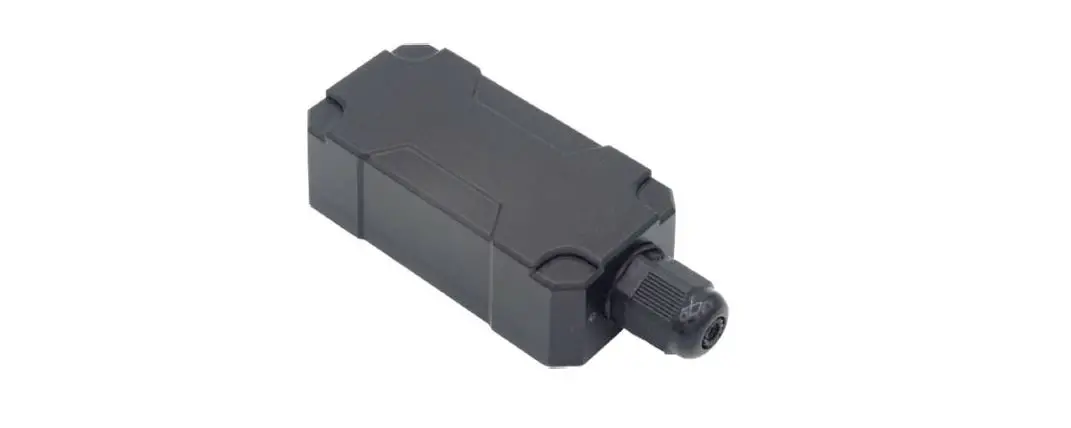
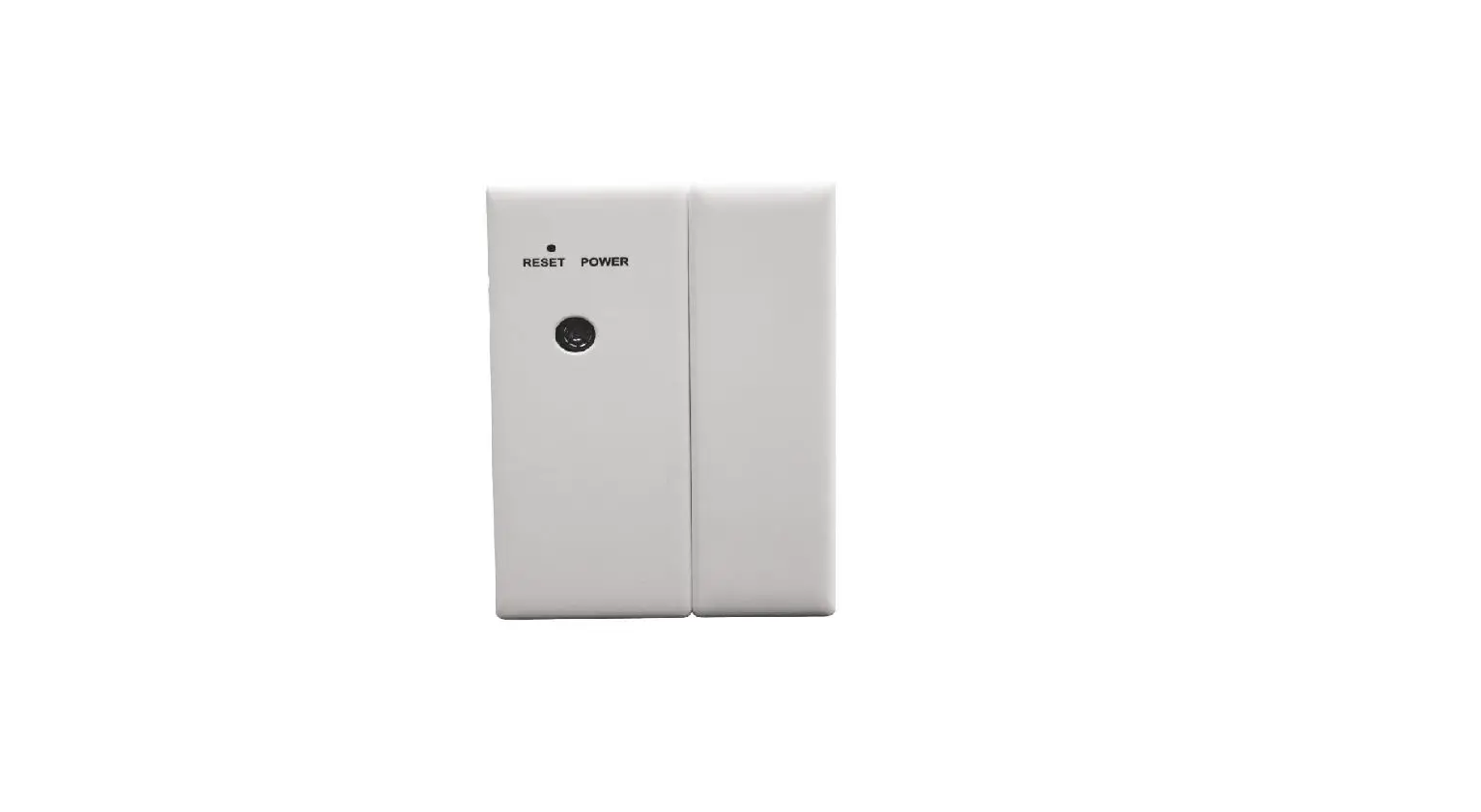
AC-BLE-T110:
| Mechanics Data | |
| Size | Approx. 60.3 x 43.3 x 21.1 mm |
| Weight | Approx. 25 grams (without Battery) Approx. 34 grams (with Battery) |
| Casing | PC/ABS Case |
| Electrics Data | |
| Bluetooth Chip | Nordic nRF52840 |
| Frequency | 2.4GHz |
| Memory | 256kB Ram, 1MB Flash |
| BLE Version | Bluetooth 5 compatible iBeacon compatible BT4.2 Advertise Mode supported Long Range (PHY Coded) Mode supported |
| Input/ Output | 1 Digital Input for Magnet Door Switch Flood Detection 1 Digital Output reserved |
| Interface | I2C interface for external device |
| Battery | Non-rechargeable Battery CR2477 (3V 1000mAh) |
| Life Time | Based on cifferent interval and power setting |
| Transmission Range | Up to 200m (with Long-Range PHY Coded Mode) |
| Environmental Conditions | |
| Operating Temperature | -25`C to +75`C |
| Waterproof Rating | IP68 |
| Material Resistance | UV resistance |
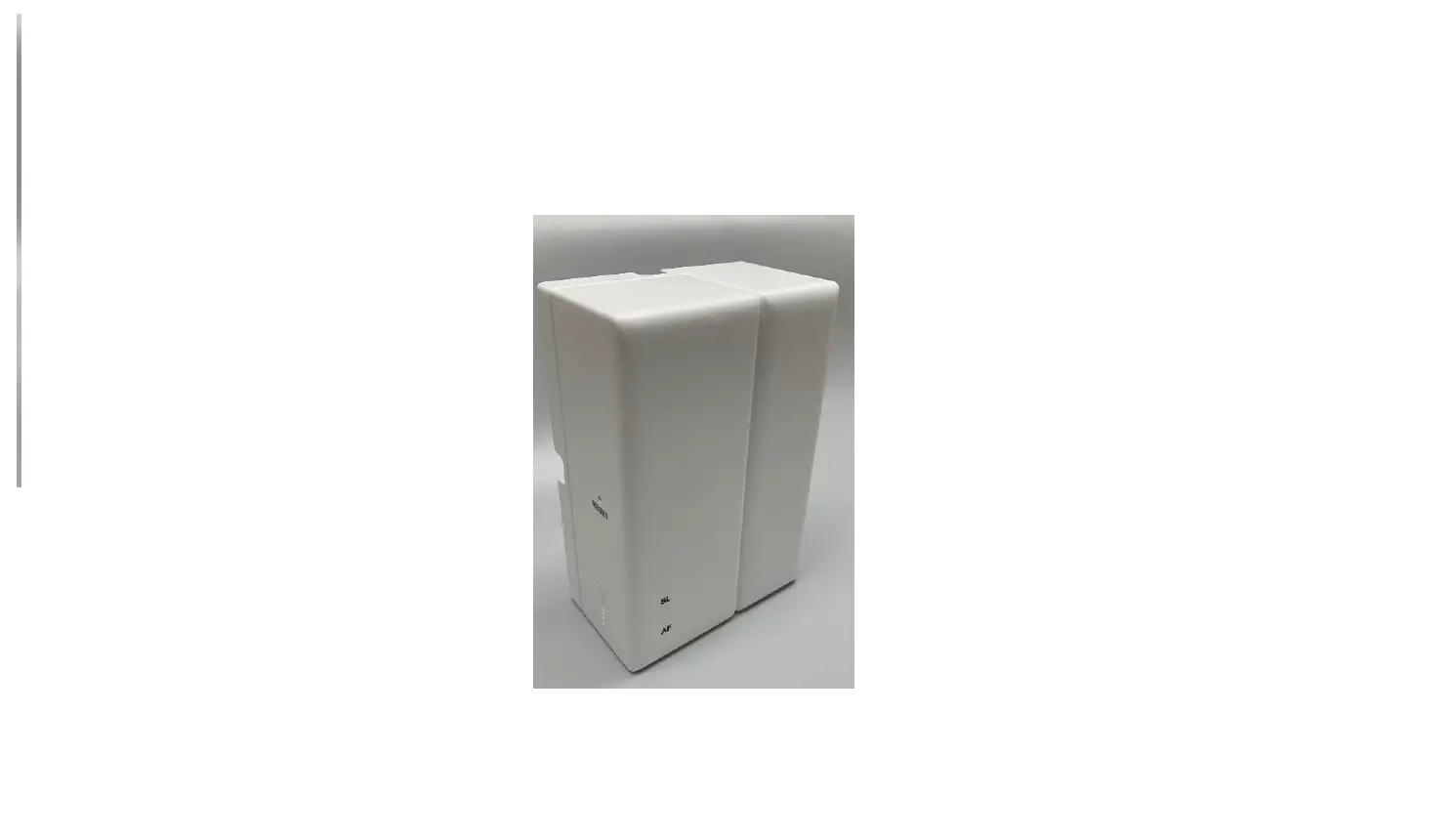
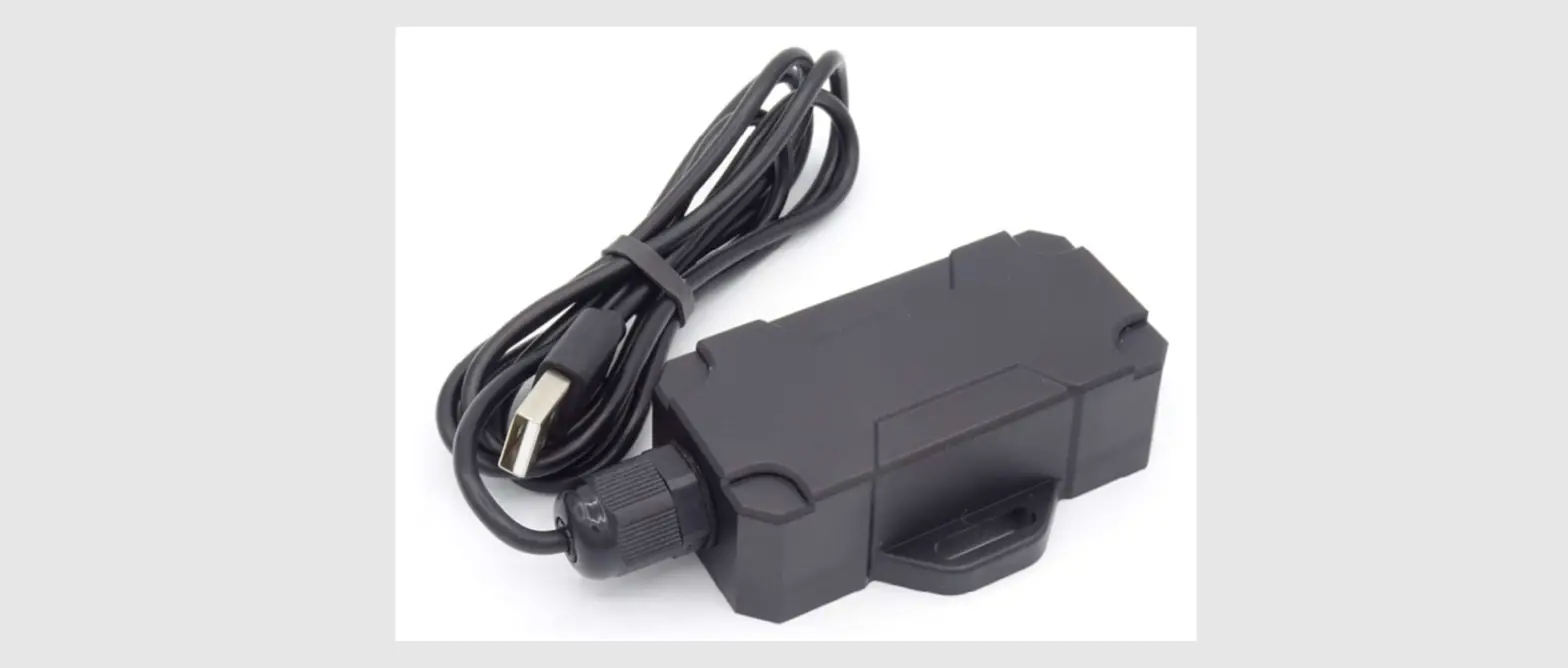
Extended Battery Compartment:
| Size | Approx. 81.8 x 61.3 x 36.6 mm |
| Weight | Approx. 54 grams (without Battery) |
| Casing | PC/ABS Case |
| Battery | 2 x C-Type 1.5 Batteries Appr. 5000mAh |
| Waterproof Rating | IP68 |
| Material Resistance | UV resistance |
Instructions for Connect the Beacon


https://www.rodsum.com/downloads
- Download the Aroco Beacon Configuration Android App (version 1.2) from the following QR Code url: Android version: 5.1 or upper

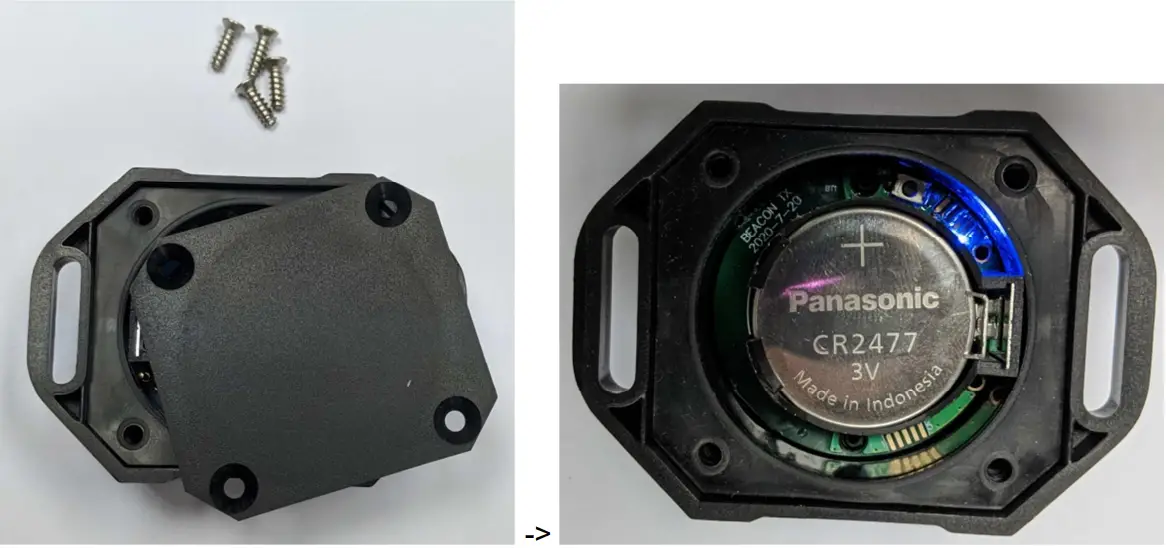
- Unscrew the screw and open the cover. Fill in battery CR2477 to Turn On the Beacon.

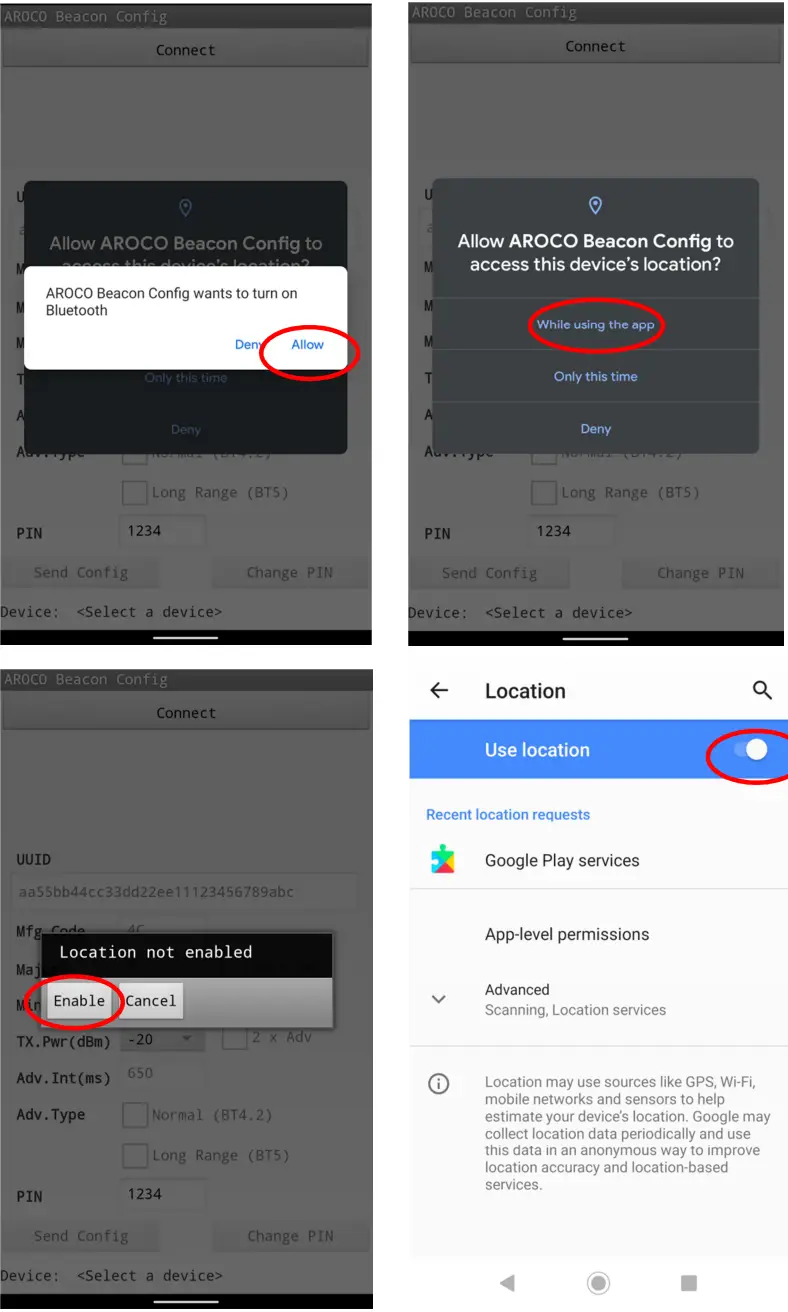
- Start the App. Allow Device’s Location permission, Enable Bluetooth and Location.

- Press the Change Mode Button on the Beacon board. Beacon will enter configuring mode
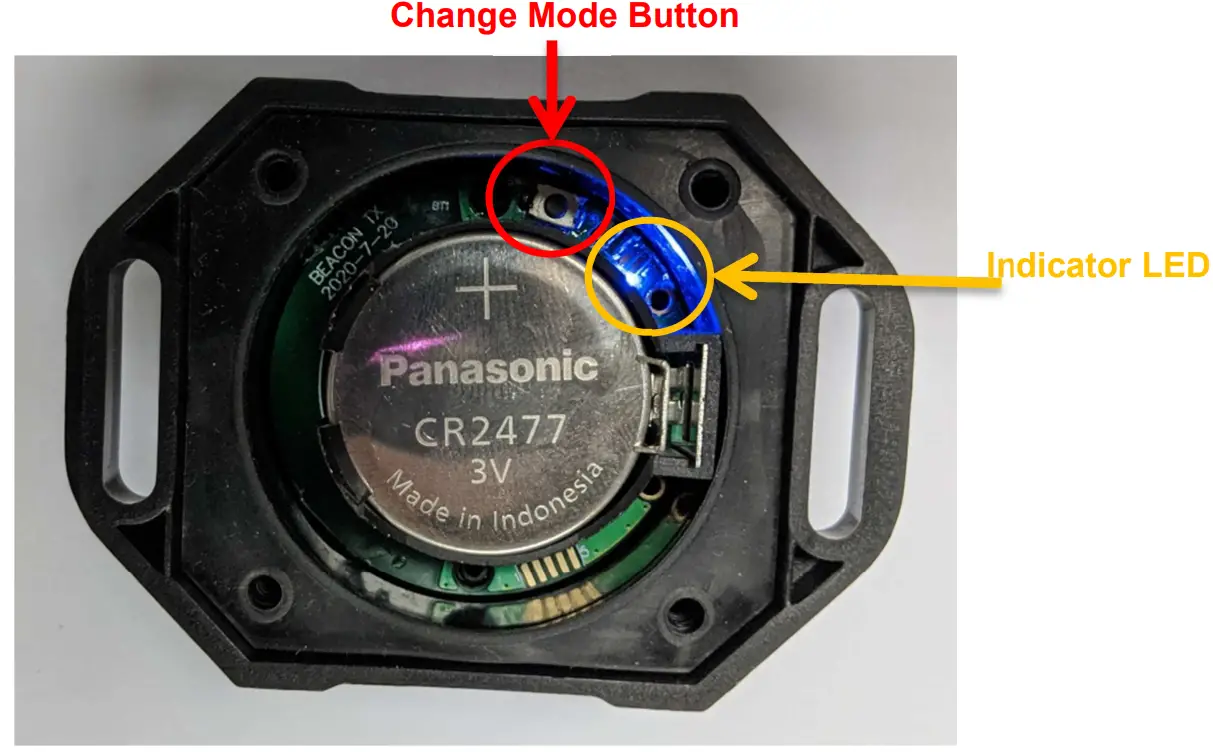 Indicator Blue LED has different Flashing Rate in different Mode
iBeacon Mode: Indicator LED Flash 4990ms Off 10ms On Configuring Mode:
Indicator LED Flash 1600ms Off 400ms On
- The Indicator LED will stay On when the Beacon in Configuring Mode and connected the Mobile App
- Beacon will back to iBeacon Mode for saving energy while no connection over 60 seconds; or press the “Disconnect” Button in Mobile APP, press the change mode button after Indicator LED flash.
Press Connect button on the Mobile App to scan and connect the Beacon. 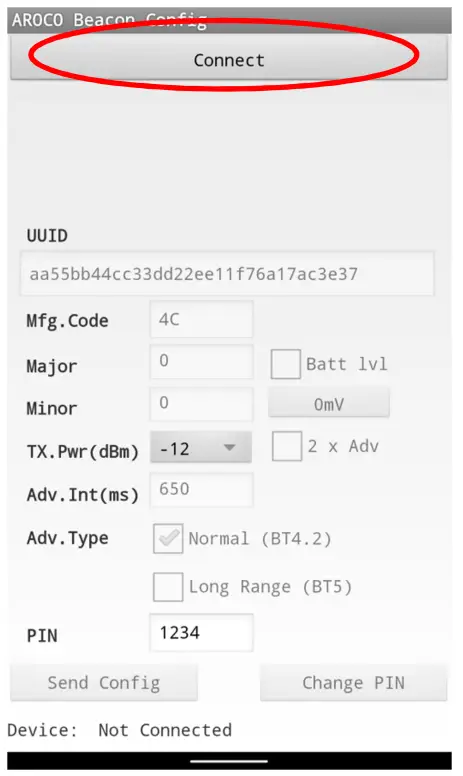
Select the Beacon and Tap to connect. All current parameters will be read.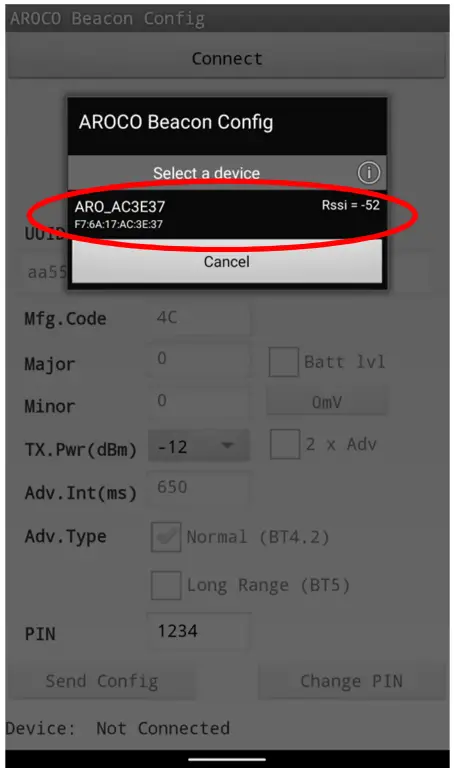
Beacon Configuration
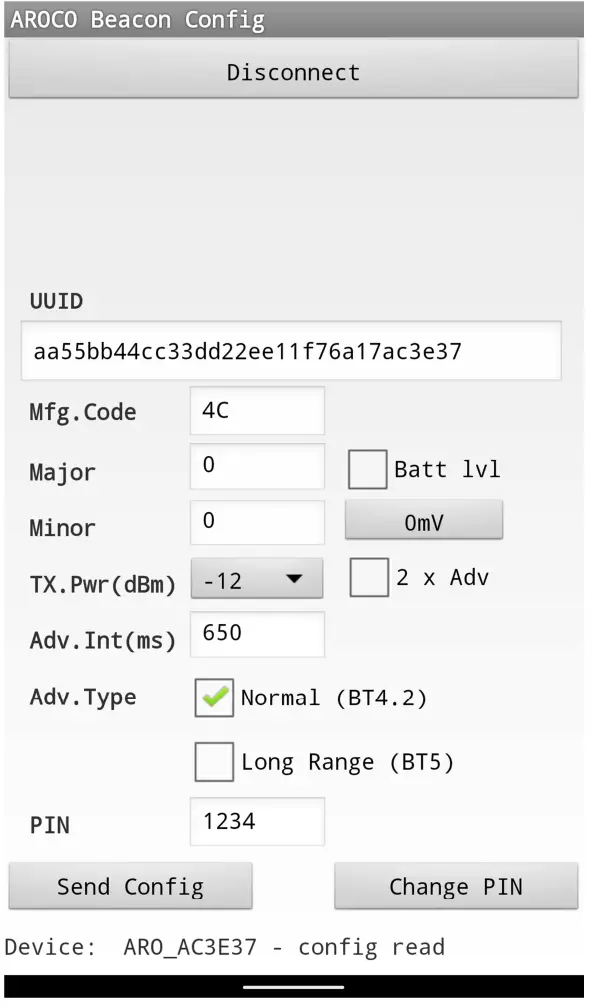
UUID: 16
Bytes UUID data can be changed. Non-hexadecimal content will be blocked. (Default: aa55bb44cc33dd22ee11+6bytes Beacon MAC address)
If the new UUID length is not 32, the notice will be shown as below and all parameters cannot be updated.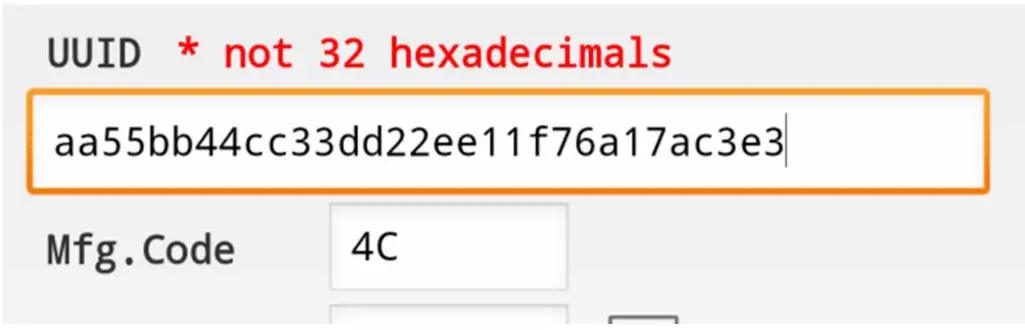 Manufacturing Code: 2 Bytes Code data can be changed. Non-hexadecimal content will be blocked. (Default: 0x004C)
If new Mfg. Code is empty, the notice will be shown as below and all parameters cannot be updated.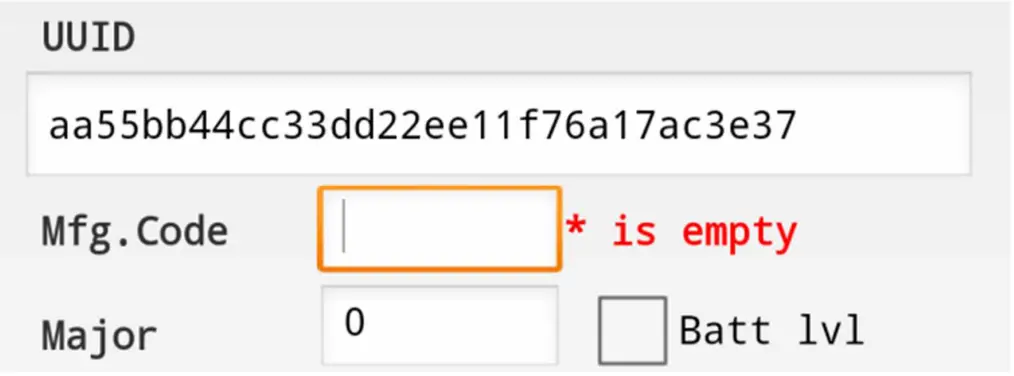 Major: Range 0 to 65535 (Default: 0)
Minor: Range 0 to 65535 (Default: 0)
Battery Level (Batt LVL): Tick box for choosing the data advertising of Beacon Battery Level; Click Button to show the current Battery Level in mV
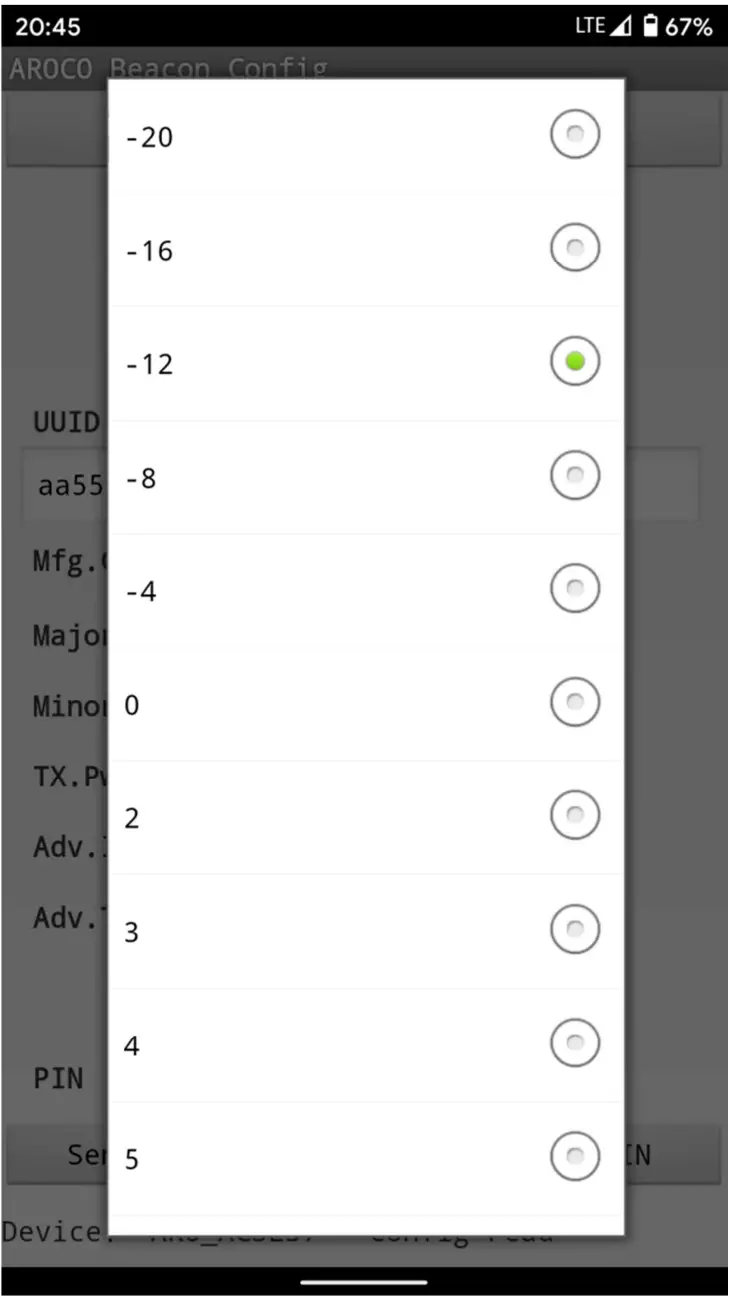
Battery Level reporting will cover the upper 4 bits of Major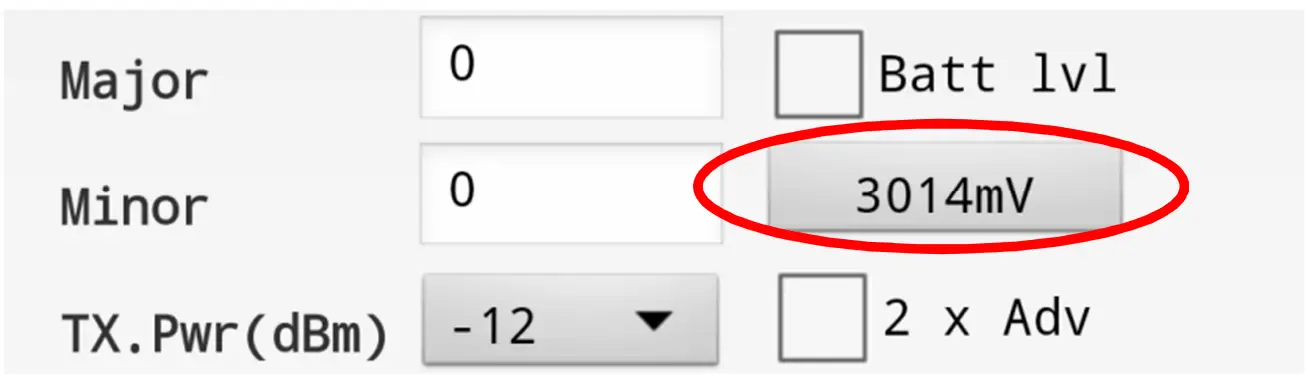 TX Power (dBm): Combo Box choice include -20, -16, -12, -8, -4, 0, 2, 3, 4, 5, 6, 7, 8 (Default: 12)
 2 x Adv: Tick box for data advertising by Double Advertisement
Advertising Interval (ms): Range 50-3600000. (Default: 650)
If new Adv. Interval is empty or less than 50, the notice will be shown as below and all parameters cannot be updated.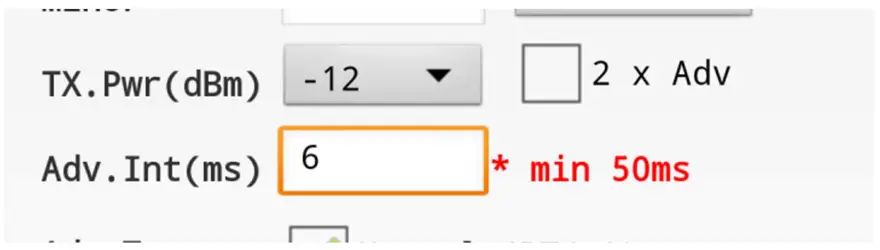
Advertising Type: Tick Box to choice Normal Type (BT4.2) or/ and Long Range Type (BT5) (Default: Normal (BT4.2) Type only)
Tick both boxes for choose both type
PIN: 4 digits PIN (Alphabet or number) for Login when every connection create (Default: 1234)
· If the new PIN length, is not 4, the notice will be shown as below and all parameters cannot be updated to Device after pressing the “Send Config” button.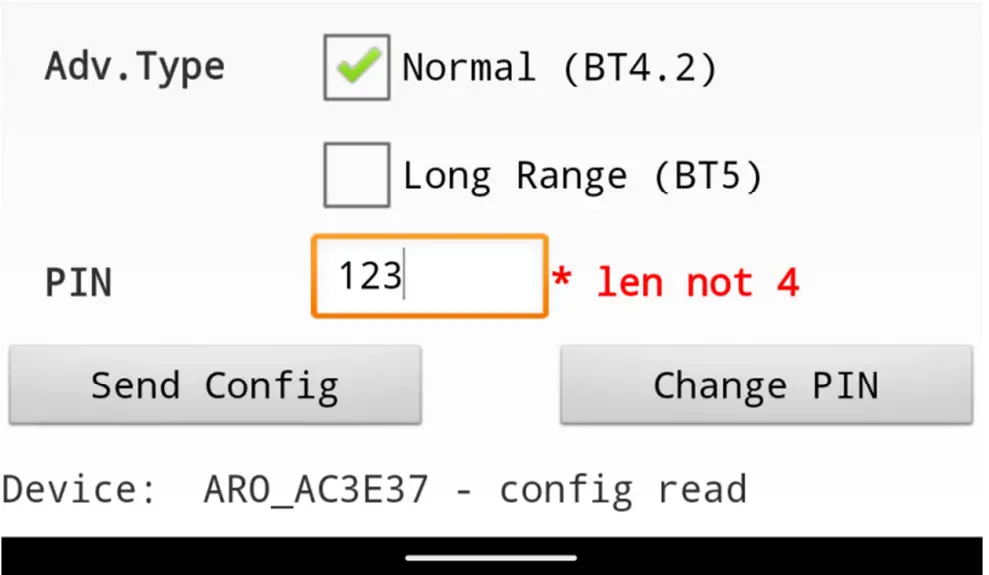 * Configuration APP will send all the above parameters to change the Beacon config by pressing Send Config Button. No parameter will be updated individually if any input error notice appears.
** Bottom Text Box will show the current status include:
“Device: Not Connected” No Device Connected
“Device: ARO_xxxxxx config read” Connected and Read Device Config
“Device: ARO_xxxxxx BattLvl read” Read current Battery Level
“Device: ARO_xxxxxx PIN updated” Updated PIN No.
“Device: ARO_xxxxxx config updated” Updated Device Config
*** Press and Hold the Change Mode Button 5 seconds under iBeacon Mode to restore all above config to default.
FCC Warning:
This equipment has been tested and found to comply with the limits for a Class B digital device, pursuant to part 15 of the FCC Rules. These limits are designed to provide reasonable protection against harmful interference in a residential installation. This equipment generates, uses, and can radiate radio frequency energy and, if not installed and used in accordance with the instructions, may cause harmful interference to radio communications. However, there is no guarantee that interference will not occur in a particular installation. If this equipment does cause harmful interference to radio or television reception, which can be determined by turning the equipment off and on, the user is encouraged to try to correct the interference by one or more of the following measures:
- Reorient or relocate the receiving antenna.
- Increase the separation between the equipment and receiver.
- Connect the equipment into an outlet on a circuit different from that to which the receiver is connected.
- Consult the dealer or an experienced radio/TV technician for help.
Caution: Any changes or modifications to this device not explicitly approved by the manufacturer could void your authority to operate this equipment. This device complies with part 15 of the FCC Rules. Operation is subject to the following two conditions: (1) This device may not cause harmful interference, and (2) this device must accept any interference received, including interference that may cause undesired operation.
The device has been evaluated to meet general RF exposure requirements. The device can be used in portable exposure conditions without restriction.