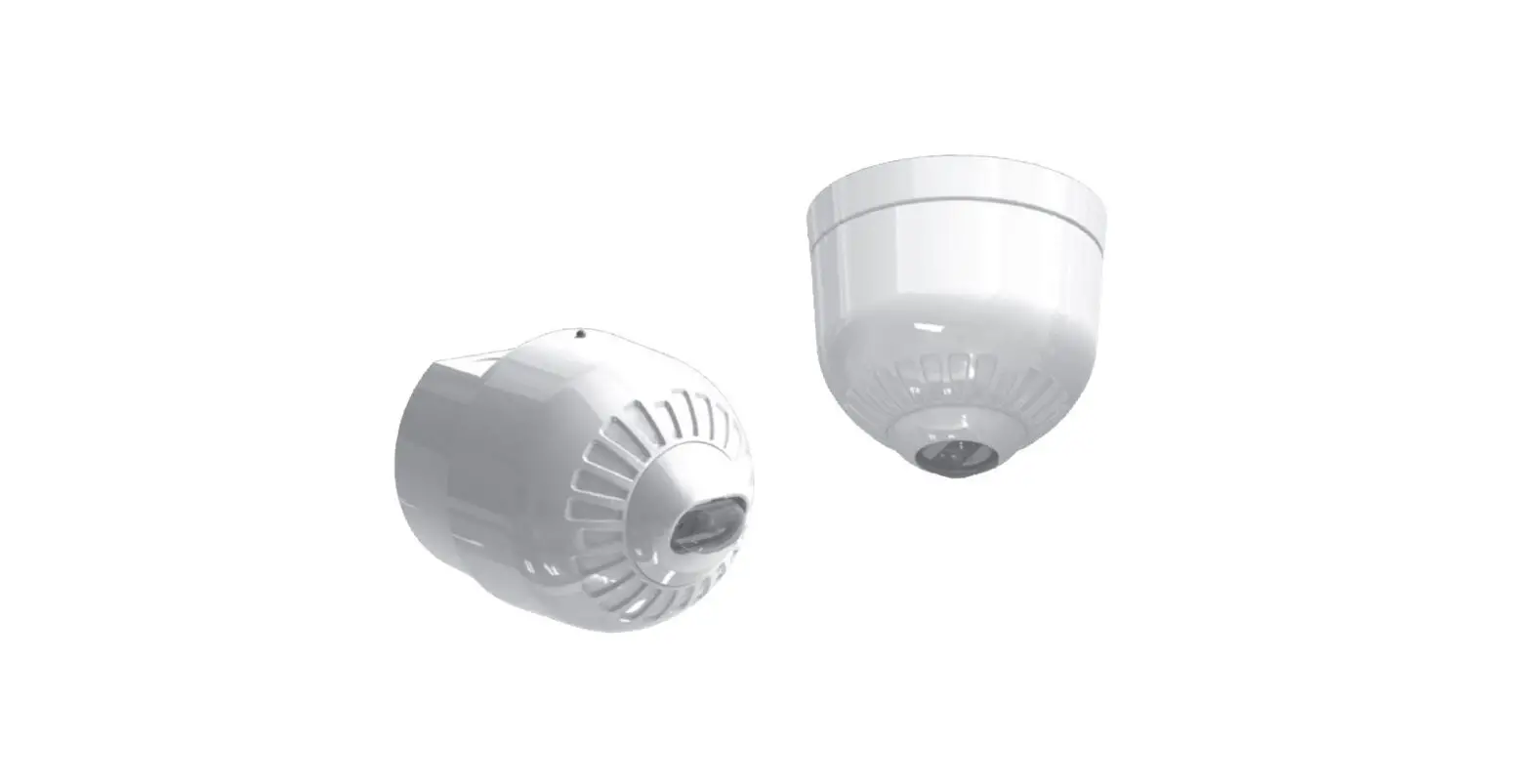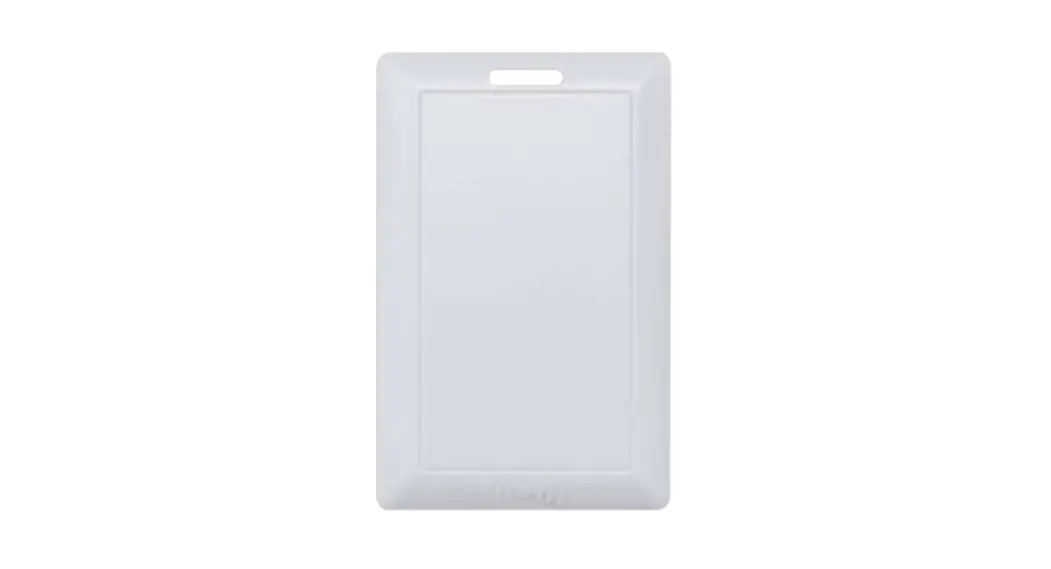

Base Station Beacon
DS-Beacon-06
User Manual
| Product name | Base Station ‘Beacon |
| Product model | DS-Beacon-06 A/B/C/D |
| Version | V1.0 |
| Release time | 2020/11/26 |
Version Information
| Revise | |||
| V1.0 | Revised proposal | Data | Comment |
| Initial release | |||
Product Introduction:
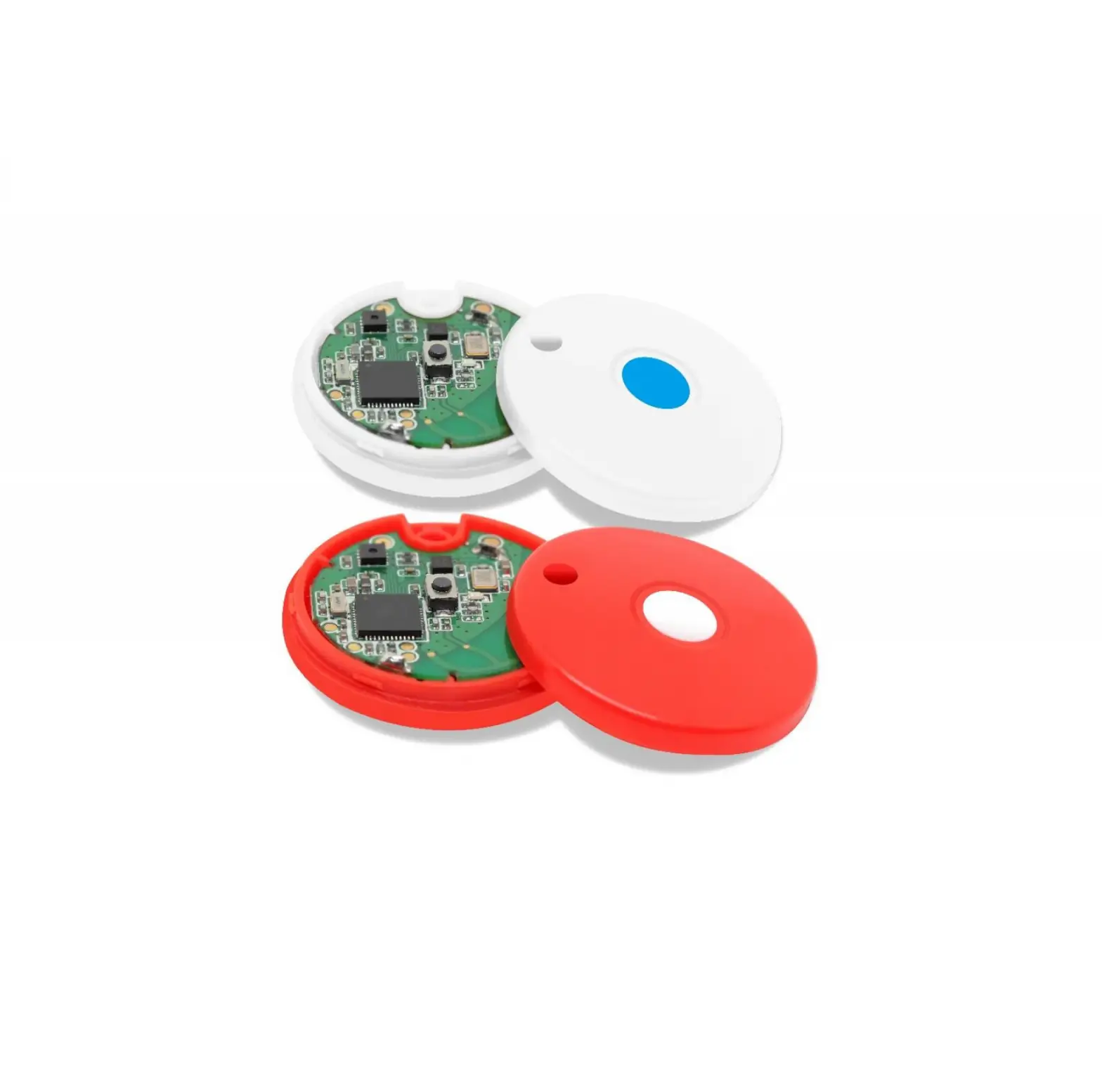
he Base Station DS-Beacon-06A/B/C/D developed by DEASINO Technology supports accelerometer sensor, Temperature & Humidity sensor, Pressure sensor, Noise sensor, Light sensor selection, various sensors that can be used to detect the environmental status and collect a large amount of data. A button switch and an indicator light. The product uses iBeacon broadcast by default and supports multi-channel broadcast. Each channel can customize broadcast power, broadcast interval and channel parameters, configurable onnection password and sensor sampling time. The case is made of ABS plastic, which is exquisite and beautiful as a
whole. It is convenient to replace the battery with the rotary battery back cover clasp.
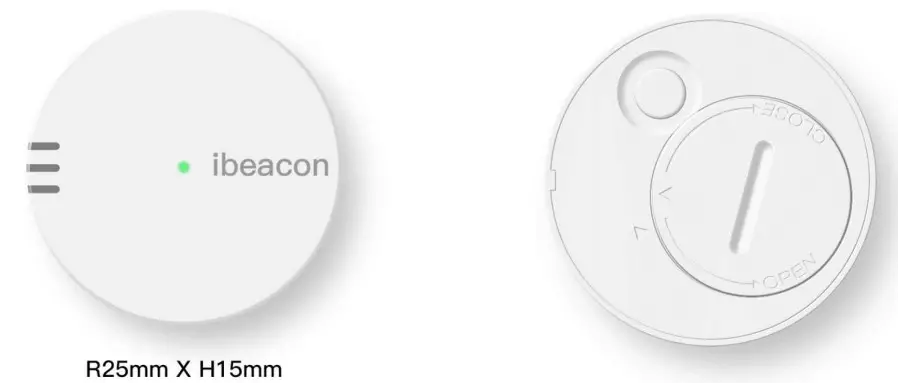
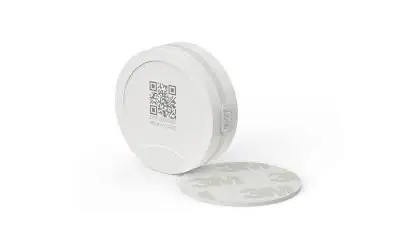
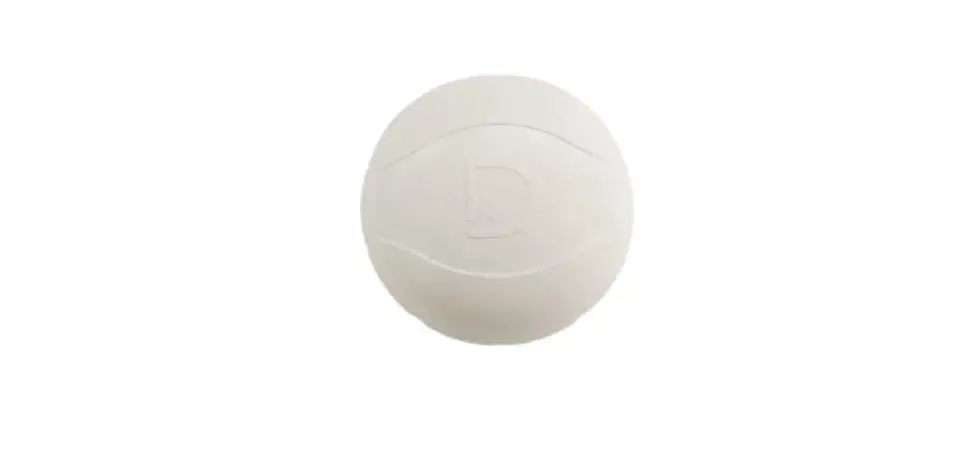
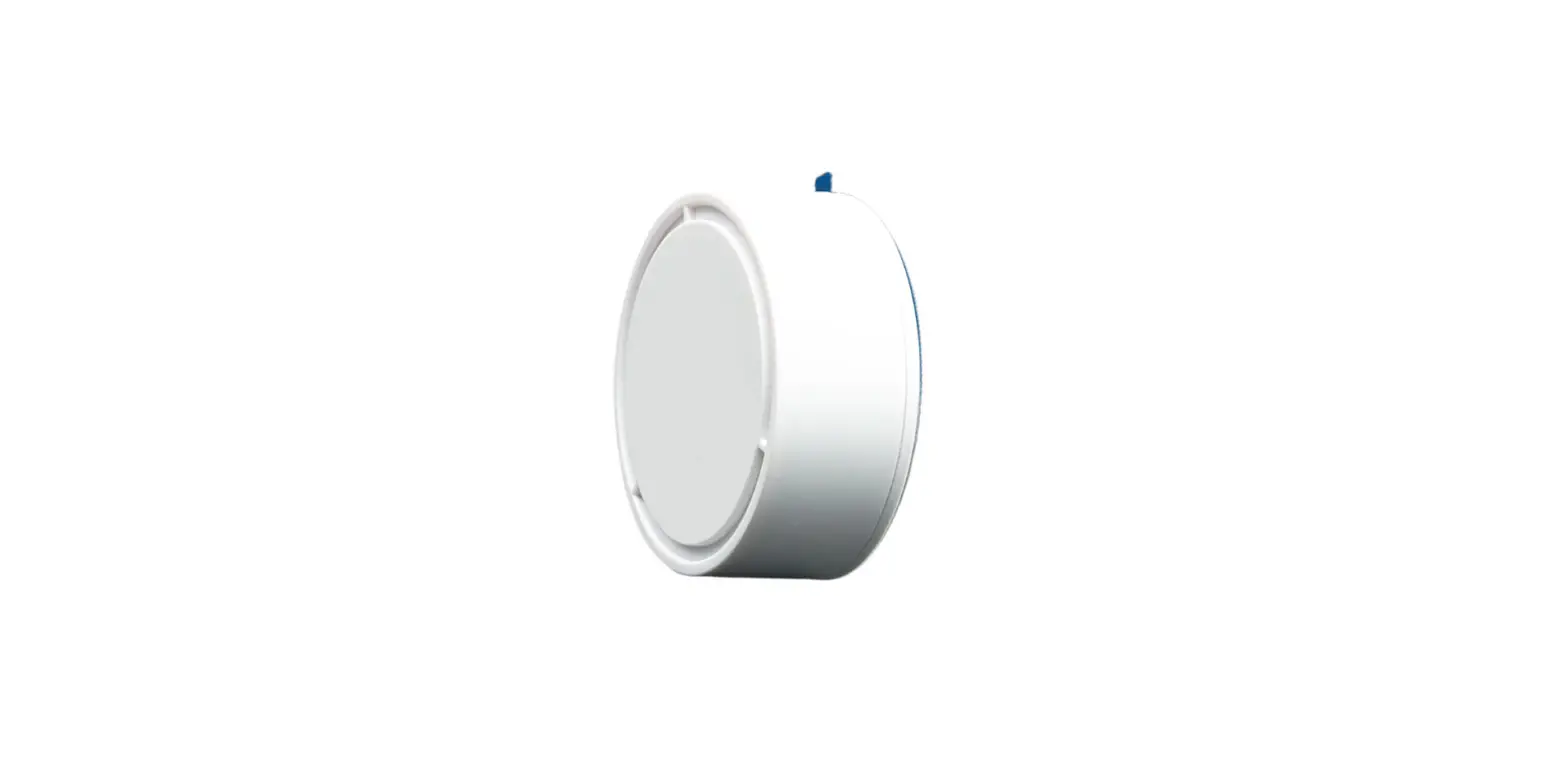
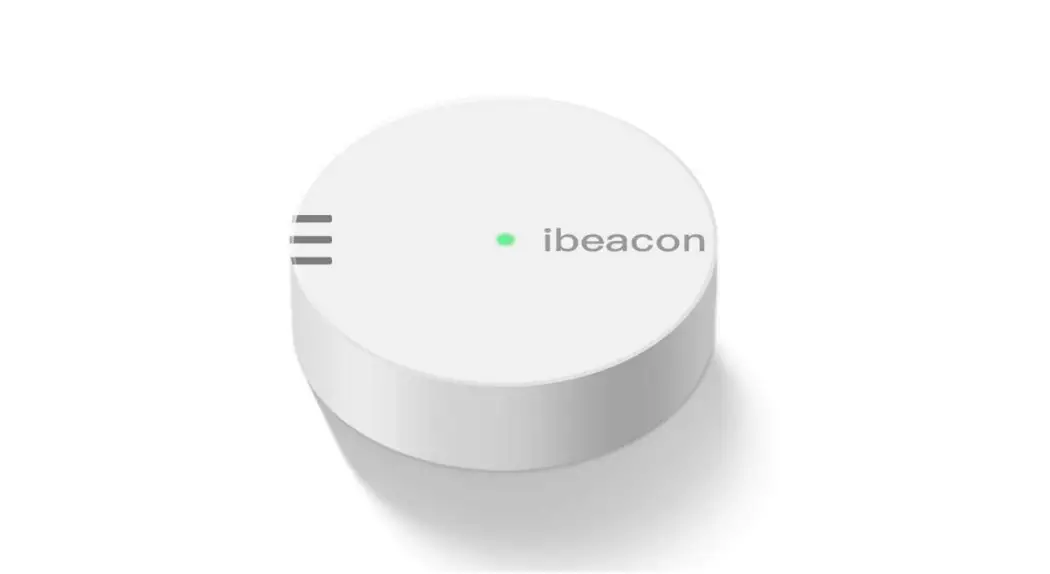
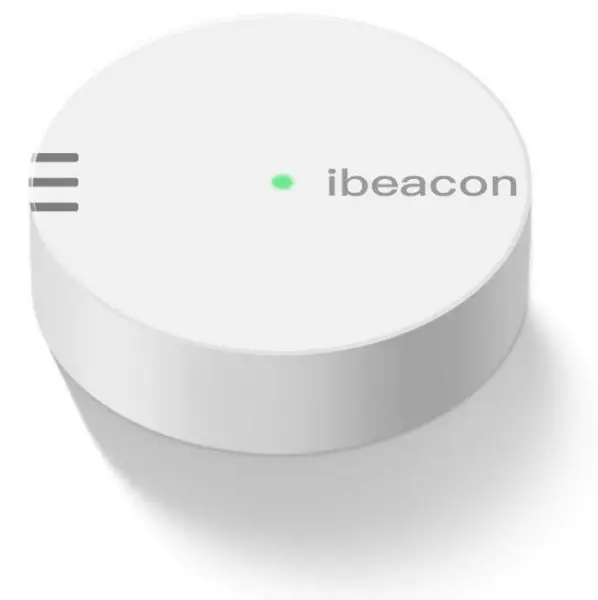
Product appearance drawing
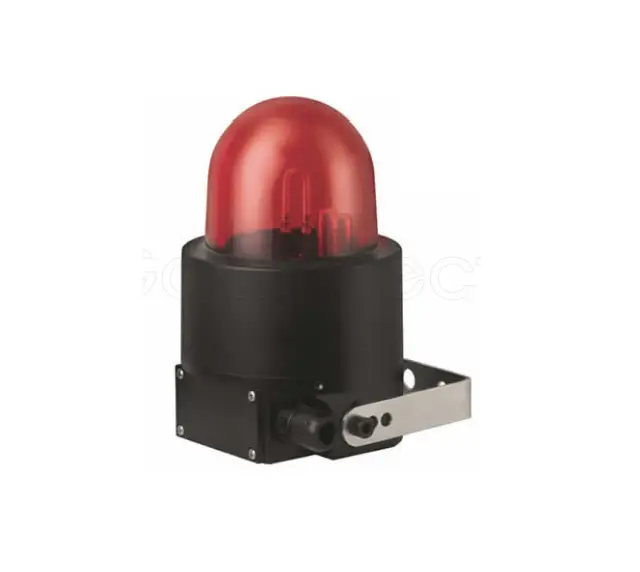
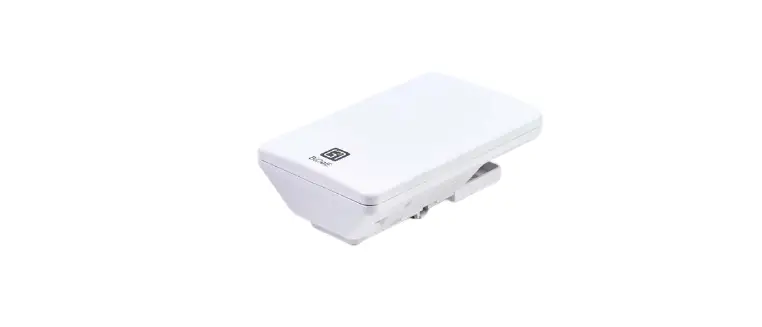
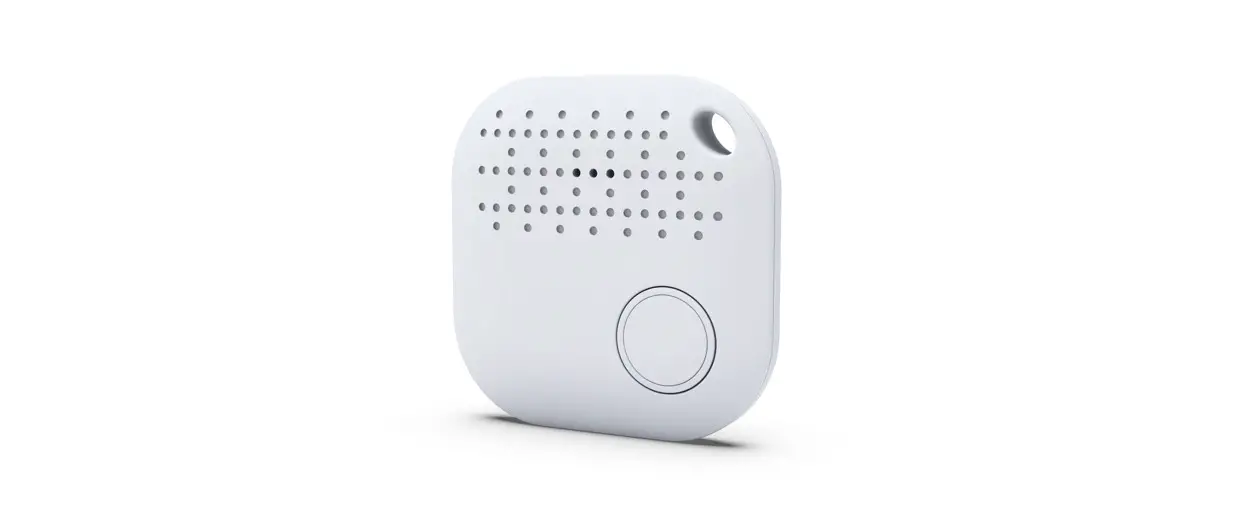
| DS-Beacon-06 A | 6 axis accelerometer sensor and Gyro sensor, Temperature & Humidity sensor, Pressure & Temperature sensor, Light sensor |
| DS-Beacon-06 B | Noise sensor |
| DS-Beacon-06 c | Acceleration sensor, Temperature & Humidity sensor, Light sensor |
| DS-Beacon-06 D | Acceleration sensor |
Product Features:
- Support iBeacon protocol
- Use nRF52 Series Chip
The broadcasting distance can reach 100 M
Switching function、Low voltage alarm function、Support Accelerometer
Support sensor data broadcast
Set Bluetooth broadcast parameters and sensor sampling time
Application Range:
Indoor positioning of shopping malls, airports, and other large public places; Online explanation of tourist attractions, museums, etc., Check-in for exhibitions, forums, and offices. Location-based real-time message push, such as live information, conference process sharing, etc., Audience interaction such as concerts and large-scale events.
Physical Property:
| Model | DS-Beacon-06 |
| Size | 25× 15mm |
| Weight | 24(g) |
| Battery Model | Disposable lithium-manganese dioxide batteries |
| Supply Voltage | DC 3.0 V
|
| Housing Material | ABS |
| Housing Color | White |
Electrical Specification:
| Quiescent Current | ≤3 uA |
| Peak Current | 5.5 mA |
| Average Current | 33uA |
| Battery Model | CR2450 |
| Battery Capacity | 520 mAh |
| Operating Temperature | -20°C ~+60°C |
| Working Hours | 2 Years |
| Bluetooth Stack | 5.2 |
| Broadcasting Power | 0 dBm |
| Broadcasting Frequency | 1000ms |
| Transmission Distance | 100M in an open environment |
| Security | The default connection password is 000000 |
Technical Parameters:
| Communication Protocol | Bluetooth Low Energy 5. 2 |
| Broadcasting Power | -40 +4dBm, Default 0 dBm |
| Broadcasting Frequency | 40ms-10s, Default 1000ms |
| Broadcasting Distance | Can reach 100M (in an open environment) |
| security | Support password modification parameters; Restart and unconnected mode; Support app shutdown; Anti malicious connection function |
Default Parameters:
- iBeacon Program default parameters
Parameter Name Default UUID Device ID 184f2020-1126-1815-87A5-F6DOBD9C5D00 Major Major 0 Minor Minor 1 Measured power Power Adjustment -54dBm Transmission Power Transmitted Power 0dBm Change Password Change Password 000000 ( only support for ASCII Character)) Broadcasting Interval Broadcasting period 1000ms iBeacon Name Device Name 3characters. 06 A/B/C/D Connection Mode Connection mode Yes (Connectable mode) No (Unconnectable mode) Soft Reboot Software reset 000000 (Same as password)) Battery Service Battery Level Battery icon display, real-time detection, full charge is 100% 6 axis accelerometer sensor
Status open sampling interval 2 seconds Light sensor Status open sampling interval 60 seconds Noise sensor Status open sampling interval 60 seconds Temperature&Humidity sensor Status open sampling interval 60 seconds Pressure sensor Status open sampling interval 30 seconds - DS-Beacon-06 Program default parameters
Frame category Frame information Frame content (Default value) Frame configuration Default value iBeacon UUID 184f2020-1013-44C3-87A5-F6DOBD9C5D00 Broadcast interval 1000ms Major 0 Calibration distance -54dBm ( open ) Minor 1 Broadcast power OdBm ACCESS MAC Address FACTORY SETTING Broadcast interval 1000ms Broadcast interval 40ms — lOs Calibration distance -54dBm Battery Level 0 — 100% Broadcast power OdBm ( open ) INFO MAC Address FACTORY SETTING Broadcast interval 1000ms Broadcast interval 40ms — 10 s Calibration distance – 54dBm Battery Level 0 — 100% Broadcast power OdBm ( open ) Password 000000 ( default) Connection mode 1 Connectable
App usage and support devices:
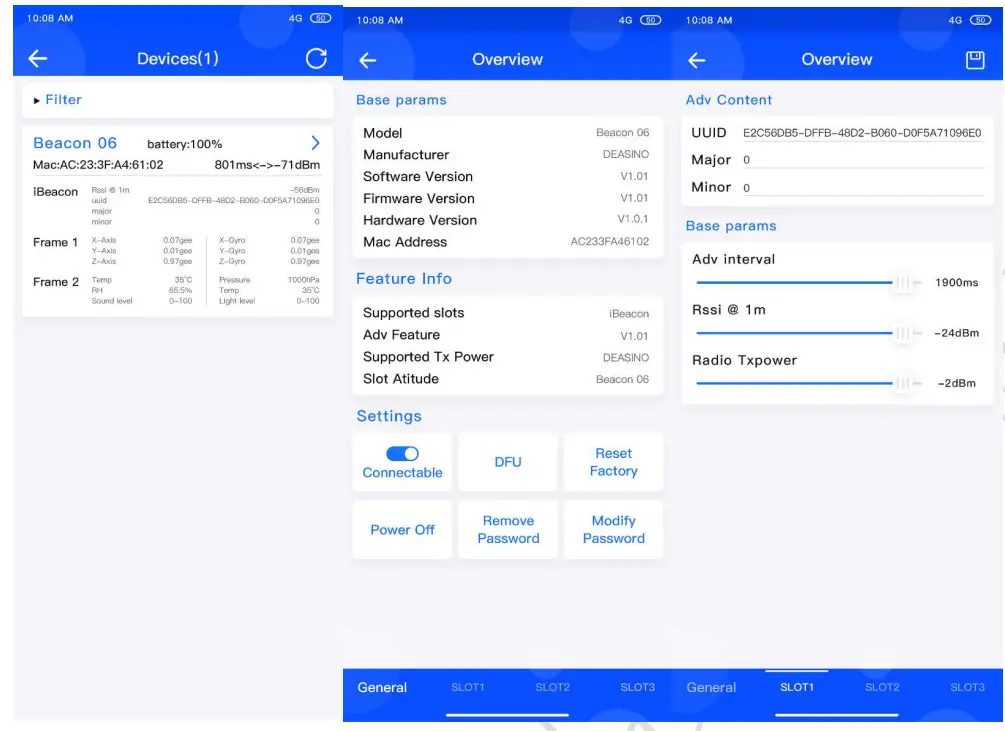
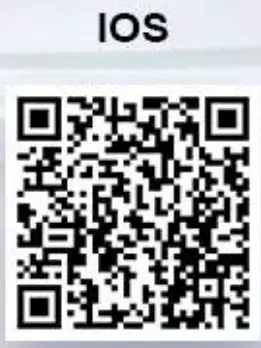
- App usage, Bluetooth scanning->Enter password connection->Configuration information


- Support devices
Support equipment system Support equipment model IOS 7.0 and above iPhone 4S, iPhone 5/5C/5s, iPhone6/6Plus/6S/6SPlus,
iPhone 7/7Plus, iPad mini/mini2/4/Air/ProAndroid 4.3 and above Samsung S4/S5/S6/S7, Note 3/4/5…
Xiaomi M3/4/5…
Huawei P7/8/9, Honor 6/7/8…
Bluetooth 4.0 and Android 4.3 or above are supported
Functional Description:
- On/off function: long press for 3 seconds, startup succeeds, green light flashes 3 times; Under the power-on state, hold down for three seconds and the green light will flash five times. During the green light flashing, click the button, the light will be on for one second and the power will be successful.
- Support Bluetooth to set broadcast parameters (iBeacon UUID / Major / Minor) broadcast interval, Radio Tx power, RSSI@1m, sensor sampling time.
- Connected to Bluetooth successfully, green light flashes twice; Disconnect Bluetooth, and the green light will flash three times.
- Low power prompt, double flash 3 times per minute, 10 seconds interval.
Certification Information:
CE Certificate number: (Application, update after completion)
FCC ID: 2AV9TDS-BEACON-06
Product Claims:
Copyright Clarify: This manual and its contents are owned by Shenzhen Deasino Technology Co., Ltd. and are protected by Chinese laws and applicable international conventions. The company has the right to change the contents of this manual according to the needs of technical development without further notice. Without the written permission and authorization of the Company, any individual or company organization shall not change or otherwise use part or all of the contents of the Manual. Any violator shall be held liable according to law.
Disclaimer: Shenzhen Deasino Technology Co., Ltd. reserves the right to interpret the differences between the manual and the actual products. The company will not be responsible for the property or personal injury caused by the customer’s abnormal operation.
Please develop the corresponding products according to the technical specifications and reference design in the manual.
NOTE: This equipment has been tested and found to comply with the limits for a Class B digital device, pursuant to part 15 of the FCC Rules. These limits are designed to provide reasonable protection against harmful interference in a residential installation. This equipment generates uses and can radiate radio frequency energy and, if not installed and used in accordance with the instructions, may cause harmful interference to radio communications. However, there is no guarantee that interference will not occur in a particular installation. If this equipment does cause harmful interference to radio or television reception, which can be determined by turning the equipment off and on, the user is encouraged to try to correct the interference by one or more of the following measures:
- Reorient or relocate the receiving antenna.
- Increase the separation between the equipment and receiver.
- Connect the equipment into an outlet on a circuit different from that to which the receiver is connected.
- Consult the dealer or an experienced radio/TV technician for help
Changes or modifications not expressly approved by the party responsible for compliance could void the user’s authority to operate the equipment.
This device complies with Part 15 of the FCC Rules. Operation is subject to the following two conditions:
- this device may not cause harmful interference, and
- this device must accept any interference received, including interference that may cause undesired operation.
WEBSITE: HTTP://WWW.DEASINO.COM/
TEL:0755-83418691-801
FAX:0755-83418691-803
EMAIL: [email protected]