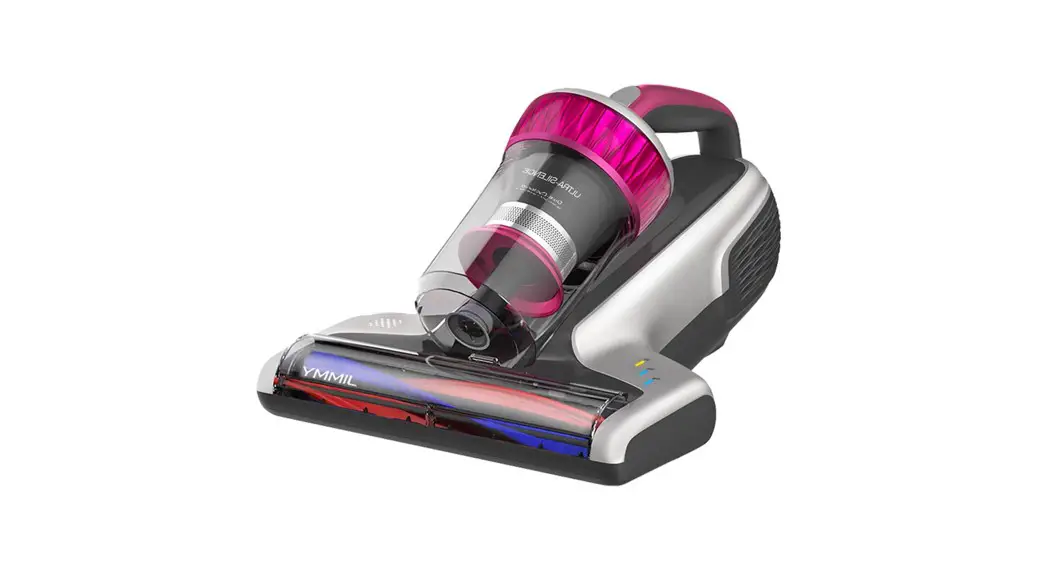
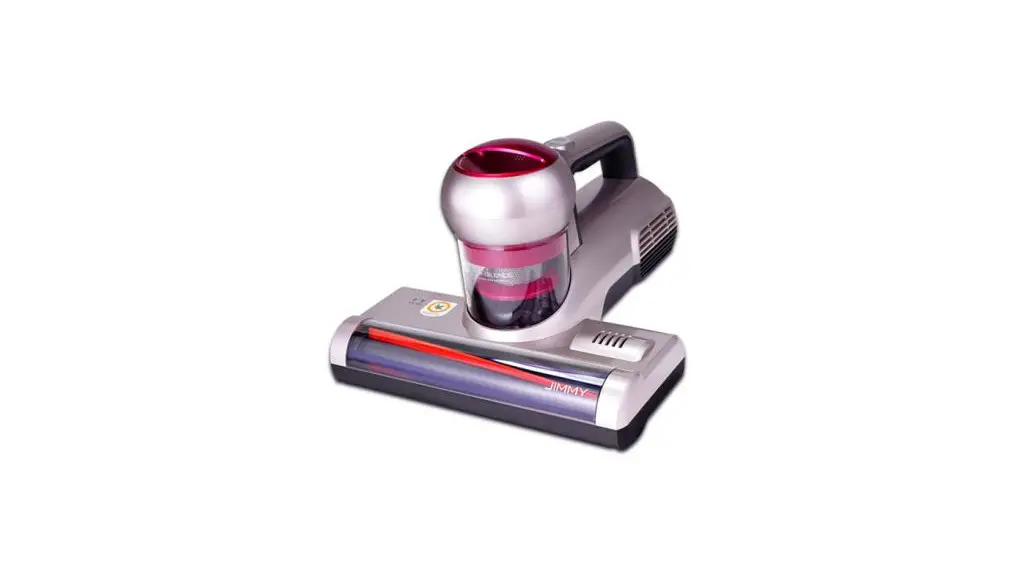
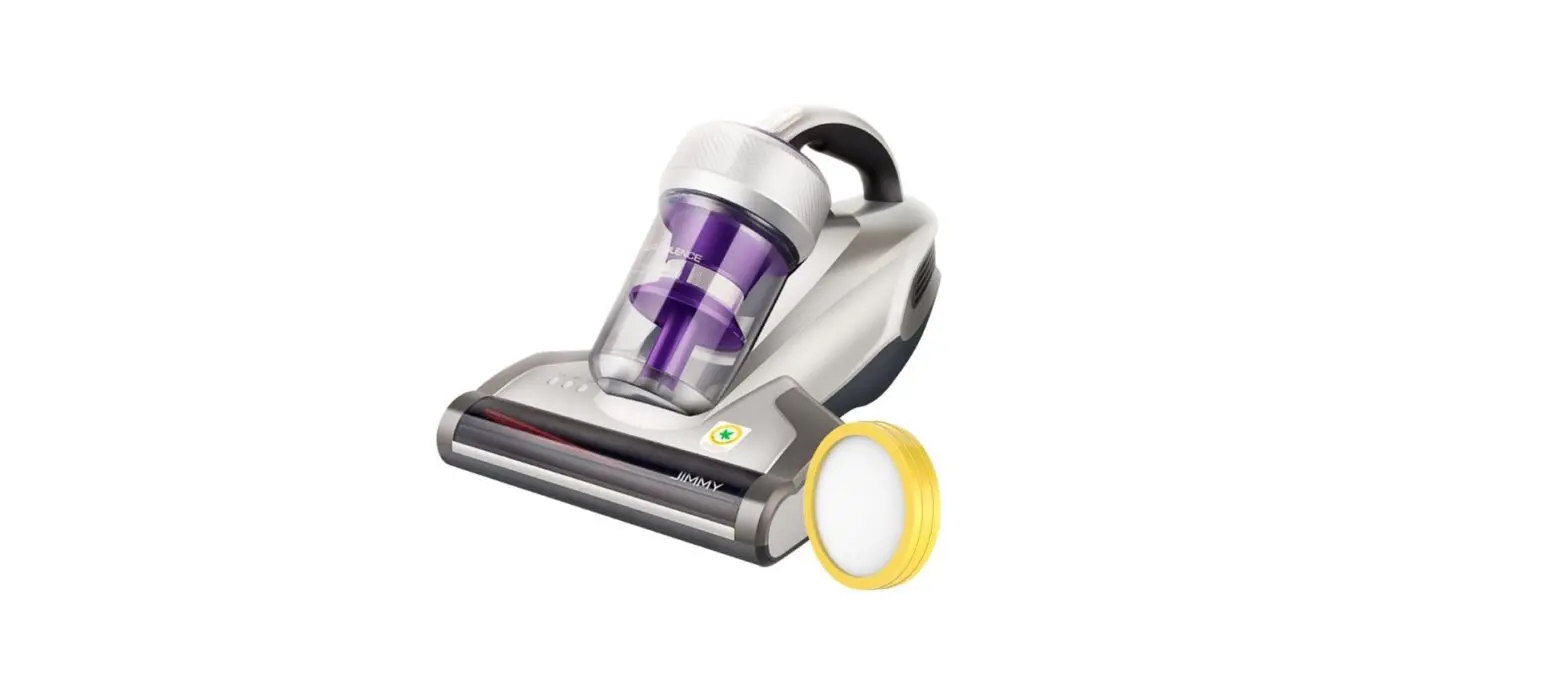
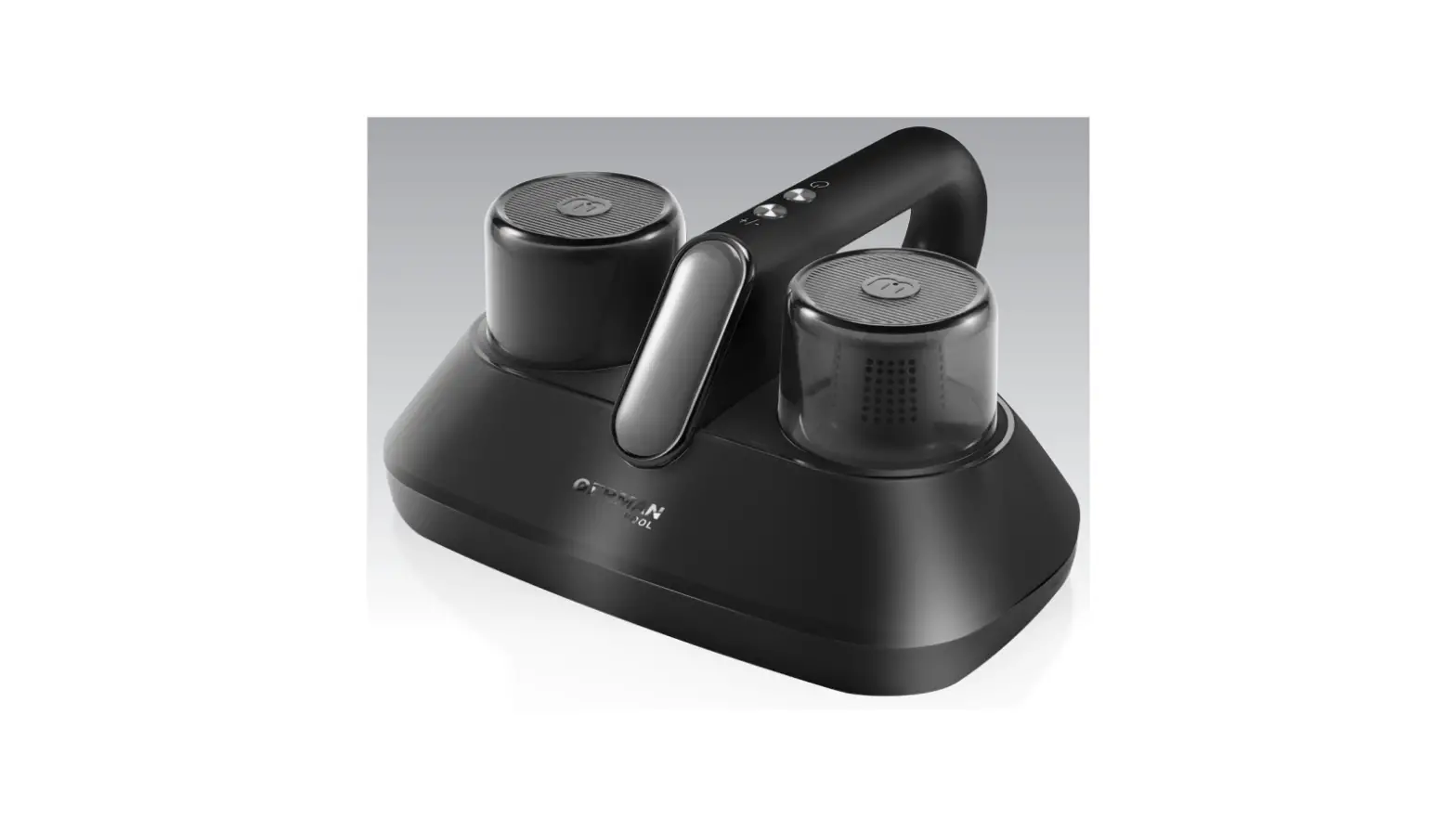
BX6 Anti Mite Vacuum Cleaner
Product Information:
| Product Name | Anti-mite Vacuum Cleaner BX6 |
|---|---|
| User Guide | Available |
Product Installation:
Parts Name:
- On/Off button
- Mode button
- Indicator
- Power cord
- Mini Brush
- Brushroll cover latch
- UV LED light
- Ultrasonic generator
- Brushroll
- Brushroll Cover
Product Usage Instructions:
Use of the Product:
- Insert the plug into the socket.
- Turn on the machine. The machine will be in UV light+tap vacuum
mode, and all indicators will light up. - Press the mode button once to switch the machine to tap vacuum
mode. Relevant indicators will light up. - Press the mode button again to switch the machine to UV light
mode. - Press the mode button once again to switch the machine back to
UV light+tap vacuum mode. - Press the On/Off button to stop the machine from working.
Dust Sensor Indicator:
- When the machine is turned on, the dust sensor indicator light
stays green. - When the machine vacuums a lot of dust and the indicator light
turns red, it indicates that you need to focus on cleaning this
area. - When the machine vacuums moderate concentration dust and the
indicator light turns orange, it indicates that you need to keep
cleaning this area. - When the machine vacuums little or no dust and the indicator
light turns green, it indicates that this area does not need to be
cleaned.
Note: For safety reasons, the UV light only works within 3cm
above an object and at less than 30 degrees inclination. Otherwise,
the UV light will automatically turn off.
Cleaning and Maintenance:
Dust Cup Cleaning:
- Turn off the machine and unplug the power cord.
- Press the release button and lift upward to remove the dust cup
(Figure 1). - Hold the dust cup and dust cup lid separately, twist the dust
cup clockwise to remove it for cleaning (Figure 2 and Figure
3).
Filter and Cyclone Cleaning:
- Hold the cyclone in one hand, pinch the UP logo with the other
hand, and take out the filter (Figure 4). - Do not tap the filter on the reverse side to avoid clogging
(Figure 5). - Clean the cyclone metal filter with the attached mini brush
(Figure 6). - After cleaning the dust cup, filter, and cyclone, put the
cyclone back into the dust cup and rotate the dust cup lid until a
click sound is heard (Figure 7).
Note:
- Do not miss the filter.
- Use water or neutral reagents to clean the dust cup and wipe
with dry cloths. Do not wash the filter unless necessary. Ensure
the filter and dust cup are completely dry before another use.
Brushroll Cleaning:
- Turn off the machine and unplug the power cord.
- Rotate the right lock knob anticlockwise from the locked
position to the unlock position to remove the brushroll for
cleaning (Figure 8 and Figure 9). - After brushroll cleaning, install the brushroll and the
brushroll cover into the machine in turn and lock the latch of the
brushroll.
Note: For safety reasons, please turn off the machine and unplug
the power cord before cleaning the brushroll.
Maintenance and Storage:
Please clean the dust cup and filter after each use for further
use. It is recommended to replace the filter after 30-50 hours of
working time (depending on specific situation) for better use.
Anti-mite Vacuum Cleaner
BX6
User Guide
Product Installation
Parts Name
On/Off button
Mode button
Indicator
Power cord
Mini Brush Brushroll cover latch
UV LED light
Ultrasonic generator Brushroll Brushroll Cover
Packing List
Name Quantity
Vacuum Cleaner 1
MIF Filte 1
2
Mini-brush 1
User Guide 1
Use of the Product
Insert the plug into the socket,when turn on machine, the machine is in UV light+tap vacuum mode, all indicators light up.Press mode button once, the machine changes to tap vacuum mode and relevant indicators light up.Press mode button again,the machine changes to UV light mode .Press mode button once again, the machine changes back to UV light+tap vacuum mode. Press on/off button again, the machine stop working.
Dust Sensor Indicator
1.When turn on machine,the dust sensor indicator light stays green. 2.When the machine vacuums a lot of dust and the indicator light turns red,indicating that the user needs to focus on cleaning this area. 3.When the machine vacuums moderate concentration dust and the indicator light turns orange,indicating that the user needs to keep cleaning this area. 4.When the machine vacuums little or no dust and the indicator light turns green,indicating that this area does not need to be cleaned.
Note:For safety reasons, the UV light only works within 3cm above object as well as less than 30 inclination degrees. Otherwise, the UV light will automatically turn off.
Cleaning and Maintenance
Note: 1.MIF Filters are available at dealers. 2.It is recommended to clean the dust cup after each use. when the filter is blocked due to excessive dust accumulation, it needs to be cleaned and replaced if necessary.
Dust Cup Cleaning
1.Turn off the machine and unplug the power cord. Then press the release button and lift upward.(Figure 1) 2.Hold the dust cup and dust cup lid separately, twist dust cup clockwise (Figure 2), remove it from dust cup to clean.(Figure 3)
Filter and Cyclone Cleaning
Hold the cyclone in one hand, pinch the “UP” logo with the other hand, and take out filter (Figure 4). Do Not tap the filter in reverse side in case of filter clog (Figure 5). Clean the cyclone metal filter with the attached mini brush.(Figure 6)
After cleaning dust cup ,filter and cyclone, put cyclone into the dust cup and rotate the dust cup lid into the dust cup until until a “click” sound is heard.(Figure 7)
Note: 1.Do Not miss the filter! 2.Use water or neutral reagents to clean dust cup and wipe with dry cloths. Do not wash the filter until it is necessary. Make sure the filter and dust cup are completely dry before another use.
3
Brushroll Cleaning
Turn off the machine and unplug the power cord, rotate the right lock knob anticlockwise with hand from locked position to unlock position (Figure 8) to remove the brushroll to clean up.(Figure 9)
After brushroll cleaning,install the brushroll and the brushroll cover into the machine in turn and lock the latch of the brushroll.
Note: For safety reasons, please turn off the machine and unplug power cord before cleaning brushroll.
1 Dust cup lid
Release button Cyclone
Maintenance and Storage
Please clean dust cup and filter after each use for 2 further use. It is recommended to replace a filter after 30-50 hours of working time(depending on specific situation) for better use.
Any paper, lead glass, plastic will greatly affect
the effect of UV light. Please wipe and clean the
UV tube regularly for better use.
4
Dust cup 3
Marking ribbon MIF filter
Tapping downward
Filter 5
Do Not touch the UV tube as dirt will affect UV light effect.
Cyclone metal filter
Rotate dust cup lid
Put the machine in cool and dry place if the machine is to be idled. Do Not leave it in direct sunlight or humid environment.
6
Mini-brush
7
Lock Unlock
Brushroll assembly
8
9
Brushroll cover
4
Cautions
1.Please read this instruction manual carefully before use and keep it properly for future use. 2.Never leave the machine working without supervision. 3.Keep this product beyond the reach of special individual such as children without adult supervision. 4.Keep the power cord away from sharp objects and do not drag the cord to move the machine in case of cord damage. 5.Do not use this product to clean water or wet dust. Do Not operate it in humid places (such as bathroom, toilet, laundry room, etc.)to avoid malfunction. 6.This product can ONLY use for cleaning of textiles such as mattresses, blankets, pillows, sofas, etc. 7.Do Not place the machine near heating appliances or expose it to direct sunlight in case of fire hazard. 8.For safety reasons, please do not use the product to clean hot objects such as carbon, cigarette butts, sharp objects such as broken glass, corrosive liquids, flammable and explosive materials such as gasoline and alcohol. Otherwise it may cause product damage or fire. 9.Do Not operate this machine with suction port blocked in case of product damage. 10.Do Not remove the brushroll cover or force the cover outward when the machine is powered on for safety reasons. 11.The product has UV light, for safety reasons, Do Not look at the bottom of the machine when the power is on in case of ultraviolet rays harming. 12.Do Not apply this product to plants. Excessive use of UV may cause object damage. 13.Do NOT sit on this product in case of personal injury and product damage. 14.Cut the power source in maintenance or off-service. 15.If the power cord is damaged, please ask for professional help of the manufacturer and other professionals for safety reasons. 16.Please turn off the power switch and unplug the power cord if the machine is to be idled. Do Not unplug the power cord with humid hand in case of electric shock.
5
Trouble shooting
Please check the following trouble points before go to the maintenance department.
Problems
Possible Reasons
Solution
Power cord is not firmly inserted Insert the power cord firmly
Power failure
No power on socket
Check the socket
On/Off button not pressed
Press the On/Off button
Suction port clogged
Clean up suction port
Low suction power
Dust accumulation on filter
Clean up the dust cup and filter
UV light failure
Dust accumulation on cyclone Clean up cyclone
The UV function is automatically off for safety reasons or weak reflection of object The machine operates on the same position for a long time
The machine is placed upright
Sensor window is contaminate
The UV function operates on the condition of less than 3 cm height from the object Move the machine forward and backward
Machine tilted no more than 30 degrees
Clean the sensor window with a half-dry cloth
UV light damage
Contact after-sale service
Dust cup full Automatically turned off Suction port clogged
Filter blocked
The machine will automatically turn off to prevent the motor under long operation. If the machine automatically turned
off, please clean up the dust cup and filter, unplug power cord and reuse if after 2 hours
Brushroll failure
Brushroll tangled with foreign matter
Belt broken
Remove the cover and clean up brushroll according to user guide
Remove the cover according to user guide and check the belt. If broken, contact after-sale to repair
Note:If fault remains after adopting the following solutions, contact after sale service or local distributor immediately.
6
Product Specifications
Technical Parameter
Model Rated voltage Rated frequency Rated power
BX6 220V-240V ~ 50Hz 600W
Circuit diagram
220V-240V ~50Hz
UV light PCB
Power supply PCB
M1 Main motor M2 Brushroll motor
Left Infrared PCB Dust sensor PCB
Main PCB
Right Infrared PCB
Ultrasonic generator
On/off PCB
7
Manufacturer Information
Manufacturer
Kingclean Electric Co., Ltd
Address
No.1 Xiangyang Road, Suzhou New District, Jiangsu Province 215009, China
Disposal
The machine, accessories and packaging should be sorted for environmental-friendly recycling.
Do not dispose of the machine into household waste!
Only for EC countries: According to the European Guideline 2012/19/EU, machine that are no longer usable, and according to the European Guideline 2006/66/EC, defective or used battery packs/batteries, must be collected separately and disposed of in an environmentally correct manner.
Subject to change without notice.
Warranty Information
This product enjoys one year warranty for the machineservice starting from the date of purchase. Excluded from the guarantee is normal wear, commercial use, alterations to the appliance as purchased, cleaning activities, consequences of improper use or damage by the purchaser or a third person, damage, that can be attributed to external circumstances.
8