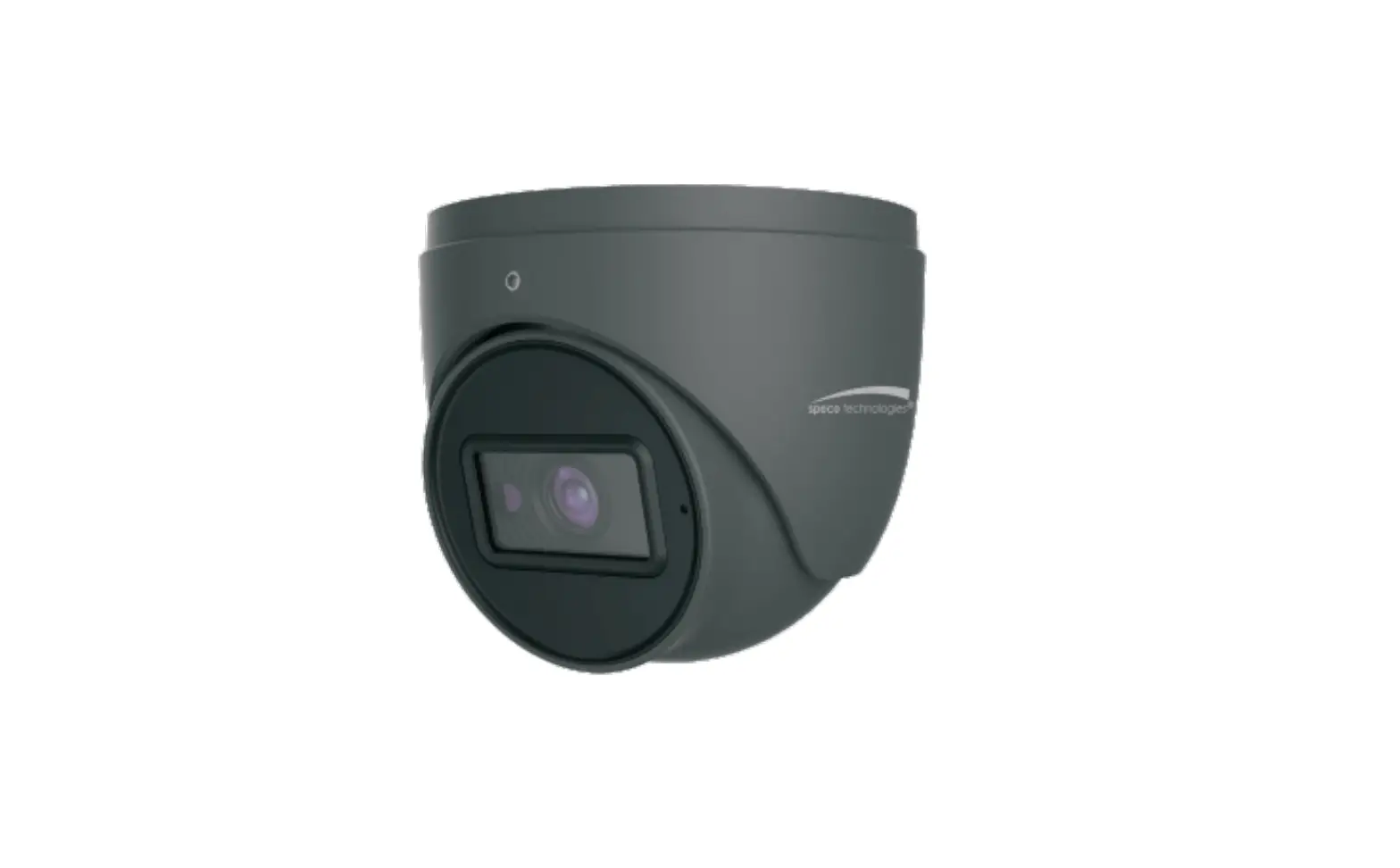
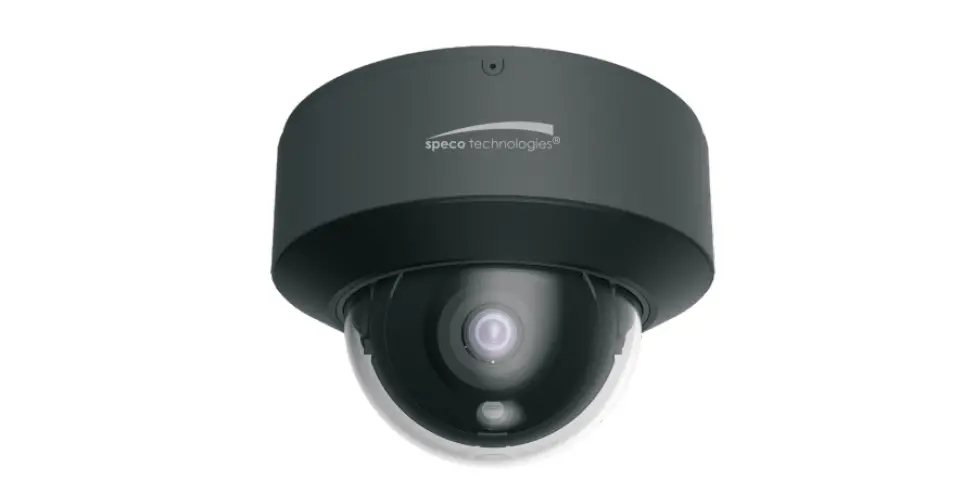
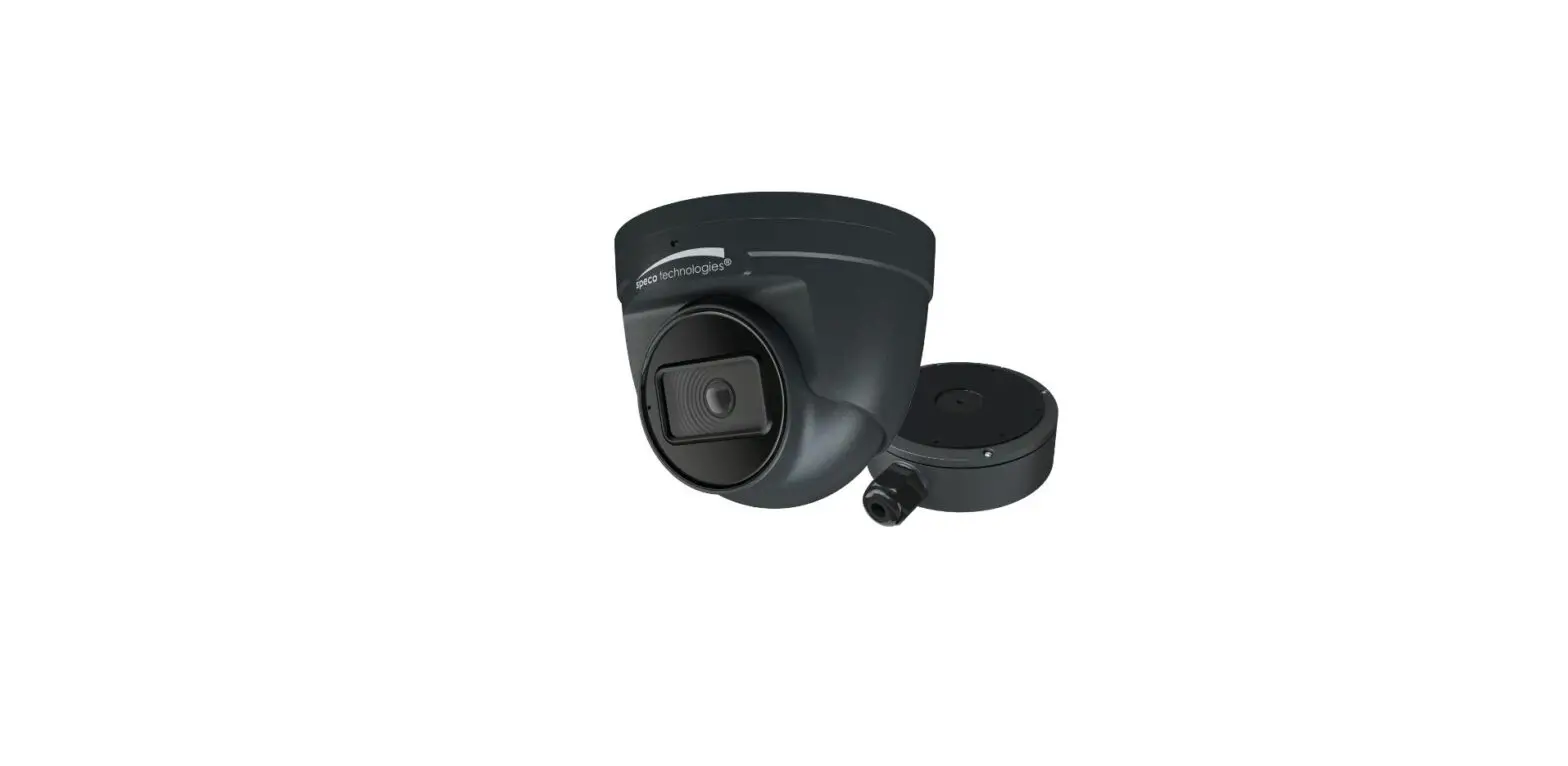
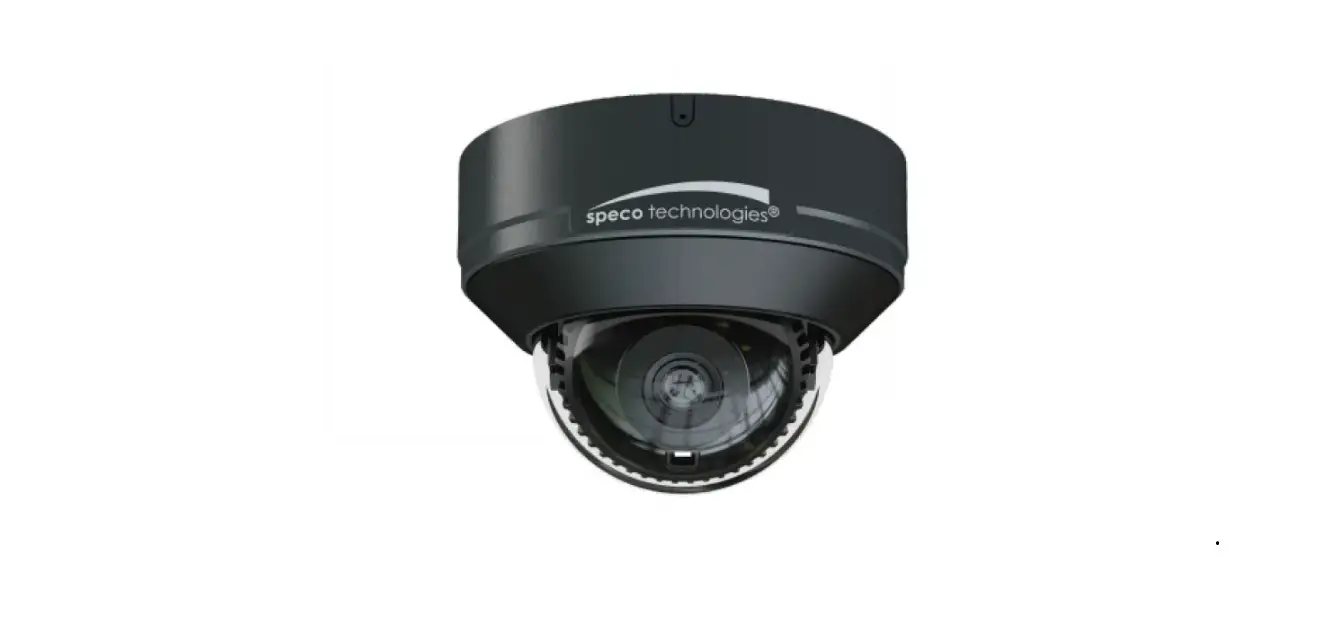
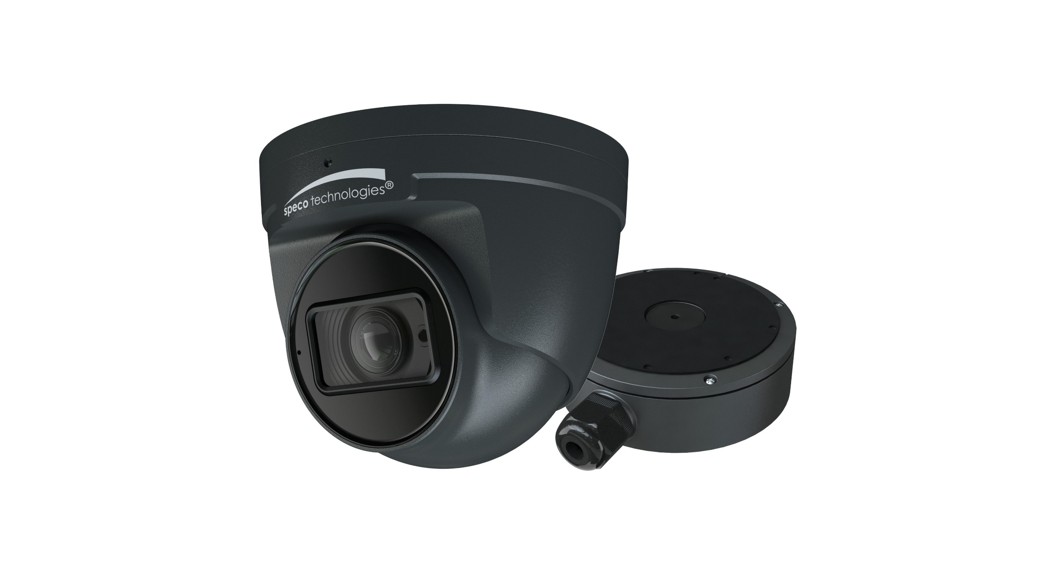
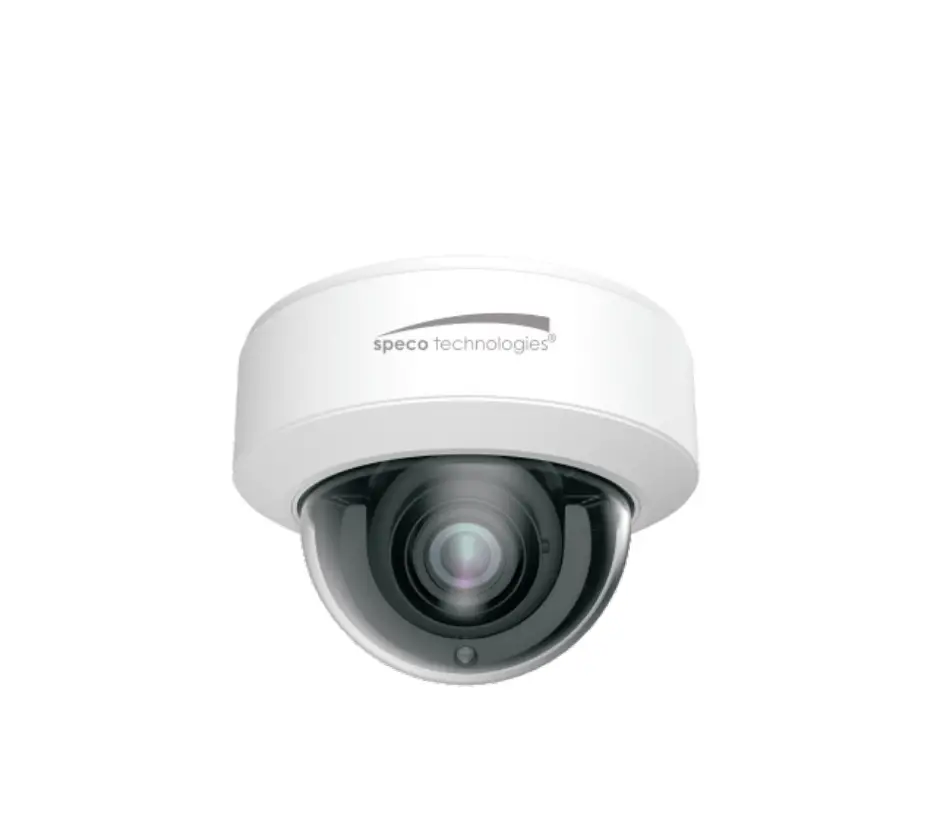
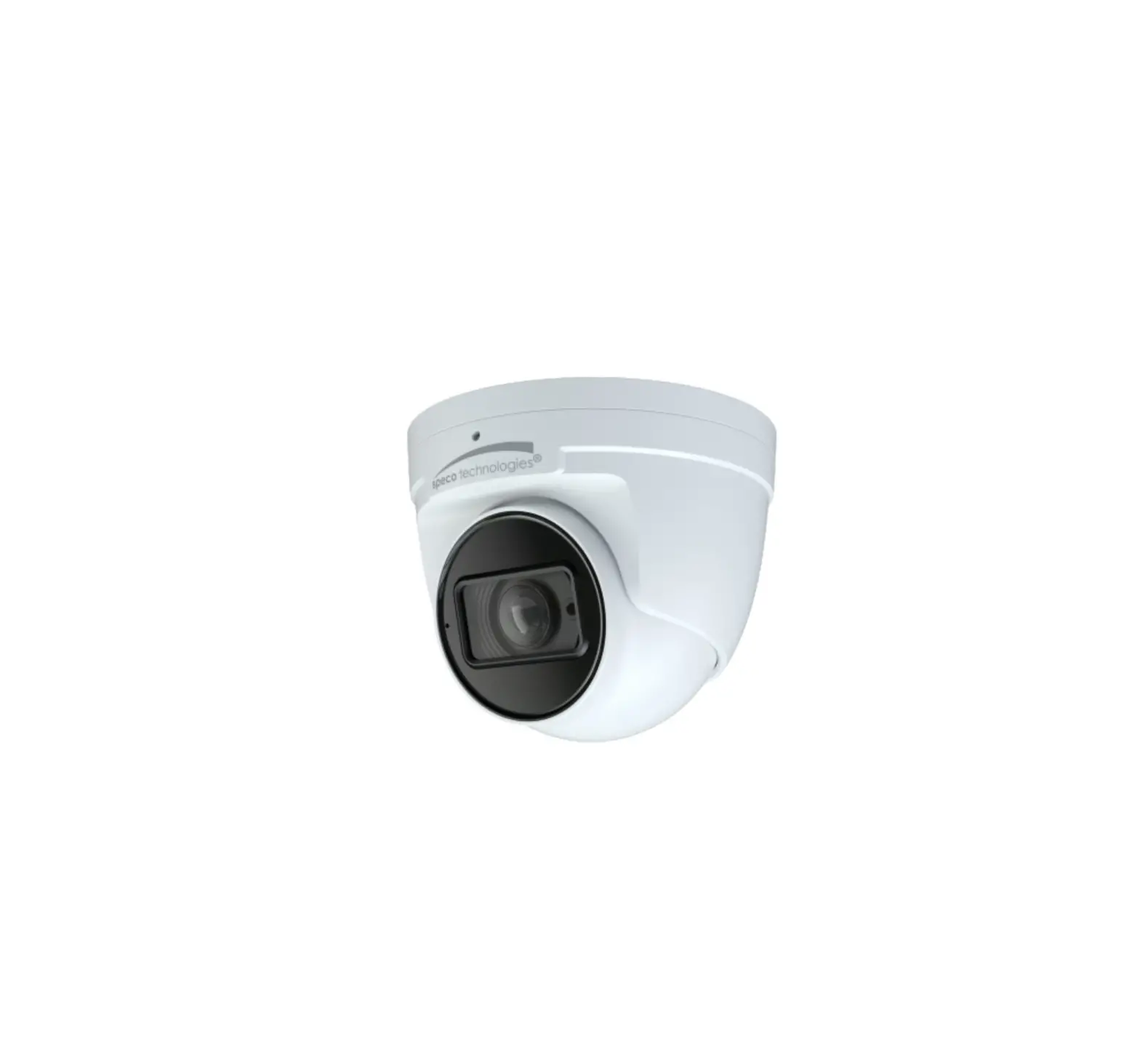
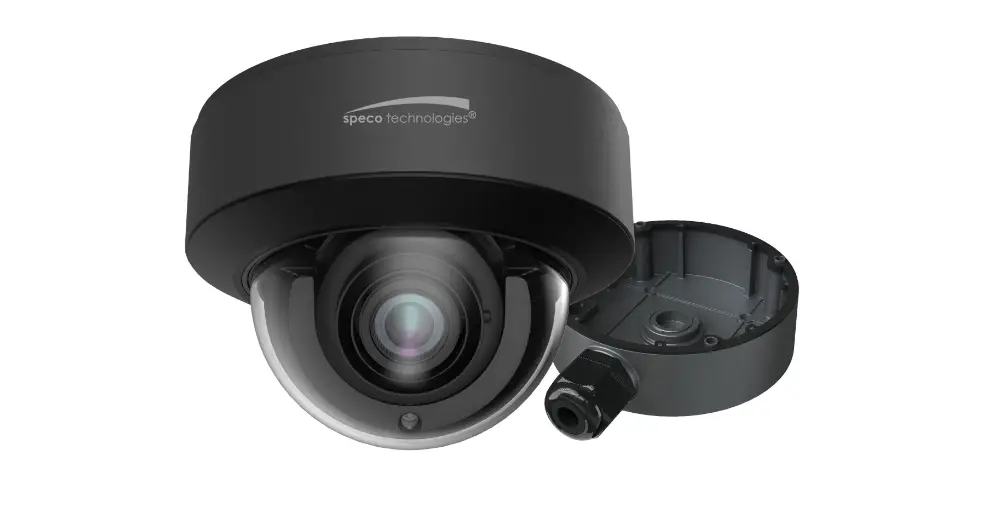
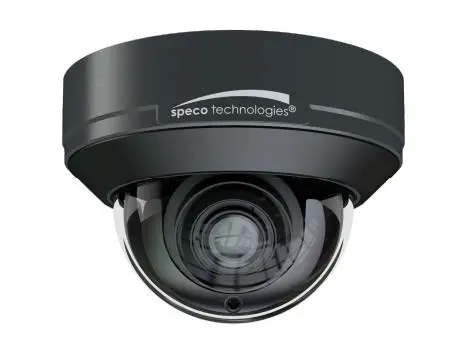
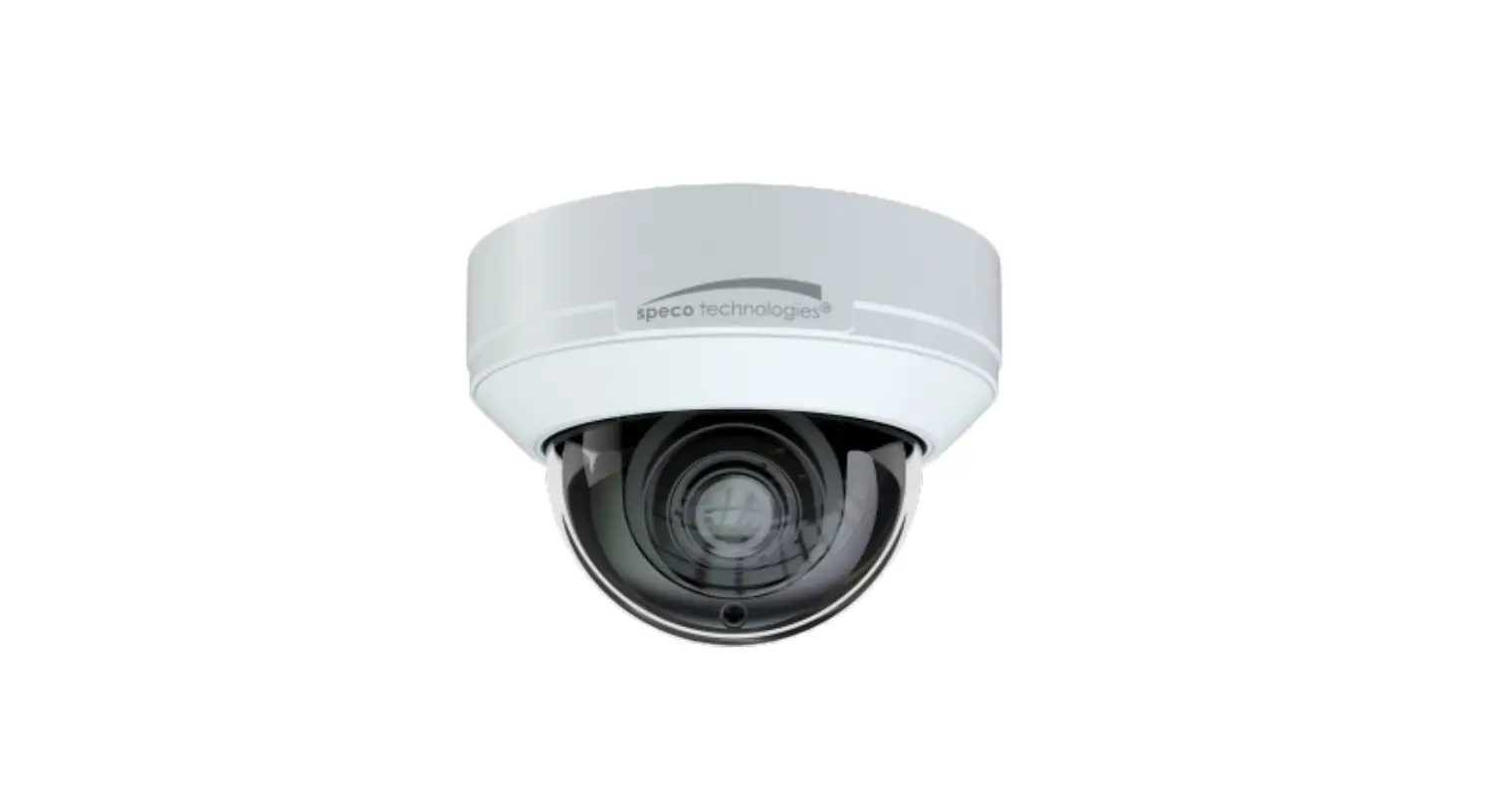
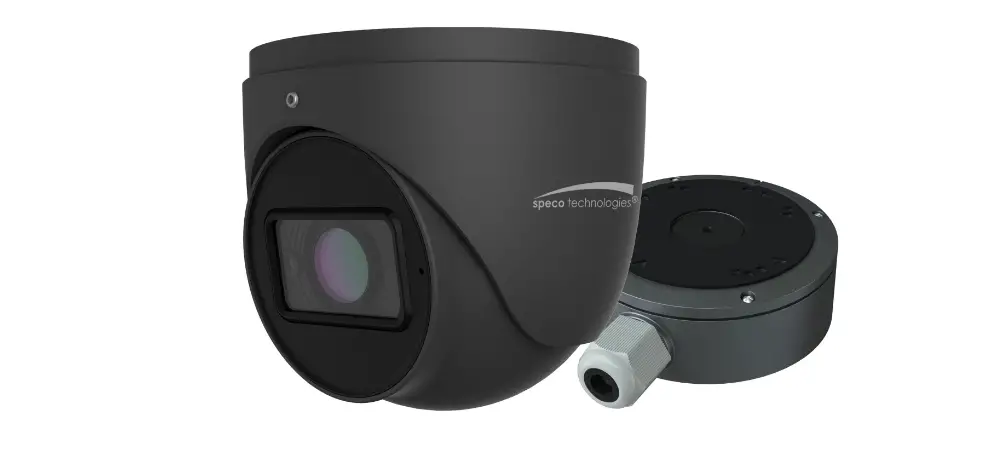
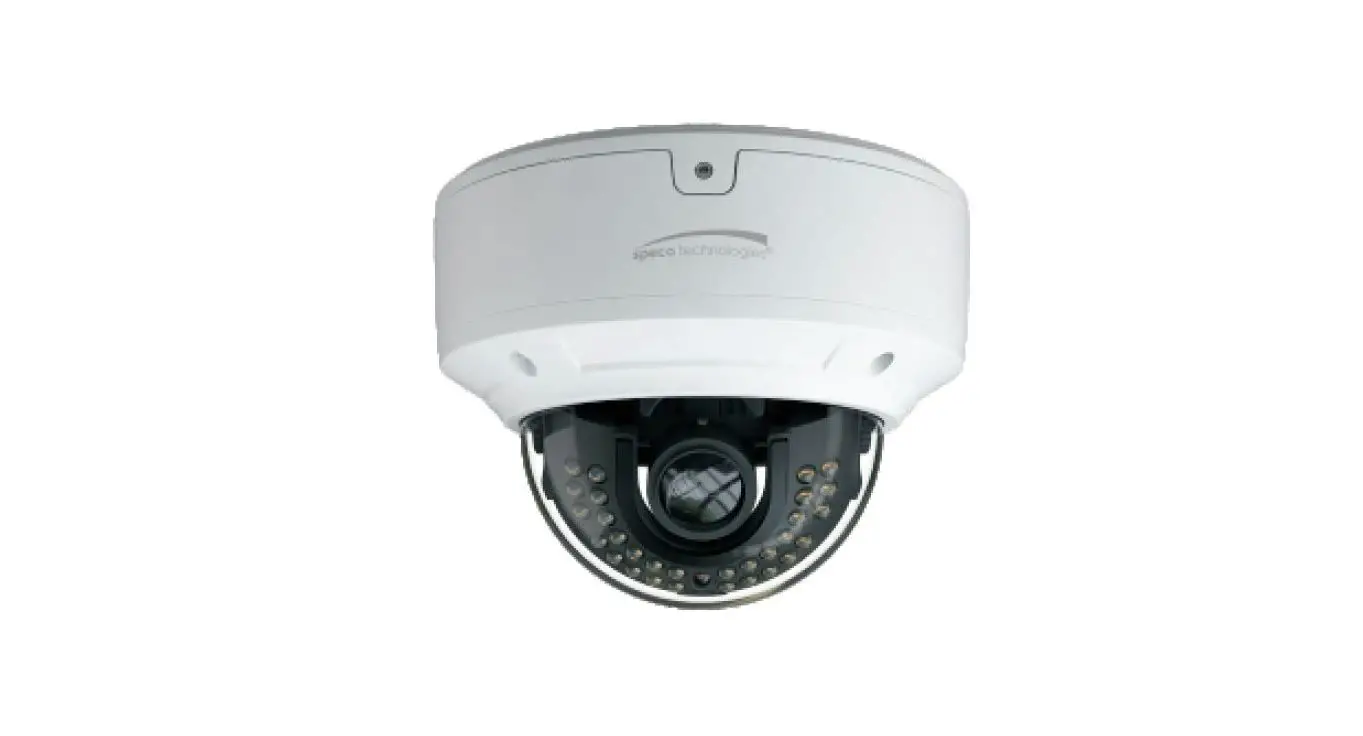
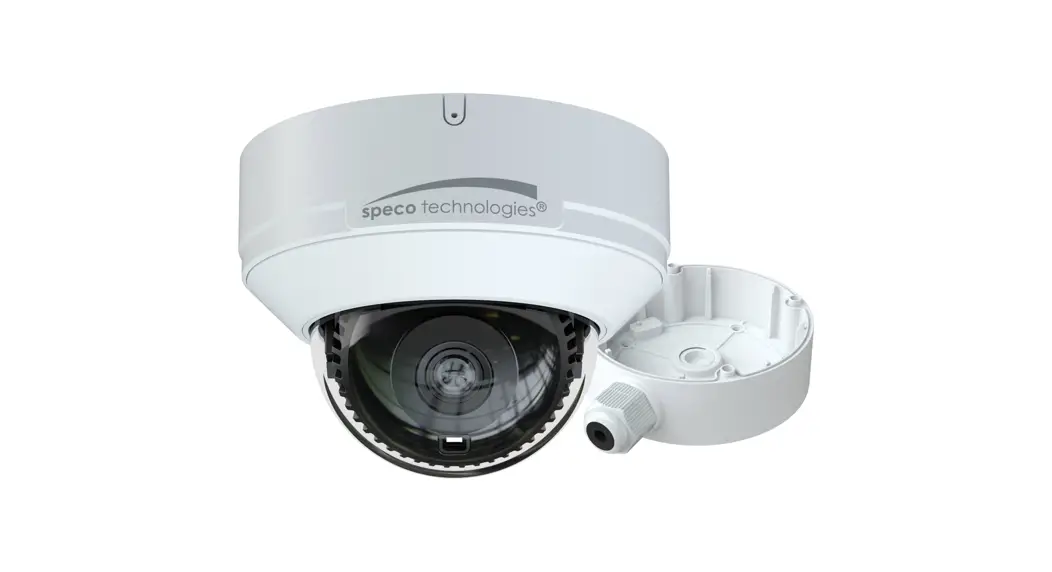
O4T9 4 Megapixel Network IR Outdoor Dome Camera
Product Information:
The O4T9 is a network camera designed for surveillance purposes.
It comes with various features and components to ensure
high-quality video monitoring.
Important Safeguards and Warning:
- All installation and operation must comply with local
electrical safety codes. - Use a certified/listed 12VDC Class 2 power supply only.
- Do not connect two power supplying sources to the device
simultaneously to avoid device damage. - The product must be grounded to reduce the risk of electric
shock. - Improper handling and/or installation may lead to fire or
electrical shock.
Operation and Daily Maintenance:
- Shut down the device and unplug the power cable before
performing any maintenance work. - Avoid touching the CMOS sensor optic component.
- Use a blower to clean the dust on the lens surface.
- Always use a dry soft cloth to clean the device.
- If there is excessive dust, use a cloth to clean it.
Warning:
This camera should only be installed by qualified personnel. Any
examination and repair work should also be done by qualified
personnel. Unauthorized changes or modifications may void the
warranty.
Statement:
This guide is for reference only. Product, manuals, and
specifications may be modified without prior notice. Speco
Technologies reserves the right to modify them without notice and
without incurring any obligation. Speco Technologies is not liable
for any loss caused by improper operation.
Note:
Before installation, check the package and ensure that all
components are included. Contact your representative or Speco
customer service department immediately if anything is broken or
missing in the package.
Product Usage Instructions:
Package Contents:
- Camera
- Quick start guide
- CD
- Junction box
- 7 Plastic screw anchors
- Drill Template
- 4 Rubber o-rings for screws
- Screwdriver
Overview of Camera:
The camera has the following components:
- Ethernet connector
- Audio input connector
- Power connector
- Mounting base
- Fixed screw
- Microphone
- Micro SD card slot
- Reset button
- Water-proof connector
- External microphone
- DC12V power supply
Note:
- It is recommended to install the water-proof connector for
outdoor installations. - DC 12V power supply is not required if a PoE switch or injector
is used to power the camera.
Connecting Network Cable:
- Loosen the nut from the main element.
- Run the network cable (without RJ 45 connector) through both
elements. - Crimp the cable with an RJ 45 connector.
- Connect the cable to the water-proof connector.
- Tighten the nut and the main cover.
Installation:
Before starting the installation, ensure that the wall or
ceiling is strong enough to withstand three times the weight of the
camera and the junction box. Follow these steps:
Mounting Base:
Open the mounting base and the upper cover of the junction
box.
Attaching the Junction Box:
- Attach the drill template of the junction box to the desired
installation location. - Drill the screw hole and cable hole on the wall according to
the drill template. - Install the junction box onto the wall using the provided
screws.
Quick Start Guide O4T9
Welcome
Thank you for purchasing this network camera! This owner’s manual is designed to be a reference tool for your system. Please read this manual carefully before operating the unit and retain it for future reference. Should you require any technical assistance, contact Speco Technologies Tech Support at 1-800-645-5516
Important Safeguards and Warning
1. Electrical safety All installation and operation here should conform to local electrical safety codes. Use a certified/listed 12VDC Class 2 power supply only. Please note: Do not connect two power supplying sources to the device at the same time; it may result in device damage! The product must be grounded to reduce the risk of electric shock. Improper handling and/or installation could run the risk of fire or electrical shock.
2. Environment Do not expose the unit to heavy stress, violent vibration or long-term exposure to water and humidity during transportation, storage, and/or installation. Do not install near sources of heat. Only install the product in environments inside the specification operating temperature and humidity range. Do not install the camera near power lines, radar equipment or other electromagnetic radiation. Do not block any ventilation openings if any. Use all the weatherproofing hardware requirement to minimize weather intrusion.
3. Operation and Daily Maintenance Please shut down the device and then unplug the power cable before you begin any maintenance work. Do not touch the CMOS sensor optic component. You can use a blower to clean the dust on the lens surface. Always use the dry soft cloth to clean the device. If there is too much dust, use a cloth
dampened with a small quantity of neutral detergent. Finally use the dry cloth to clean the device. Please use a professional optical cleaning method to clean the enclosure. Improper enclosure cleaning (such as using cloth) may result in poor IR functionality and/or IR reflection. The grounding holes of the product are recommended to be grounded to further enhance the reliability of the camera. Dome cover is an optical device, please don’t touch or wipe cover surface directly during installation and use, please refer to the following methods if dirt is found: Stained with dirt: Use oil-free soft brush or hair dryer to remove it gently. Stained with grease or fingerprint: Use oil-free cotton cloth or paper soaked with alcohol or detergent to wipe from the lens center outward. Change the cloth and wipe several times if it is not clean enough.
Warning
This camera should be installed by qualified personnel only. All the examination and repair work should be done by qualified personnel. Any unauthorized changes or modifications could void the warranty.
Statement
. This guide is for reference only. Product, manuals and specifications may be modified without prior notice. Speco Technologies reserves the right to modify these without notice and without incurring any obligation. Speco Technologies is not liable for any loss caused by improper operation.
Note: Before installation, check the package and make sure that all components are included. Contact your rep or Speco customer service department immediately if something is broken or missing in the package.
1 Package
Camera
Quick start guide
CD
Junction box
7 screws (PA 4×25mm)
7 Plastic screw anchors
Drill Template
3 Screws (PM 4×10mm)
4 Rubber o-rings for screws
Screwdriver
32 OOvveerrvviieeww
1 2 3
4 5 6
7
8
1 Ethernet connector 2 Audio input connector 3 Power connector 4 Mounting base 5 Fixed screw 6 Microphone 7 Micro SD card slot 8 Reset
Water-proof connector
External microphone
DC12V
* 1 It is recommended to install the water-proof connector for outdoor installations. * 2 DC 12V power supply is not required if a PoE switch or injector is used to power the camera.
Connecting Network Cable
1
2
3
Loosen the nut from the main element. Run the network cable (without RJ 45 connector) through both elements. Then crimp the cable with RJ 45 connector. Connect the cable to the water-proof connector. Then tighten the nut and the main cover.
3 Installation
* Before you start, please make sure that the wall or ceiling is strong enough to withstand three times the weight of the camera and the junction box. Open the mounting base and the upper cover of the junction box.
Mounting Base
Upper Cover
Attach the drill template of the junction box to the place where you want to install the junction box and then rill the screw hole and calbe hole on the wall according to the drill template. Install junction box onto the wall by using the screws provided.
4×
6.5×38mm
12mm
Rubber o-ring
Loosen the fixed screw to disassemble the camera. Then remove the cover from the camera unit to insert the SD card. After that, install the cover back to the camera unit and fix it firmly with the screws. (Note that the cover should not be installed unevenly .)
Fixed Screw Mounting Base Enclosure Camera Unit
Cover
Fasten the mounting base of the camera onto the junction box.
3×
6.6mm
PM 4x10mm
Route the cables through the cable hole and connect the cables. Then reinstall the upper cover onto the junction box and mount the camera unit and enclosure to the mounting base.
Adjust the camera to obtain an optimum angle. Before adjustment, preview the image of the camera on a monitor. After that, tighten the fixed screw to finish the installation.
Fixed screw
4 Web Operation and Login
IP Scanner can search for the device on the local network.
Operation
Make sure that the camera and the PC are connected to the same local network. The camera is set to DHCP by default. Install IP Scanner from the CD and run it after installation.
O4T9
5C:F2:07:24:68:9A
In the device list, you can view the IP address, model number, and MAC address of each device. Select the applicable device and double click to open up the web viewer. You can also manually enter the IP address in the address bar of the web browser .
The login interface is shown above. Default user name is admin and password is 1234. After logging in, follow directions to install applicable plugins if prompted.