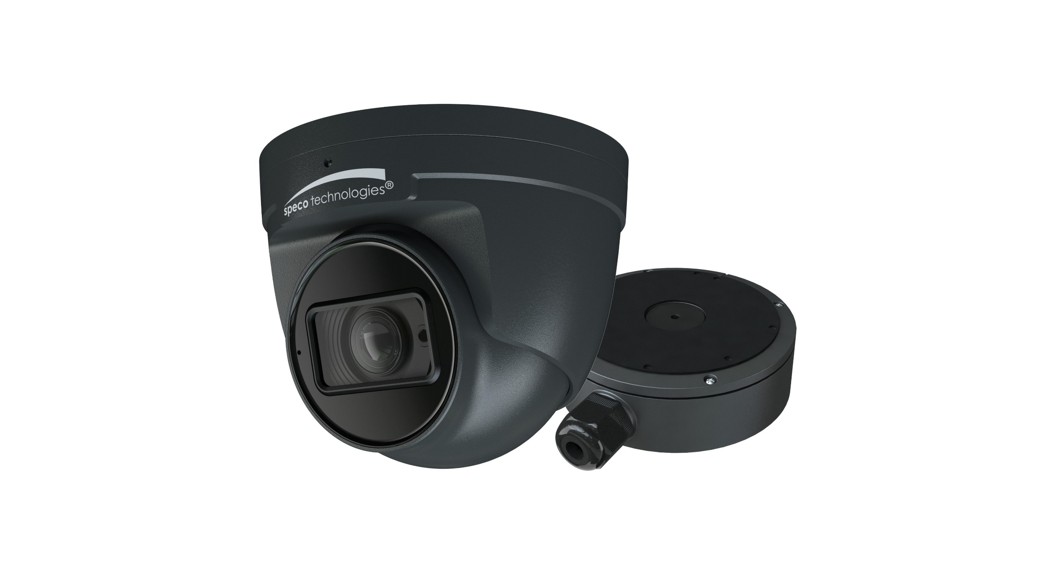
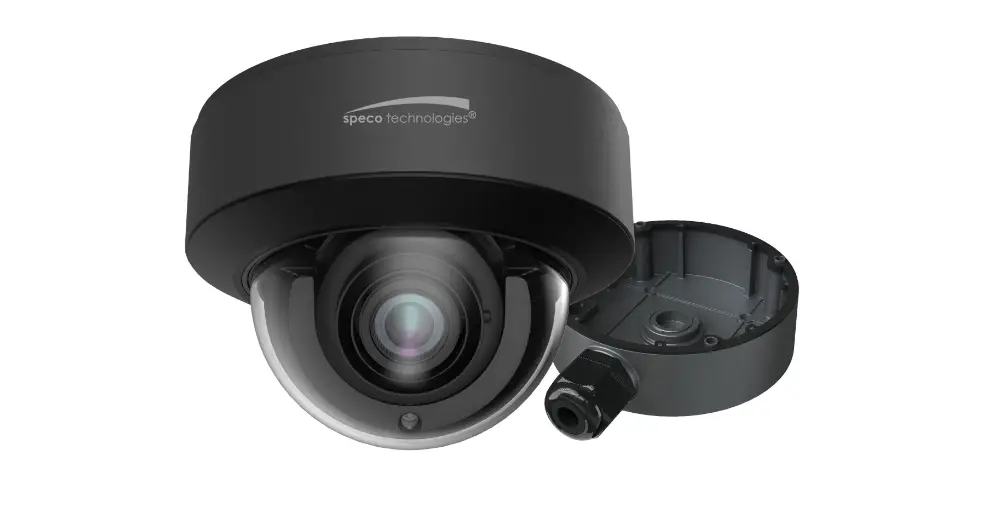
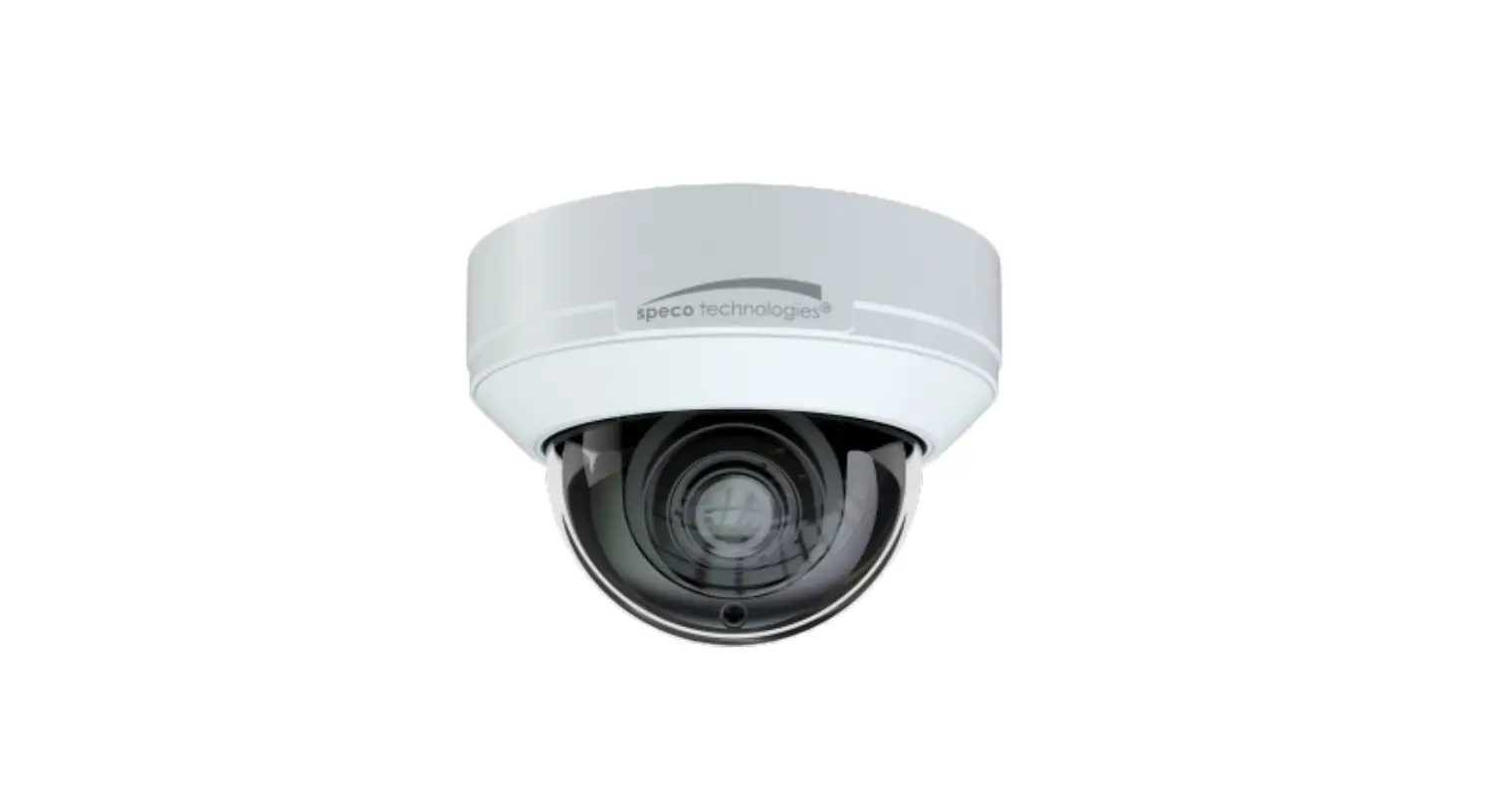
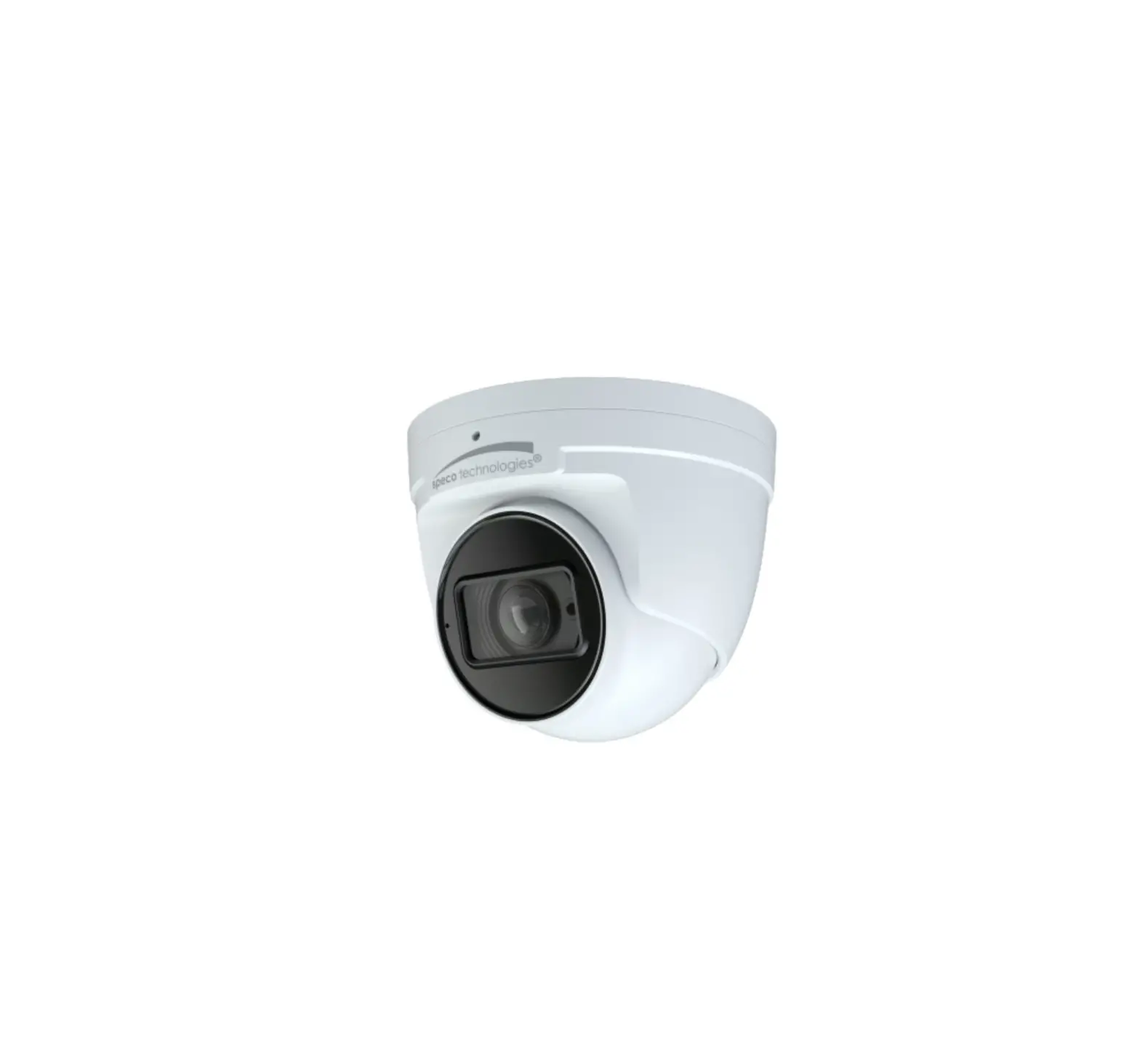
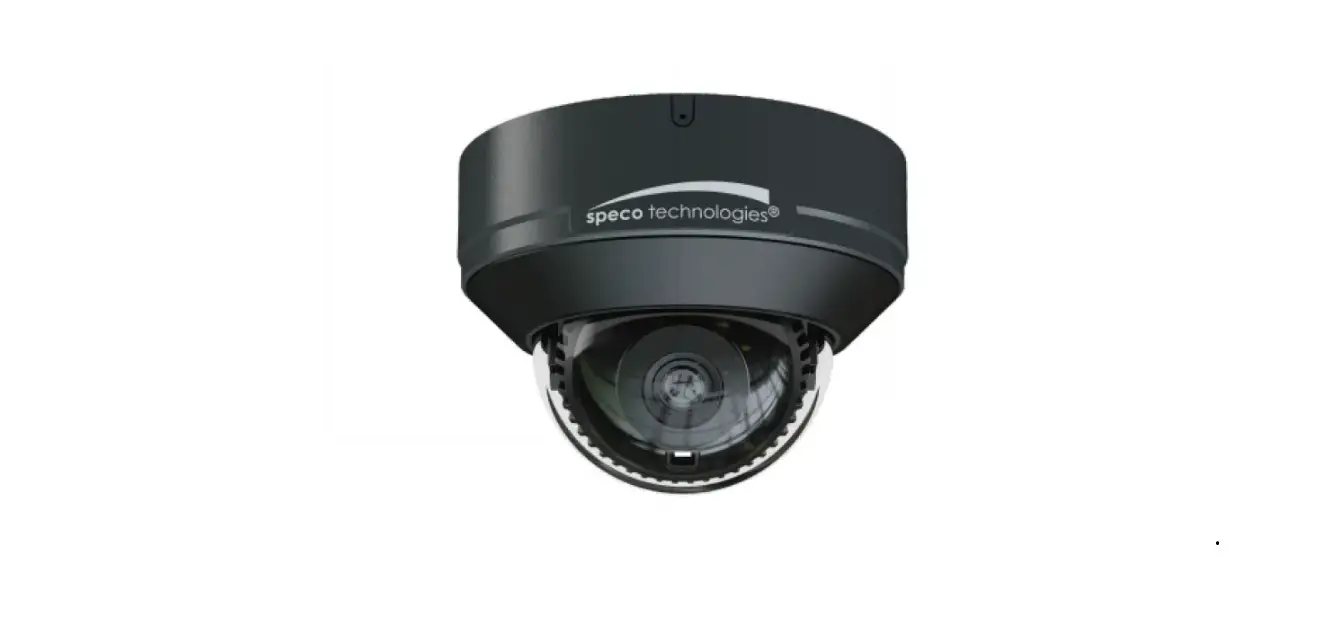
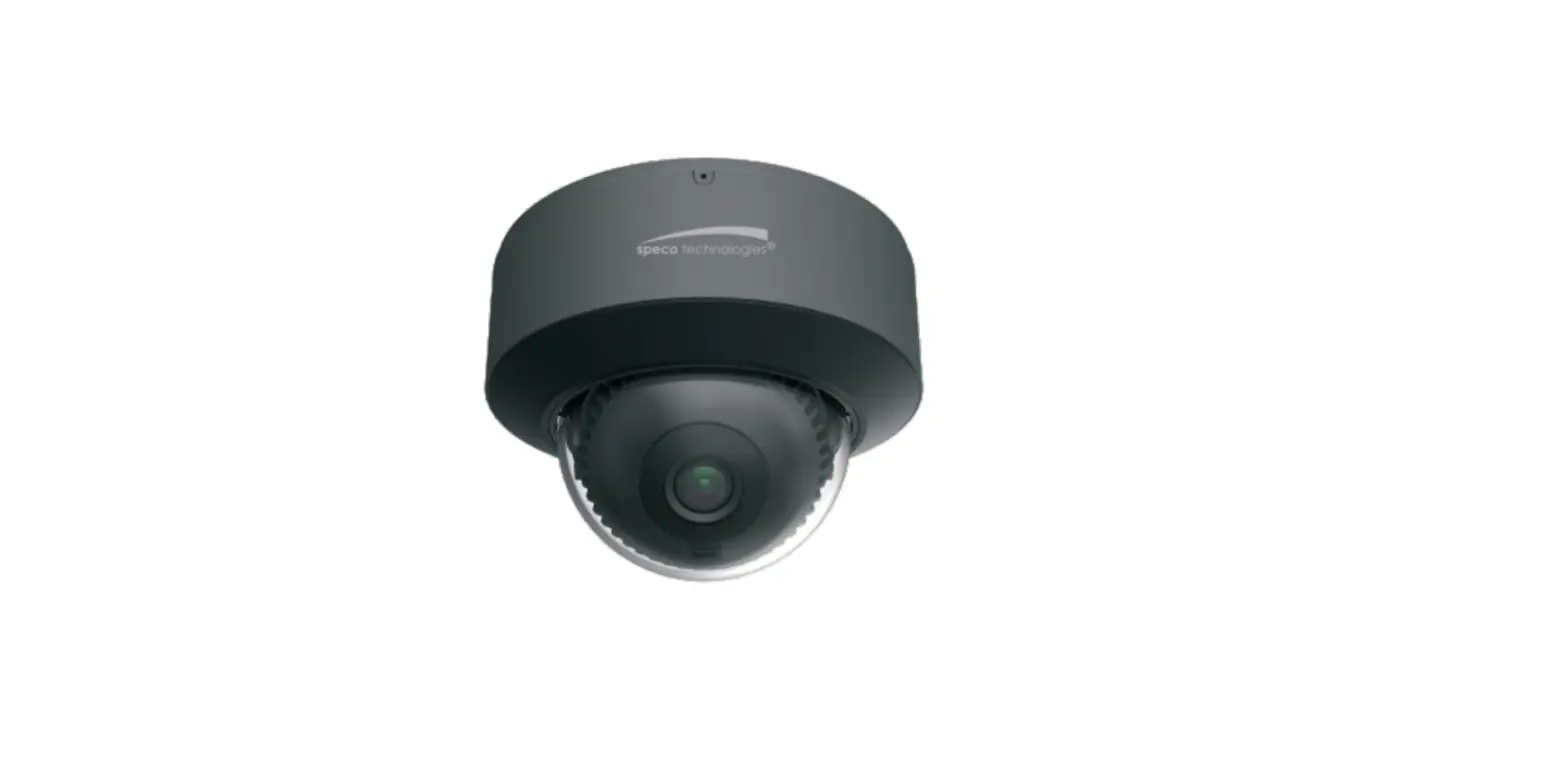
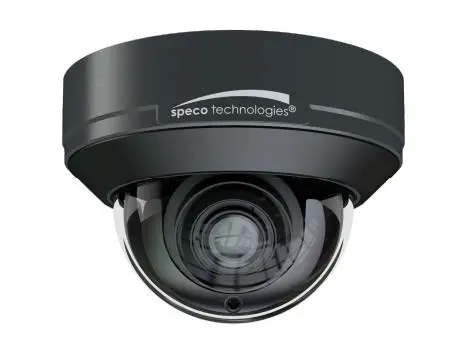
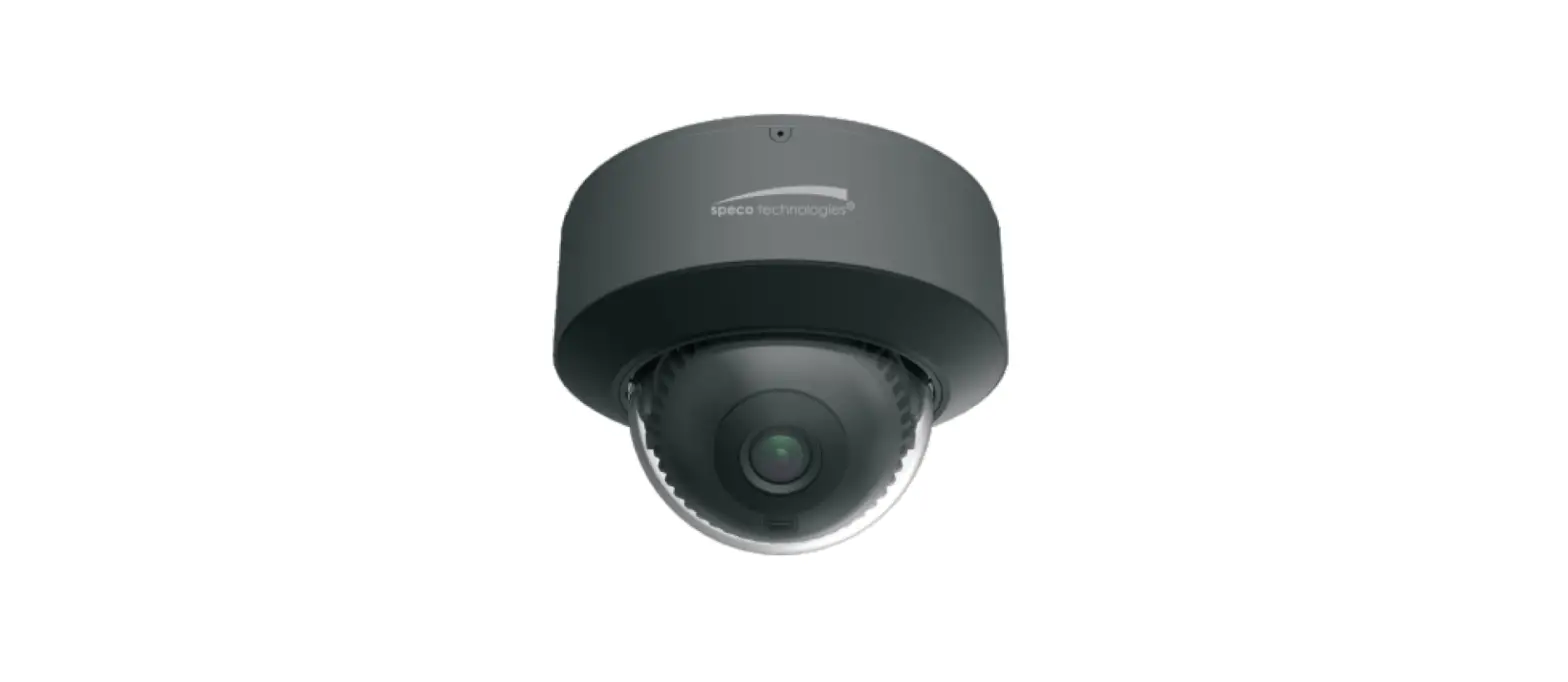
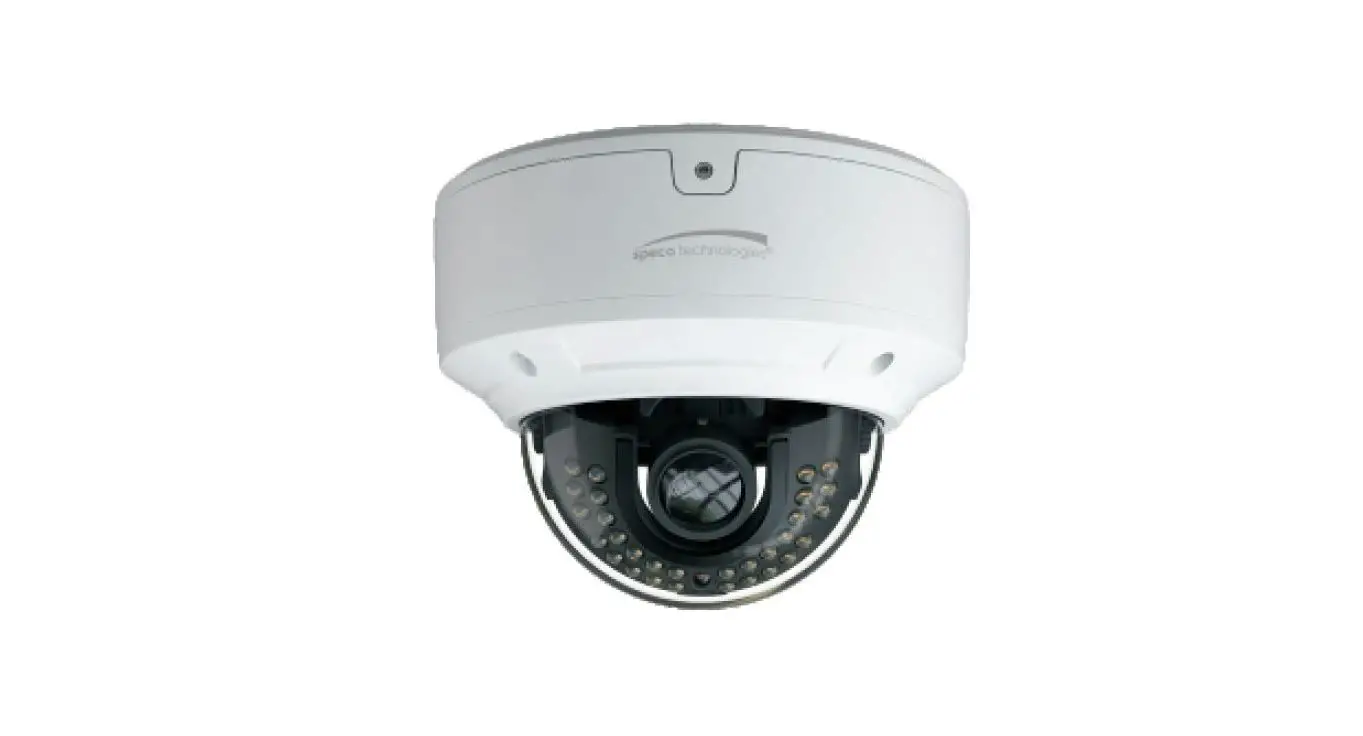
speco technologies O4VD2M 4 Megapixel Network IR Outdoor Dome Camera
Product Information
The O4VD2M is a network camera designed for surveillance purposes. It comes with various features and components to ensure high-quality video footage and reliable performance.
Important Safeguards and Warning
- All installation and operation should conform to local electrical safety codes. Use a certified/listed 12VDC Class 2 power supply only.
- Do not connect two power supplying sources to the device simultaneously, as it may result in device damage.
- The product must be grounded to reduce the risk of electric shock.
- Improper handling and/or installation could run the risk offire or electrical shock.
Operation and Daily Maintenance
- Shut down the device and unplug the power cable before performing any maintenance work.
- Avoid touching the CMOS sensor optic component.
- Clean the lens surface using a blower to remove dust. Always use a dry soft cloth to clean the device.
Warning
This camera should only be installed by qualified personnel. All examination and repair work should be done by qualified personnel. Unauthorized changes or modifications could void the warranty.
Statement
This guide is for reference only. Product, manuals, and specifications may be modified without prior notice. Speco Technologies reserves the right to modify these without notice and without incurring any obligation. Speco Technologies is not liable for any loss caused by improper operation
Note:
Before installation, check the package and ensure that all components are included. Contact your representative or Speco customer service department immediately if something is broken or missing in the package.
Product Usage Instructions
Package Contents
- Camera
- Quick start guide
- CD
- Screwdriver
- Rubber plug
- Drill template
- CVBS&DC IN cables
- 8 Plastic screw anchors
- 4 Rubber o-rings for screws
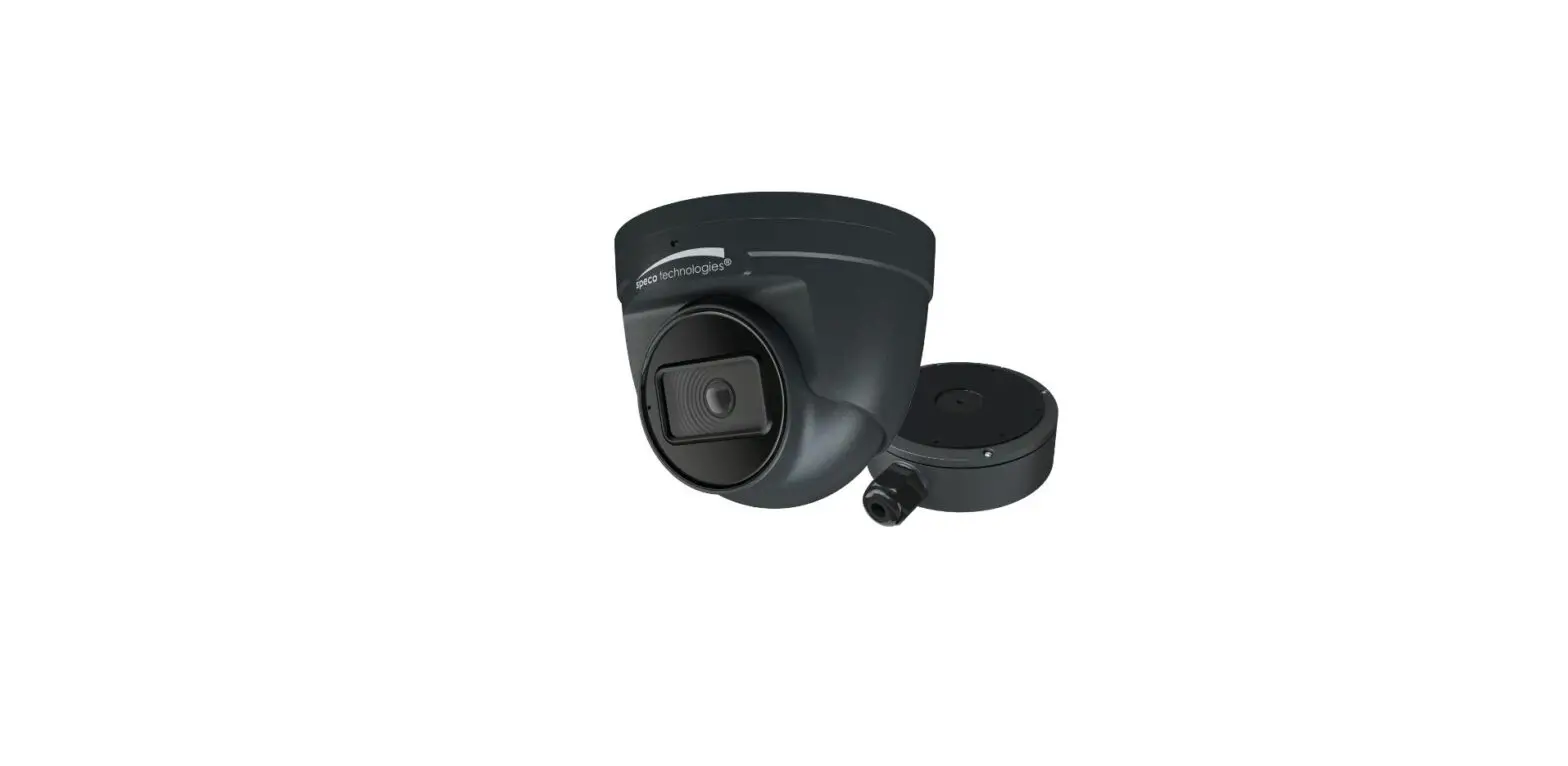
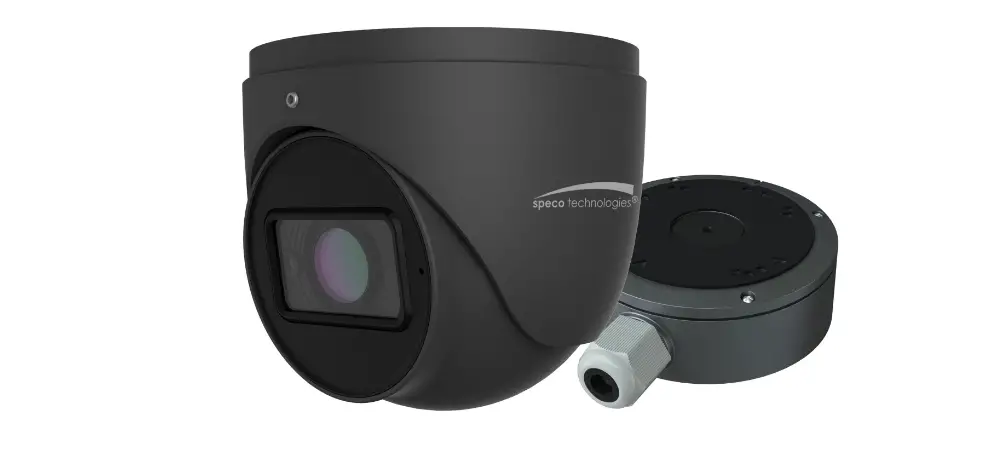
- Junction box
Overview
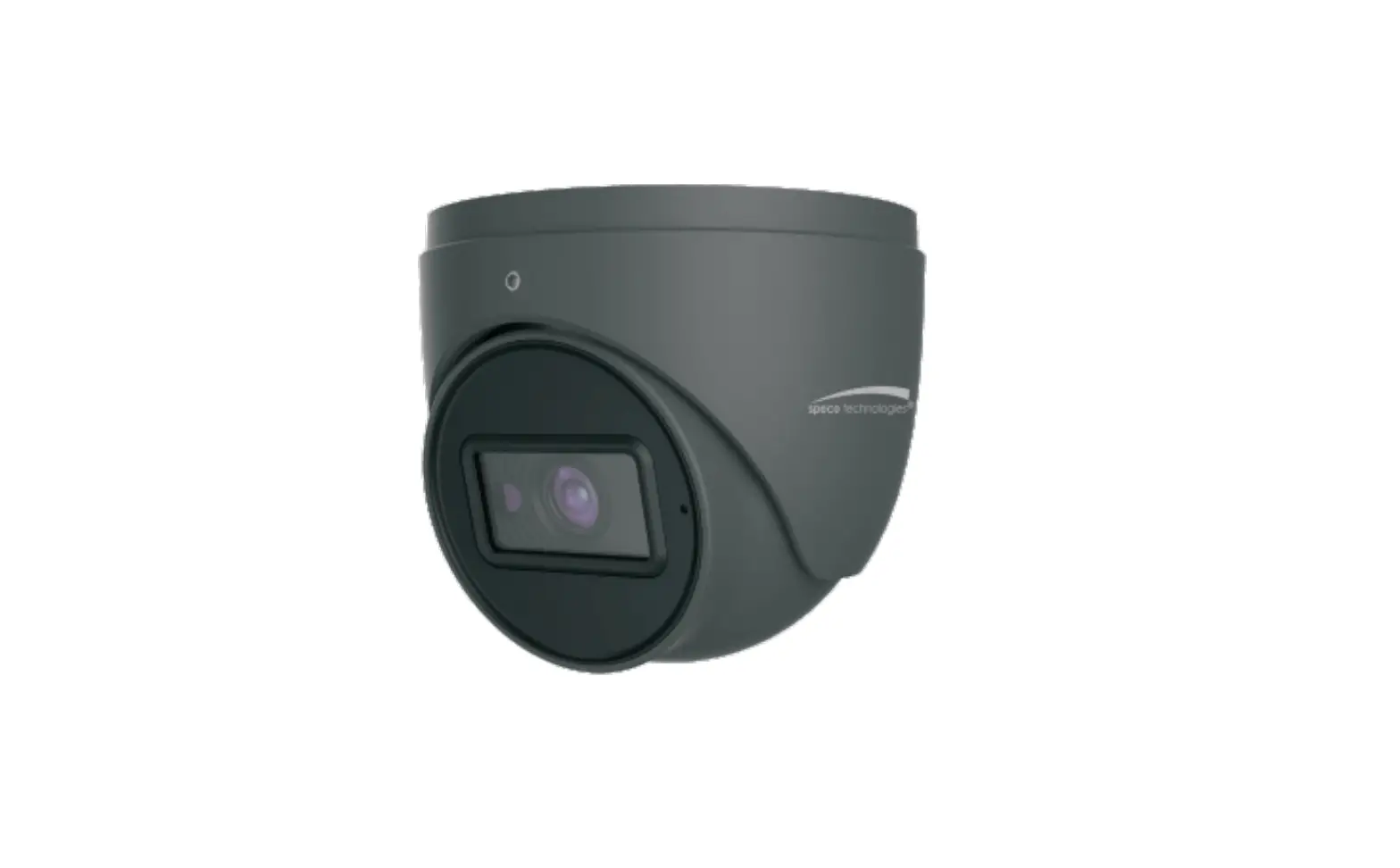
The camera has the following components:
- Ethernet Connector
- Audio Input (3.5mm)
- Power Connector
- Micro SD Card Slot
- Reset Button
- Microphone
- Water-proof connector
- External microphone
- DC12V (optional)
Note: It is recommended to install the water-proof connector for outdoor installations. DC 12V power supply is not required if a PoE switch or injector is used to power the camera.
Connecting Network Cable
- Loosen the nut from the main element.
- Run the network cable (without RJ45 connector) through both elements.
- Crimp the cable with an RJ45 connector.
- Connect the cable to the water-proof connector.
- Tighten the nut and the main cover.
Installation
Before starting the installation, ensure that the wall or ceiling can withstand three times the weight of the camera.
- Attach the drill template of the junction box to the desired installation location.
- Drill the screw hole and cable hole on the wall according to the drill template.
- Install the junction box onto the wall using the provided screws.
- Align the gap of the trim ring with the microphone by turning the trim ring with your fingers.
- Remove the trim ring from the gap of the camera.