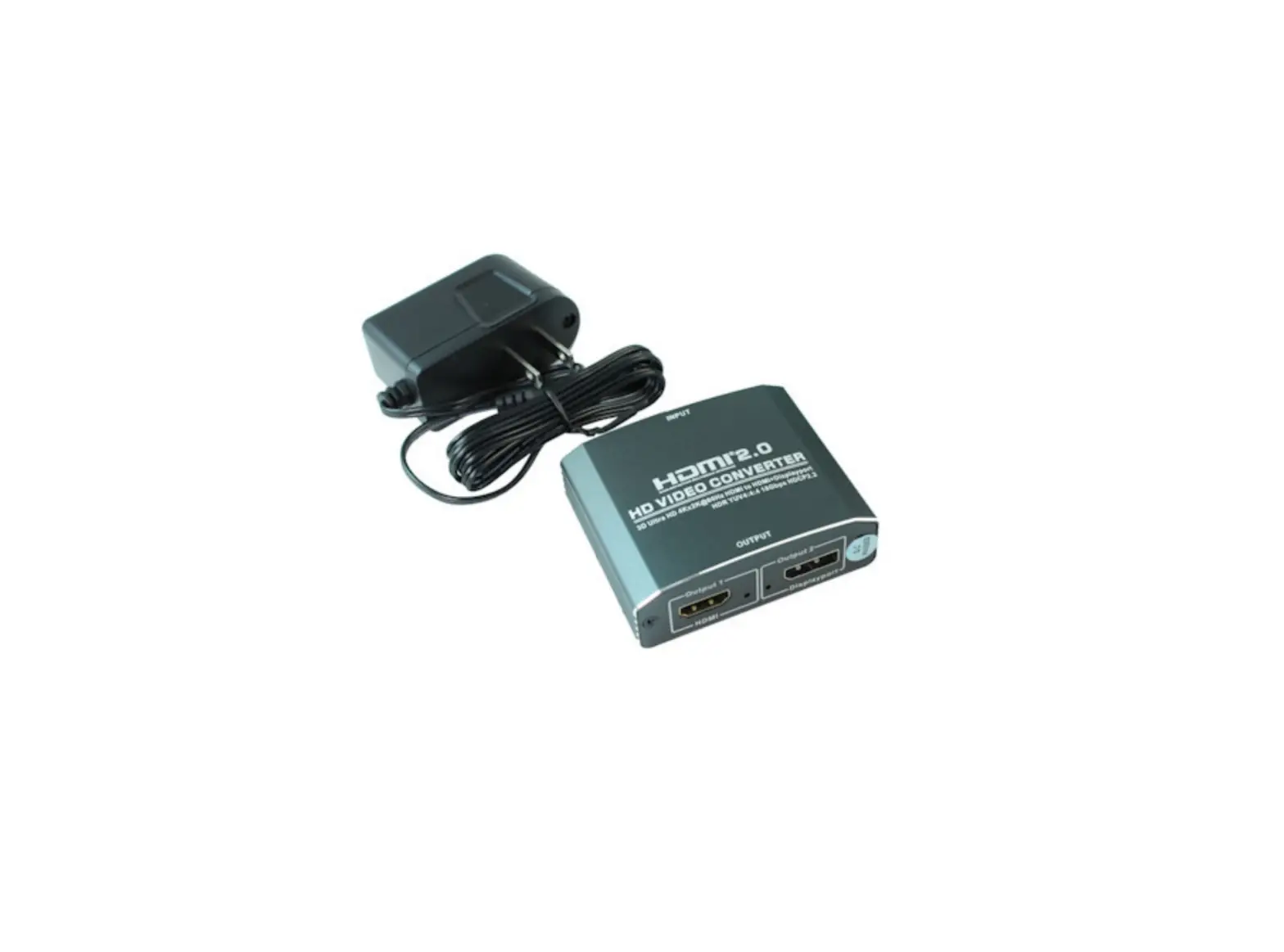
MyCableMart HD Video Converter ZT-T-631
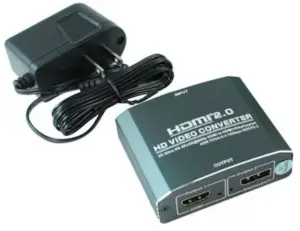
Bringing 4K High-Definition to life!
Please read the manual carefully before using this product.
INTRODUCTION
The converter converts a set of HDMI 2.0 signals into a set of HDMI signals and a set of DisplayPort signal sync outputs.
It offers solutions for noise, space and security concerns, data center control, information distribution, conference room presentation, school and corporate training environments.
FEATURES
- Plug and play, Installs in minutes;
- Support the HDCP2.2 protocol, Support for HDMI2.0;
- Support HDR 18Gbps YUV4:4:4;
- One HDMI input converted to HDMI+Displayport output;
- Displayport output support DP1.2;
- HDMI Input resolution: up to 4Kx2K(60Hz);
- HDMI/DP Output resolution: up to 4Kx2K(60Hz);
- Support HDMI and Displayport signal synchronization distribution.
PACKAGE CONTENTS
Before attempting to use this unit. please check the packing and make sure the following items are contained in the shipping carton:
- Main unit———————————-1Pcs
- User’s Manual—————————–1Pcs
- 5V DC Power Supply——————–1Pcs
SPECIFICATIONS
| HDMI IN/Out Resolution | 480i/p,576i/p,720p,1080i/p,4Kx2K@60Hz |
| DP output | 480i/p,576i/p,720p,1080i/p,4Kx2K@60Hz |
| Support video color format | 24bit/36bit/48bit deep color |
| Max bandwidth | 600MHz |
| Max baud rate | 18Gbps |
| Input/output TMDS signal-Input/Output TMDS signal- | 0.5~1.5Volts p-p(TTL) |
| Input/output DDC signal | 5Volts p-p (TTL) |
| Input cable distance | ≤10m 28AWG |
| Output cable distance | ≤10m 28AWG HDMI standard cable |
| Max working current | 500mA |
| Power adapter | Input: AC(50/60HZ) 100V-240V; Output: DC5V/1A |
| Operating Temperature range | (-15 to +55℃) |
| Operating Humidity range | 5 to 90%RH (No no Condensation) |
| Dimension (L x W x H) | 73X60.5X22.5 (mm) |
| Weight | 90g |
PANEL DESCRIPTIONS
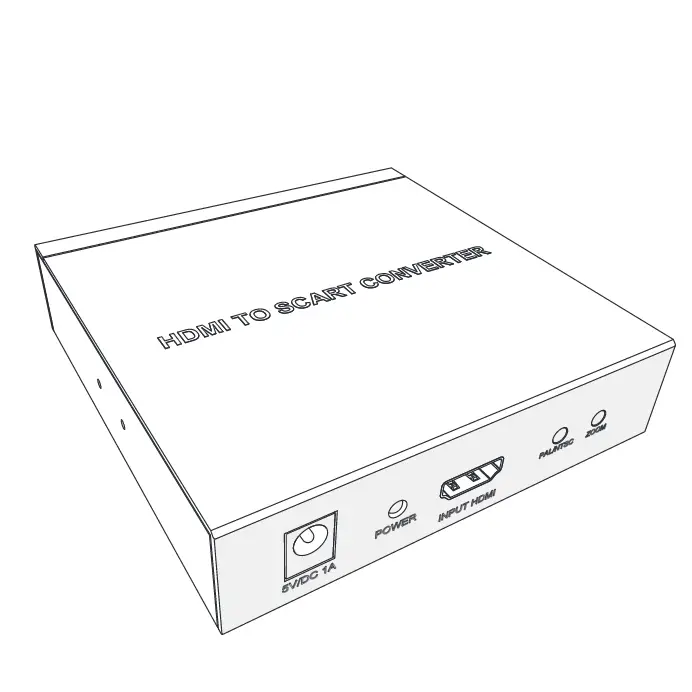
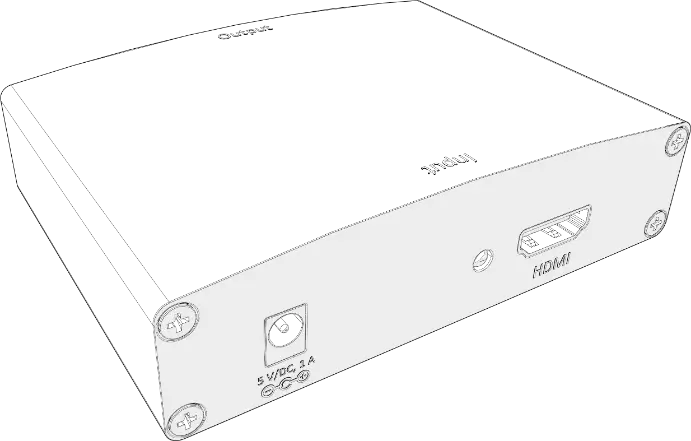
Please study the panel drawings below and become familiar with the signal input(S),output(S)and power requirements.
| DC/5V | 5V Power Interface |
| Power | Power indicator |
| HDMI | HDMI Input |
| Output1 | HDMI Output |
| Output2 | Displayport Output |
Operating and Connecting
Before installation, please make sure all devices you wish to connect have been turned off.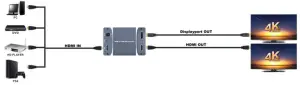
- To use one HDMI cable to connect the HD Source with the input HDMI port.
- To connect the converter HDMI output port with the HDMI Display.
- To connect the converter Displayport output port with the DP Display.
- To connect the converter with 5V DC power adaptor.
- Power on all connected devices, choose the input of the display device to its HDMI/DP channel.
INSTALLATION AND PRECAUTIONS
To avoid electrical shock , product damage and to protect your safety , please notice the following:
- Please slowly plug or unplug signal cables and do not often plug , unplug , or shake them.
- The equipment should not be placed under the sun , rain and damp or unventilated environment.
- Liquid items should not be placed on the equipment.
- Do not install the equipment near heat sources such as fire , power , or other amplifiers that produce heat.
- Do not insert the metal or other objects to the equipment in addition to connecting cables to ports.
- Do not demolish the equipment by yourself ; it should be maintained by professional maintenance staff.