
User manul
Password: china123 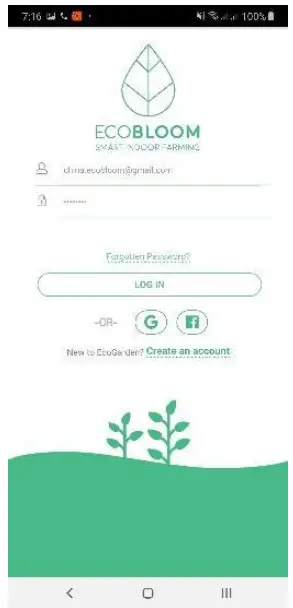
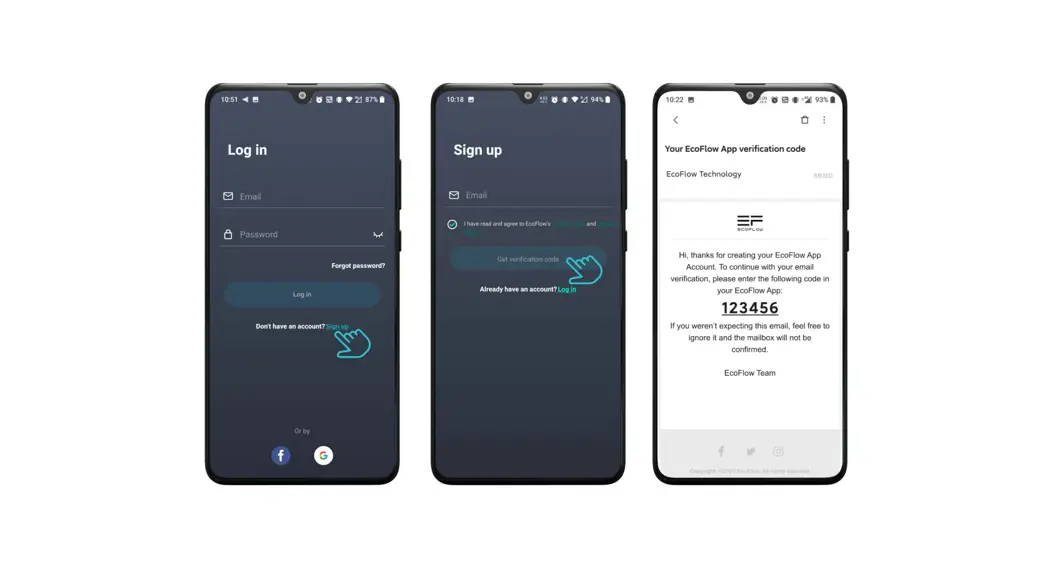
- Install the Ecobloom app
- Turn on the VPN to any location except China
- Open the Ecobloom app
- Login with the given details: username/email: china.[email protected]

- Come out of the app
- Turn on the Eco garden (ESP motherboard)
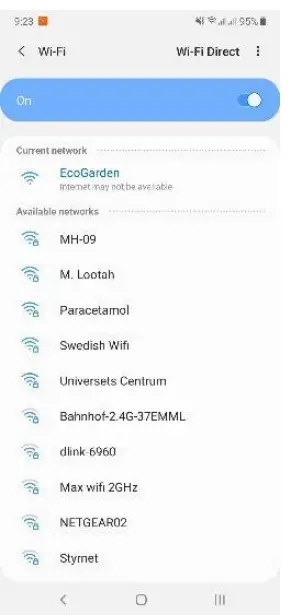
- On the mobile phone, search for the Eco garden WiFi and connect to it

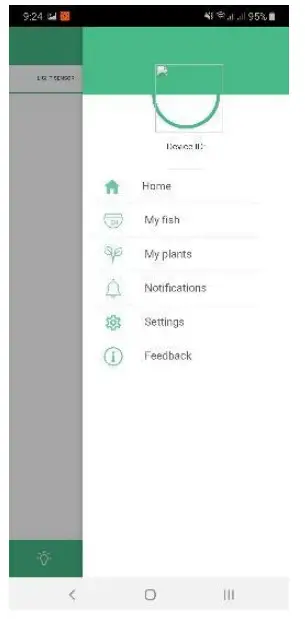
- Go to the Ecobloom app, in that go to Settings

- Connect the Eco garden to the nearby WiFi (which has VPN activated in it) by selecting the correct WiFi from the dropdown and entering the password and clicking Enter

- This will take you to a linking page. Press the “Link” button
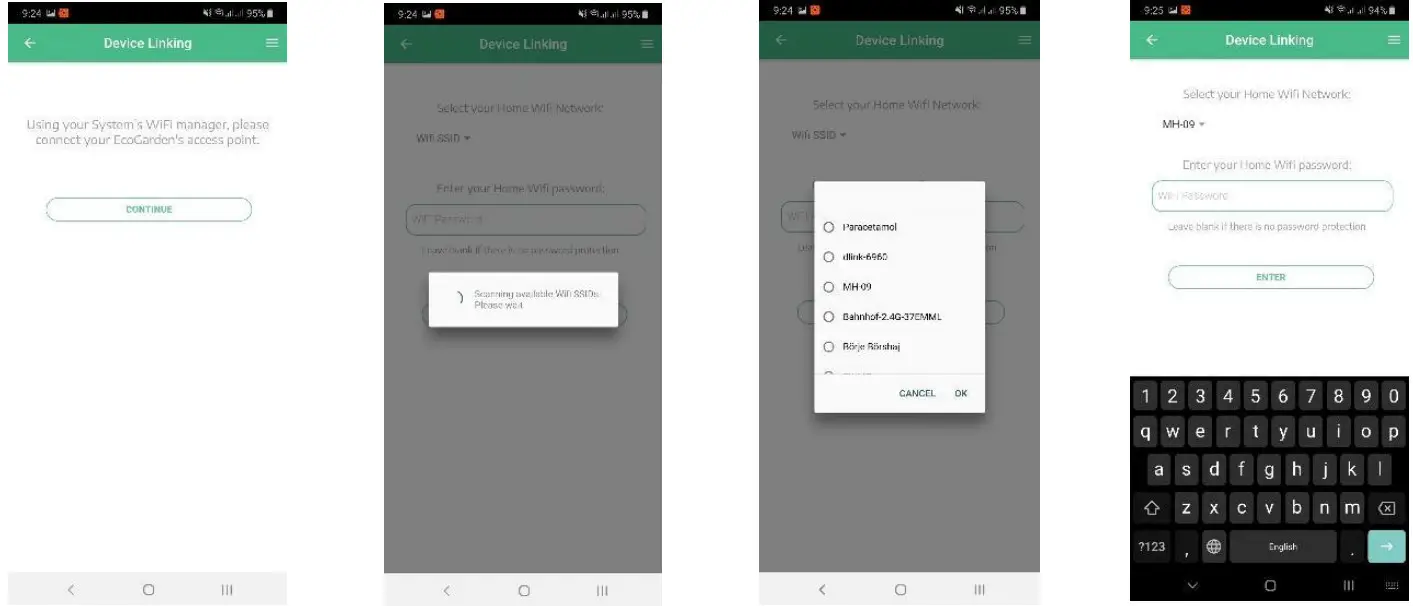
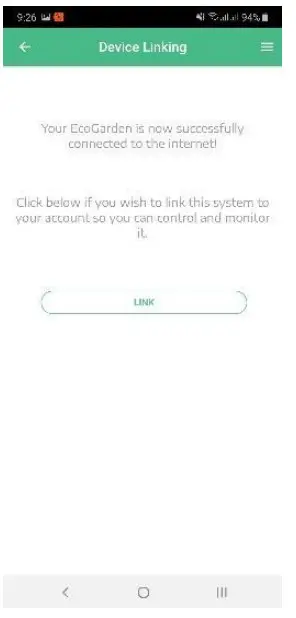
- Turn on the internet
- Open the Ecobloom App and log in with the given details as before
- Setup a WiFi Hotspot named: WorkAround Frihamnen
Password: Frihamnen2019 - Turn on the Eco garden
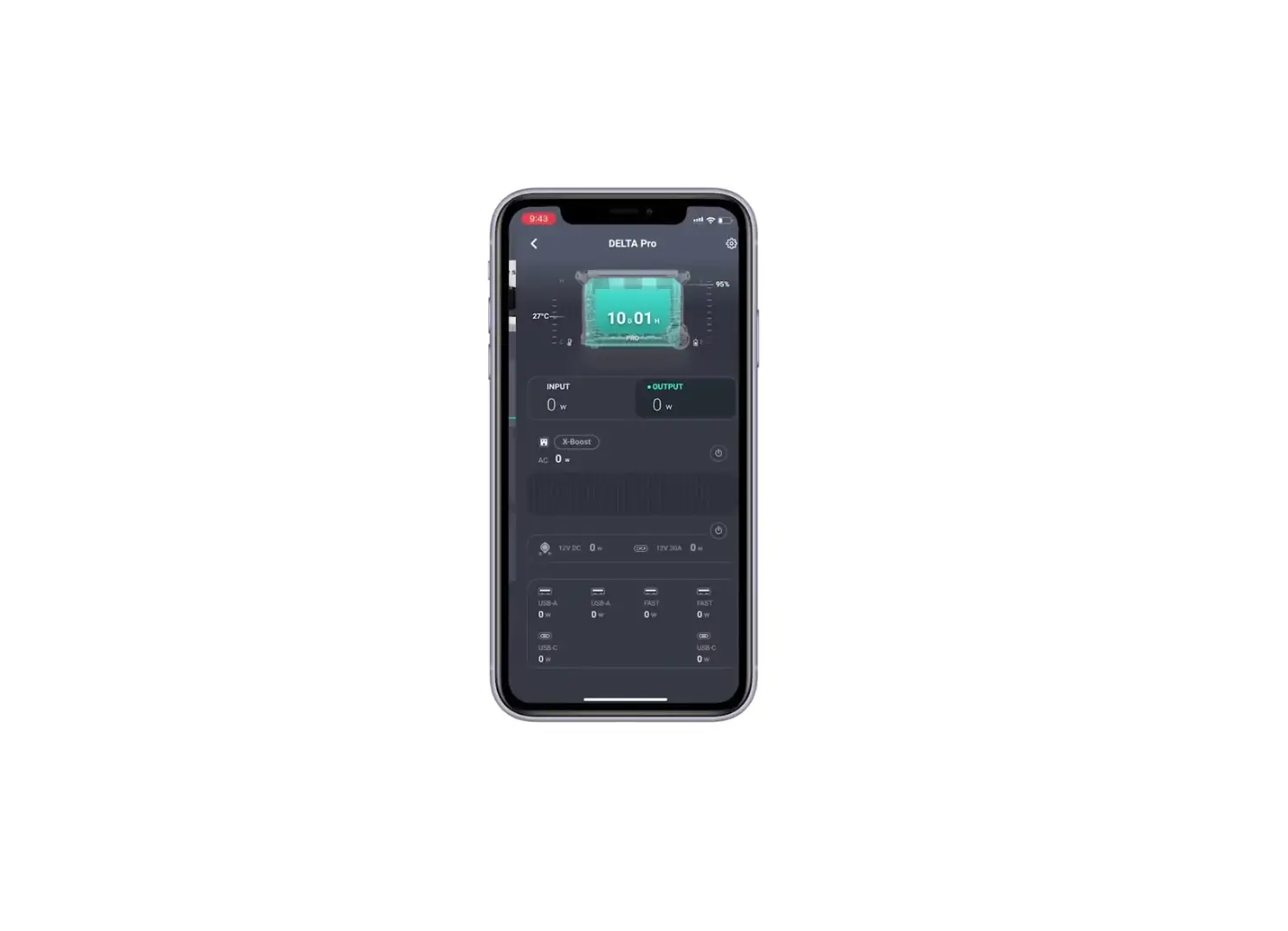
- Go to the app, try to control the components like LED and motor
After connecting to EcoGarden WiFi, open any browser on the phone and go to the address “http://192.168.4.1/”
If the phone is connected to the EcoGarden WiFi, then you will see a few files on the given address as shown below. 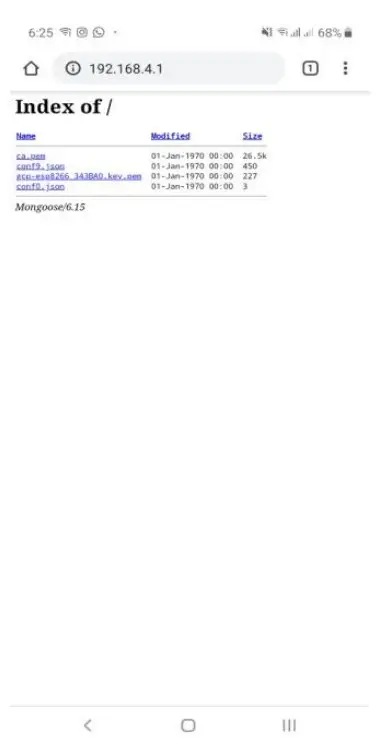
If it doesn’t show anything like this, then the phone is not connected to EcoGarden WiFi
To think about the certification process
- Water line
There is a specific water line that users should not cross when filling up the tank. It’s depicted on the part. - Power supply
Certified and recommended power supply should always have the specs 12V & 2,5 A. This product will be included (as default) in every product package. - certified material
All materials are FDA-approved, and the ABS is also BPA-free. - Certified electronics
All electronics have been tested for over two years and have all the proper and necessary certifications. We only use high-quality components (originally from the US and Germany). - Certified silicone and glue
The used silicone and glue will be certified. - Waterproof connectors
The water pump has at least an IP-7 waterproof connector.
FCC Statement:
This device complies with part 15 of the FCC Rules. Operation is subject to the following two conditions: (1) This device may not cause harmful interference, and (2) this device must accept any interference received, including interference that may cause undesired operation. This equipment has been tested and found to comply with the limits for a Class B digital device, pursuant to part 15 of the FCC Rules. These limits are designed to provide reasonable protection against harmful interference in a residential installation. This equipment generates, uses, and can radiate radio frequency energy and, if not installed and used in accordance with the instructions, may cause harmful interference to radio communications. However, there is no guarantee that interference will not occur in a particular installation. If this equipment does cause harmful interference to radio or television reception, which can be determined by turning the equipment off and on, the user is encouraged to try to correct the interference by one or more of the following measures:
—Reorient or relocate the receiving antenna.
—Increase the separation between the equipment and receiver.
—Connect the equipment into an outlet on a circuit different from that to which the receiver is connected.
—Consult the dealer or an experienced radio/TV technician for help.
Caution: Any changes or modifications not expressly approved by the party responsible for compliance could void the user’s authority to operate the equipment. This equipment complies with FCC radiation exposure limits set forth for an uncontrolled environment. This transmitter must not be co-located or operating in conjunction with any other antenna or transmitter. This equipment should be installed and operated with a minimum distance of 20cm between the radiator&your body.