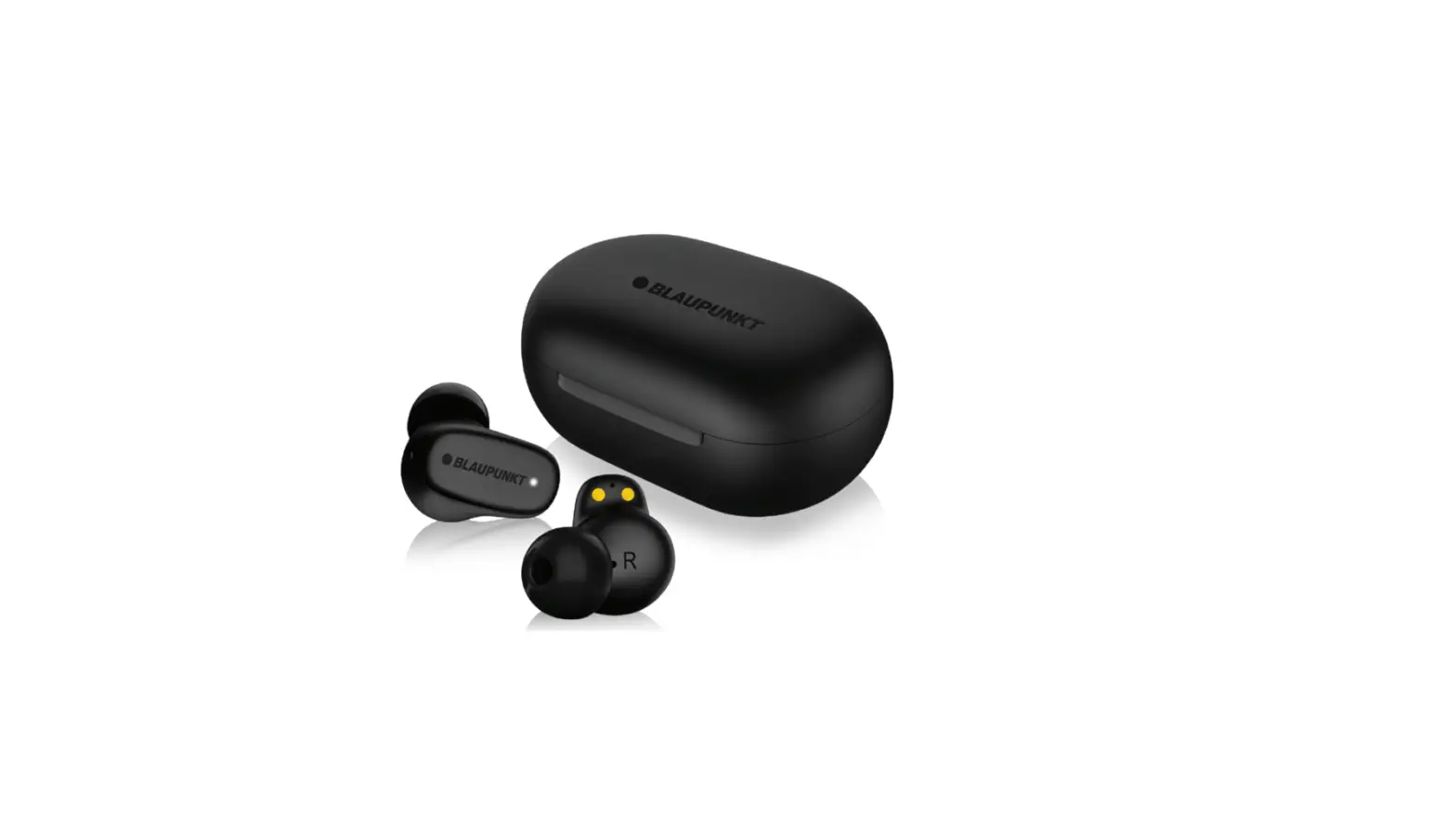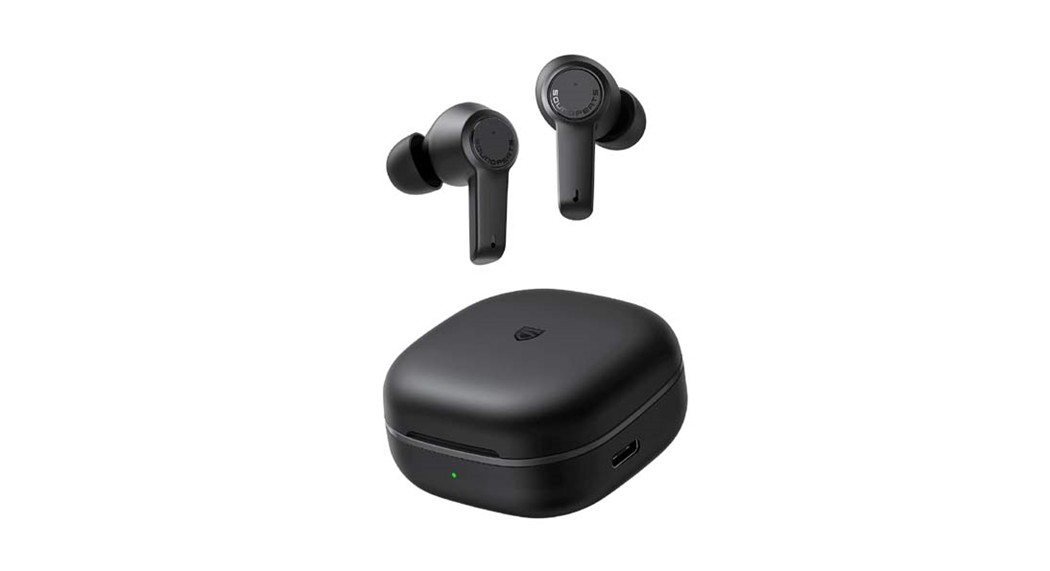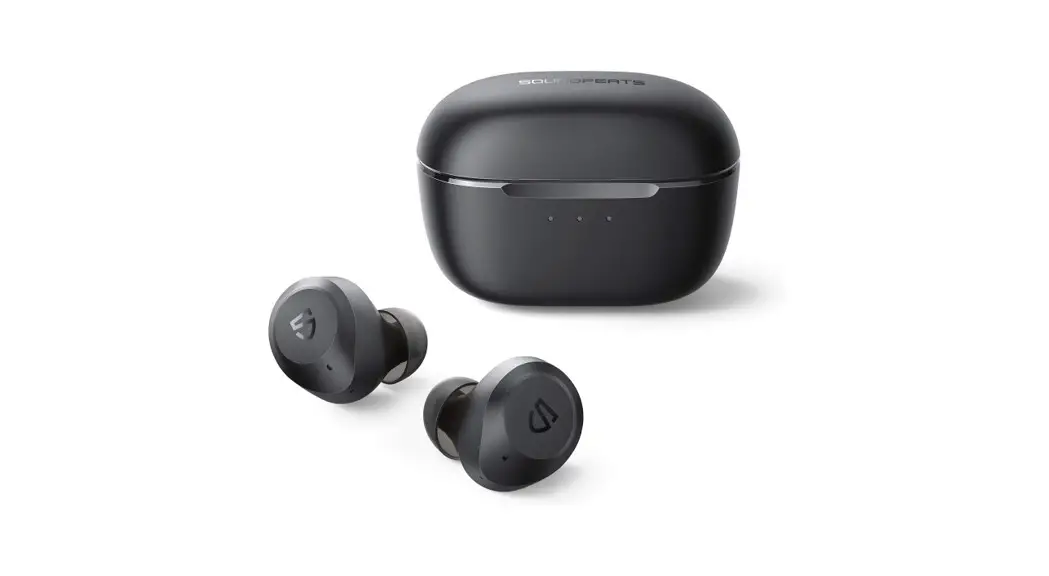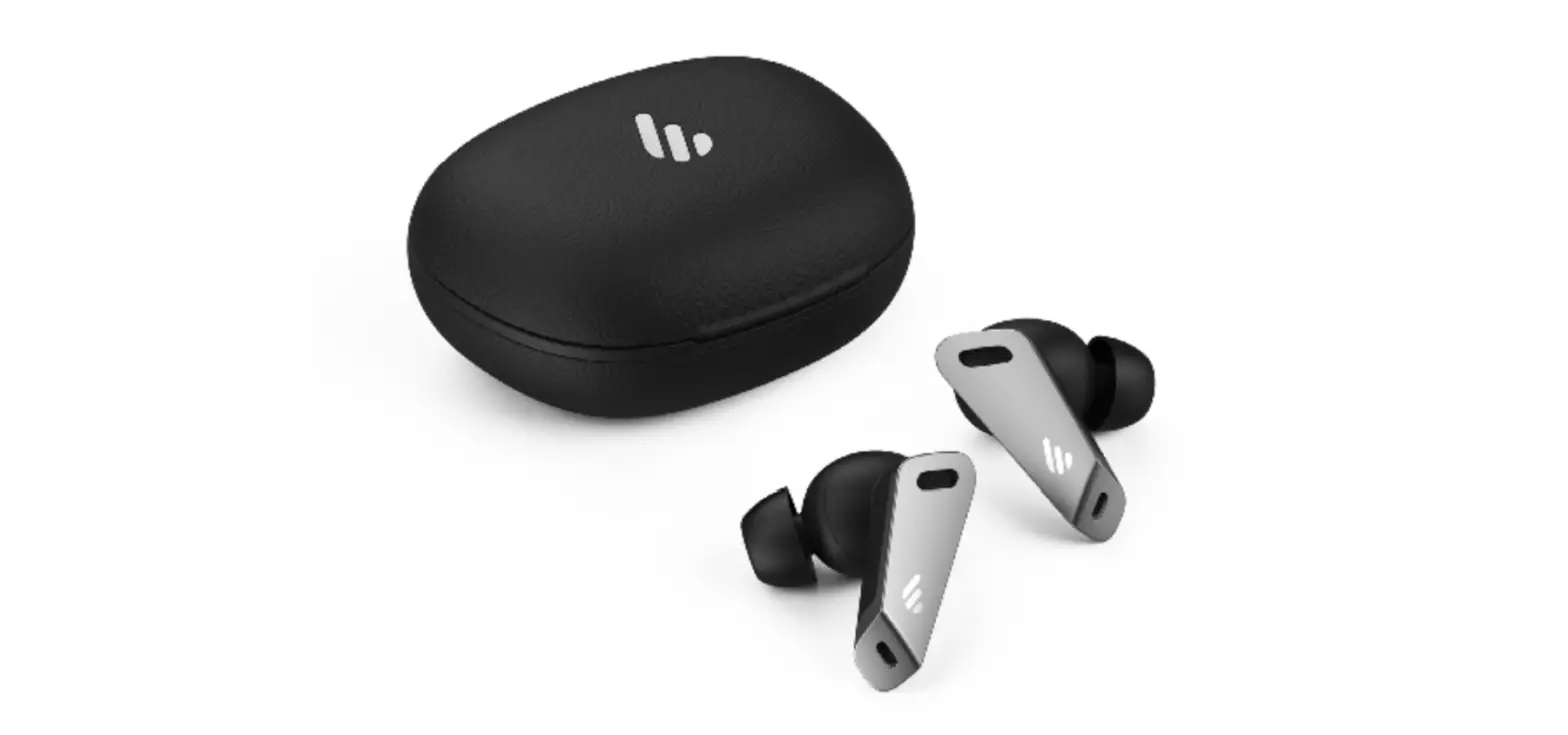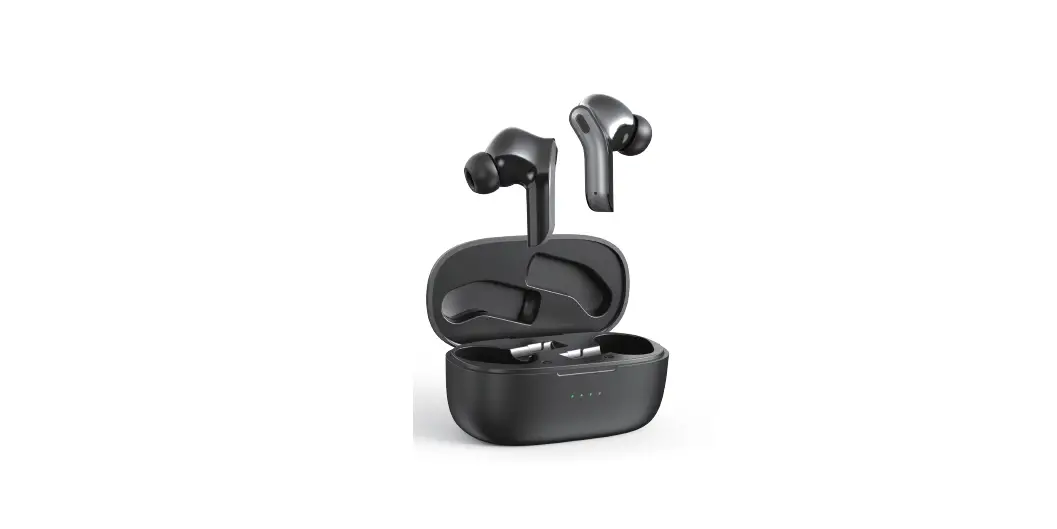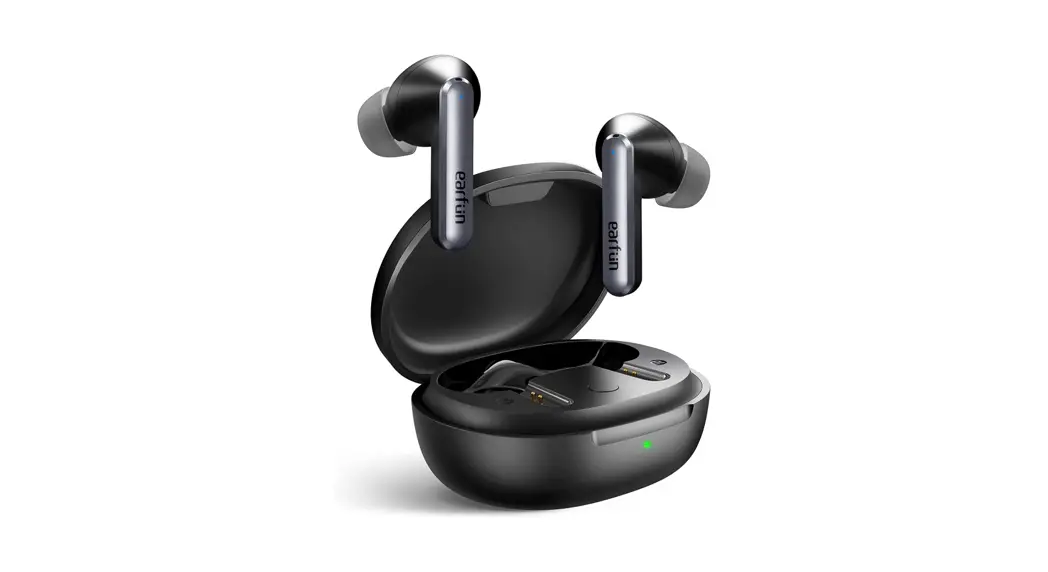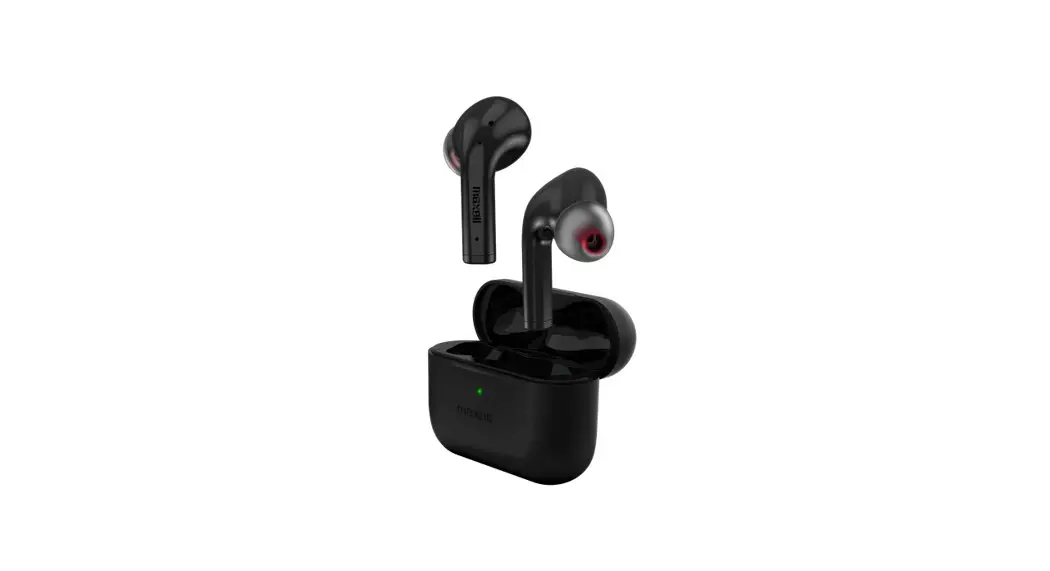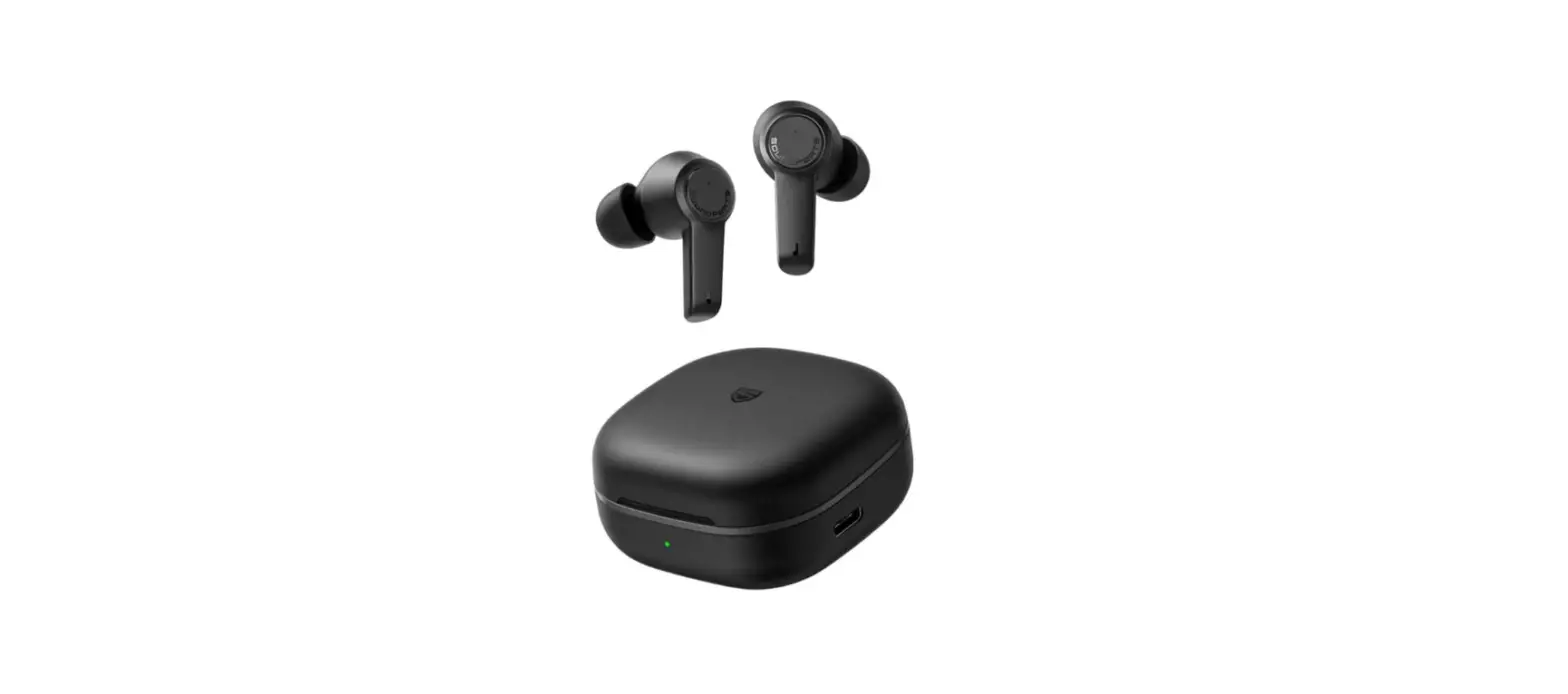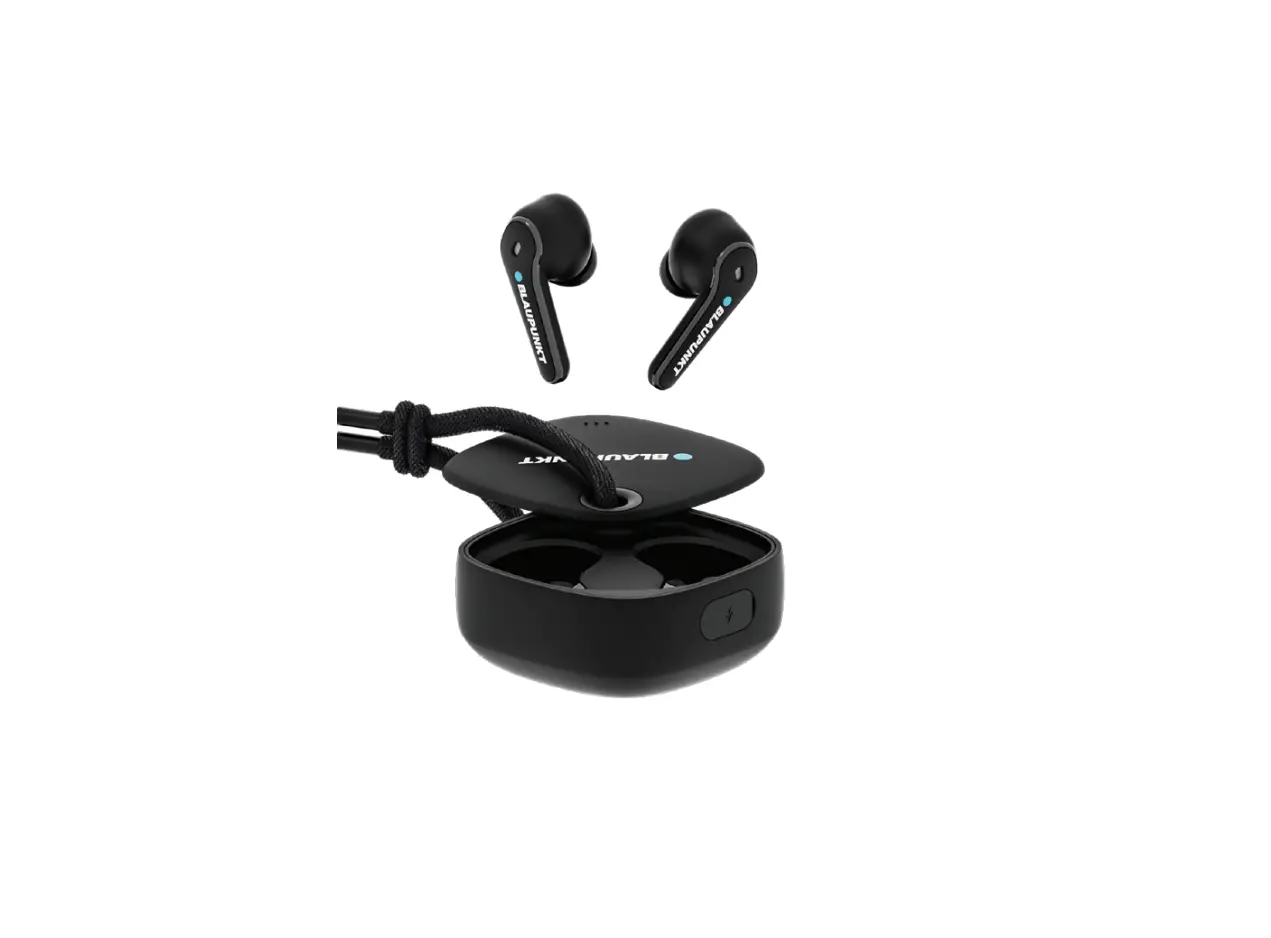

BLAUPUNKT MOKSHA BTW TWS Active Noise Cancellation
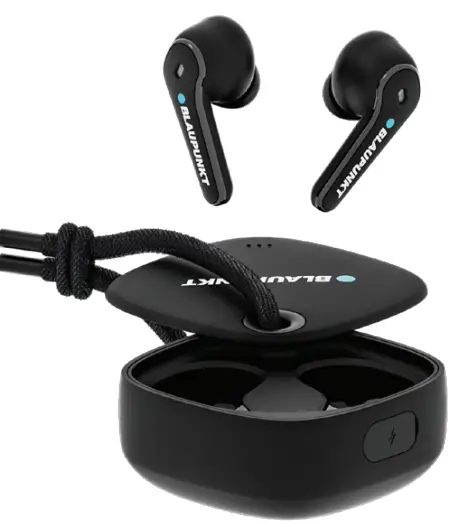
Thank you for purchasing your new MOKSHA ANC true wireless earbuds.
We recommend that you spend some time reading this instruction manual in order to fully understand all the operational features it offers.
Read all the safety instructions carefully before use and keep this instruction manual for future reference.
Safety Rules
- Charge the earbuds and the charging case at least once every 6 months.
- Do not store the product in extreme temperature (below 0℃ or above 45℃)
- Do not use chemicals or detergents to clean the product.
- Do not drop or knock the product on hard surfaces.
- Do not scrape the surface of product with sharp objects.
- Do not try to take the product apart.
In the Box
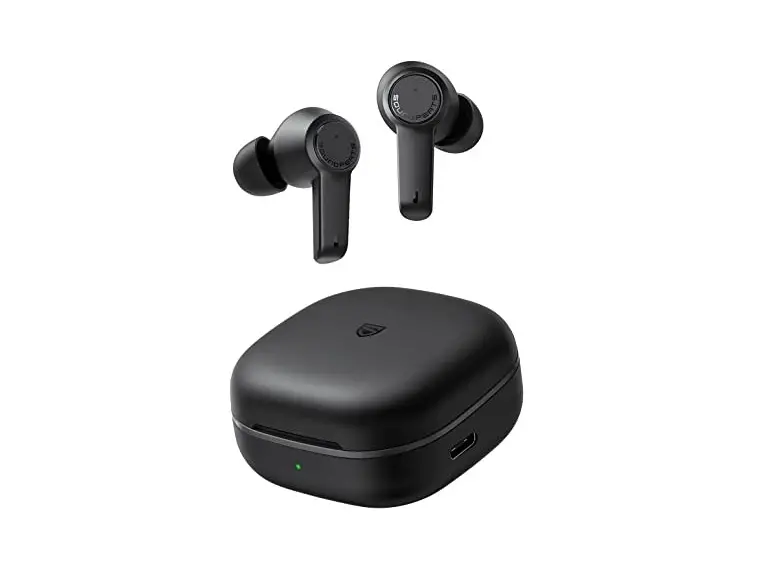
Wireless Earbuds
Portable Charging Case
Type-C Charging Cable User manual
Ear-Tips (S/M/L)
Product Overview

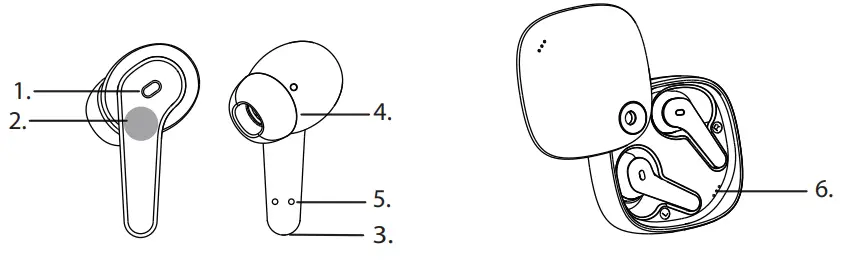
- LED indicator/Microphone
- Touch Area
- Microphone
- Silicone Ear-tips
- Earphones Charging Contacts
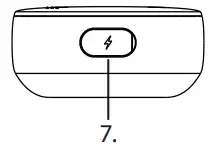
- Charging case LED
- USB-C Charging Port
Find Your Fit
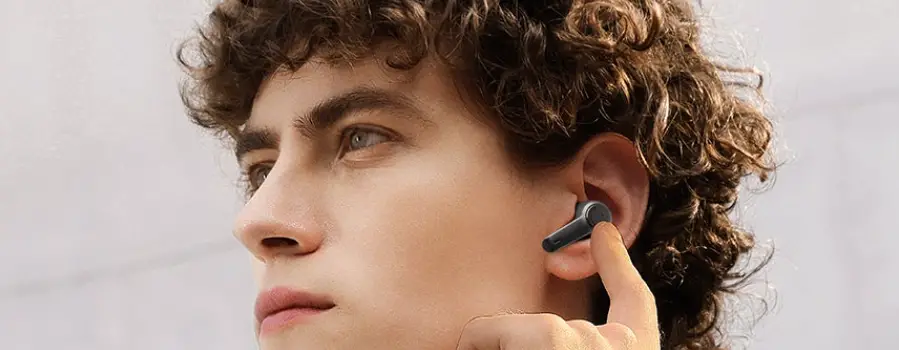
- Choose the size of silicone ear-tips that you feel the most comfortable with.
- Gently insert the earbuds into ears and adjust to an appropriate angle for comfortable fit.
Tips: Choosing the right ear-Tips will give you a better sound quality and noise reduction experience.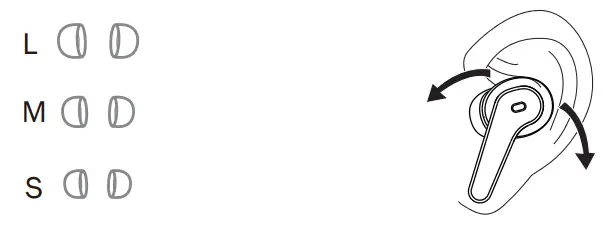
Specification
| Speaker Driver | φ10mm |
| ANC level | 27± 3dB |
| IPX Ra ng | IPX5 |
| BT Version | 5.2 |
| BT profile support | HSP/HFP/A2DP/AVCTP |
| Bluetooth range | 10 m / 33 |
| Frequency response | 20 Hz – 20 kHz |
| Charging me | Approx 1.5 Hours |
| Earbuds weight | 5g each |
| Case weight | 40g |
Power ON/OFF
Power ON
- Open the charging case, take out the earbuds, they will power on automatically.
- Long press left and right earbuds for 3 seconds, the earbuds will power on.
Power OFF
- Put the earbuds into the charging case, the earbuds will power off automatically.
- Long press left and right earbuds for 6 seconds, the earbuds will power off.
Remark: Earbuds power off when they stay out of range for over 2 minutes.
Charging
- Fully charge both the earbuds and the charging case before the first use.
- To prevent damage, use the provided USB-C cable.
- Fully dry off the earbuds and the USB port before charging.
- Charging takes around 1.5 hours.
- When fully charged, 3 white LED lights will stay on.
EARBUDS
Blue LED on Charging
Blue LED off Fully Charged
CHARGING CASE
White LED flashing Charging
Three White LED on Fully Charged
Pairing
- When using Blaupunkt Moksha True Wireless Earbuds the first time. Take the earbuds out the charging case one earbuds indicator light flash white and blue another indicator off the “pairing mode” is on.
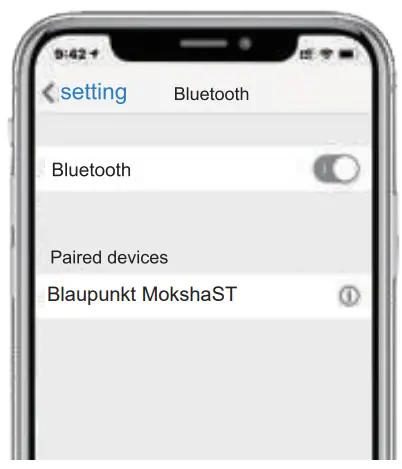
- Turn on Bluetooth on your device.
- Search and select “Blaupunkt MokshaST”.
- When connected, the earbuds indicators light off.

Multi Functions
| Function | Left earbud | Right earbud |
| Play/Pause | Double tap | Double tap |
| Next song | Triple tap | |
| Previous song | Triple tap | |
| Volume up | Single tap | |
| Volume down | Single tap | |
| Answer a call | Single tap | Single tap |
| End a call | Double tap | Double tap |
| Reject a call | Long press for 2s | Long press for 2s |
| Active Siri/ Google Assistant | Tap 4 times | Tap 4 times |
| Noise cancelling /Ambient sound /Ambient sound off | Long press for 2s | Long press for 2s |
Factory reset
- Take out the earbuds from the charging case.
- Turn off both earbuds.
- Long press both the earbuds for about 8 seconds.
- In both earbuds, white & blue light flash alternatively, indicating that the reset is complete
- Place both the earbus inside the charging case and repeat the pairing process.
WARNING
- Listening to earbuds at high volume levels, particularly over extended periods of time, may damage your hearing.
- Supervise children when using equipment. This product is not a toy.
- The small parts included with this product can be a choking hazard. This product is not intended for use by small children and should be kept away from children under 3 years of age.
Warranty Information 1 Year
If you have issue with our MOKSHA ANC TWS product please contact our service center Service Centre.
Authorized Service Center Blaupunkt Speakers
Address: Envent World Wide Pvt Ltd.
Khasra. No- 15/15(4-16), Village Samalkha, Tehsil Vasant Vihar, New Delhi- 110037 E-Mail: [email protected] Tel. 18008434333
Please prepare & submit the following information during the telephone or e-mail notification to facilitate the process:
- Serial Number
- Date of purchase
- A copy of proof of purchase in case of warranty
Note- Important Information
Please use the original packaging or other suitable packaging to protect the unit in transit.