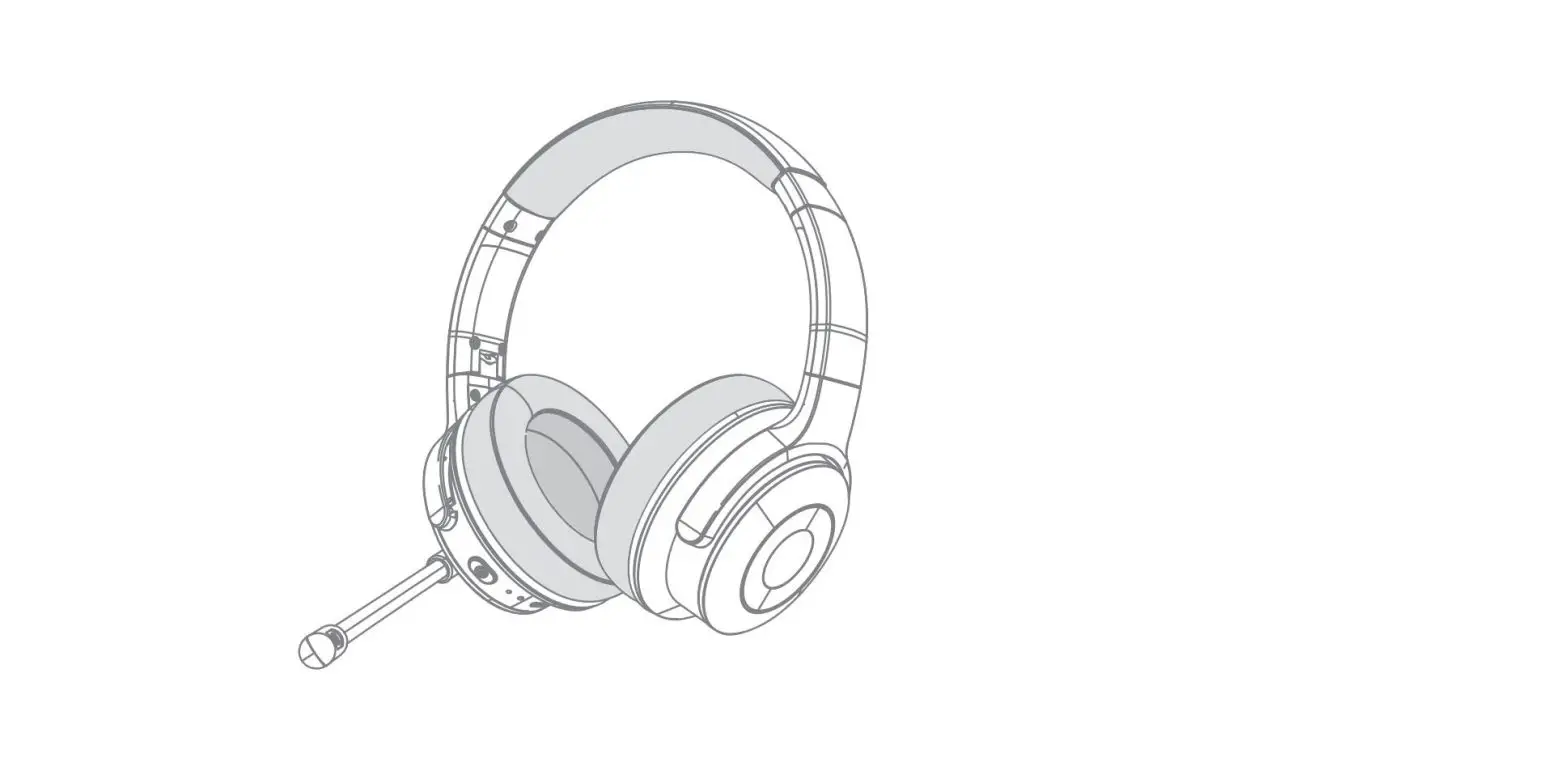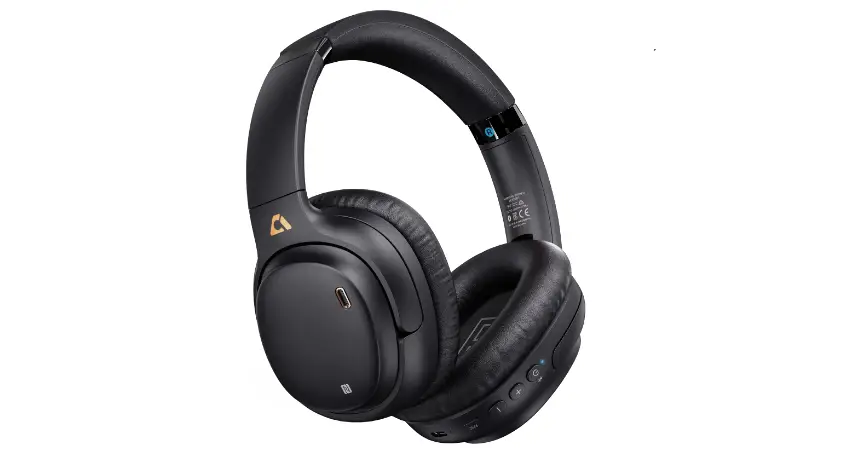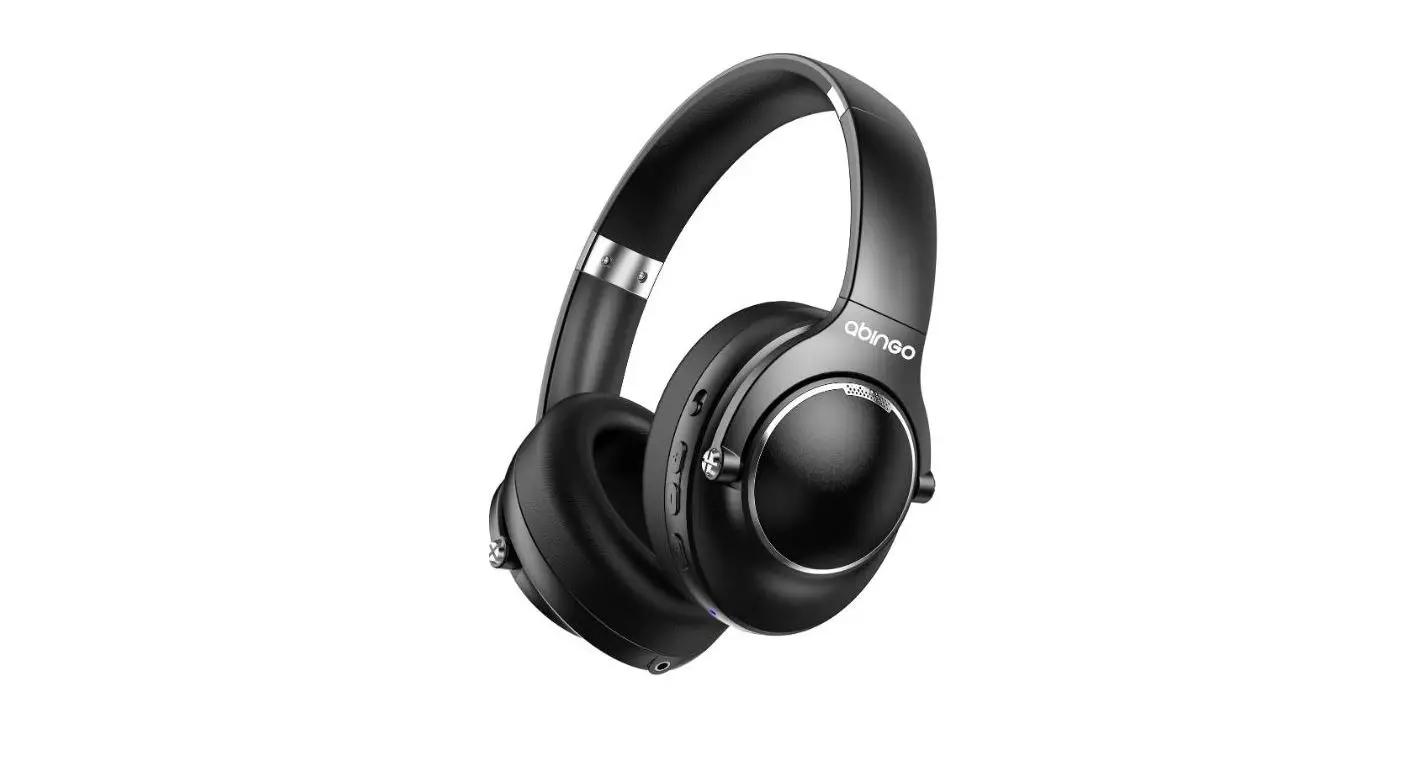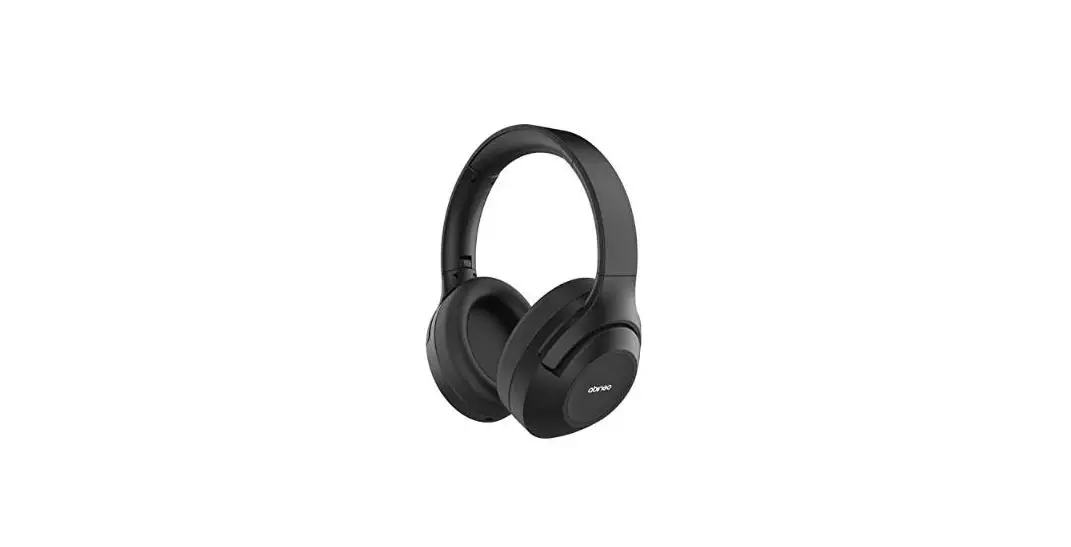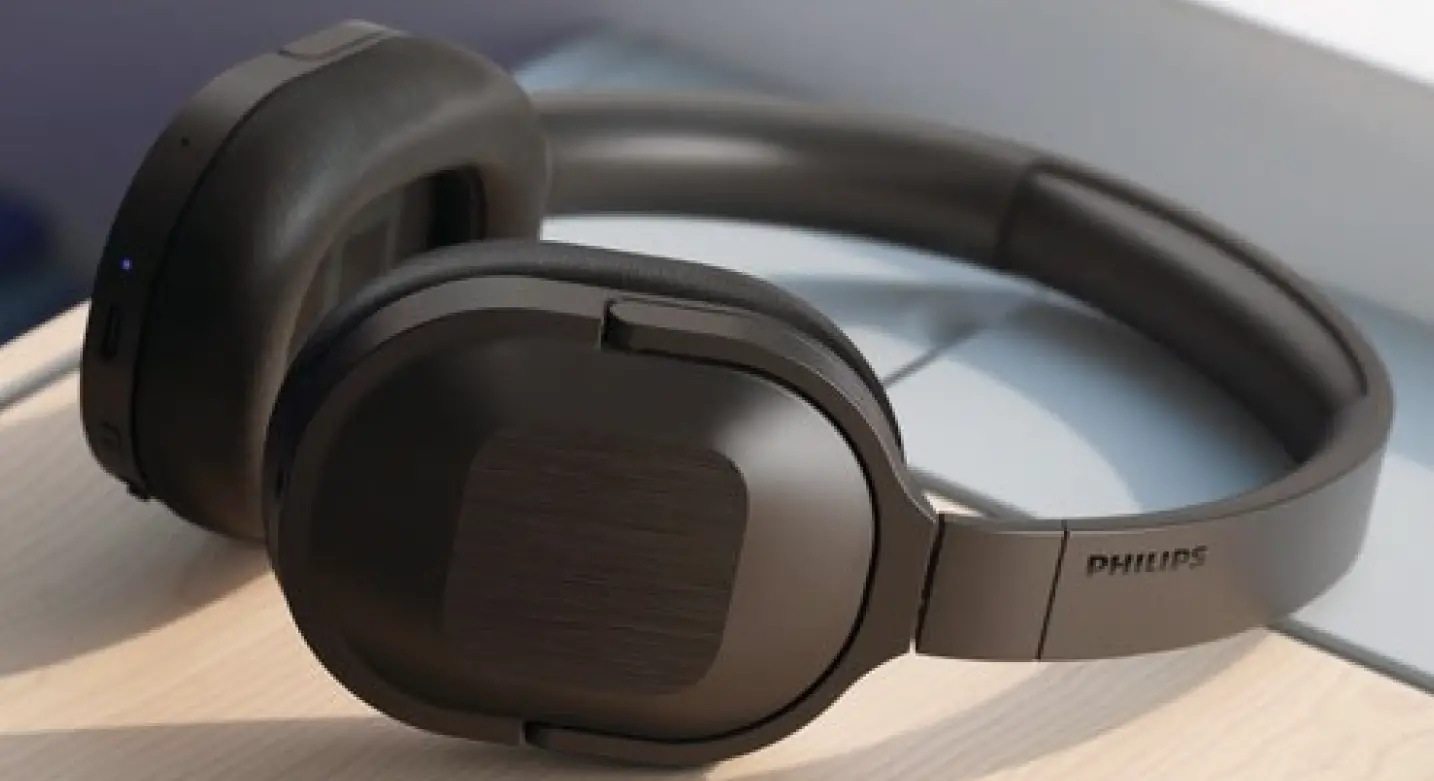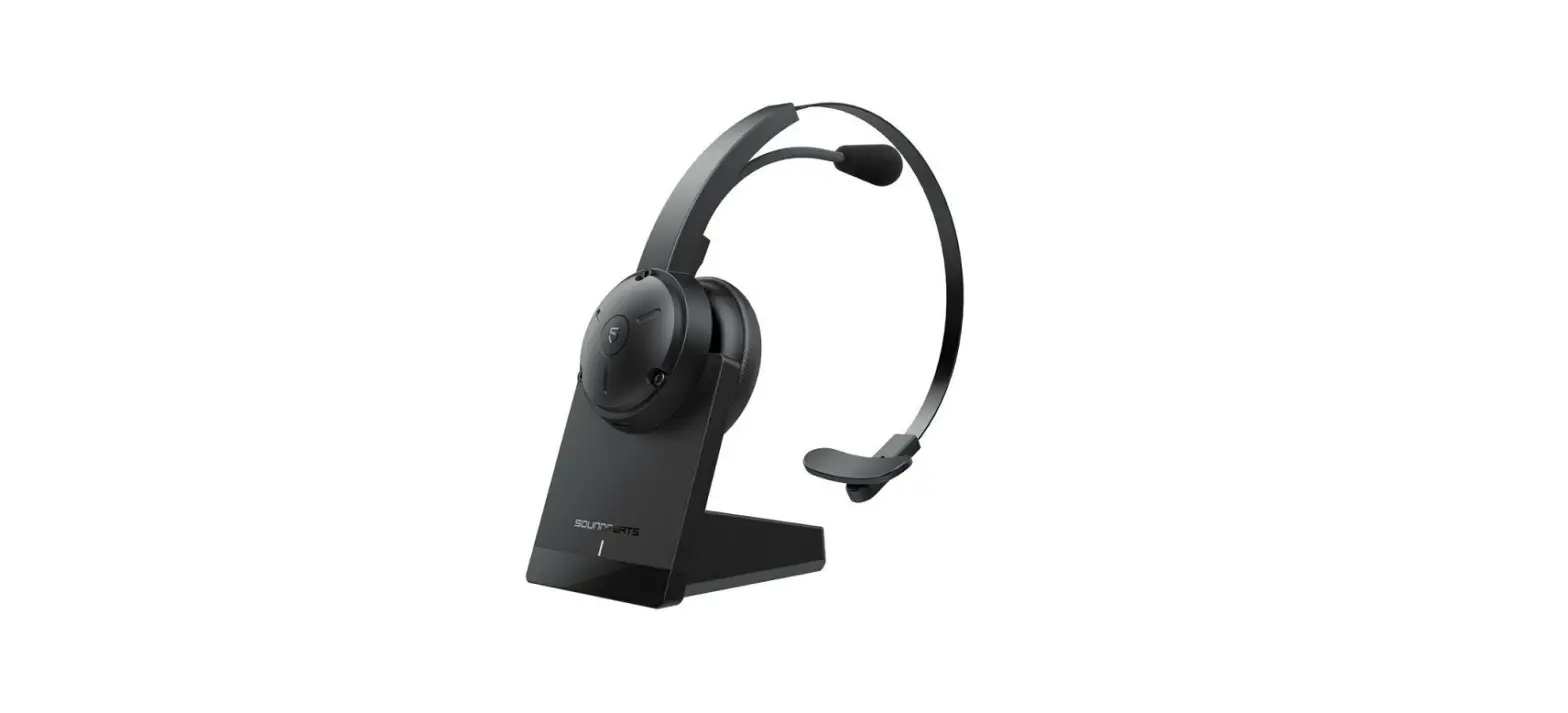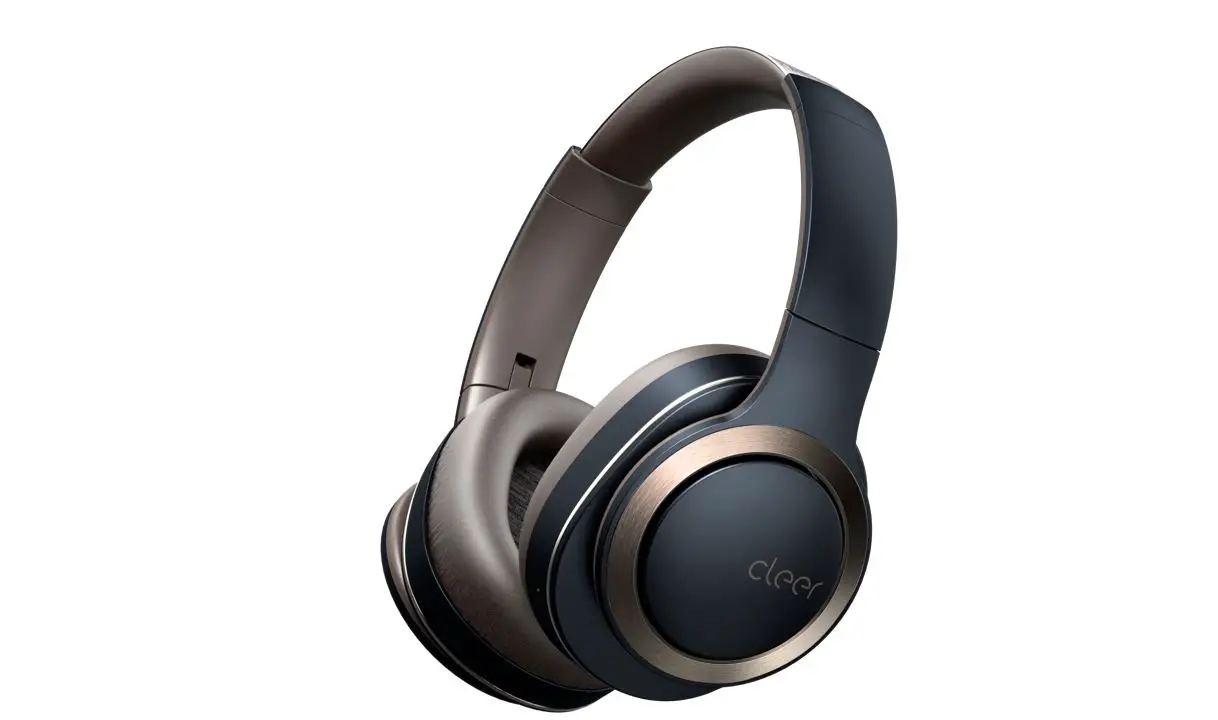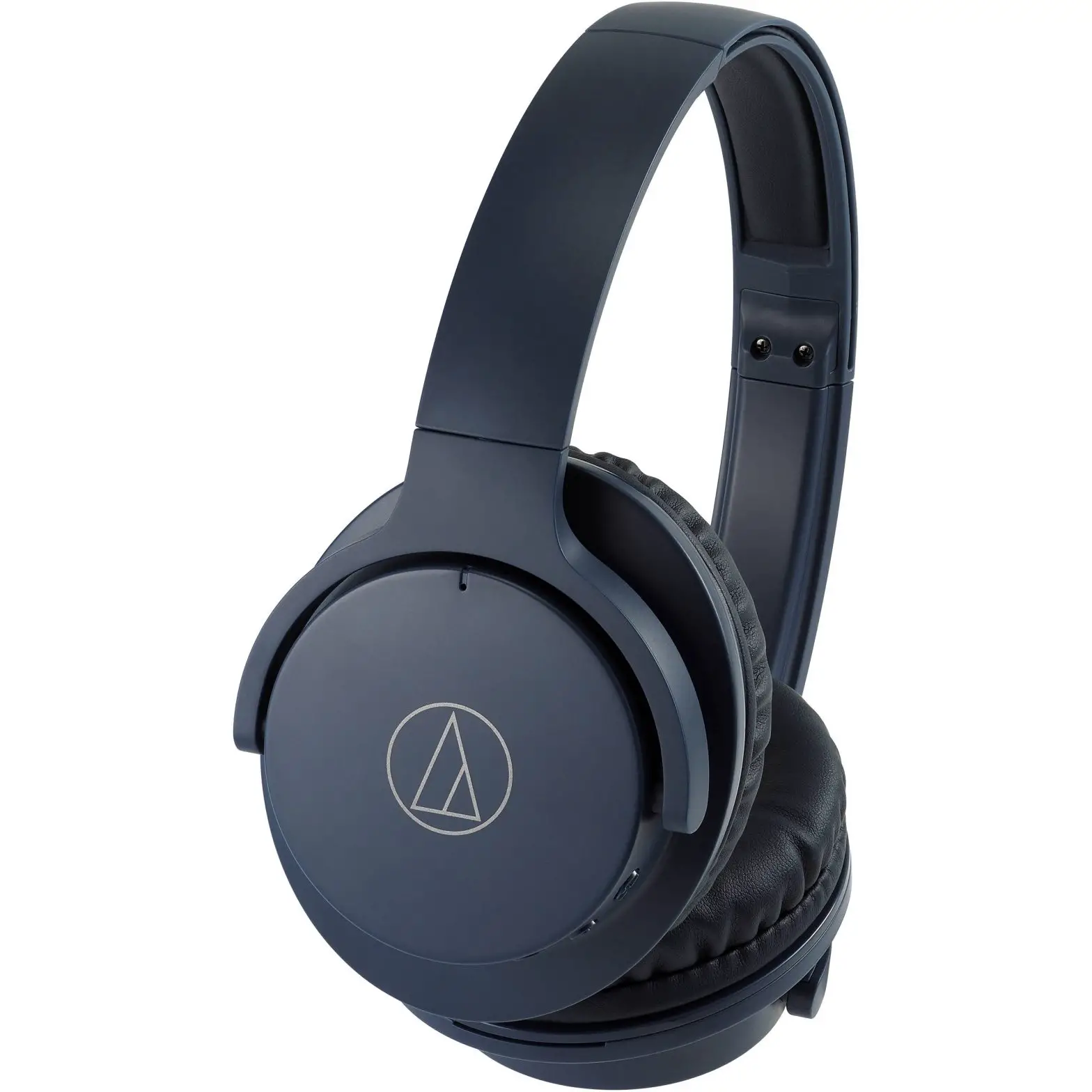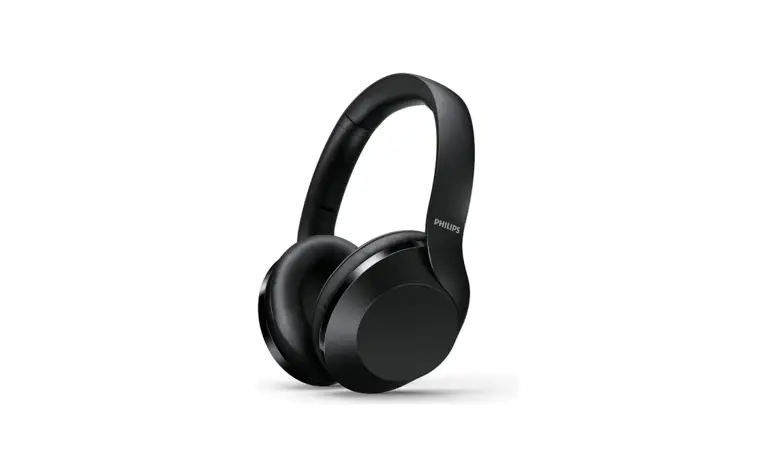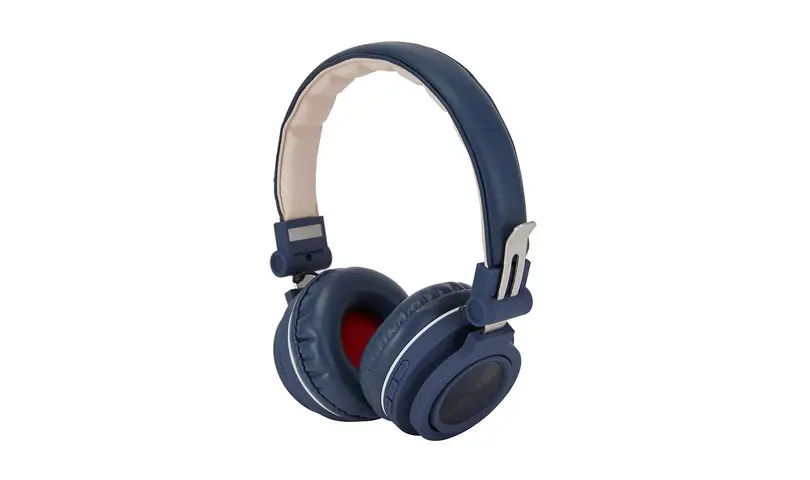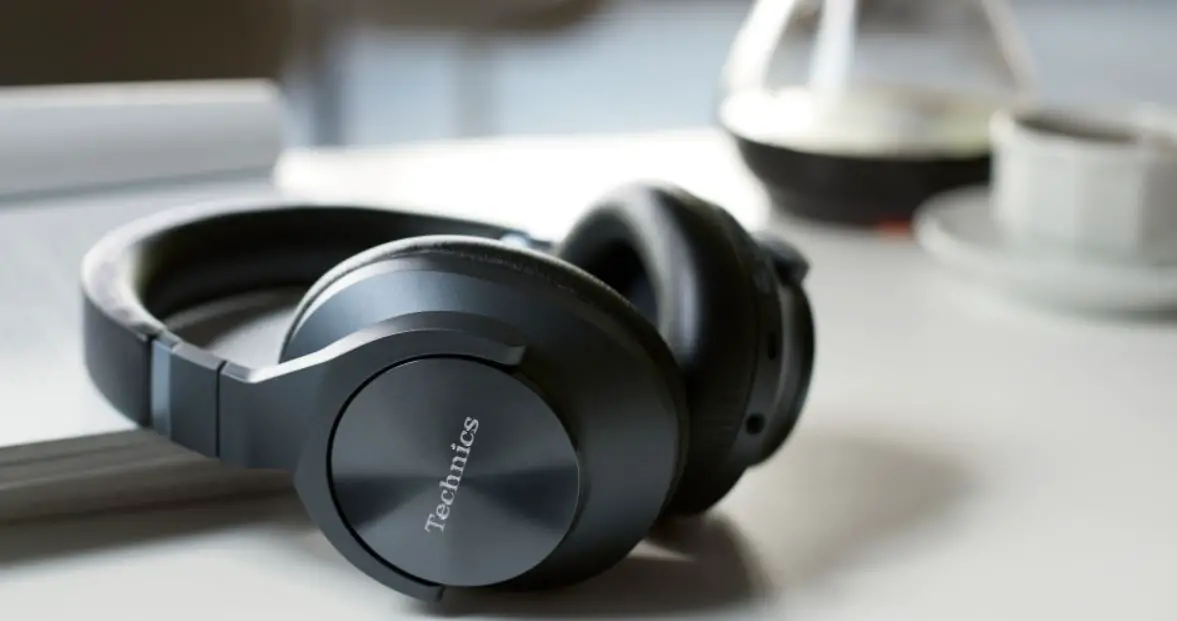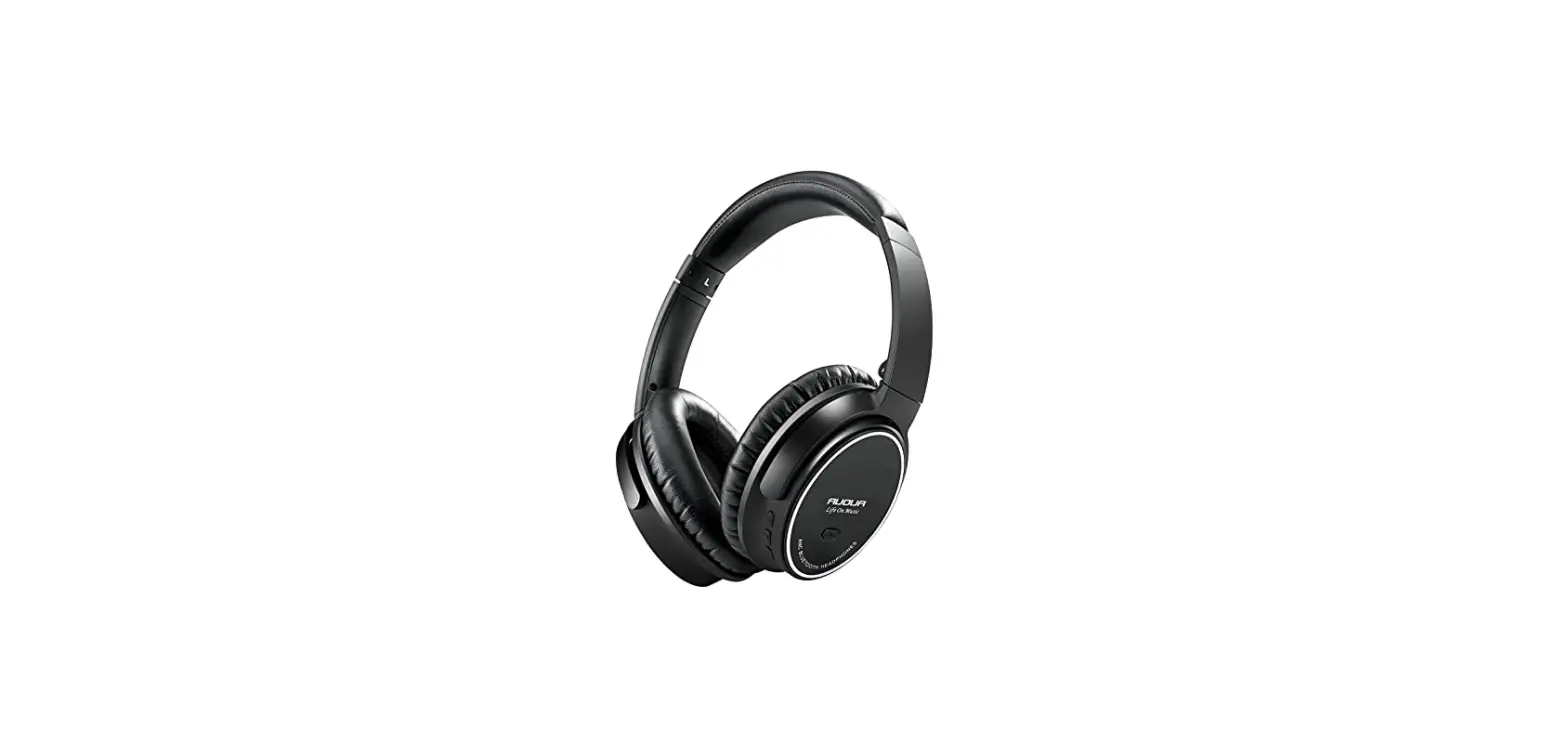

aoni B057 Wireless Noise Cancelling Headset
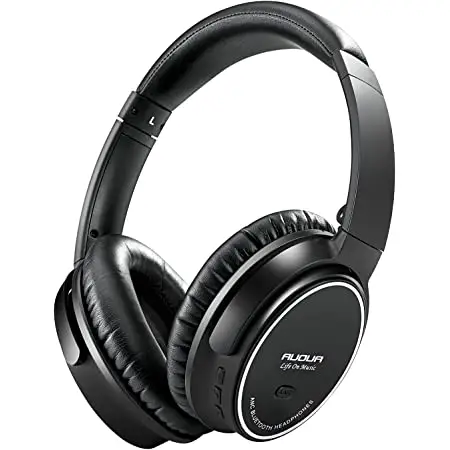
Specification and operating instuction
| product type | ■ headset □ speakers □other | |||||||
| project name | Wireless noise cancelling headset-B057-C-001 | filling date | 2021/01/30 | |||||
| Image | B057 | BOM bare code | ||||||
| Product Specifications (measured and filled by electroacoustic and electronic engineers) 1、Brief description of the scheme: | ||||||||
| Bluetooth solution | BES2300Y | |||||||
| Bluetooth Standard: | BT5.0 | |||||||
| Profile | A2DP v1.3 AVRCP v1.5 HFP v1.6 | |||||||
| Audio transmission format | SBC AAC | |||||||
| RF launch | 8dB | |||||||
| Transmission Range (Hz) | 2402-2480mHz | |||||||
| Receive Sensitivity: | ≤-85dBm | |||||||
| Direct distance | outdoor≥15 米 indoor≥20 米 | |||||||
| Pairing name | SOUNDPEATS A6 | |||||||
| 2、Micro head parameters: | ||||||||
| Microphone Unit: | 4015 | |||||||
| Directivity: | Omnidirectional /Omni-Directional | |||||||
| S.P.L: | -42dB | |||||||
| Impedance: | 0.96KΩ | |||||||
| Frequency Response: | 20Hz-20KHz | |||||||
| Operating voltage: | 2V | |||||||
| 3、The horn parameters | ||||||||
| Speaker diameter: | 40±0.3mm | |||||||
| Impedance: | 32Ω±15% | |||||||
| S.P.L: | 117dB ± 3dB(1K,1mW IEC318) | |||||||
| Rated power: | 10mW | |||||||
| Frequency Response: | 20Hz-20KHz | |||||||
| 4、Parameters of noise reduction part: | ||||||||
| Microphone Unit: | 6022 | |||||||
| Directivity: | Omnidirectional /Omni-Directional | |||||||
| Impedance: | 2.2KΩ | |||||||
| S.P.L: | -34± 1dB | |||||||
| Noise amplitude: | 30± 2dB | |||||||
| 5、The battery | ||||||||
| Working mode | ||||||||
| Li-battery Capability | 500mAH | |||||||
| Talking time | 20 hours BT | |||||||
| Playing time | 15hours BT+ANC | |||||||
| Charging time | 0.8–1 hours | |||||||
| Charging Mode | Type-C/5V | |||||||
| Charger Current | 1.5A the output current of the power adapter need to be≥1.5A to ensure the charging time) | |||||||
| Bluetooth headset instructions | |||
| Function | Key operation | Function description on the detail | LED status |
|
Power on |
Press and hold the power button for 3 seconds | When off, press and hold the power button for 3 seconds and the headphones will turn on, with the audio prompt “Power on”. If there is a pairing record, enter the connection status to connect the last connected device. If unsuccessful, it will automatically enter the pairing state after 7 seconds. | The blue LED lights for 2 seconds then flash once every 3 seconds |
| After 10 minutes of standby, it will automatically shut down if there is no connection. when no pairing record ,it enters the pairing state ; After 10 minutes of standby, it will automatically shut down if there is no connection. | ||||
| Power off | Press and hold the power button for 4 seconds | When on,Press and hold the power button for 4 seconds,and the headphones will turn off with the audio prompt “power off”,the red LED lights for 2 seconds then shut off. | The red LED lights for 2 seconds then shut off. | |
| /Pairing mode | Press and hold the power button for 5 seconds | 1. With power-off, press and hold the power button for 5 seconds and the headphone will enter pairing mode. The LED will alternately flash Red and Blue. | The LED with alternately flash red and blue. | |
| Connect n state |
N/A | When pairing successful,the headphones will audio prompt “Connected”, and the blue LED will flashes once every 5 seconds | The blue LED flashes once every 5 seconds | |
| Connect back | Short press the power button | When on without connection or in pairing status, short press the power button will connect back to the last connected device | The blue LED flashes once every 5 seconds | |
| Connect back when exceeding the distance |
N/A | When connected status,the distance exceeded, it will enter the standby status, the blue LED flashes once every 3 seconds for 10 minutes;after 10 minutes if no connected, it will automatically shut down. In this state, it will active connect back to the last connected device. | The blue LED flashes once every 3 seconds | |
| Disconnect ted state |
N/A | When disconnected the Bluetooth manually,the headphones will audio prompt “Connected”, the LED will ultimately flash red and blue to enter the pairing state | The LED will alternately flash Red and b lue. | |
| Playing | Short press the power button | Short press the power button can replay the media while the headphone is in pause status | The blue LED flashes once every 5 seconds | |
| /Pause playing | Short press the power button | Short press the power button can pause the media while the headphone is in playing media status | The blue LED flashes once every 5 seconds | |
| /Volume up |
Short press the “+” | Short press + button can increase the volume level while on music playing mode or talk mode, there will hear “beep” while the volume is to Max, the Volume memory is saved as a final adjustment. | The blue LED flashes once every 5 seconds | |
| /Volume down |
Short press the “-” | Short press – button can decrease the volume level while on music playing mode or talk mode, ,there will hear “beep” while the volume is to Min, the Volume memory is saved as a final adjustment. | The blue LED flashes once every 5 seconds | |
| /Next song | Press and hold the Volume+ | Press and hold the Volume+ for approximately 1 second to go to next song | The blue LED flashes once every 5 seconds | |
| /Last | Press and hold the | The blue LED |
| song | Volume- | Press and hold the Volume- for approximately 1 second to go to last song | flashes once every 5 seconds | |
| /Answer the call | Short press the power button | Short press the power button can answer a call while there is a call incoming; There will have voice prompt”du” | Red light flash interval 200mS | |
| /Calling | N/A | It can’t turn it off when talking | The blue LED flashes once every 5 seconds | |
| /Three-wa y call | /no function | When calling, another call comes in, short press the Power”button, you can hang up the current call and answer another call | Red light flash interval 200mS | |
| Reject the call | Press and hold the power button for 2 seconds | Press and holding the power button for 2 seconds can reject a call while there is a call incoming | The blue LED flashes once every 5 seconds | |
| End the call | Short press the power button | Short Press the power button can end a call while the call in progress | The blue LED flashes once every 5 seconds after ending the call | |
| Redial last number | Double click the power button | The double click power button can do redial last number w | Red light flash interval 200mS | |
| Voice assistant | The long press Power button for 2s then release | When the headset is in connected, press and hold the Power button for 2s and then release,audio prompt”du” to turn on the voice assistant (Siri) | The blue LED flashes once every 5 seconds | |
| Voice transfer | The long press Power button for 2s | The long-press Power button for 2s audio prompt”du” to switch the sound between headphone and mobile phone when receiving a call | The blue LED flashes once every 5 seconds | |
| AUX input | N/A | 1. When the Bluetooth is turned on and not connected, when the AUX signal is inserted, the AUX signal is played, and the noise reduction key can be pressed to switch the noise reduction. When ANC is ON, there is noise reduction effect, and when ANC is OFF, there is no noise reduction effect; 2. When the Bluetooth is turned on and connected when the AUX signal is inserted, the Bluetooth is automatically disconnected and the AUX signal is played; press the noise reduction button to switch noise reduction, ANC ON has a noise reduction effect, and ANC OFF has no noise reduction effect ; 3、 When the AUX is unplugged when the headset has a pairing record, it will enter the back-connecting state timeout of 7 seconds will enter the pairing state; when there is no pairing record, it will directly enter the pairing state. 4、AUX is not available while the headset is charging | The red LED be on for 2 seconds then be off | |
| ANC on/off | Short press the ANC button | 1、When on , short press the ANC button,Noise reduction is on, audio prompt“ANCON”, and the blue LED be on; then short press the button,the Noise reduction is off, audio prompt |
| “ANC OFF”, the blue LED be off 3. When ANC is OFF, When the unconnected state reaches 10 minutes, the headset will automatically shut down;when ANC ON, When the unconnected state reaches 10 minutes, the headset enters a special state(The Bluetooth light is off, and the Bluetooth cannot be searched).In this state, the headset will never turn off. When the button turns off noise reduction and keeps it for 2 minutes, the headset will automatically turn off and turn on noise reduction again, returning to the state that noise reduction has been on. | ||||
|
Charging |
Charging | 1、The red LED is always on when charging; when finished charging, the red LED will be off.
2、 When USB is plugged in for charging,it will power down and hardware reset ; 3. press the power button can’t power on | When charging:the red LED is always on; Finished charging:the blue LED is always on | |
| DUT mode | In the unconnected state and in the search match state,long-press the power button and v- for 5s at once to enter the DUT mode | Purple LED be on for 1s and be off for 1s | ||
|
Clear up the phone pairin | Press and hold the power button and V+ for 5 seconds at once | In the Off -call state, Press and hold the power button and V+ for 5 seconds at once, till the purple LED be on for 2 seconds then off, audio prompt”du du”,it automatically enters the pairing state. | The purple LED be on,to enter the pairing state, alternately flash red and blue LED | |
| Low battery | 1、Low battery reminder: Low-voltage alarm Bluetooth headset emits “Battery Low” prompt sound, red light flashes slowly, flashing once every 3 seconds 2、From low power to shut down for about 10 minutes and alarm 3~5 times, once every 3 minutes, test conditions: turn on noise reduction, play ferry music, headset maximum volume, mobile phone 70% volume (That’s 11 bars volume on the iPhone) | |||
FCC STATEMENT :
This device complies with Part 15 of the FCC Rules. Operation is subject to the following two conditions:
- This device may not cause harmful interference, and
- This device must accept any interference received, including interference that may cause undesired operation.
Warning: Changes or modifications not expressly approved by the party responsible for compliance could void the user’s authority to operate the equipment.
NOTE: This equipment has been tested and found to comply with the limits for a Class B digital device, pursuant to Part 15 of the FCC Rules. These limits are designed to provide reasonable protection against harmful interference in a residential installation. This equipment generates uses and can radiate radio frequency energy and, if not installed and used in accordance with the instructions, may cause harmful interference to radio communications. However, there is no guarantee that interference will not occur in a particular installation. If this equipment does cause harmful interference to radio or television reception, which can be determined by turning the equipment off and on, the user is encouraged to try to correct the interference by one or more of the following measures:
- Reorient or relocate the receiving antenna.
- Increase the separation between the equipment and receiver.
- Connect the equipment into an outlet on a circuit different from that to which the receiver is connected.
- Consult the dealer or an experienced radio/TV technician for help.
RF warning statement:
The device has been evaluated to meet general RF exposure requirement. The device can be used in portable exposure conditions without restriction.