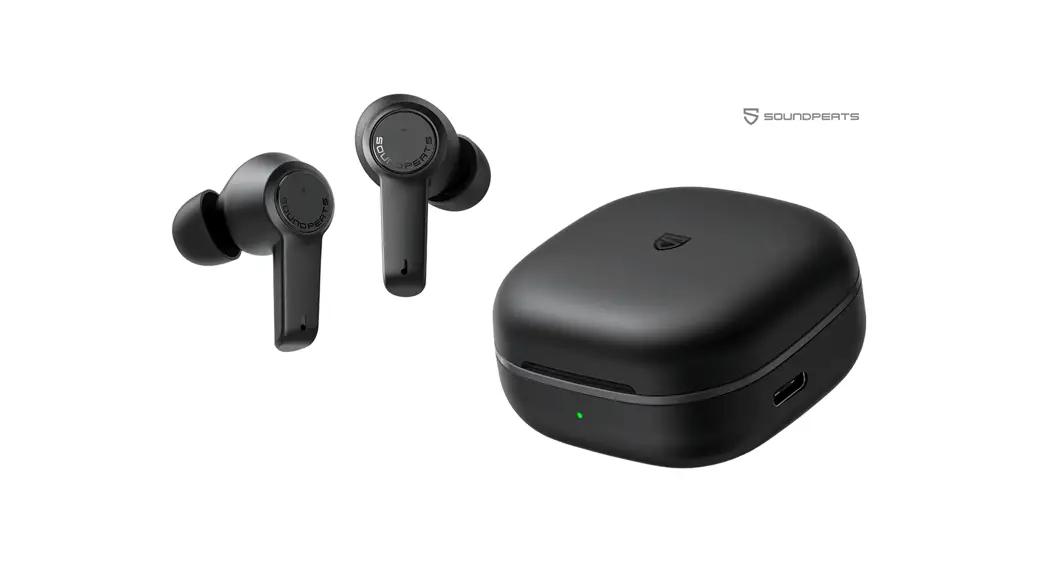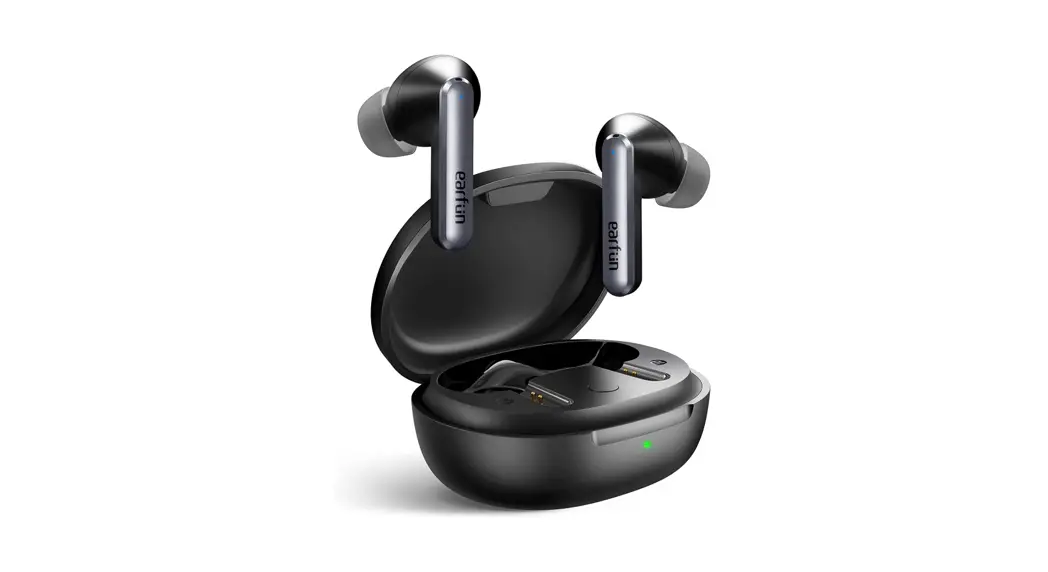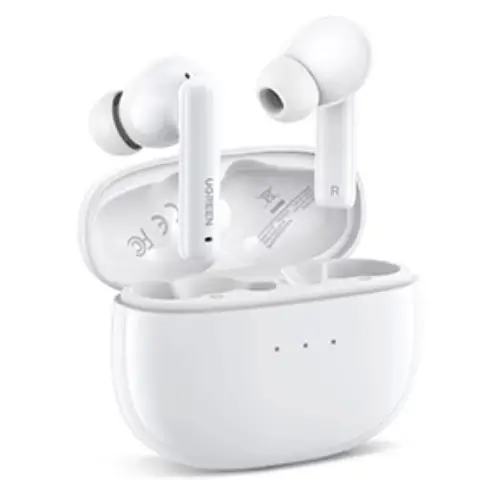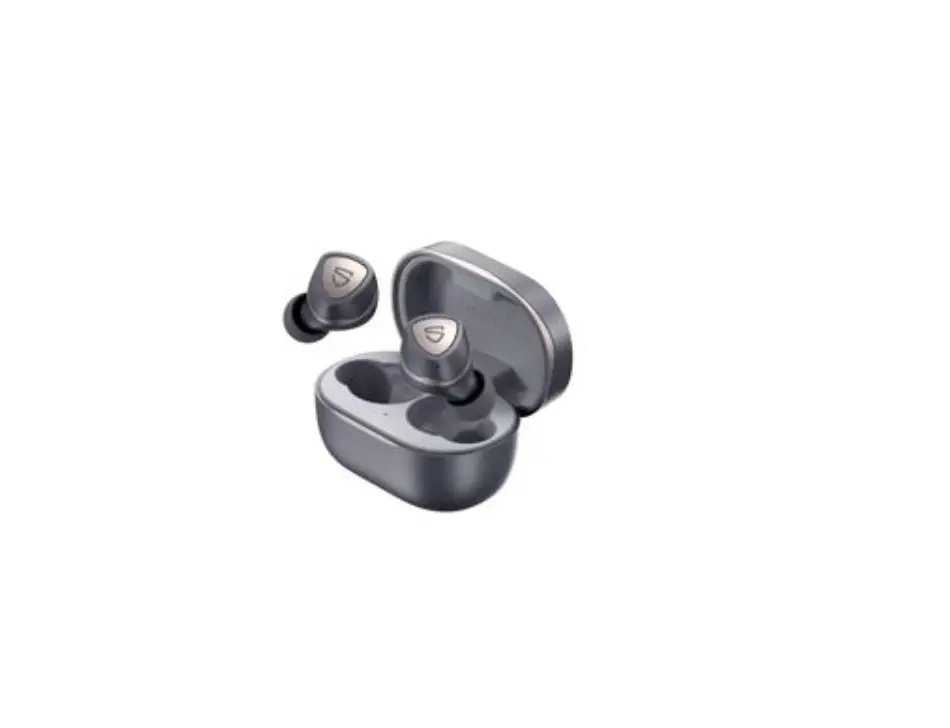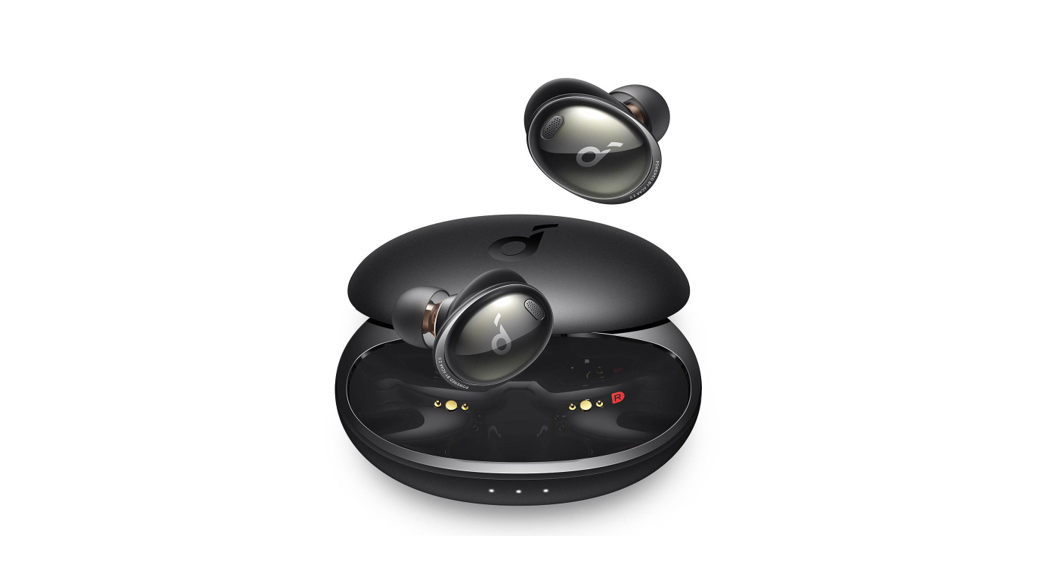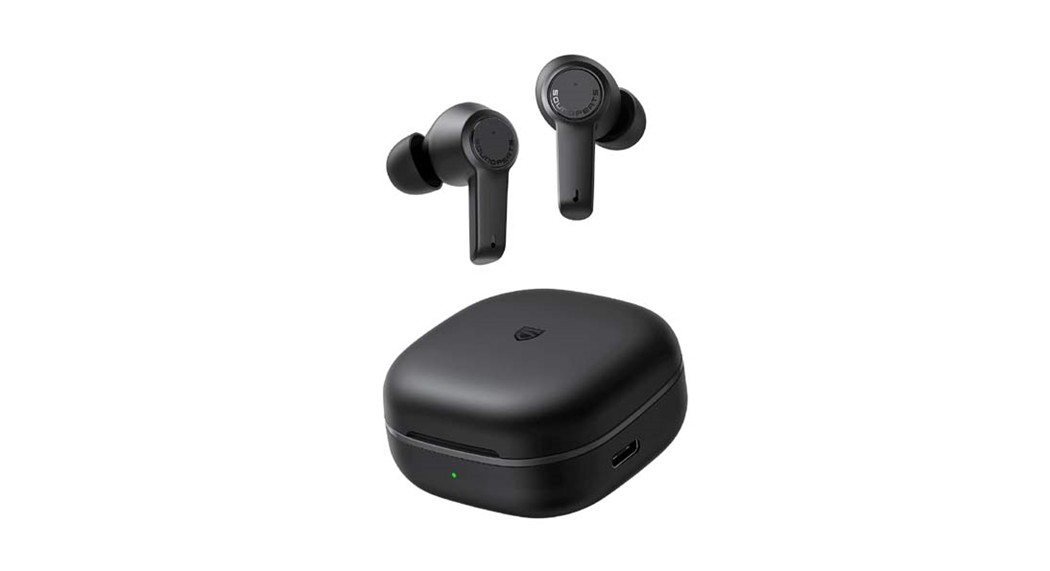

First Time of Using
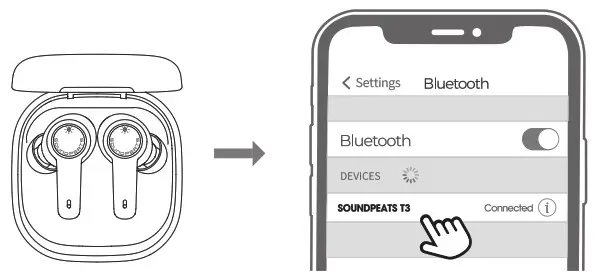
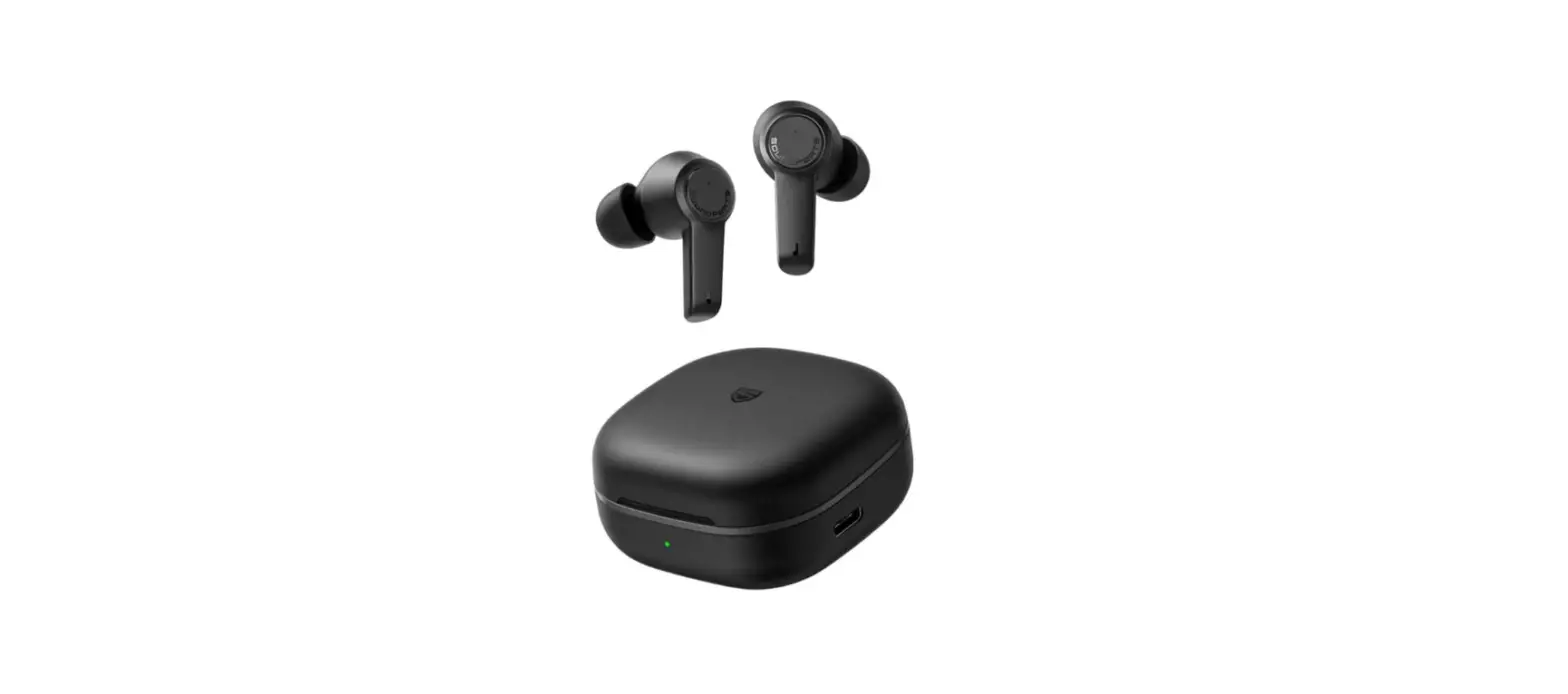
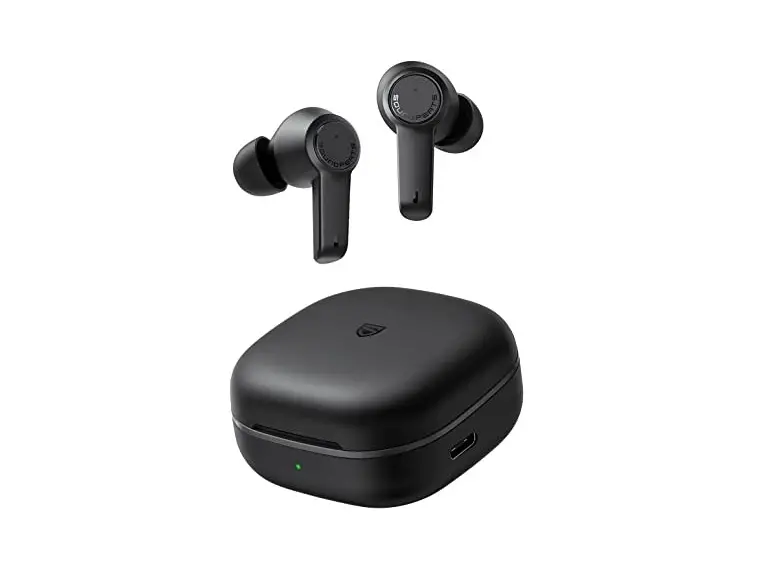
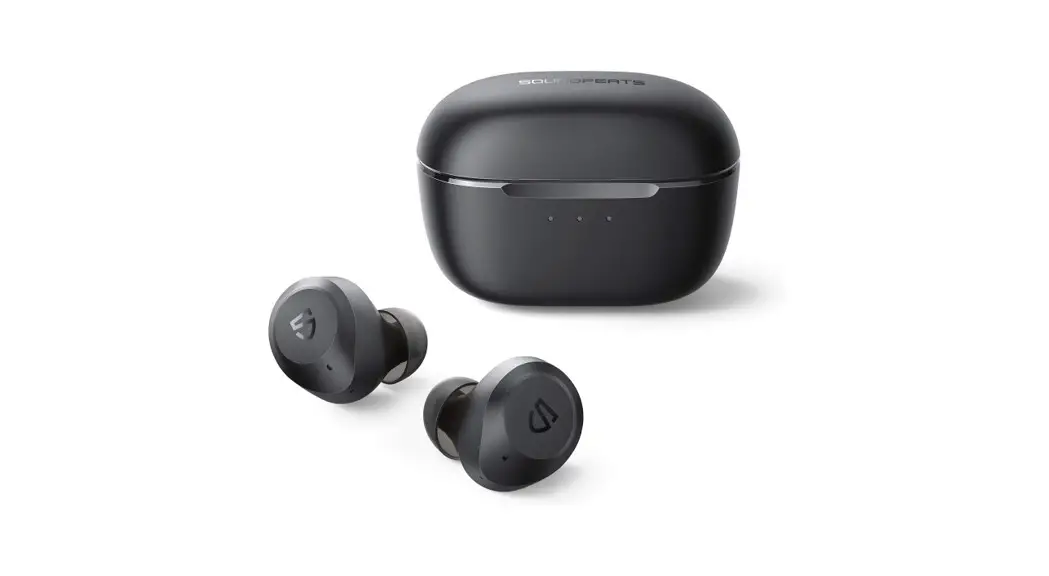
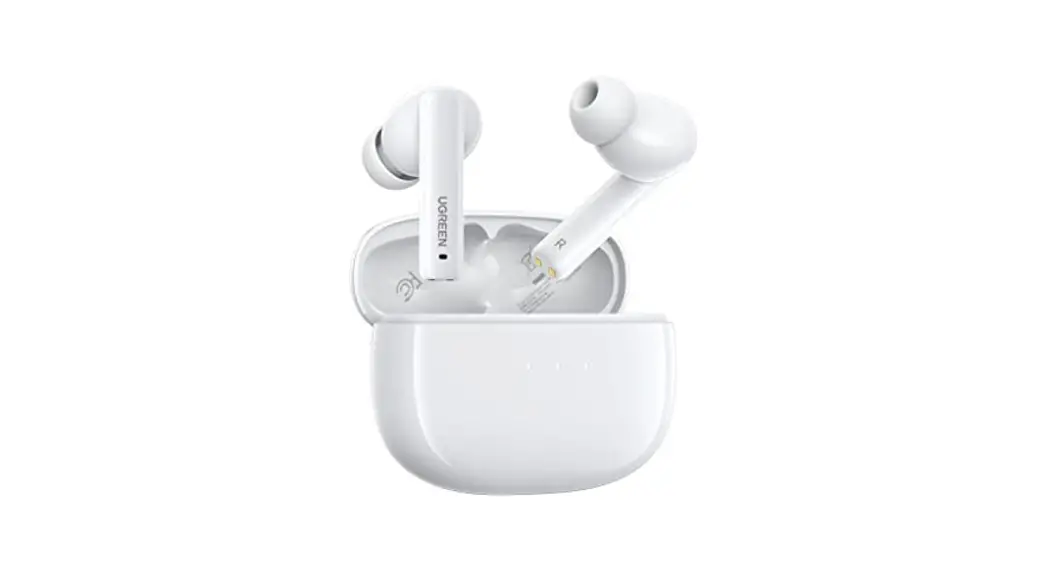
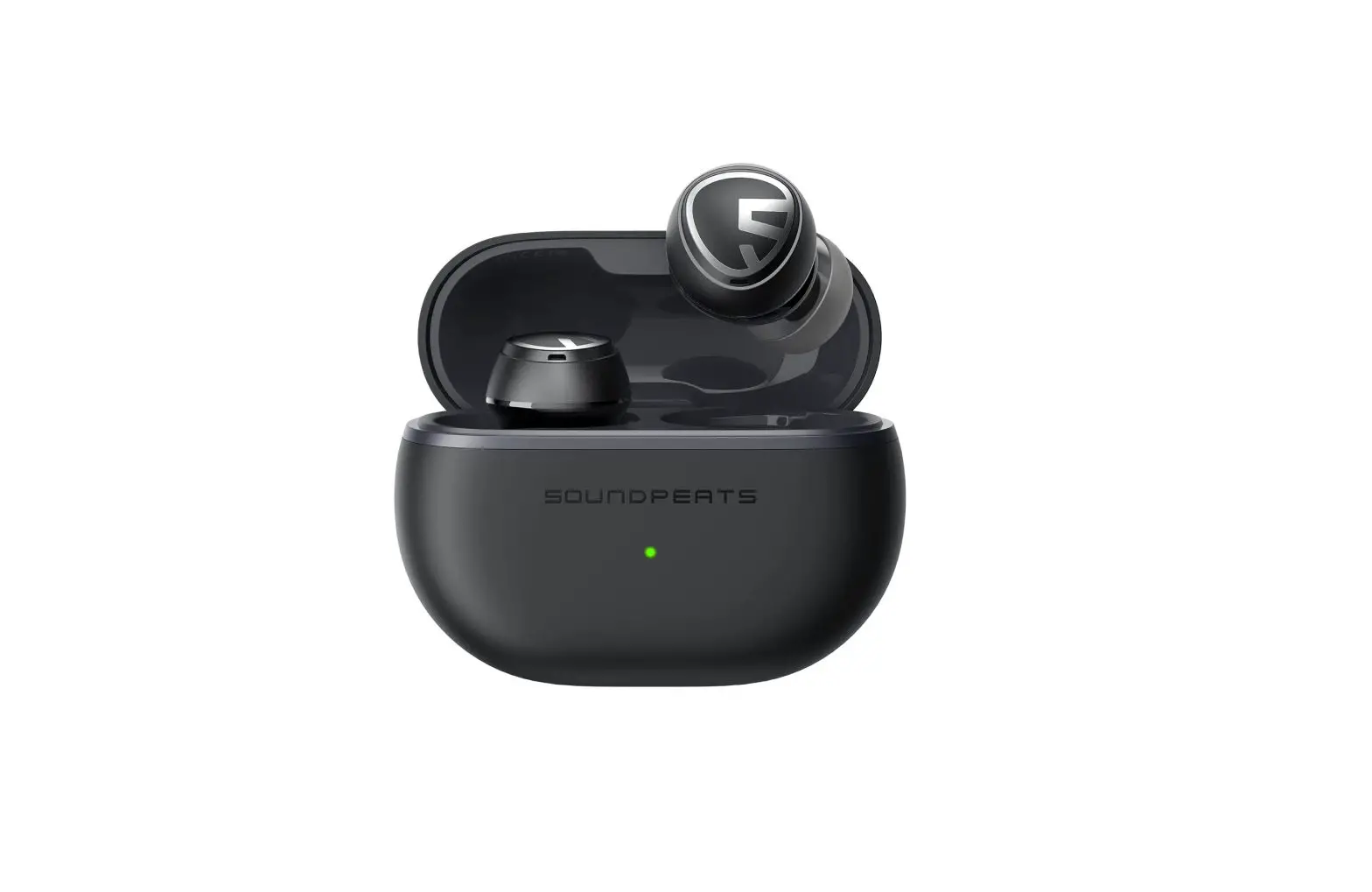
- Open the cover of the charging case, take out the two earphones, remove the insulation film on them separately, and then put both earphones back into the charging case. By this time. the leff and right earphones will automatically enter the TWS mutual pairing state. After successful mutual pairing, the blue light in the right earphone will flash slowly and the blue light in the left earphone will always be on, and the two earphones will enter the pairing mode.
- Then go to Bluetooth settings of your device, and choose SOUNDPEAITS T3.
Reset
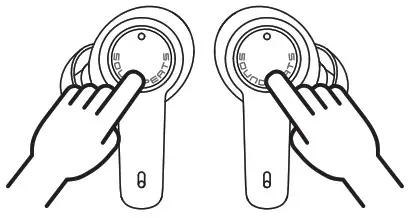
- Clear the pairing data from your device.
- Take out the two earphones from the charging case, press and hold the multifunctional buttons for 10s until the blue indicator lights in both earphones flash for three times and then go out. At this time, the earphones are off, and then press and hold the multifunctional buttons of both earphones again for 10S until the blue indicator lights flash twice, and the reset is completed.
- Place the earbuds back into the charging case and close the case lid, waiting for seconds, and then open it again. The earphones are activated successfully.
Wearing methods
 Identify the left earphone and the right earphone.
- Adjust tne earphones fo fit your ears.
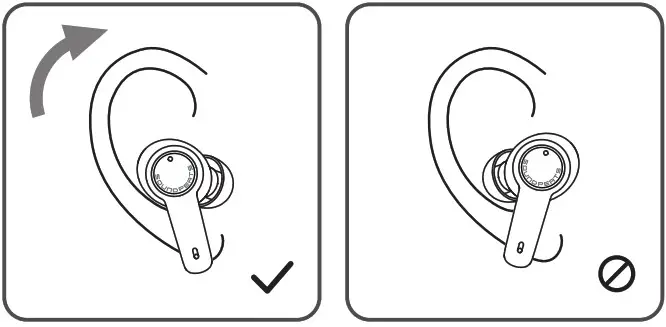 Identify the left earphone and the right earphone.
Product Diagram
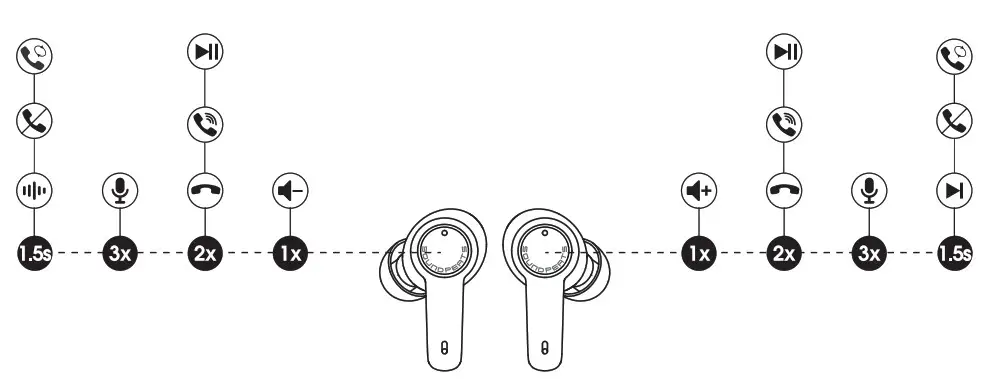
Control
| Power on | Auto: Open the charging case Manually: Press and hold the multifunctional button for 1.5$ |
| Power off | Auto: Place the earbuds back into the charging case and close the case lid Manually: Press and hold the multifunctional button for lOs |
| Play/Pause | Double-tap on the multifunctional button |
| Volume- | Single-tap on the left multifunctional button |
| Volume+ | Single-tap on the right multifunctional button |
| Next Track | Press and hold the right multifunctional button for 1.5s |
| Answer/Hcng Up a Phone Call | Double-tap on the multifunctional button |
| Reject a Phone Call | Press and hold the multifunctional button for 1.5s |
| Switch Between Two Active Calls | Press and hold the multifunctional button for 1.5$ |
| Manual Paling | Take out the two earphones from the charging case while they are connected to your device,and then press and hold the multifunctional buttons for 6s. |
| Activate the Voice Assistant | Press the multifunctional button for three times |
| ANC/Transperency mode | Press and hold the left multifunctional button for 1.5s |
Q&A
Ql: What does the indicator of the charging case display?
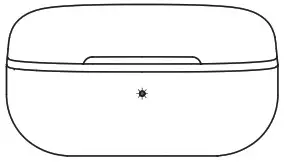
- The battery life of the charging case:
100%-50% Green 49%-10% Yellow <10% Red - Charging status of the charging case:
<10% Stay on Red 11%-49% Stay on Yellow 5014-99% Stay on Green 100% Off
Q2: How to charge the charging case?
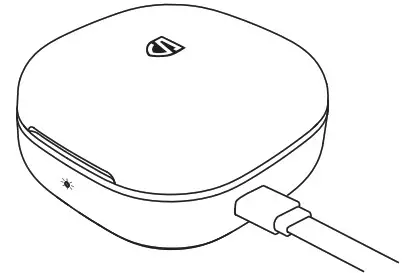
- Connect the charging case to a Type-C charger. (The current does not exceed 1A).
- If the earphones stay idle for an extended period of time, charge them at least every three months to prevent the battery from being damaged.
Q3: Why are the earphones still connected to the phone when they are put back to the charging case and the case lid is closed?
- Check whether the charging case has battery power. If it has run out of battery, closing it will not disconnect the earphones from the device.
- Make sure the headphones are properly placed in the charging case and the charging metal sheet and PIN are both clean. And wiping clean the contact points on the earphones and the charging case should fix this issue.