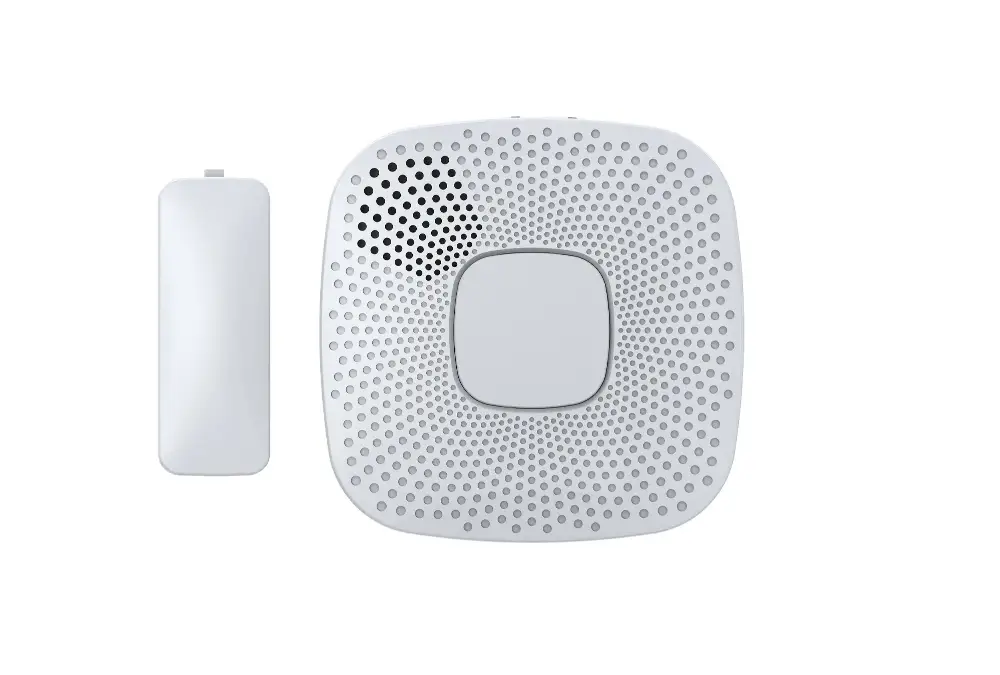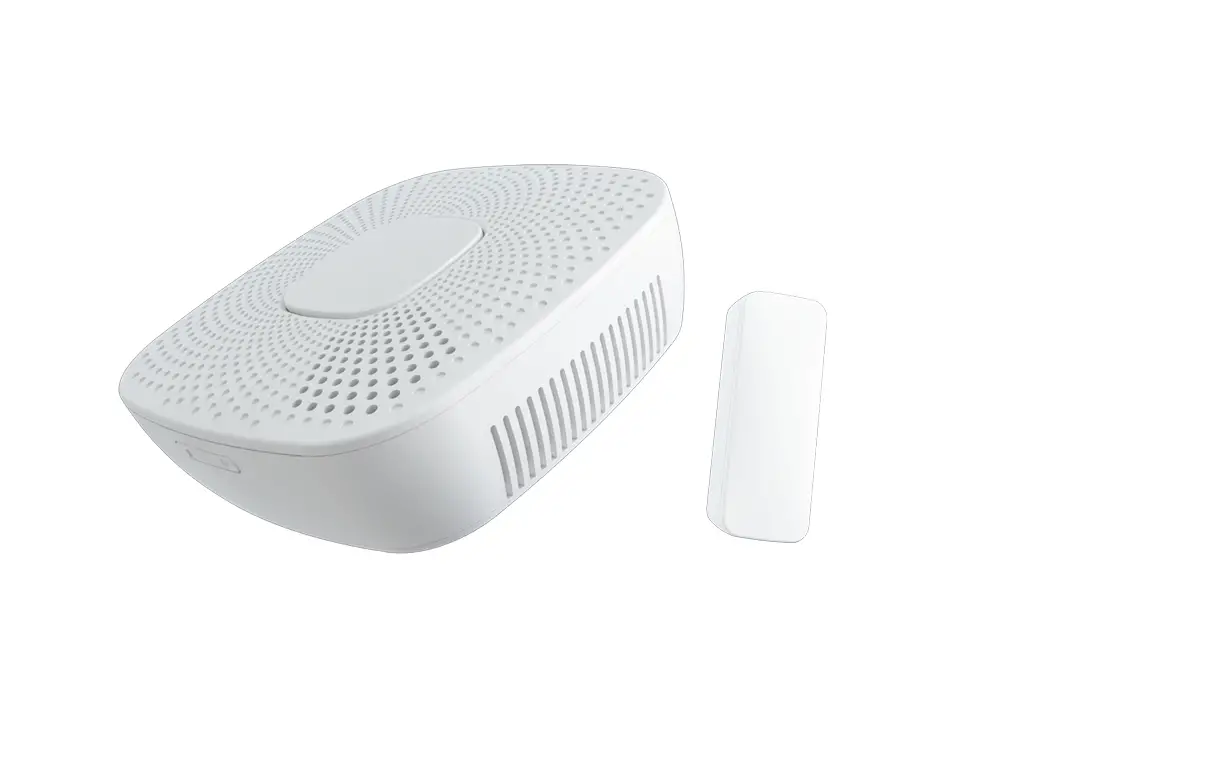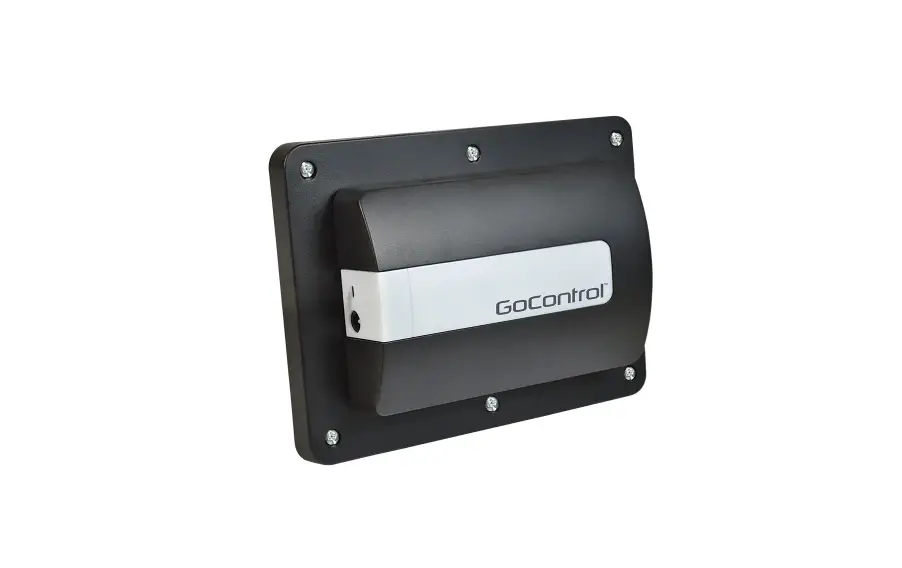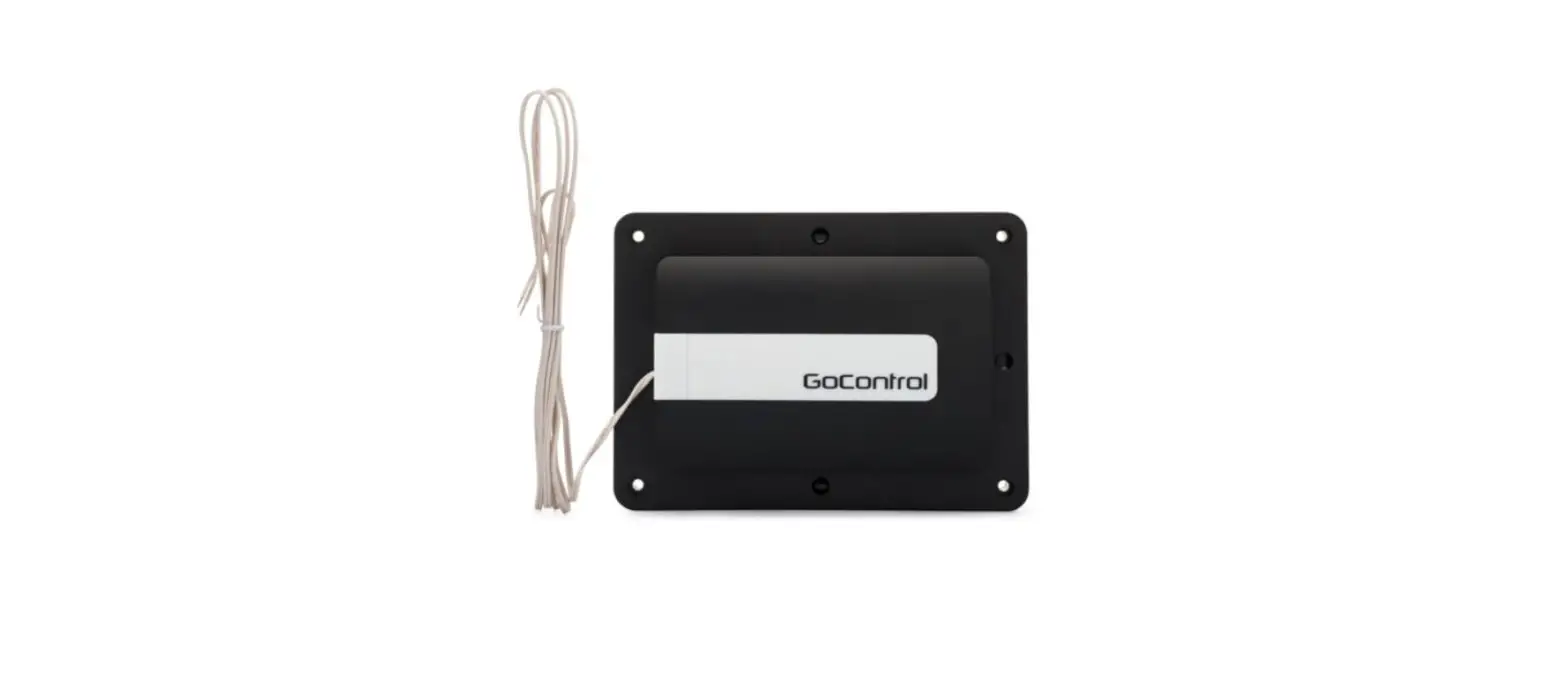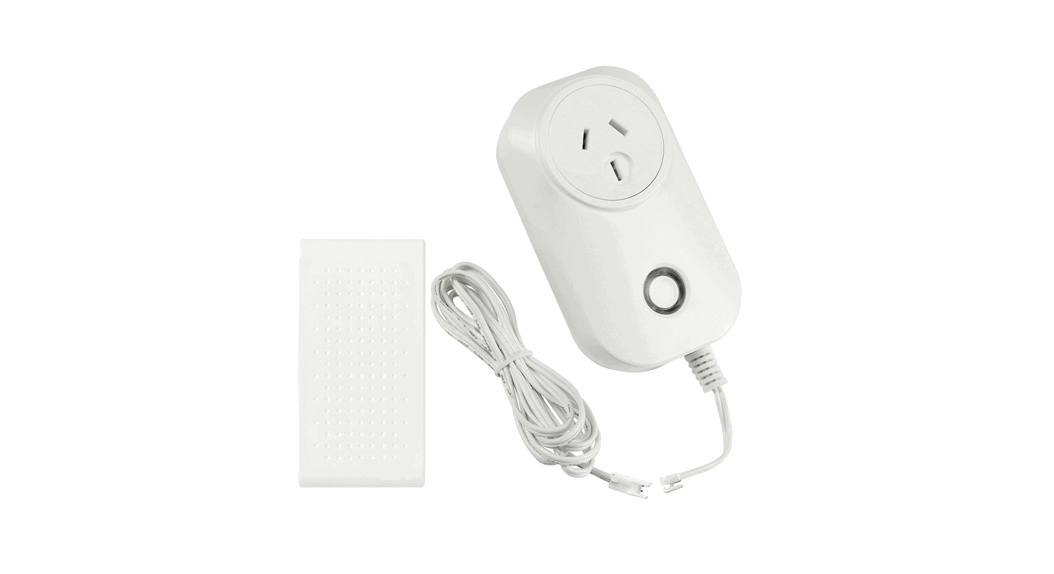
Ecolink GDZW7-ECO Garage Door Controller
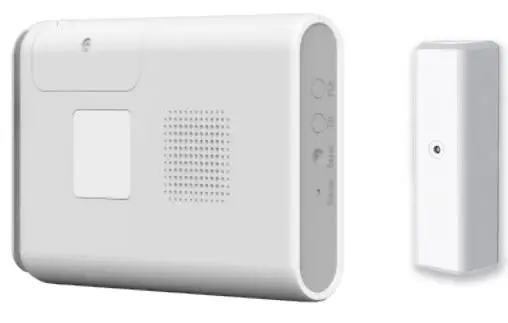
Installation Instructions and User Manual (Scan QR Code for online content.)

Specifications
- Operating Frequency:
- Z-Wave Long Range (912MHz, 920MHz),
- Z-Wave (908.42MHz, 916MHz),
- 310MHz, 315MHz, 345MHz, 390MHz
- Operating Temperature: -4° – 140°F (-20° – 60°C)
- Power: 12VDC, 1.0A
Package Contents
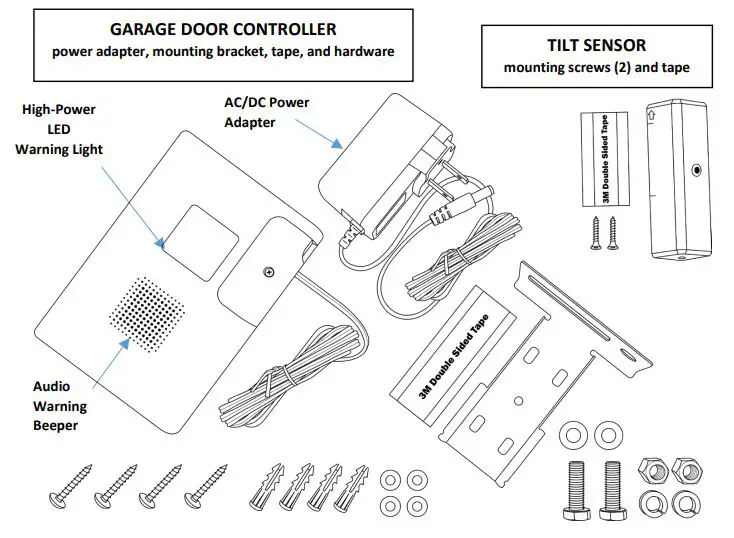
- 1x Garage Door Controller
- 1x AC/DC Power Adapter
- 1x Mounting Bracket
- 4x Screws, Washers, Wall Anchors
- 2x Hex Bolts, Flat Washers, Split Lock Washers, Nuts
- 1x Back Side Mounting 2-Sided Adhesive Tape
- 1x Tilt Sensor (color may vary)
- 1x 2-Sided Adhesive Tape (Tilt Sensor)
- 2x Mounting Screws
- 1x Quick Start Guide
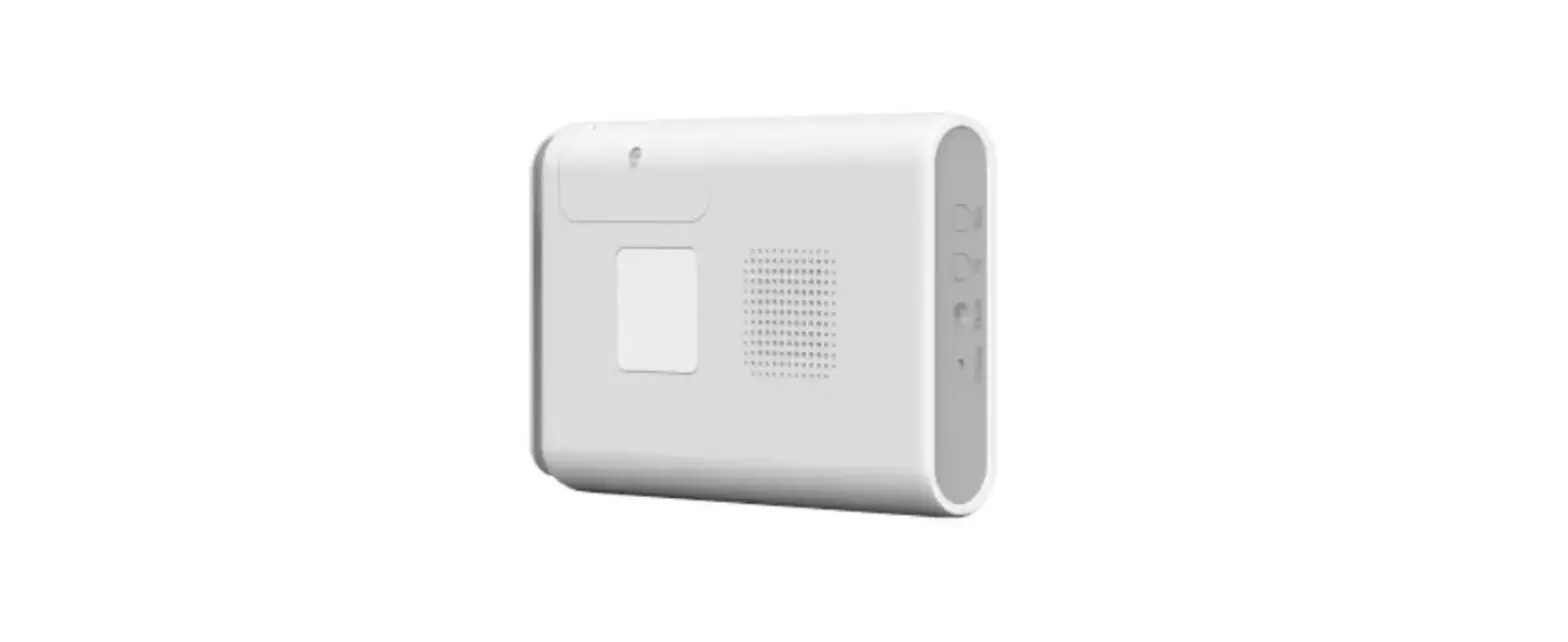
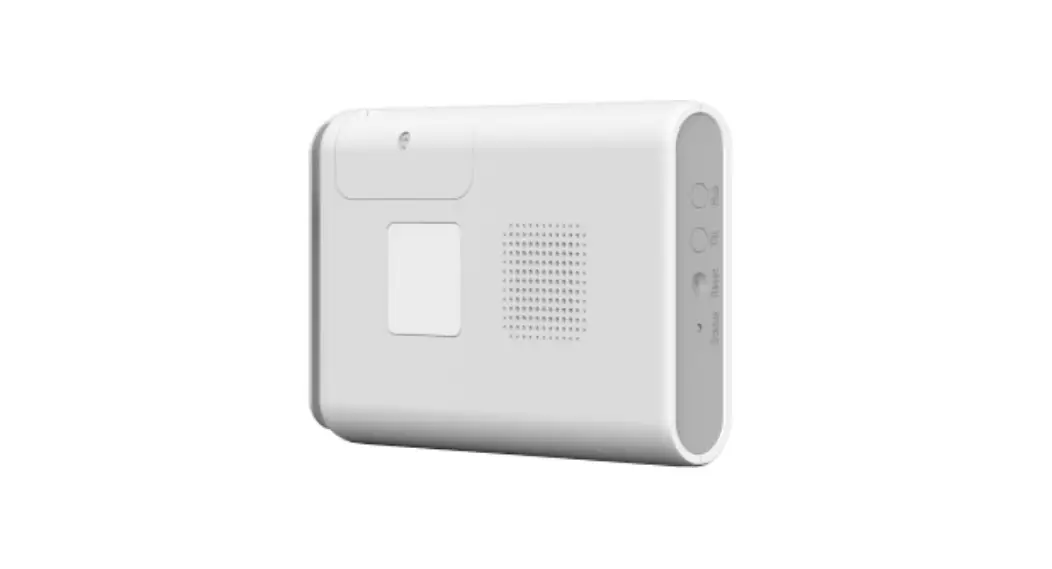
Component Identification
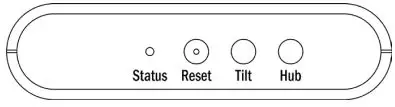
Buttons, Wiring and Status LED
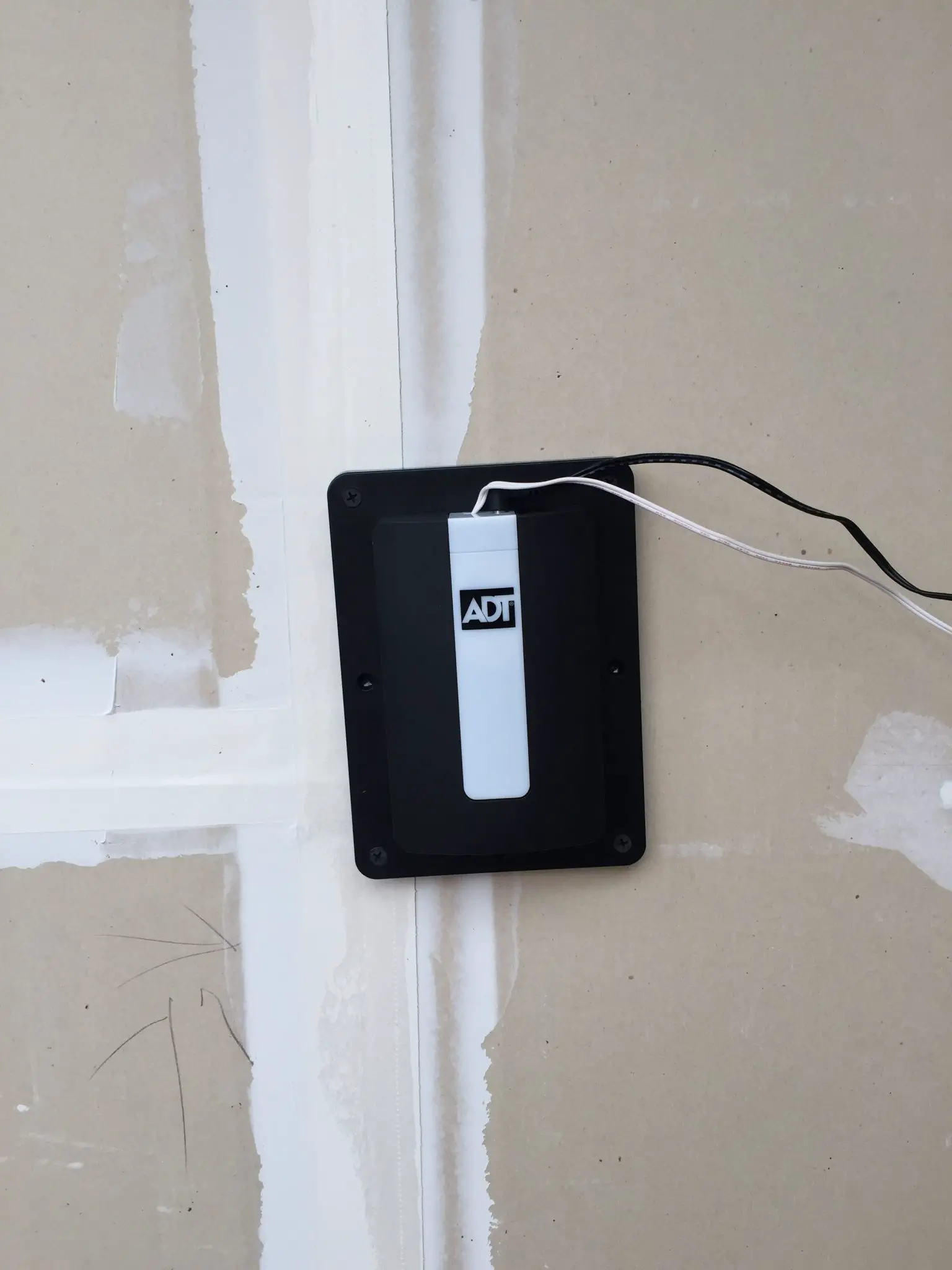
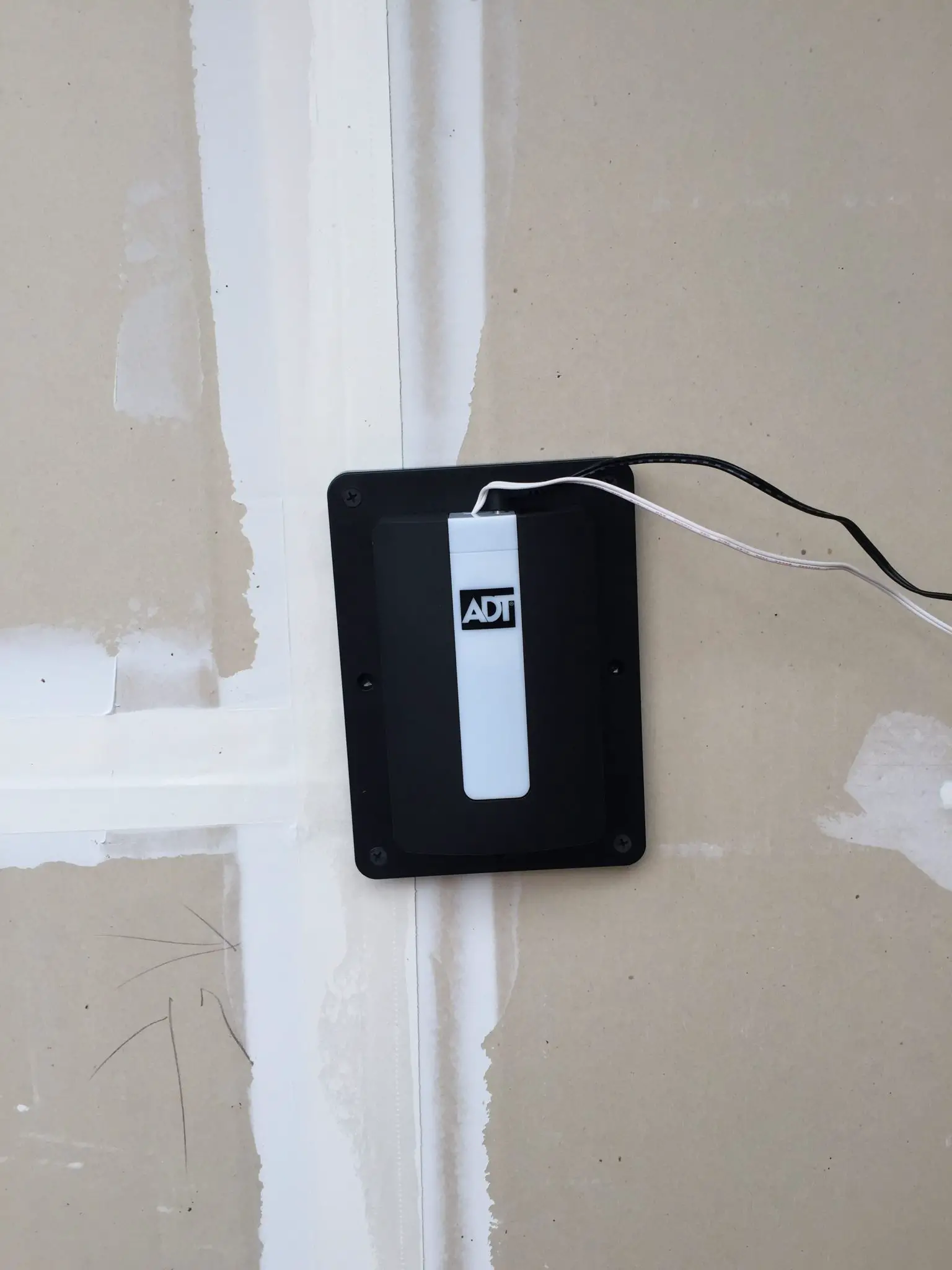
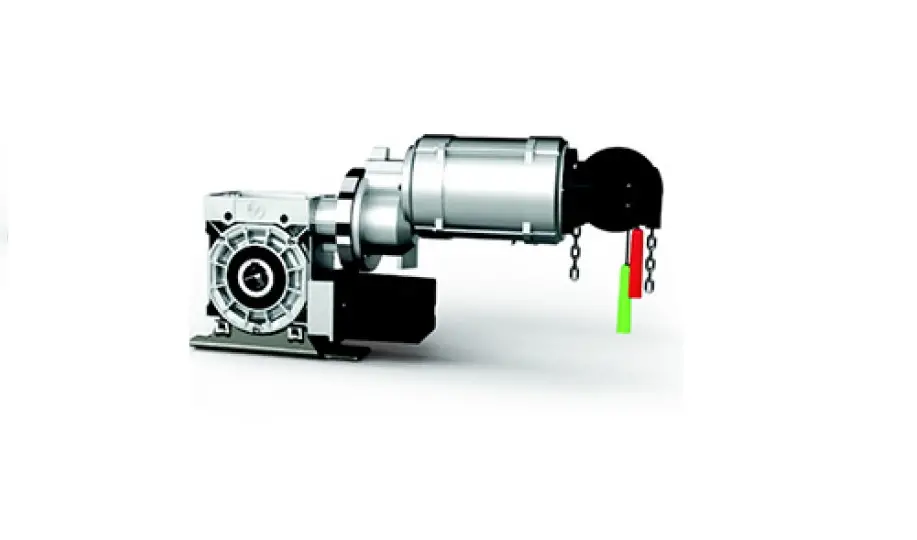
Typical Installation
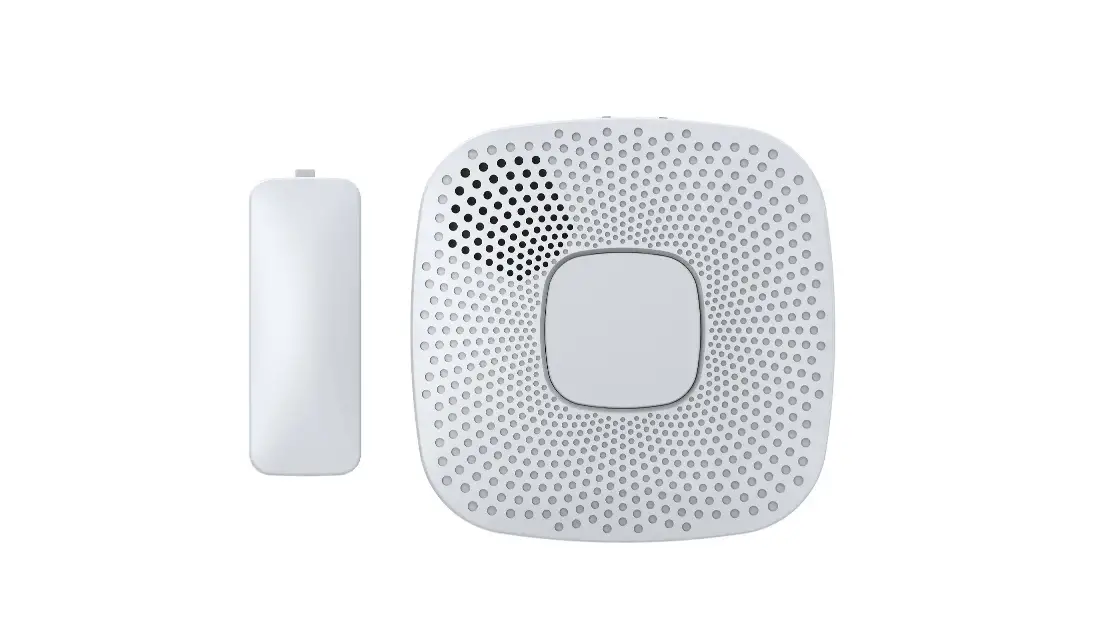
The Garage Door Controller is pre-paired with a wireless tilt sensor. The Garage Door Controller may ignore commands to control the garage door if it deems that it is unsafe to execute the command.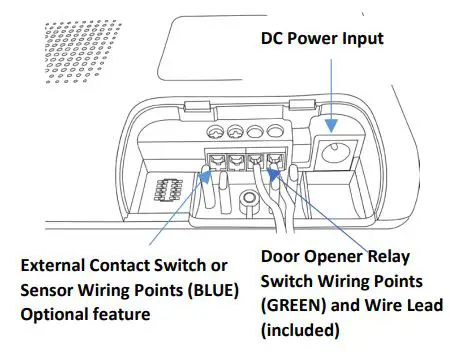
INSTALLATION OUTLINE:
- Add Garage Door Controller to a Z-Wave® Network Hub
- Mount and activate the Tilt Sensor
- Mount and connect the Garage Door Controller
- Test system operation
Caution: For safety always temporarily disconnect power from the garage door opener when working near the moving parts.
Step 1: Adding to a Z-Wave® Network
Power up the GDZW7-ECO with the included AC/DC power adapter, and the device’s status indicator will blink green twice per second to indicate that the GDZW7-ECO is actively looking to be included into a network. The GDZW7-ECO must not already be added to a Z-Wave network. If the device was previously added to another Z-Wave network, follow the advanced instructions on removing it from the previous network. There are a few methods to add a device to a Z-Wave network: SmartStart, Classic and Network Wide Inclusion. For both methods, you may need to locate the Device Specific Key (DSK) which is on the device’s box and on the back side of the device itself. Scan the DSK QR-Code with the panel’s or controller’s smartphone app or enter it in manually when prompted.
Note: Adding in the device as a long-range node can only be done via SmartStart.
SmartStart:
- When the GDZW7-ECO is powered up and not included in a network, with the status indicator blinking green twice per second, it is ready for SmartStart.
- The device may take a few minutes to be added, blinking green rapidly while adding.
- When it is successfully added, the device will beep and status indicator will illuminate green.
Classic / Network-Wide Inclusion
- Follow the instructions of the Z-Wave controller to put the Z-Wave controller into manual or classic Z-Wave inclusion mode.
- Locate and press the “Hub” button on the device.
- The device will attempt to include itself, with status indicator blinking green rapidly.
- Be prepared to enter the DSK if asked.
- When it is successfully added, the device will beep and status indicator will illuminate green.