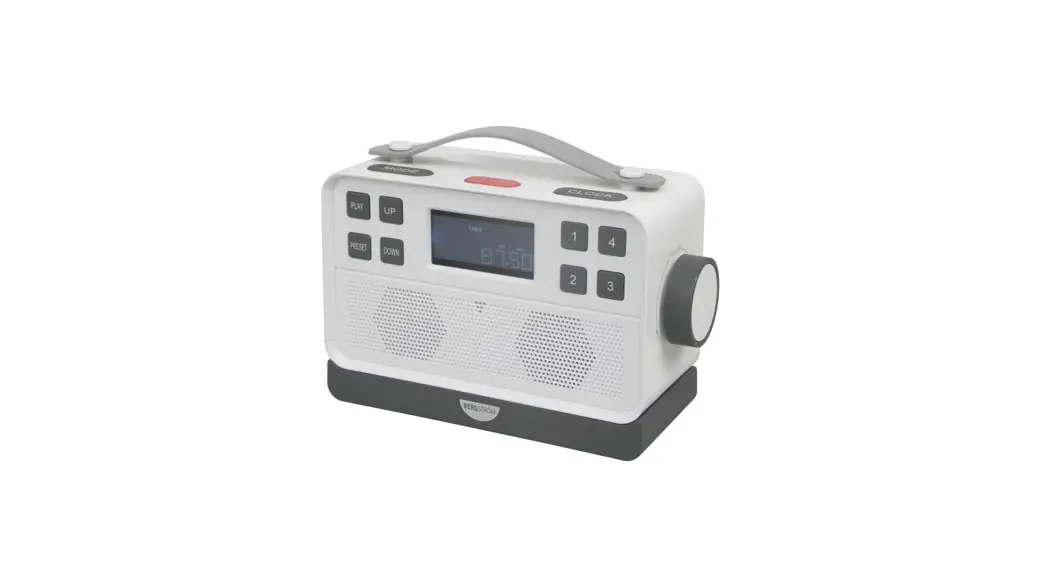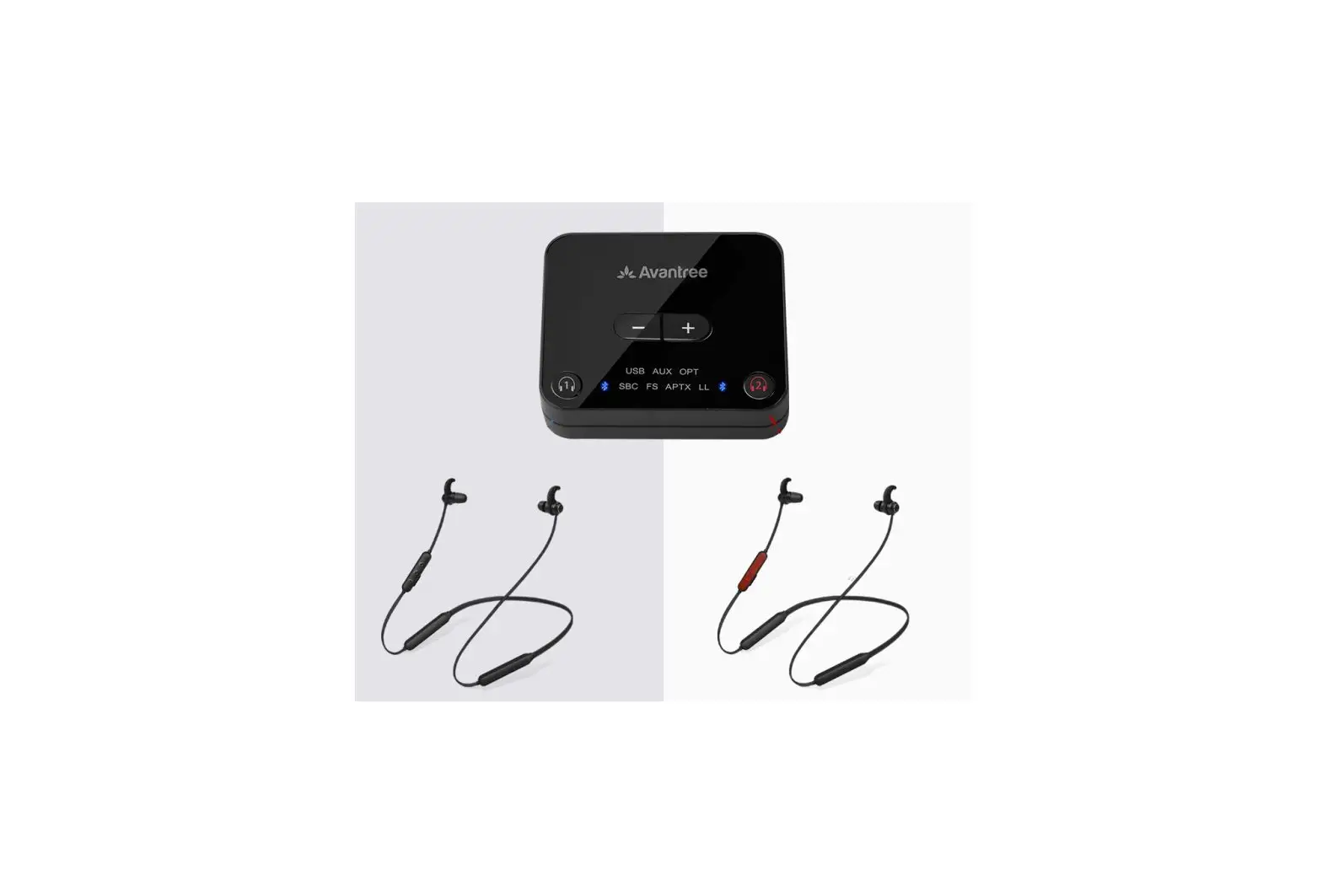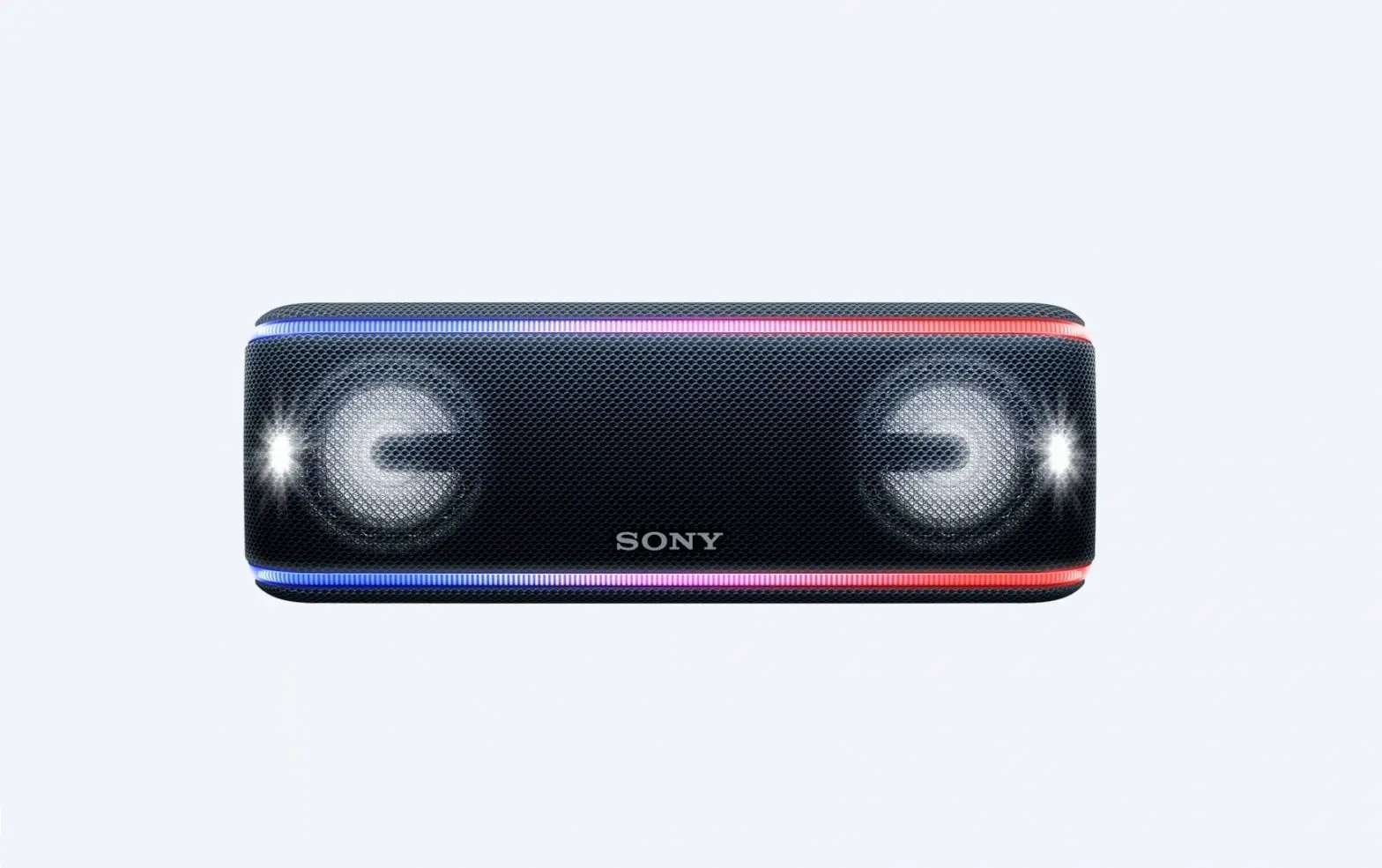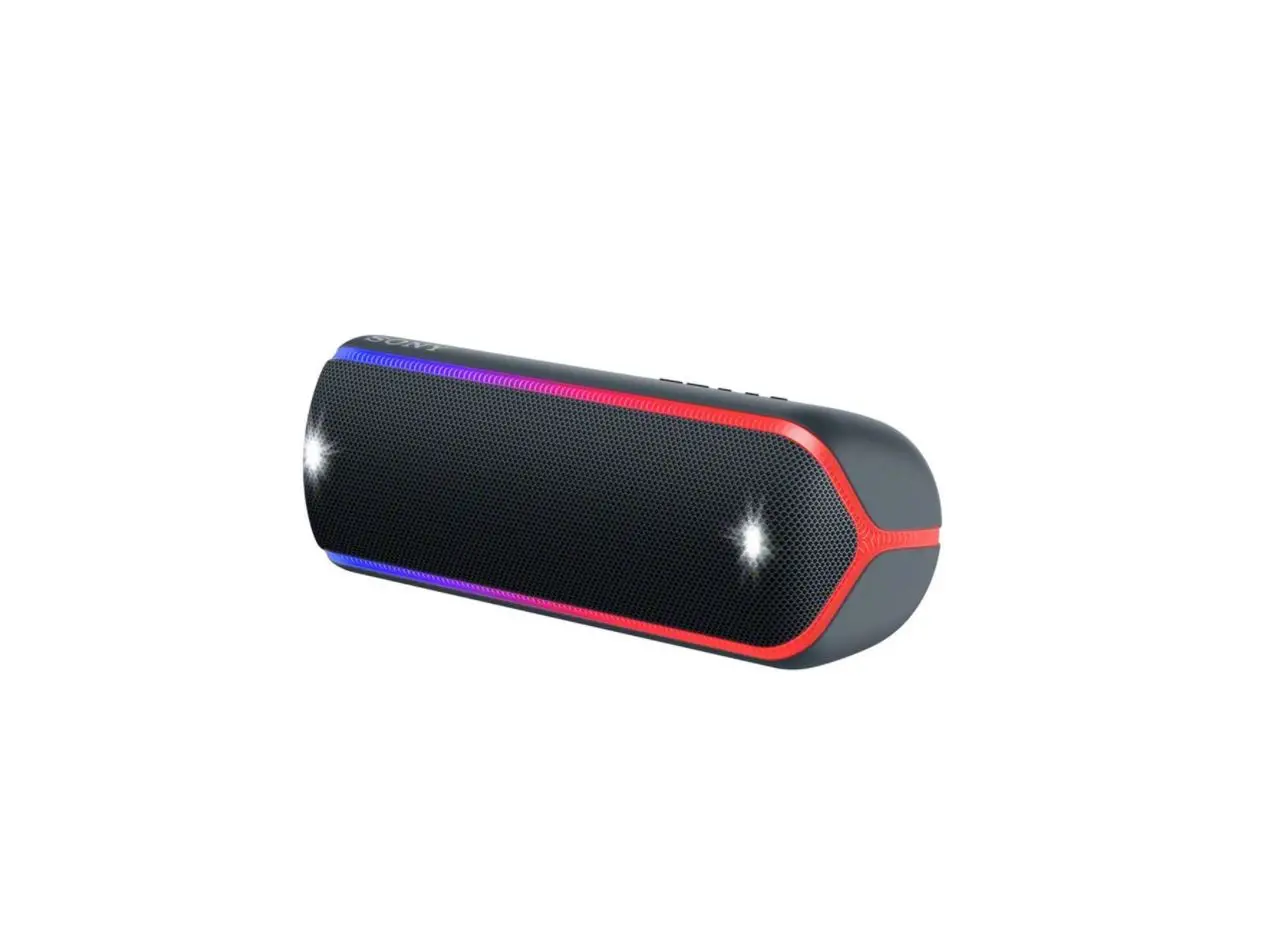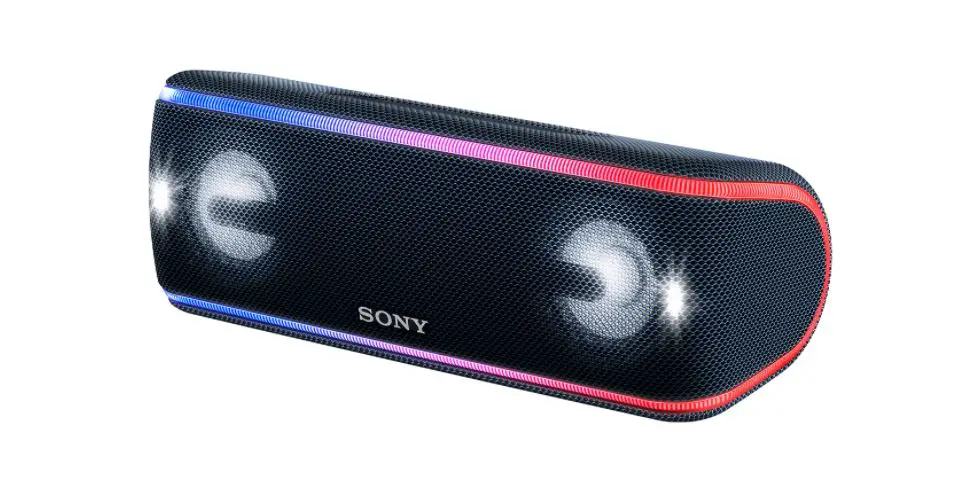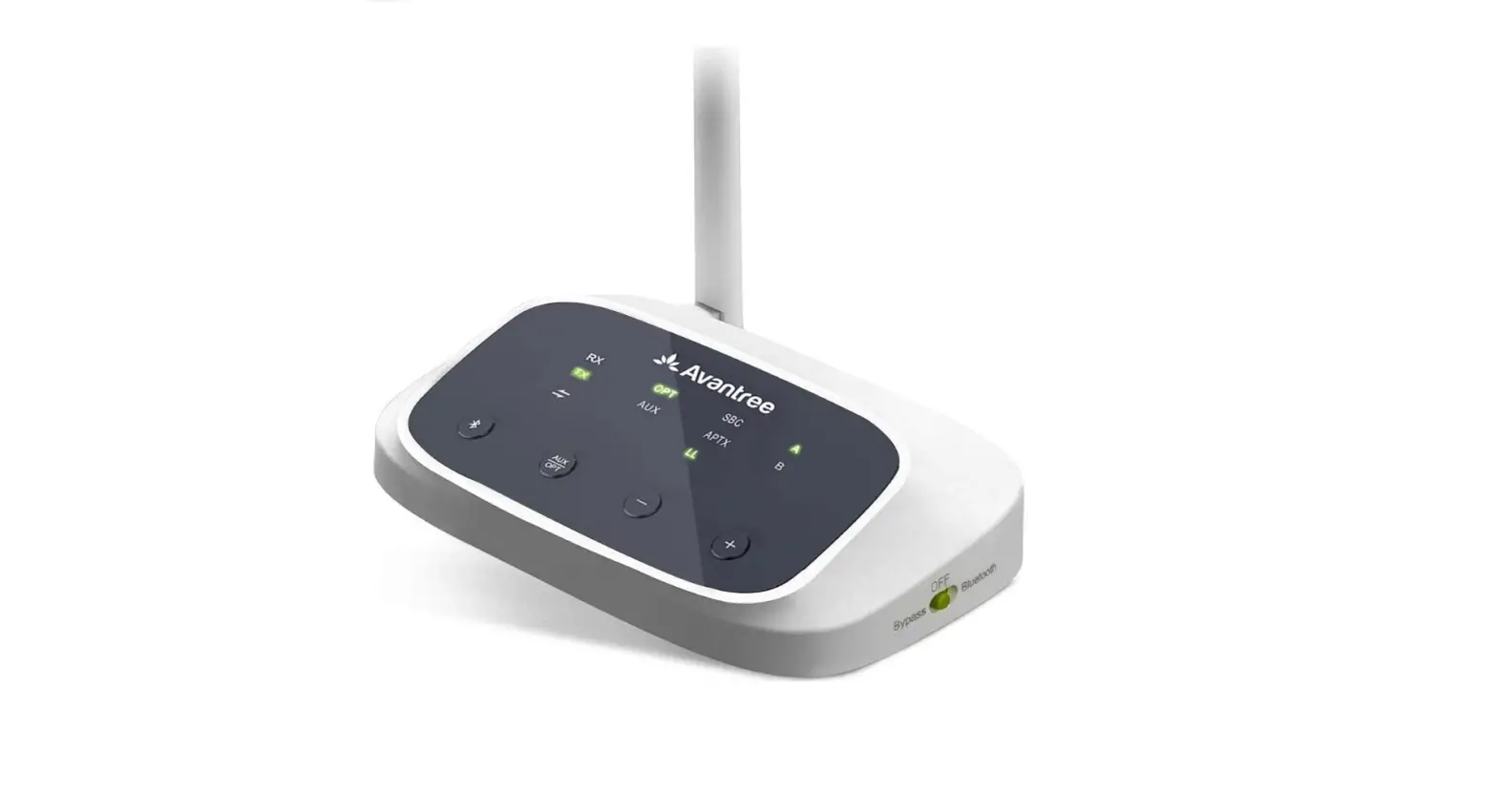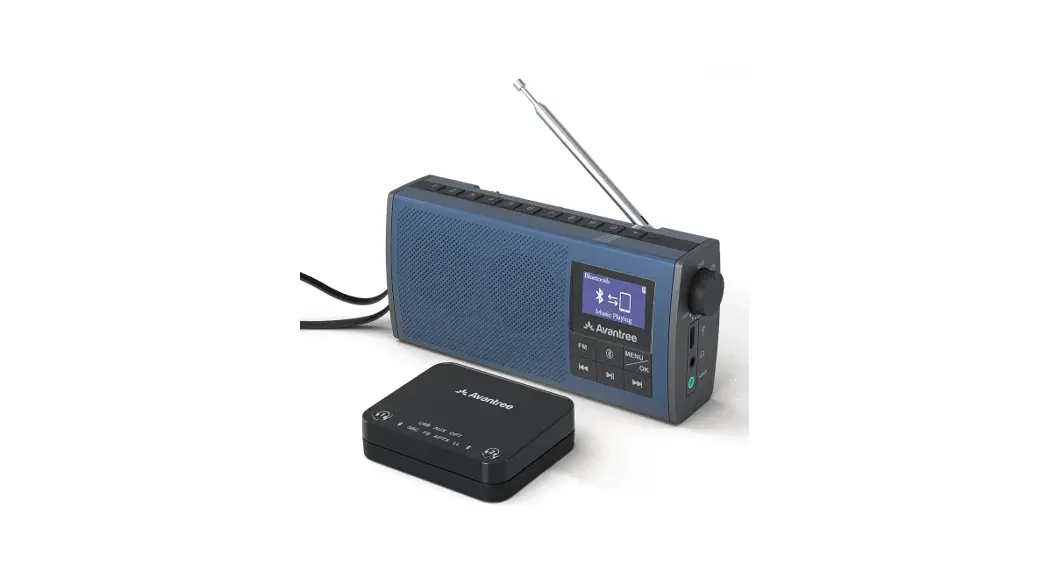

Avantree® Audikast 4860
Wireless TV Speaker
with Transmitter
Model No.: BTST-4860
Quick Start Guide
Please visit
www.avantree.com/product-support/audikast-4860
for a detailed step-by-step setup guide
What’s in the box?
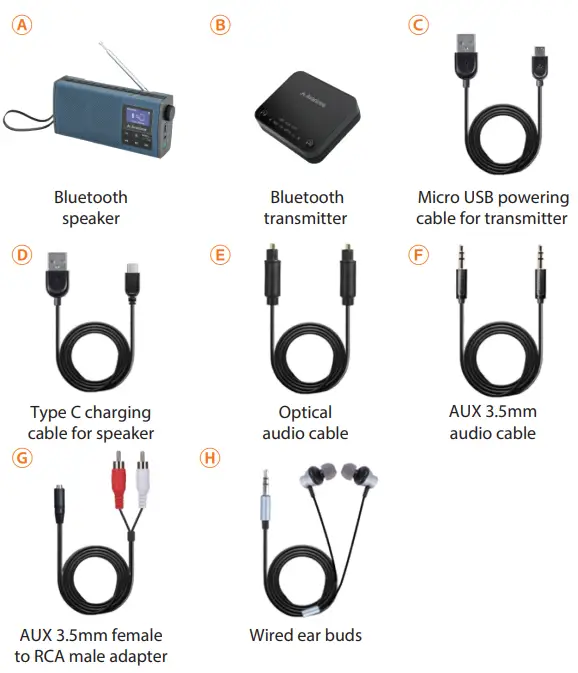
Using as Bluetooth Speaker and Transmitter Set for TV
Power Up the Transmitter Dock
Connect the Transmitter to a power source using the Micro USB charging cable Ⓒ. You may use either the TV’s USB port or any 5V/500mA-2A rated plug.
Note: Contact us at [email protected] for a FREE USB wall charger (for US/UK/EU) if you need one.
Step 1: Connecting the transmitter to your TV/Audio Source
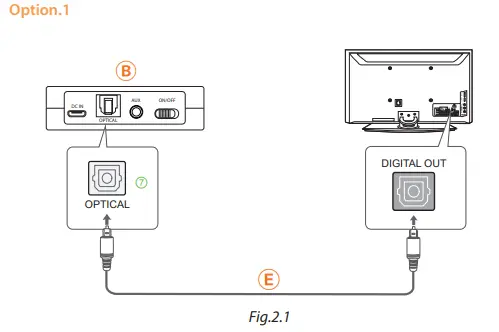 | 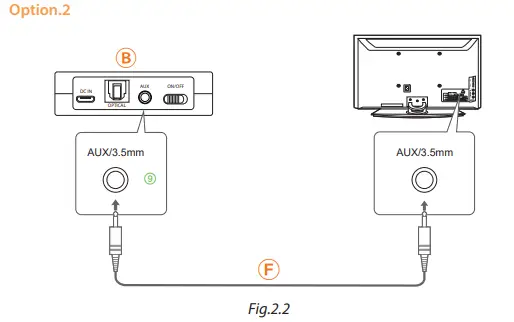 | 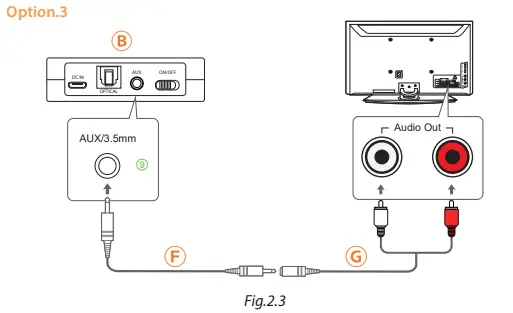 |
Depending on what your TV/Audio Source has, use any ONE of the connections mentioned above.
- If your TV/Audio Source has Digital OPTICAL/TOSLINK/SPDIF Out(Recommended!), refer to Fig.2.1.
- If your TV/Audio Source has AUX 3.5mm/Headphones Out, refer to Fig.2.2.
- If your TV/Audio Source has Red/White RCA Audio Out, refer to Fig.2.3.
The TV Red & White RCA ports must be labeled “AUDIO OUT” to work. Other Red/White ports are incorrect.
Step 2: Connecting the speaker to the transmitter
Follow the instructions below to power everything on.
- Turn on the transmitter – Slide the ON/OFF switch to “ON”
- Turn on the speaker – Clockwise rotate the volume control to ON, and the LCD screen will light up.
- Once connected, the Bluetooth icon
 on the transmitter close to
  and LL turns solid BLUE; the Speaker LCD screen display “Connected” or “Music Playing”.
 and LL turns solid BLUE; the Speaker LCD screen display “Connected” or “Music Playing”.
For Next Use, normally, they will auto reconnected once turned on. If not, click the speaker button  once.
once.
Step 3: TV Sound Settings – ONLY if using TV OPTICAL/ TOSLINK/SPDIF Port
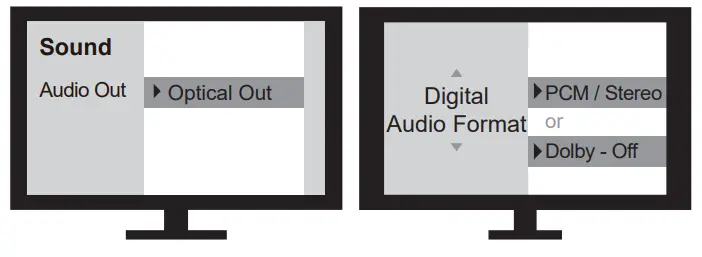
Use your TV remote to go into your TV’s SETTINGS MENU, Set TV Audio Format to PCM/Stereo. Do NOT select AUTO, DOLBY, or BITSTREAM !
The Speaker works as an FM Radio
Step 1: Turn on the speaker
Clockwise rotate the volume control to ON, and the LCD screen will light up. Then click the button “FM” once to enter FM mode.
Step 2: Tune in to channels.
- Auto-scan channels – For 1st-time use, it will start auto-scanning by
 default. Please wait until the auto-scanning is complete. Then press the to choose the desired channel.
 - Input station directly- Directly input the channel frequency using the number pad, e.g. for FM102.5, press the number sequence 1- 0 – 2 – • -5.
Step 3: Save and play your favorite channels - Save channels to the number pad for quick access – Find local FM channels as described above, then save any channel for quick access by pressing and holding the number pad until the screen displays “Channel Saved”. You can save up to 9 channels.
- Play the saved channels – Click once the corresponding number pad button.
Charge the speaker
Please charge the speaker if you see the battery icon  fashing, you can charge using any standard USB charger with 5V/ 1A output via the Type – C charging cable included.
The battery icon  on the LCD screen will flash while charging and stop once charging is complete. It takes about 3 hours to fully charge the speaker and you can still use it normally while it’s charging.
Factory Reset
Clear paired history of the transmitter
Press buttons 1 and 2 for 7 seconds, BOTH Bluetooth icons turn PINK for 2 seconds, now all paired history is cleared. After a clear paired history of the transmitter, it will enter pairing mode automatically, Bluetooth icon close to 1 will flash RED and BLUE quickly.
Clear BLUETOOTH paired history of the speaker
Press both the previous and next track buttons for 7 seconds, and the screen will display “Reset”, now all paired Bluetooth devices’ history is cleared. The speaker will enter “connecting” mode automatically.
Product Overview
Speaker
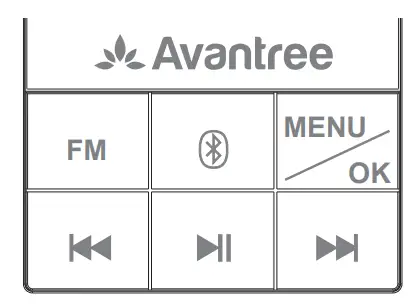
FM | Press once to enter FM mode |
| Press once to enter Bluetooth mode |
| Press and hold 2 seconds to disconnect and enter pairing mode | |
| MENU/ OK | Press once to enter the MENU interface (FM mode) |
| Press once to conrm your selection | |
| Press and hold 2 seconds to enter the system settings interface | |
| Press once to skip to the next/previous channel/track (FM mode) |
 | Press once to mute/unmute (FM/wired speaker) |


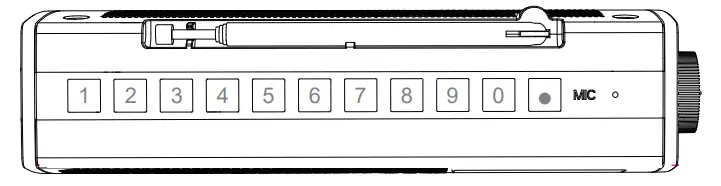
1,2,3……0 | Press and hold for 2 seconds to save your favorite channel |
 | Press and hold for 2 seconds to switch sound mode |
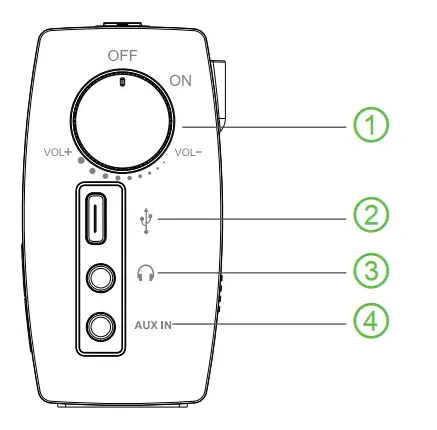
- Power on/off, volume up/down
- Charging port
- Wired headphone port
- Aux 3.5mm audio input port
Transmitter
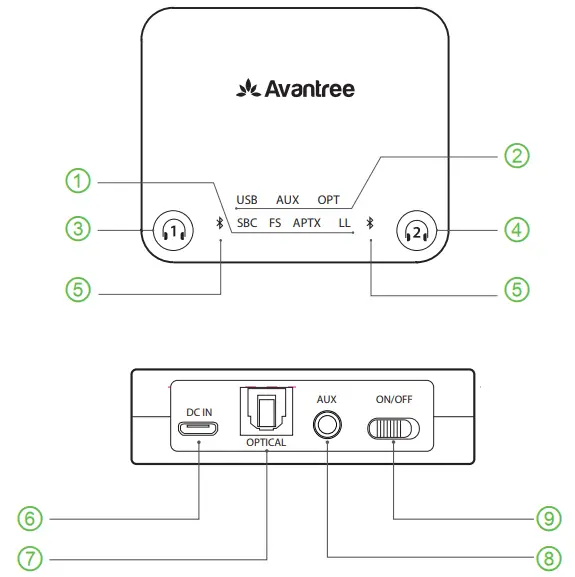
- Codec indicators
- Audio input indicators
- Pairing button for speaker
- Pairing button for 2nd device
- Micro USB power port
- Bluetooth status indicator for devices 1 and 2
- Optical(SPDIF/TOSLINK) audio in
- 3.5mm AUX Audio In
- On/Off
Online Support
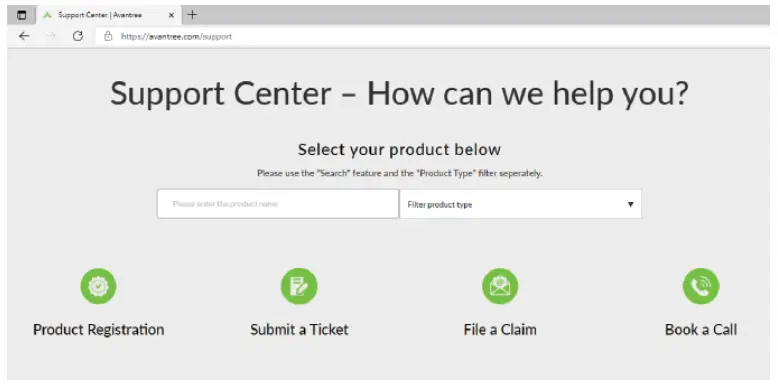
Troubleshooting & FAQ
- No sound/Something not working?
- Use the speaker independently with your smartphone?
……
For more troubleshooting tips, please go to the URL below.
Contact Us
 | avantree.com/submit-a-ticket |
 | [email protected] |
 | USA / Canada: +1800 232 2078 (US Toll Free, 9am-6pm PST, Mon-Fri )UK: +44 20 8068 2023 (9am-6pm, GMT, Mon-Sat) |
 Register for your extended 24 Months warranty at
avantree.com/product-registration
Dispose of the packaging and this product in accordance with the latest provisions.
 Avantree - Product Registration