 User Guide
Chapter 1 Date & Time Setting
- Press the
 button and hold for about 3 seconds, the year number “2020 would flash, then press the
  or
or button to set the year.
 - Press the button again, the month number “1” would flash, then press the orbutton to set the month.
- Press the button again, the day number “1” would flash, then press theor button to set the day.

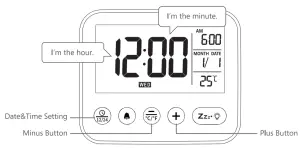
- Press the button again, the hour would flash, then press the or button to set the hour.
- Press the button again, the minute would flash, then press the or button to set the minute.
- Press the button to save the Date&Time Setting.
 button and hold for about 3 seconds, the year number “2020 would flash, then press the
  or
or button to set the year.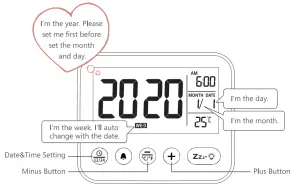
Chapter 2 Alarm Setting
- Press the
 button and hold for about 3 seconds, the hour of alarm would flash, then press theor button to set the hour.
 - Press thebutton again, the minute of alarm would flash, then press theor button to set the minute.
- Press thebutton to save the alarm setting.
 button and hold for about 3 seconds, the hour of alarm would flash, then press the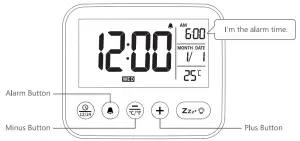
Chapter 3 Weekend and Temperature
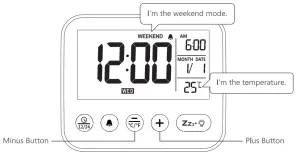
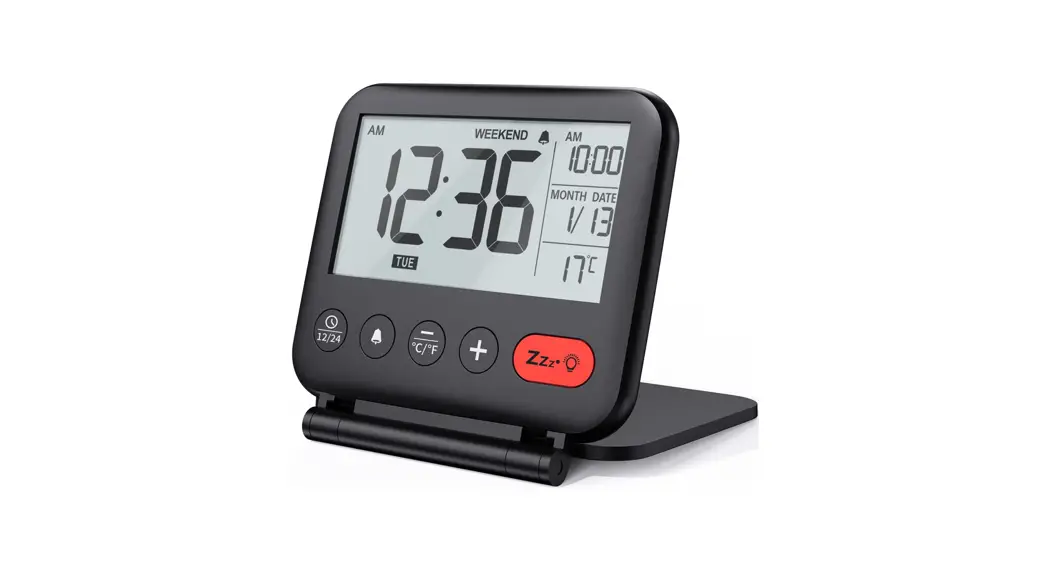
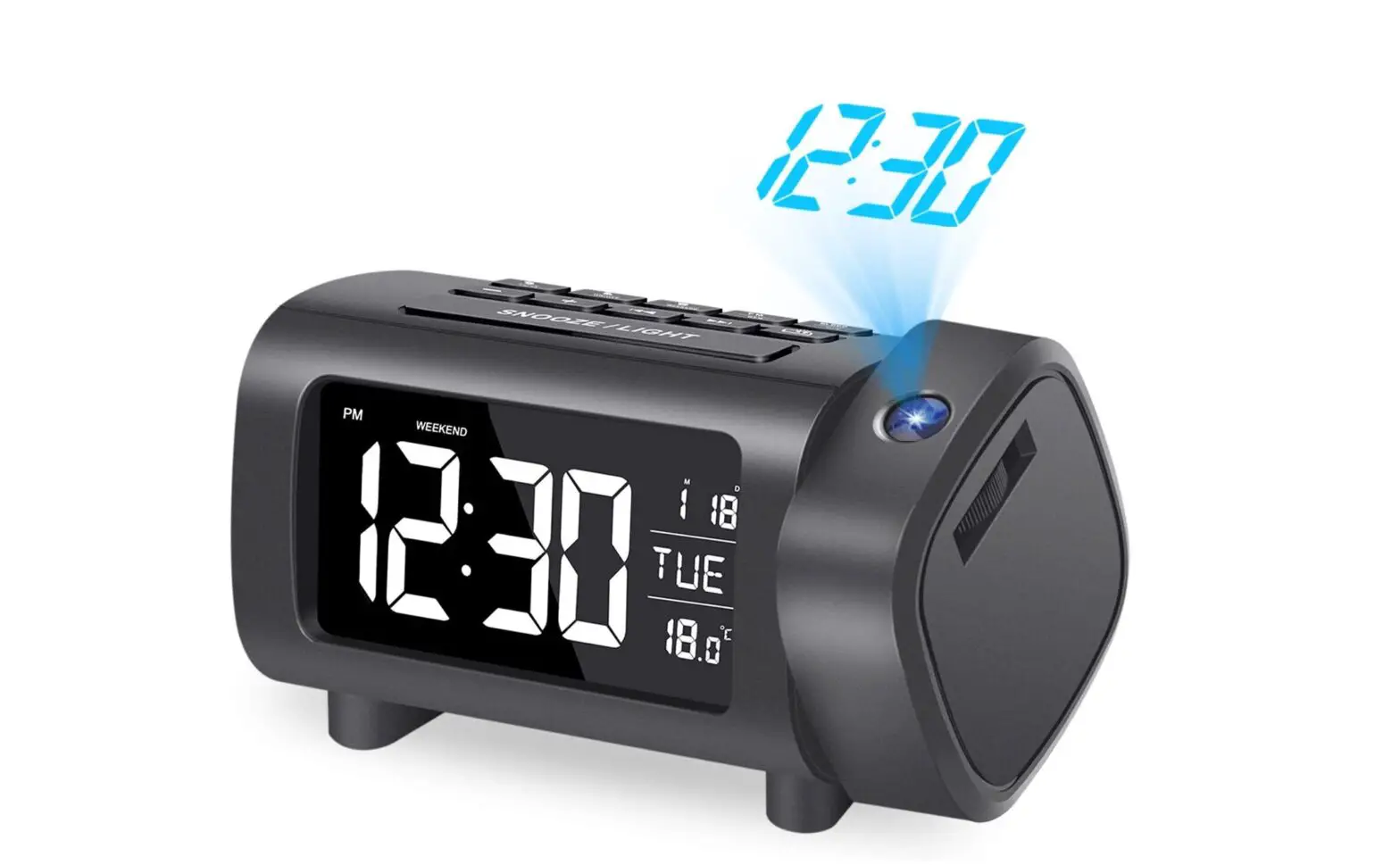
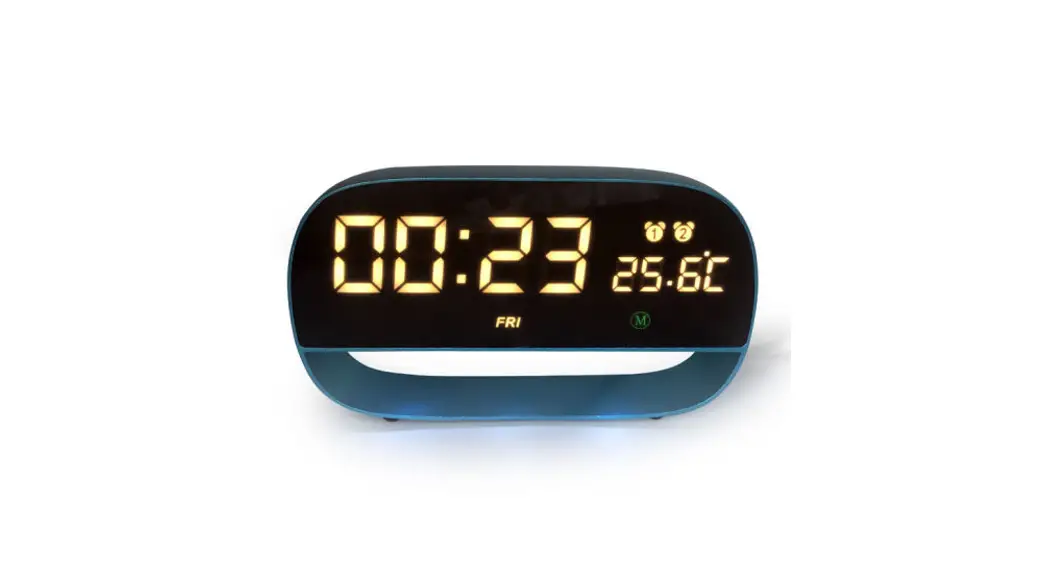
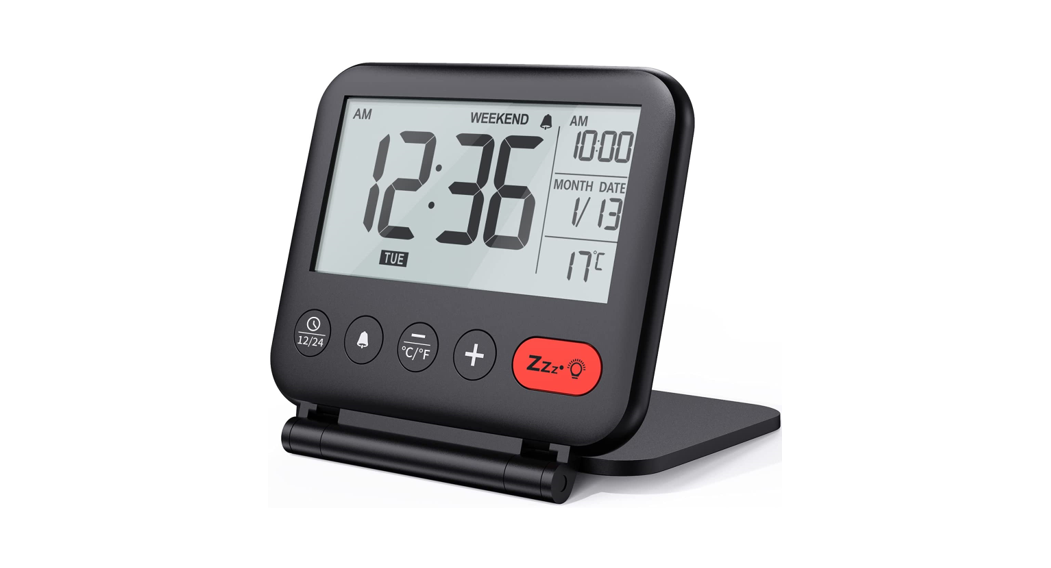
- Press and hold the button for 3 seconds to turn on/off the weekend mode. When the weekend mode turned on, the setting alarm would only ring from Monday to Friday.
- Press the button to switch the temperature unit from Celsius (“C) to Fahrenheit ( °F ).