CM9-535 Wireless Keyboard
Product Information:
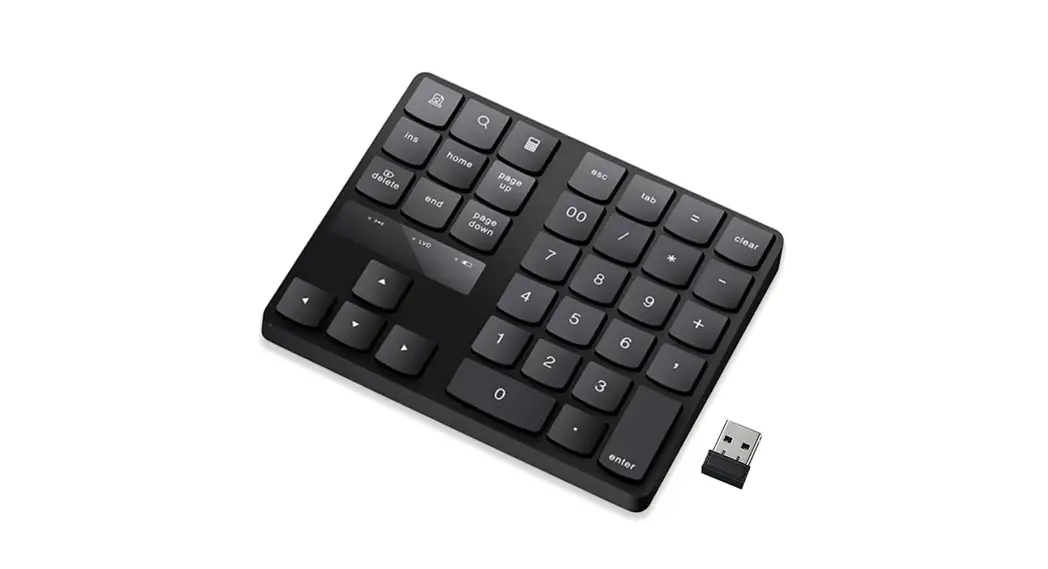
Product Name: Wireless Keypad
Model Number: CM9-535
Product Usage Instructions:
- Insert batteries into the wireless keypad. The battery
compartment is located on the back of the keypad. Make sure to
follow the correct polarity (+/-) indicated. - Press and hold the power button on the keypad to turn it on.
The power button is usually located on the top or side of the
keypad, depending on the model. - Once the keypad is turned on, it will automatically search for
available wireless connections. Wait for the keypad to establish a
connection. - On your device (e.g., computer, tablet, smartphone), go to the
Bluetooth settings and search for available devices. The wireless
keypad should appear in the list of available devices. - Select the wireless keypad from the list of available devices
on your device. - If prompted, enter the pairing code provided in the user manual
or on the keypad’s screen. Follow the on-screen instructions to
complete the pairing process. - Once the wireless keypad is successfully paired, it is ready to
use. You can now input commands or type using the keypad instead of
the device’s built-in keyboard. - To turn off the wireless keypad, press and hold the power
button until the keypad powers off.
Note: Refer to the user manual for additional features and
troubleshooting information.
Wireless Keypad Instruction Manual
CM9-535
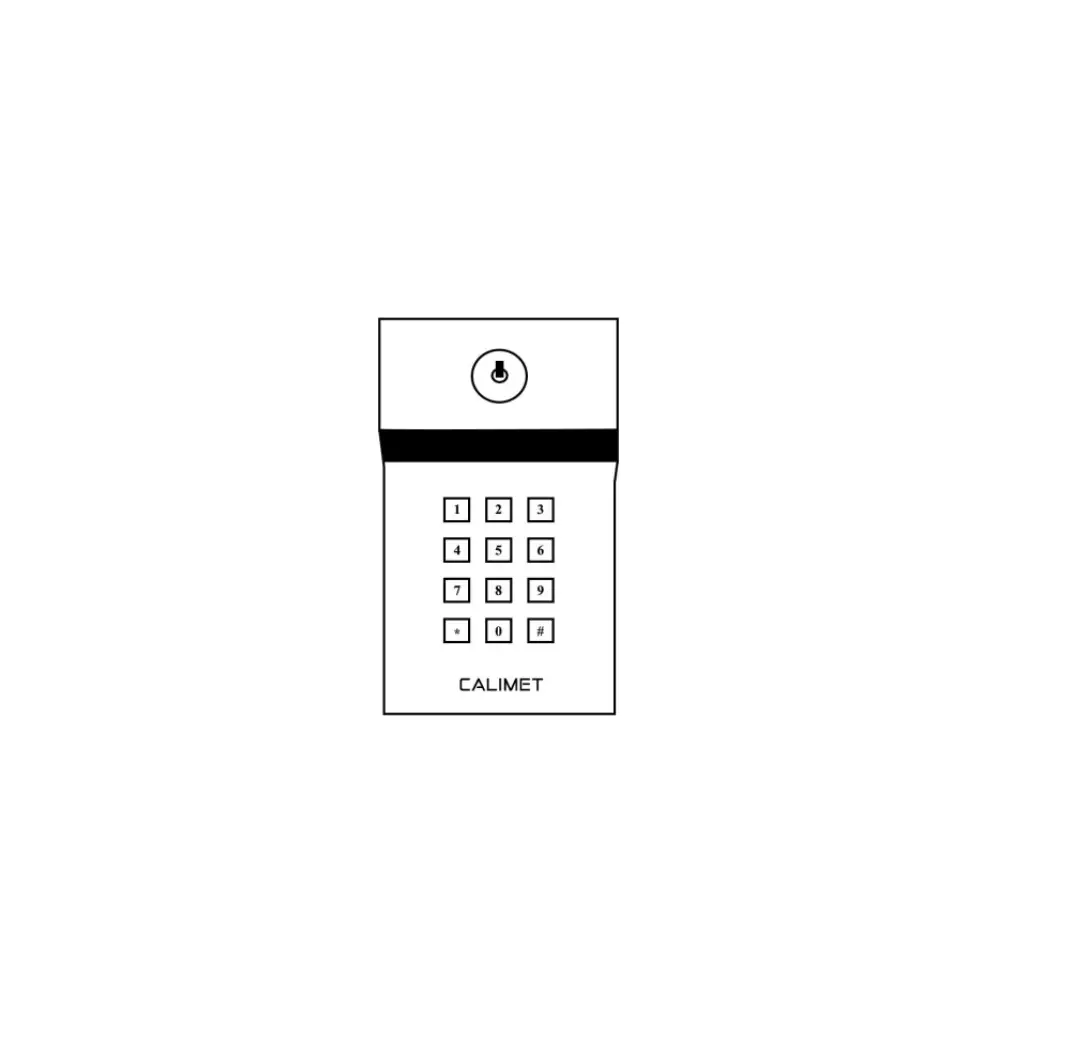
Notes · The default password is 0000 · When programming, try not wait more than 5 seconds after each input, or the programming exits automatically · A Calimet remote control is required · If you hear 2 short beeps, the wrong password was entered
Step 1 Connecting the battery · Use the included key to open the inside of the keypad · Remove the plastic cover from the battery · Attach the black and red cable to the battery · Press the black reset button on the circuit board until the ring stops (about 2 seconds)
STEP 2 – Setting a New Password · The default password is 0000 · Now let’s change that to something else · Press and hold the # key until you hear a long beep (about 5 seconds) · Enter 0000 and then press the * key · Enter your new password (any 4-6 numbers) and press * when done, Example: 1234 or 123456 · We are now finished setting up the password
STEP 3 – Connecting the Keypad to the Gate Opener · Have your Calimet remote control ready, you will need it in a few steps ahead · Press and hold the # key until you hear a long beep (about 5 seconds) · Enter your new password followed by the * key · Press the # key once · Press your remote control and hold it down for about 2 seconds (you will hear a beep) · Finished, the keypad is now connected to the gate opener · To open and close the gate, enter your password, followed by the * key
STEP 4 – Mounting the Keypad · Mount the keypad on a goose-neck pedestal (not included) or post on the side of the gate · You can also place the keypad directly on the post of a gate, or also on a nearby wall, or any other location within 50 feet of the gate operator. · Installation Finished.
(OPTIONAL) – Resetting the Password · Open your keypad with the included key · On the inside, press and hold the black reset button for 2 seconds · The password has been reset and is now 0000. Return to step 1 to set a new password
(OPTIONAL) Adding More than One Keypad More than one keypad can be installed on the gate opener, follow the same steps above to install more than one keypad.
(OPTIONAL) – Keypad Installation Video: https://youtu.be/cUTNtu7TpBM OPTIONAL Hardwiring the keypad directly to the gate opener Several commercial properties may require a keypad that uses a direct electrical source instead of a battery. You may wire the keypad directly onto the gate opener, and the keypad will use electricity from the gate opener. · Inside the keypad, take the red and black wire, and join (splice) it to another electrical wire (purchased separately) of the same color and size · Open your gate opener hood · Inside the hood, look for a green outlet that contains three inputs. · Use a flathead screwdriver to release the top of the two outlets on the right · Insert the red wire into 24-VDC and the black wire into 24V-COM
· (OPTIONAL) Other brand gate operators, red wire is 12-24V DC and black is Common · Use the flathead screwdriver to close the outlet
· (OPTIONAL) Hardwiring Multiple Keypads If hardwiring multiple keypads, put all wires from different keypads into the same green outlet. Example: if you are hardwiring two keypads, both red wires would go into the same right-most outlet, and both black wires would go into the same middle outlet. Battery Replacement · The alarm with 3 repeating beeps indicates the battery is low and needs to be replaced · Replace with any standard 9V battery