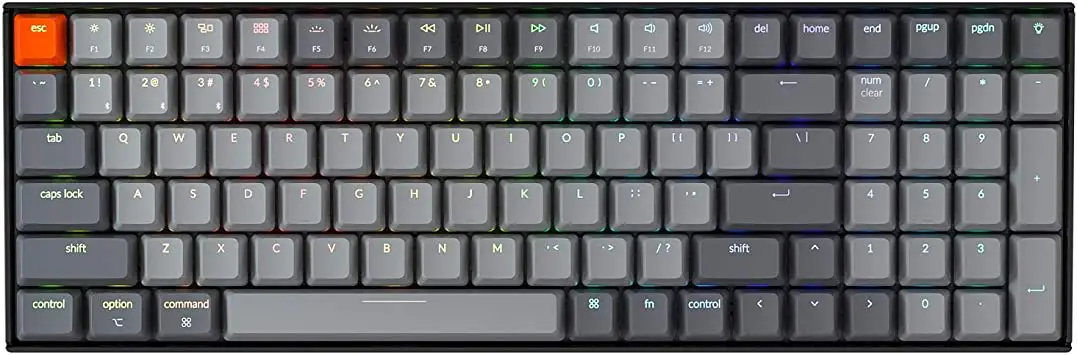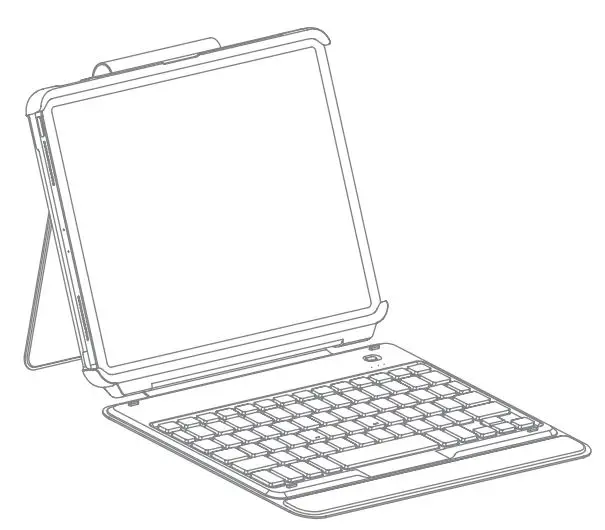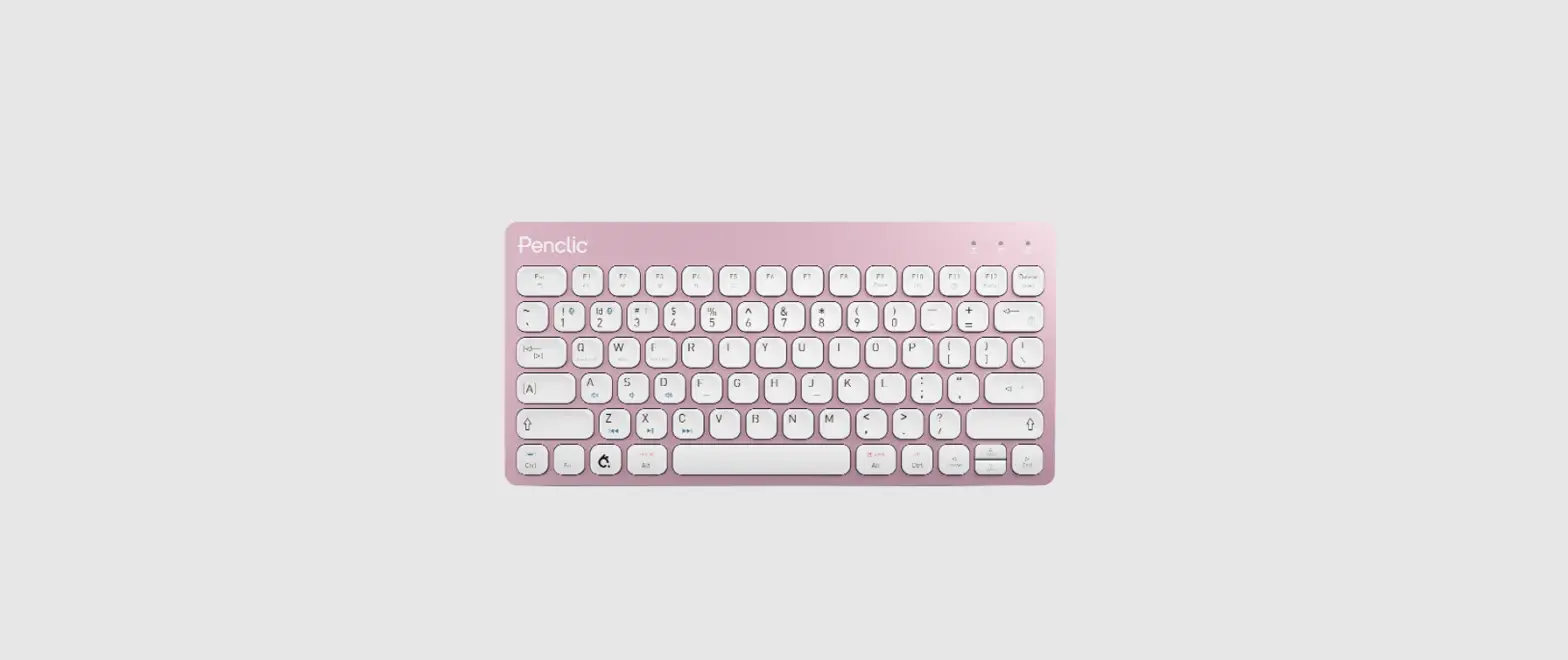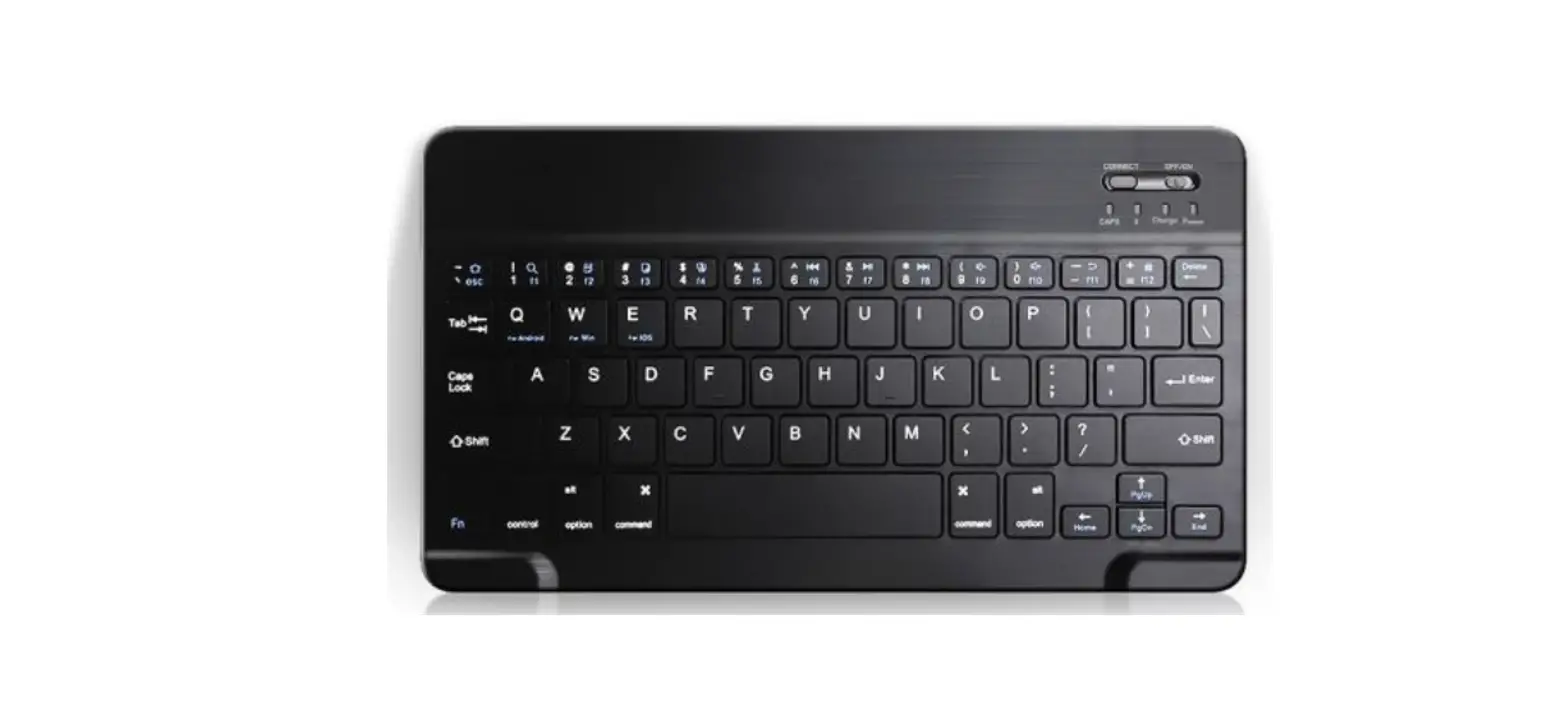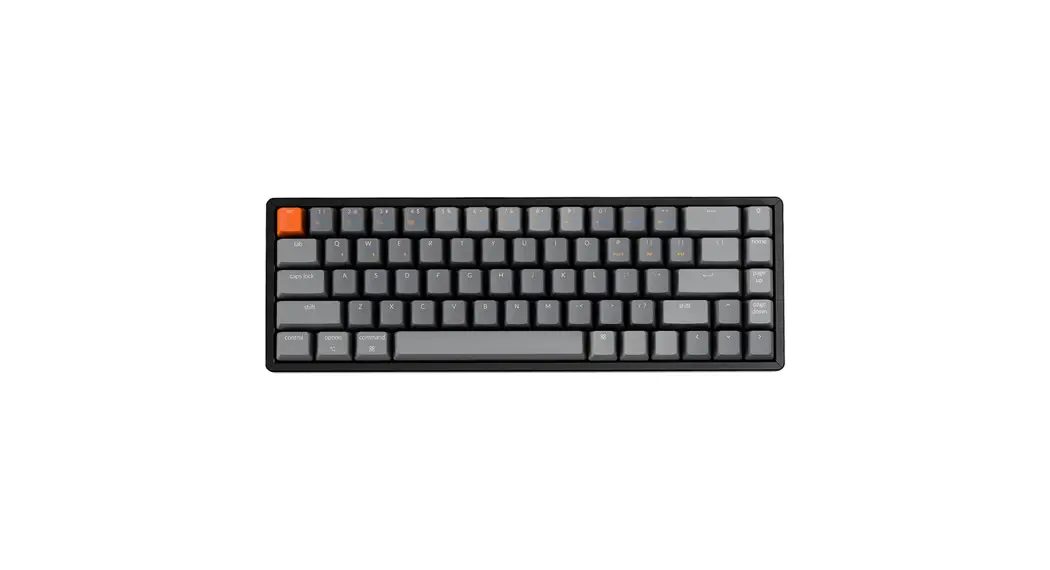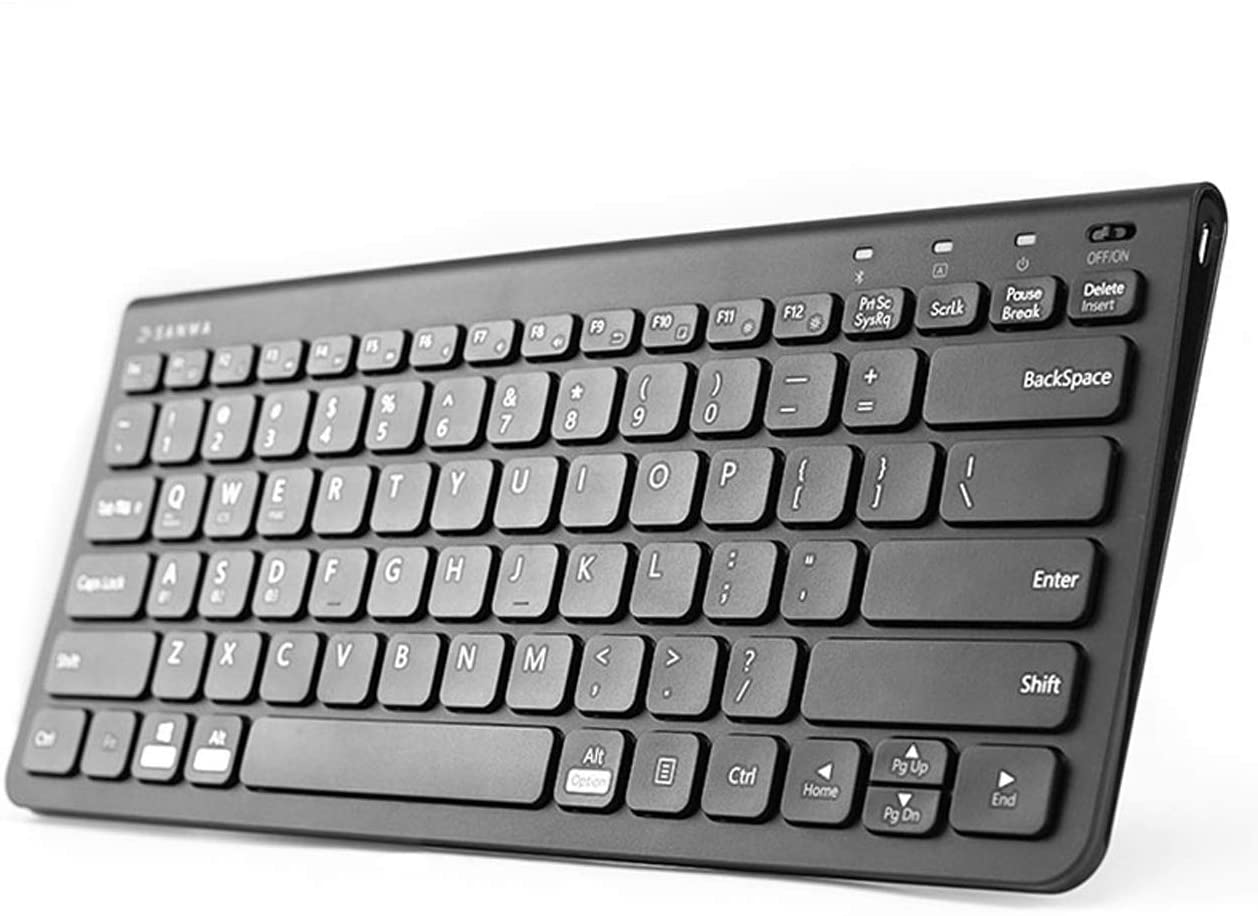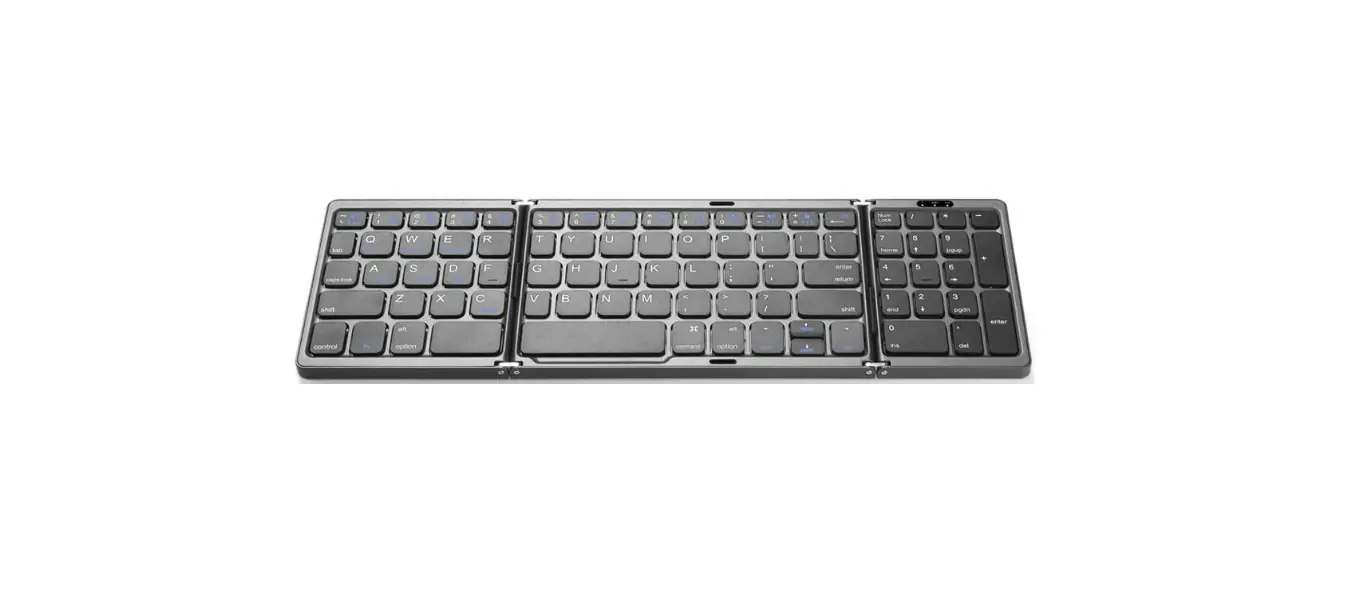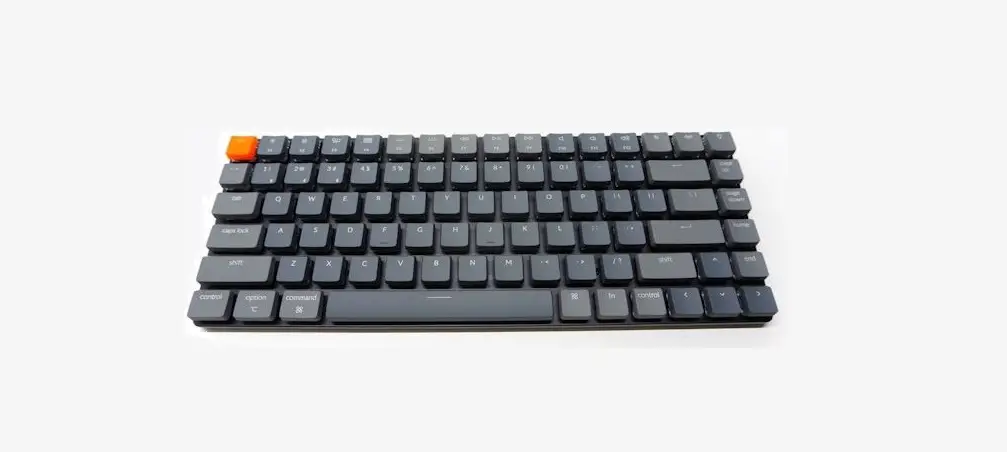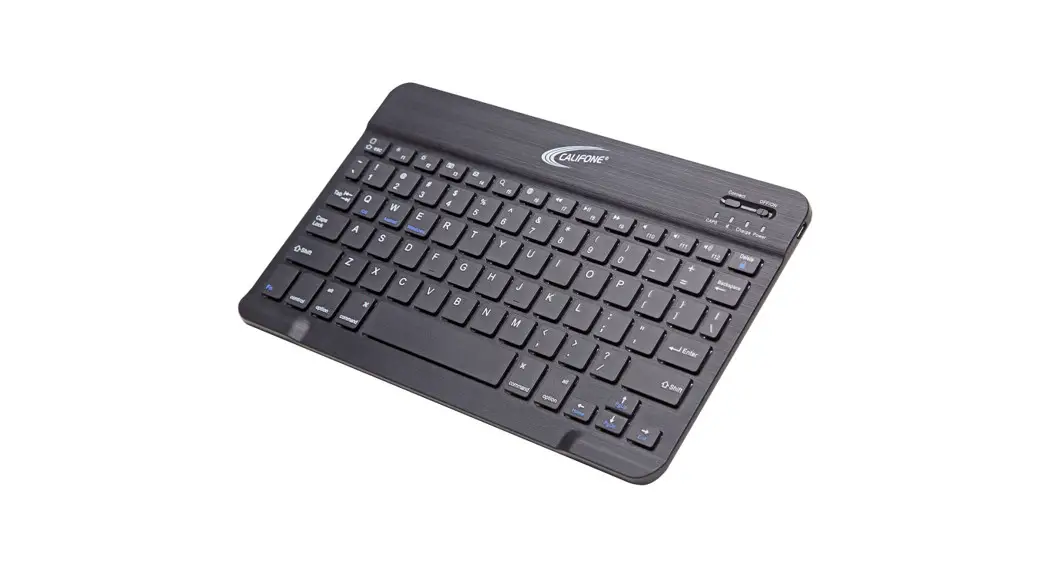
 Model KB4
Bluetooth Keyboard
 User Manual
Thank you for purchasing the Califone Model KB4 Bluetooth Keyboard.
We encourage you to visit www.califone.com/registration to register your product for its warranty coverage, to sign up to receive our newsletter, download our catalog, and learn more about the complete line of Califone® audiovisual products, including portable and installed wireless PA systems, multimedia players, and recorders, headphones and headsets, computer peripheral equipment, visual presentation products, and language learning materials.
Package Contents
- Ultra-slim KB4 Bluetooth keyboard
- Micro-USB charging cable
- User manual
Specifications
| Bluetooth Specification | Broadcom 3.0 chip |
| Dimensions | 247 x 150 x 6.5mm |
| Operating Range | Up to 10 meters |
| Modulation System | GFSK |
| Standy time | 30 days |
| Charge time | 4 hours |
| Uninterrupted Work Time | 44 hours |
| Lithium Battery Capacity | 110 mAh |
| Lithium Battery Life | 3 years |
| Key Life | 3 million clicks |
Getting Started Guide
How to Sync the Keyboard
Step 1: Slide the power button to “on”. The blue status light will illuminate for 4 seconds. The KB4 is still on.
Step 2: Press the [connect] button, the [Bluetooth] indicator light will be blinking blue
Step 3: On the device to be synced with the KB4, select: <Setting/General / Bluetooth / On>
Step 4: The device will display “Bluetooth 3.0 keyboard or Califone Keyboard” as an available device.
Step 5: Select “Bluetooth 3.0 keyboard” on the device and the device will immediately then display a code generated by the KB4
Step 6: Type the code on the KB4 and press enter; the keyboard will now be paired to the device.
After pairing for the first time, your device will connect to the keyboard automatically when powering on the keyboard.
Note: In case of connecting failure, delete the pairing record from your device and try the above procedures again.
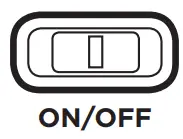 On/Off slider switch: ON or OFF to control power for the device.
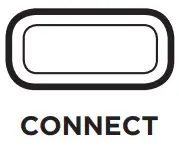 Bluetooth connects button: The On/Off switch is already in the On position, Press the [connect] button, The KB4 is now ready to be connected to your device.
Status Light
 Caps lock light: Status light when staying on under the uppercase
 Bluetooth connects button: The On/Off switch is already in the On position, Press the [connect] button, The KB4 is now ready to be connected to your device.
 Charging light (Red): lights when charging and will turn off once the KB4 is fully charged.
 Battery status light: slider the power button on. The red status light will illuminate for four seconds and then turn off to save power. THE KB4 keyboard is still on.
Note:
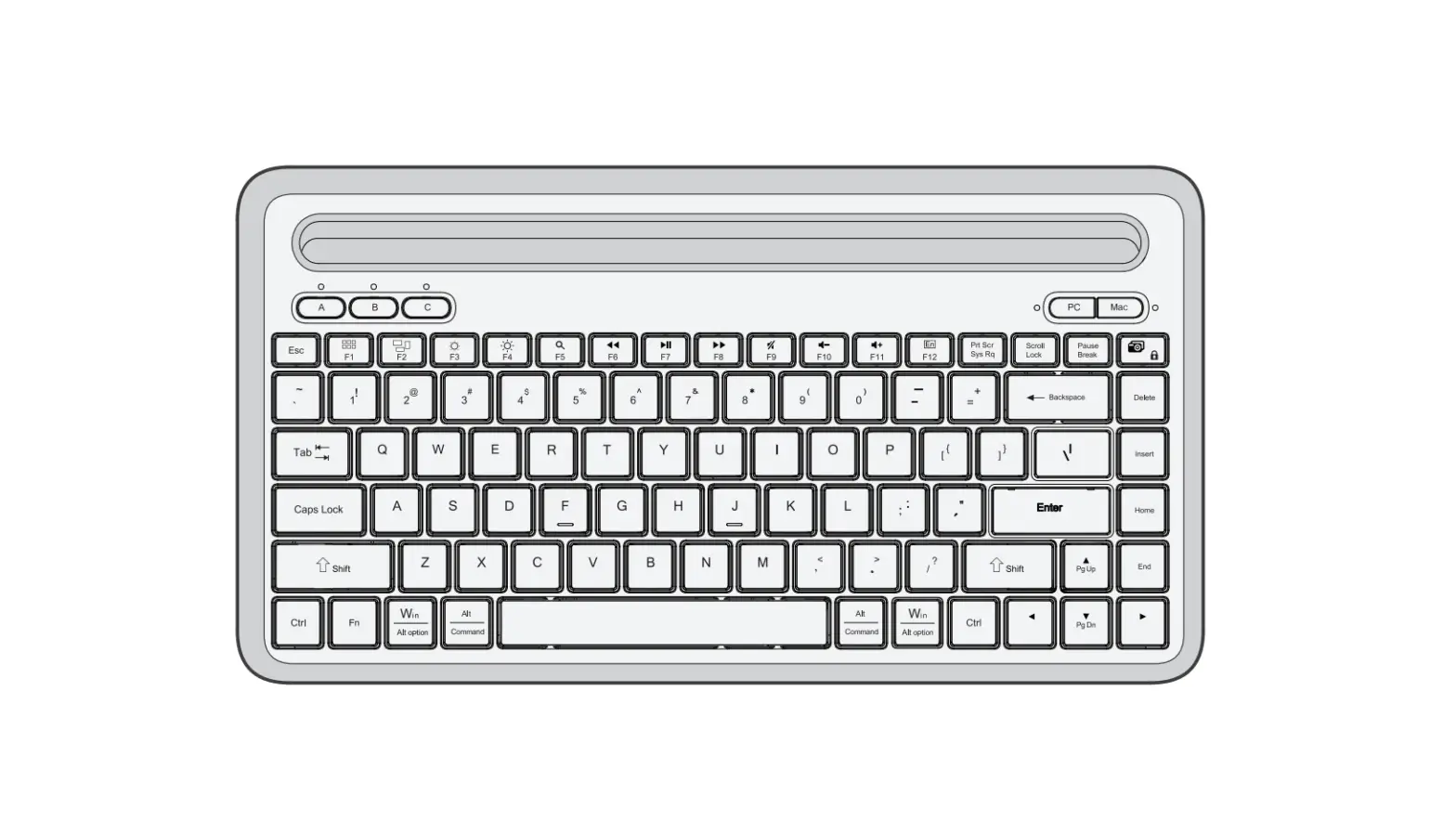
Press FN and Q, W, or E keys together to shift between Android, Windows, or iOS systems after successfully connecting the KB4. Otherwise, the keyboard’s function key will be invalid.
Q – iOS
W – Android
E – Windows
Power Saving Mode
The keyboard cover will enter sleep mode after being idle for 15 minutes. To
activate it, press any key and wait for 3 seconds.
Charging the keyboard
To charge the KB4, connect it to a powered USB port using the cable that
comes with the keyboard.
Usage tips
- Do not place heavy objects on the keyboard cover.
- Do not knock or dismantle the product.
- Keep the product away from oil, chemicals, and organic liquids.
- Clean the product by lightly rubbing it with a slightly damp cloth.
- Dispose of batteries according to local laws.
Function Keys
| IOS | Android | Windows | FN On Windows | |
 | Home | Home | ESC | Web browser |
 | Decrease | N/A | fl | N/A |
 | Increase | N/A | f2 | N/A |
 | Virtual keyboard | N/A | f3 | N/A |
 | N/A | Back | N/A | N/A |
 | N/A | N/A | ||
 | Search | Search | f5 | Search |
 | Language exchange | Language exchange | f6 | Language exchange |
 | Previous track | Previous track | F7 | Previous track |
 | Play/pause | Play/pause | F8 | Play/pause |
 | Next track | Next track | F9 | Next track |
 | Mute | Mute | f10 | Mute |
 | Volume down | Volume down | f11 | Volume down |
 | Volume up | Volume up | f12 | Volume up |
| Delete | Delete | Delete | Delete | N/A |
FN+ | Lock | Lock | N/A | N/A |
Warranty
Califone warrants this product to be free from defective material and workmanship for one year from the purchase date. Our “Project Intercept” Customer Satisfaction program will replace defective parts and repair malfunctioning equipment under this warranty when the defect occurs under normal use.
All Damage Claims Must Be Made With the Freight Carrier
Notify the freight carrier immediately if you observe any damage to the shipping carton or product. Repack the unit in the carton and await inspection by the carrier’s claim agent. Notify your dealer of the pending freight claim.
Returning Your Unit for Service or Repairs
Should your unit require service, contact our Customer Service Department online at califone.com/techsupport or via email [email protected] or by phone at 800-722-0500 / 818-407-2400 to first obtain an RA (Return Authorization) number before returning it to Califone. The unit must be returned to our factory via prepaid transportation only after the factory issues an RA number, which must be clearly written on the outside of the box.
Califone® International, Inc.
1145 Arroyo Avenue, #A
San Fernando, CA 91340 USA
Toll Free 800.722.0500
Toll Free Fax 877.402.2248
International Customers call 818.407.2400 or Fax 818.407.2405
califone.com
Califone KB4 Bluetooth Keyboard 03/20/2015
 califone.com
 califone.com/registration