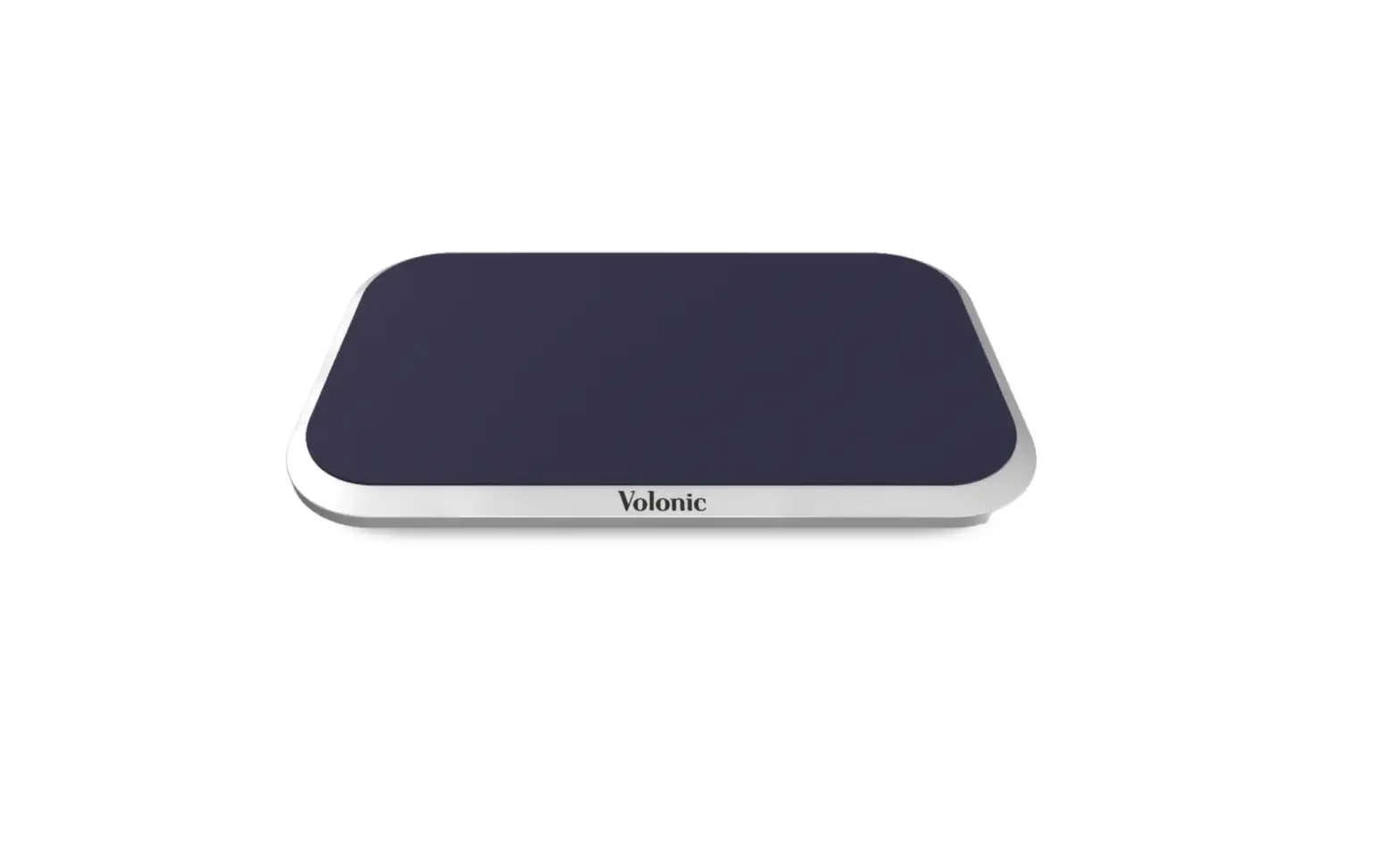
Volonic Valet 3 Wireless Charger
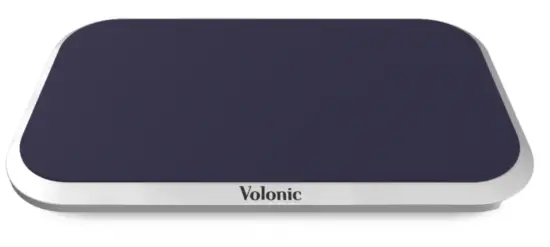
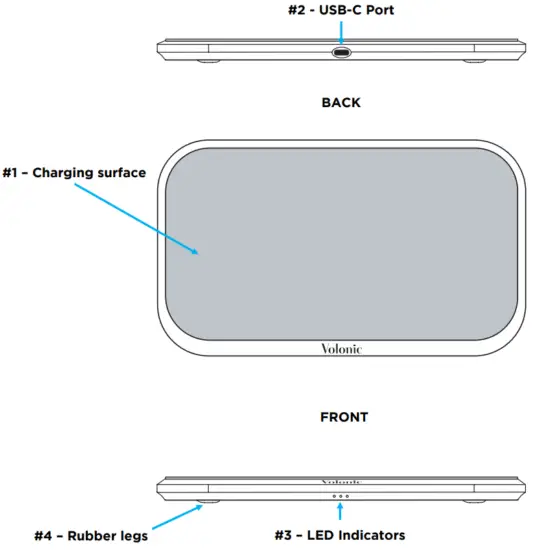
Product overview
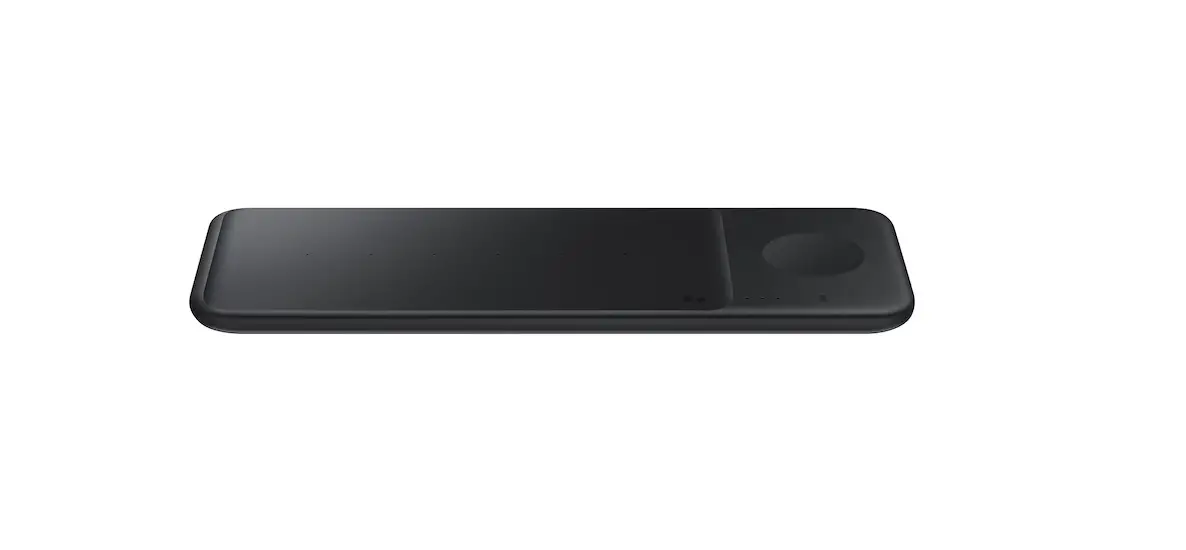
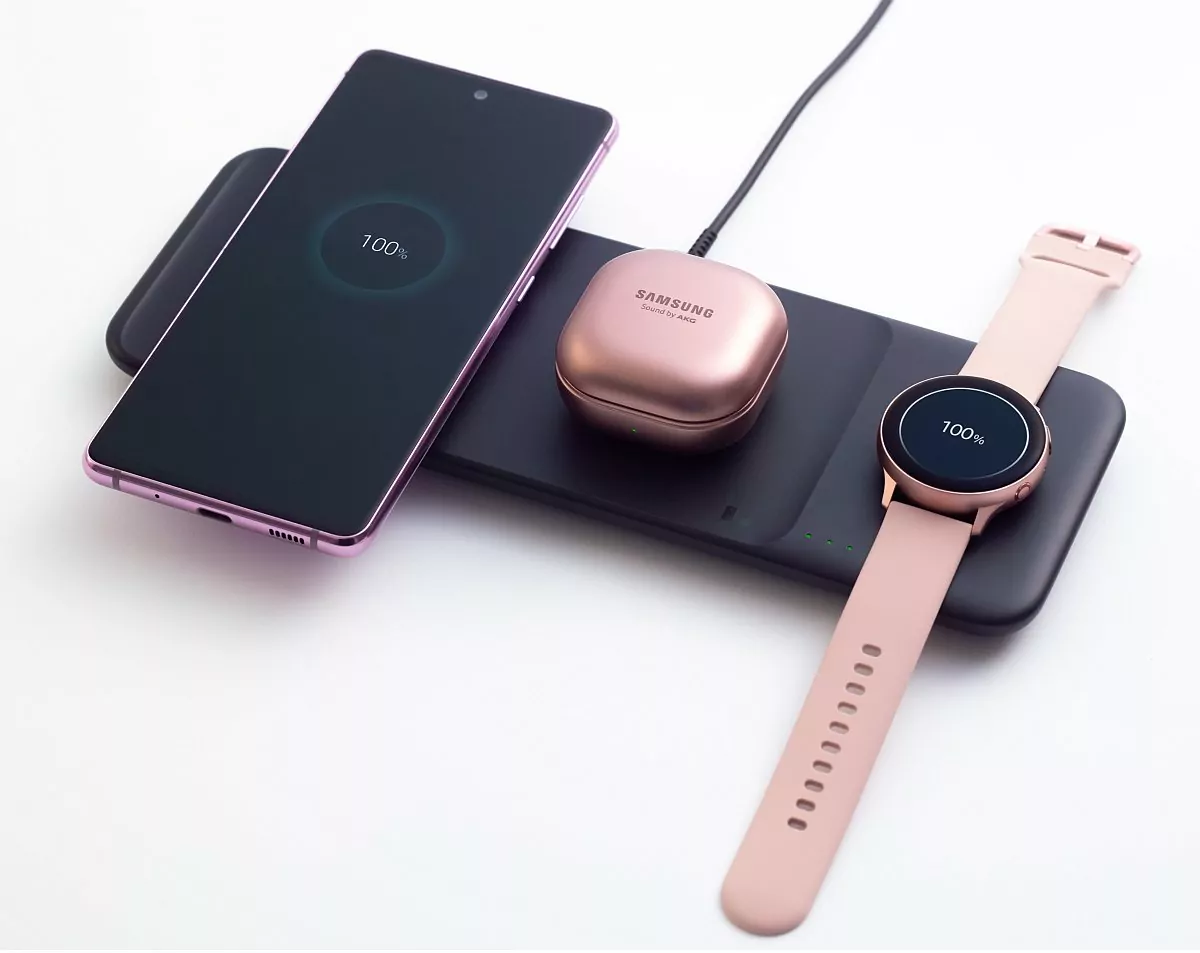
- Charging surface (gray surface in image)
- USB-C input port
- LED indicators
- Rubber legs
Specification:
- Dimensions 23 x 13.5 x 1.45cm (9.05 x 5.32 x .57in)
- Weight 692grams (1.5lbs)
In The Box:
- Volonic Valet 3
- Volonic 36W USB-C PD wall charger
- Volonic 6FT (1.8m) USB-C to USB-C cable
- Authenticity / registration card
LED characteristics:
- LED on solid Device detected and charging
- LED blinking Unidentified object detected on charging surface, removed device and try again
- All 3 LED’s blinking Contact our support team at [email protected] or 1-833-VOLO-100
How to use:
- Remove giftbox from sleeve
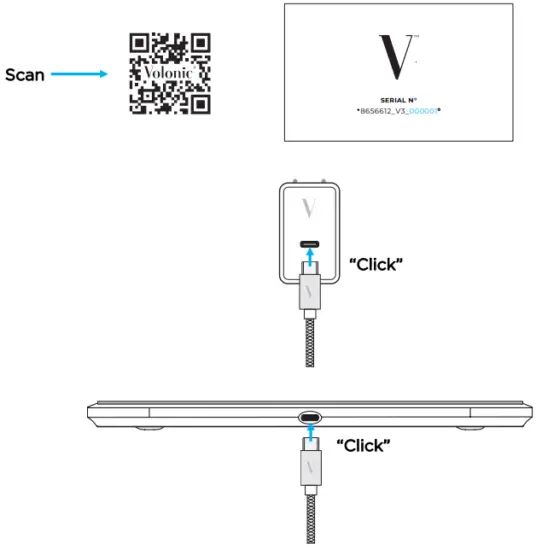
- Open giftbox to unveil your beautiful Valet 3 Scan
- Below your Valet 3 is an envelope with your Authenticity card and unique serial number
1. To register your device, scan the QR code on the back of your authenticity card tray
2. Enter last 6 digits of serial number - Remove authenticity card tray to access provided wall charger and cabl
- Plug USB-C wall charger into your power outlet
- Attached USB-C cable into wall charger, make sure a “click” sound is heard
- Plug other end of the USB-C cable into your Valet 3, make sure “click” is heard
- All 3 LED’s on your Valet 3 should cycle on, then of
- Now enjoy the freedom of being able to wirelessly charge your device anywhere on the top surface



For frequently asked questions, please visit https://volonic.com/pages/faqs
If additional assistance is needed, please reach out to our support team at [email protected] or 1-833-VOLO-100

 FAQ - Volonic - The Future of Art & Electronics Technology