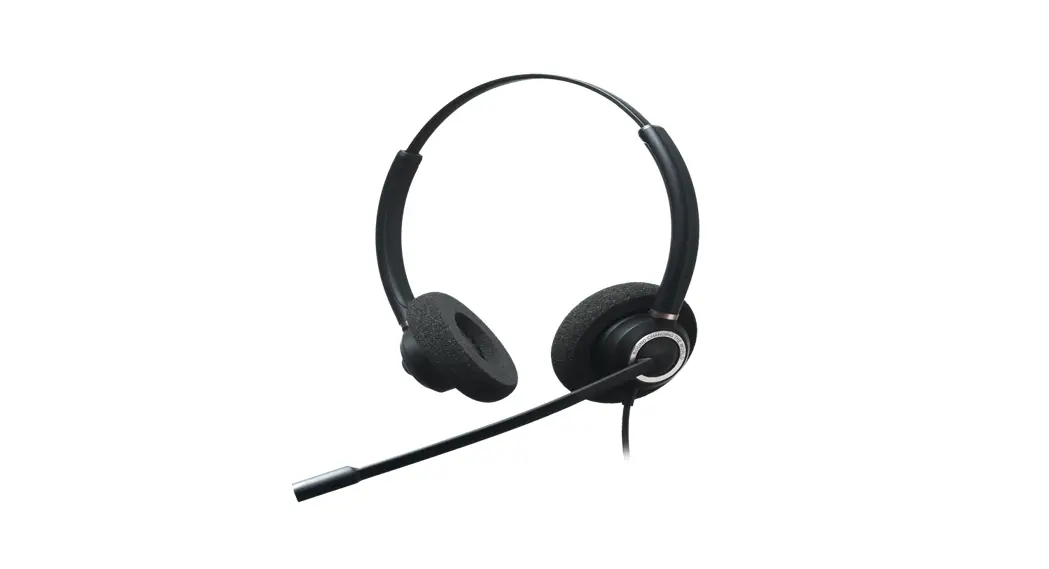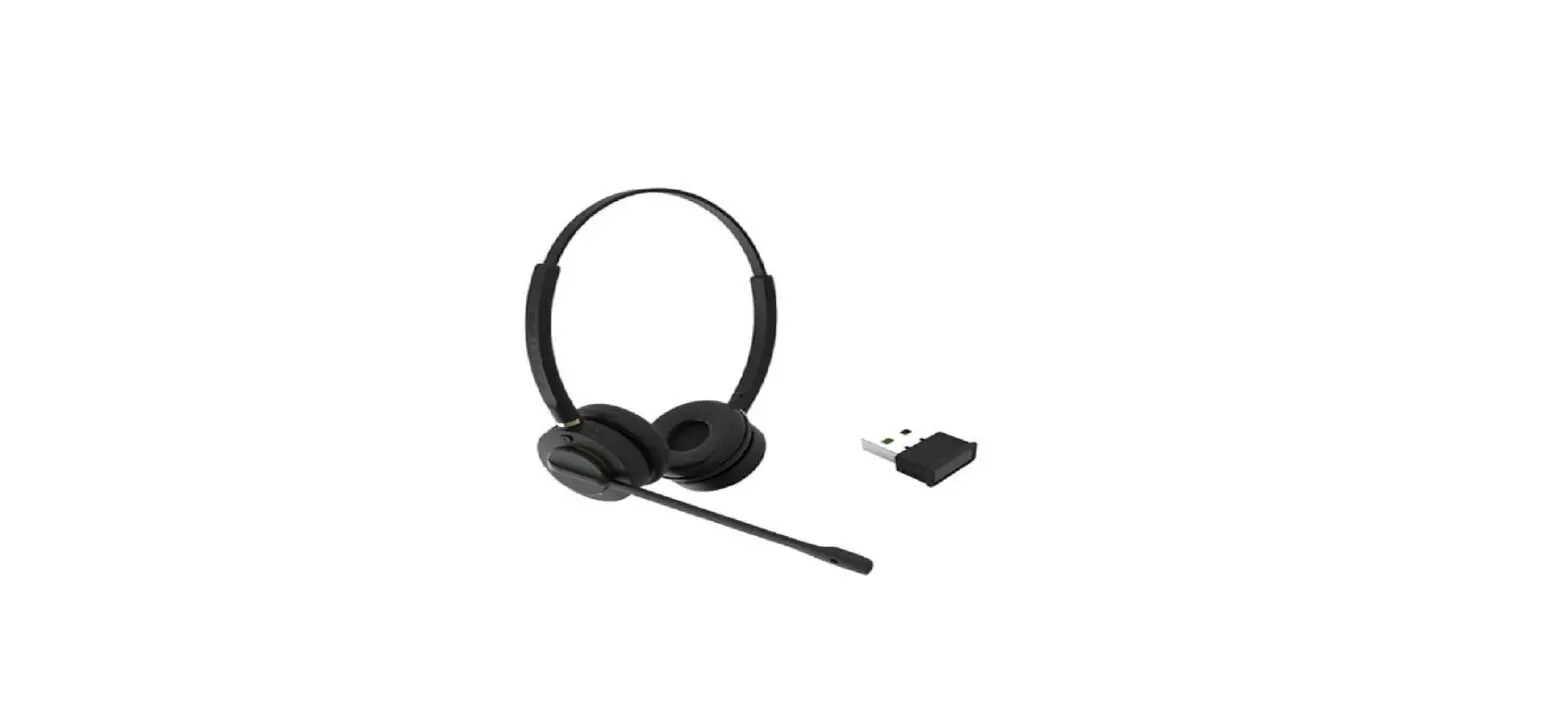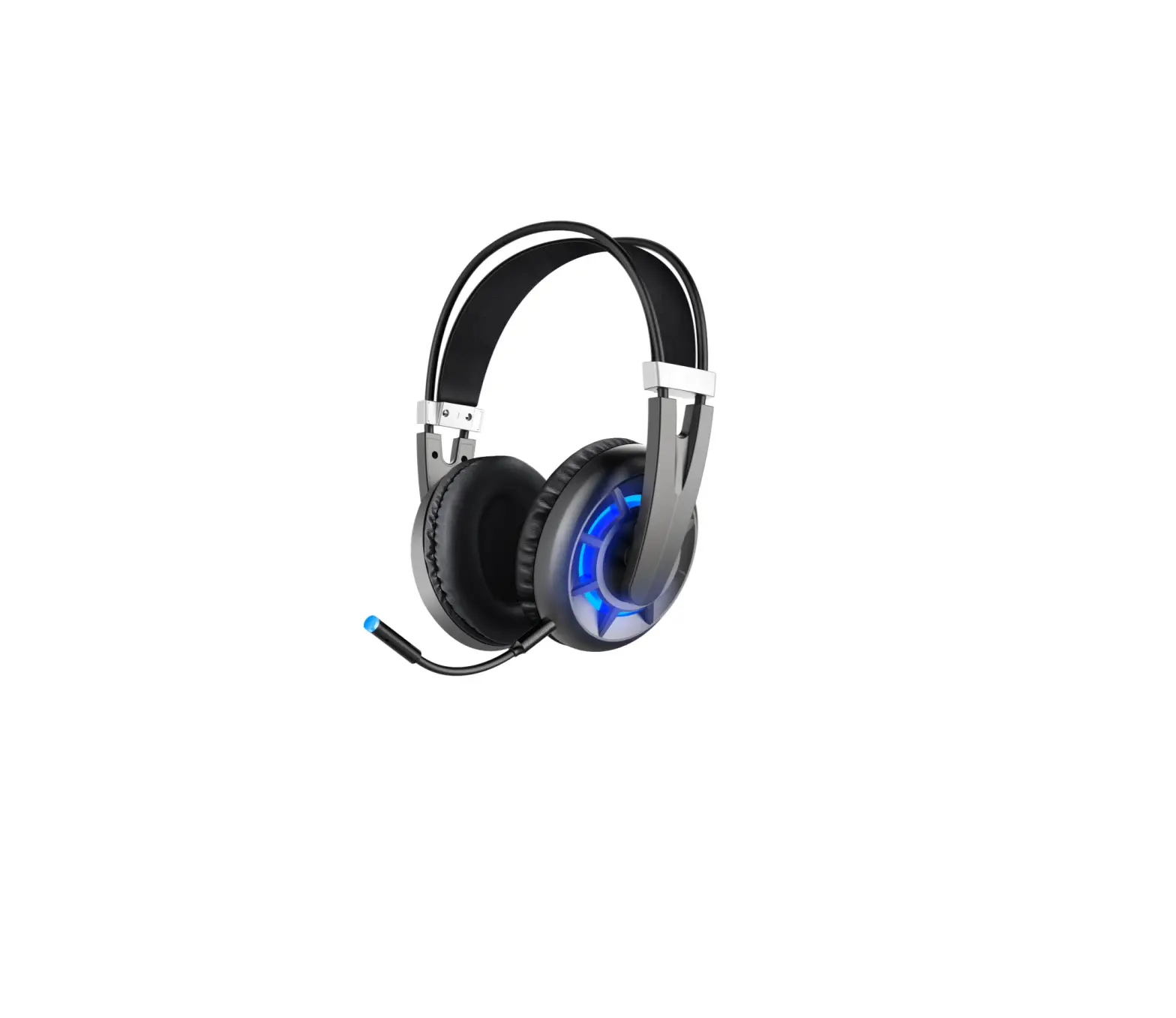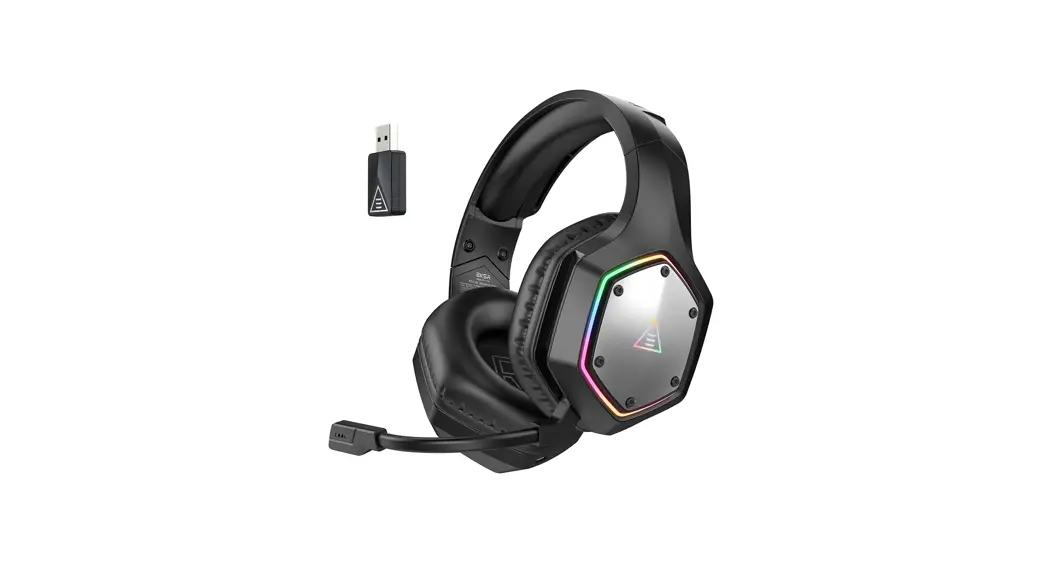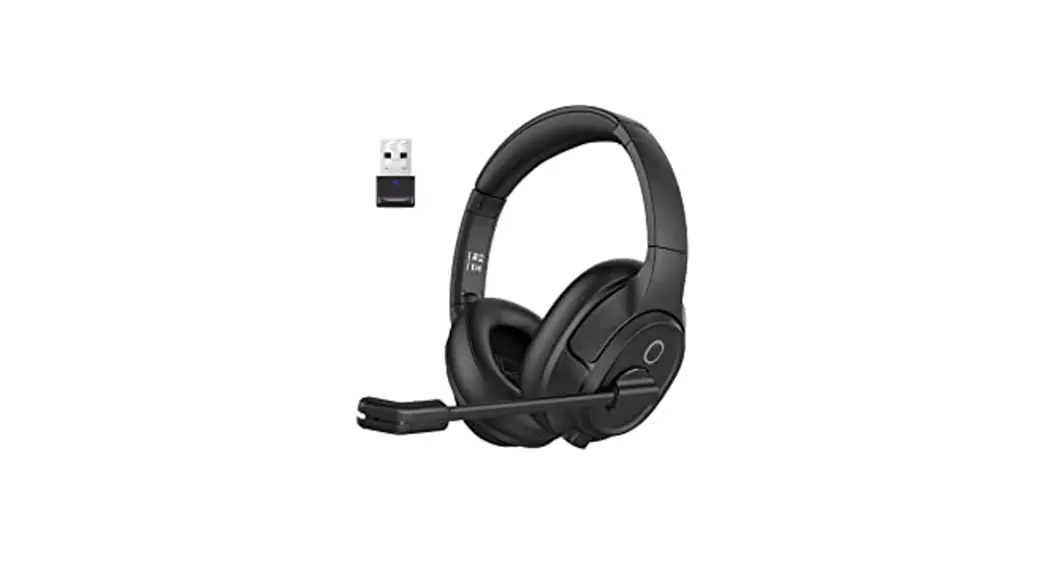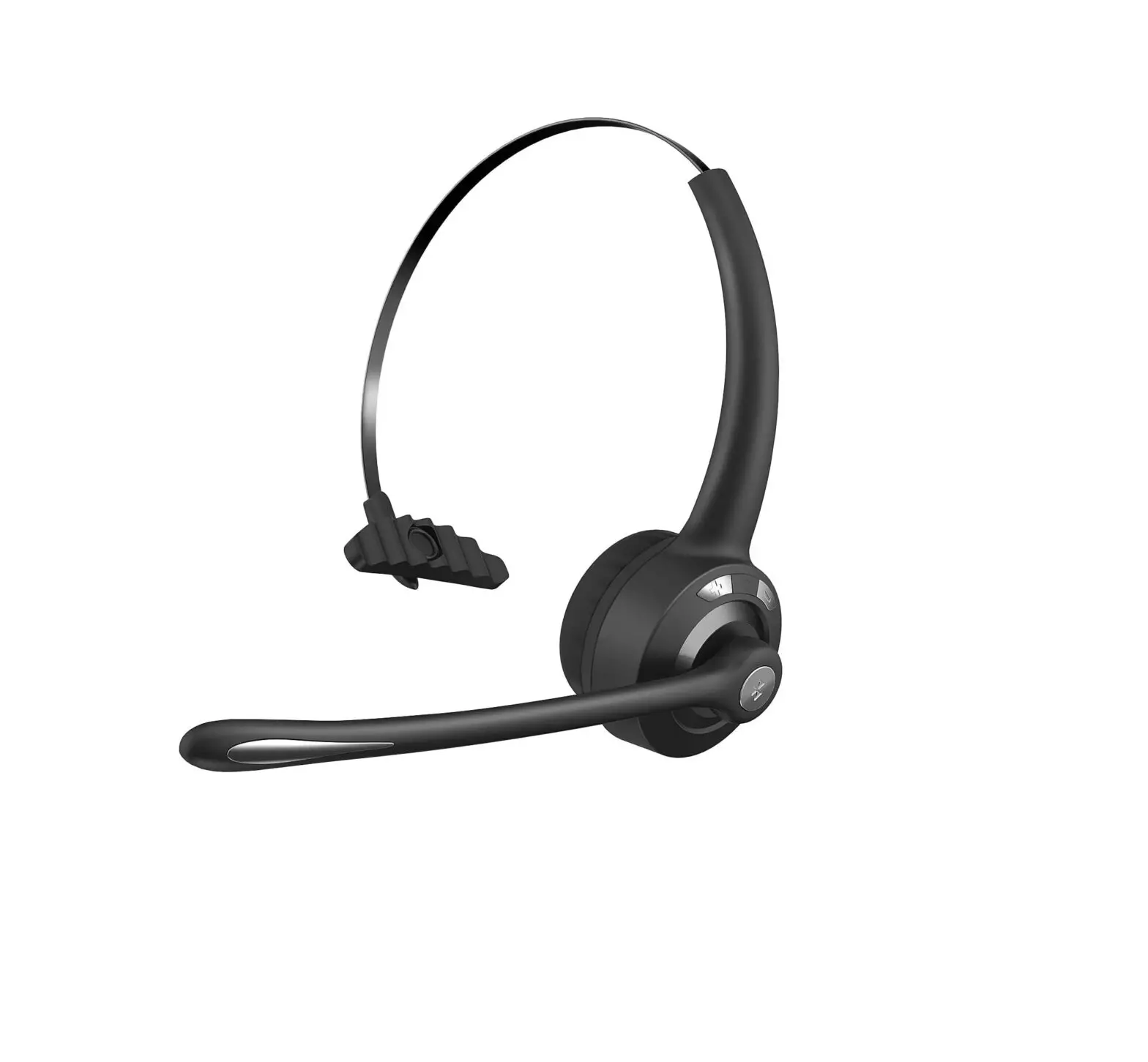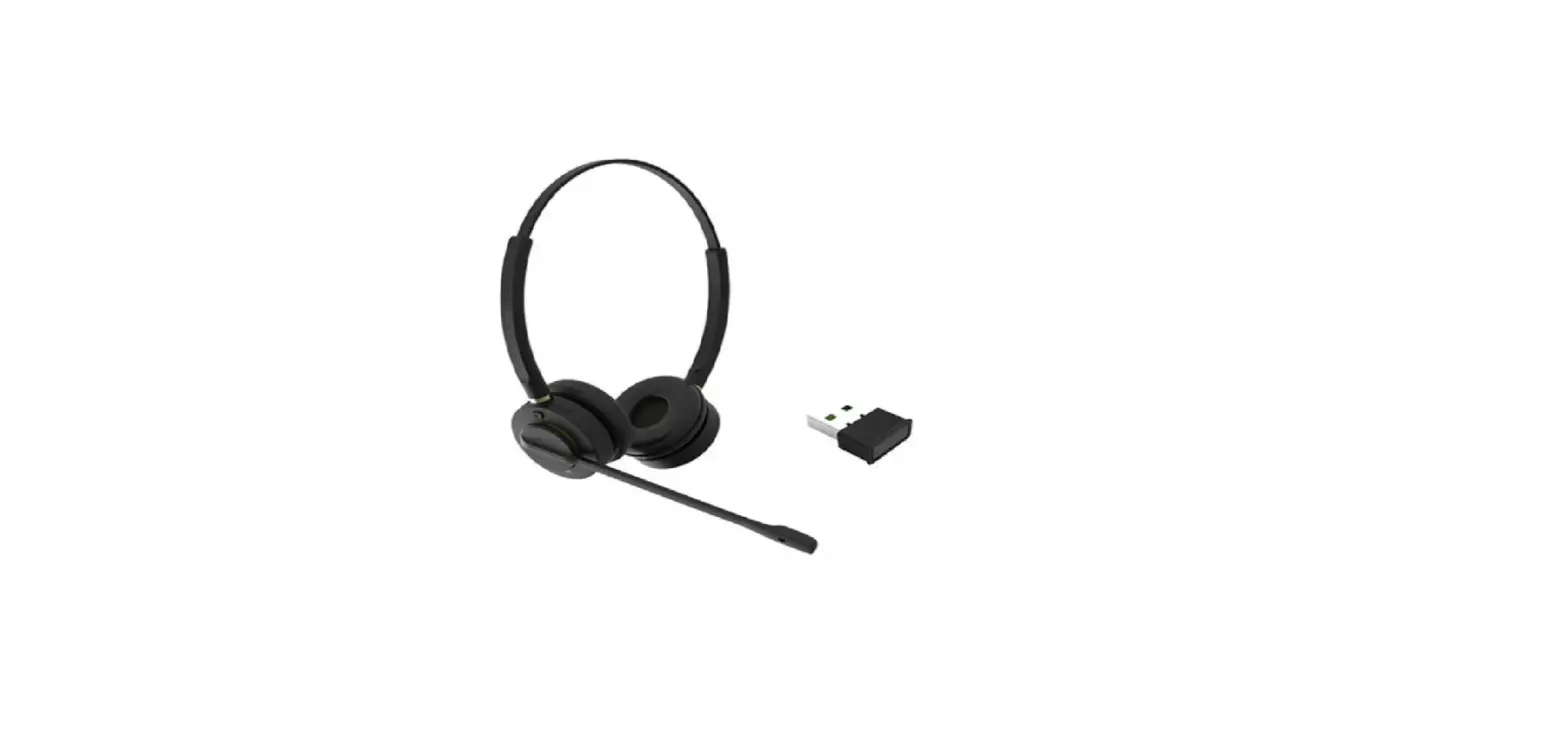

AVCOMM INSPIRE 16 Professional Wireless Headset
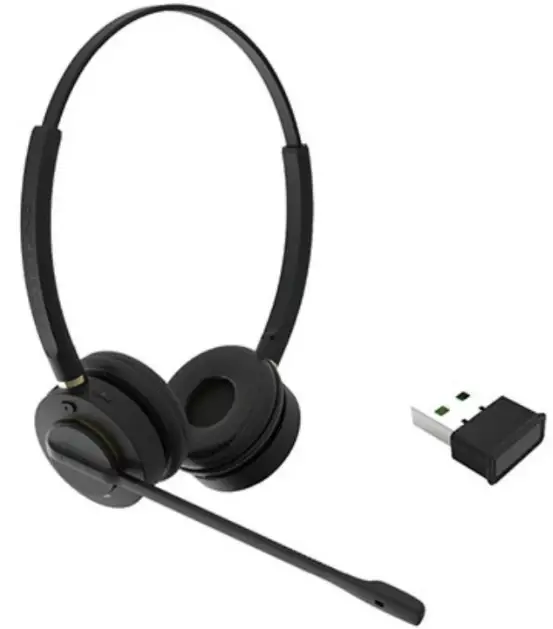
INSPIRE 16 is a Bluetooth headset for office, work-at-home and UC users who want to have an ideal wireless headset at an affordable price. It frees you from your desk, and you can walk and talk, making an ideal and comfortable working style. With dual connectivity, INSPIRE 16 makes it easy to switch between mobile phone and PC. You can deploy the headset easily using a plug-and-play Bluetooth adapter. Enjoy your wireless freedom with this ideal companion!
Features
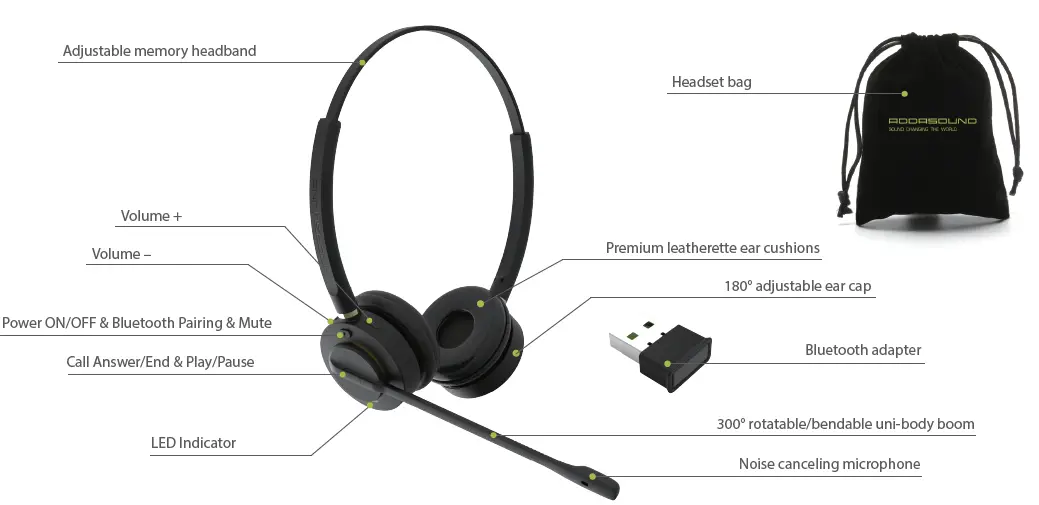
- Superior noise-canceling microphone, DSP (Digital Signal Processing) and echo cancellation eliminate the background noise.
- Neodymium speakers deliver more powerful and richer sound.
- Ergonomic design and leatherette ear cushions provide all-day comfort.
- Walk away and be hands-free up to 100 feet.
- Plug and play tor fast deployment on PC with Bluetooth adapter or USB cable.
- Connect to two Bluetooth devices at the same time and remember up to eight Bluetooth devices.
- Auto-activated voice prompt reminds you of operating status and battery level.
- Up to 24h talk time and battery-saving design that turns off the headset if there is no Bluetooth connection within 5 minutes.
- Easy management with call and music control, Bluetooth pairing, volume +, volume , mute on the headset.
- Headset bag for travel or home storage.
SPECIFICATION
| Bluetooth Version | Charging Port | Sound | Transmission Range |
| Bluetooth 5.0 | USB-C | Stereo sound | 100 feet |
| Charging Time | Talk Time | Package | Connection |
| 3 hours | 24 hours | Travel bag | Bluetooth, USB |
| Music Management | Call Management | Accessory | Voice Prompt |
| Play/Pause, volume +, volume – | Make/end/refuse/redial/hol d/mute a call, handle multiple calls, volume +, volume – | Bluetooth adapter, USB cable, travel bag | Power on/off, mute on/off, connect, disconnect, pairing, battery level |
 Addasound: Wired & Wireless Headsets Designed & Engineered for Office & Contact Center