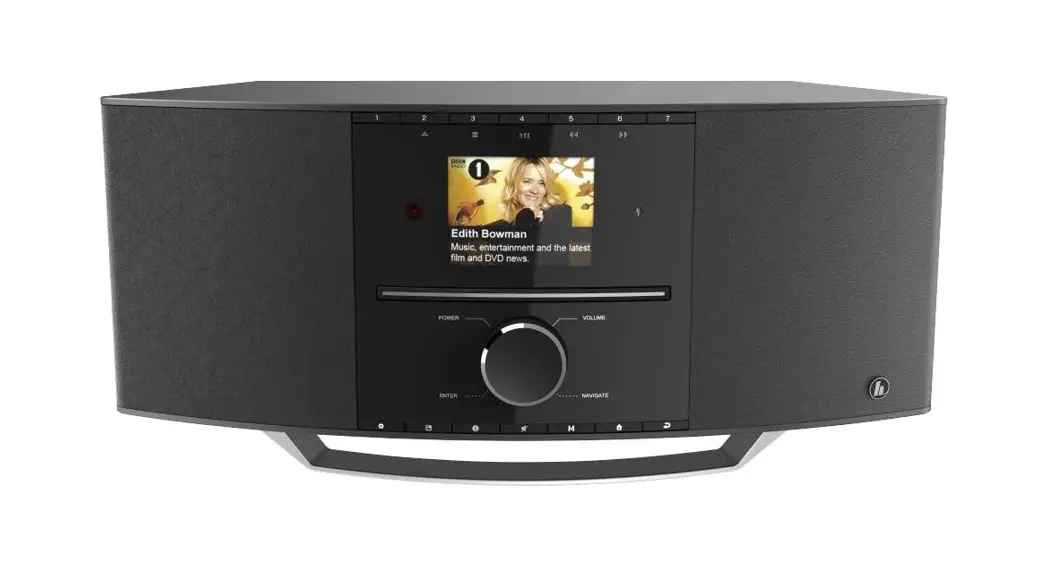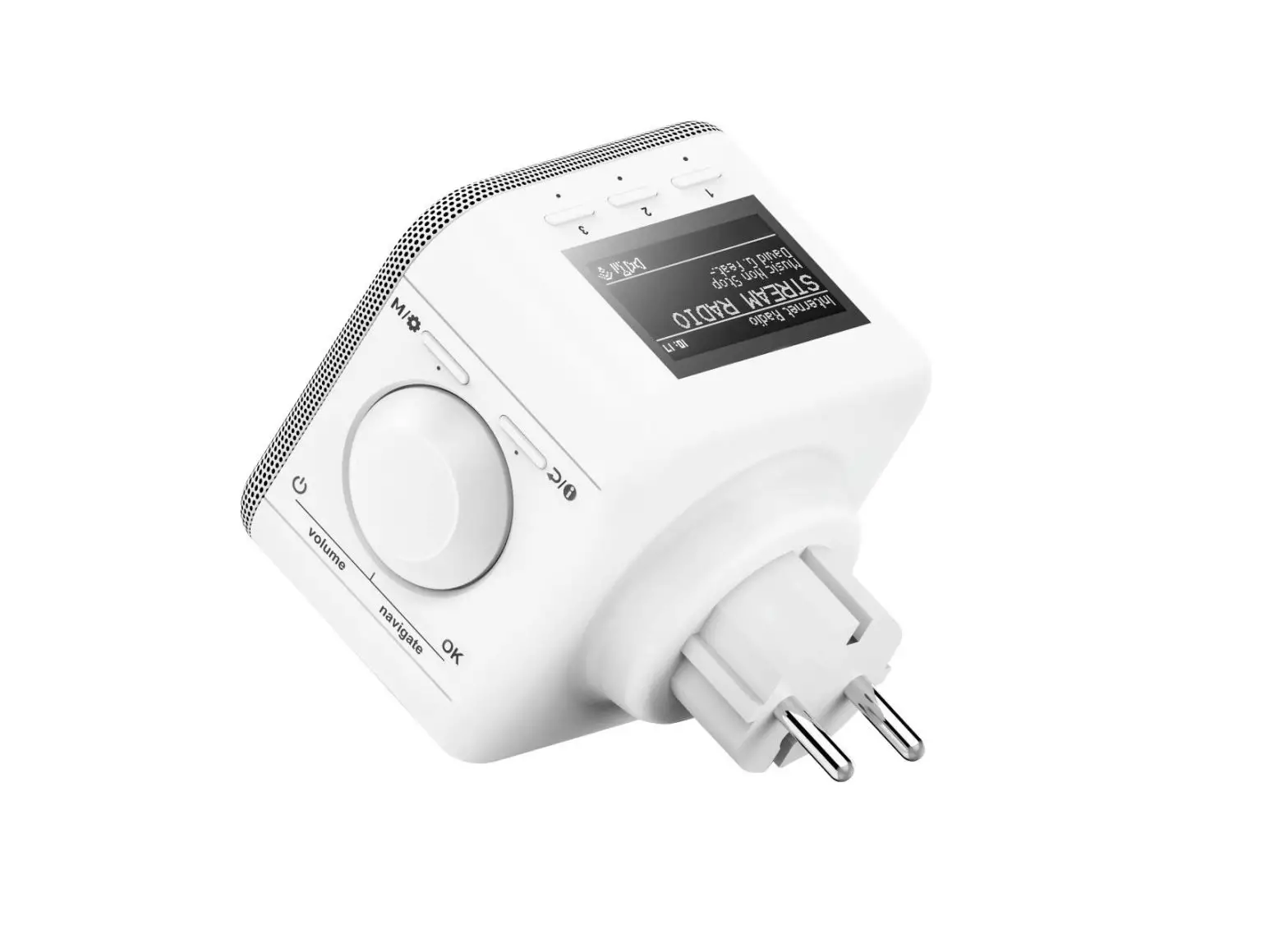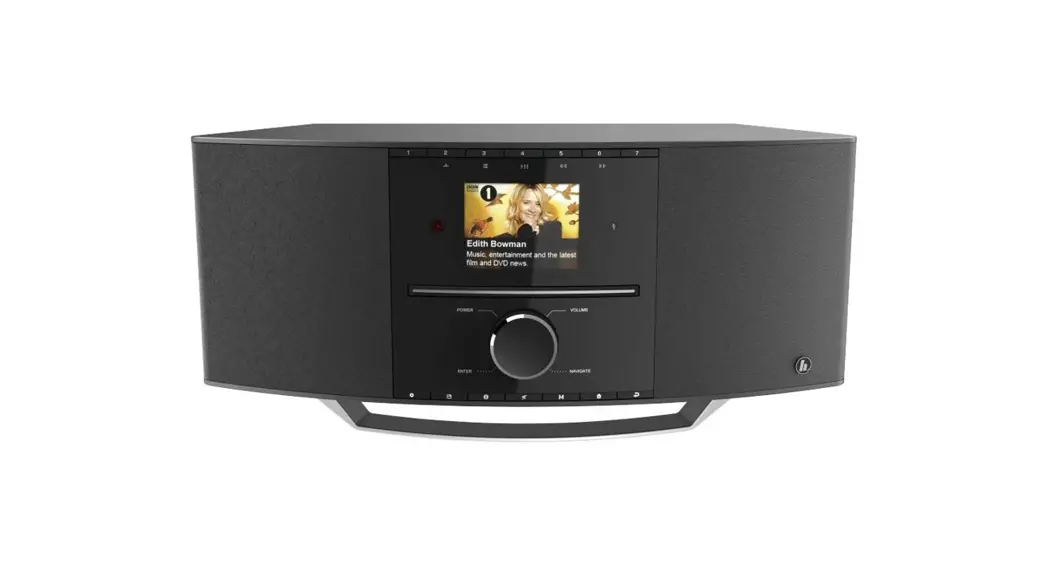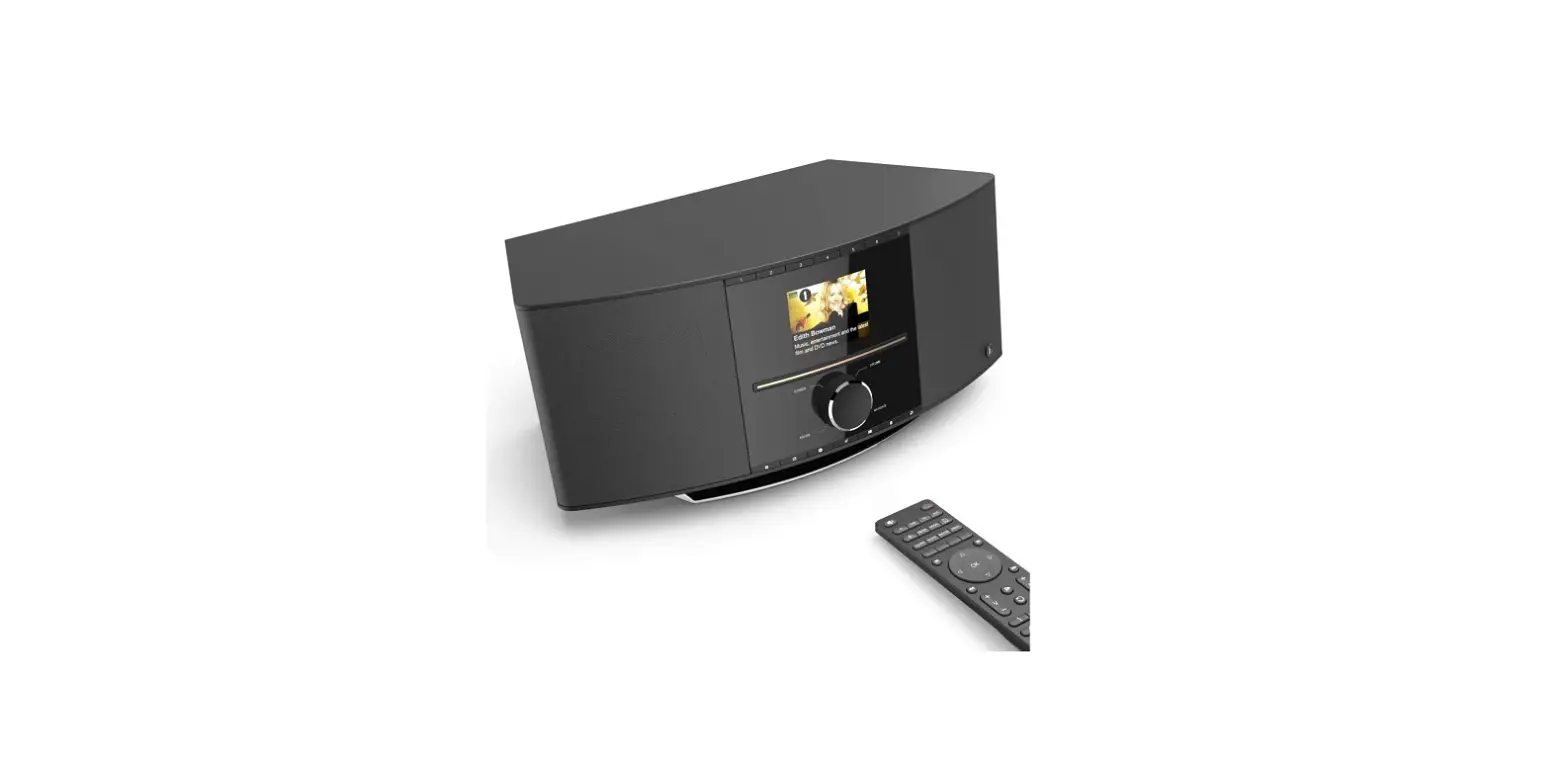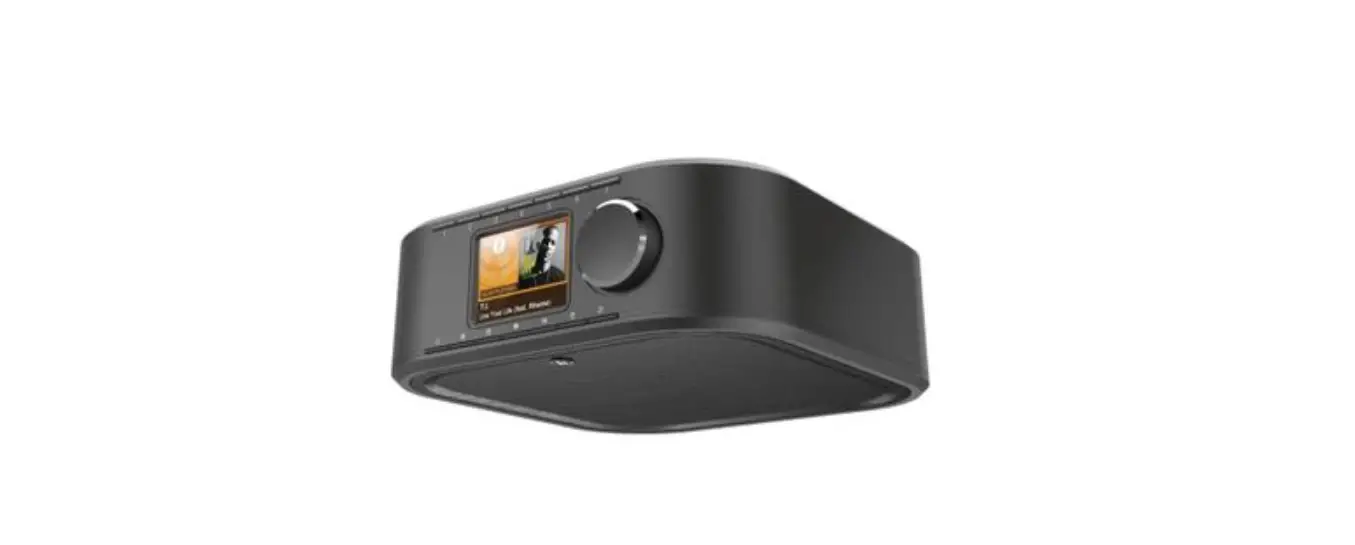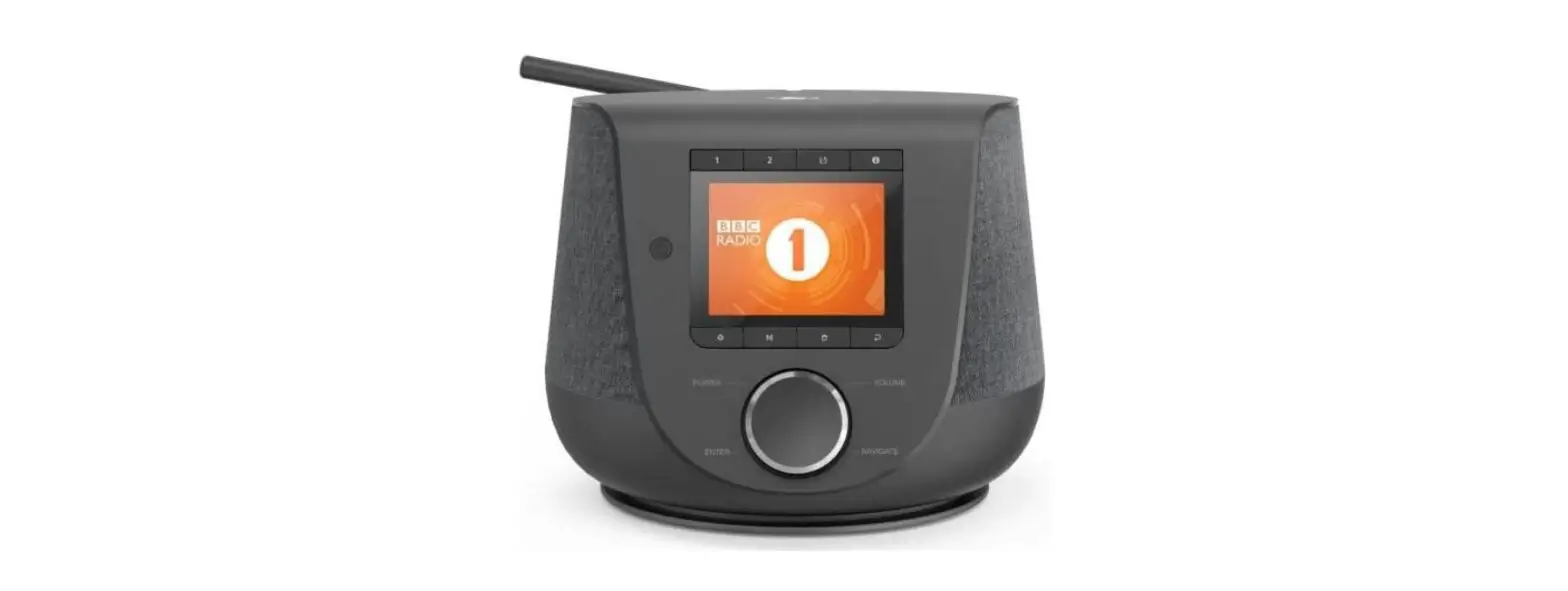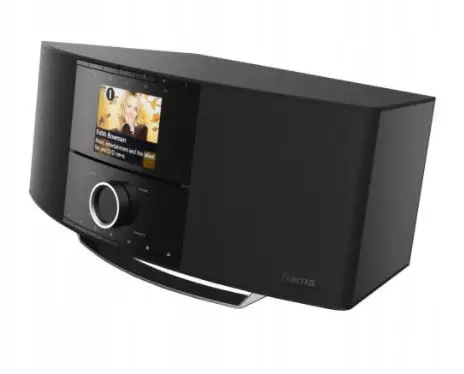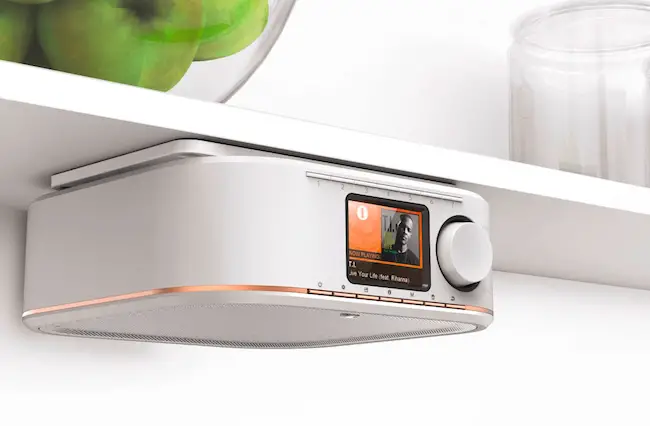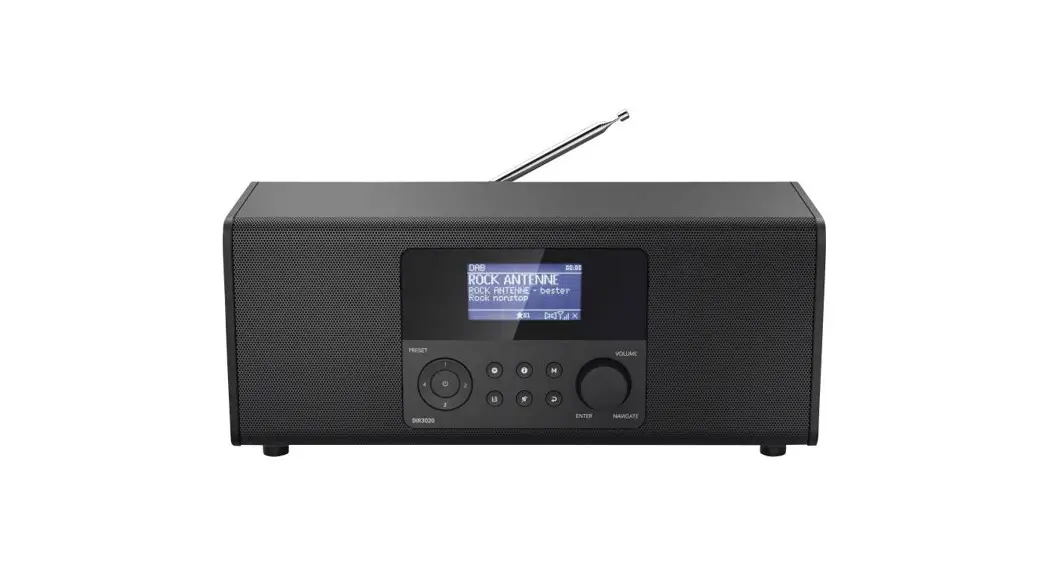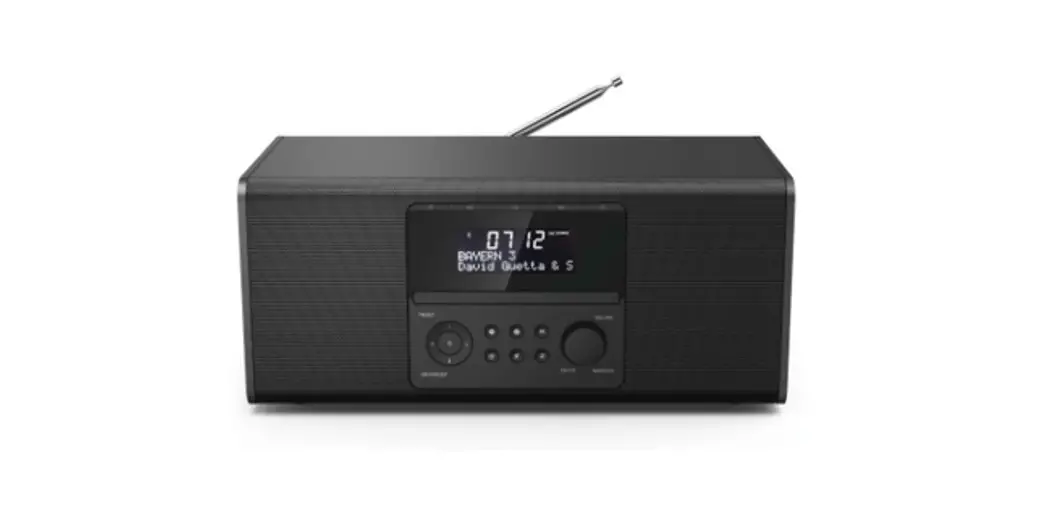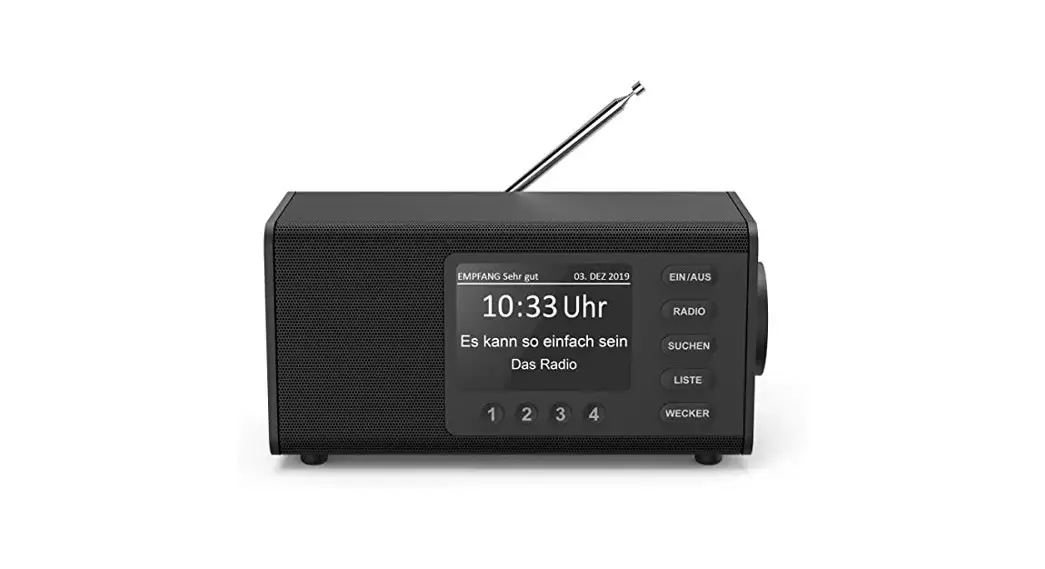


Digital Radio
QUICK GUIDE
00054236
00054237
(DIR355BT)
Technical Data
| Display | 2.4″ (6.1cm) Color TFT 320 x240 px |
| Speaker Lautsprecher | 3″ 5W (RMS) |
| Power Supply Stromversorgung | DC 12.0V /1.0A, max 12.0W |
| Supported Languages Unterstützte Sprachen | English, |
| Packaging Content Verpackungsinhalt | Hama DIR355BT,Power Supply,Cabinet Mount Clip, Cabinet Mount Screw,Quick Start Manual |
Connectivity
| WiFi | 2.4GHz (b/g/n) /5GHz (a/n) |
| Bluetooth | Receiver (RX): 4.2, Class 1, A2DP,AVRCP |
Audio Connectors
| Inputs | AUX In 3.5mm |
| Outputs | Headphone 3.5mm |
| Sources | Presets | |
| DAB/DAB+ (174.928 -239.2 MHz) | √ | 30 |
| FM (87.5 -108 MHz) | √ | 30 |
| Internet Radio | √ | 30 |
| Spotify Connect | √ | 10 |
Spotify Connect
Use your phone, tablet, or computer as a remote control for Spotify.Gotospotify.com/connect to learn how
Quick Reference Guide
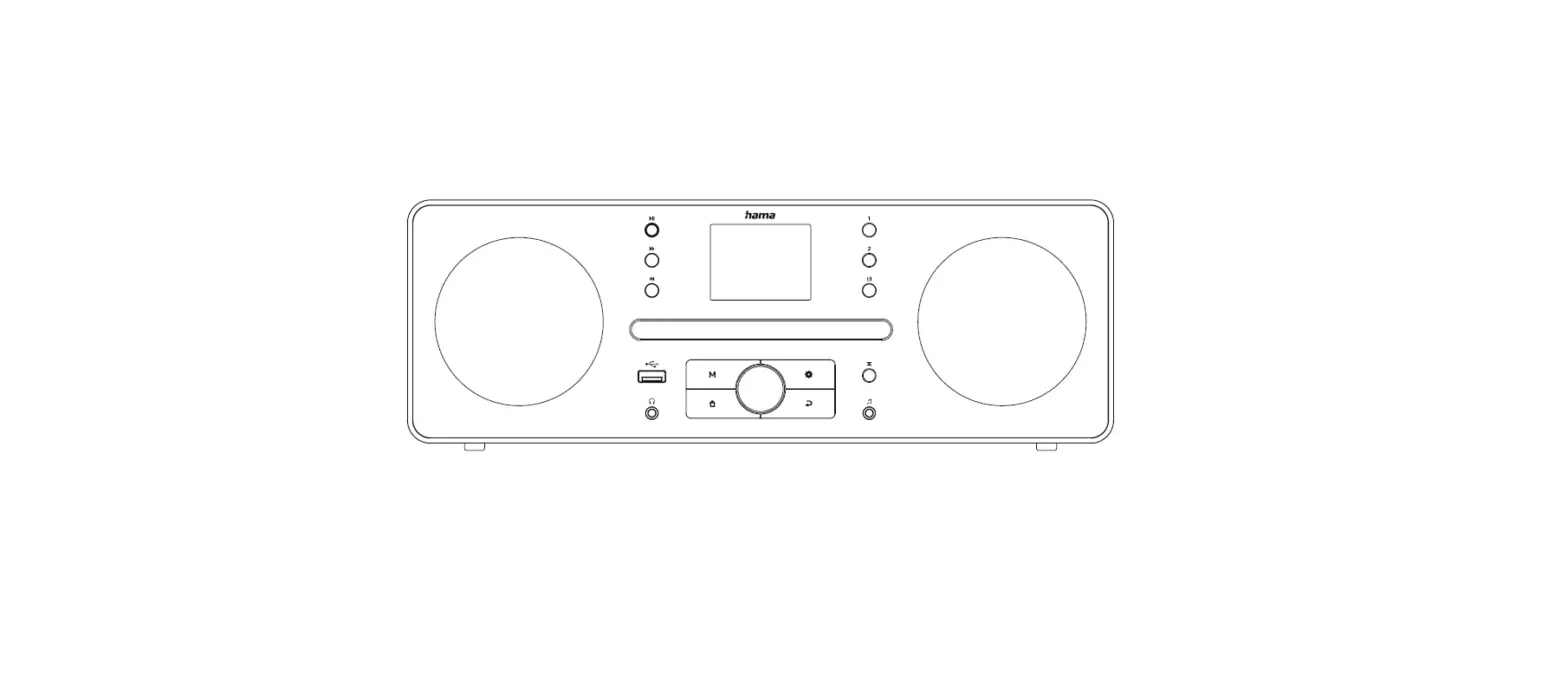
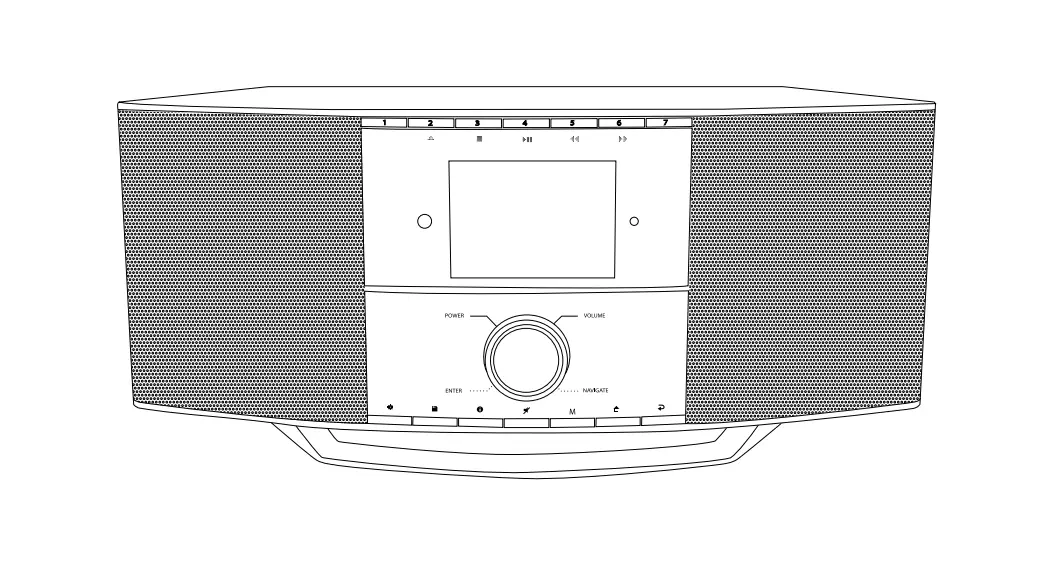
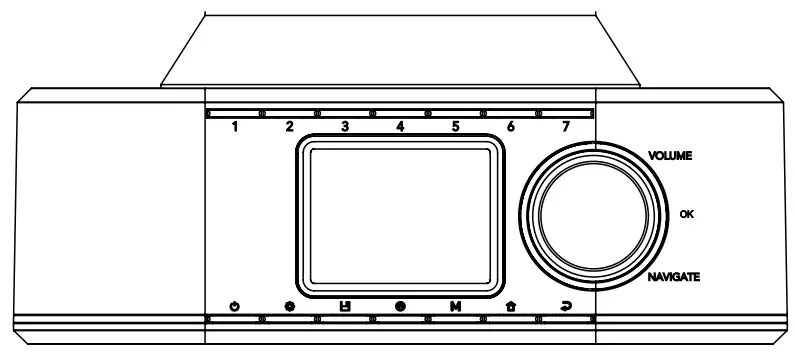
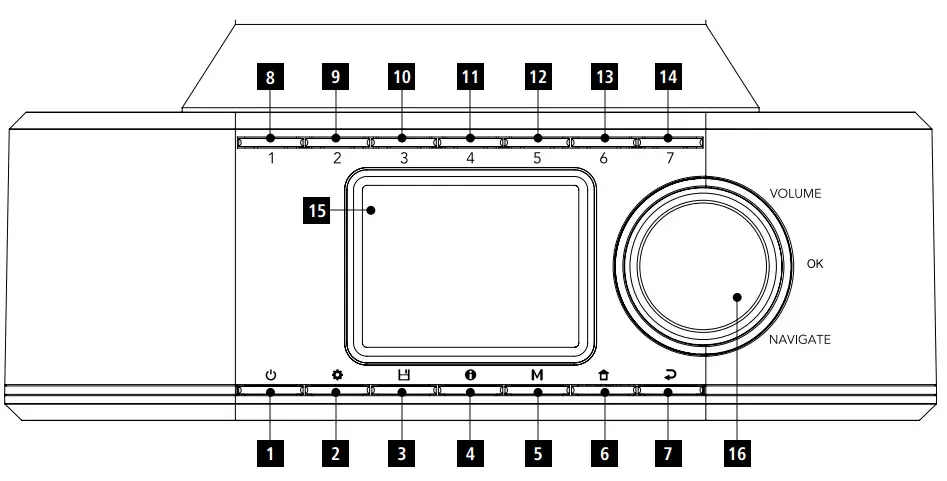
Controls and Displays
| A: Front | ||
| 1 | ![hama DIR355BT Digital Radio - [POWER] Button](https://static-data1.manualsee.com/1/img/298/623811/2021/09/hama-DIR355BT-Digital-Radio-POWER-Button.jpg) | [POWER] Button |
| 2 | ![hama DIR355BT Digital Radio - [MENU] Button](https://static-data1.manualsee.com/1/img/298/623811/2021/09/hama-DIR355BT-Digital-Radio-MENU-Button.jpg) | [MENU] Button |
| 3 | ![hama DIR355BT Digital Radio -[PRESET] Button](https://static-data1.manualsee.com/1/img/298/623811/2021/09/hama-DIR355BT-Digital-Radio-PRESET-Button.jpg) | [PRESET] Button |
| 4 | ![hama DIR355BT Digital Radio - [INFO] Button](https://static-data1.manualsee.com/1/img/298/623811/2021/09/hama-DIR355BT-Digital-Radio-INFO-Button.jpg) | [INFO] Button |
| 5 | ![hama DIR355BT Digital Radio - [MODE] Button](https://static-data1.manualsee.com/1/img/298/623811/2021/09/hama-DIR355BT-Digital-Radio-MODE-Button.jpg) | [MODE] Button |
| 6 | ![hama DIR355BT Digital Radio - [HOME] Button](https://static-data1.manualsee.com/1/img/298/623811/2021/09/hama-DIR355BT-Digital-Radio-HOME-Button.jpg) | [HOME] Button |
| 7 | ![hama DIR355BT Digital Radio - [BACK] Button](https://static-data1.manualsee.com/1/img/298/623811/2021/09/hama-DIR355BT-Digital-Radio-BACK-Button.jpg) | [BACK] Button |
| 8 | [PRESET 1] Button | |
| 9 | [PRESET 2] Button | |
| 10 | [PRESET 3] Button | |
| 11 | [PRESET 4] Button | |
| 12 | [PRESET 5] Button | |
| 13 | [PRESET 6] Button | |
| 14 | [PRESET 7] Button | |
| 15 | Display | |
| 16 | [VOLUME] /[OK] /[NAVIGATE] | |
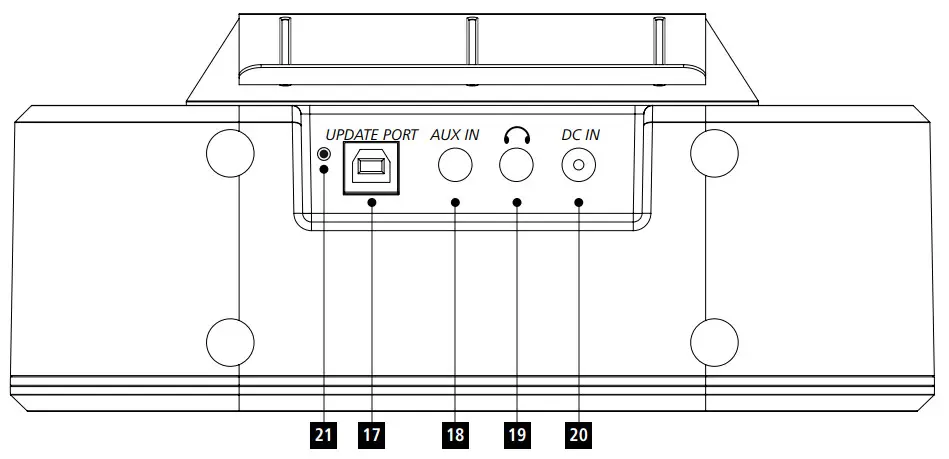
| B: Rear | ||
| 17 | Update Port | |
| 18 | AUX-In Socket | |
| 19 | Headphone Socket | |
| 20 | Mains Power Supply | |
| 21 | Antenna | |
 Important information -Quick-reference guide

- This quick-reference guide contains the most important basic information, such as safety instructions and the steps necessary to operate the product.
- To help protect the environment and conserve valuable raw materials, Hama does not issue a printed manual and instead makes this available exclusively as a pdf download.
- The full text of the manual is available at the following internet address: www.hama.com -> 00054236 -> Downloads www.hama.com -> 00054237 -> Downloads
- Save the manual on your computer for reference and print them out if possible.
Explanation of Warning Symbols and Notes
 Risk of electric shock
This symbol indicates a risk of electric shock from touching product parts carrying hazardous voltage. Warning
This symbol is used to indicate safety instructions or to draw your attention to specific hazards and risks. Note
This symbol is used to indicate additional information or important notes.
Package Contents
- Hama “DIR355BT”
- Power supply unit
- Quick Guide
- Clip mount
- Screw mount
Safety Instructions
- The product is intended for private, non-commercial use only.
- Do not use the product in areas in which electronic products are not permitted.
- Protect the product from dirt, moisture, and overheating and use it in dry rooms only.
- As with all electrical products, this device should be kept out of the reach of children.
- Do not drop the product and do not expose it to any major shocks.
- Do not operate the product outside the power limits specified in the technical data.
- Keep the packaging material out of the reach of children due to the risk of suffocation.
- Dispose of packaging material immediately in accordance with the locally applicable regulations.
- Do not modify the device in any way. Doing so voids the warranty.
- Use the product only for the intended purpose.
- Do not use the product in the immediate vicinity of heaters, other heat sources, or in direct sunlight.
- Do not use the product in a damp environment and avoid splashing water.
- Only use the article under moderate climatic conditions.
Risk of electric shock
- Do not open the device or continue to operate it if it becomes damaged.
- Do not use the product if the
AC adapter, the adapter cable, or the mains cable are damaged. - Do not attempt to service or repair the product yourself. Leave any and all service work to qualified experts.
Before First Use
Note
A detailed description of the UNDOK app and all of its functions can be found in our UNDOK guide at:

www.hama.com -> 00054236, 00054237-> Downloads
Setting up a network connection
WLAN (wireless network)
- Ensure that the router is switched on, is functioning correctly, and that there is a connection to the internet.
- Activate the WLAN function of your router.
- Follow your router‘s operating instructions as regards the correct functioning of the WLAN connection.
- Then proceed directly as described under section 5 ‚Getting started‘.
Getting Started
General Notes on Use
Switch On /Off /Standby
- Press [POWER](1) to switch on the radio.
- Press [POWER](1), to switch the radio off (Standby).
- To completely switch off the device, disconnect it from the power supply.
Navigation and Control
- After pressing a shortcut button, navigate through the menu items using.
- Select the individual menu items by turning [VOLUME/ ENTER/NAVIGATE](16).
- Confirm the selection by pressing [VOLUME/ENTER/ NAVIGATE](16).
Volume Adjustment
- Turn the volume up (right) or down (left) by turning [VOLUME/ENTER/NAVIGATE](16) accordingly.
Switching ON
 Warning
- Only operate the product from a socket that has been approved for the device. The socket must be installed close to the product and must be easily accessible.
- Disconnect the product from the power supply using the On/Off switch –if this is not available, unplug the power cord from the socket.
- If using a multi-socket power strip, make sure that the total power consumption of all connected devices does not exceed the power strip’s maximum throughput rating.
- If you will not be using the product for a prolonged period, disconnect it from mains power.
- Connect the power supply to the mains connection (1) on the back of the radio.
- Connect the network cable to a properly installed and easily accessible network socket.
- Wait until the radio has initialized fully.
- Press [POWER](1) to switch on the radio.
Note –switching on for the first time
- The Setup Wizard starts up automatically when the radio is turned on for the first time.
- The default used language is English.
- You can skips the Wizard and starts it up again later in German.
Language
The first time it is used, the radio’s default language is English. To change the radio’s menu language, proceed as follows:
- Press [
 ](7) to access the Settings menu.
 - Use [VOLUME/ENTER/NAVIGATE](16) to navigate to the “Settings” menu item.
- Confirm the selection by pressing [VOLUME/ENTER/ NAVIGATE](16).
- Use [VOLUME/ENTER/NAVIGATE](16) to navigate to the “Language” menu item. Confirm the selection by pressing [VOLUME/ENTER/NAVIGATE](16).
- Use [VOLUME/ENTER/NAVIGATE](16) to select your preferred system language.
- The language setting currently selected is marked with an asterisk (*).
Note
- You can choose from the following languages: English
Care and Maintenance
- Only clean this product with a slightly damp, lint-free cloth and do not use aggressive cleaning agents.
- If you do not plan to use the product for a prolonged period, turn off the device and disconnect it from the power supply. Storeitinaclean, a dry place away from direct sunlight.
Warranty Disclaimer
Hama GmbH &CoKGassumes no liability and provides no warranty for damage resulting from improper installation/ mounting, improper use of the product or from failure to observe the operating instructions and/or safety notes.
Service and Support
Please contact Hama Product Consulting if you have any questions about this product.
Hotline: +49 9091 502-115 (German/English)
Further support information can be found here: www.hama.com
The full text of the manual is available at the following internet address:
www.hama.com -> 00054236 -> Downloads
www.hama.com -> 00054237 -> Downloads
Recycling Information
Note on environmental protection: After the implementation of the European
Directives 2012/19/EU and 2006/66/EU in the
the national legal system, the following applies: electrical and electronic devices, as well as batteries, must not be disposed of with household waste. Consumers are obliged by law to return electrical and electronic devices as well as batteries to the designated public collection points or to the point of sale at the end of their service lives. Detailed information on this topic is defined in the national laws of the respective country. The presence of the above symbol on the product, operating instructions, or package indicates that the product is subject to these regulations. By recycling, reusing the materials, or other forms of utilizing old devices/batteries, you are making an important contribution to protecting our environment.
Declaration of Conformity
Hama GmbH &CoKGhereby declares that the radio equipment type [00054236, 00054237] is in compliance with Directive 2014/53/EU.The full text of the EU declaration of conformity is available at the following internet address:
www.hama.com -> 00054236 -> Downloads
www.hama.com -> 00054237 -> Downloads
| Frequency band(s) | Maximum radio-frequency power transmitted |
| Bluetooth: 2.402 –2.480GHz | 6.5 dBm(EIRP) |
| WiFi: 2.400 –2.480 GHz | 15.5 dBm (EIRP) |
| WiFi: 5.150 –5.350 GHz | 16.5 dBm (EIRP) |
| WiFi: 5.470 –5.725 GHz | 16.5 dBm (EIRP) |
Restrictions or Requirements in
Belgium, Bulgaria, Czech Republic, Denmark, Germany, Estonia, Ireland, Greece, Spain, France, Croatia, Italy, Cyprus, Latvia, Lithuania, Luxembourg, Hungary, Malta, the Netherlands, Austria, Poland, Portugal, Romania, Slovenia, Slovakia, Finland, Sweden, United Kingdom
Note
If channels 36-64 (channels of frequency 5150 MHz -5350 MHz) are used, the device may only be used in closed rooms.
To limit exposure to electromagnetic fields
This device is intended for use at a distance of at least 20 cm from the body of the user or persons nearby. This device must not be worn or carried on the body.
Specifications in accordance with Regulation (EU) 2019/1782
| Manufacturer’sname or trademark, commercial registration number, and address | Hama, HRA12159, Dresdner Str. 9, 86653 Monheim |
| Model identifier | BQ12E-1201000-G |
| Input voltage | 100 –240 V |
| Input AC frequency | 50 /60Hz |
| Output voltage / Output current / Output power | 12.0 VDC/1.0 A/ 24.0 W |
| Average active efficiency | 83.00% |
| Efficiency at low load (10 %) | 76.30% |
| No-load power consumption | 0.07 W |
Consumption information according to directive (EU) No. 801/2013 amending the directive (EC) No.
1275/2008
| Status | Duration of trigger time | Energy consumption |
| off-mode 0/I mains switch (only on devices with 0/I mains switch) | – | ≤ 0.50 W |
| manual standby mode (Ready state (Standby) on devices without information or status indicator (manual)*) | – | ≤ 0.50 W |
| manual standby mode (Ready state (standby) on devices with information or status indicator (manual)*) | – | ≤ 1.00 W |
| automatic standby (Standby on devices without information or status indicator**) | ≤ 20 min | ≤ 0.50 W |
| information or status display (Automatic ready state (Standby) on devices with information or status indicator**) | ≤ 20 min | ≤ 1.00 W |
| networked standby*** | ≤ 20 min | ≤ 2.00 W |
* Press the Power button
** Not networked -“Maintain network connection -NO”.
Not available in FM mode, if present.
*** Networked -“Maintain network connection -YES”
Please note that the actual power consumption can be dependent on multiple factors. These include the personal settings, the operating mode, the ambient temperature, and the firmware version of the product used.
The values set out above represent maximum values.
The actual reference values can be found at:
www.hama.com -> 00054236 -> Downloads -> Consumption information
www.hama.com -> 00054237 -> Downloads -> Consumption information

Hama GmbH &CoKG
86652 Monheim/Germany
www.hama.com
The Spotify software is subject to third party licenses found here: https://www.spotify.com/connect/third-party-licenses
All listed brands are trademarks of the corresponding companies. Errors and omissions excepted, and subject to technical changes. Our general terms of delivery and payment are applied.
00054236_37/07.21
 Spotify - Web Player: Music for everyone
 hama.com
 Third Party Licenses | Spotify for Developers