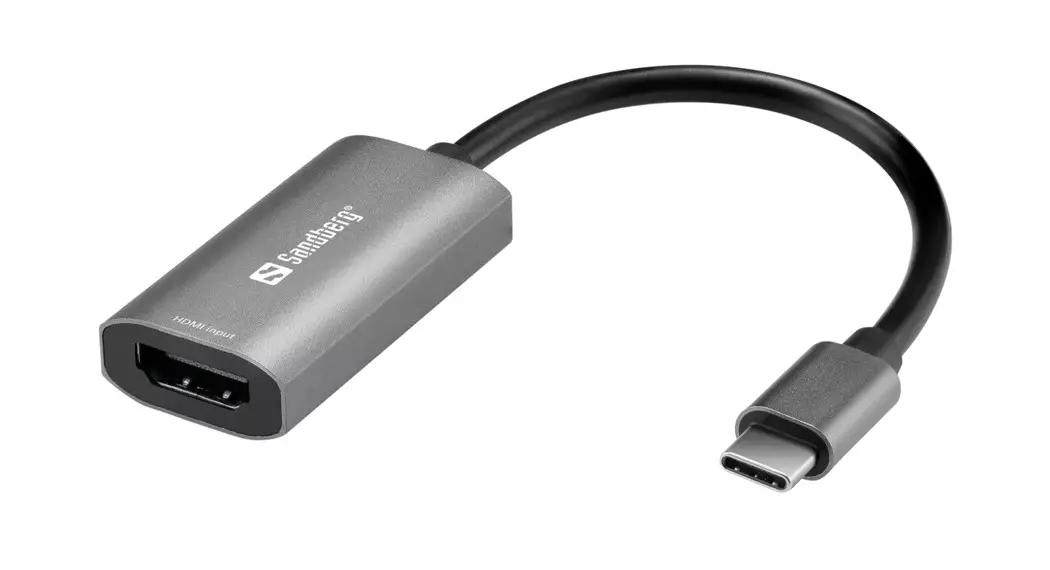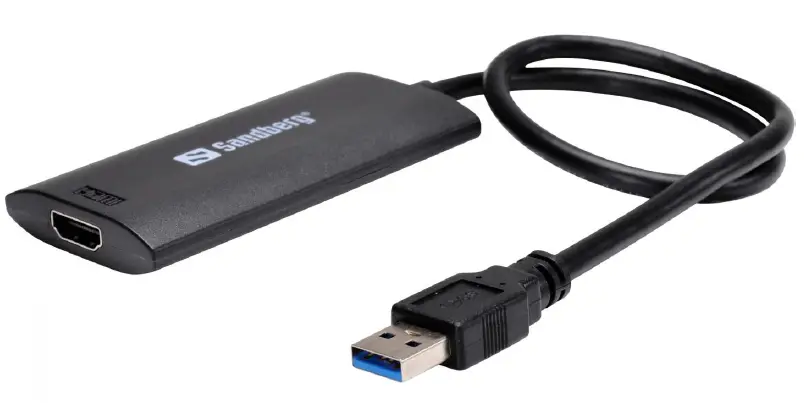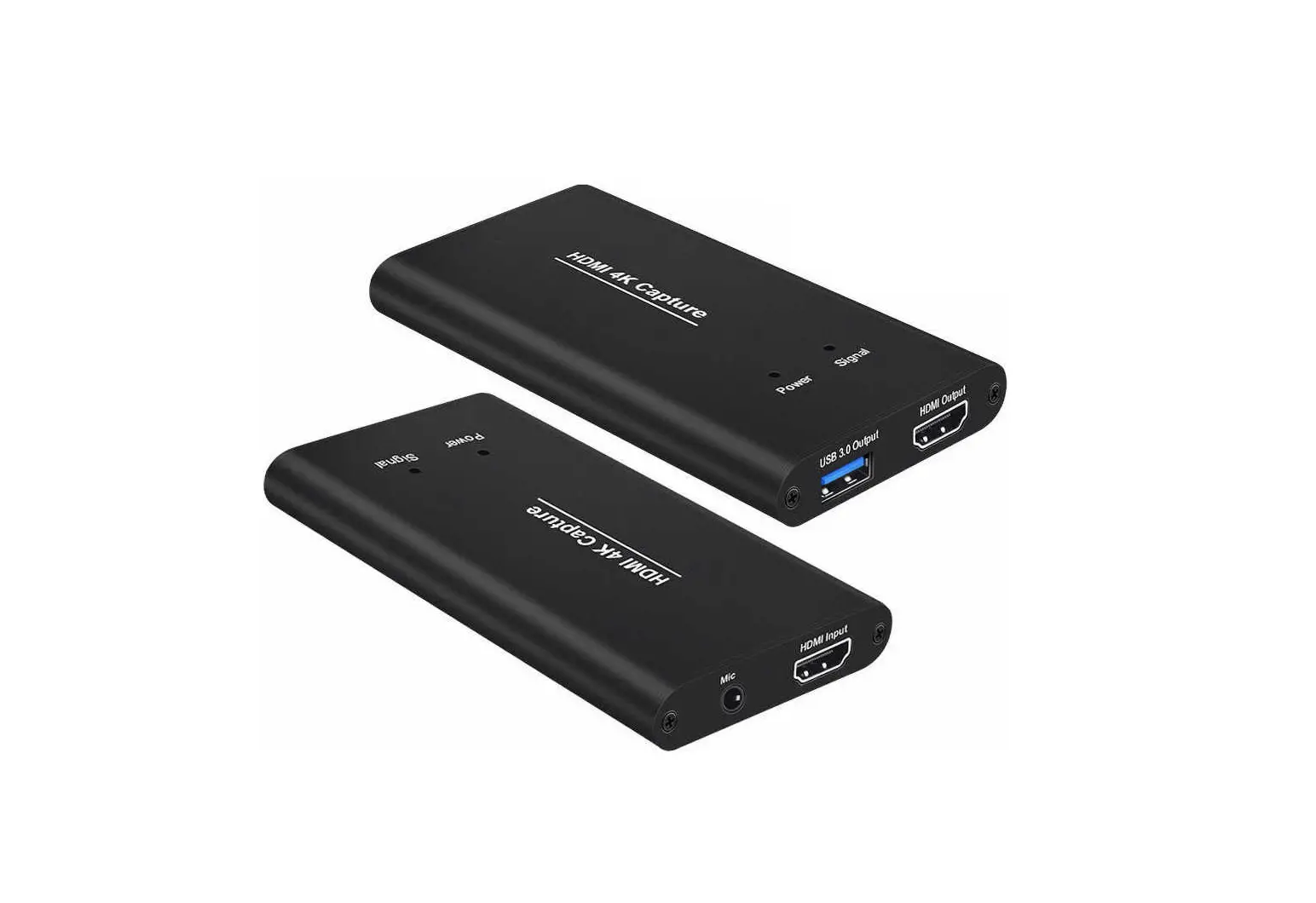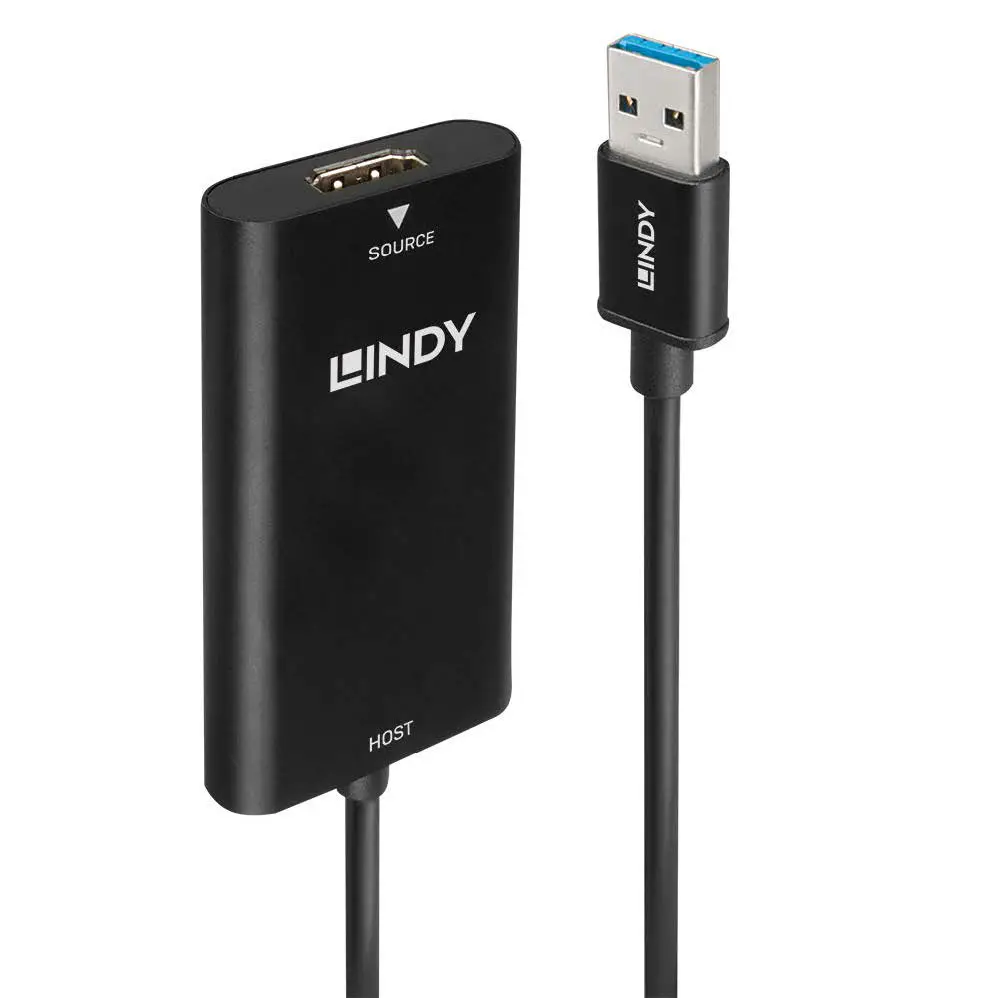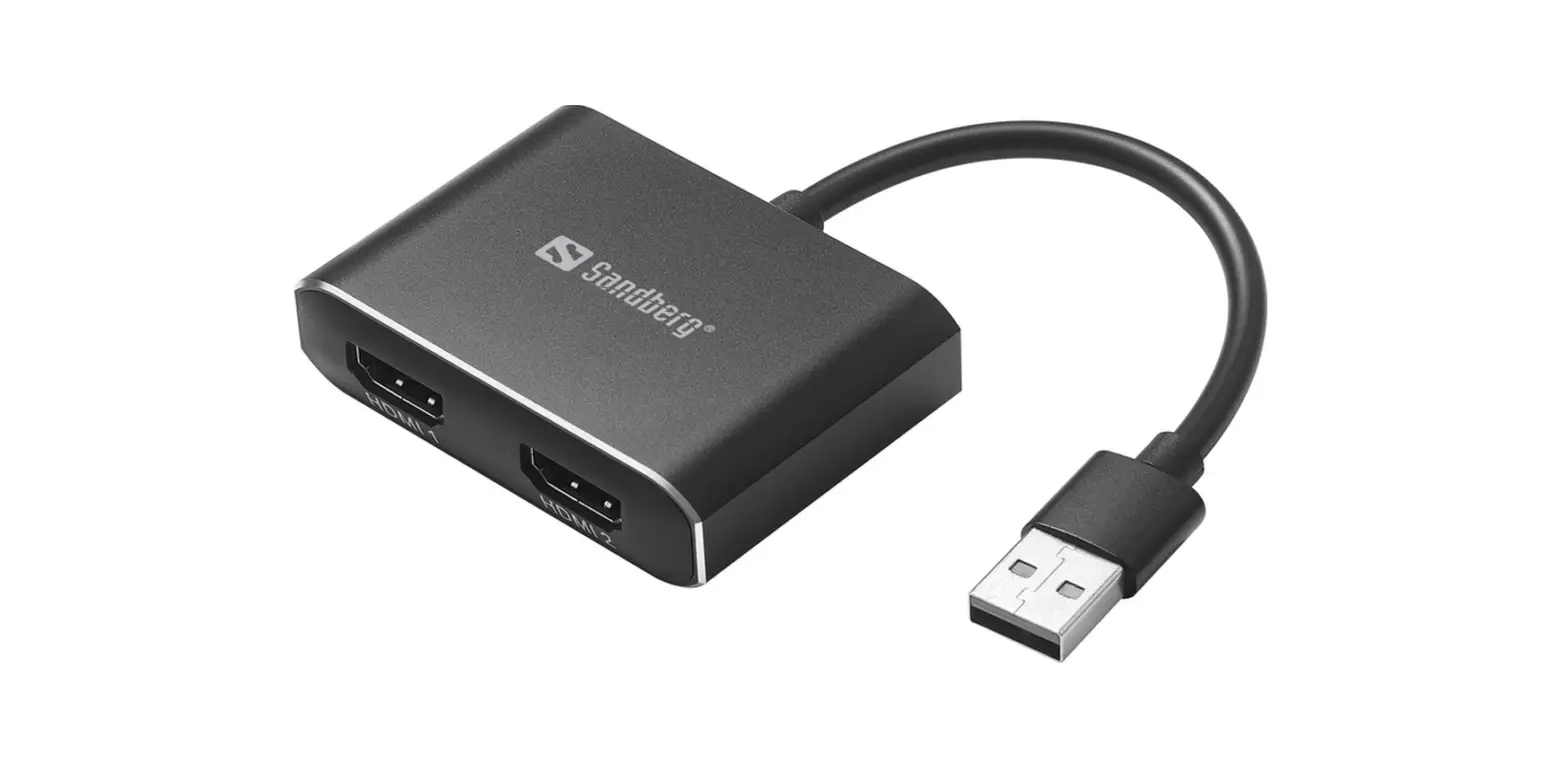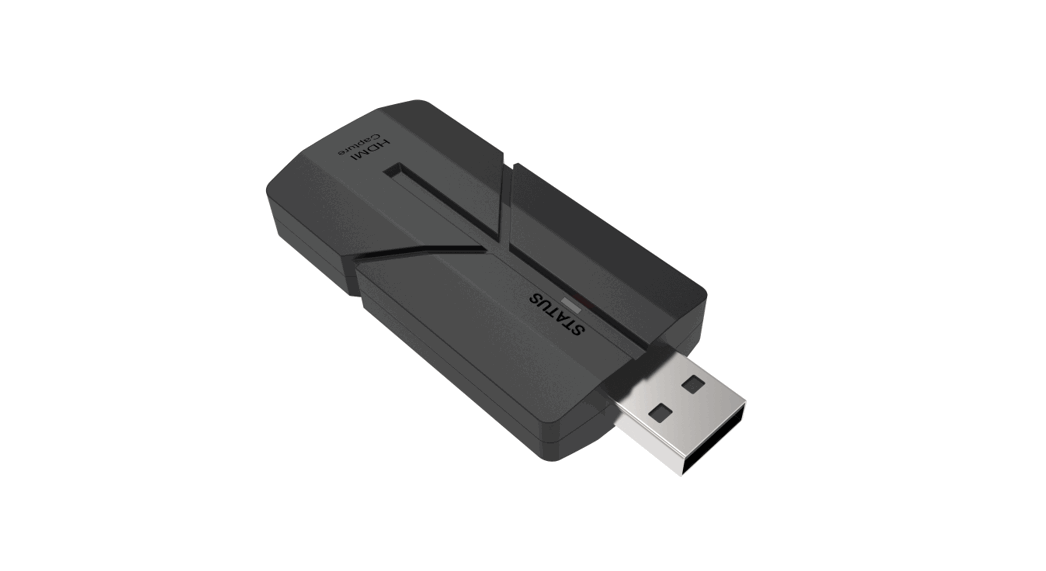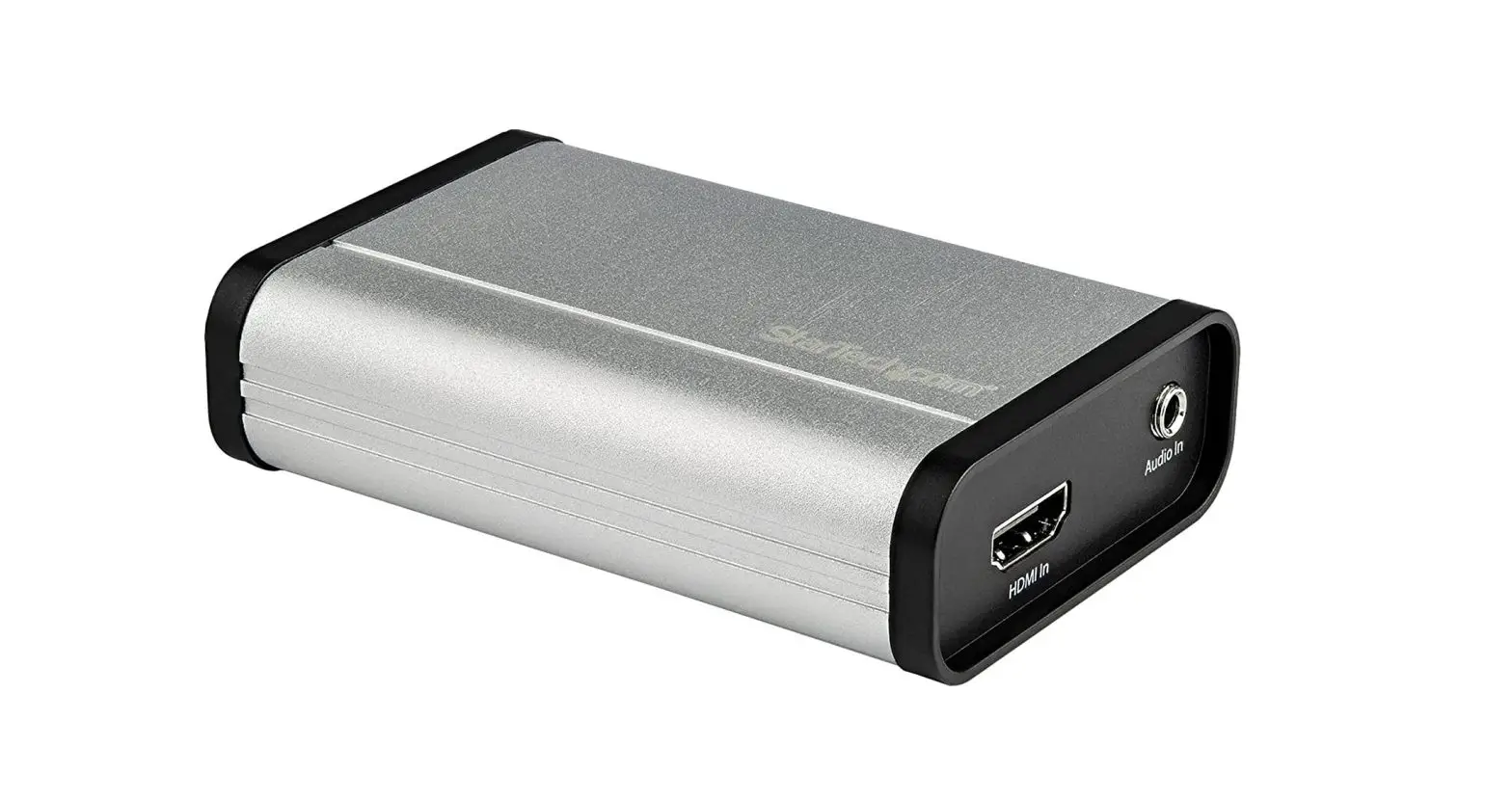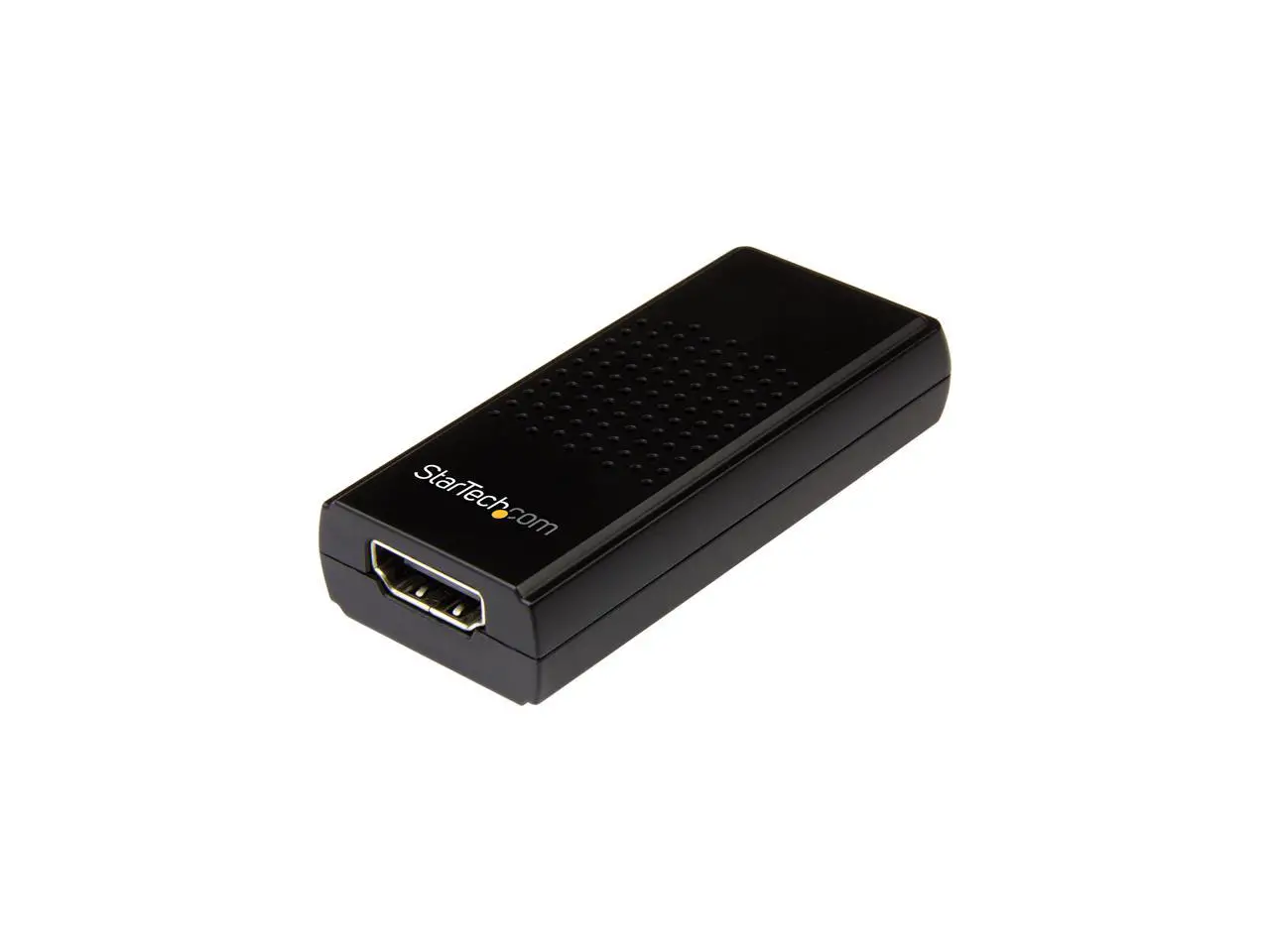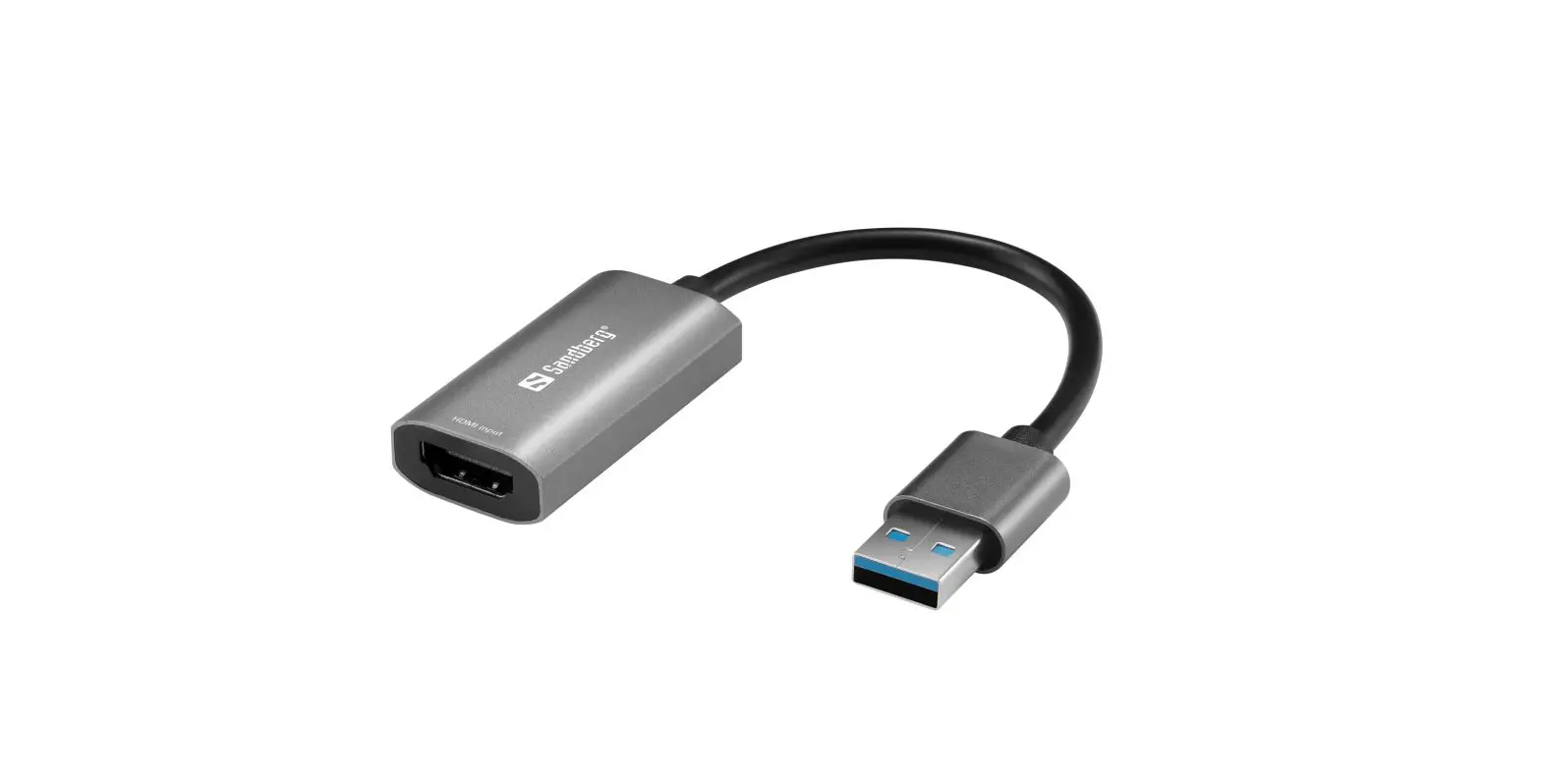
Sandberg 134-19 HDMI Capture Link to USB User Guide
Connection of HDMI video source and PC

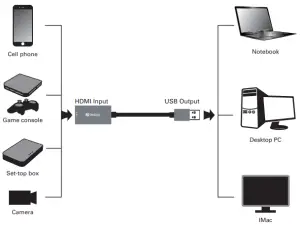
In the chat app select “Video Capture Device” as your webcam.
Recommended chat software: Zoom, Skype, MS Teams Etc.
Recommended capture software: “OBS” or “Debut”
Download OBS from https://obsproject.com/
Download Debut from www.nchsoftware.com
Warranty
There is a five-year warranty on your Sandberg product. Please read the warranty terms and register your new Sandberg product at www.sandberg.world/warranty
 For information on handling electronic waste, see www.sandberg.world/weee

 Helpdesk - Sandberg A/S
 NCH Software - Download Free Software Programs Online
 Open Broadcaster Software | OBS