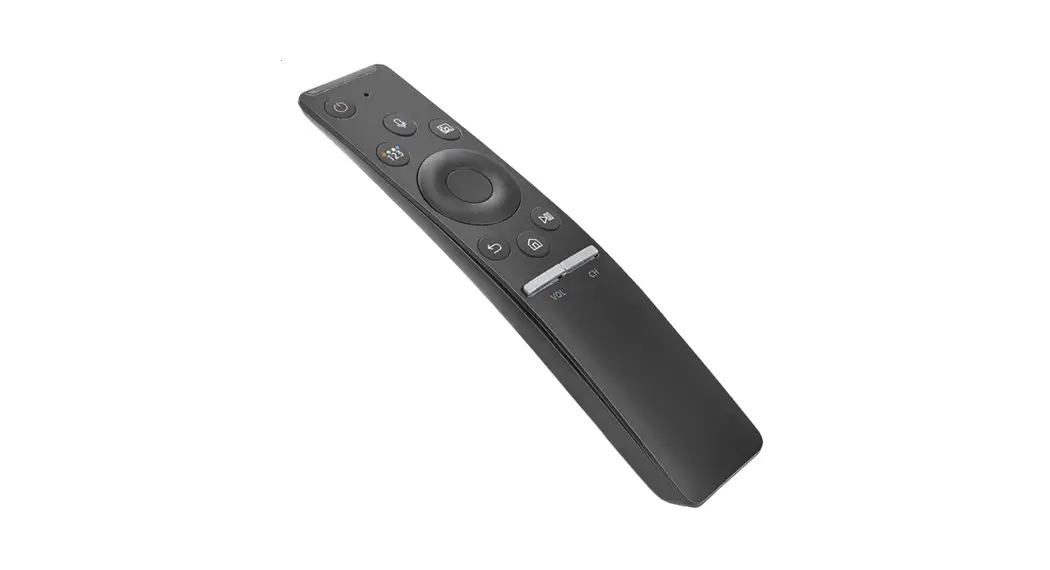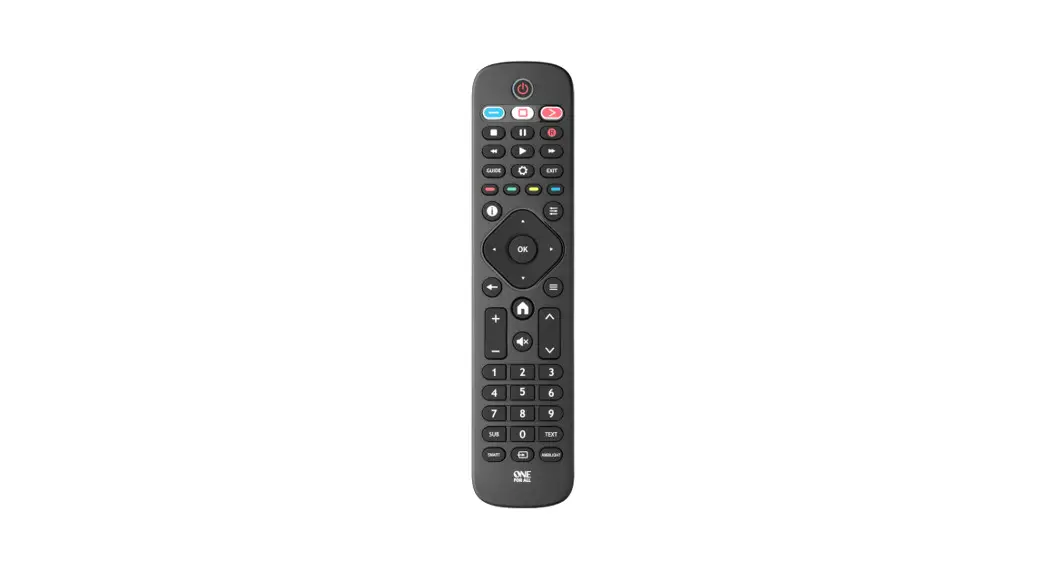
YOUR REMOTE CONTROL
USER MANUAL
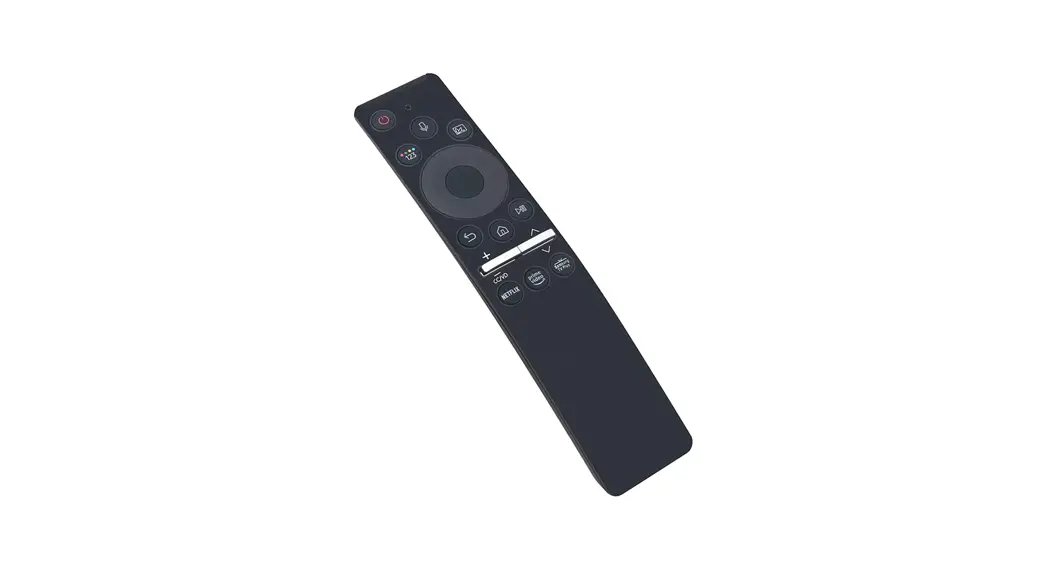
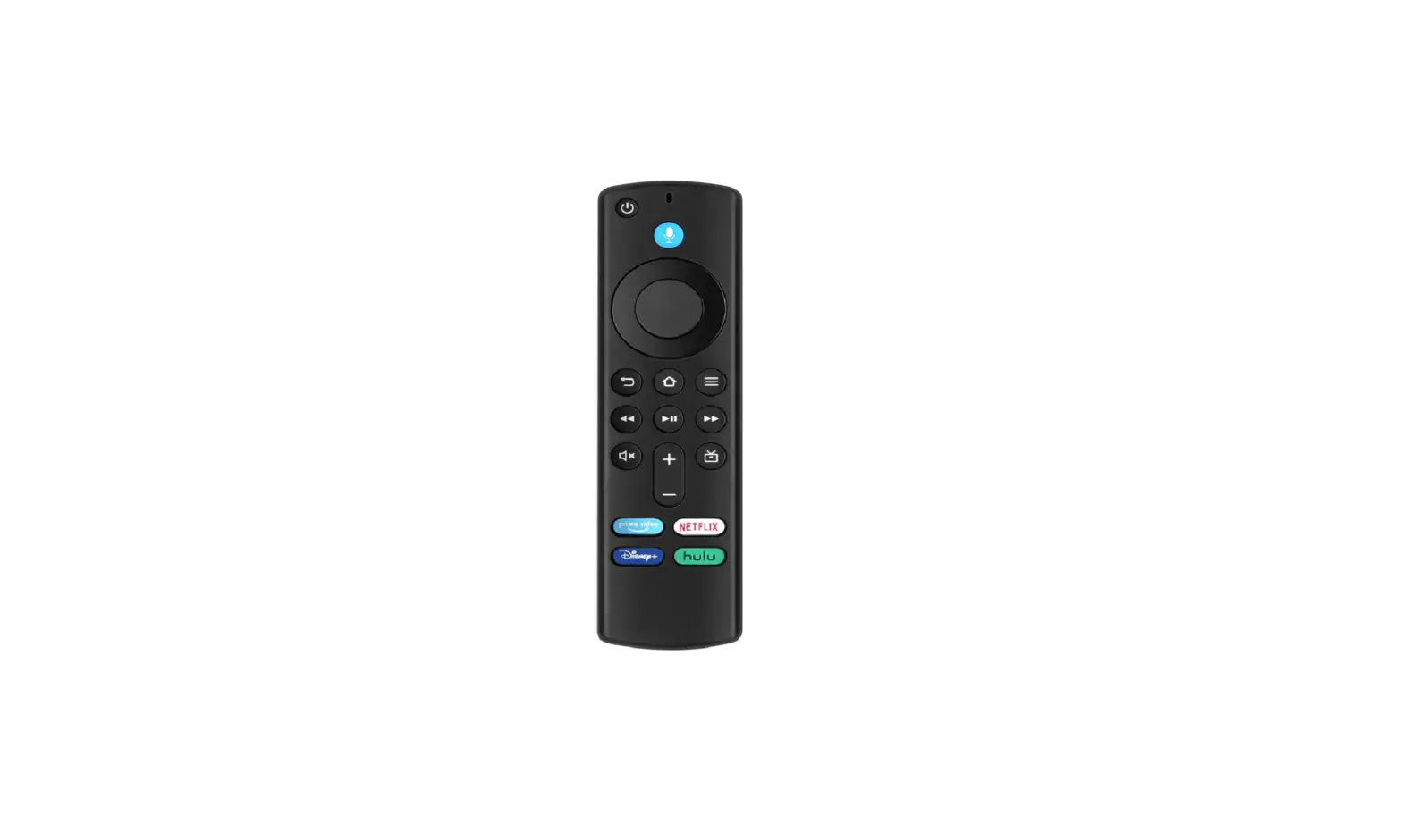
CERVINO VOICE REMOTE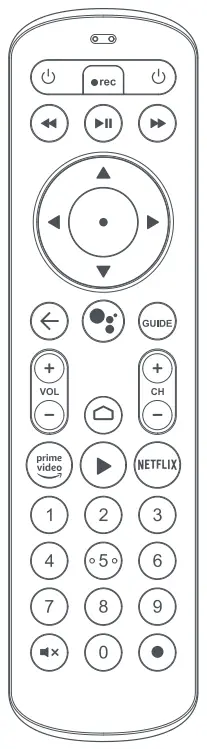
BATTERIES
Installing Batteries
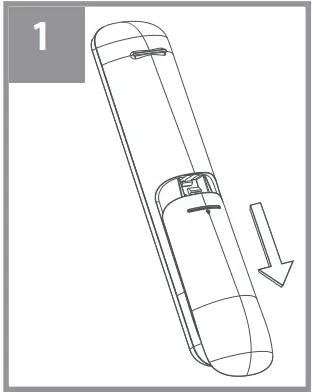 | Remove the battery cover. |
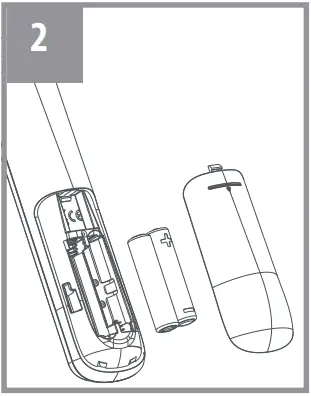 | Insert 2 AAA batteries. Match the + and – marks. |
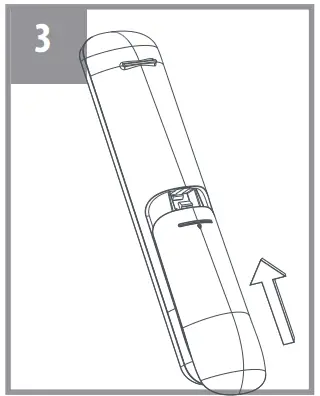 | Replace the battery cover. |
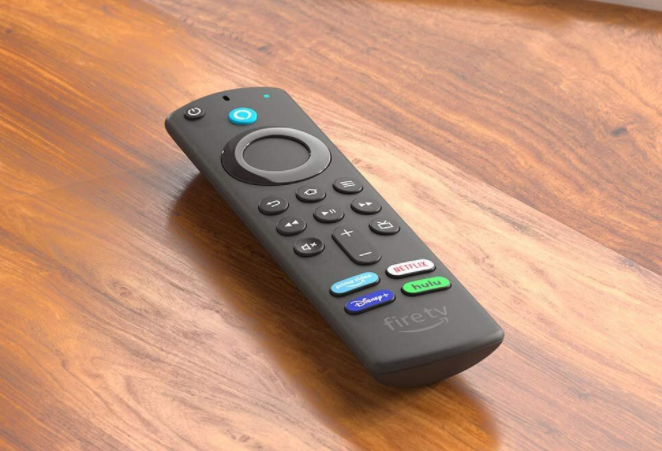
KEY TABLE
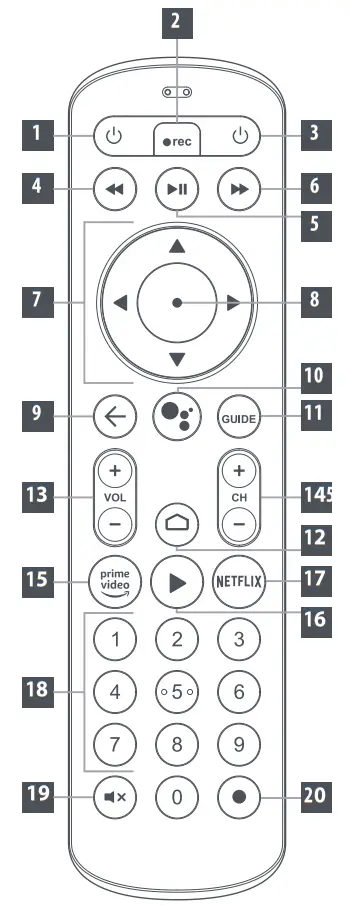
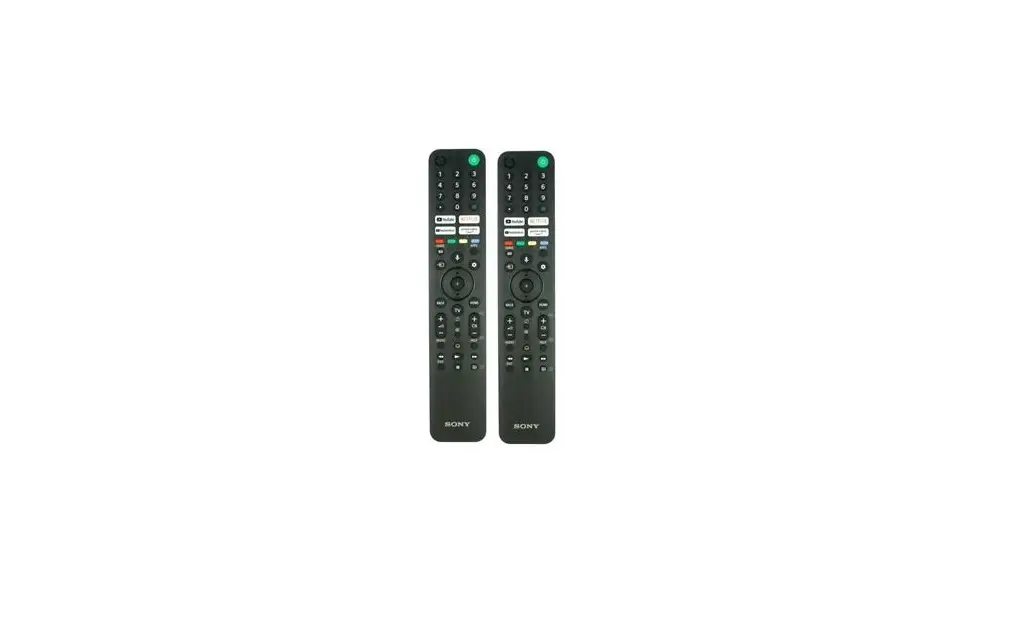
| TV Power | TV Power |
| Record | Record |
| Power STB | STB standby |
| REW | Rewind |
| Play/ Pause | Play/Pause |
| FFW | Fast Forward |
| Up Down Left Right | Up/ Next Down/ Previous Left/ Rewind Right/ Fast Forward |
| OK | OK/ Play-Pause |
| Back | Back |
| MIC/Google | Google Assistant |
| Guide | Guide |
| Home | Home |
| VOL+ VOL- | Volume Up Volume Down |
| CH+ CH- | Channel Up Channel Down |
| Amazon Prime | Launch Amazon Prime |
| YouTube | Launch YouTube |
| 0-9 | Digit keys |
| Netflix | Launch Netflix |
| Mute Mute | |
| TV Input Switch to live TV |
SETUP
As well as controlling your Android TV box, your remote control can also be set up to control the Power, Volume, Mute, and Input functions of your TV. There is an easy way to do this; SimpleSet for the most popular brands of TVs.
SIMPLE SET
| DIGIT | TV |
| 1 | Atvio, GHIA |
| 2 | Daewoo, Sansui |
| 3 | Hisense |
| 4 | JVC |
| 5 | LG |
| 6 | Philips |
| 7 | Samsung, Panasonic |
| 8 | Sharp |
| 9 | Sony, WestinghouseTCL |
| 10 | TCL |
- Make sure your TV is on.
- Find your TV brand in the Simple Set table. Note the number that corresponds to your device brand.
This is a quick setup method for popular TV brands. - Press and hold
OK + STB Power until the feedback LED blinks twice. - Press the TV POWER key, the feedback LED stays lit.
- While pointing the remote at the TV, press and hold the number key for your brand. Release the key as soon as the device turns OFF.
- Press the POWER KEY on the remote control to turn your TV back ON.
- The remote should now work for TV Power, Volume, Mute, and Input. If they don’t all work, try again from step 3.
FEATURES
PAIRING SEQUENCE
In order to enable your remote control to support a full set of features like voice control, this needs to be paired with your STB. Out of the box experience
- Follow the onboarding instructions shown on the screen during the setup process.
Manual Pairing
- Press and hold Home + Back until the LED fl ash twice.
- LED will fl ash continuously until the paring sequence becomes completed.
Note: this sequence will trigger a paring event on your remote and STB, please make sure your remote control is close and in line of sight to your STB.