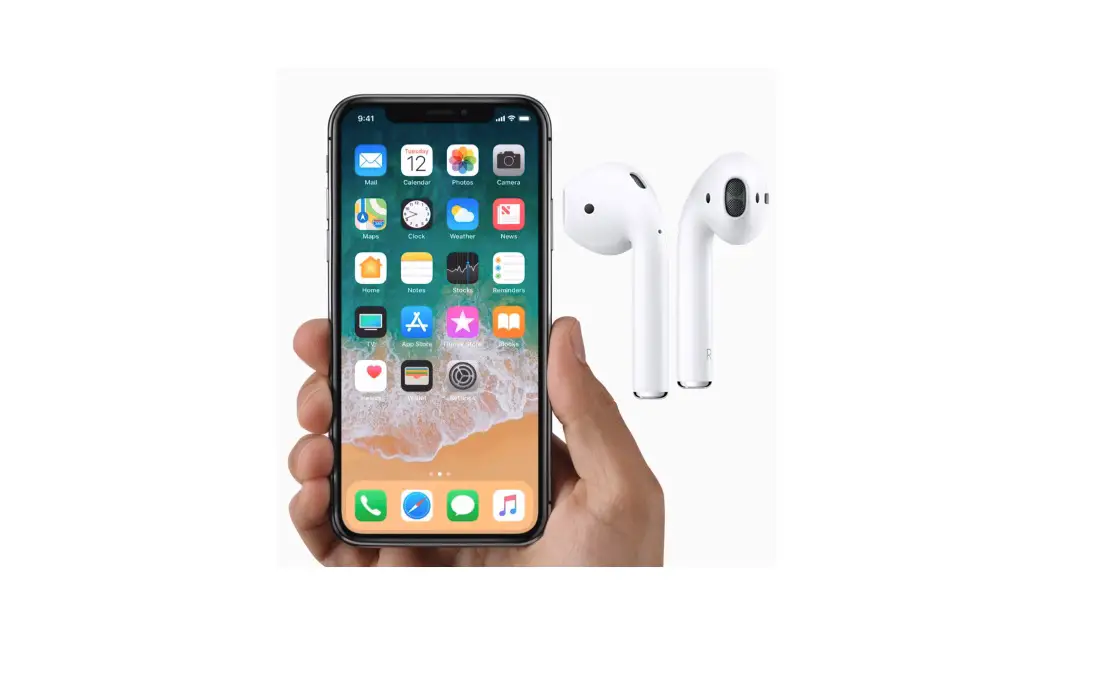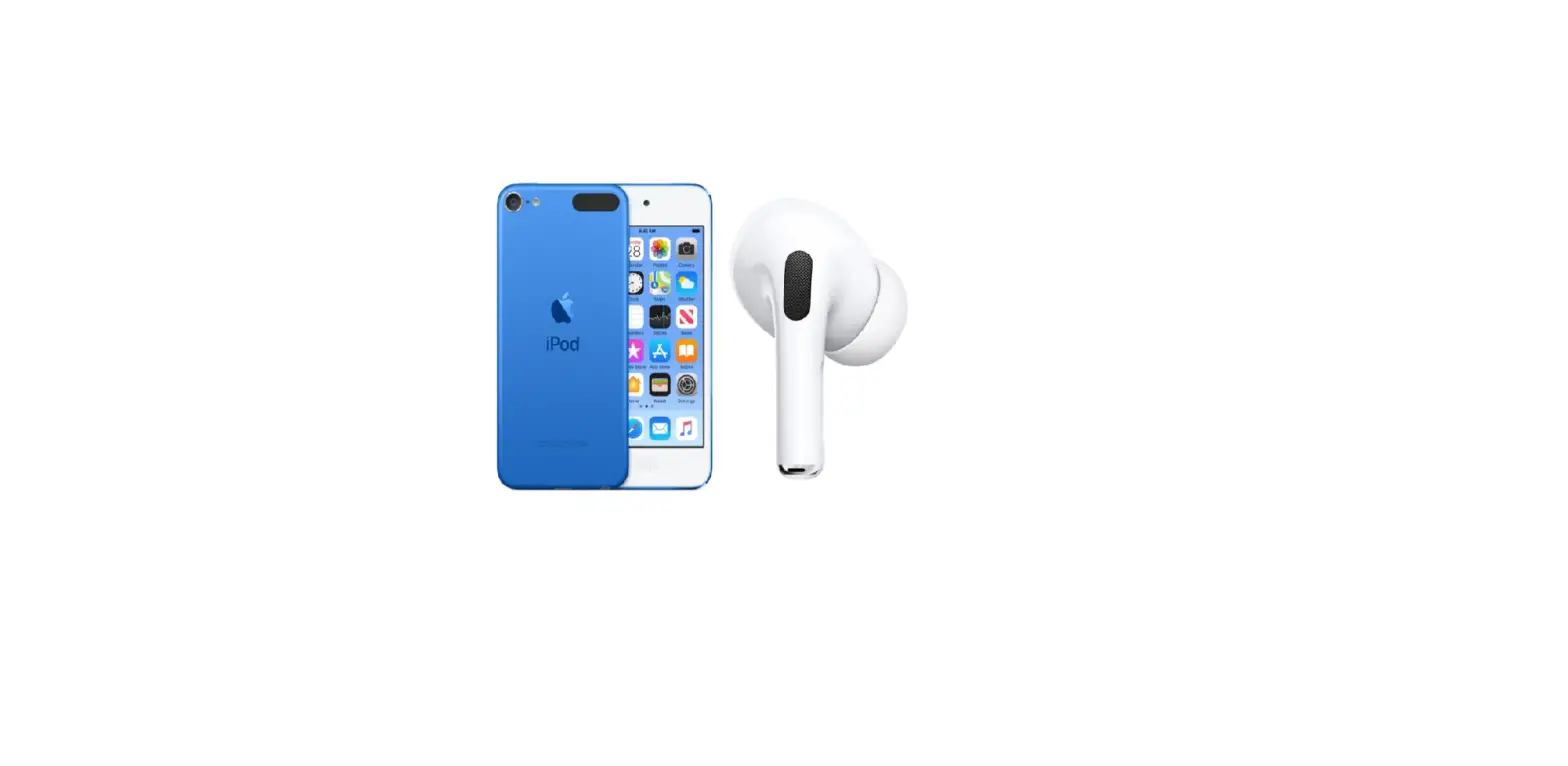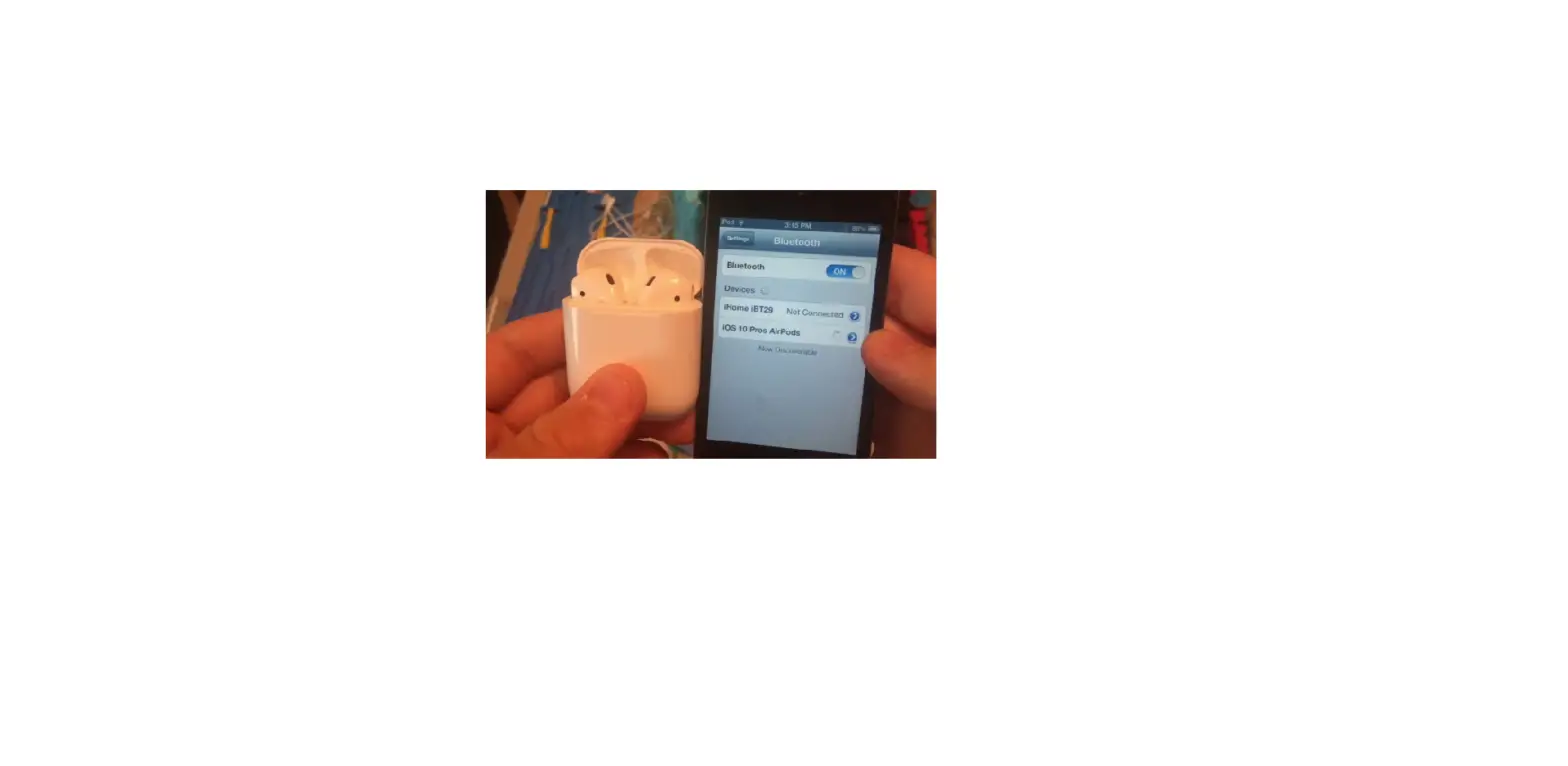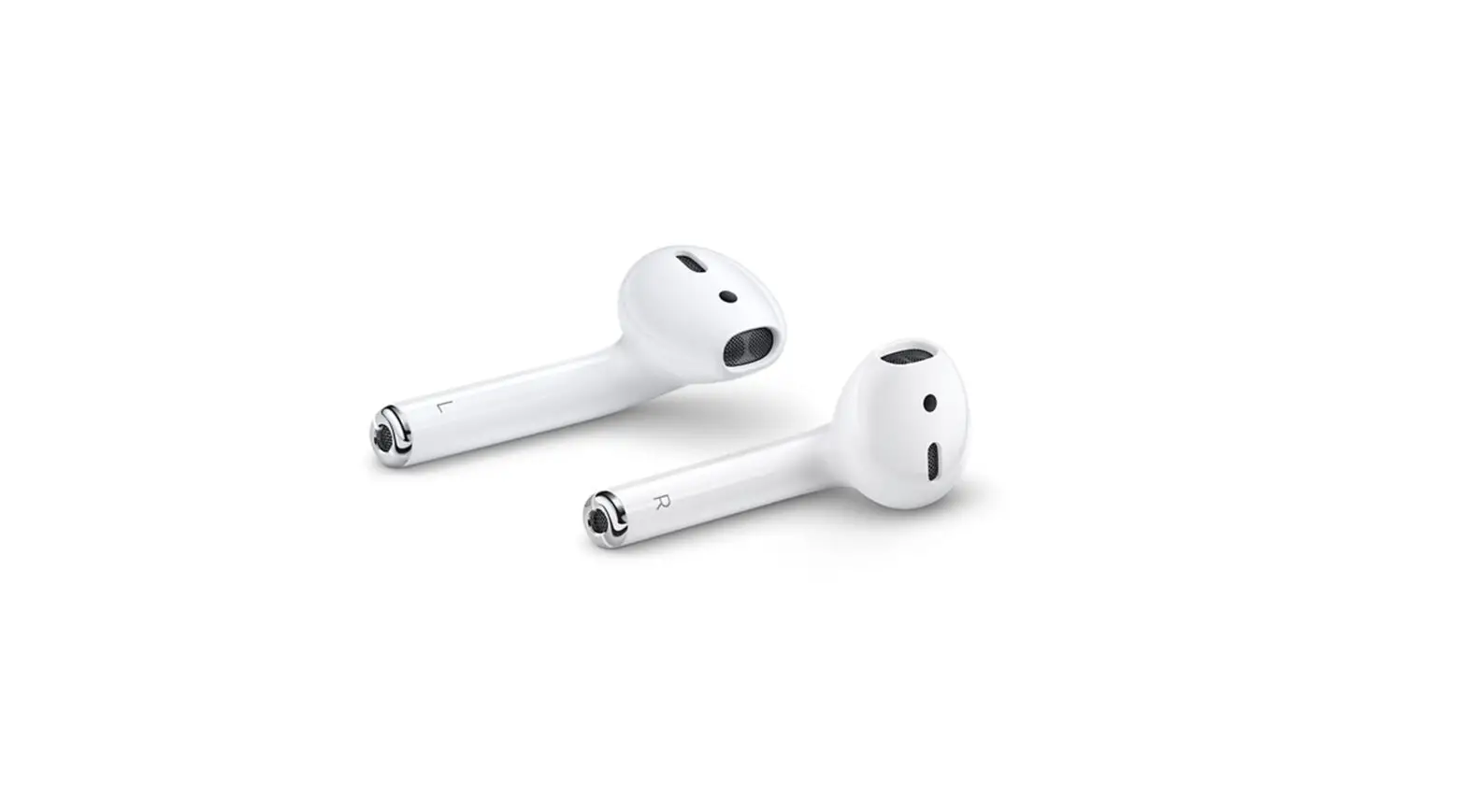
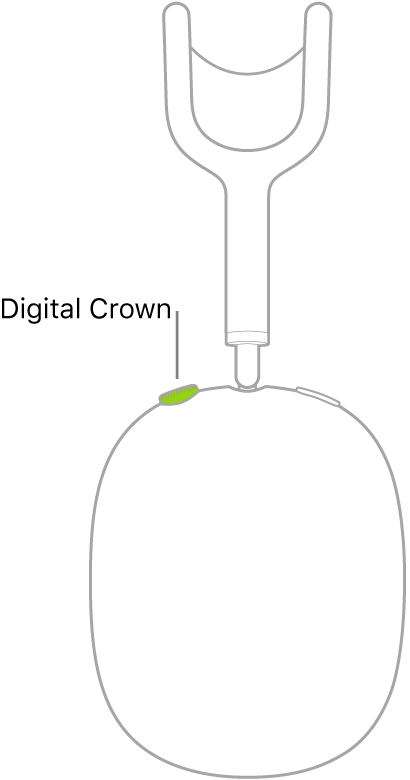
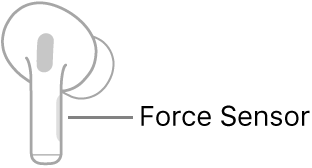
AirPods sense when you’re wearing them, and they automatically play or stop the audio from your iPod touch. To pause, resume, or skip audio playback, you can use the Digital Crown on AirPods Max, the Force Sensor on AirPods Pro, and taps on AirPods (1st and 2nd generation).
Hear what’s playing on your iPod touch
Stop the audio
- AirPods Max: Remove AirPods Max from your head.
- AirPods Pro and AirPods (1st and 2nd generation): Remove both AirPods from your ears, or if you’re wearing just one, remove it.
Pause the audio
- AirPods Max: Press the Digital Crown once. Press it again to play.
You can turn the Digital Crown to change the volume. You can also use the Digital Crown to answer and end calls, ask for Siri, and end the reading of a new message.

- AirPods Pro: Press the Force Sensor on either of your AirPods. To resume playback, press again.
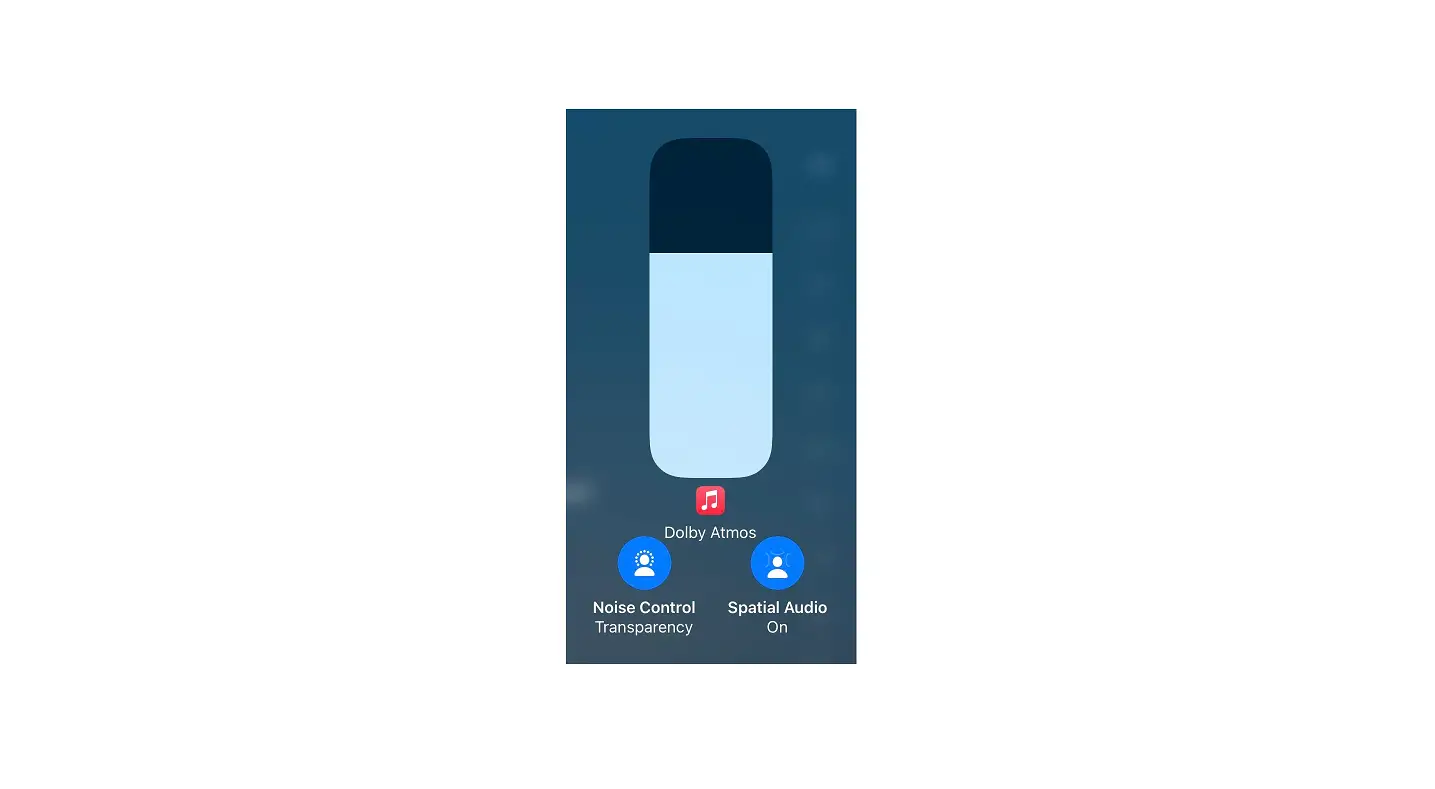
If you press the Force Sensor for too long, a chime sounds, and the noise control mode changes.

You can also use the Force Sensor to answer and end calls, ask for Siri, change the noise control mode, and end the reading of a new message.
- AirPods Pro and AirPods (1st and 2nd generation): While listening with both AirPods, remove one. When you return it to your ear, playback resumes automatically.
- AirPods: (1st and 2nd generation) You can set either of your AirPods to pause when you double-tap it, then resume play when you double-tap it again. See Change the name and other settings for AirPods (1st and 2nd generation).
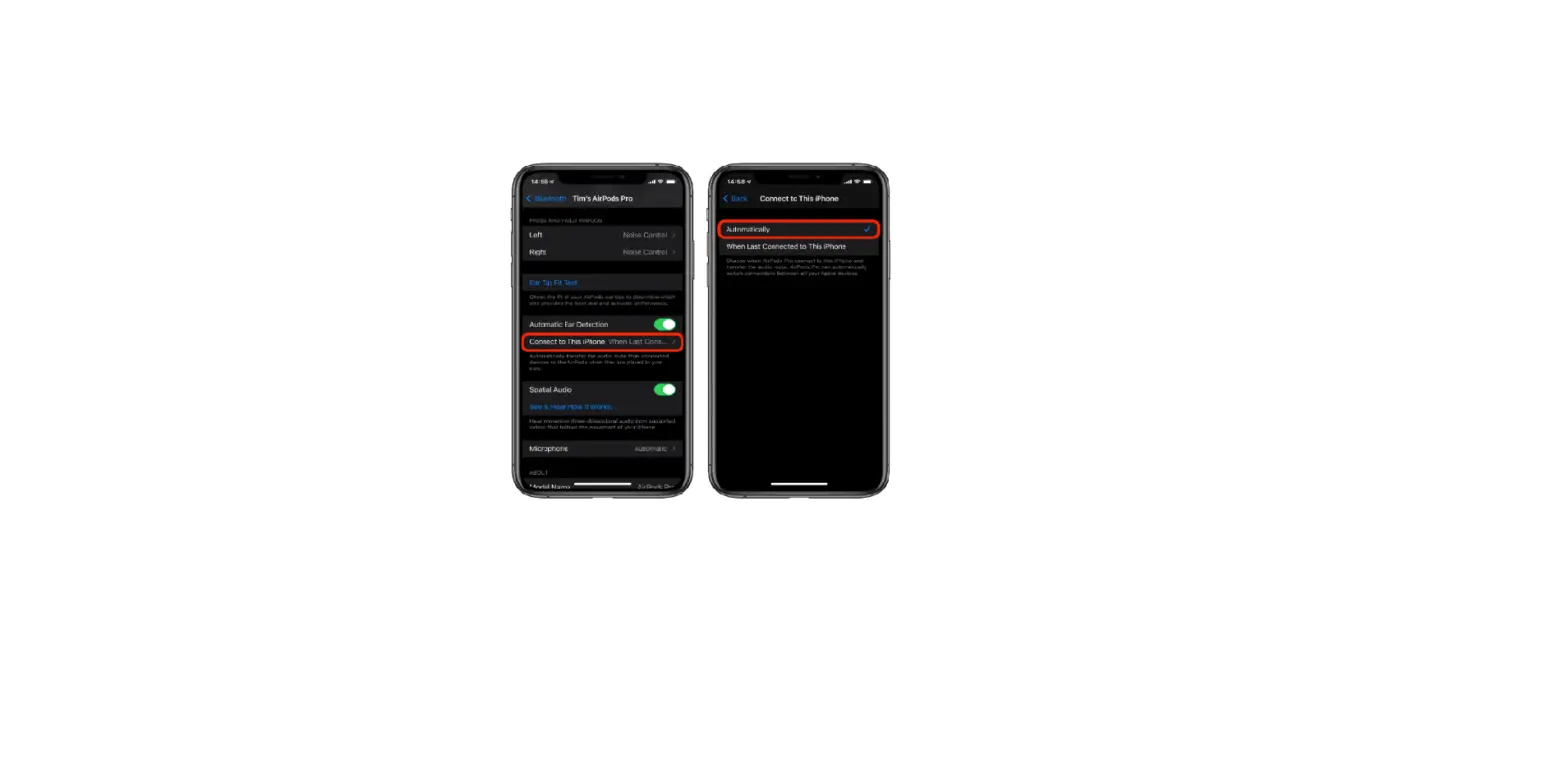
If you don’t want AirPods to automatically play and stop the audio, you can turn off Automatic Head Detection or Automatic Ear Detection.