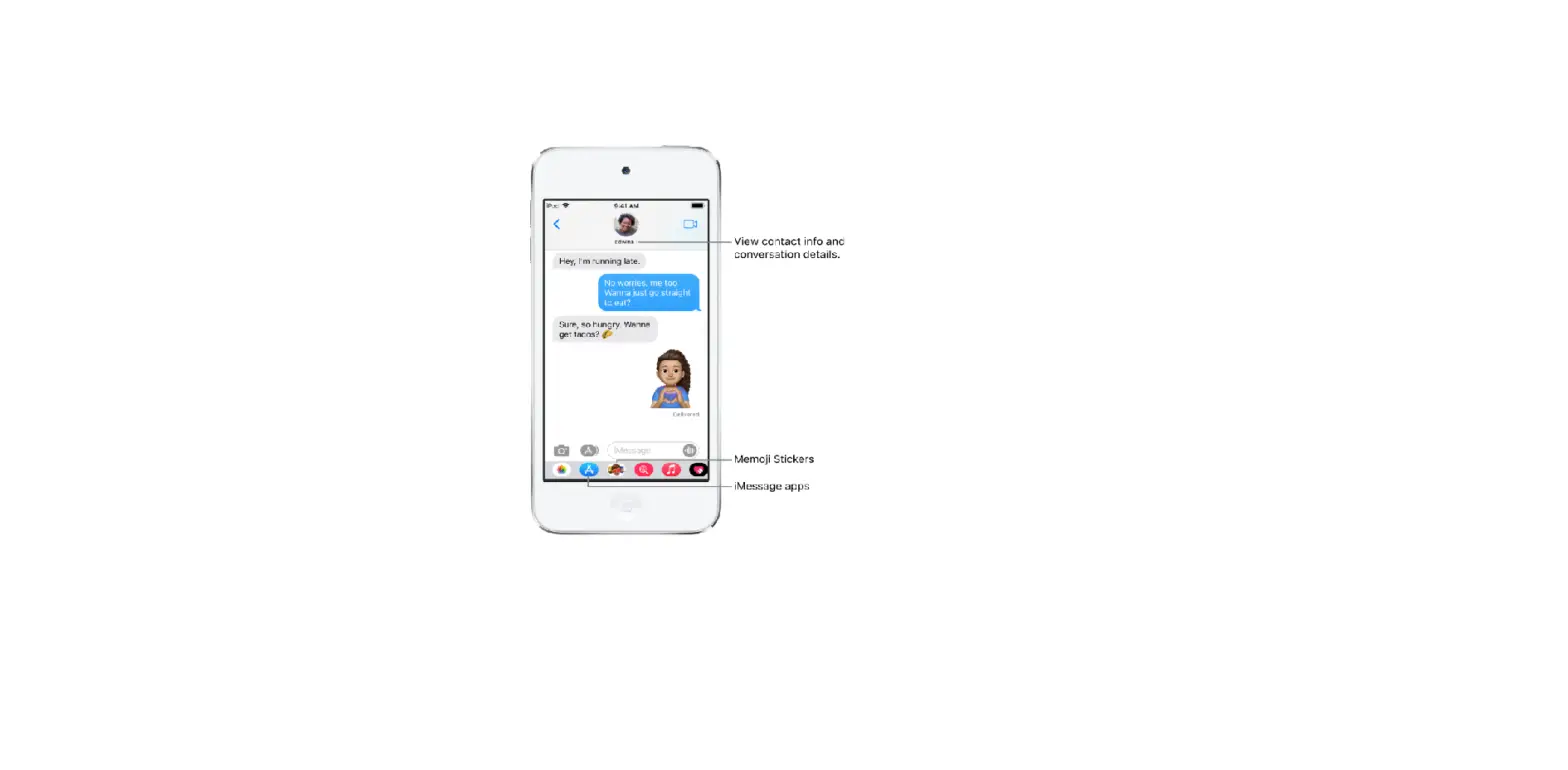
Say something like “Reply that’s great news.”
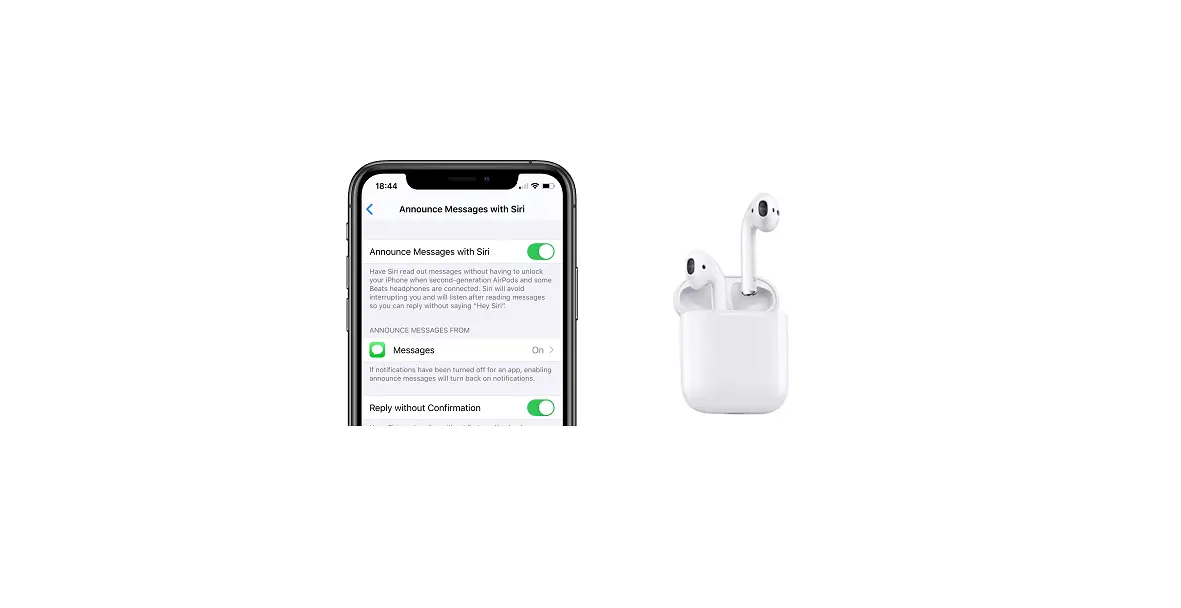
Siri repeats what you said, then asks for confirmation before sending your reply. (To send replies without waiting for confirmation, go to Settings  > Siri & Search > Announce Messages, then turn on Reply without Confirmation.)