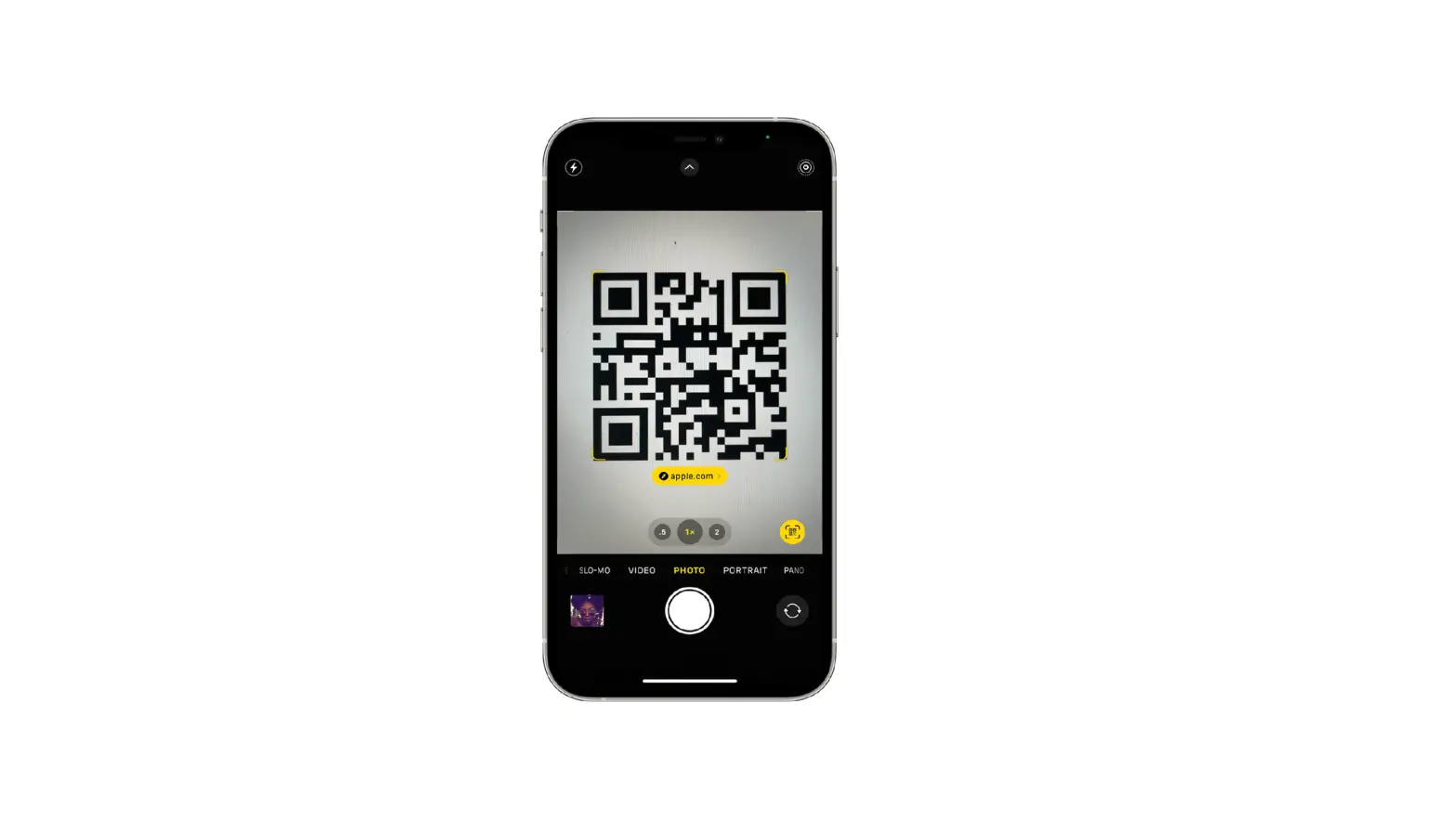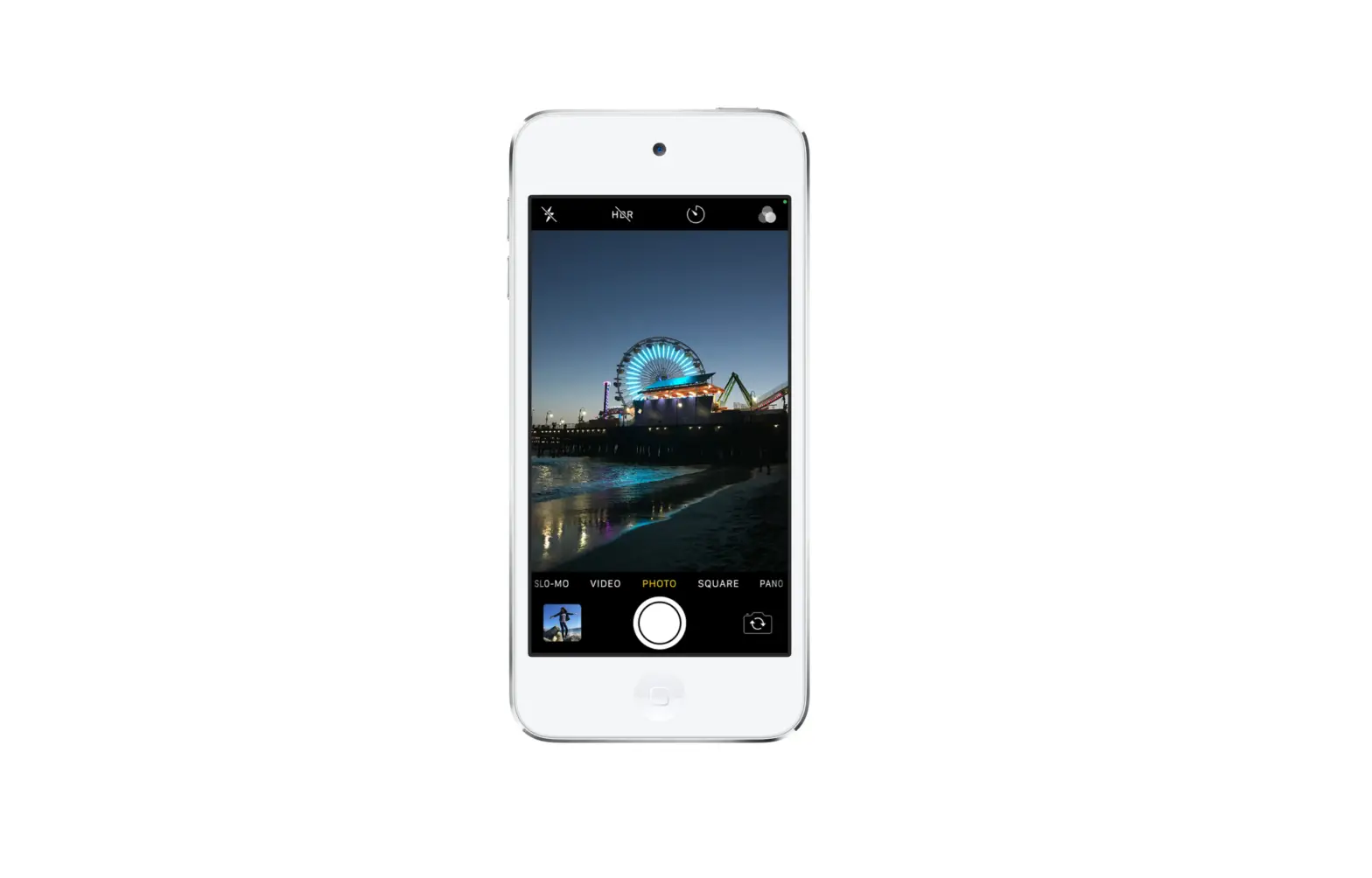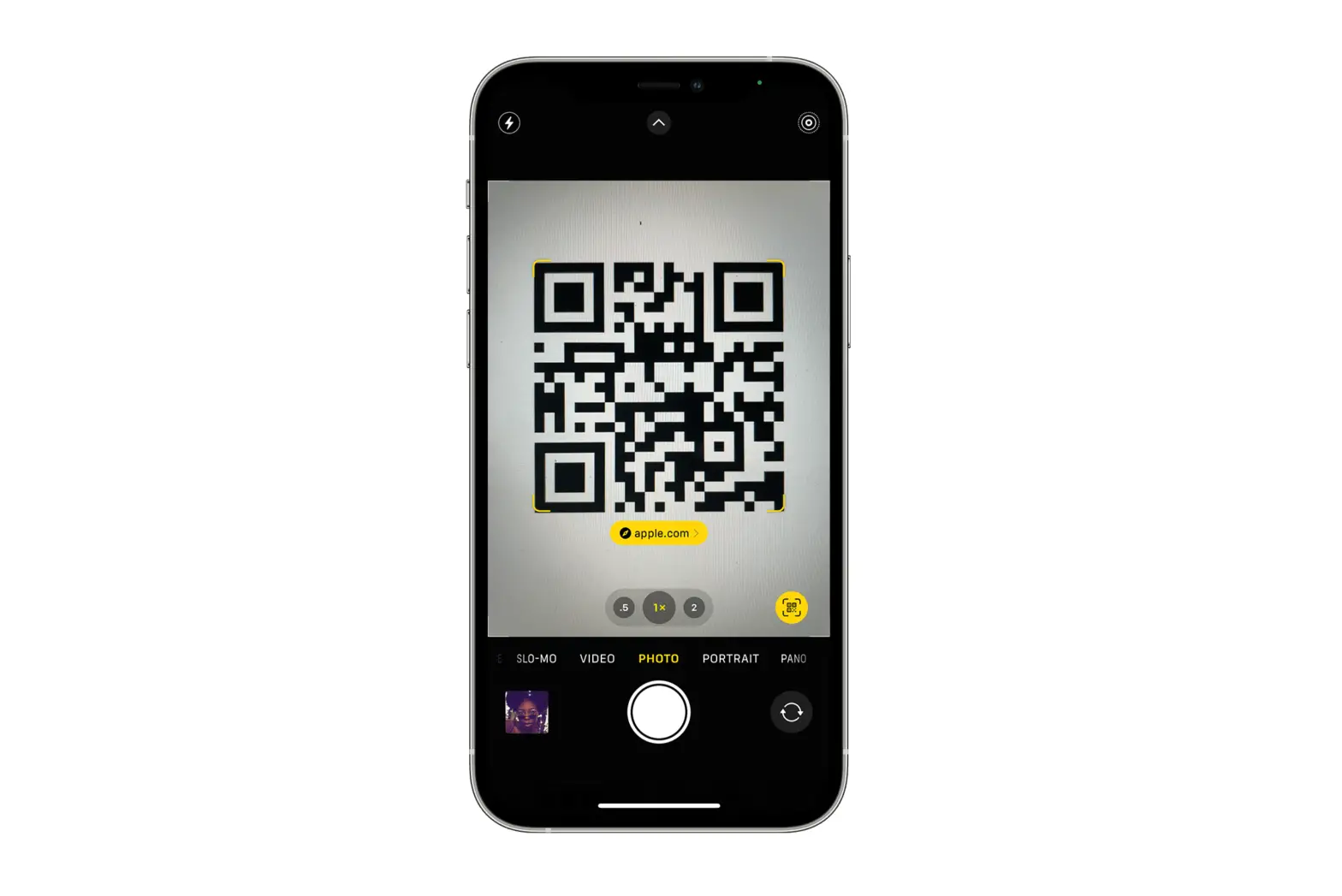
You can use Camera  or the Code Scanner to scan Quick Response (QR) codes for links to websites, apps, coupons, tickets, and more. The camera automatically detects and highlights a QR code.
Use the camera to read a QR code
- Open Camera, then position iPod touch so that the code appears on the screen.
- Tap the notification that appears on the screen to go to the relevant website or app.
Open the Code Scanner from Control Center
- Go to Settings
 > Control Center, then tap
  next to Code Scanner.
 - Open Control Center, tap the Code Scanner, then position iPod touch so that the code appears on the screen.
- To add more light, tap the flashlight to turn it on.
 > Control Center, then tap
  next to Code Scanner.