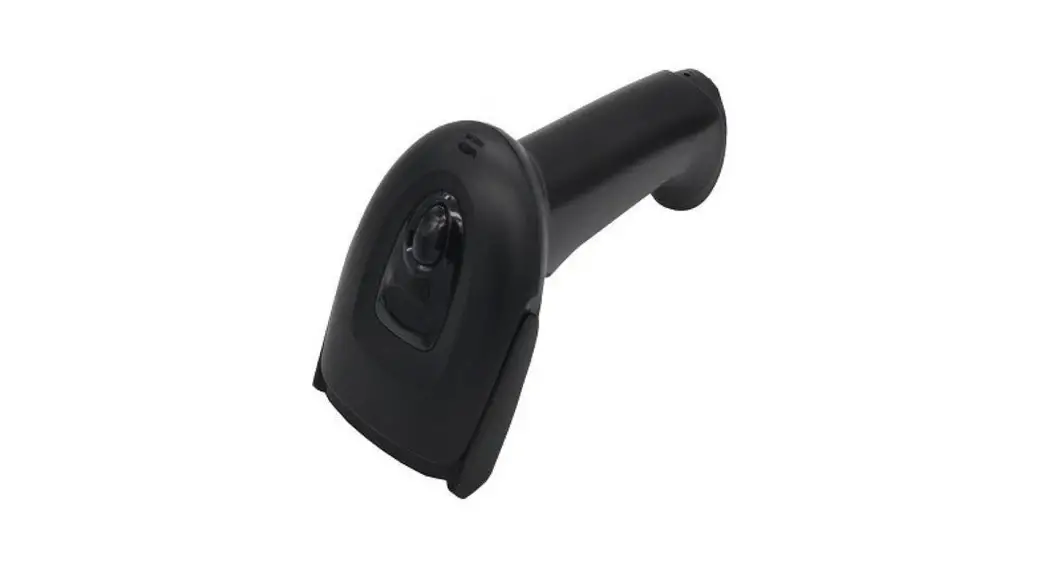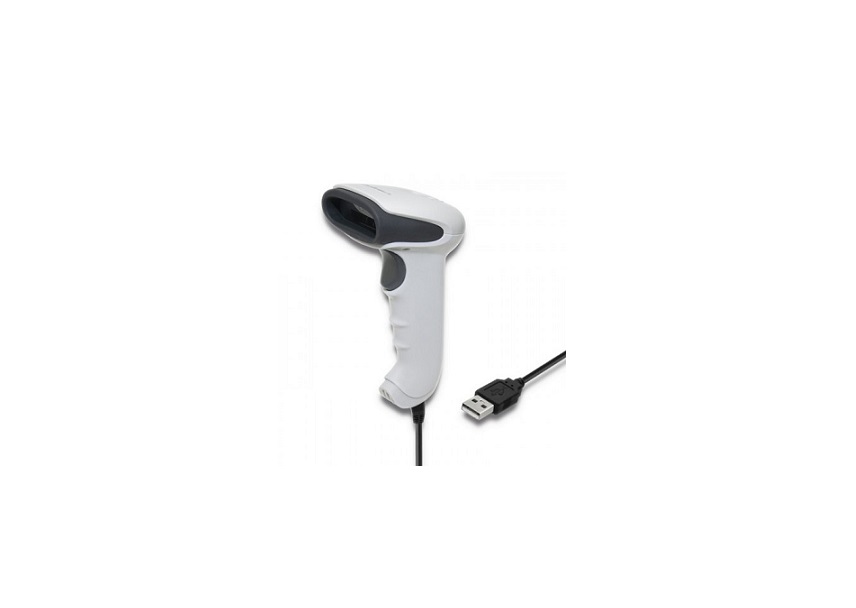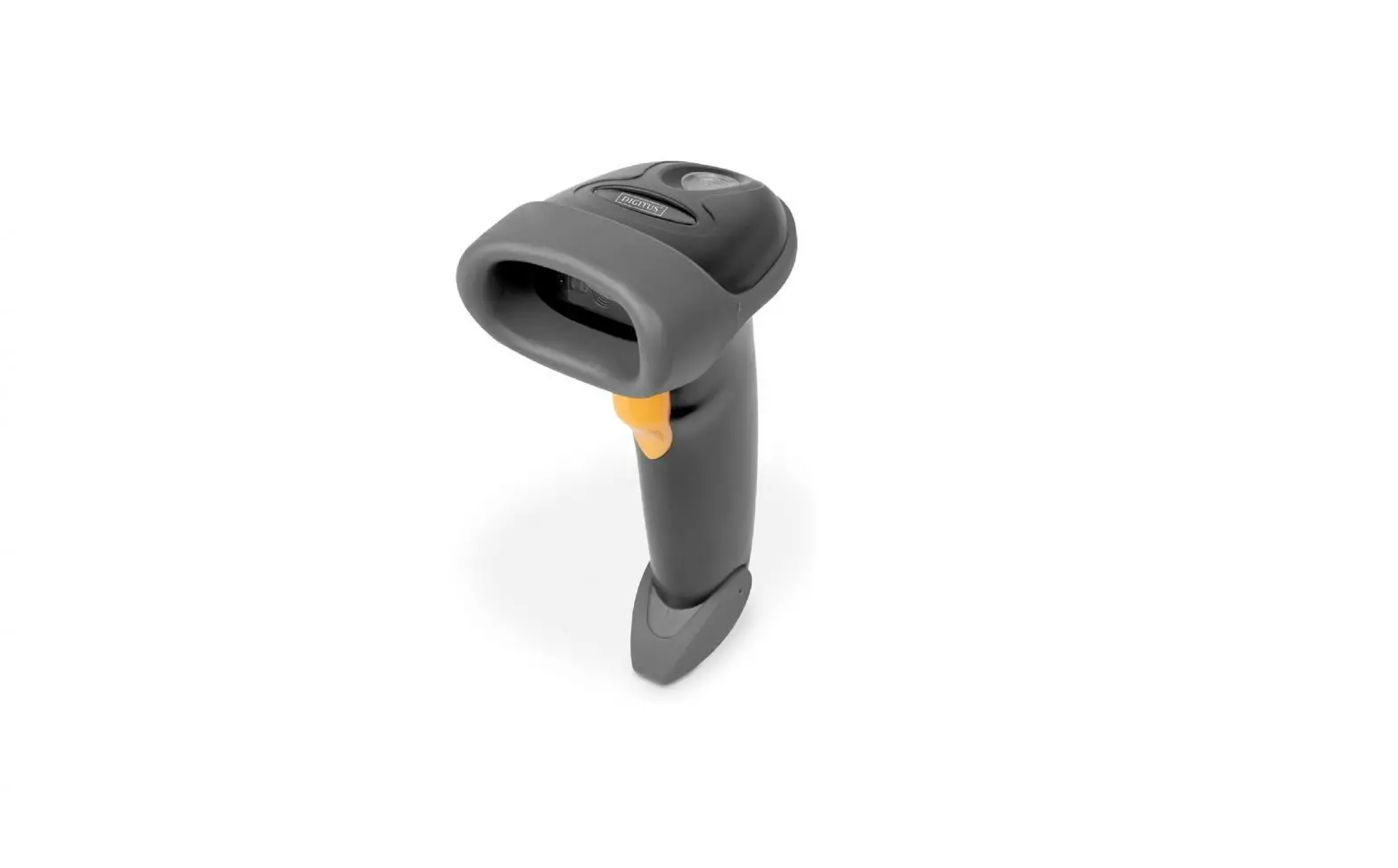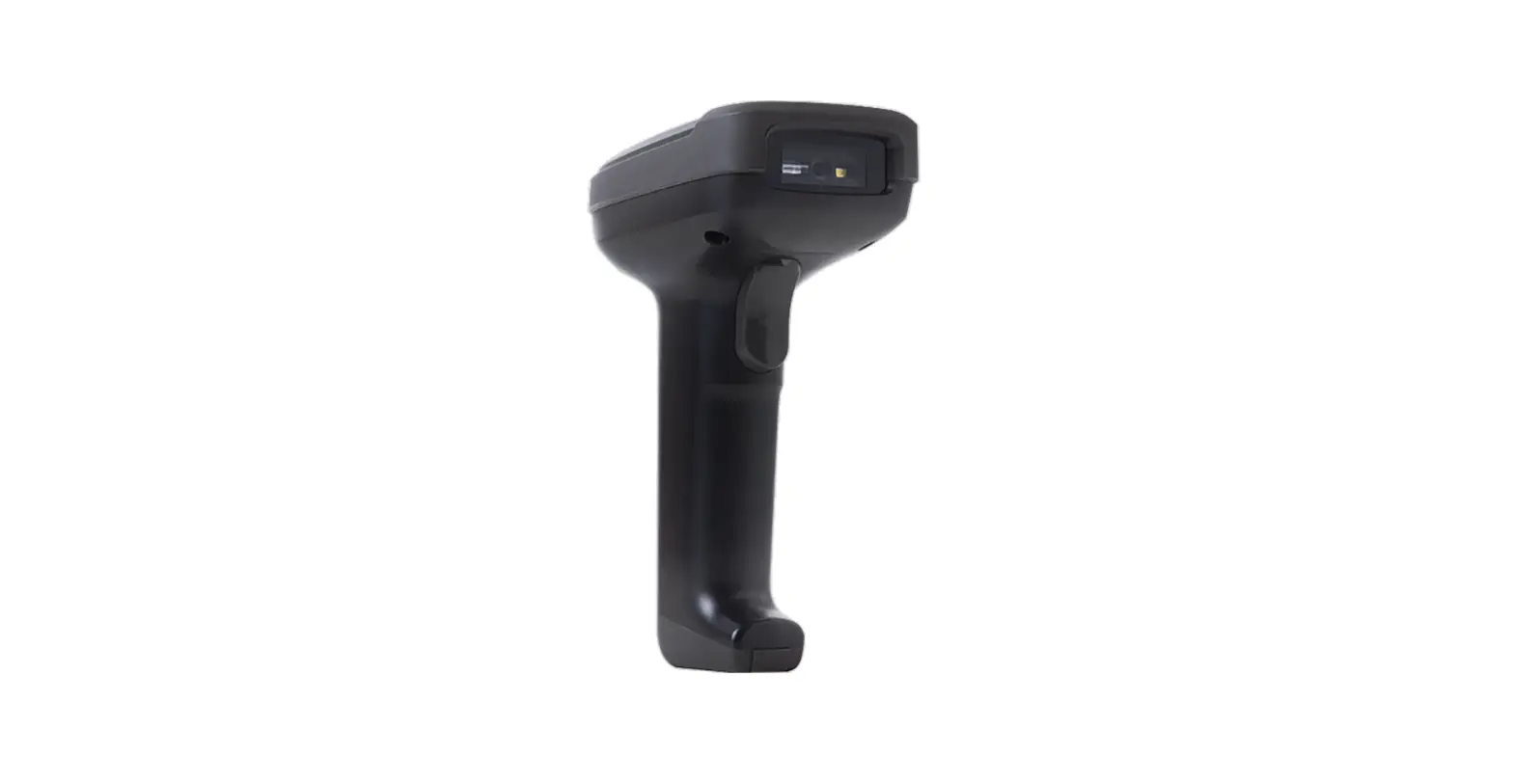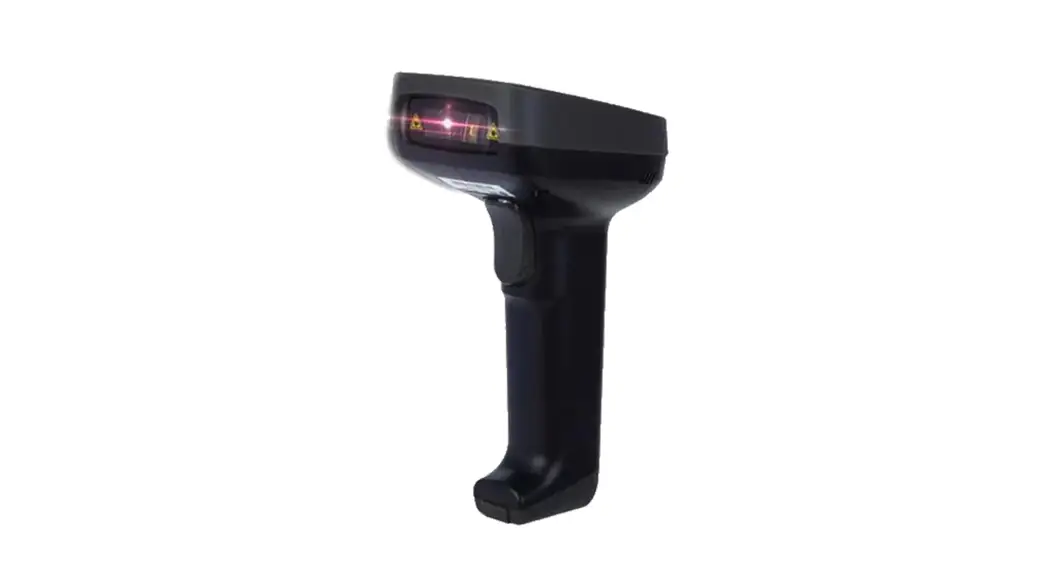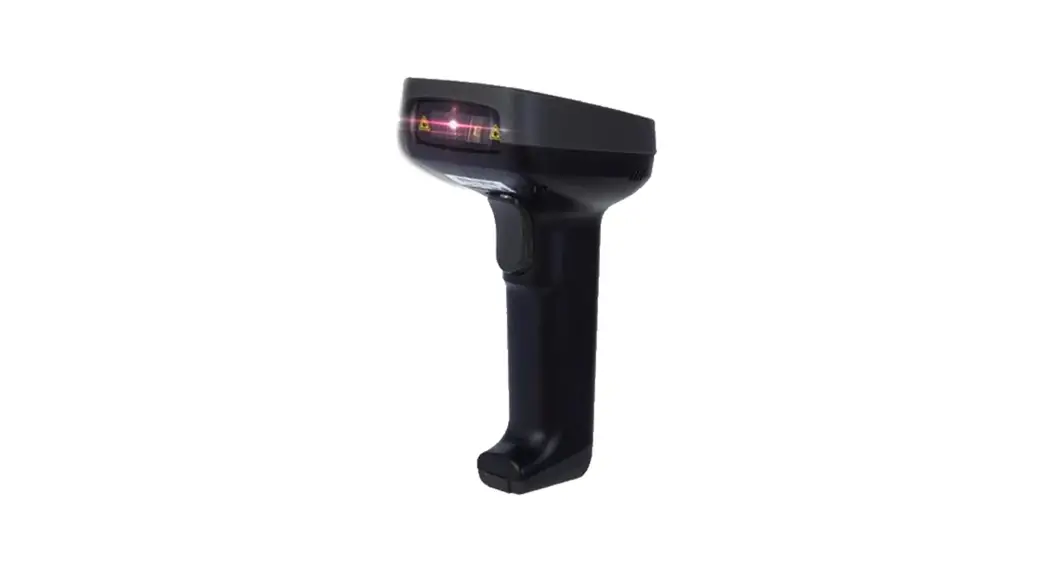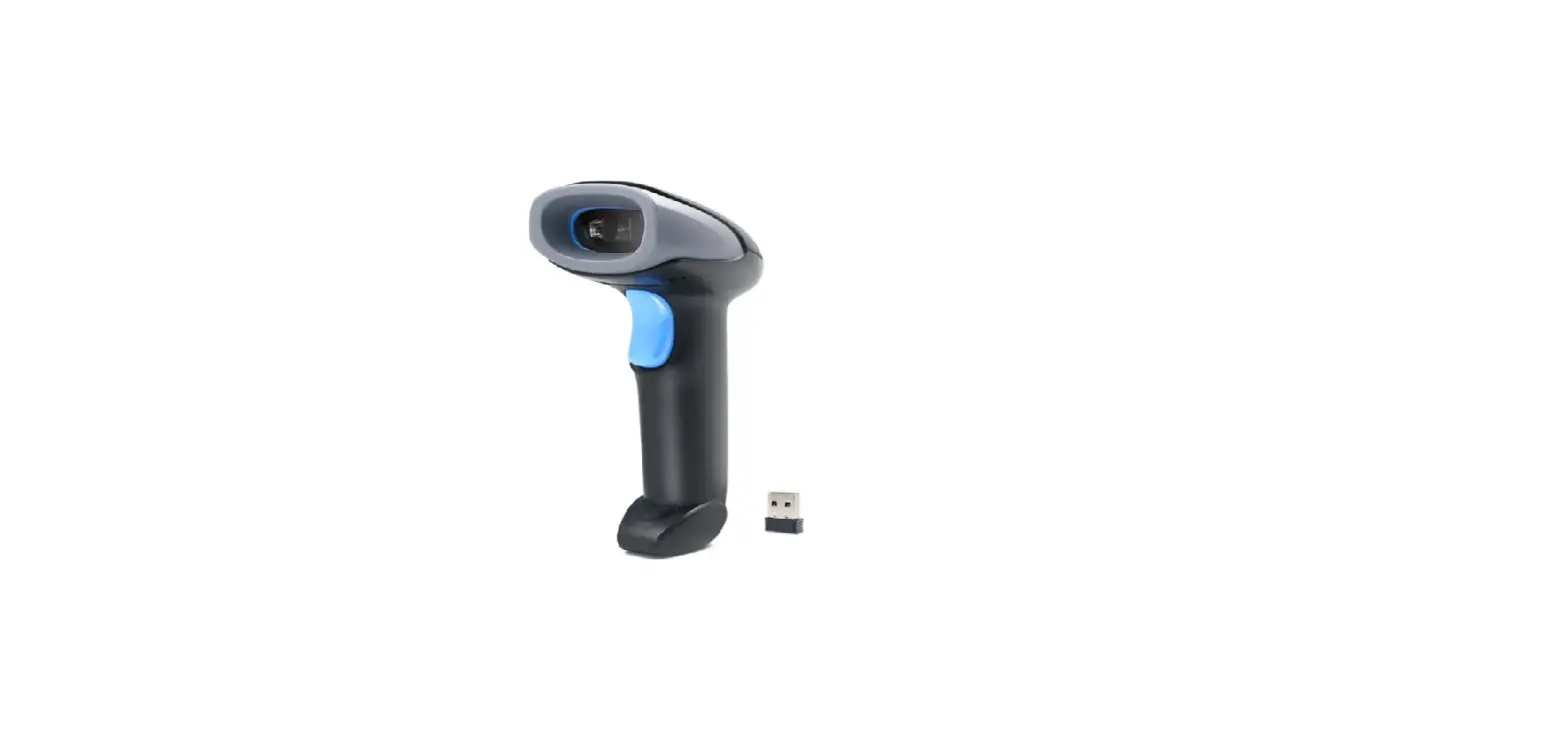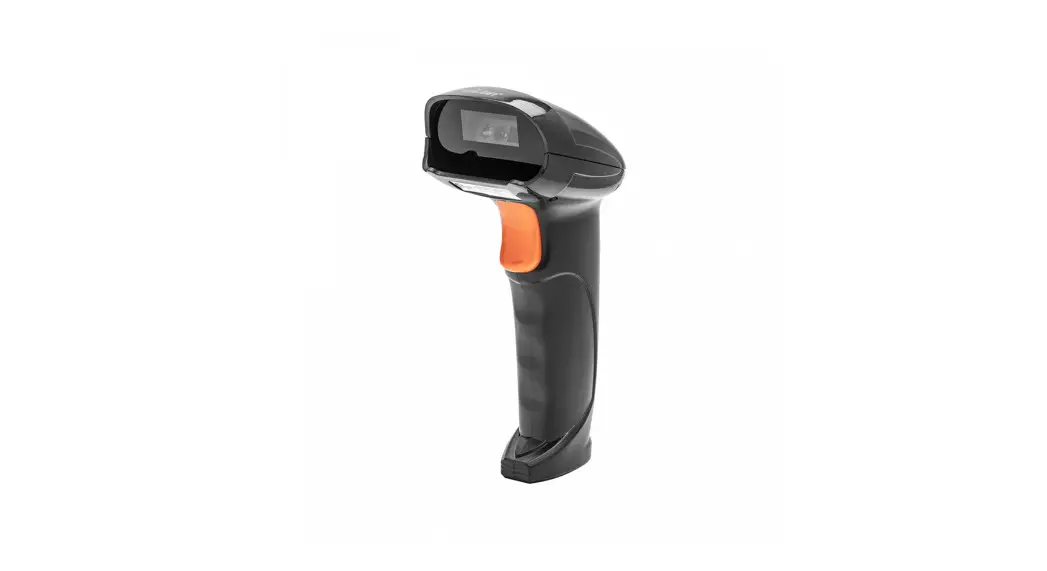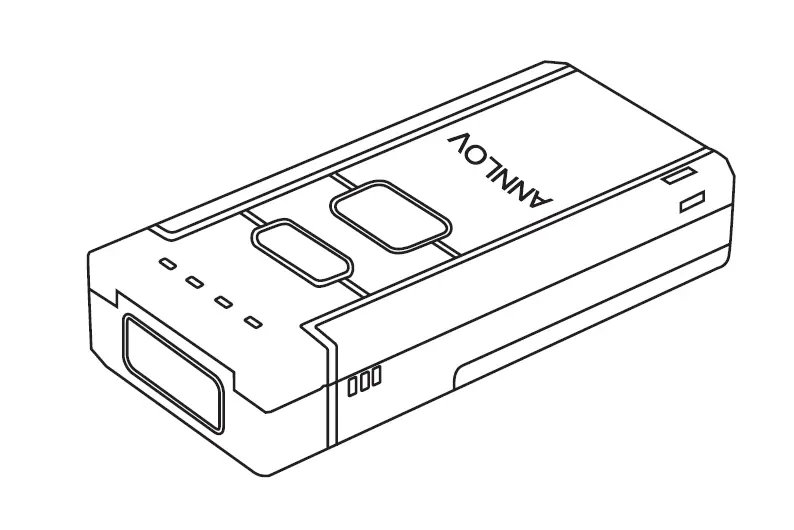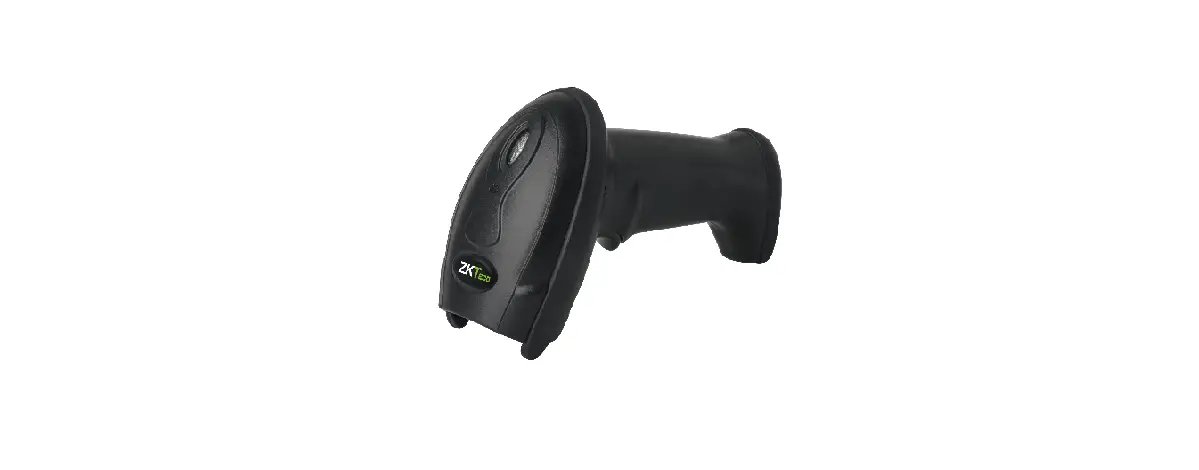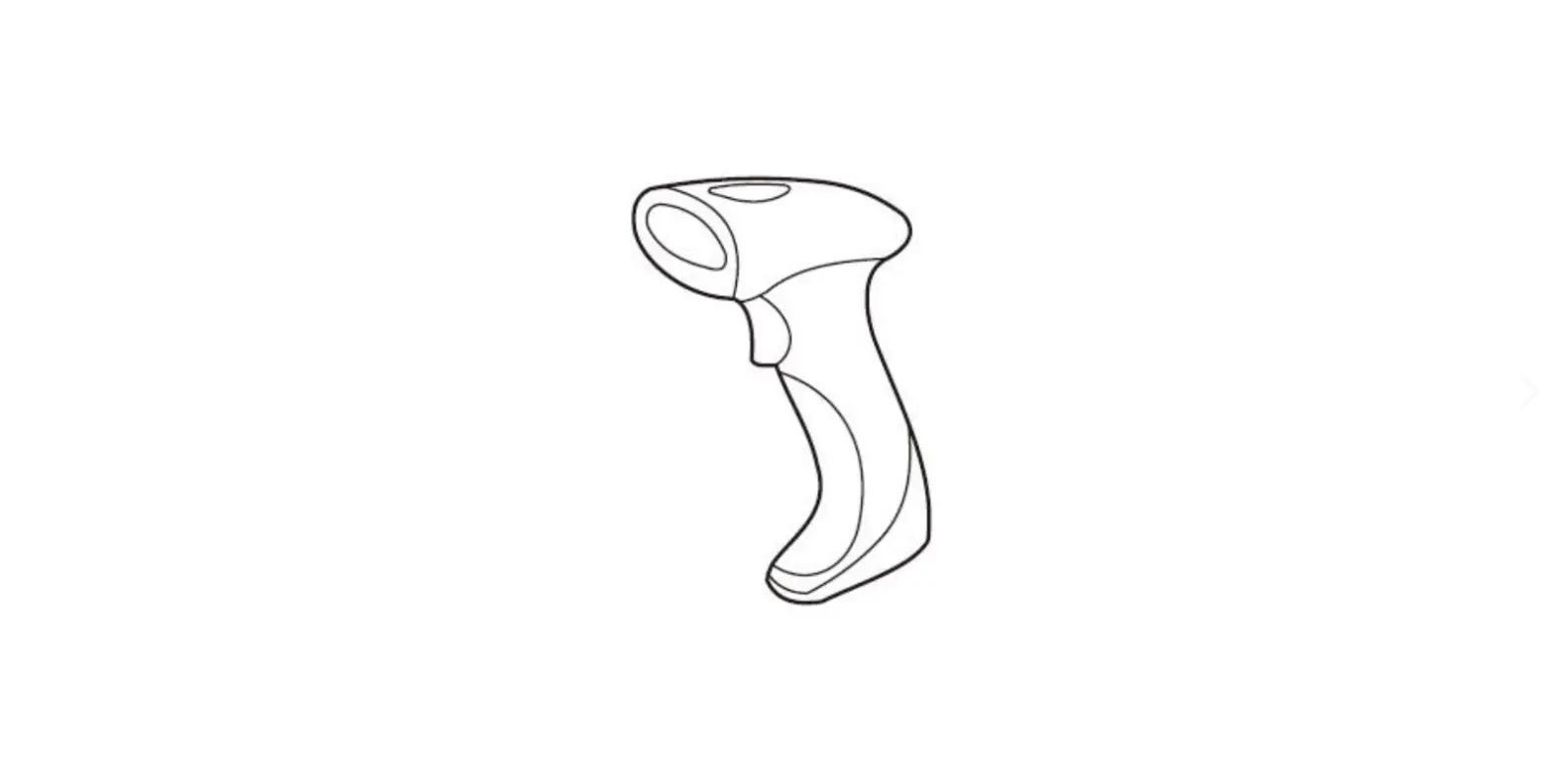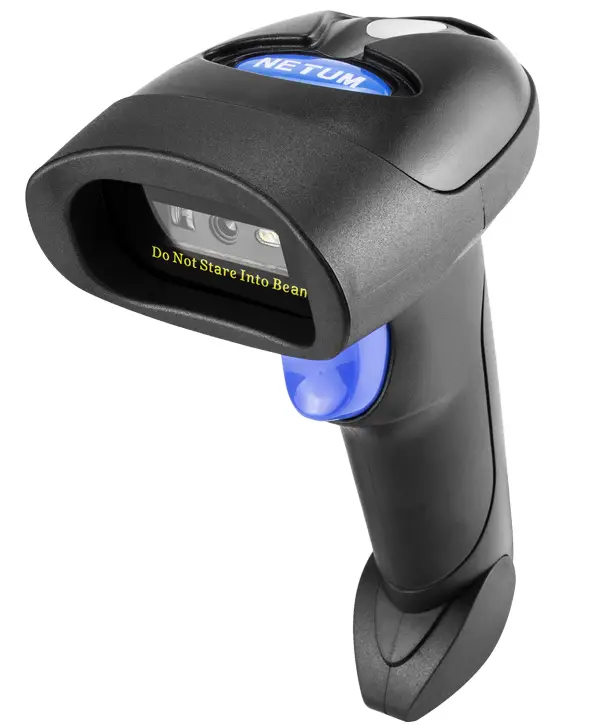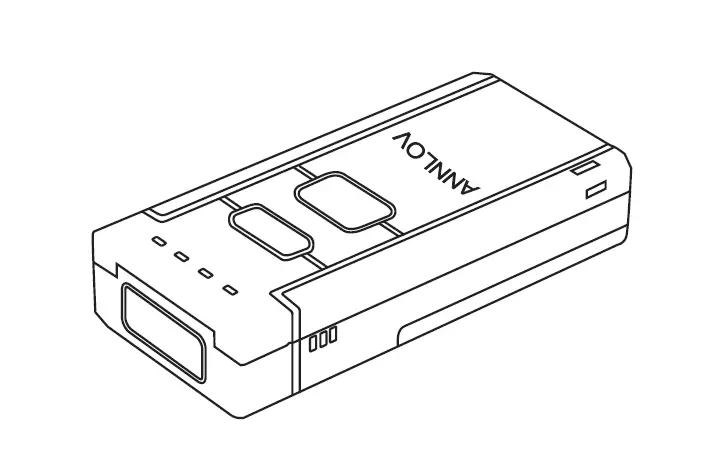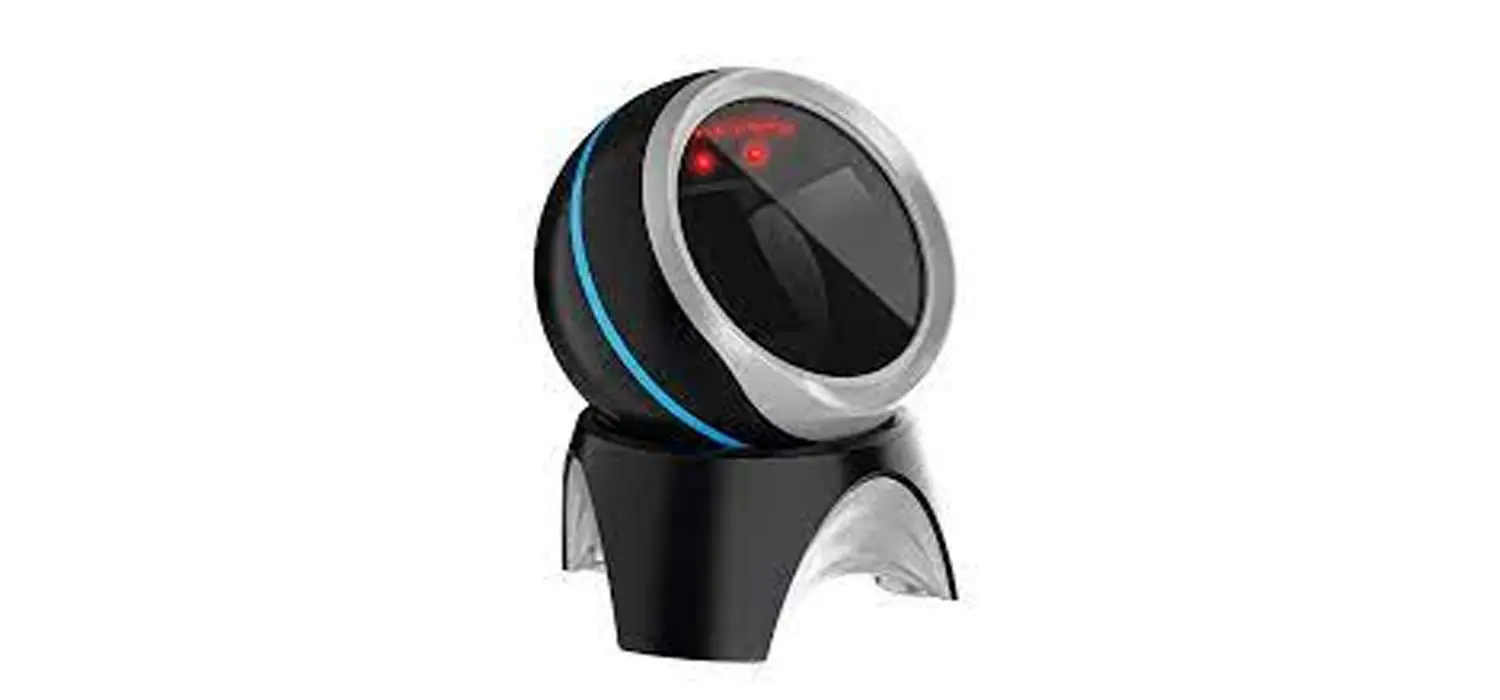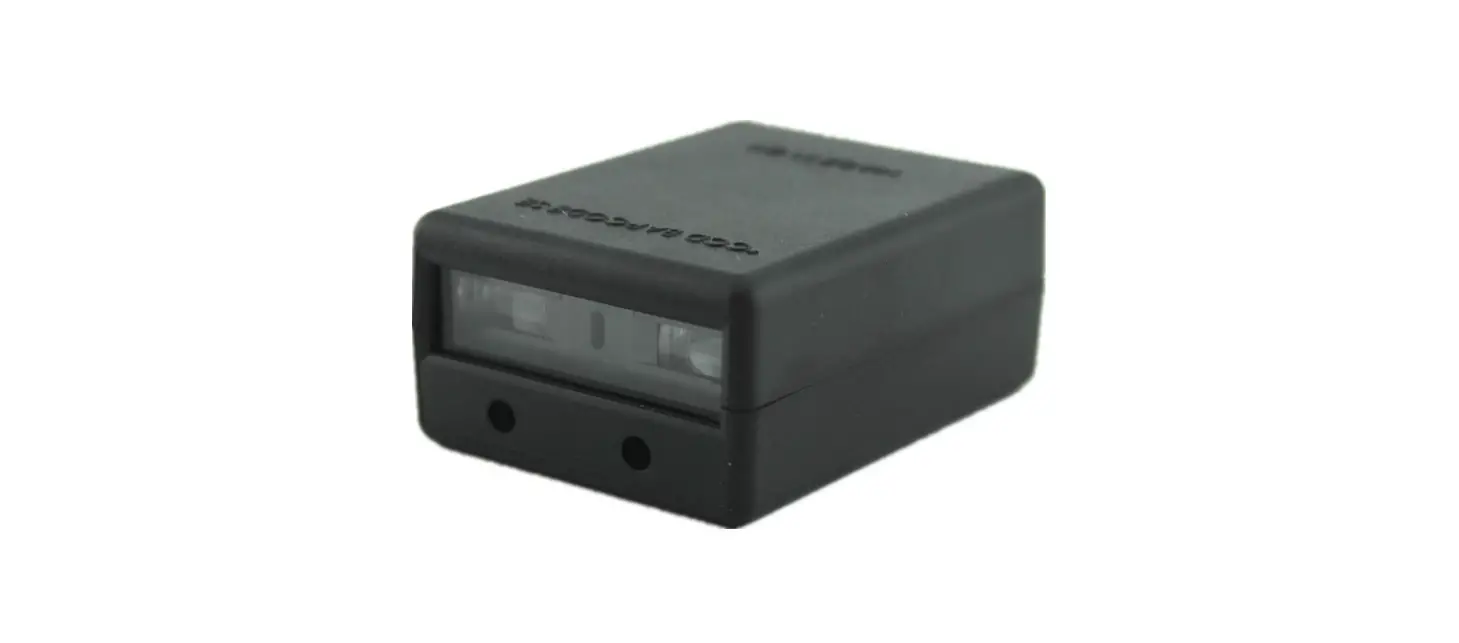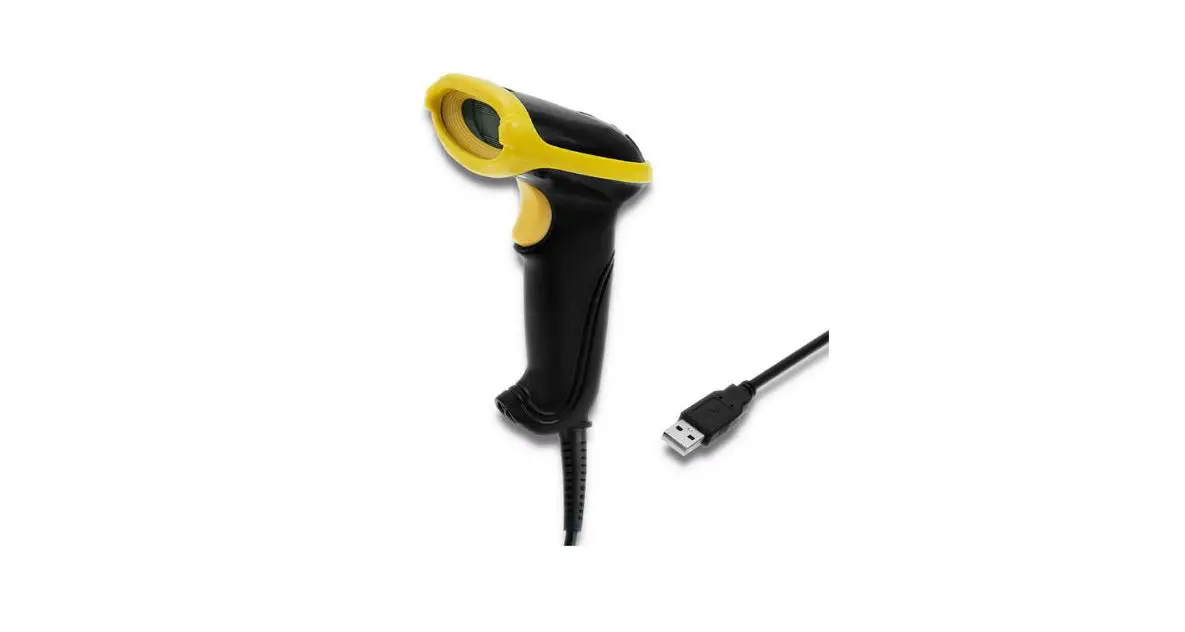

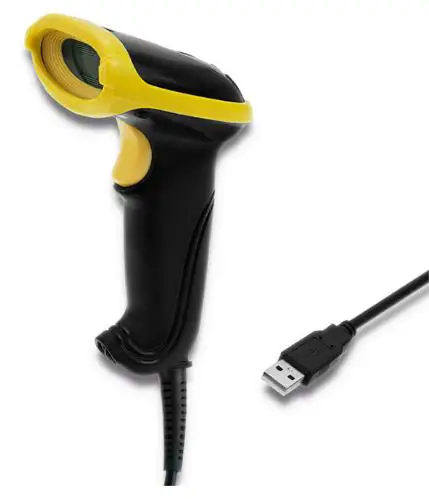
Qoltec 50867 2D Wired Barcode Scanner
Thanks you for choosing our company’s product. To have a better operating experience, please read this manual carefully.
Specification
| light Source | Red LED(Aiming)+White LED(lighting) |
| Resolution Reading Mode Trigger Mode Sensor Scanning Depth | 4mil Image Manual, Continuous sensing, Auto-sensing Planar CMOS sensor1’21 Code39: 5mil, QR: 20mil |
| Scanning Speed Print Contrast | 300 scans/second 30% |
| Scanning Angle | Roll 360°, Pitch 45°, Yaw 45° |
| Size | 161.5*77*88mm (L*W*H) |
| Weight | 120g+5g (without cable) |
| Material | ABS+PC |
| Power Supply | DC 5V ±5% |
| Power Consumption | 650mW (working), 162mW (standby), |
| 900mW (maximum | |
| Processor | 32 bit |
| Operating Humidity | 20% to 85% (No Condensation) |
| Operating Temperature 32 to 12ZF | |
| Storage Humidity | 20% to 85%(No Condensation) |
| Shock Resistance Interface | 1.5m USB/R5232 |
| System Supported | Windows(XP,7,8,10), Android, Linux, MAC |
| Language Suported | English, German, French, Italian, Russian, Finn |
| Norwegian | |
| Decoding Capability | Code25-1 nterleavedlzl |
| Code39-Regular | |
| Code93-Regular | |
| EAN/ GSU UCC-128Auto | |
| EAN/JAN-13 | |
| Code11 | |
| Code25-Standard | |
| Code39-FullASCII | |
| Code93-FullASCII | |
| Codebar | |
| UPC-A | |
| UPCEO | |
| Code25-M atri | |
| Code32 | |
| Code128 | |
| MSI | |
| JAN-8 | |
Restore Factory Default Setting
Scan below QR setting code, the scanner will be restored to factory default setting.
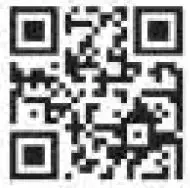
Default Configuration: Interface: USB Operating way: Manual Trigger Ending character: Enter
Reading Version Information
Version Info
Configuration code
When the configuration code is set ON user can set up the scanner by scanning the setup barcode.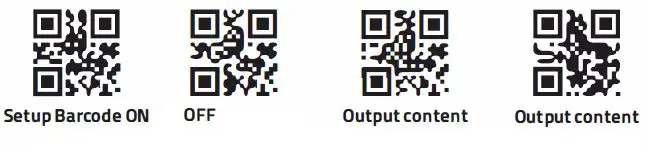
Aiming Light Setting
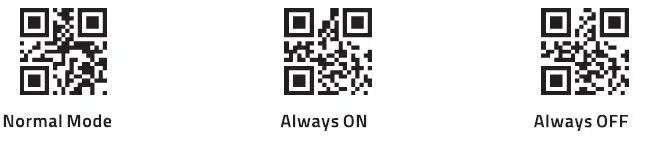
The aiming light can assist users to find te best reading distance ad scanner. Users could choose one of aiming light settings by scanning below QR code Normal (Default}: The scanner beam aiming light when user press the operating button of scanner to read.
- Always on: Once scanner id power on, the aiming light is on.
- Always off: The aiming light as off under any circumstance.
LED Light Setting
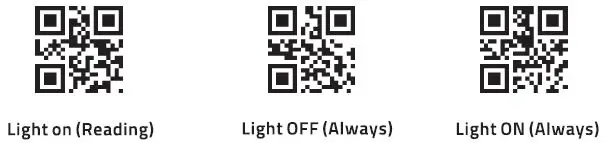
Light provides an assistant function for bar code reading. Users could set the light configuration as follow according to application circumstance.
- Normal mode (Decault): The light works on only when the scanner is power on.
- The light is working on always: the light is always on once the scanner is power on.
- The light is working off always: the light is always off under any circumstance.

Sound Indicator
Scan below QR code to turn on/off the sound indicator. 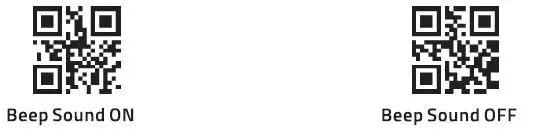
Interface Configuration
use Interface
When you want to connect the scanner with devices by USB cable, you could scan below QR code to configure the scanner for standard keybord mode.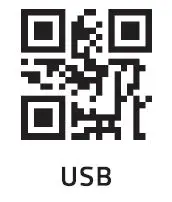 use COM (Virtual COM)
When you want to connect the scanner with devices by use cable, you could scan below QR code to configure the scanner for virtual COM output mode (It will need driver, please contact your supplier to make the driver installation).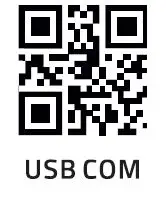
RS-232
When the scanner connect to the PC via R5232 cable, user can set it into R5232 mode by scanning the below setup barcode. 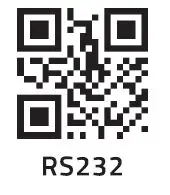
RS-232 Interface baud rate setting
The scanner interface is standard RS-232, and the default baud rate is 9600bps. It can alter the baud rate by scanning the following barcode. 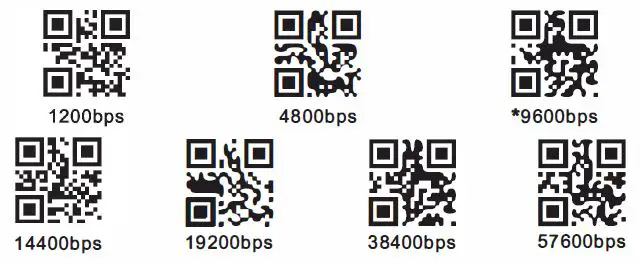
Suffix setting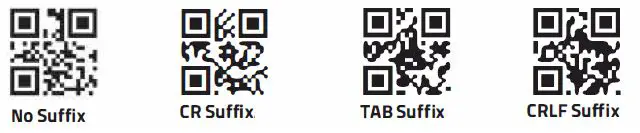
Scanning Mode Setting
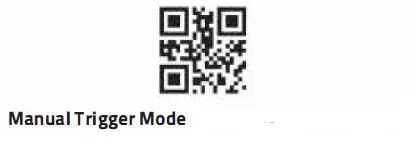
Manual Trigger
Push the trigger button to start reading, release the trigger button to end reading.
Manual Trigger Mode
Continuous Scanning Mode
Scan below QR code, the scanner becomes continuous scanning mode to work, no need manual trigger operating. 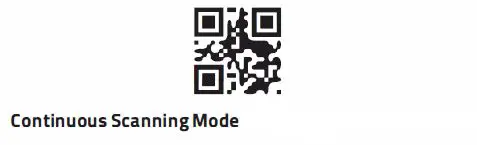
Auto-sensing Mode
Scan below QR code, the scanner enters into auto-sensing mode. 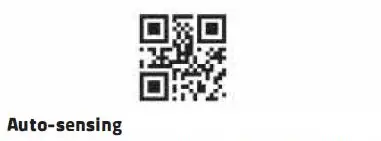
Reading interval time setting
This function, after the scanner reads sucessfully and output data or timeout for one reading, the scanner will get into decoding mode again in a period time (time can be set). 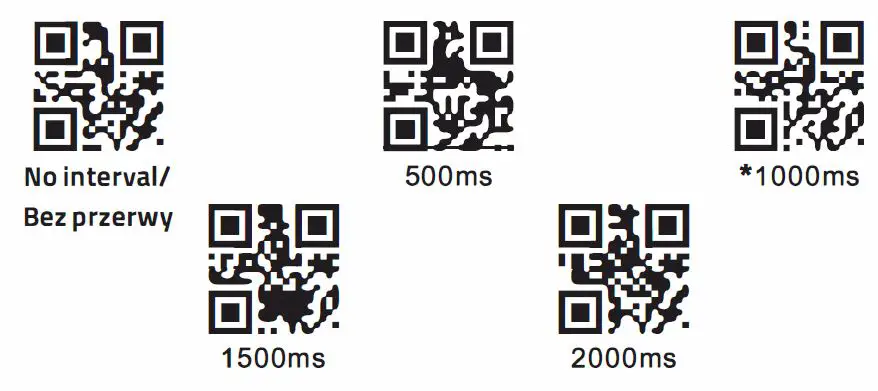
Single scan duration setting
This function is to set the longest duration of scanner decoding before reading successfully in auto-sensing mode. This setting is just based on auto-sensing mode.
Image stable time setting
This function is to set the time of image stabilization before reading, when the operation environment changes is auto sensing mode. 
Language Setting
Due to different output characters in different countries, it will need to configure the keyboard language accordingly. Default is America English. 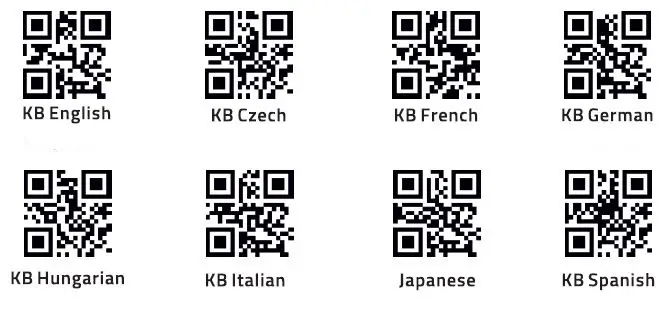
Available barcode type. Forbidden configuration
The Scanner allows reading of forbids reading all the supporting barcode if scan the following setting barcode. It only to read the setting codes after scanner the forbidden code. 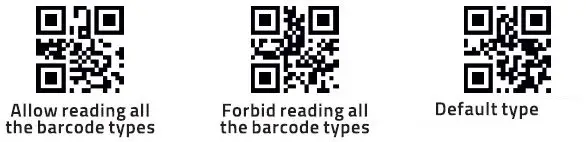
Barcode rotating function
Scan the following barcode to set the scanner allow or forbid reading the 360 ° rotating barcode. It can improve the scanning speed if forbid the 360 ° rotate function. 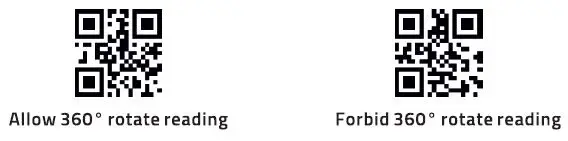
EAN 13
Scan the following barcode to set the scanner allow or forbid reading the EAN 13 codes. 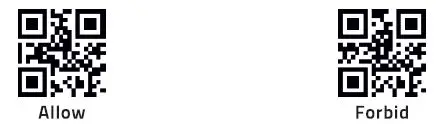
EANS
Scan the following barcode to set the scanner allow or forbid reading the EAN 8 codes.
UPC-A
Scan the following barcode to set the scanner allow or forbid reading the UPC-A codes
UPC-EO
Scan the following barcode to set the scanner allow or forbid reading the UPC-EO codes.
UPC-E1
Scan the following barcode to set the scanner allow or forbid reading the UPC-E1 codes.
Code 128 / Kod 128
Scan the following barcode to set the scanner allow or forbid reading the code 128.
Scan the following barcode to setting the shortest reading length for the code 128.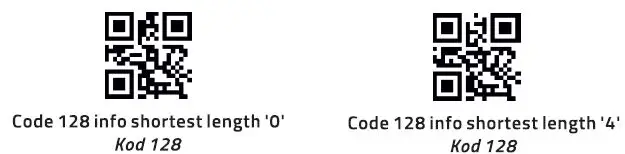
Scan the following barcode to setting the longest reading length for the code128.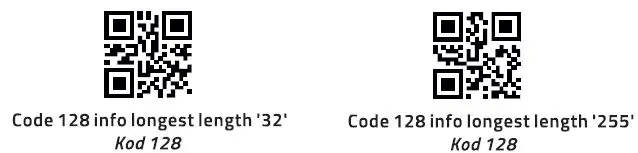
Code 39 / Kod 39
Scan the following barcode to set the scanner allow or forbid reading the code 39.
Scan the following barcode to setting the shortest reading length for the code 39.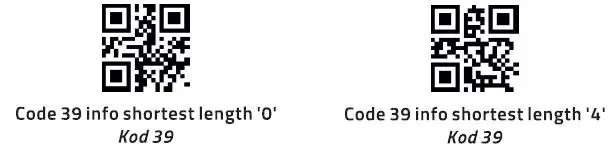
Scan the following barcode to setting the longest reading length for the code 39.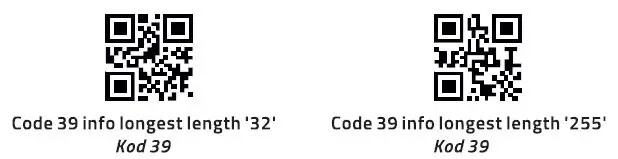
Code 93 / Kod 93
Scan the following barcode to set the scanner allow or forbid reading the code 93.
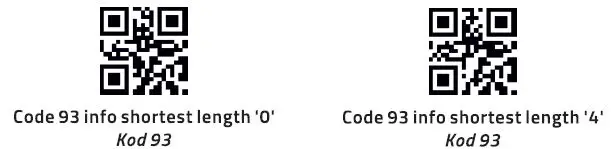
Scan the following barcodes to set the shortest reading length for the code 93.
Scan the following barcode to set the longest reading length for the code 93.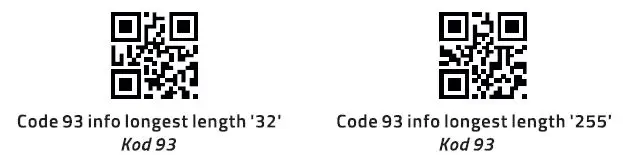
CodeBar
Scan the following barcode to set the scanner allow or forbid reading the codebar.
Scan the following barcodes to set allow or forbid sending the prefix character for codebar.
Scan the following barcode to set the shortest reading length for the codebar.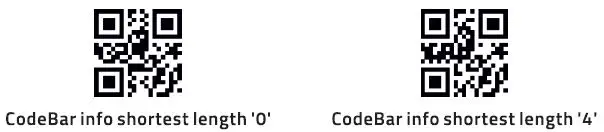
Scan the following barcode to set the longest reading length for the codebar.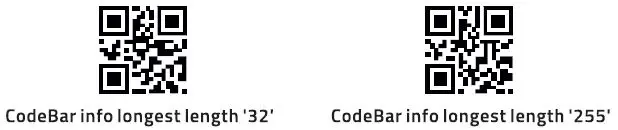
QR
Scan the following barcode to set the scanner allow or forbid reading the QR code.
Interleaved 2 of 5
Scan the following barcode to set the scanner allow or forbid reading the Interleaved 2 of 5 code.
Scan the following barcodes to set the shortest reading length for the Interleaved 2 of 5. 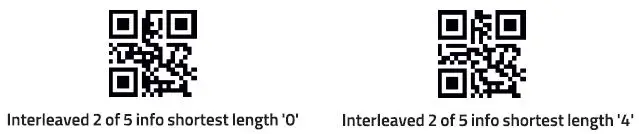
Scan the following barcodes to set the longest reading length for the Interleaved 2 of 5.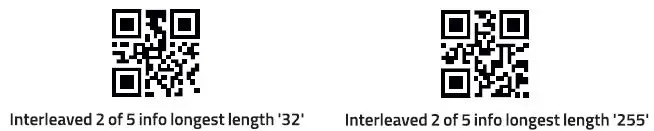
Industrial 25
Scan the following barcode to set the scanner allow or forbid reading the Industry 25.
Scan the following barcodes to set the shortest reading length for the Industry 25.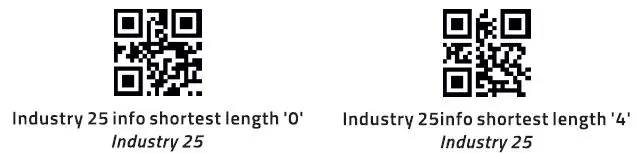 Scan the following barcode to set the longest reading length for the Industry 25.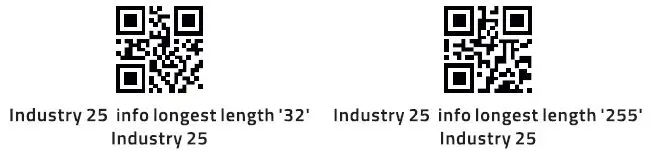
Matrix 2 of 5
Scan the following barcode to set the scanner to allow or forbid reading the Matrix 2 of 5.
Scan the following barcodes to set the shortest reading length for the Matrix 2 of 5.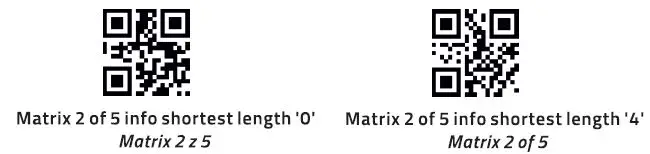
Scan the following barcode to set the longest reading length for the Matrix 2 of 5.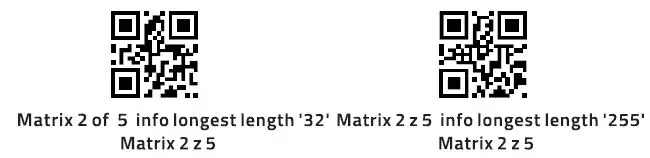
Code11
Scan the following barcode to set the scanner allow or forbid reading the Code 11.
Scan the following barcodes to set the shortest reading length for the Code 11.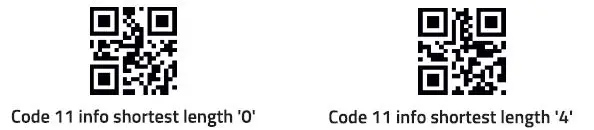
Scan the following barcode to set the longest reading length for the Code 11.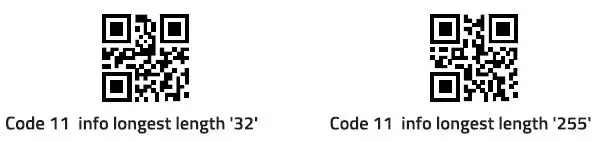
MSI
Scan the following barcode to set the scanner allow or forbid reading the MSI.
Scan the following barcodes to set the shortest reading length for the MSI.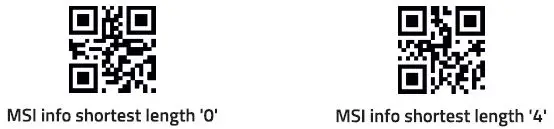
Scan the following barcode to set the longest reading length for the MSI.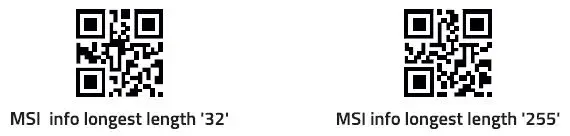
RSS (optional)
Scan the following barcode to set the scanner allow or forbid reading the RSS-14.
Scan the following barcode to set the scanner allow or forbid reading the !imitative RSS.
Scan the following barcode to set the scanner allow or forbid reading the expanding RSS.
Scan the following barcodes to set the shortest reading length for the RSS.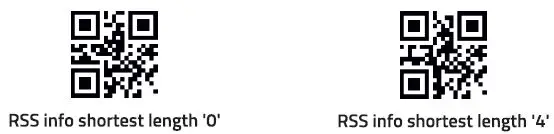
Scan the following barcode to set the longest reading length for the RSS.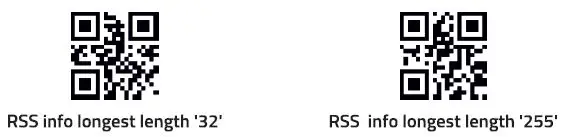
DM (optional)
Scan the following barcode to set the scanner allow or forbid reading the DM.
PDF 417 (optional)
Scan the following barcode to set the scanner allow or forbid reading the PDF 417.