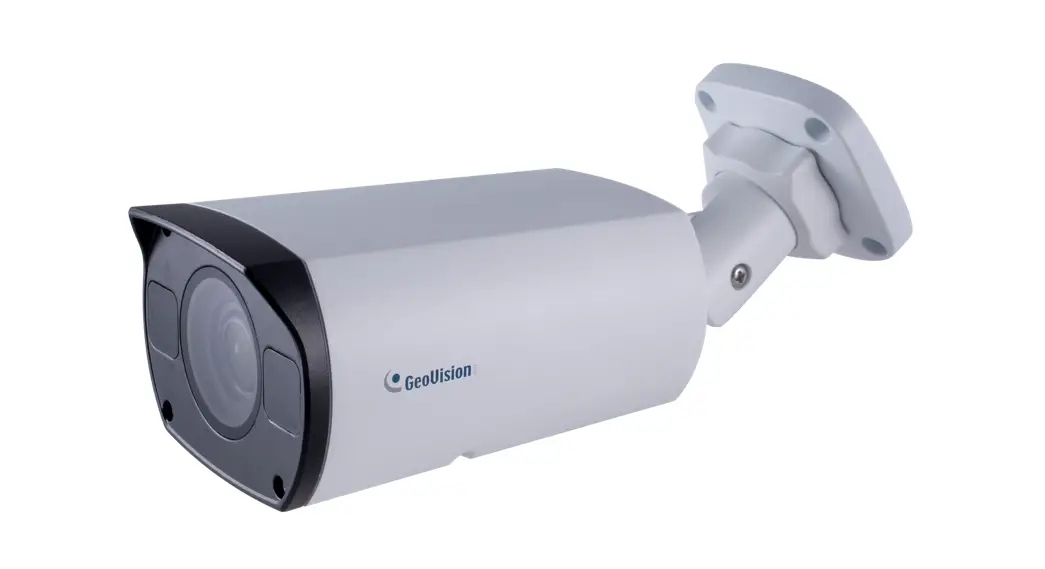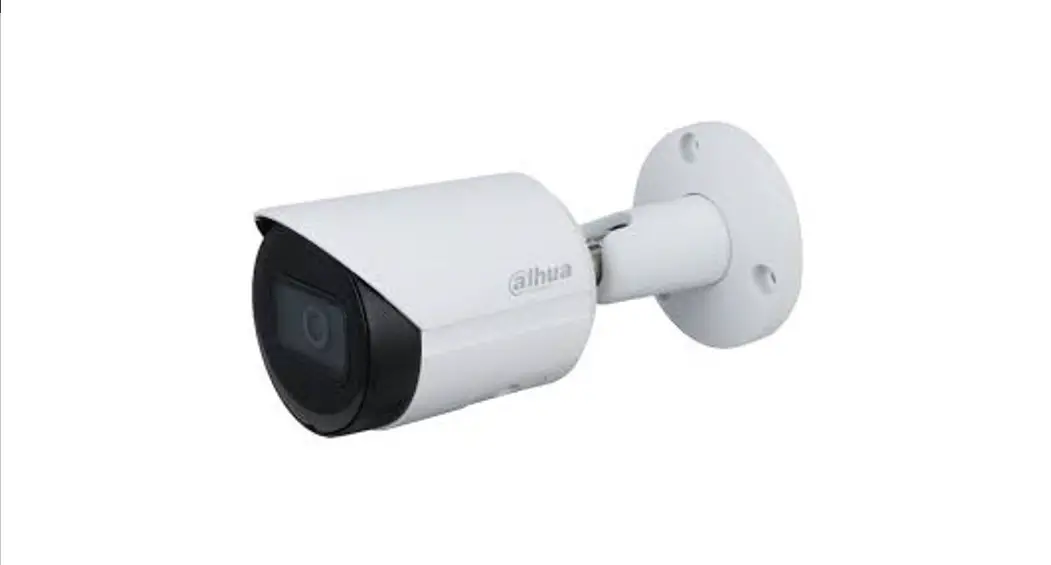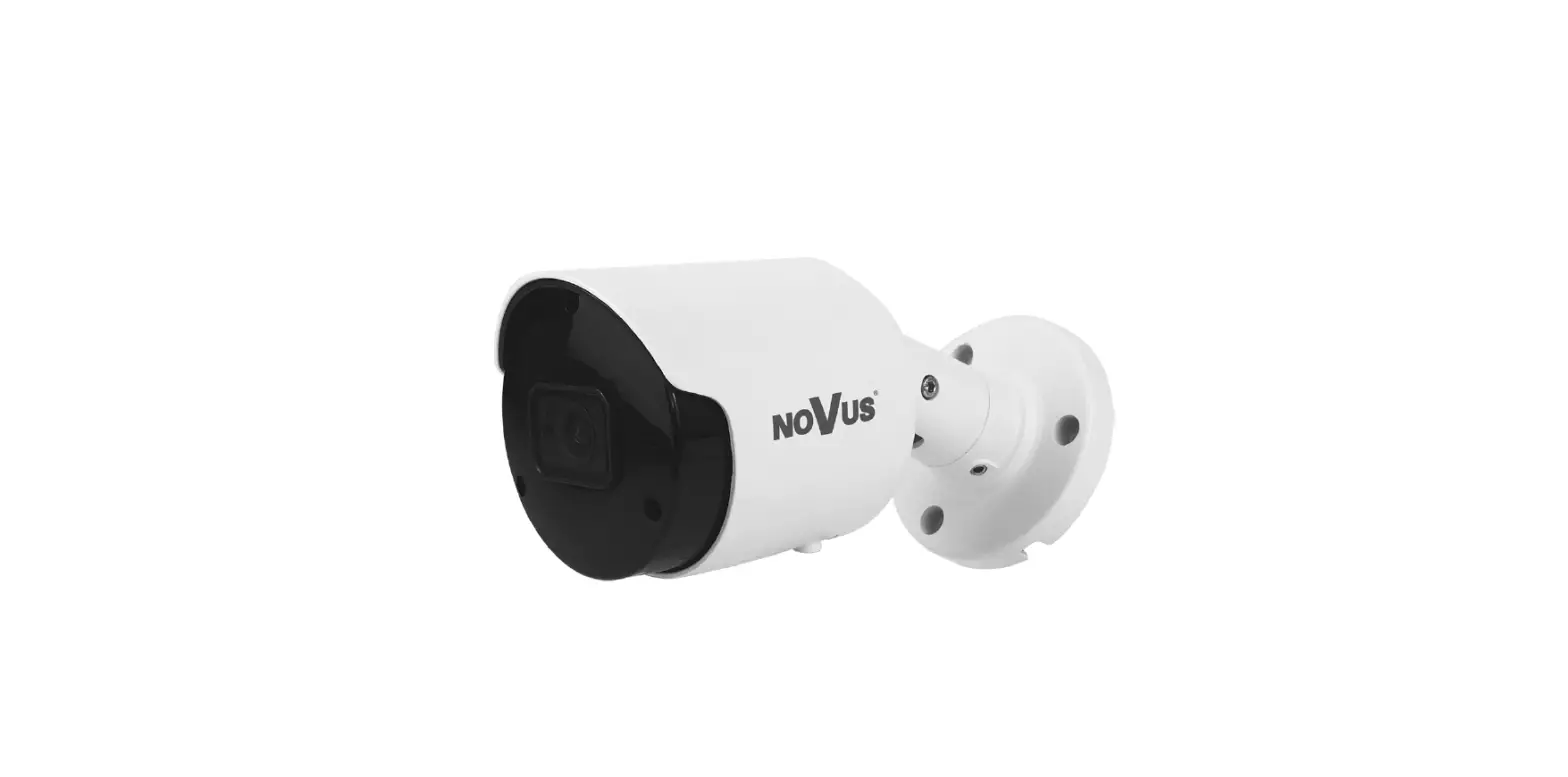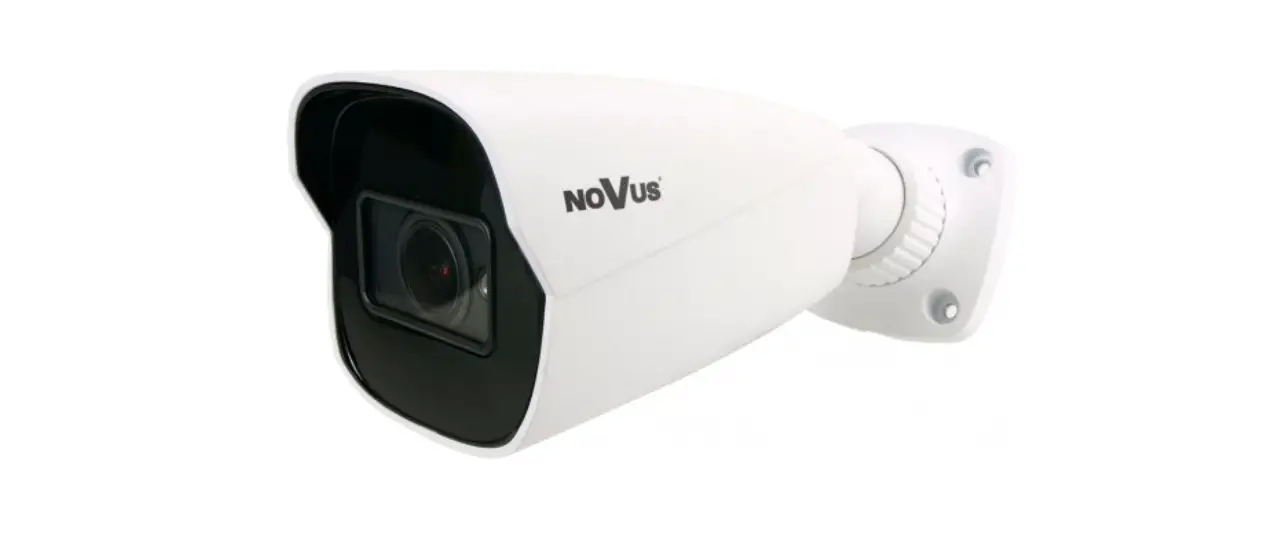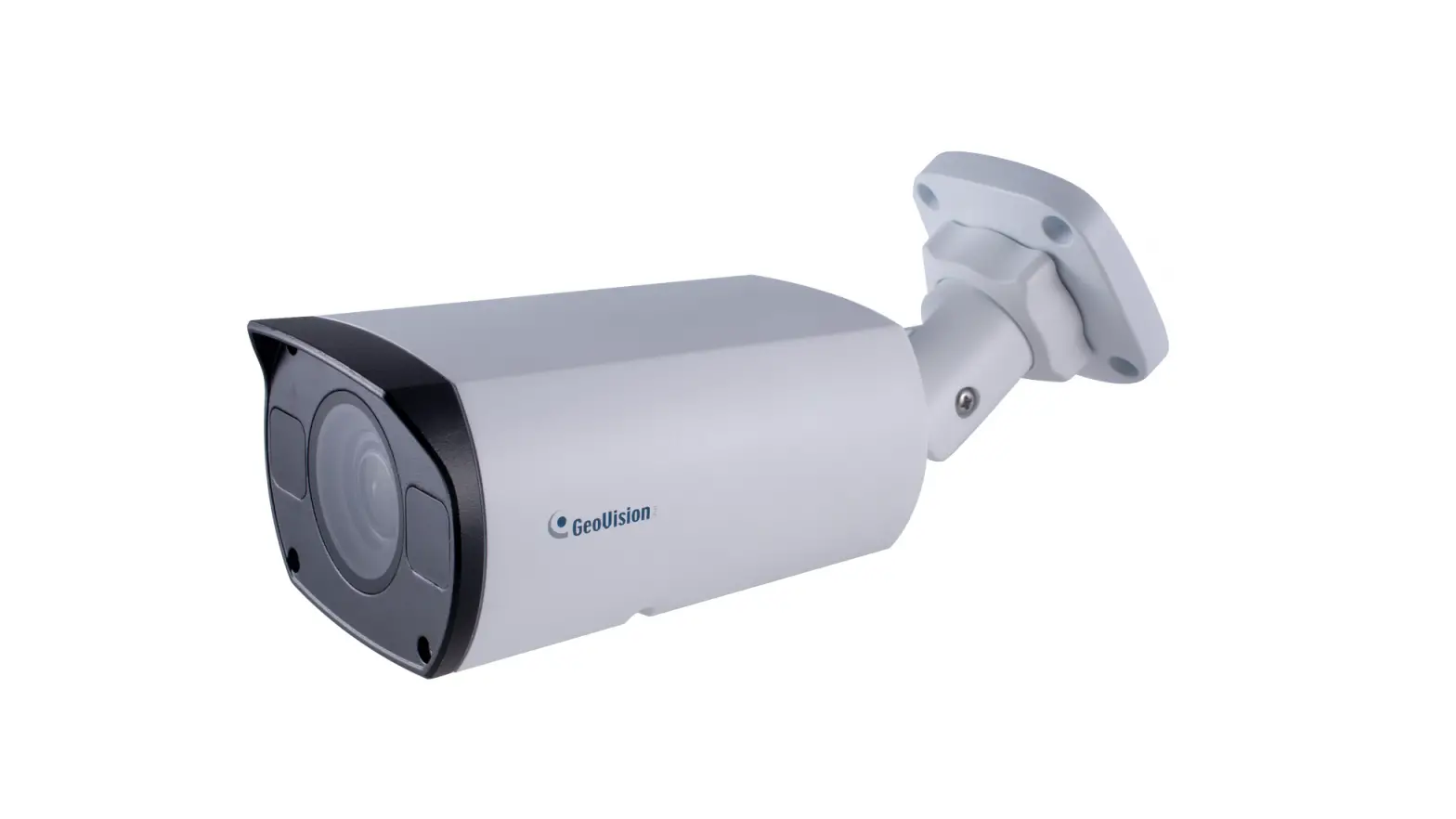
GeoVision GV-TBL4711 IR Bullet IP Camera User Manual
Instructions
- 1/3″ progressive scan low lux CMOS sensor
- Min. illumination at 0.003 lux
- Triple streams from H.265, H.264 or MJPEG
- Up to 30 fps at 2688 x 1520
- Motorized varifocal lens for remote focus / zoom adjustment
- Intelligent IR
- IR distance up to 50 m (165 ft)
- Day and night function (with removable IR‐cut filter)
- Vandal Resistance (IK10 for metal casing)
- Ingress protection (IP67)
- Built‐in micro SD card slot (SD / SDHC / SDXC / UHS‐I, Class 10) for local storage
- Two‐way audio
- DC 12V / PoE (IEEE 802.3af)
- Wide Dynamic Range Pro (WDR Pro)
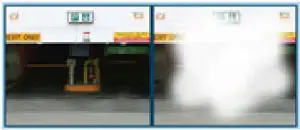
- Defog
- 3D noise reduction M otion detection Te xt overlay
- Privacy mask
- Tampering Alarm
- 12 languages supported
- ONVIF (Profile G, S, T) conformant
Introduction
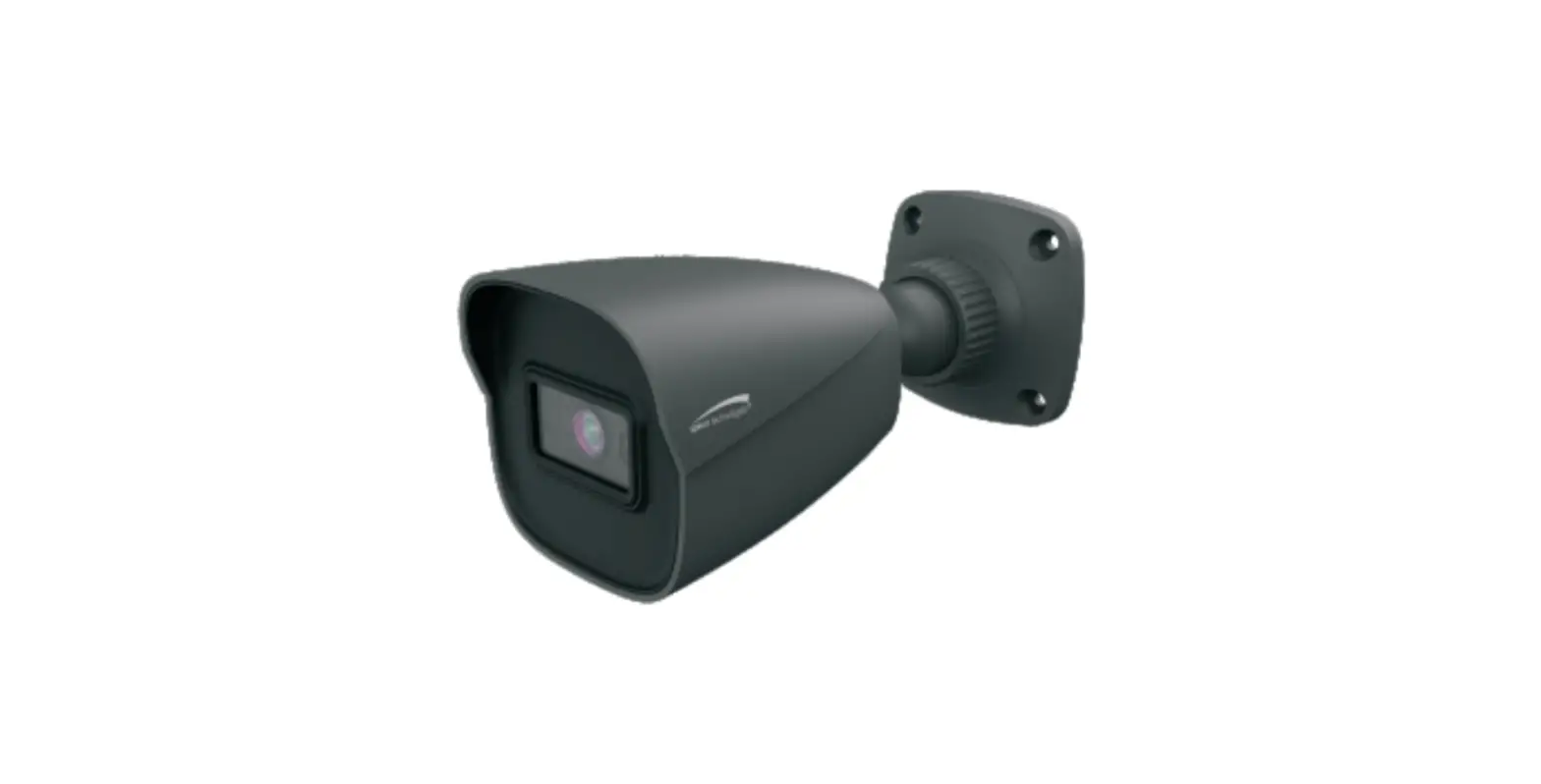
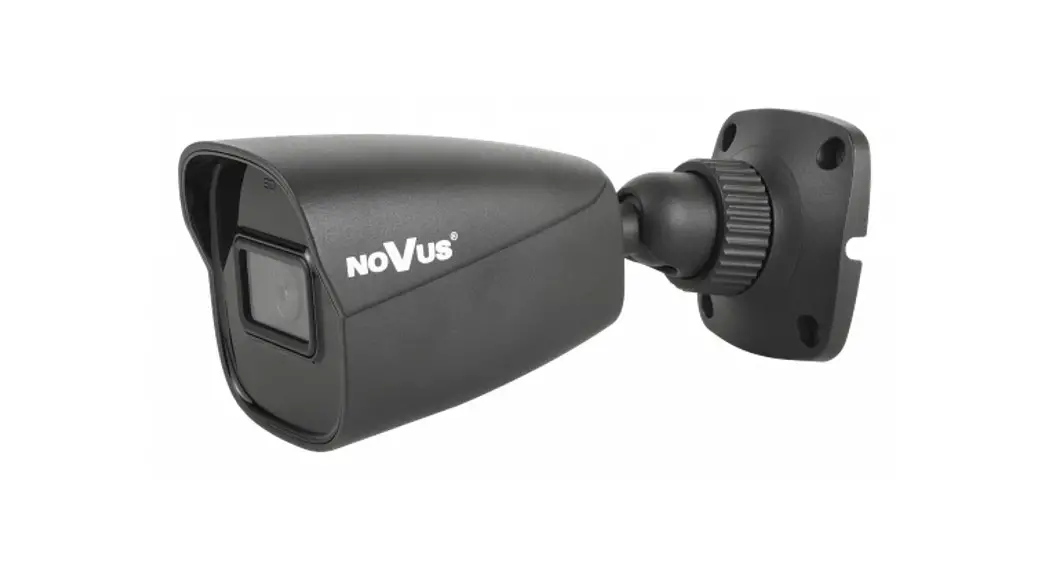
The Bullet IP Camera is an outdoor, network camera equipped with an automatic IR‐cut filter and IR LEDs for day and night surveillance. The camera supports H.265 video codec to achieve better compression ratio while maintaining high quality pictures at reduced network bandwidths. GV‐TBL4711 adheres to IK10 and IP67 standards, and can be powered through PoE.
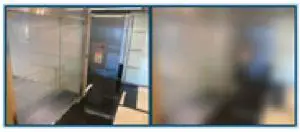
Active Tampering Alarm
- Tampered

- Focus Change

- Camera Shift
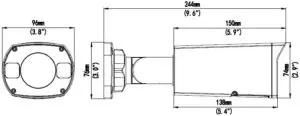
Dimensions
| Camera | ||||
| Image Sensor | 1/3″ progressive scan low lux CMOS | |||
| Picture Elements | 2688 (H) x 1520 (V) | |||
| Minimum Illumination | Color | 0.003 Lux (F1.6, AGC ON) | ||
| IR On | 0 Lux | |||
| Shutter Speed | Auto / Manual (1/6 ~ 1/100000 sec) | |||
| White Balance | Auto / Manual | |||
| Gain Control | Auto / Manual | |||
| S/N Ratio | 52 dB | |||
| WDR Pro | Yes | |||
| Dynamic Range | Up to 120 dB | |||
| Lens | ||||
| Megapixel | 4 MP | |||
| Day / Night | Yes (with removable IR‐cut filter) | |||
| Lens Type | Motorized varifocal lens | |||
| Focal Length | 2.8 ~ 12 mm | |||
| Maximum Aperture | F/1.6 | |||
| Mount | Ø14 mm | |||
| Horizontal FOV | 31 ~ 98° | |||
| Operation | Focus | Auto / Manual | ||
| Zoom | 4.3x Optical Zoom | |||
| Iris | Fixed | |||
| IR LED Quantity | 3 IR LEDs | |||
| Max. IR Distance | 50 m (165 ft) | |||
| Operation | ||||
| Video Compression | H.265, H.264, MJPEG | |||
| Video Streaming | Triple streams | |||
| Video Resolution | Main Stream | 2688 x 1520, 2560 x 1440 (Default), 2304 x 1296, 1920 x 1080 | ||
| Sub Stream | 1280 x 720, 704 x 576, 704 x 288, 340 x 480, 640 x 360 (Default), 352 x 288 | |||
| Third Stream (Closed by Default) | 640 x 360, 352 x 288 | |||
| Frame Rate | 30 fps at 2688 x 1520, 30 fps at 2560 x 1440, 30 fps at 2304 x1296 (60 / 50 Hz) * The frame rate and performance may vary depending on the number of connections and data bitrates (different scenes). | |||
| Video Analytics | Motion Detection, Tampering Alarm, Intrusion, Human Body Detection | |||
| Image Setting | Brightness, Contrast, Saturation, Sharpness, Flicker‐less, 3D Noise Reduction, Image Orientation, Exposure Mode, Shutter Speed, Gain Control, Slow Shutter, Backlight Compensation (BLC), Metering Control, D/N Sensitivity, WDR, Smart Illumination, White Balance, Defog | |||
| Audio Compression | G.711 | |||
| Audio Support | Two‐way Audio (external microphone and speaker required) | |||
| Digital I/O | Input | 1 Input, dry contact, NO / NC | ||
| Output | 1 Relay Output (1A 30V DC / 0.3A 125V AC) | |||
| Network | ||||
| Interface | 10/100 Ethernet | |||
| Protocol | ARP, DHCP, DDNS, DNS, DynDNS, FTP, HTTP, HTTPS, ICMP, IGMP, IPv4, NTP, PPPoE, QoS, RTCP, RTP, RTSP, SMTP, SNMP, TCP, UDP, UPnP, ONVIF (Profile G, S, T) | |||
| Mechanical | ||||
| Camera Angle Adjustment | Pan | 0 ~ 360° | ||
| Tilt | 0 ~ 120° | |||
| Rotate | 0 ~ 360° | |||
|
Connectors | Power | DC Jack, PoE | ||
| Ethernet | RJ‐45 | |||
| Audio | 1 in (Audio In Wire); 1 out (Audio Out Wire) *The Audio In port only supports microphones with power supply | |||
| Digital I/O | 4‐pin terminal block pitch 3.5 mm (0.14”) | |||
| Local Storage | Micro SD card slot (SD / SDHC / SDXC / UHS‐I, Class 10) * UHS‐II card type is not supported. | |||
| General | ||||
| Operating Temperature | ‐30 ~ 60°C (‐22 ~ 140°F) | |||
| Humidity | 0 ~ 95% (no condensation) | |||
| Power Source | 12 V DC / PoE (IEEE802.3af) | |||
| Max. Power Consumption | 9.5 W | |||
| Dimensions | 244 × 96 ×74 mm (9.6” × 3.8” × 2.9”) | |||
| Weight | 1.0 kg (2.2 lb) | |||
| Ingress Protection | IP67 | |||
| Vandal Resistance | IK10 for metal casing | |||
| Regulatory | FCC, CE, RoHS compliant | |||
| Web Interface | ||||
| Installation Management | Web‐based configuration | |||
| Maintenance | Firmware upgrade through Web Browser or Utility | |||
| Access from Web Browser | Live View, Video Recording, Change Video Quality, Bandwidth Control, Image Snapshot, Text Overlay, Image Masking | |||
| Language | Czech, English, French, German, Hungarian, Italian, Japanese, Polish, Portuguese, Russian, Spanish, Traditional Chinese | |||
| Applications | ||||
| Software Supported | GV‐VMS (V17.3.0 / V18.1.1), GV‐DVR / NVR (V8.8), GV‐Control Center (V3.7.0), GV‐Recording Server / Video Gateway (V1.4.2), GV‐Edge Recording Manager Win version (V1.4.0), GV‐Redundant / Failover Server (V1.1.0.0) *It is required to apply patch files to all the supported software. | |||
| Smart Device Access | GV‐Eye for iOS and Android | |||
| Live Viewing | Internet Explorer, Non‐IE browser (Chrome, Edge, Firefox, Safari), Mobile App *The non‐IE browsers only support displaying live view with H.264. | |||
Note:
- Do not use clothes or any ordinary material to clean the camera cover since they may result in scratches.
- Specifications are subject to change without notice.
Packing List
- Bullet IP Camera
- Waterproof Rubber Set
- Screw Kit
- Drill Template Paster
- Download Guide
- Warranty Card
Accessories
| Model No. | Name | Details |
| GV‐Mount300‐2 | Convex Corner Mount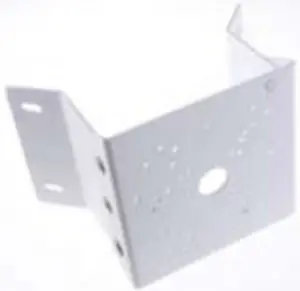 | Dimensions: 137 x 233 x 160 mm (5.4” x 9.17” x 6.3”) |
| Weight: 1.65 kg (3.64 lb) | ||
| GV‐Mount310‐2 | Concave Corner Mount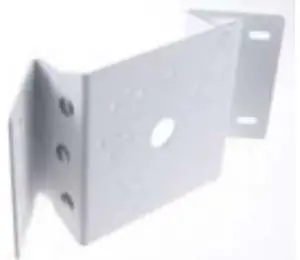 | Dimensions: 111.2 x 369.9 x 210 mm (2.6” x 11.4” x 6.6”) |
| Weight: 1.65 kg (3.64 lb) | ||
| GV‐Mount420 (must be used with GV‐Mount503) | Pole Mount Bracket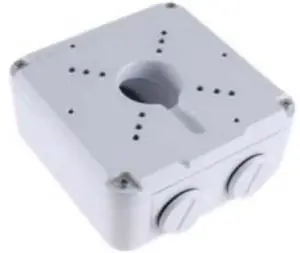 | Dimensions: Ø 120 x 120 x 53.4 mm (Ø 4.7 x 4.7 x 2.1”) |
| Weight: 0.45 kg (0.99 lb) | ||
| Steel Strap Diameter: Ø 67 ~ 127 mm (Ø 2.6” ~ 5”) | ||
| http://www.geovision.com.tw/product/GV-PA191%20PoE%20Adapter | Power over Ethernet (PoE) Adapter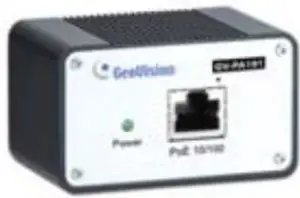 | GV‐PA191 is a Power over Ethernet (PoE) adapter designed to provide power to the IP device through a single Ethernet cable. |
| http://www.geovision.com.tw/products.php?c2=131 | GV‐POE Switch is designed to provide power along with network connection for IP devices. The GV‐POE Switch is available in various models with different numbers and types of ports.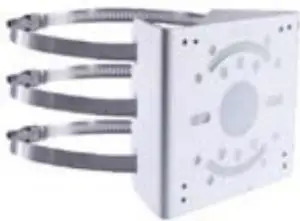 | |
| Power Adapter | Contact our sales representatives for the countries and areas supported. | |