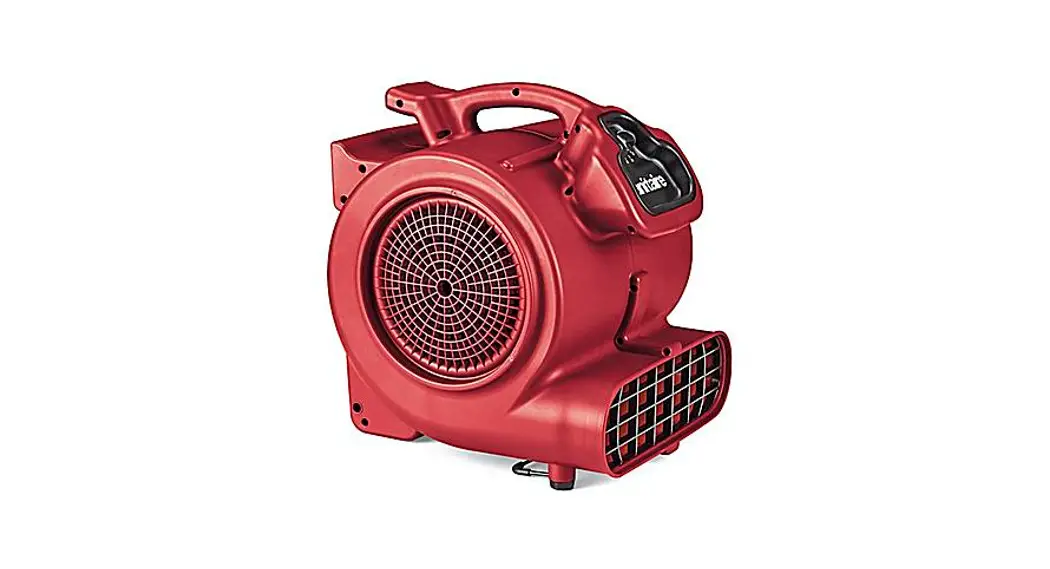
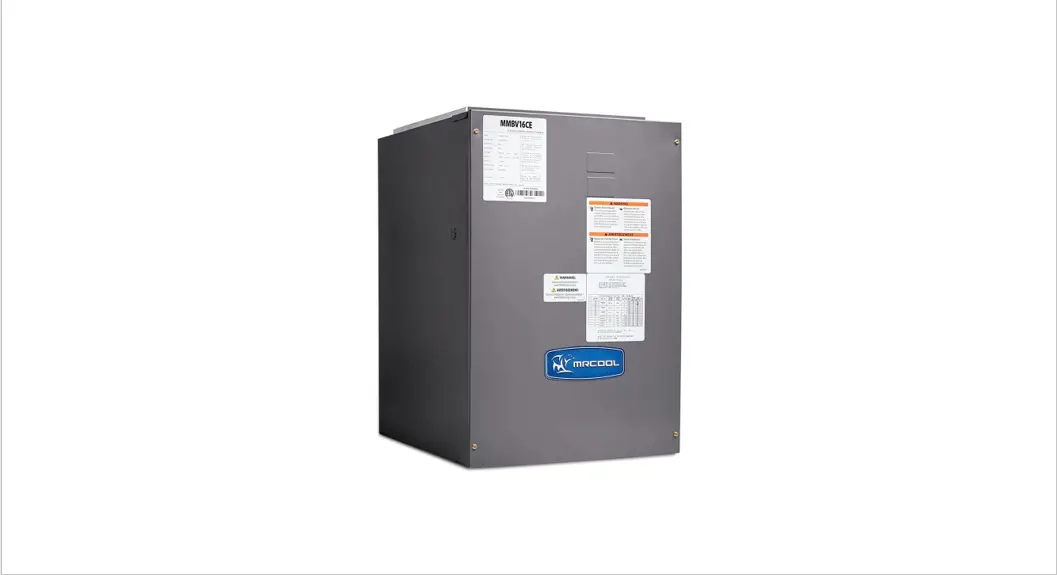
Duotec Dual Voltage Blower
Product Information
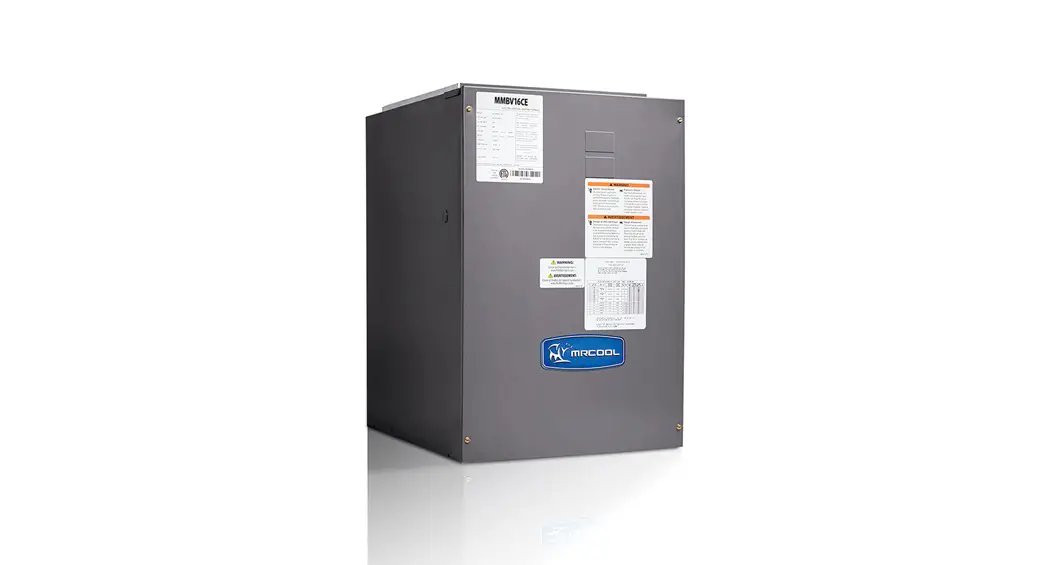
The Innovair Duotec is an indoor unit designed for use with the
Innovair AHU. It operates at a voltage of either 230V or 115V,
depending on the scenario. The product comes with a 24V step-down
transformer and a 5-pin motor connector. The indoor unit also has
an indoor PCB.
Product Usage Instructions
Before proceeding with the installation or initial setup, please
make sure you have read and understood the Innovair Duotec Wiring
Guide and the Innovair Duotec Initial Setup Guide.
Wiring Guide
For Scenario 1 (Voltage: 230V) :
- Install the Innovair AHU indoor unit in position 1 and 2.
- Connect the provided red jumper cable between position 1 and
2. - Connect the black wire to the 230V power source.
- The yellow wire should remain in place.
For Scenario 2 (Voltage: 115V) :
- Install the Innovair AHU indoor unit in position 1 and 2.
- Connect the provided red jumper cable between position 1 and
2. - Connect the black wire to the 115V power source.
- The yellow wire should remain in place.
Initial Setup Guide
Refer to the Innovair Duotec Initial Setup Guide for
instructions on how to perform the initial setup of the indoor
unit.
Scenario Scenario 1 Scenario 2
Ver.:1.0
Innovair Duotec Wiring Guide
Voltage 230V 115V
Indoor unit Innovair AHU Innovair AHU
24V Step down Transformer Wiring
5 Pin Motor Connector
Yellow COM / Black 240 (No need to do anything) Factory Default.
No need to do anything
Yellow COM / Black – 120
Install in position 1 and 2 the provided red jumper cable.
230V Black Wire
115V
Provided Jumper
Yellow Wire stays in place
Indoor PCB
Innovair Duotec Initial Setup Guide
A: Auxiliary Heat Kw/CFM (Violet Wire) Select the capacity size of the electric heat strip is you are going to be installing one following the model of your air handler. Use: (Table 1) B: Outdoor Unit Size (Blue Wire) Select the outdoor unit size that the indoor air handler will be working with following the model of your air handler. Use: (Table 2) C: System Type AC/HP (Orange Wire) Select one from the three types of systems. Use: (Table 3) D: AC/HP CFM Adjust (Black Wire) This selection basically selects: Medium, Low, or High Airflow. E: ON/OFF Delay (White Wire) This selection basically selects the desired time delay. Note: Delay selections are active in cooling and heat pump heating modes only. Auxiliary heating modes have a one (1) minute off delay and zero (0) on delay programmed into the ECM motor that cannot be overridden. F: Continuous Fan (Yellow Wire) Select the desired continuous fan speed when thermostat is set on continuous fan operation by using the yellow jumper wire. Note: If installed with a two-stage outdoor unit, do not select HI speed continuous fan. If HI is selected, low stage compression (low-speed cooling) will also run HI fan speed possibly resulting in insufficient dehumidification.