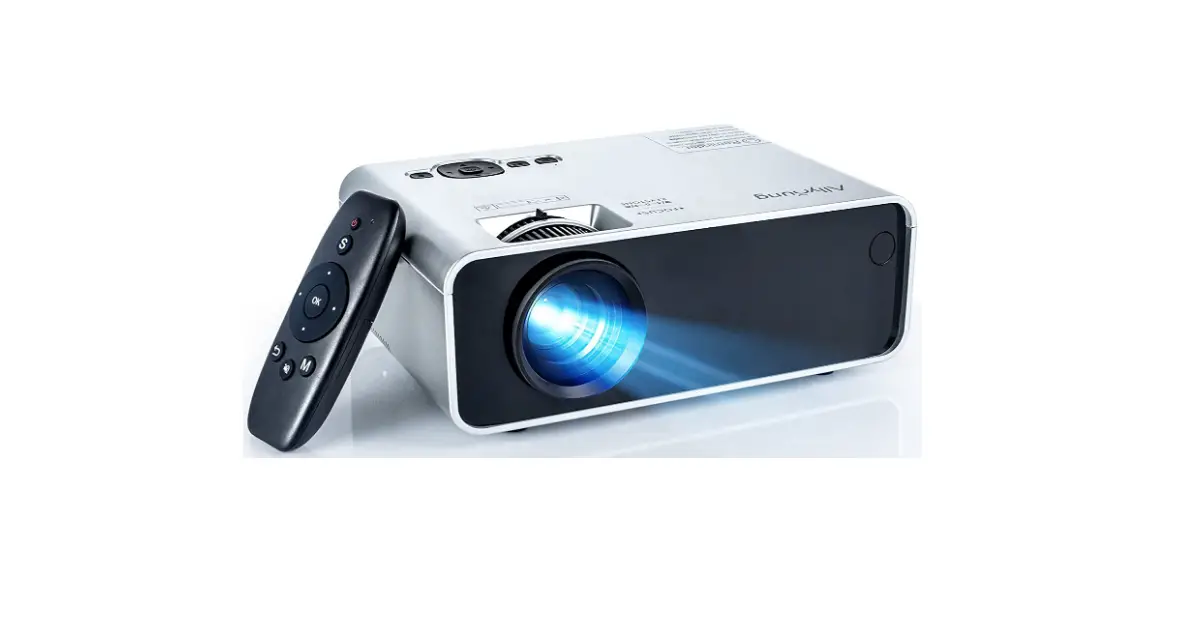
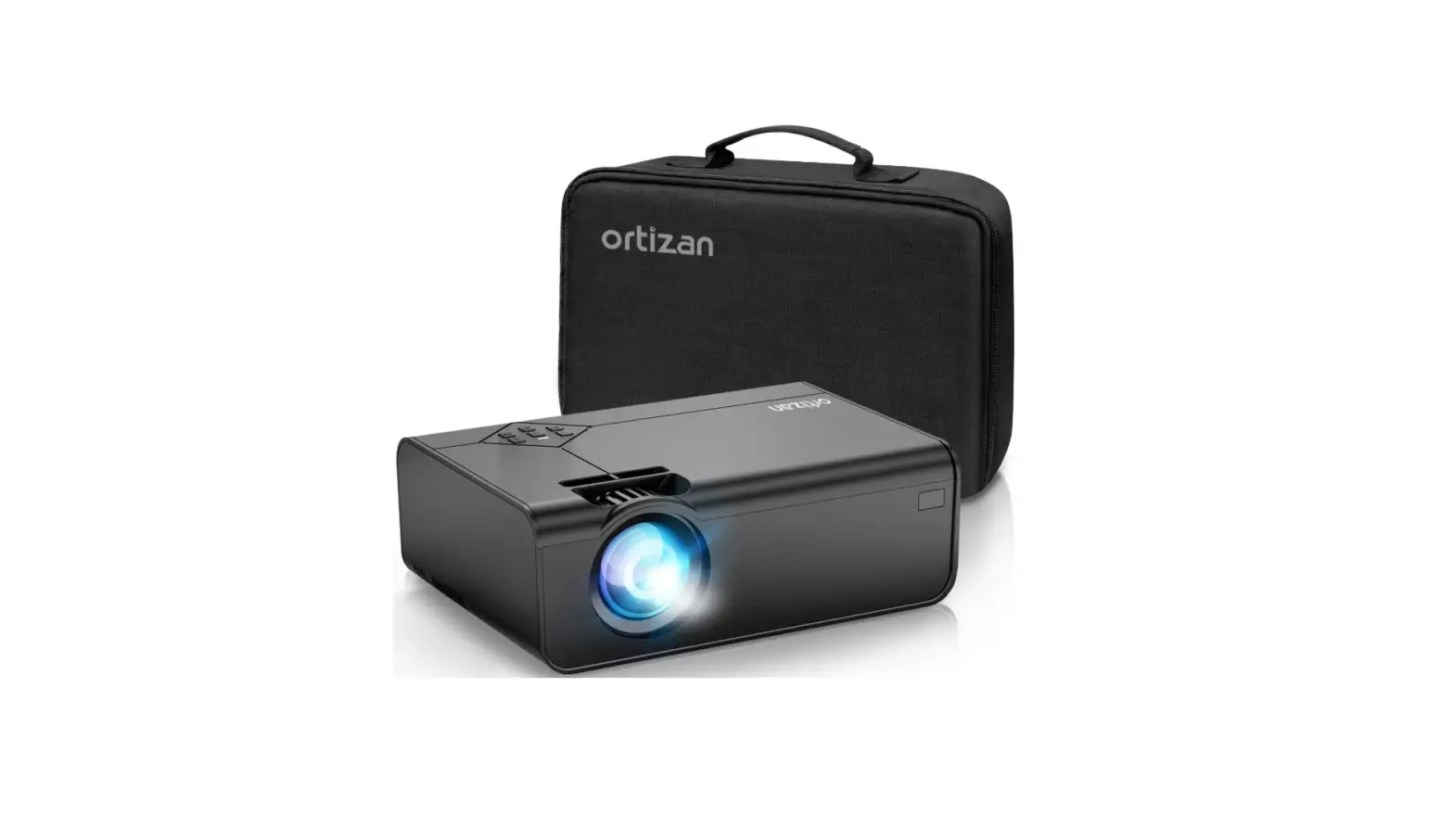
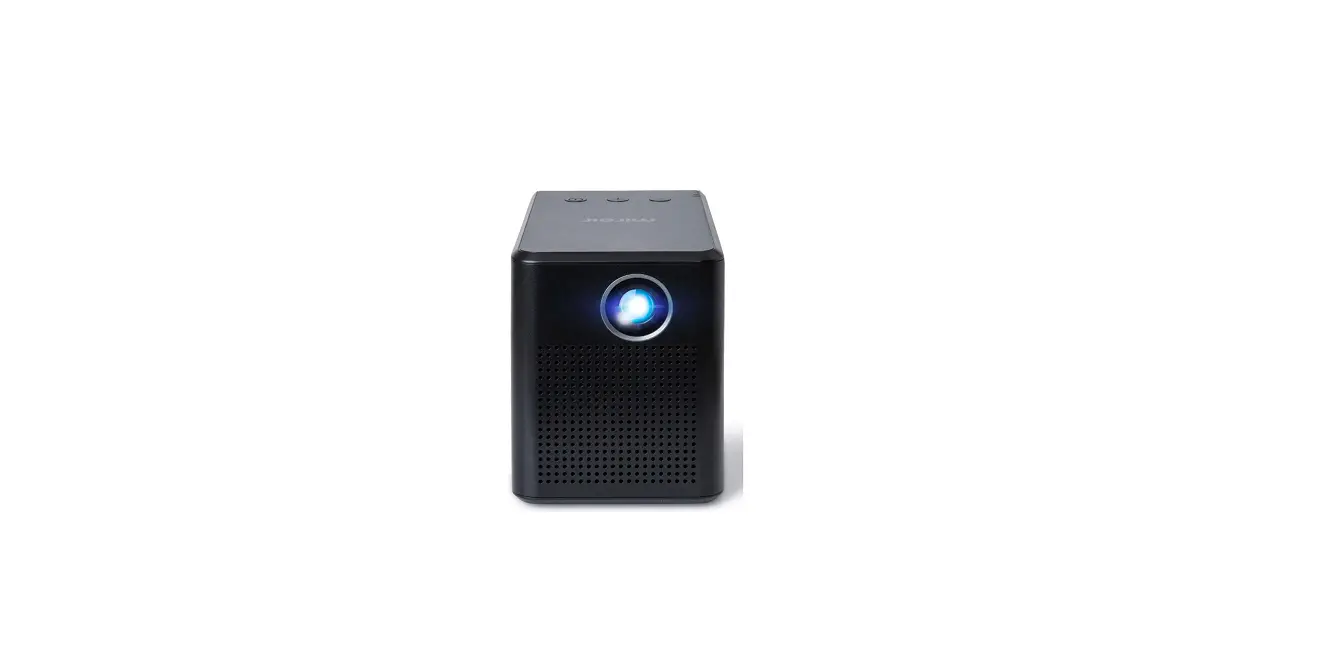
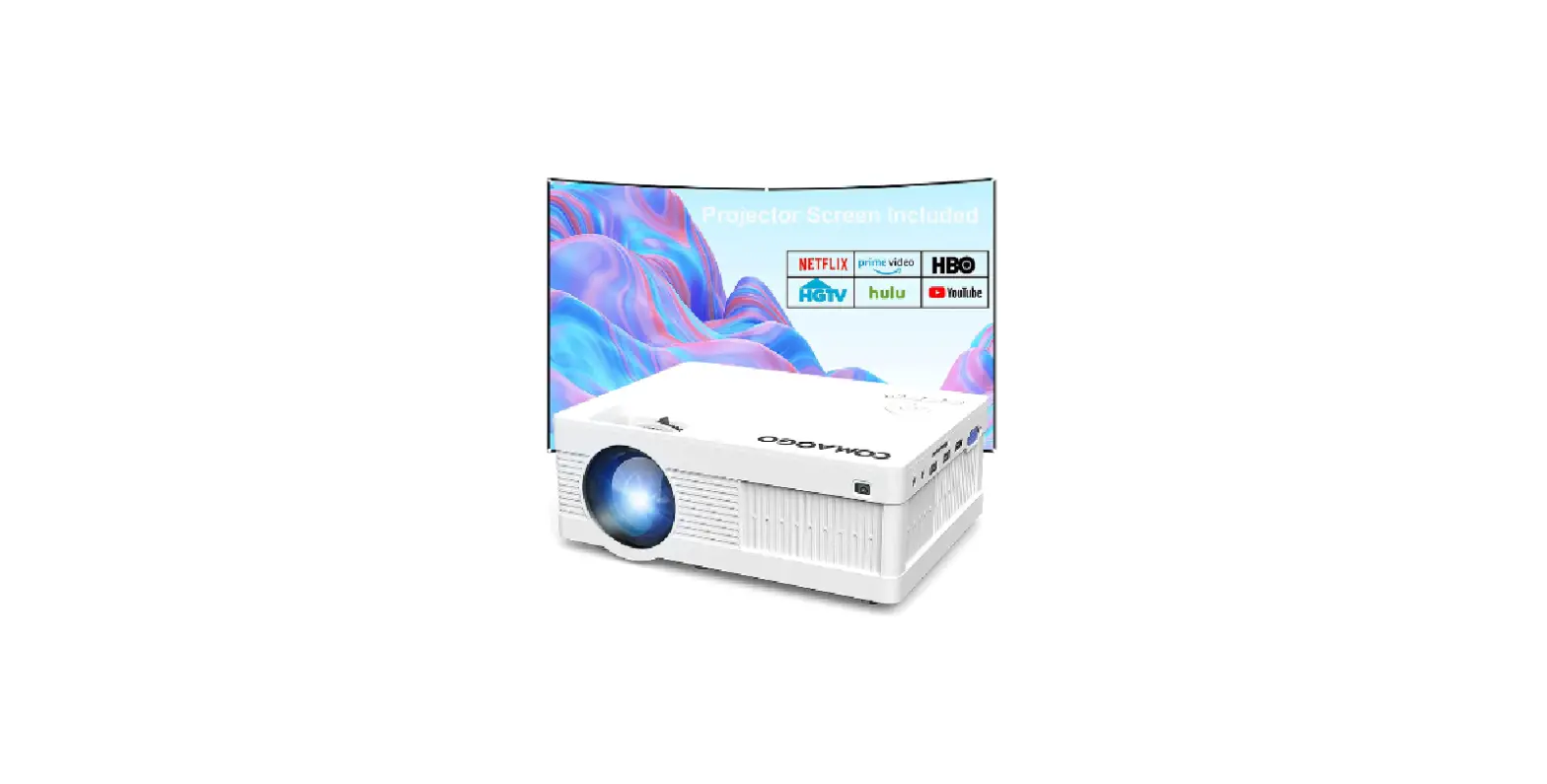
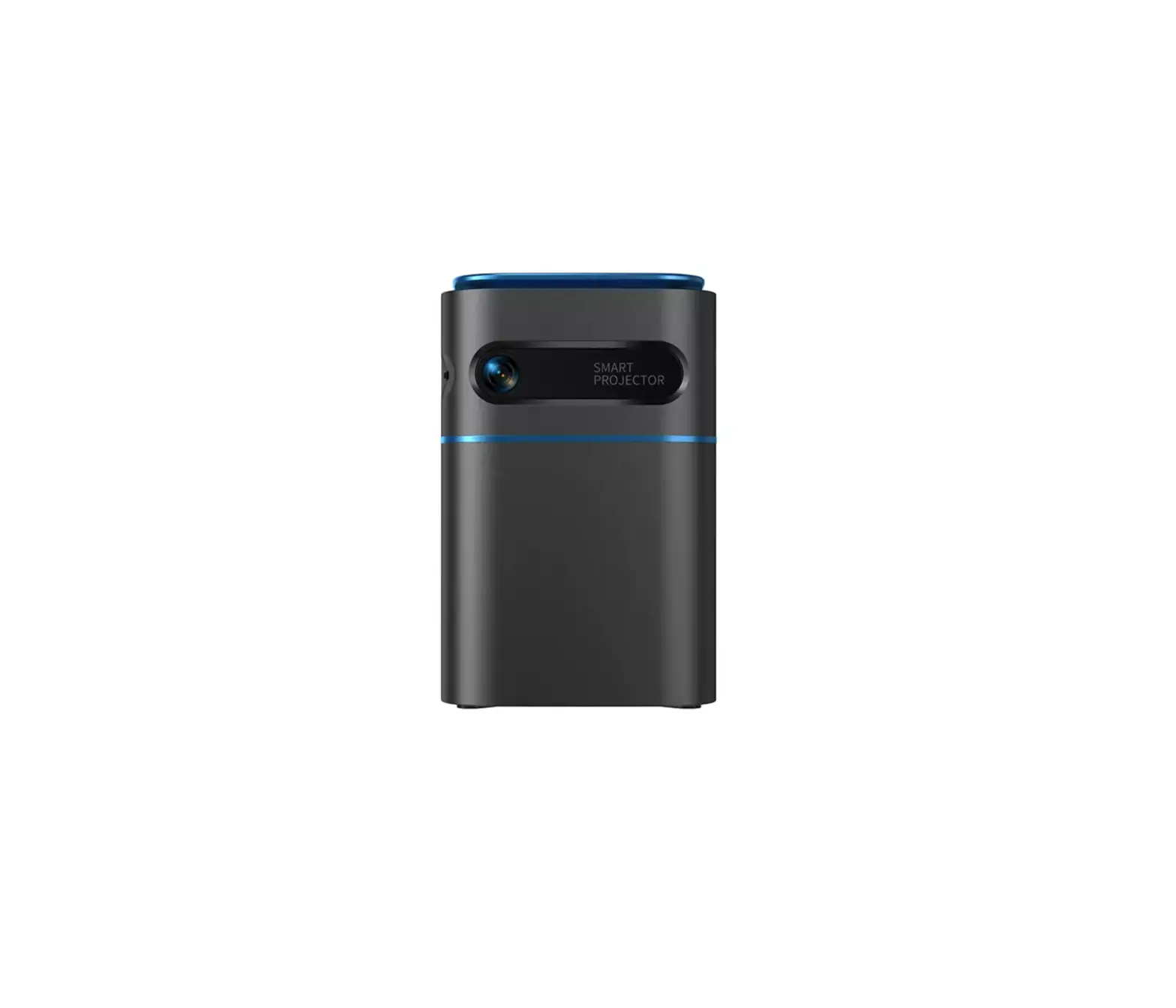
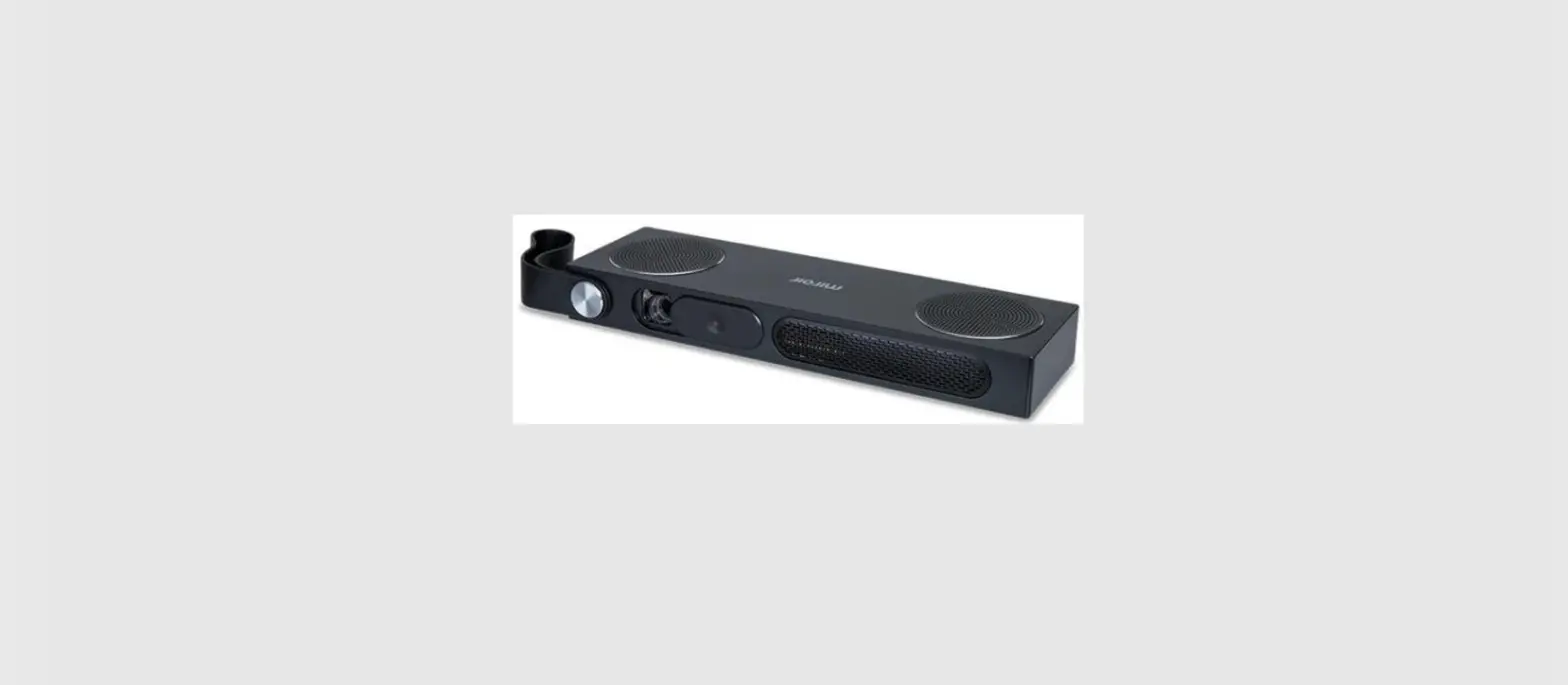
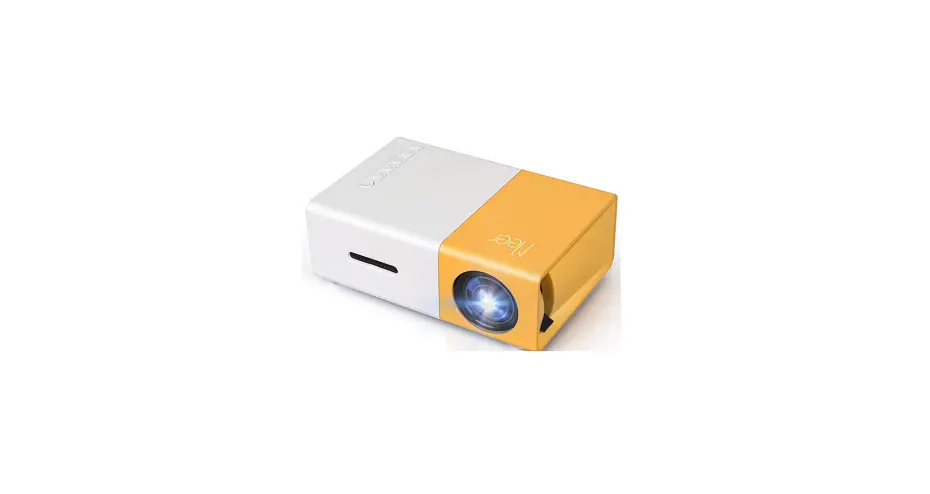
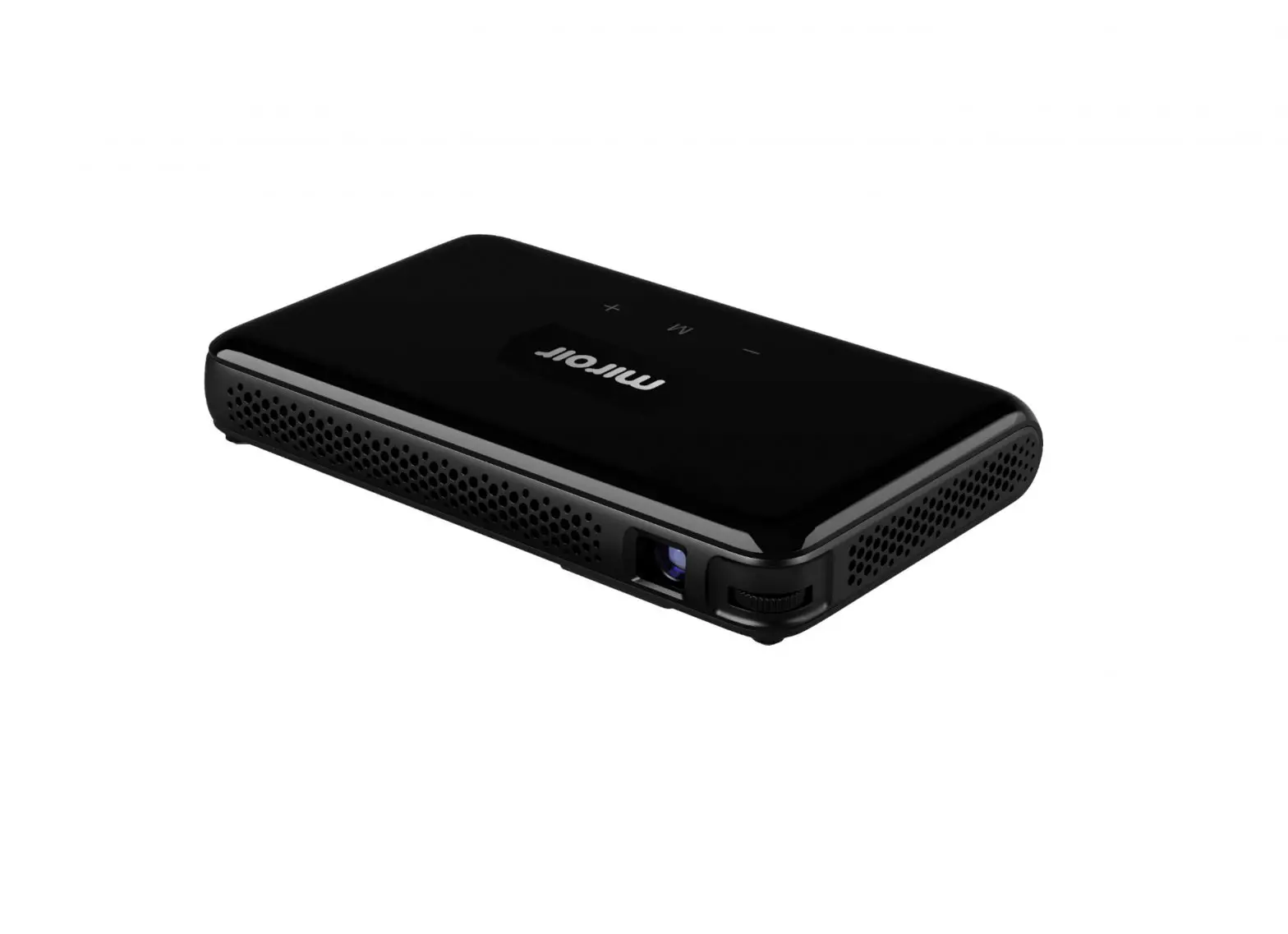
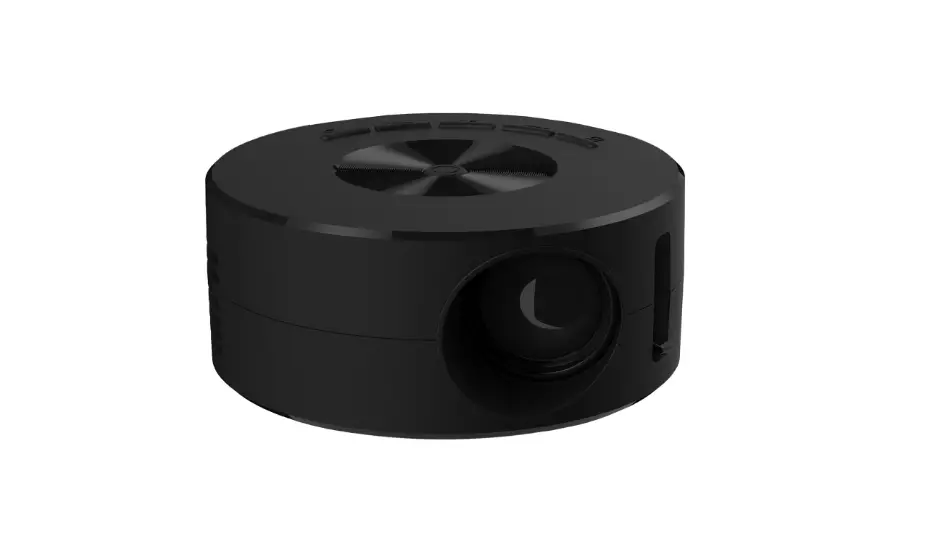
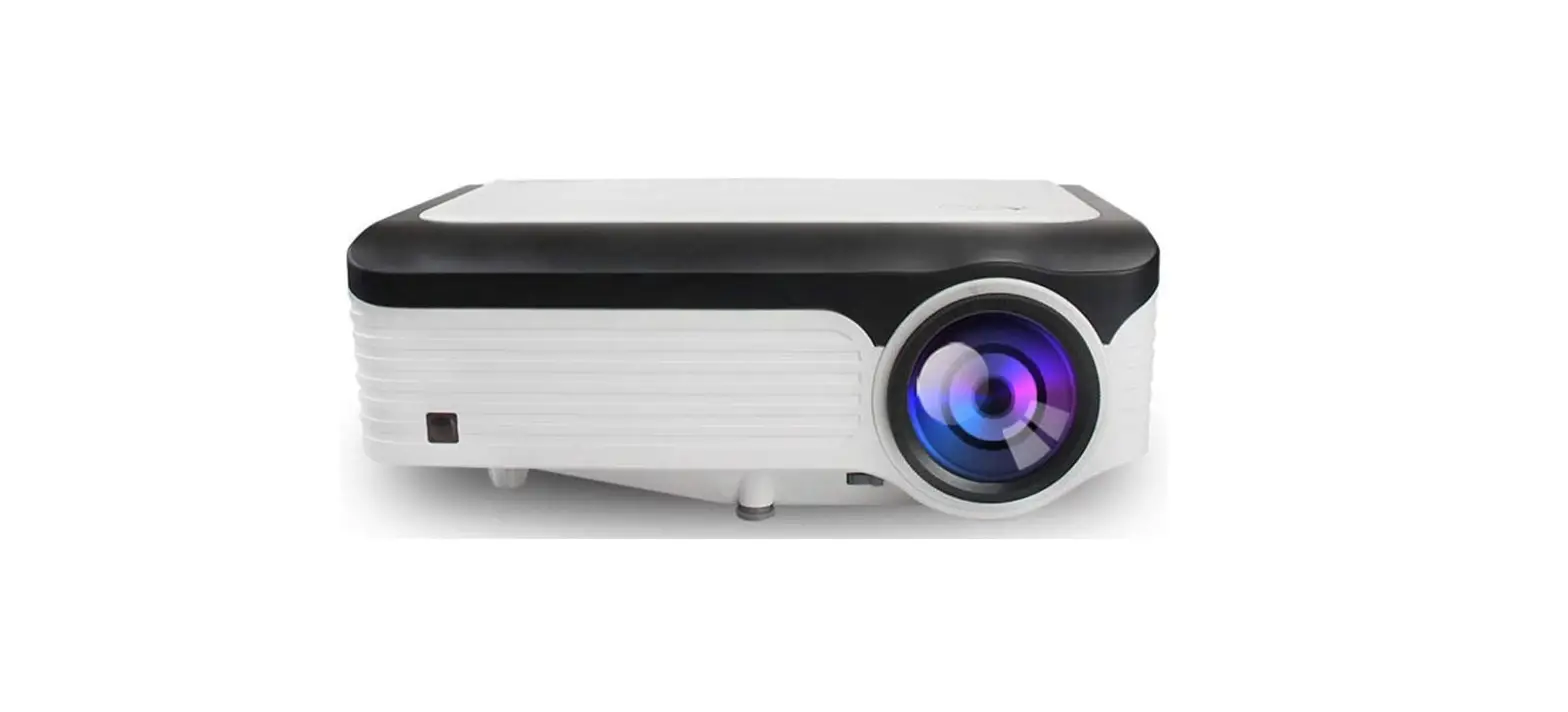
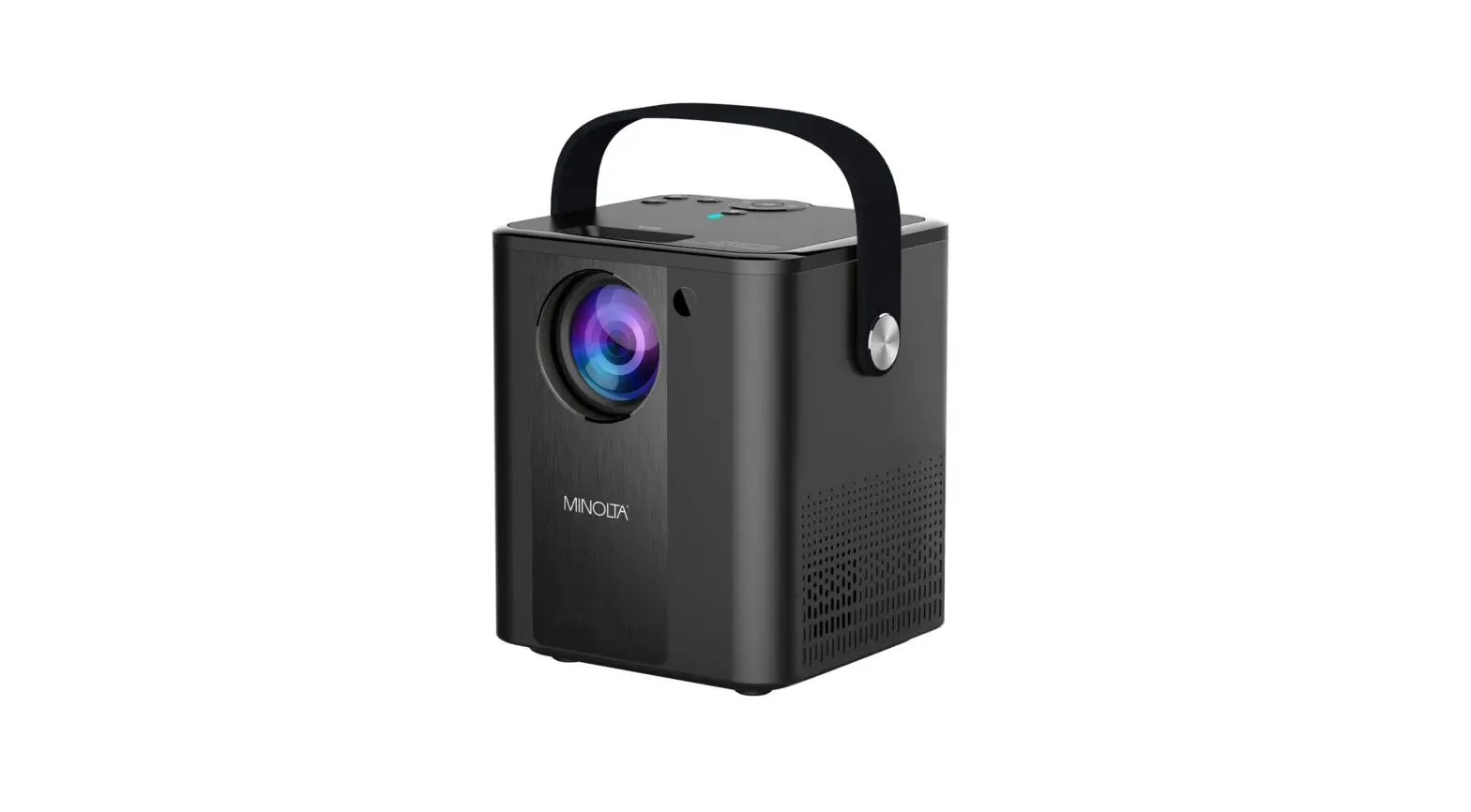
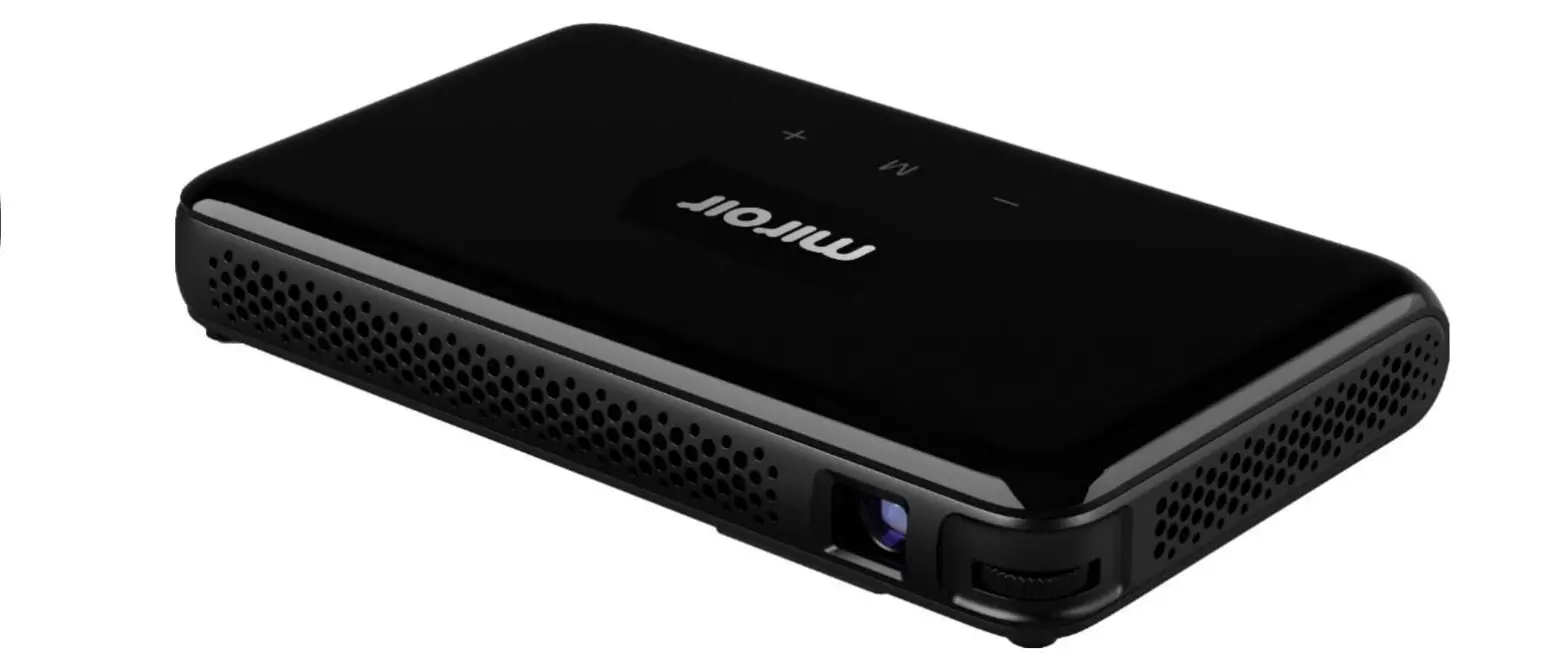
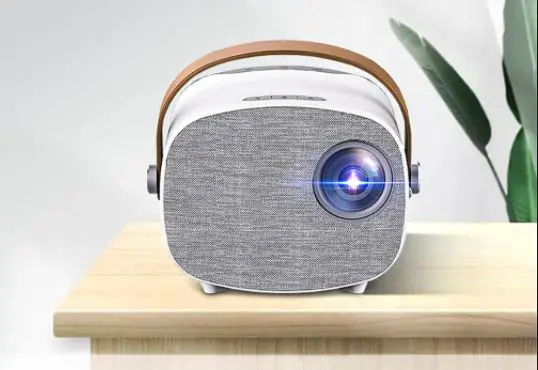
PONER SAUND HXKX-M8 Mini Portable Projector
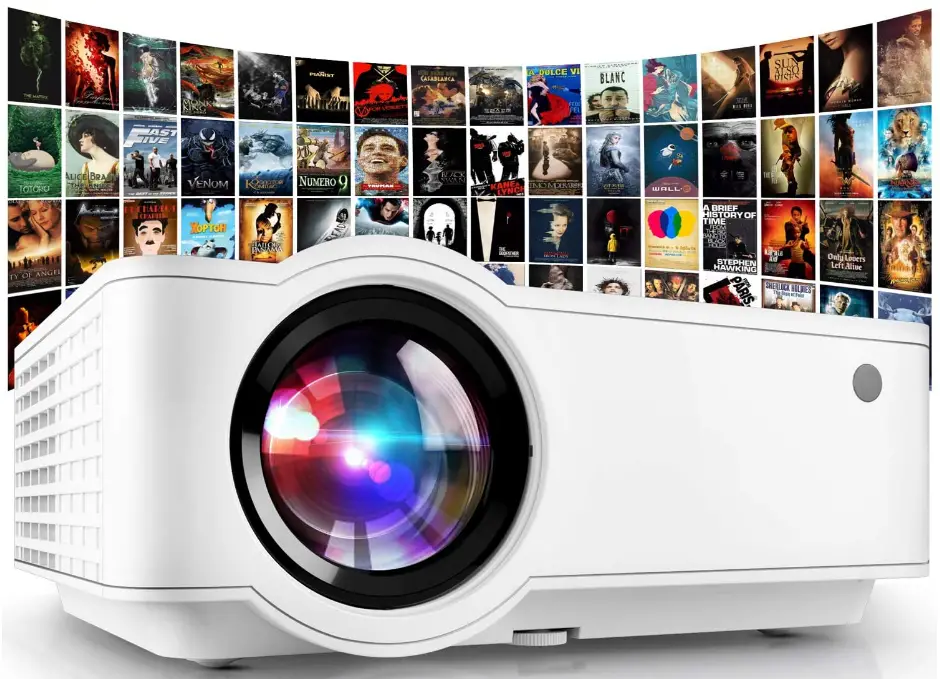
Specifications
- Power: 60W
- Power supply: AC100-240V/50-60Hz
- Contrast ratio: 3000:1
- Original resolution: 1280*720 pixels
- Support resolution: 1920*1080 pixels
- Light source: LED Lamp
- Light source life: more than 30,000 hours
- Focus mode: manual
- Projection size: 40-150 inches
- The best projection distance:33-4.98 meters
- Size: 220(L)*166(W)*94(H)mm
- Net weight/Gross weight:3KG/1.8KG
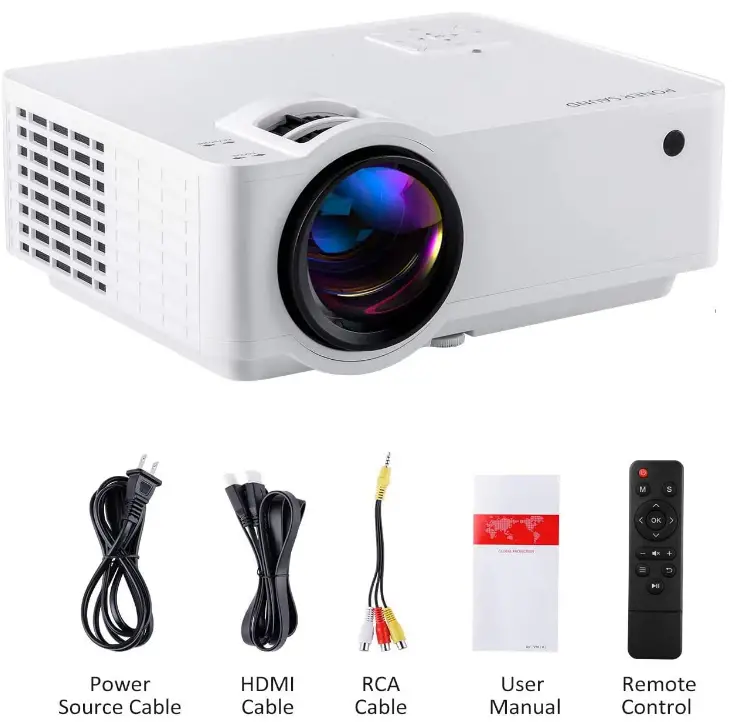
What’s in the box?
- Projector
- Power Source Cable
- HDMI Cable
- RCA Cable
- User Manual
- Remote Control
Product Descriptions
What kind of connection is supported by the product?
For PCs, laptops, TVs, TV sticks, video game consoles, DVD players, and other devices, HTP portable projectors include HDMI connections. Additionally, it includes a headphone/speaker output connection, PC-RGB, and USB/AV inputs.
Format support
- MP3, WMA, ASF, OGG, AAC, and WAV audio files;
- 3GP video files and JPEG, BMP, and PNG image formats.
How do I use?
Initially, decide where to place the projector (1.33 to 4.98 metres is the ideal projection distance), connect the power supply, connect the input method you chose, and push the power button;
The keystone effect is changed manually to achieve the best image display effect. (If the projected image is poor, you can move the projector to change its positioning; in addition, a 32mm Adjusting peg at the projector’s base can be rotated to change its height;)
Choosing a signal source
To access the signal source menu interface, press the signal source key “S” on the projector’s front or the remote control. To choose the signal source, press the confirm key along with the arrow keys. The fantastic interface is displayed.
Note:
- Pay close attention to the machine’s cleaning while in use, lens maintenance, ventilation, and dust prevention;
- When using or placing, pay attention to moisture, hot temperatures, cold temperatures, pressure, and vibration;
- Your eyes should not be towards the projector’s lens while it is operating to avoid eye damage from the bright light;
- Do not disassemble the equipment if it breaks; instead, contact an expert, speak with the after-sales service, or bring it back to the manufacturer for repair.
Features
Dual-fan cooling system for projectors
- A strong cooling system that produces incredible heat
- Dispersion and reduced noise thanks to a better fan design and the use of cutting-edge materials
Glass Lens with 5 Layers
A significantly better resolution, brighter dynamic image is produced by the HD reverse lens, which is made up of 5 high-precision, high-transmittance coating lenses. This lens boosts projection transmittance, reduces stray light from interfering with images, and enhances image sharpness.
Adjustable Viewing
Use books or mats if the viewpoint isn’t always what you desire. Yes, there are movable pillars included with the Poner Saund HD projector (at the bottom and front of the product). For the optimum viewing experience, you can randomly modify the projector’s height according on your demands.
Contrast Ratio of 3000:1
A projector with a 3000:1 contrast ratio and 60% more brightness than a standard projector offers a highly accurate and vibrant showing quality. Ideal for presenting graphics, movies, games, and presentations.
Keystone Adjustment and Focus Ring 15
- Keystone 15 adjusting it so that the focus ring and the screen are on the same line for a clear picture
Excellent stereo speakers
The PONER SAUND home theatre projector provides strong, clear sound quality without the need for pricey additional speakers, completing your home entertainment experience.
Yeah! Unfortunately, it’s a game of words. I had the same thought. It supports 1080P.
Set the DVD player’s audio to stereo.
Check the cause of the audio issue by disassembling the projector with a screwdriver. It’s likely that the cables aren’t getting signals well. If you’re unable to identify the issue, you can reach our customer support by clicking on the image.
Yes, using the three RCA cables or HDMI.
I also needed to adjust the size setting. Other than moving the camera unit physically, I was at a loss for what to do. To have the button, knob, or setting was nice. Perhaps there is a better solution than mine.
Yes, if your laptop is equipped with an HDMI connector. Use hdmi to just reflect the laptop.
If it’s a cellphone, an adapter is required to convert the device to HDMI. Otherwise, no device is read.
A little speaker is used. Not a lot of noise is produced. I only adjust the remote’s volume.
The HDMI connection to the projector ought to work well. My projector is directly connected to a PS4 system.
Make careful to select the appropriate HDMI when changing the projector’s input using the remote. With my Samsung Galaxy S10, everything worked flawlessly. I purchased a USB-C to HDMI cable adaptor to attach it.
Yes, it does
Yes, it can link directly to a laptop for presentations using PowerPoint, Movies, TV Shows, or other media.
Excellent; I adore it
Yes, that is what we do with it.
It should function correctly if it has an HDMI out.