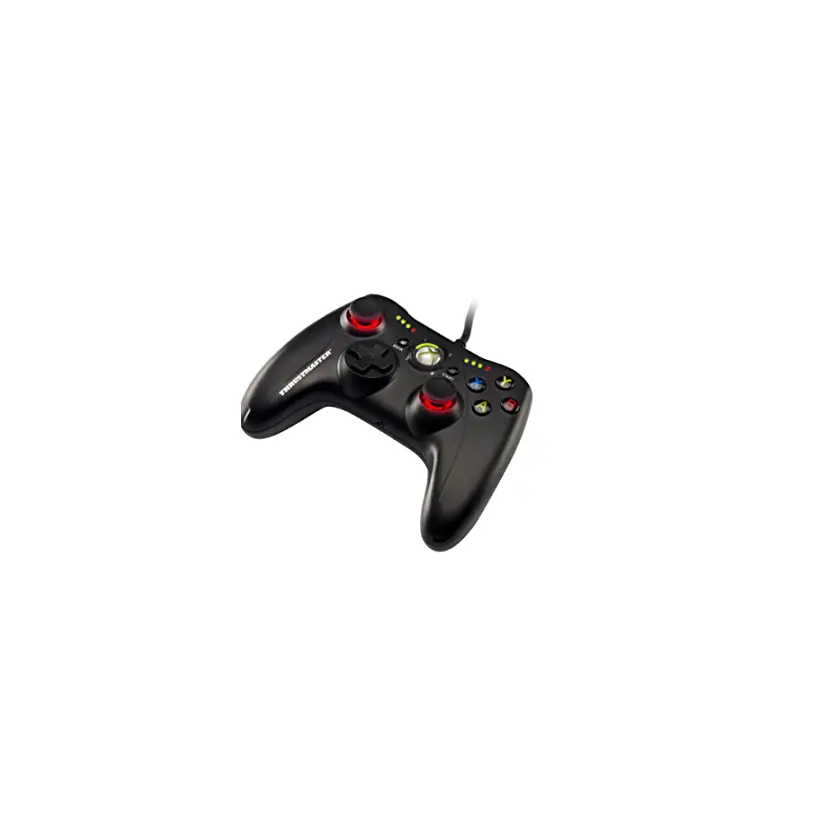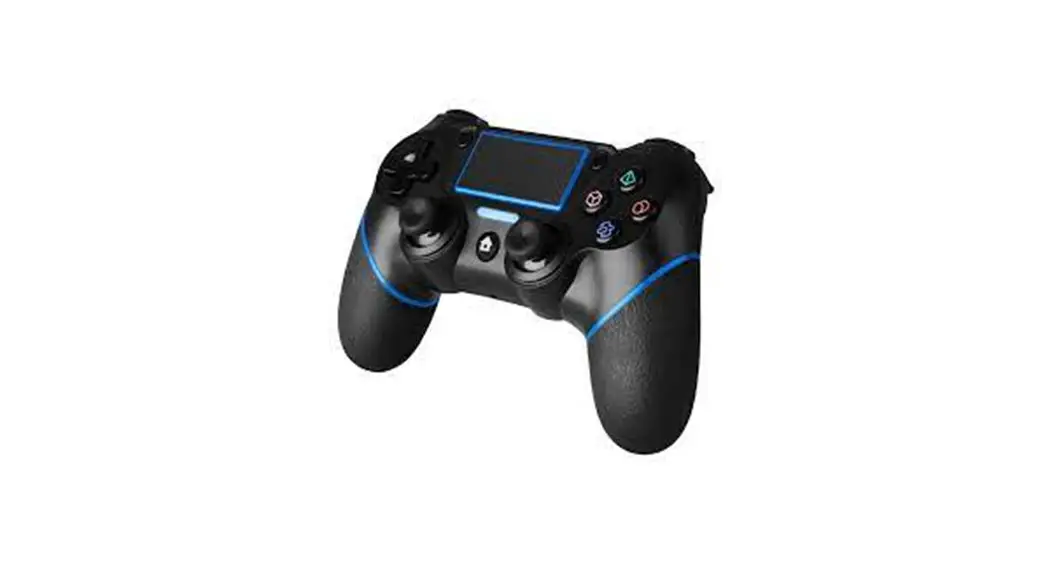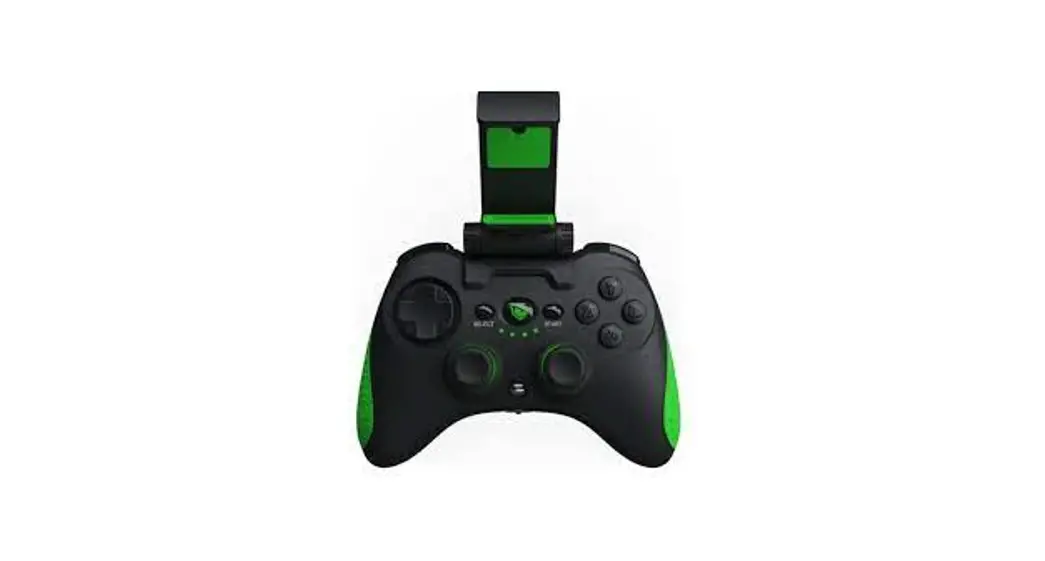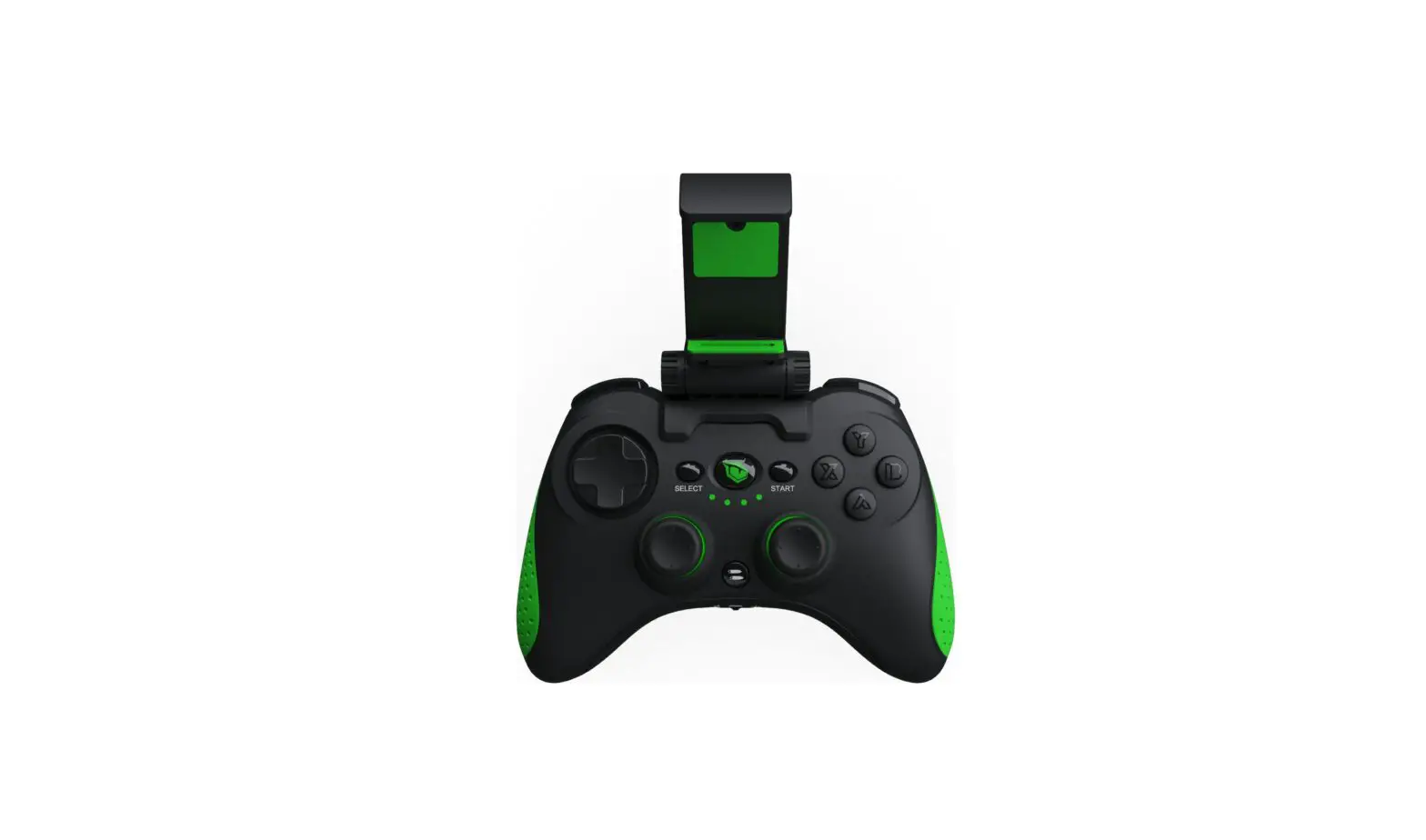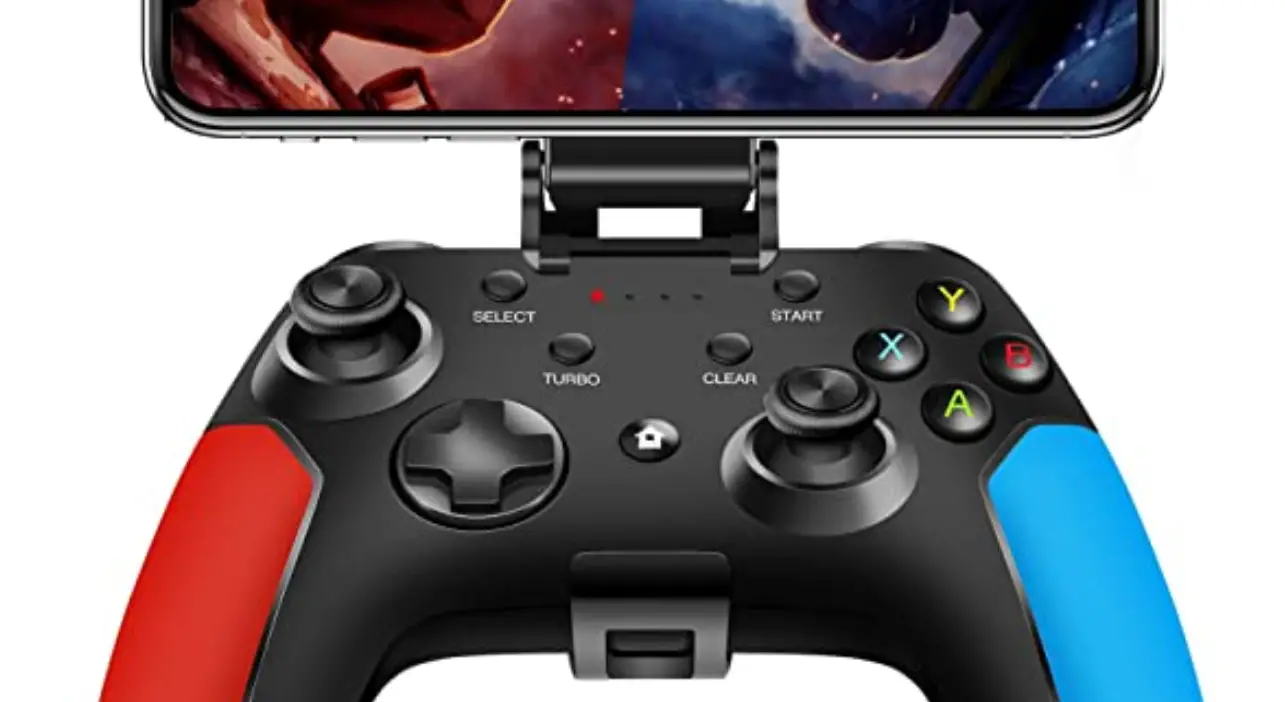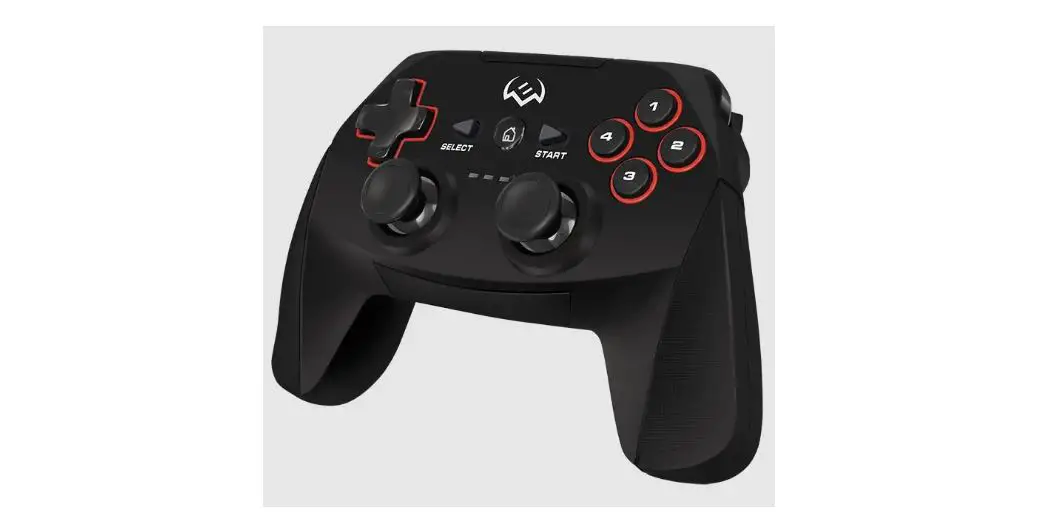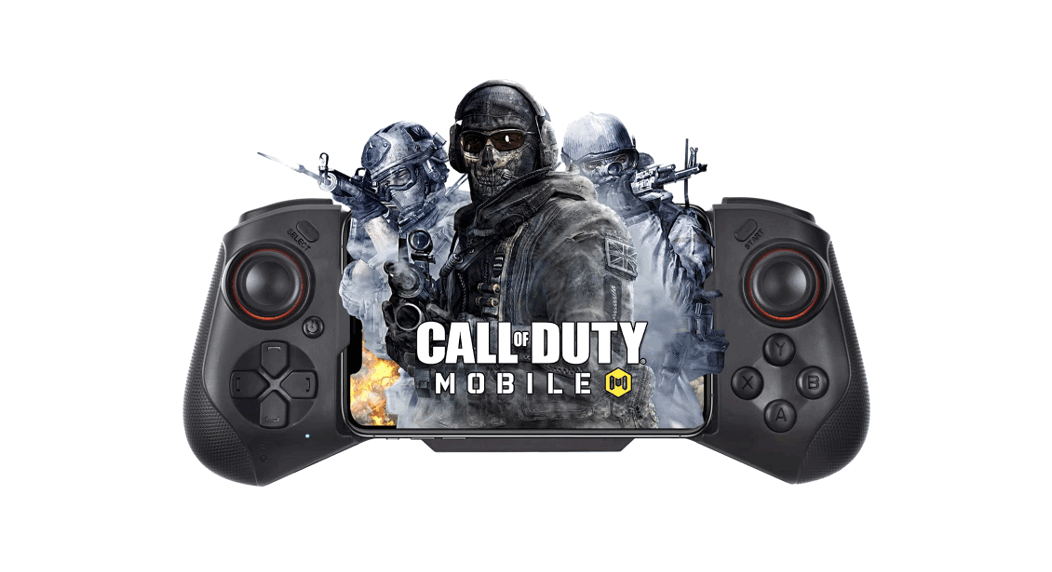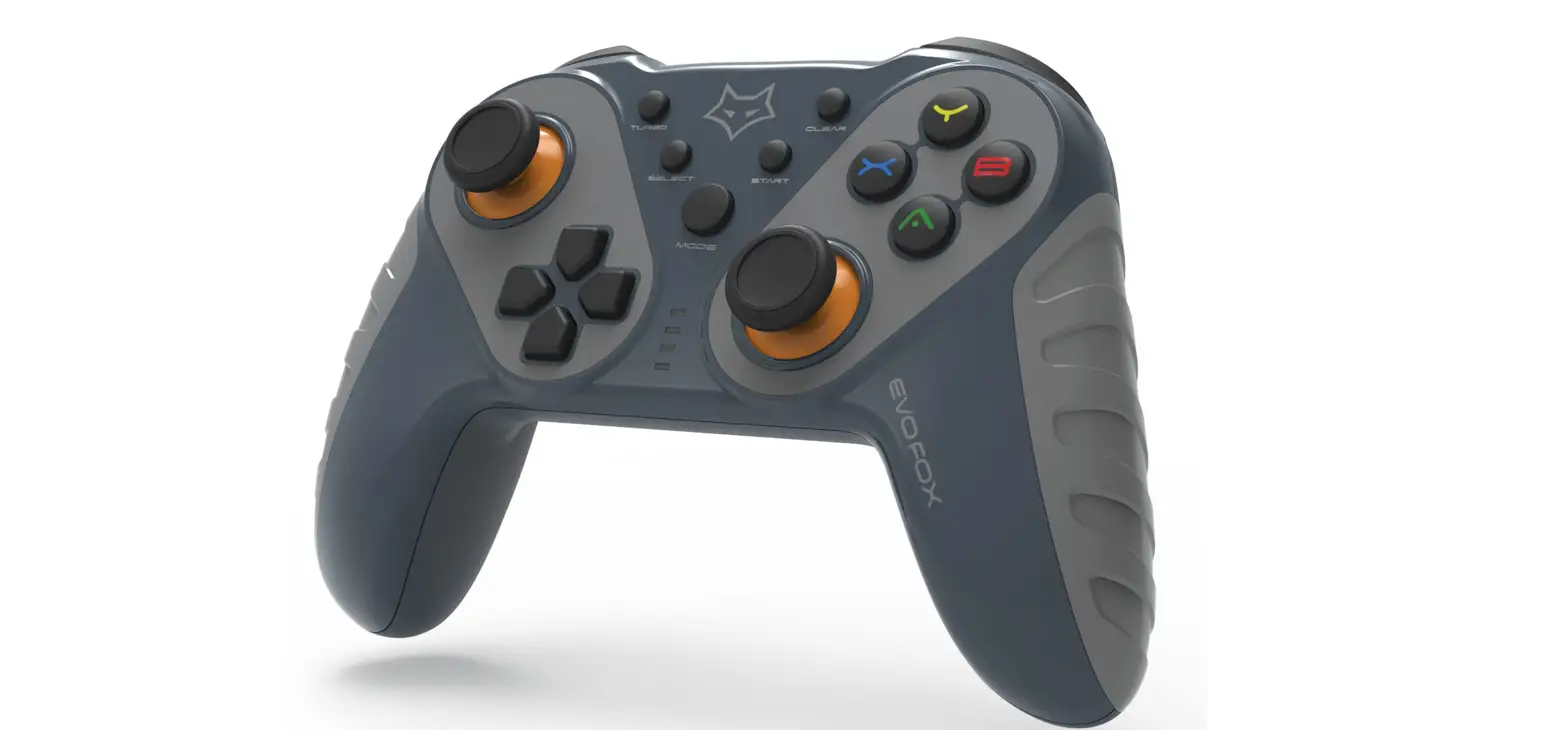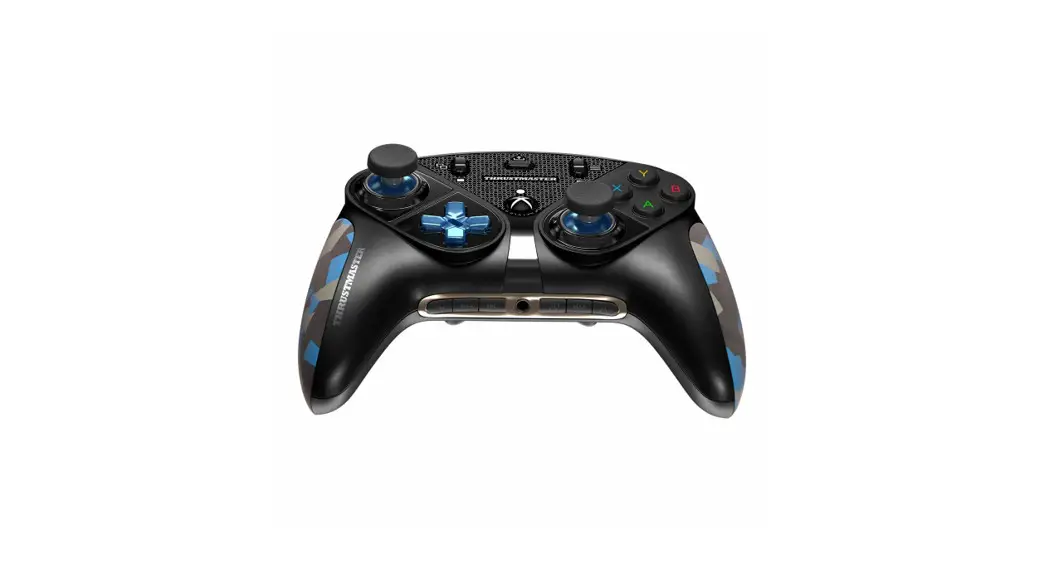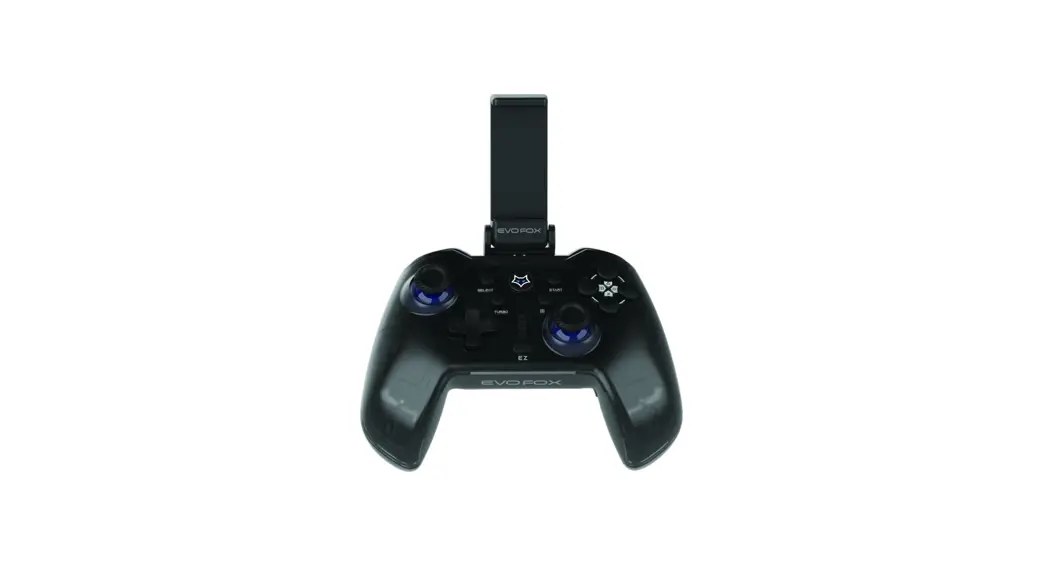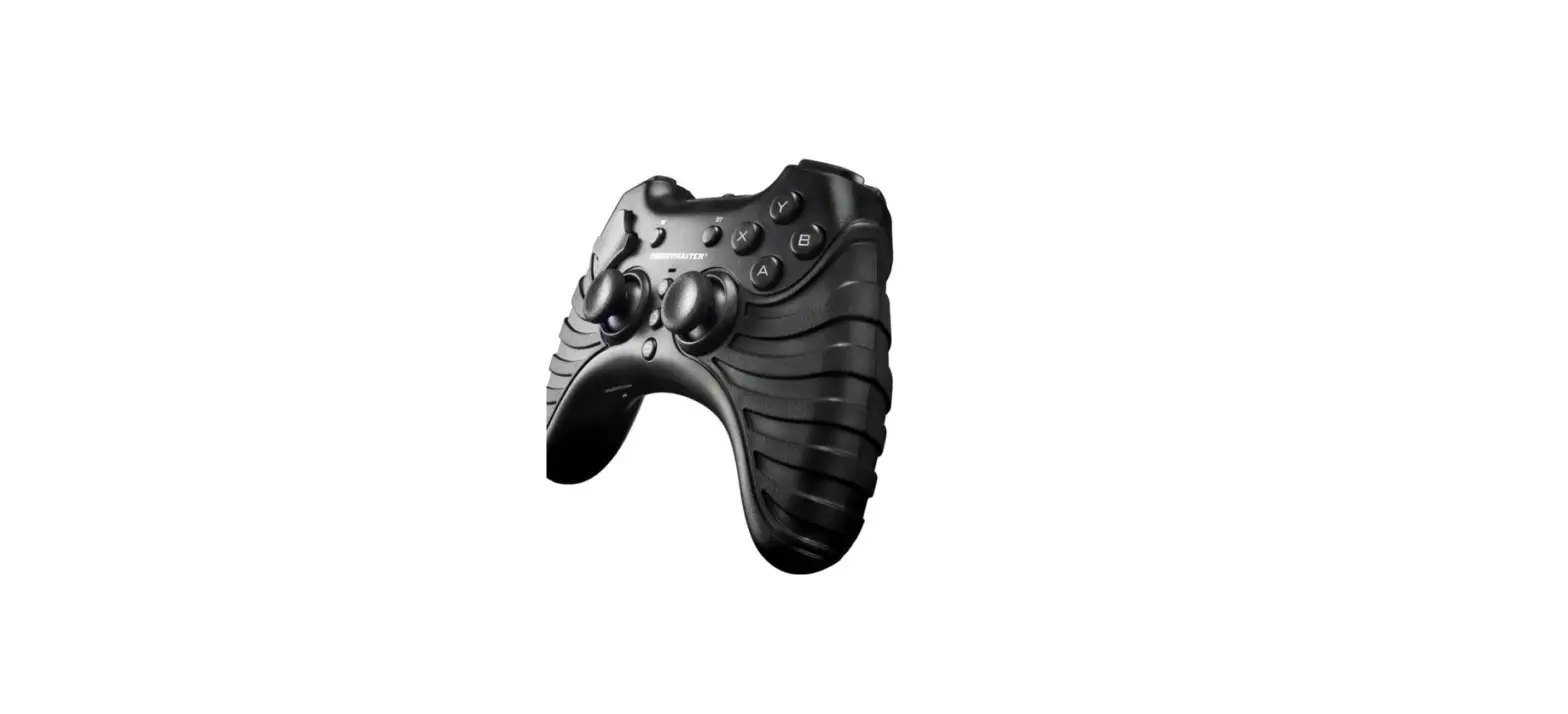

Thrustmaster Score-A Wireless Gamepad Android
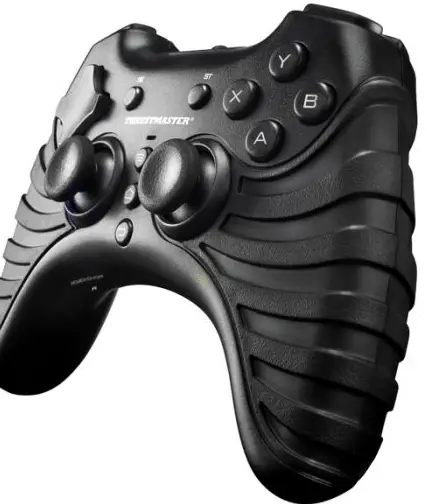
TECHNICAL FEATURES
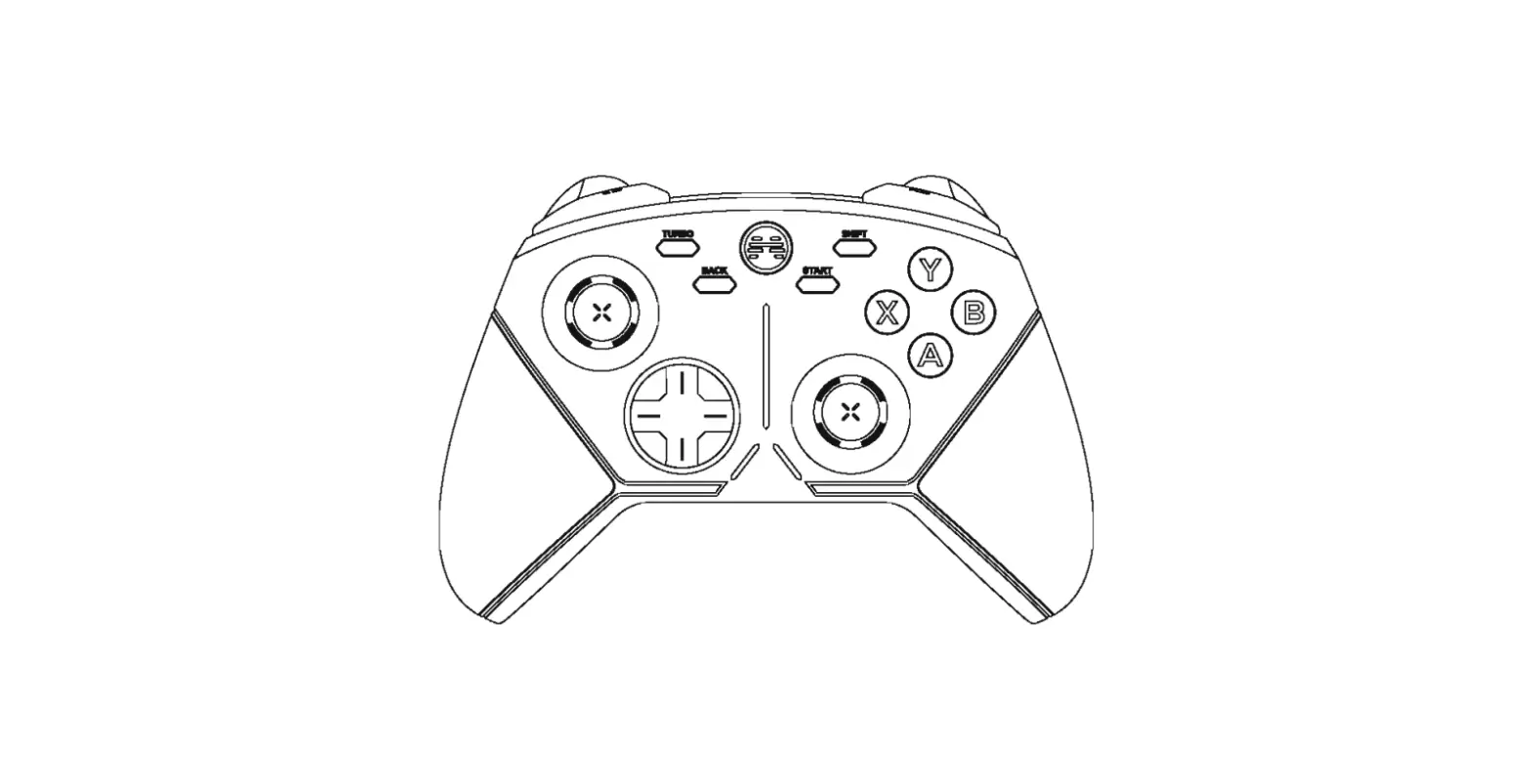
- 8 action buttons
- SELECT and START buttons
- D-pad
- Status indicator LED
- Bluetooth® pairing button
- Home button
- Back button
- 2 analog mini-sticks / 2 digital action buttons
- Power on/off switch
- Mapping switch
- Battery compartment

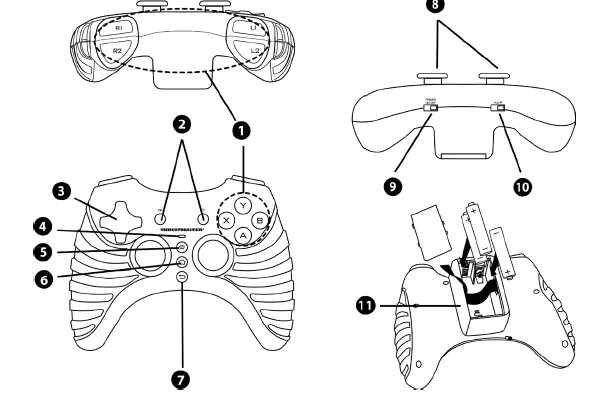
OVERVIEW
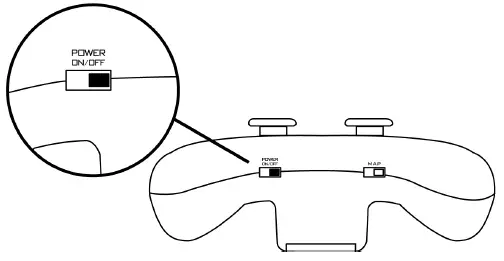
Power on/off switch (9)
- OFF position = the gamepad is powered off, and is not using up its batteries.
- ON position = the gamepad is powered on.
Status indicator LED (4)
- The LED is on = the gamepad is connected to the device.
- The LED is flashing quickly = pairing is in progress.
- The LED is off = the gamepad is either in standby mode or powered off.
- The LED is flashing slowly = please insert new batteries.
INSTALLATION
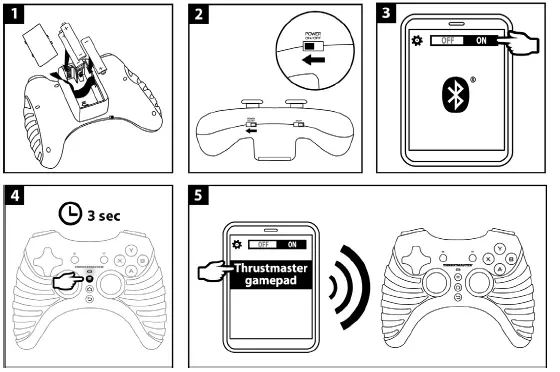
- Insert three LR03/AAA-type 1.5 V batteries into the battery compartment (11) located on the underside of the gamepad.
- Power on your gamepad by setting the power on/off switch (9) to ON.
- The gamepad’s status indicator LED (4) flashes.
- On your Android™ device, enable the Bluetooth® wireless technology function.
- Press and hold the Bluetooth® pairing button (5) for three seconds.
- The gamepad’s status indicator LED (4) flashes.
- Select the THRUSTMASTER gamepad in the pairing list
ADVANCED FUNCTIONS MAPPING THE BUTTONS / MINI-STICKS / D-PAD
All of the gamepad’s buttons, as well as the directions on the mini-sticks and the D-pad, can be mapped (i.e. programmed) using the mapping switch (10).
TROUBLESHOOTING AND WARNING
- My gamepad isn’t working properly:
- Exit the game and power off your gamepad. To start playing again, power your gamepad back on. If necessary, carry out the pairing procedure again by pressing and holding the gamepad’s Bluetooth® pairing button (5) for three seconds. Start up the game again.
- I’m having trouble configuring my gamepad correctly:
- In your game, select the most appropriate configuration.
- Refer to your game’s online help for more information.
- You can also use your gamepad’s mapping function (10) to resolve this type of problem.
- When you are done using your gamepad, you should always set the power on/off switch (9) to the OFF position in order to save battery power
LIST OF COMPATIBLE GAMES
| 1941 Frozen Front | Babylonian Twins Platform Game | CS Portable |
| 3D MOTOR | Bermuda Dash | Cup! Cup! Golf 3D! |
| 4 Seasons Hunt 3D | Beyond Ynth | Dark Incursion |
| Acceler 8 | Beyond Ynth Xmas Edition | DB42 |
| Aces of the Luftwaffe | Bike Mania | Dead Effect |
| Aftermath XHD | Bird Bomb | Dead Rushing HD |
| Angry Birds GO | Blasto! Invaders | Dead Space |
| Another World | Blazing Souls Acceleration | Dead Trigger |
| Antigen | Block Story | Dead Trigger 2 |
| Arma Tactics | Brotherhood of Violence II | DEER HUNTER 2012 |
| Army Academy | Chicken Invaders | DEER HUNTER 2013 |
| Asphalt 5 | Chicken Invaders 2 | DEER HUNTER 2014 |
| Asphalt 6 | Chicken Invaders 3 | Dig! |
| Asphalt 7 | Chicken Invaders 4 | Digger HD |
| Asphalt 8 Airborne | Chrono&Cash | Dink Smallwood |
| Asteroid 2012 | Clash – Space Shooter | Diversion |
| Auralux | Cordy | Dizzy – Prince of the Yolkfolk |
| Avenger | Cordy 2 | Doom GLES |
| AVP: Evolution | Crazy Snowboard | Doptrix |
| B.M.Snowboard Free | Critter Rollers | Double Dragon Trilogy |
| Dr. Droid | Gangstar Vegas | Leo’s Fortune |
| DRAG Racing | Grand Theft Auto: Vice City | Magic Rampage |
| Dream League Soccer | Grand Theft Auto III | Max Payne Mobile |
| Dungeon Hunter 3 | Gravi | Meganoid |
| Dungeon Hunter4 | Grudger | Meganoid 2 |
| Dungeon Quest | GT Racing 2 | Miner Free |
| EDGE Extended | Guns’n’Glory | Mini Army – Free |
| ETERNITY WARRIORS | Gunslugs | Modern Combat |
| ETERNITY WARRIORS 2 | Halloween Temple’n Zombies Run | Modern Combat 2 |
| EVAC HD | Helium Boy Demo | Modern Combat 3 |
| Everland: Unleashed | Heretik GLEX | Modern Combat 4 |
| ExZeus | Heroes of Loot | Modern Combat 5 |
| ExZeus 2 | HexenGLES | Muffin Knight |
| Farm Invasion USA | Highway Rally | My Singing Monster |
| Farming Simulator | Hyperwave | N.O.V.A. 3 |
| Fields of Battle | ILLUSIA | Neoteria |
| Final Freeway 2R | INC: The Beginning | No Gravity |
| Fist of Awesome | INDY 500 Arcade Racing | Only One |
| Forsaken Planet | Inertia: Escape Velocity | Overdroy |
| Fractal Combat | Jet Set Radio | Particle Arcade Shooter |
| Fright Fight | Jumpy | PewPew |
| Pinball Arcade | Shine Runner | Tanktastic |
| Pool Break | Sine Mora | Tap’n’Crash |
| Prince of Persia Shadow&Flame | Six Guns | Team Awesome |
| Quell | Skiing Fred | Teeworlds |
| Rabbit Run | Sleepy Jack | The Bard’s Tale |
| Race the Robots | Soldier of Fortune | The Walking Dead |
| Radiant | Sonic 4 Episode II | Tiki Kart 3D |
| Raging Thunder | Sonic CD | Time to Rock Racing |
| Rail Racing | Sonic Racing Transformed | Tiny Little Racing |
| Razor Salvation | Sonic the Hedgehog | Tiny Little Racing 2 |
| Real Soccer 2013 | SoulCraft | Top Truck |
| Reaper | Space Ape | Unearthed |
| Reckless Getaway | Stardash | Vendetta Online |
| Reckless Racing | Stupid Zombies | Virtua Tennis |
| Reckless Racing 2 | Stupid Zombies 2 | Wind-up Knight |
| Respawnables | Super Dynamite Fishing | XRick |
| Riptide GP | Super Mega Worm | Zen Pinball HD |
| Riptide GP2 | Symphony of Eternity | Zenonia |
| R-Type | Table Top Racing | Zenonia 2 |
| Samuraï Showdown | Tank Riders | Zenonia 3 |
| Save the Puppies | Tank Riders 2 | Zenonia 4 |
The most up-to-date list of compatible games is also available at: http://www.thrustmaster.com/products/score-a
FAQS
On the front of your Gamepad, press and hold the Power button. After 3 seconds, you’ll see 4 lights flash. From the Android TV Home screen, scroll down and select Settings.Under “Remote and accessories,” select Add accessory .Select your Gamepad.
To play games on your TV or monitor, you can connect your Gamepad to your Android TV.
Thrustmaster VG Thrustmaster SCORE-A Wireless Gamepad.
USB controllers and Xbox One, PS4, PS5, or Nintendo Switch Joy-Con wireless controllers all work with Android.
The TM Open Wheel Add-On has been designed with multiplatform use in mind (PC/PS4/Xbox One), and is compatible with all Thrustmaster T-Series racing wheel bases: TX and T300 servo bases, T-GT, TS-XW and even TS-PC Racer
Here are all of the ways the Logitech G29 and G920 are superior to the Thrustmaster T150 and TMX: Logitech’s wheels simply put, have a nicer overall build quality. With genuine leather, hand-stitched throughout the wheel, it looks and feels miles better than the simple rubber around Thrustmasters offerings.
Navigate to the Thrustmaster support page. Search for your racing wheel under ‘Racing Wheels’ and select it. At the ‘Drivers’ tab, you’ll find the Thrustmaster firmware file. Download it to your PC
What Steering Wheels work with GTA 5? Wheels such as the Logitech G29/G920 have been used successfully before in GTA 5. As for other steering wheel brands like Thrustmaster, several users online have reportedly been able to use Thrustmaster’s T80 wheel for GTA 5.
Thanks to the new Ecosystem Hub, take advantage of simplified connectivity with software support for the Thrustmaster ecosystem and make it compatible with Xbox Series X|S! Only one USB cable needs to be connected to the PC or console!
To perform this update, click the “Software” menu below and download and install the ThrustmapperX software on your Windows 10 computer from the Microsoft store. Once installed, the ThrustmapperX software will automatically open.
Your wheel’s Firmware version appears in the top right in the Control Panel’s tabs. Firmware: 10.00-R32 is the latest version. On PC, the USB selector switch on the T-GT racing wheel’s base must always be set to the OTHER position!
Your wheel’s Firmware version appears in the top right in the Control Panel’s tabs. Firmware: 10.00-R32 is the latest version. On PC, the USB selector switch on the T-GT racing wheel’s base must always be set to the OTHER position!
Thrustmaster’s debut direct driver wheel base, slated for PC-only at present, will be finally unveiled in November. After a round of teasers, a direct drive wheel base from Thrustmaster looks to be closer than ever, with a reveal stream set for 17th November 2022.
Apparently the company Thrustmaster was purchased Thursday. And the new owner shut down all operations. To include, website, driver support, and warranty support. I was also told that you can return your product if it is within the return period but, Thrustmaster will not be supporting any products ever again period.
The Thrustmaster T248 is priced relatively competitively at £299.99/€349.99/$399.99 putting it in the same price range as its main competitor from Logitech.