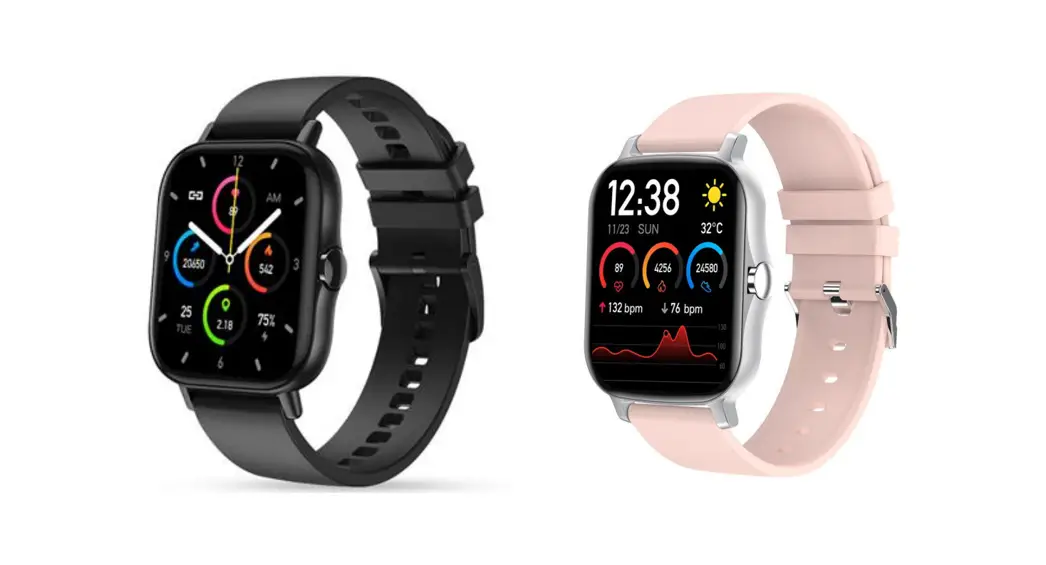
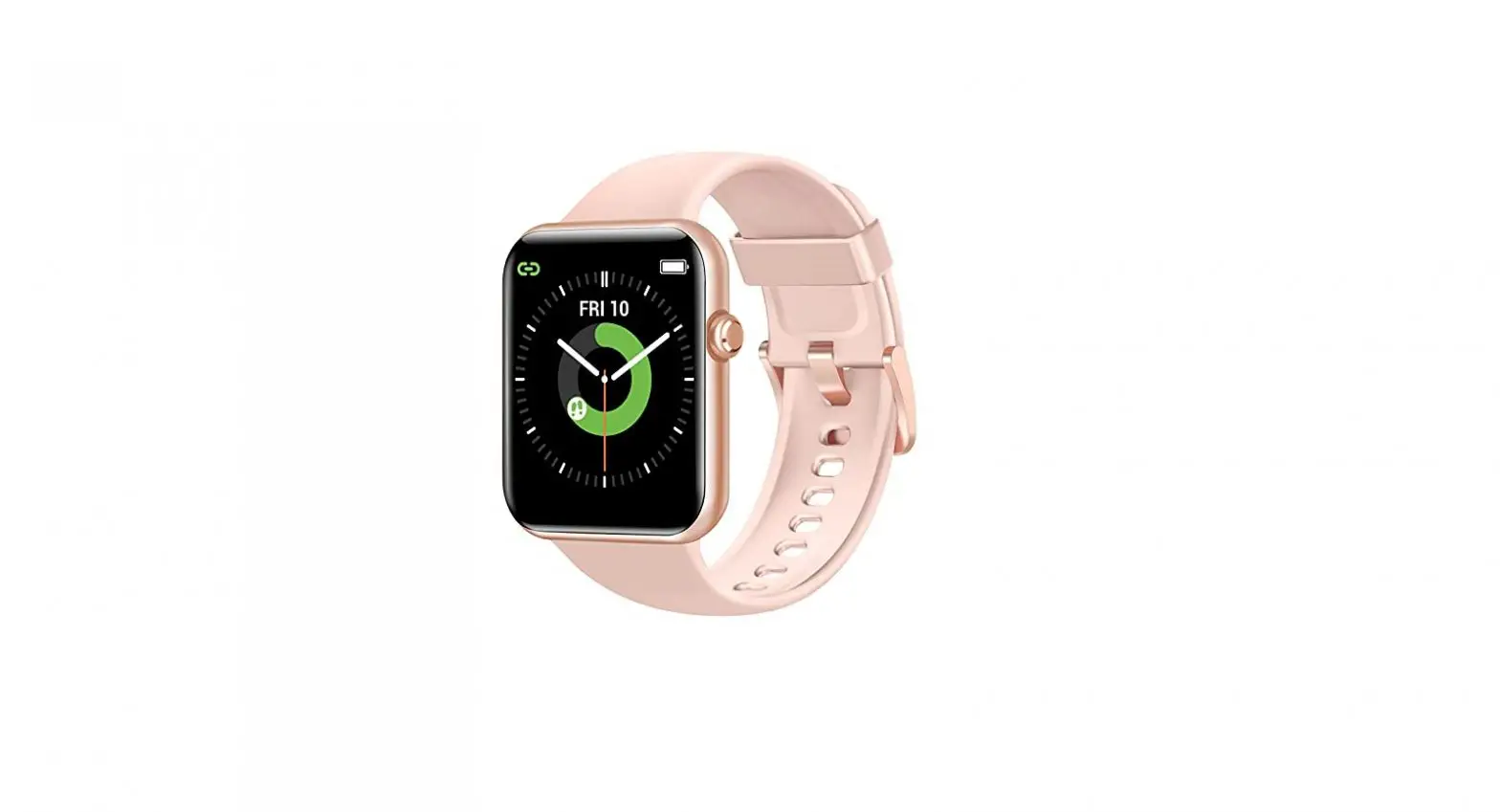
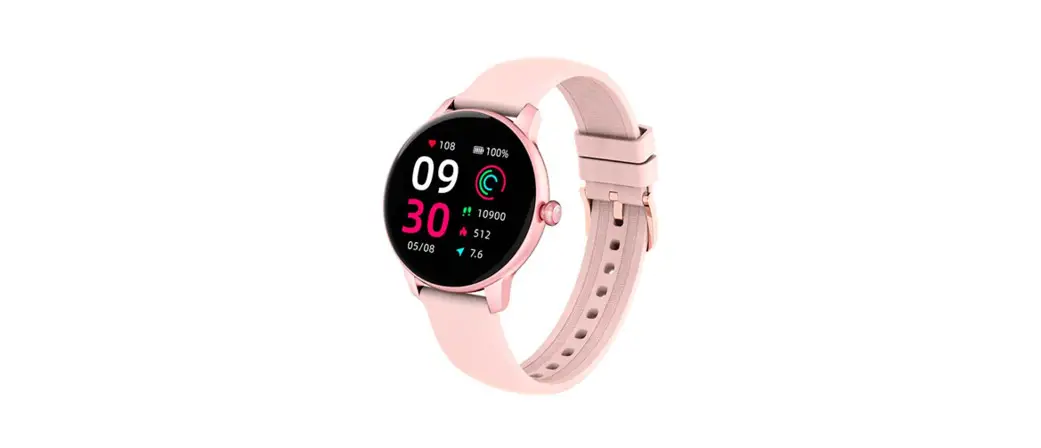
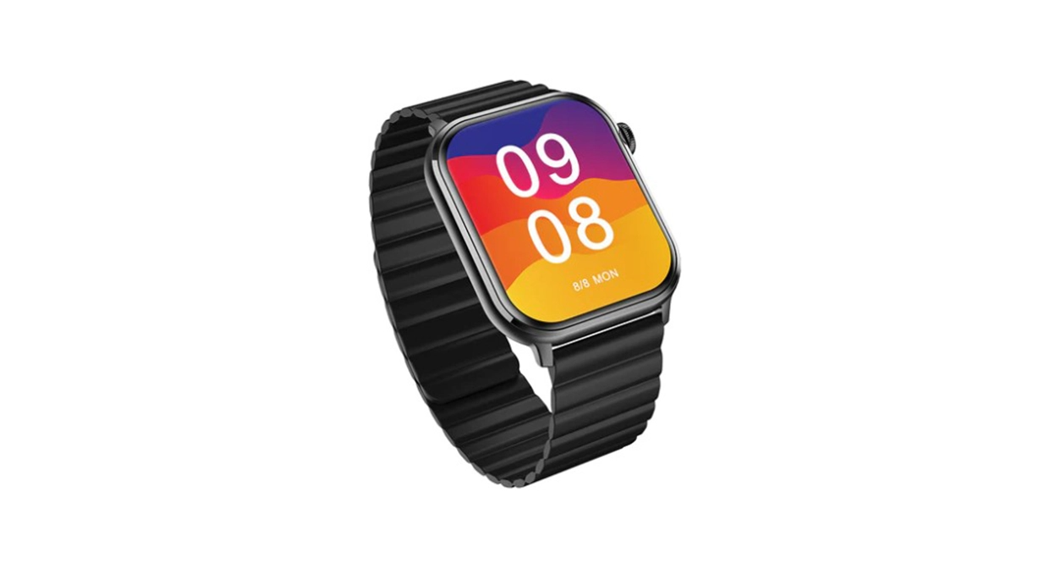
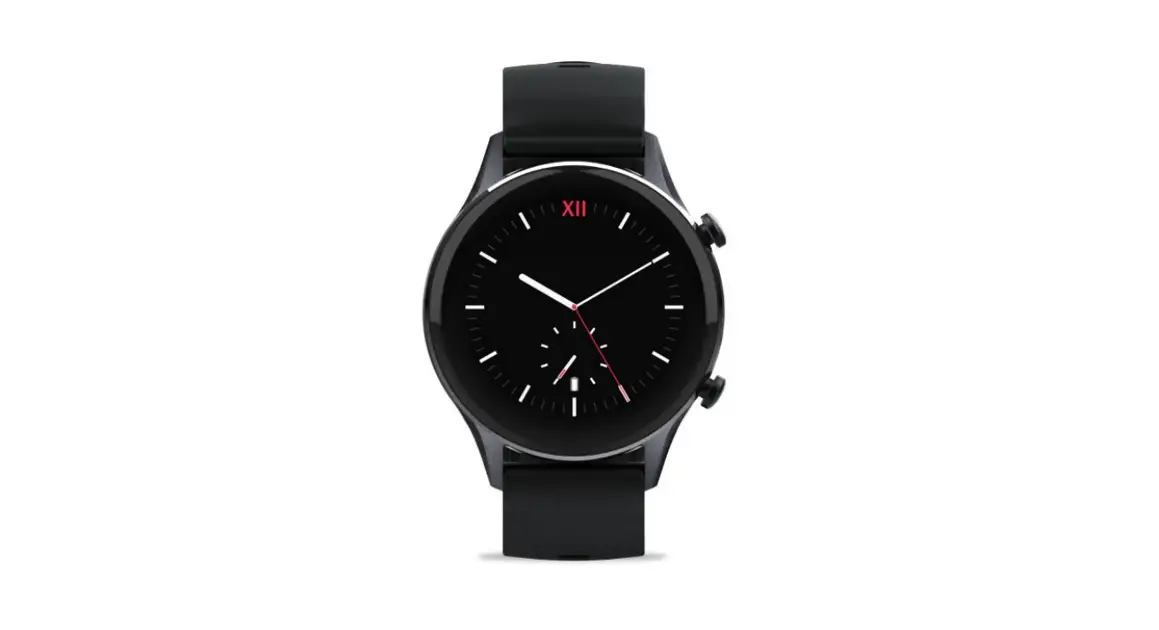
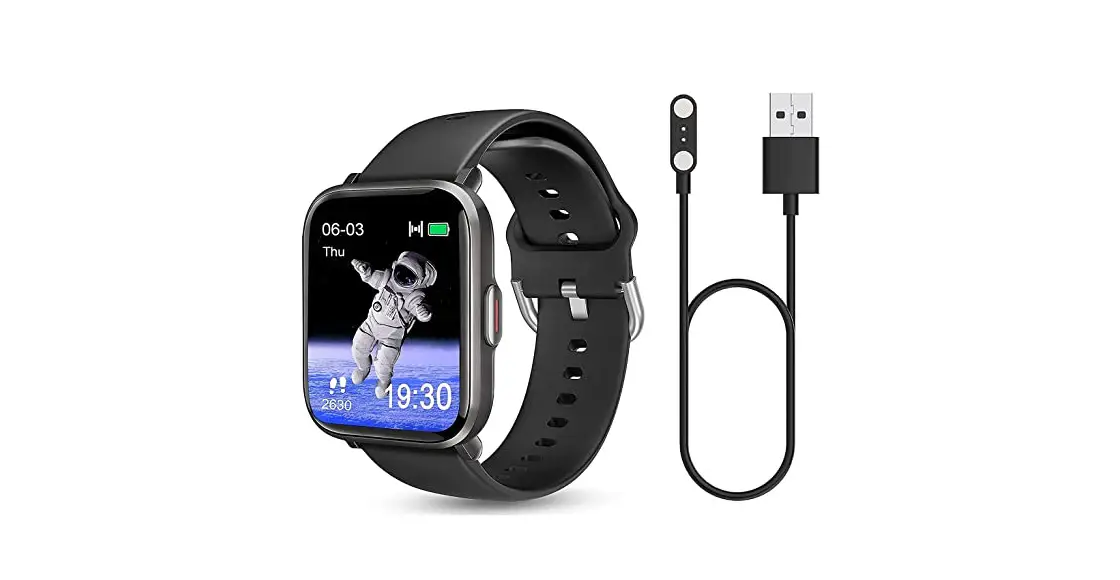
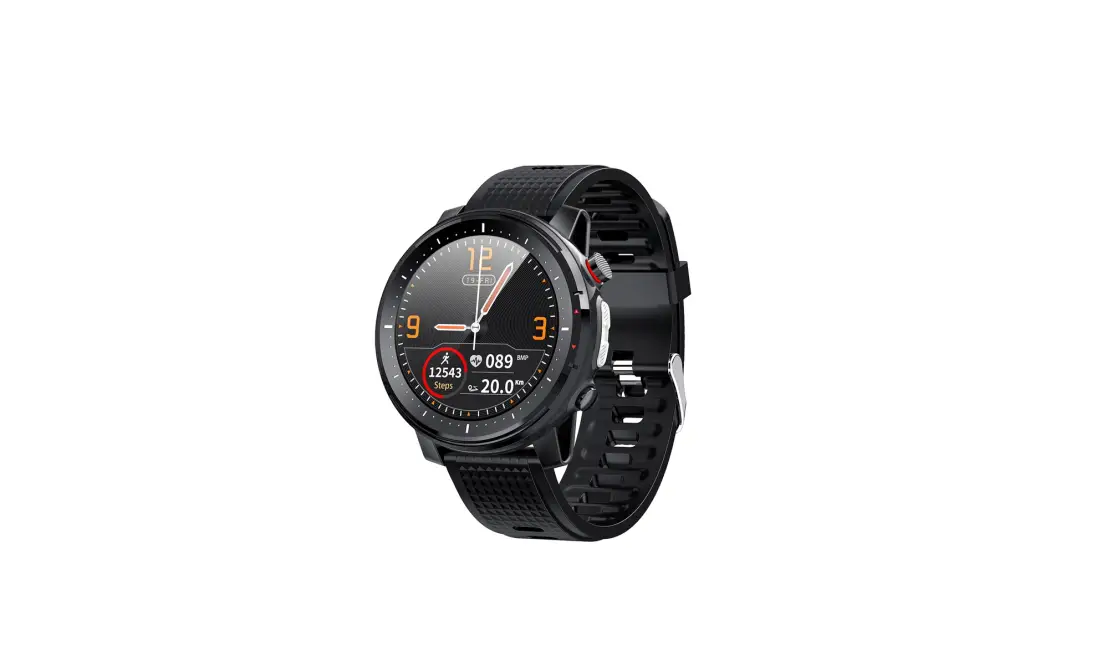
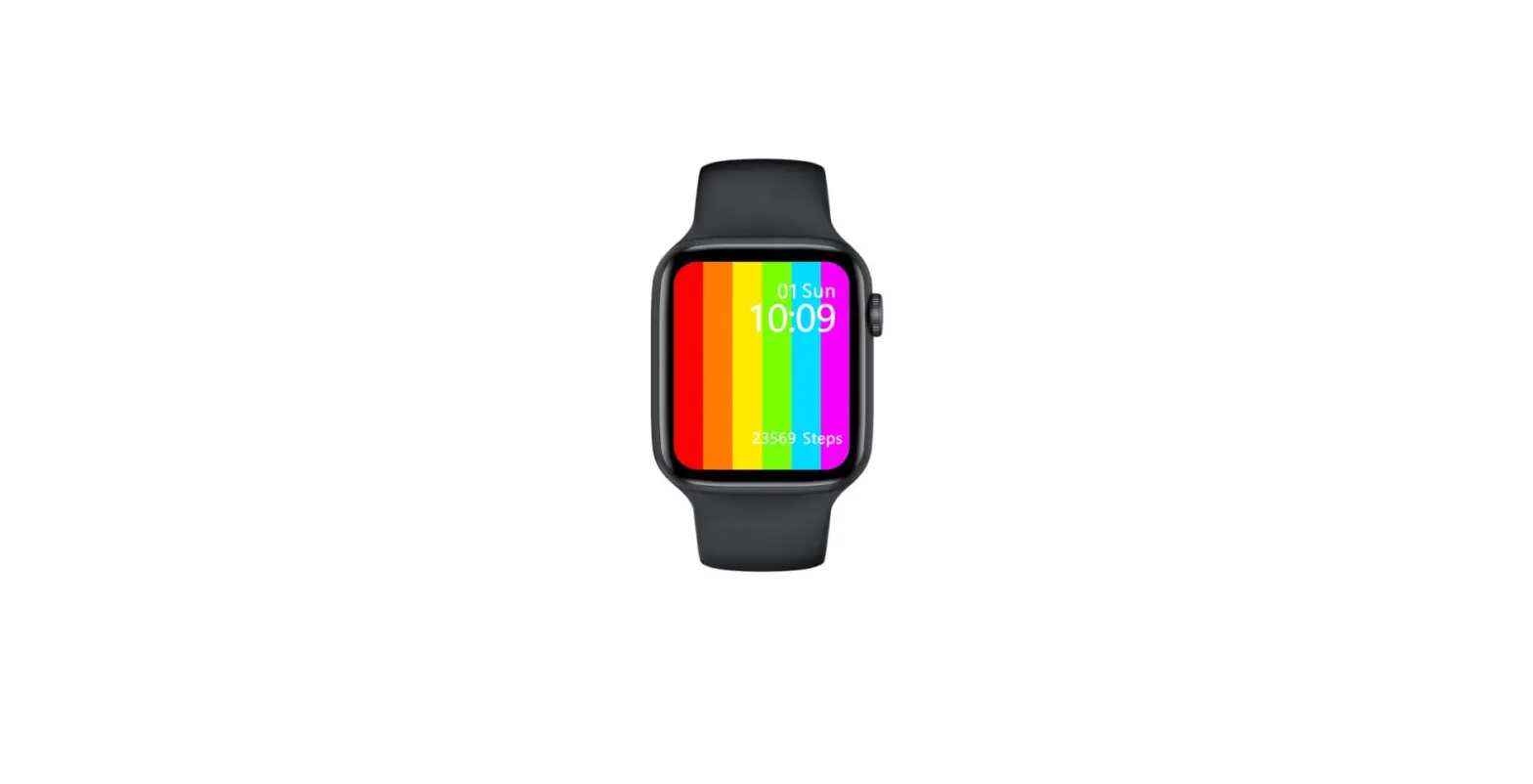
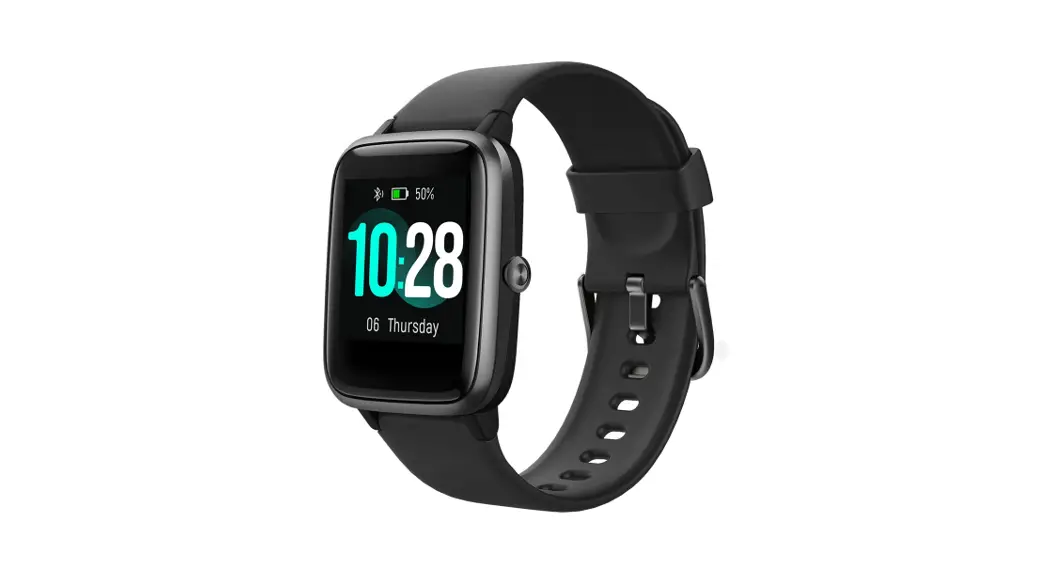
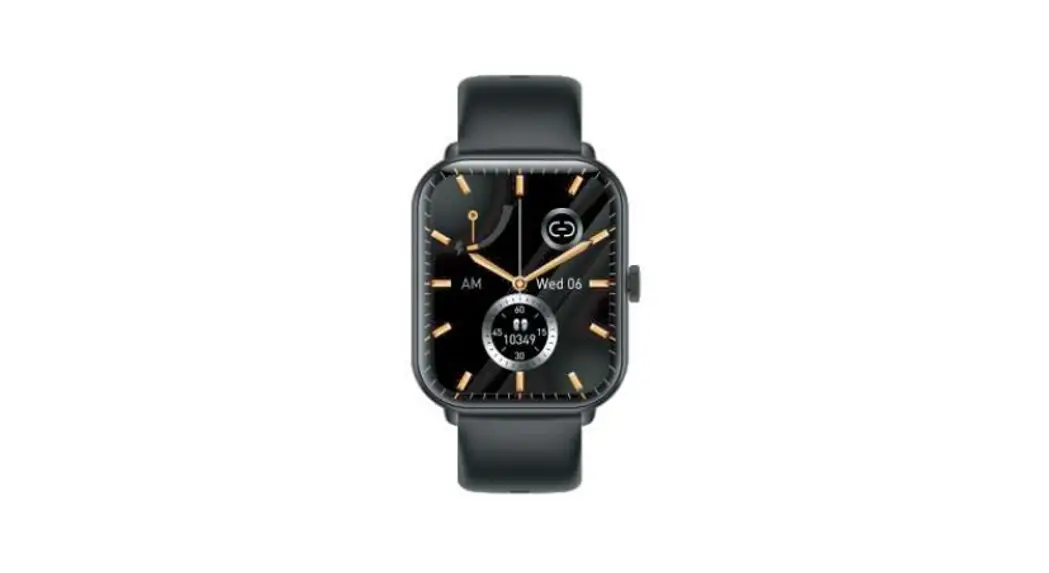
J15 Smart Watch
Product Information
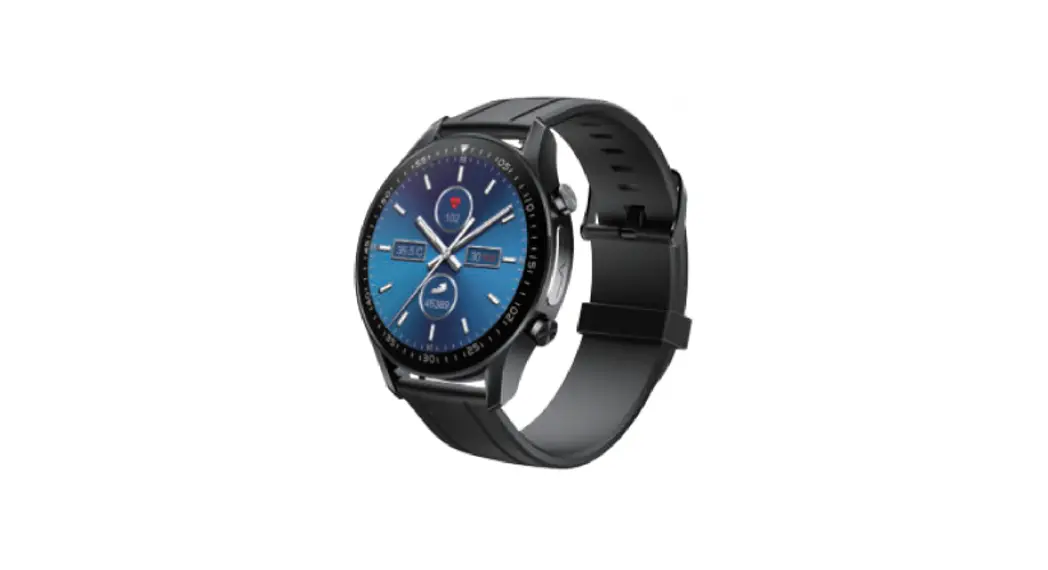
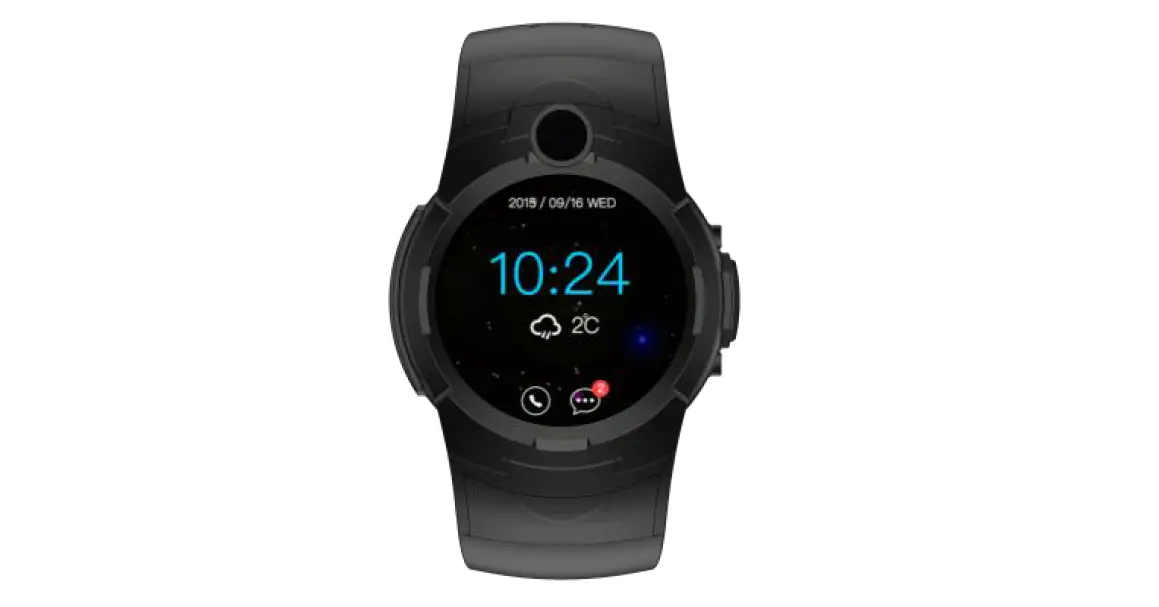
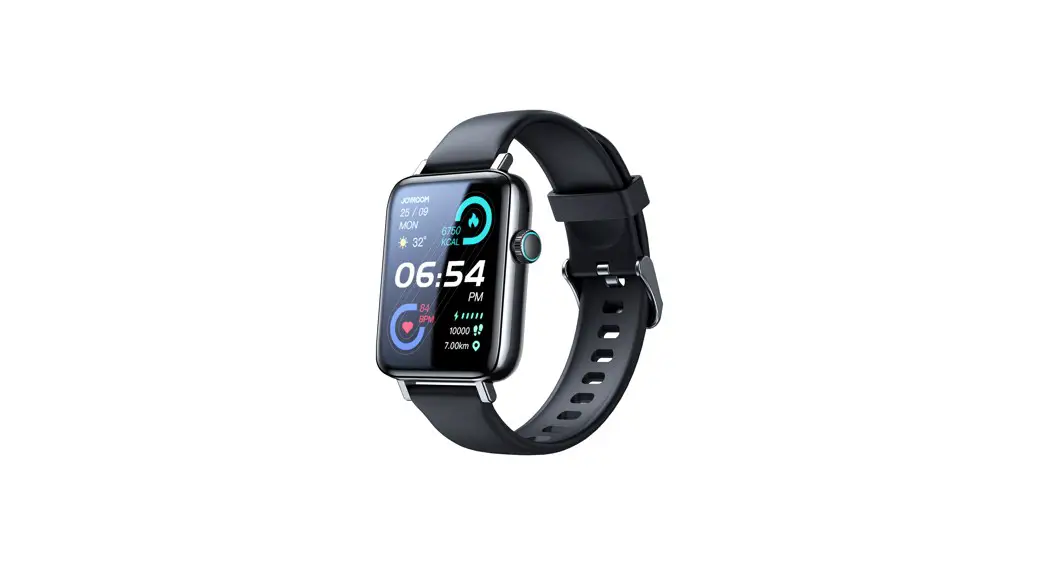
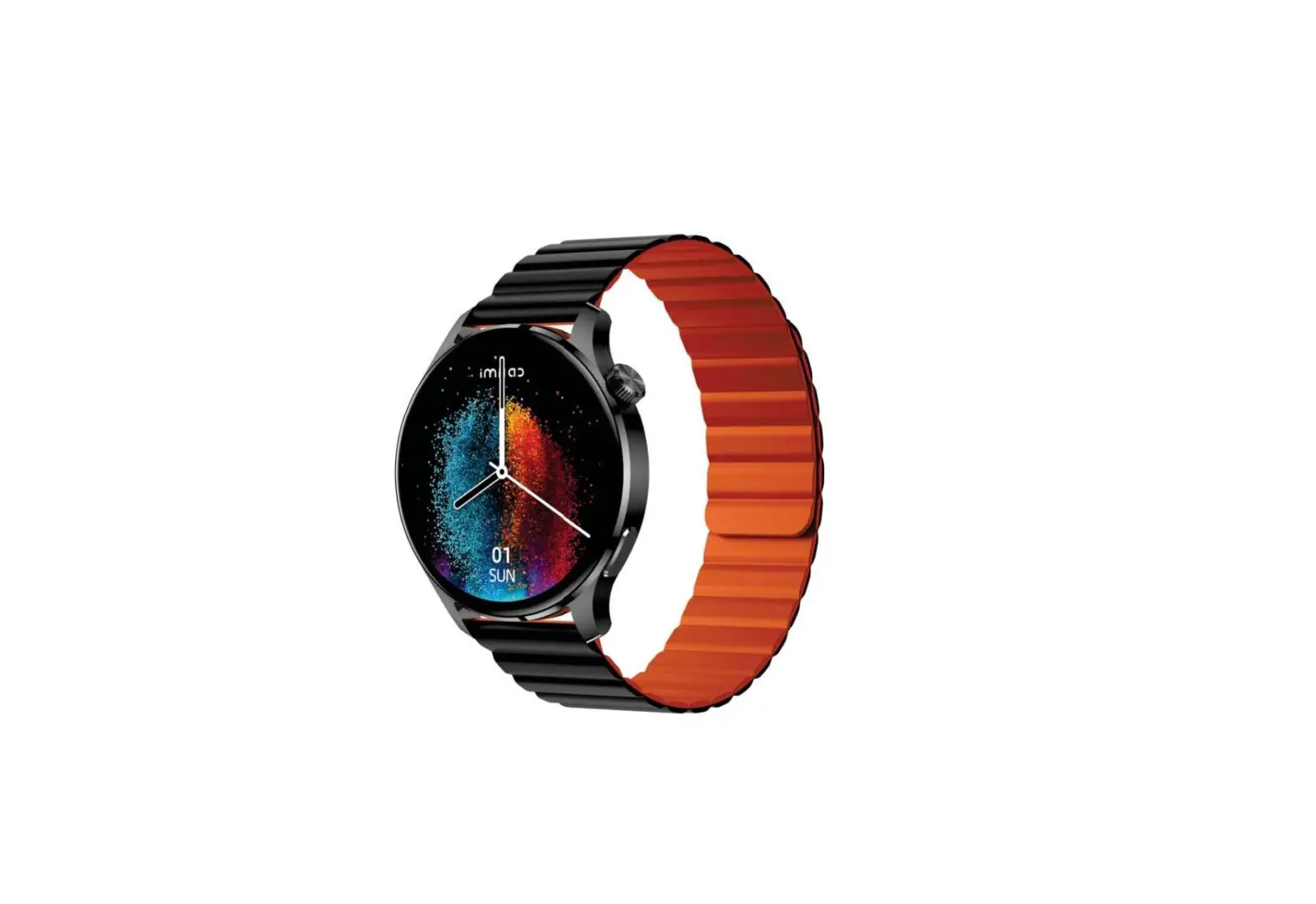
The J15 smart watch is a wearable device that offers various
features and functions. It comes with a watch host, including a
strap, a charging cable, and a product manual. The watch has a
touch screen interface and a knob button for navigation. It also
has a charging interface for easy charging of the device. The watch
requires a mobile phone with Android 4.4 and above or iOS 8.0 and
above for full functionality.
- Knob Button: Press and hold to turn on/off the
device. - Touch Screen: Click to light up the screen
when it’s off. On the dial page, turn to switch the dial. Double
click on the main menu page to switch the page style. When in the
main menu page of Style 1, turn to zoom in or out to enter the
function page. When in the main menu page other than Style 1, turn
to move the mobile menu. Long press in the power-on state to call
out Power off, restart, SOS options. - Charging: After turning on the power, attach
the charging head to the charging interface to charge the
device.
APP Download and Connection
To use all functions of the watch, it needs to be connected to a
mobile phone via an app and the mobile phone’s audio Bluetooth.
Please use Android 4.4 and above or iOS 8.0 and above mobile phones
to scan and download the corresponding app. Users in mainland China
should choose the specific option for downloading, while users
outside mainland China should choose the first two options
according to their system type.
- The watch and the mobile phone must be connected to the app and
the mobile phone’s audio Bluetooth for full functionality. During
the app installation process, please agree to all permissions. - To connect the watch to the mobile phone’s audio Bluetooth,
turn on Bluetooth on the watch, go to the mobile phone’s Bluetooth
settings, search for the Bluetooth device with the model name, and
click Connect to pair. - If there are any Bluetooth connection problems, you can try
turning off the Bluetooth of the mobile phone and reconnecting it.
Alternatively, you can restore the watch to factory settings. If
the watch is unresponsive, press and hold the power button for ten
seconds to restart it.
Features
The J15 smart watch offers various features and functions.
Please refer to the product manual for detailed information about
its capabilities.
Common Problems and Precautions
- Precautions for Use:
- Avoid wearing the watch while bathing or swimming.
- Ensure the watch is connected when synchronizing data.
- Use the included charging cable to charge the watch.
- Avoid exposing the watch to places with high moisture, high or
low temperature for a long time.
This device complies with Part 15 of the FCC Rules. It operates
under two conditions: (1) it should not cause harmful interference,
and (2) it must accept any interference received, including
interference that may cause undesired operation. Any changes or
modifications not approved by the responsible party may void the
user’s authority to operate the equipment. The device meets general
RF exposure requirements and can be used in portable exposure
conditions without restrictions.
Please read this manual carefully before using the product and keep it safe
J15 smart watch manual
Packing list: watch host (including strap), charging cable, product manual
Button function and charging
touch screen
Knob button: Press and hold to turn on the power off state
Click to light up the screen when the screen is off When in the dial page, turn to switch the dial Double click on the main menu page to switch
the page style When in the main menu page of Style 1, turn to
zoom out or zoom in to enter the function page When in the main menu page other than Style 1,
turn to move the mobile menu Long press in the power-on state to call out Power
off, restart, SOS options
Charging interface: After turning on the power, attach the charging head to this interface to charge the device
APP download and connection
Please use Android4.4 and above or/ IOS8.0 and above mobile phones to scan
Users in mainland China, please choose this option to download, and users in non-mainland China, please choose the first two corresponding options to download according to the system type
1.The watch and the mobile phone must be connected to the APP and the mobile phone’s audio Bluetooth to realize all functions. The permissions during the APP installation process are all agreed.
2.APP connection: Turn on the APP and the Bluetooth of the mobile phone, and the APP will remind you to enable the notification point to confirm. Click Add Device, search for the device name, and click Connect to connect the mobile device. Light up the watch screen, slide down from the edge of the screen on the dial page, a drop-down shortcut menu will appear, click the QR code icon, press and hold the QR code to slide left on the QR code page that appears, and a device will appear Pair the QR code, scan the code and connect to pair the current device.
3. Mobile phone audio Bluetooth connection: You need to turn on Bluetooth on the watch side, enter the mobile phone Bluetooth, search for the Bluetooth device with the model name, and click Connect to pair.
4.Simple solutions to common Bluetooth problems: Due to the lack of uniformity in the Bluetooth protocols of various mobile phone brands, sometimes the Bluetooth connection between the mobile phone and the watch may be unstable. You can turn off the Bluetooth of the mobile phone and reconnect it again, or restore the watch to factory settings , if the watch is in a dead state, you can press and hold the power button for ten seconds to restart the watch.
Features:
Smart voice: This function can use voice control mobile phone to operate Find your phone: When you keep connected to your phone, the phone will ring and vibrate when you use this function Sports record: This function will record the type, time and calories of your exercise. Only sports that take more than two minutes will be included Sports: more than 100 built-in sports Language: Built-in 26 languages (English, Chinese, Russian, Spanish, Italian, Portuguese, Dutch, Turkish, Vietnamese, Hebrew, Thai, Arabic, Malaysian, Burmese, Persian , German, French, Polish, Swedish, Hungarian, Greek, Indonesian, Ukrainian, Romanian, Czech, Bulgarian) Remote camera: When the mobile phone is on the APP page connected to the watch, you can use this function to remotely take pictures on the watch Stress: The stress score is displayed on a scale of 0-100, the lower the score, the lower the body pressure; below 29 is relaxed, 30-59 is normal, 60-79 is medium, and 80-99 is high Blood oxygen: The normal value of blood oxygen saturation for ordinary people is 95%-100% Blood pressure: Normal blood pressure should be less than 120/80, that is, systolic blood pressure is less than 120 and diastolic blood pressure is less than 80 Blood sugar: The normal range of blood sugar is between 3.9-10mmol/L Game: Built-in a 2048 small game
Heart rate: Normal heart rate for adults is 60-100 beats/min Message: You can click this icon to view the received message reminder Weather: After connecting to the mobile phone, the local weather conditions will be pushed to the watch terminal Raise the wrist to turn on the screen: After this function is turned on, lift the hand wearing the watch and turn the dial to face yourself, and the screen will automatically turn on Sleep: This function can monitor your sleep status, the default monitoring time is 22:00-08:00 Flashlight: When this function is turned on, a bright white screen will appear, which can be used as a miniature light source Time and date: without connecting to the phone, you can adjust the time and date on the watch side and use it independently Menstrual cycle: This function can predict the time of women’s menstrual cycle to facilitate reminders Settings: It is the largest integrated function in the watch device, you can change the basic settings, language category; view system version information, restore factory settings, etc. Calendar: This function can view the calendar on the watch side Alarm clock: This function can set the alarm clock on the watch side, and can set up to 5 alarm clocks Stopwatch: This function can use the stopwatch to time Password: This function can set the screen saver password of the watch, and can open, close, change and other operations
Brightness setting: This function includes brightness adjustment and screen-off time adjustment Bluetooth music: You can control the playback, pause, previous song, and next song of mobile phone music; the music sound can also be transmitted from the watch end Calculator: Like a normal calculator, it can do addition, subtraction, multiplication and division Step counting: step counting has three elements, steps, distance, calories Breathing: This function can set the breathing time and breathing rhythm. The breathing time is 1-6 minutes optional, and the breathing rhythm can be slow, soothing, and slightly faster. More: This function is similar to a small toolbox, which contains tools such as stopwatch, countdown, flashlight, phone finder, remote camera, calculator, calendar, etc. Return to the dial: Click this function icon to return to the dial interface Phone: This function includes address book, call history, dial pad Countdown: This function can count down to 1, 2, 5, 10 minutes Whatsapp: a social media application, the message pushed by this application will be displayed in this function Twitter: a social media application, the news pushed by this application will be displayed in this function Instagram: a social media application, the messages pushed by this application will be displayed in this function Facebook: a social media application, the messages pushed by this application will be displayed in this function
common problem:
1. Can’t find the watch? Answer: If the Bluetooth broadcast of the watch is not found by the mobile phone, please make sure that the watch is powered and activated, and is not connected to other mobile phones. Put the watch close to the phone and search again. If it still doesn’t work, turn off the phone’s Bluetooth for 20 seconds and then turn it on again to search again. 2. Should the Bluetooth connection be turned on all the time? If it is closed, will there still be data? Answer: Before the data is synchronized, the exercise and sleep data will remain on the watch host. When the mobile phone and the watch are successfully connected via Bluetooth, the watch will automatically upload the data to the mobile phone. However, the data stored on the watch is limited, and it can only store about one week of Bluetooth data. Data, when the space is full, it will automatically overwrite the earliest data to generate the latest data, so please synchronize the watch to the phone in time. Remarks: If the call and message reminder function is turned on, you need to keep the Bluetooth connected, and the alarm clock reminder supports offline. 3. What should I do if the watch cannot be charged? Please confirm whether the direction of the charging interface is correct, and whether the charging interface is in good contact with the watch When the power of the watch is lower than 3.6V, there will be a battery pre-charging time for one end of the time Remarks: After plugging in the charger, it will enter the charging state immediately. If there is no display, it will enter the charging state after charging for 3-5 minutes.
Precautions for use:
1. It is not advisable to wear it when bathing and swimming. 2. Please connect the watch when synchronizing data. 3. Please use the included charging cable to charge 4. Do not expose the watch to places with high moisture, high or low temperature for a long time
This device complies with Part 15 of the FCC Rules. Operation is subject to the following two conditions: (1) this device may not cause harmful interference, and (2) this device must accept any interference received, including interference that may cause undesired operation
NOTE: This equipment has been tested and found to comply with the limits for a Class B digital device, pursuant to Part 15 of the FCC Rules. These limits are designed to provide reasonable protection against harmful interference in a residential installation. This equipment generates, uses and can radiate radio frequency energy and, if not installed and used in accordance with the instructions, may cause harmful interference to radio communications. However, there is no guarantee that interference will not occur in a particular installation. If this equipment does cause harmful interference to radio or television reception, which can be determined by turning the equipment off and on, the user is encouraged to try to correct the interference by one or more of the following measures: — Reorient or relocate the receiving antenna. — Increase the separation between the equipment and receiver. — Connect the equipment into an outlet on a circuit different from that to which the receiver is connected. — Consult the dealer or an experienced radio/TV technician for help.
Warning: changes or modifications not expressly approved by the party responsible for compliance could void the user’s authority to operate the equipment
The devices has been evaluated to meet general RF exposure requirement the device can be used in portable exposure condition without restriction