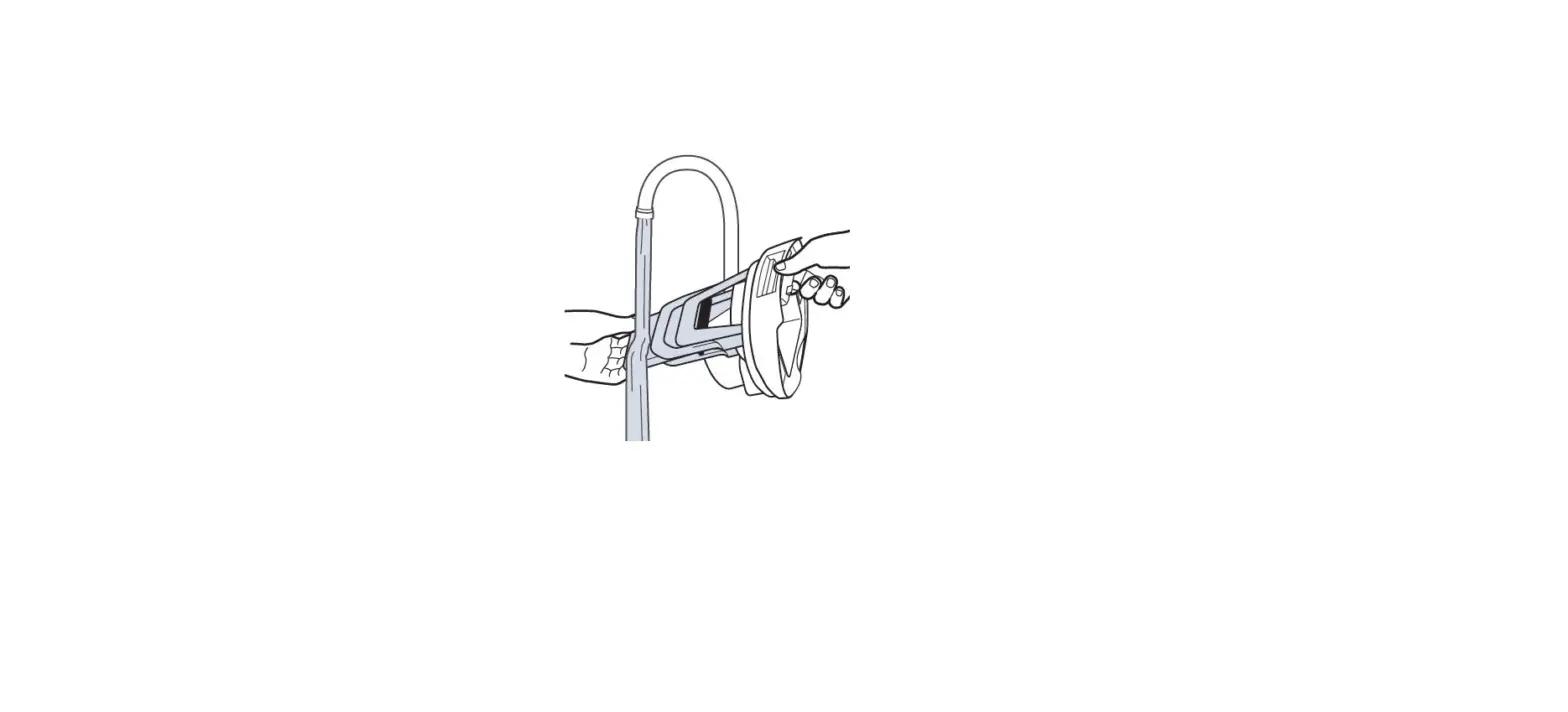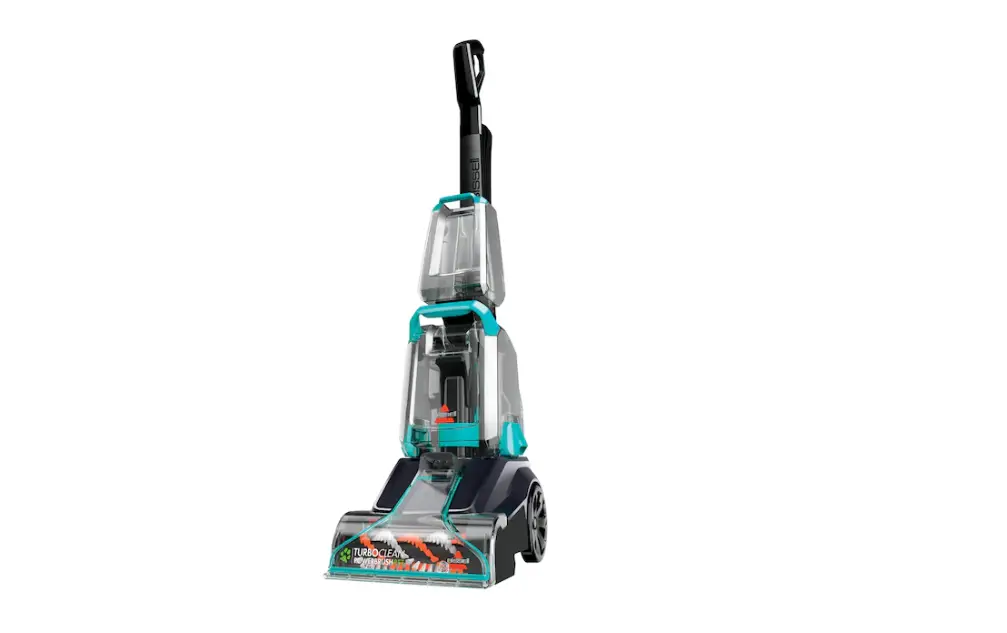
If your machine is making an abnormally loud noise it is likely due to the belt slipping or the brush roll being incorrectly installed, follow these steps to resolve:
- Turn off and unplug machine
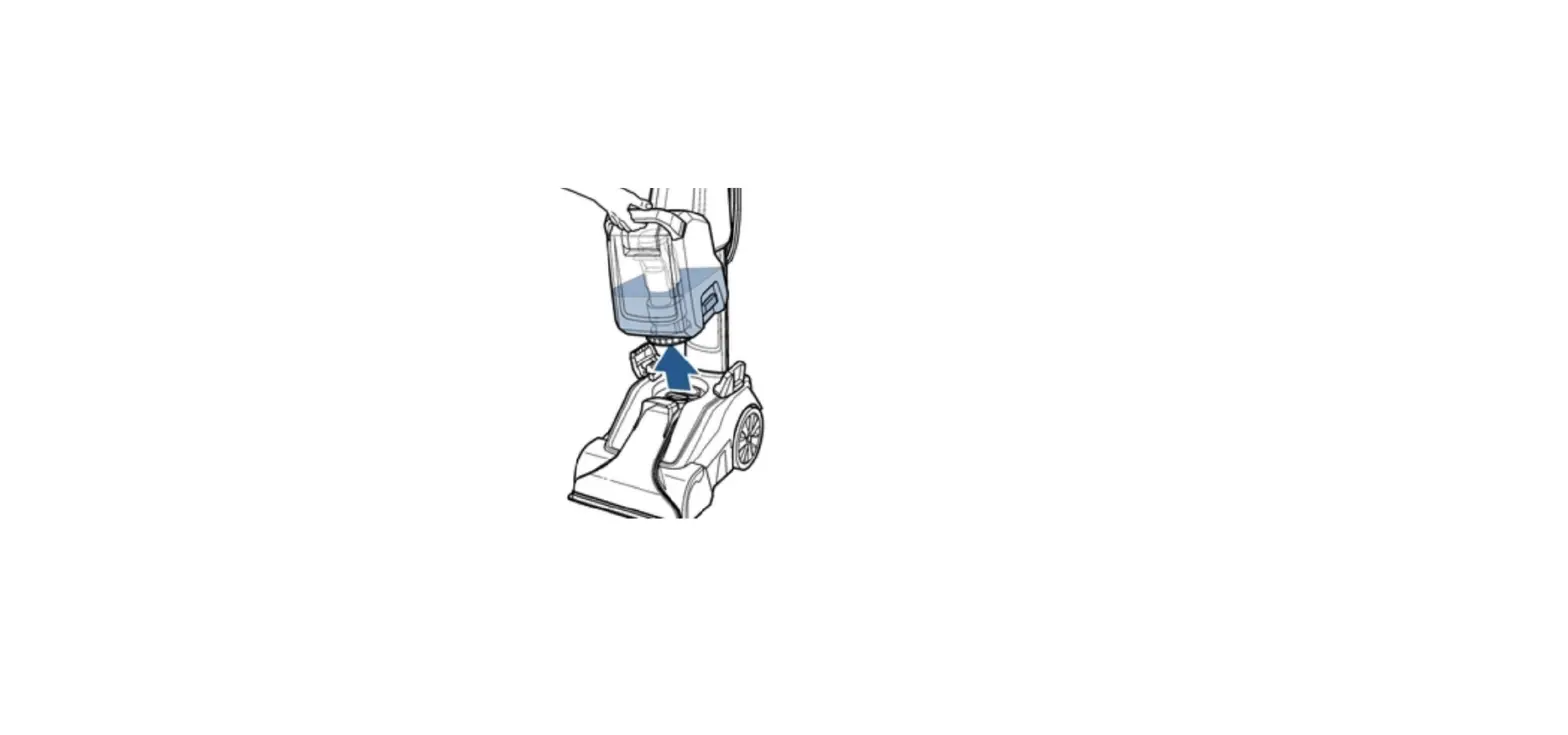
- Remove both tanks
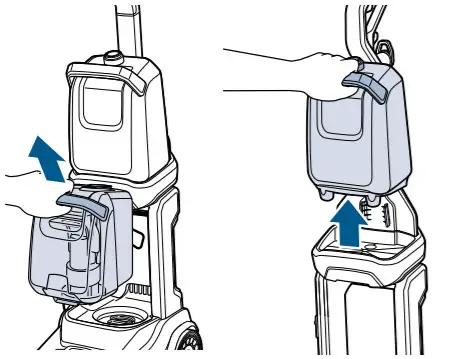
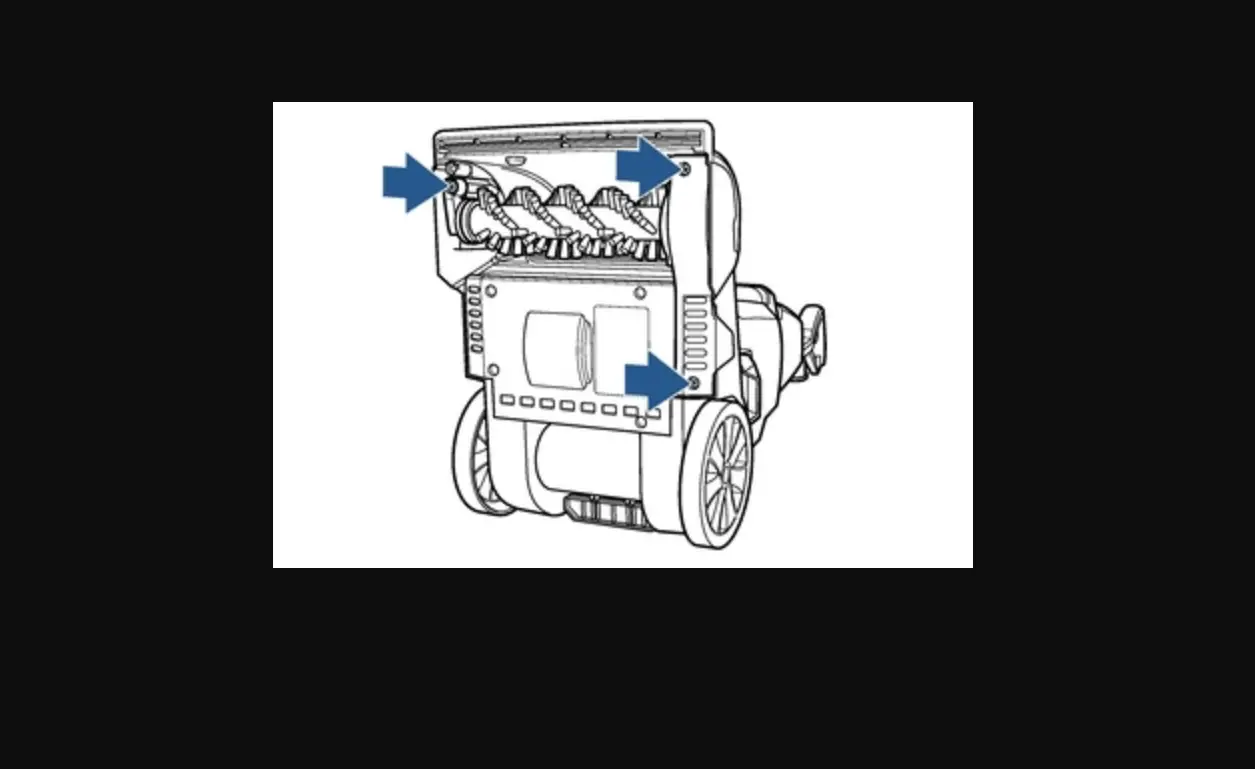
- Locate the brush access cover
- Turn machine on its side with the brush access cover facing up
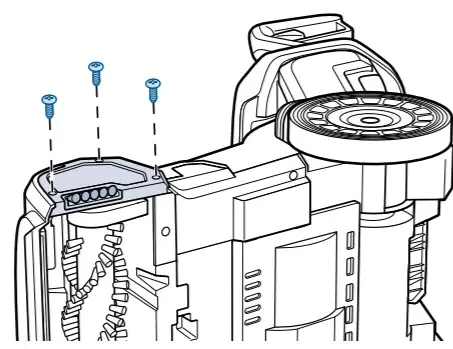
- Use a Phllips-head screwdriver to remove 3 screws from brush access cover > Set screws aside
- Remove brush access cover to expose the cogged belt and brush roll
- Remove 2 screws from brush access plate > Set screws aside
- Remove brush access plate to expose flat pump belt
- If belt has slipped, place back onto pulley
- If flat pump belt is broke or damaged, a replacement should be ordered > Go to Parts & Supplies
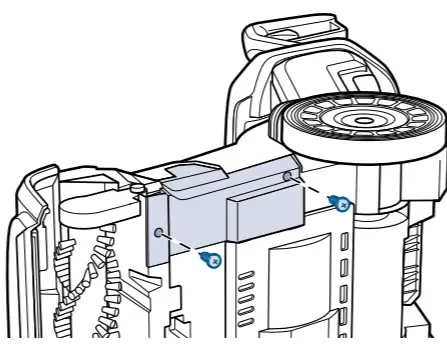
- Remove brush cover by pulling straight up
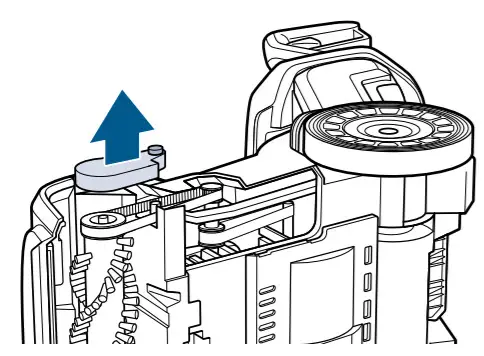
- Remove cogged large pump belt and check for damage
- If damaged a replacement belt should be ordered > Go to Parts & Supplies
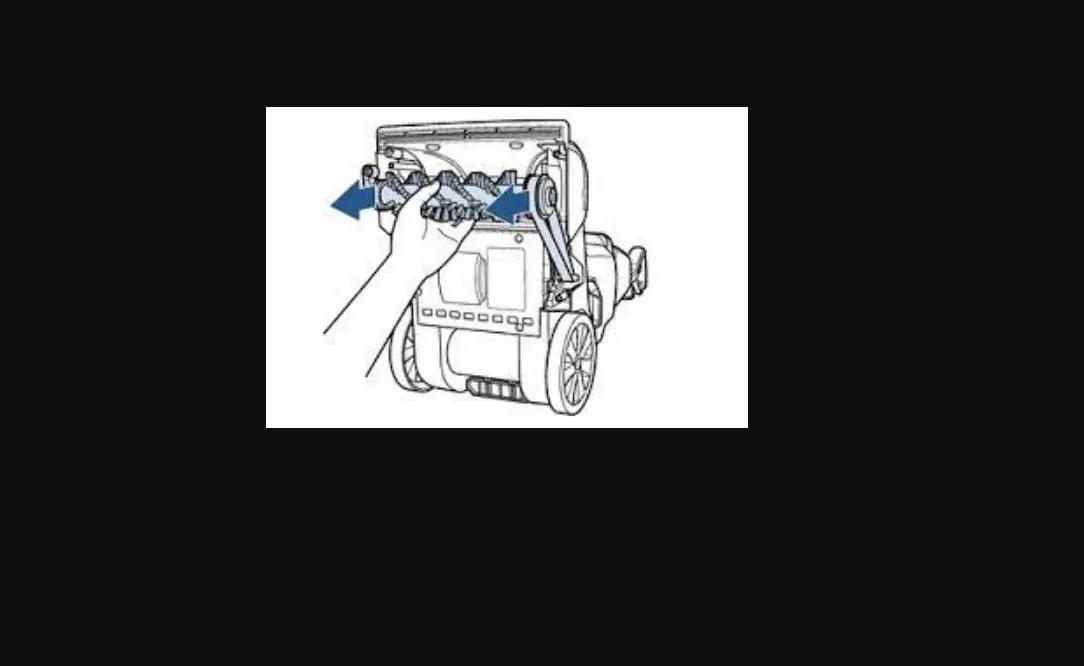
- Remove brush roll and clear of any obstructions or hair wraps
- Test that brush roll can spin freely
- If brush roll is damaged or cannot spin freely, a replacement should be ordered > Go to Parts & Supplies
- Replace flat pump belt around the red area of the large pulley
- Use your thumb to stretch it toward the back of the machine and transfer it to the metal axel
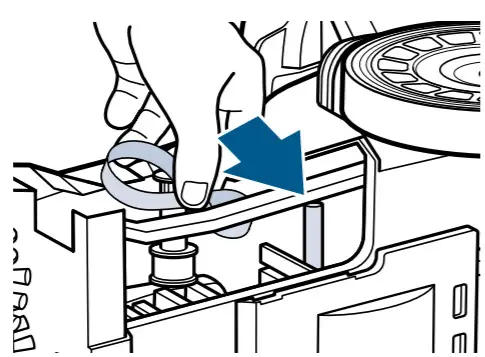
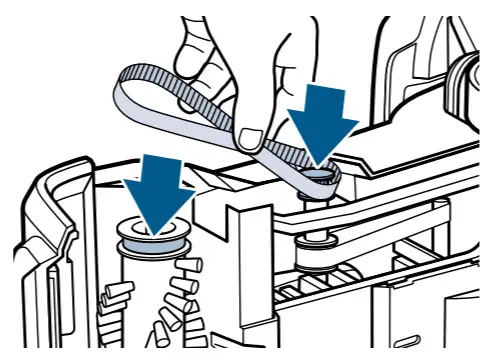
- Replace cogged pump belt wrapping new belt around small metal toothed pulley
- While wrapped around pulley, stretch and wrap around brush gear
- Has this resolved the issue?
- Yes > Great! Glad we could get you back to cleaning!
- No > Go to After Cleaning Care