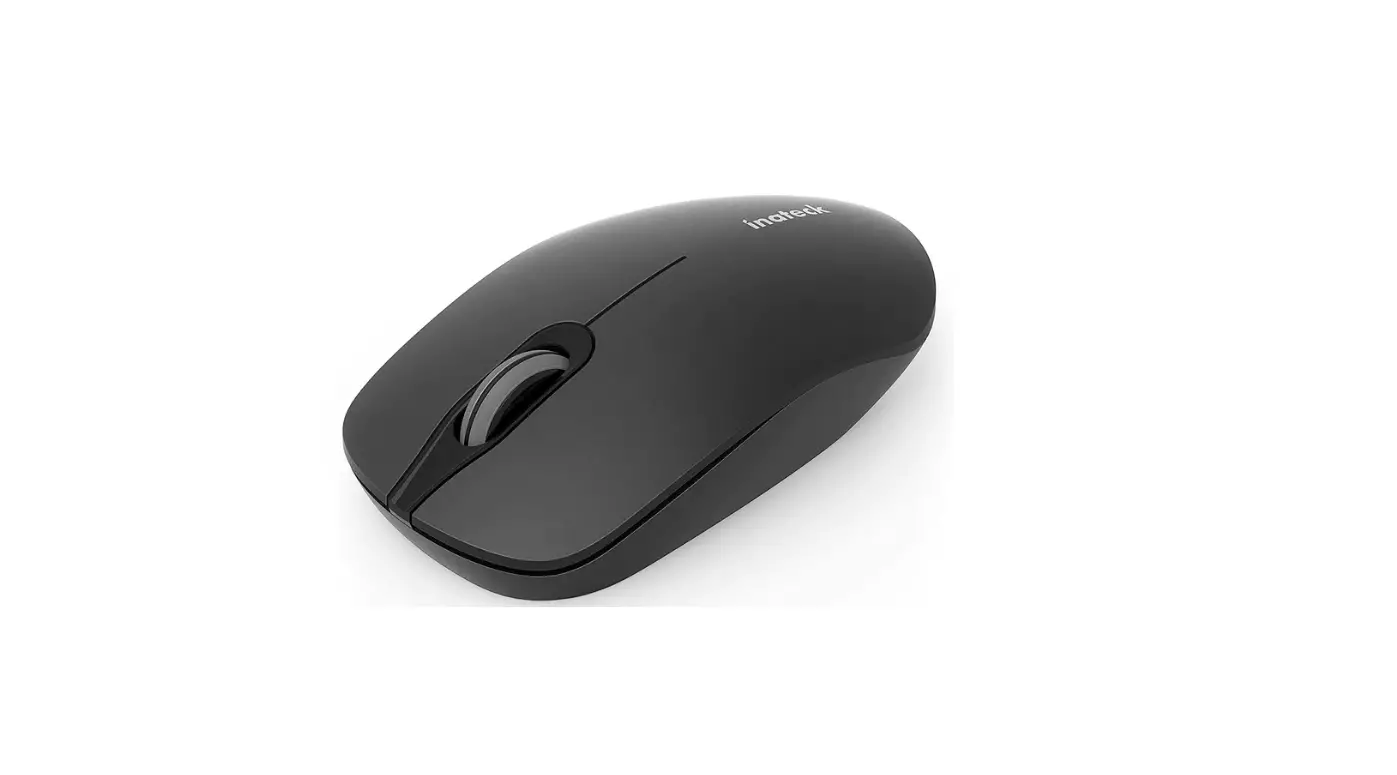
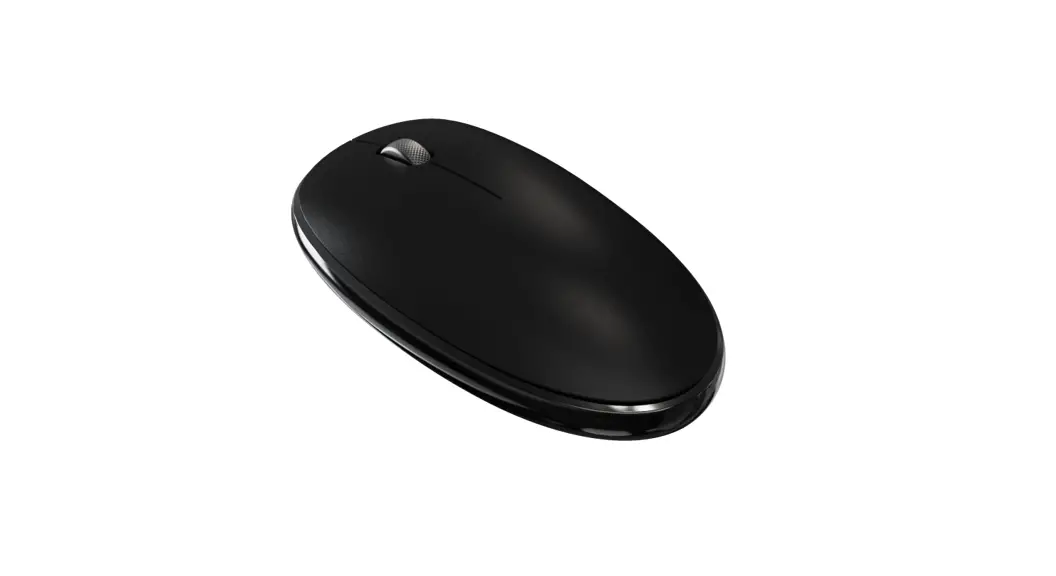
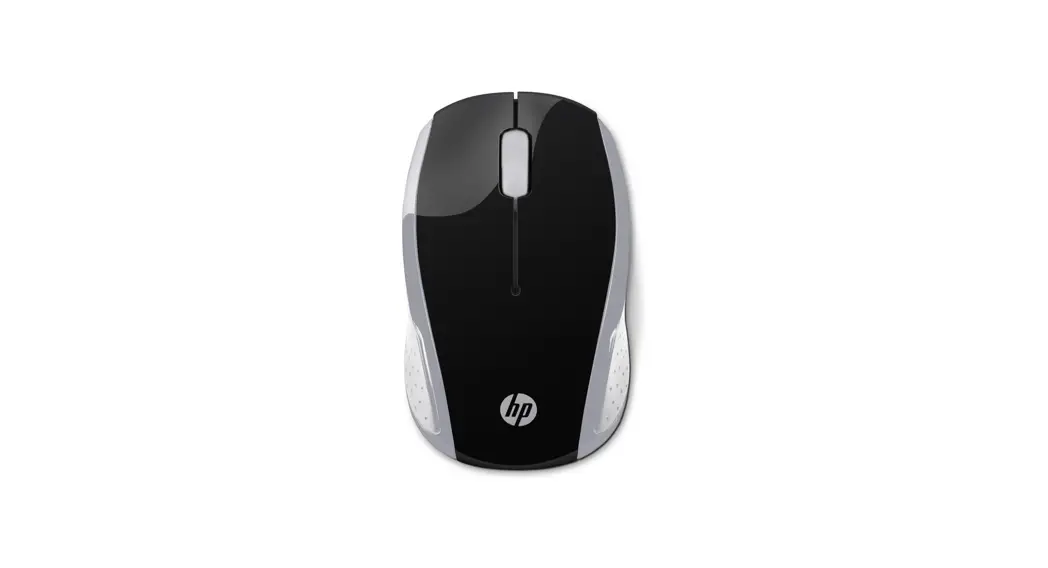
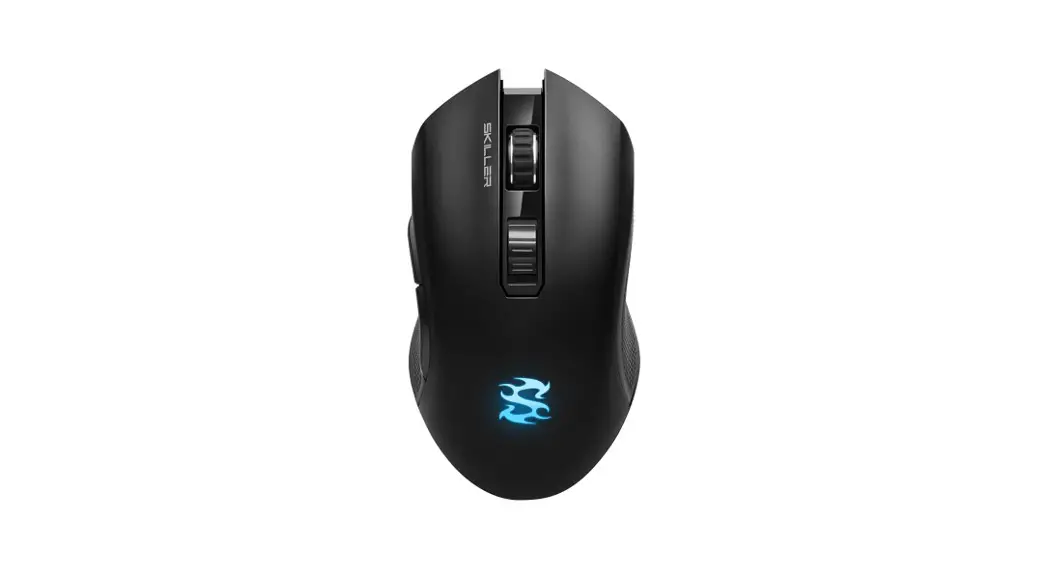
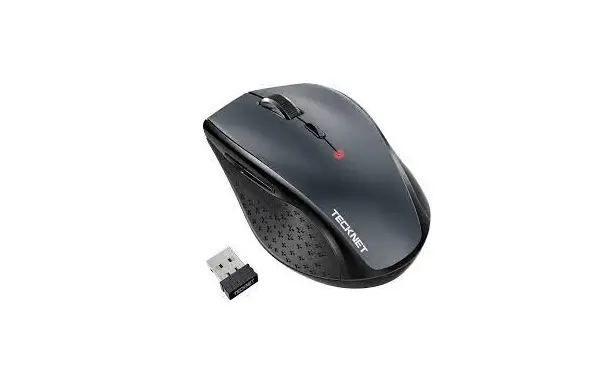
2MNMS2002Wireless Mouse
Product Information:
- Product Name: Wireless Mouse
- Style Number: 2MNMS2002
- Dual Wireless Connection: 2.4G USB and Bluetooth 5.1
- Connectivity: Connect up to 2 devices
- Design: Compact and portable
- Battery: 1 x AA dry battery (included)
- Features:
- Scroll Wheel
- Side Buttons
- DPI Button
- LED Indicator
- 6 buttons: left click, right click, scroll, DPI, backward,
forward - Resolution: 1200-2000-3200 DPI
- Material: 95% ABS + 5% metal
- Size: L4.2 * W2.7 * H1.6 inch
- Weight: 0.17 lb
- Compatible with Mac and Windows
Product Usage Instructions:
- Remove the wireless mouse, AA battery, USB nano receiver, and
user manual from the package. - Insert the AA battery into the battery compartment located on
the underside of the mouse. - Locate the USB nano receiver stored in the battery compartment
and insert it into a USB port on your computer. - The LED indicator on the mouse will flash to indicate it is
ready to pair with your computer. - Turn on Bluetooth on your computer and search for available
devices. - Select “Monster BT” to pair the mouse with your computer via
Bluetooth. - Alternatively, switch the mouse to 2.4G mode by sliding the
switch located on the underside of the mouse to the “USB”
position. - The LED indicator on the mouse will stop flashing and turn
solid to indicate it is connected via 2.4G USB. - If you want to connect the mouse to a second device, repeat
steps 4-7 with the second device. - The scroll wheel, side buttons, DPI button, backward button,
and forward button can be used for navigation and
customization. - To conserve battery life, turn off the mouse when not in use by
sliding the switch located on the underside of the mouse to the
“off” position.
USER MANUAL WIRELESS MOUSE
Style#:2MNMS2002
DUAL WIRELESS CONNECTION
CONNECT UP TO 2 DEVICES
COMPACT & PORTABLE
BATTERY INCLUDED
SPECIFICATIONS
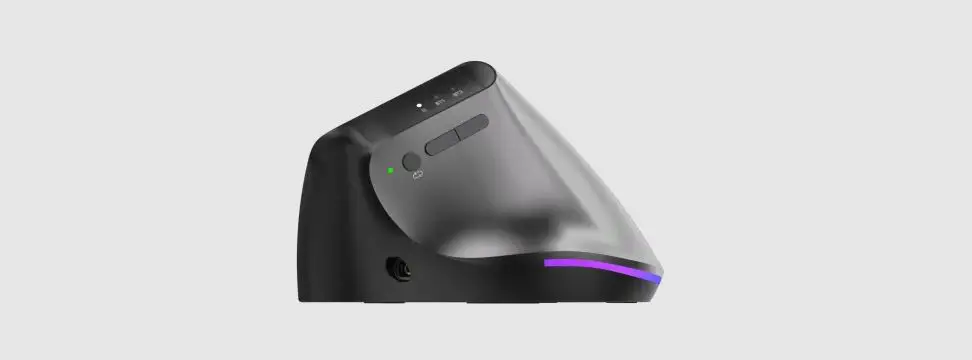
Scroll Wheel Side Buttons DPI Button LED Indicator
CONNECT TO COMPUTER
2.4G USB / Bluetooth Switch
Battery Compartment & USB Nano receiver storage
Bluetooth 5.1
Bluetooth pair name: Monster BT
Mouse features 2.4G + Bluetooth 5.1 Material: 95% ABS + 5% metal Size: L4.2 * W2.7 * H1.6 inch Weight: 0.17 lb 6 buttons: left click, right click, scroll,
DPI, backward, forward Resolution: 1200-2000-3200 DPI Power: 1*AA dry battery Compatible with mac and windows
Step 1: Install battery Step 2: There is a 2.4G USB & Bluetooth switch button on the bottom. Press this button to shift modes, if LED indicator on top is green, mouse is under 2.4G mode. In this mode you will need to plug the USB receiver to your computer for the mouse to connect. Step 3: If you want to shift to bluetooth mode, press and hold the bottom mode switch button until the top blue LED flashes, mouse enters into bluetooth connection mode. Step 4: This mouse will search Bluetooth devices automatically. After successfully paired, you can use it freely.
FCC STATEMENT
This device complies with part 15 of the FCC Rules. Operation is subject to the following two conditions: (1) This device may not cause harmful interference, and (2) this device must accept any interference received, including interference that may cause undesired operation. NOTE: This equipment has been tested and found to comply with the limits for a Class B digital device, pursuant to Part 15 of the FCC rules. These limits are designed to provide reasonable protection against harmful interference in a residential installation. This equipment generates, uses and can radiate radio frequency energy and, if not installed and used in accordance with the instructions, may cause harmful interfer-ence to radio communications. However, there is no guarantee that interference will not occur in a particular installation. If this equipment does cause harmful interference to radio or television
and on, the user is encouraged to try to correct the interference by one or more of the following measures: – Reorient or relocate the receiving antenna. – Increase the separation between the equipment and receiver.
that to which the receiver is connected. – Consult the dealer or an experienced radio/TV technician for help. CAUTION: Changes or modifications not expressly approved by the party responsible for compliance could void the user’s authority to operate the product.
2023© Lifeworks Technology Group LLC. New York, NY 10018. The M Monster logo and Monster Logo are trademarks used under license of Monster, Inc. All rights reserved. Manufactured, marketed and distributed by Lifeworks Technology Group LLC. under license. Made in China.
WEB: WWW.MONSTERSTORE.COM EMAIL: [email protected]
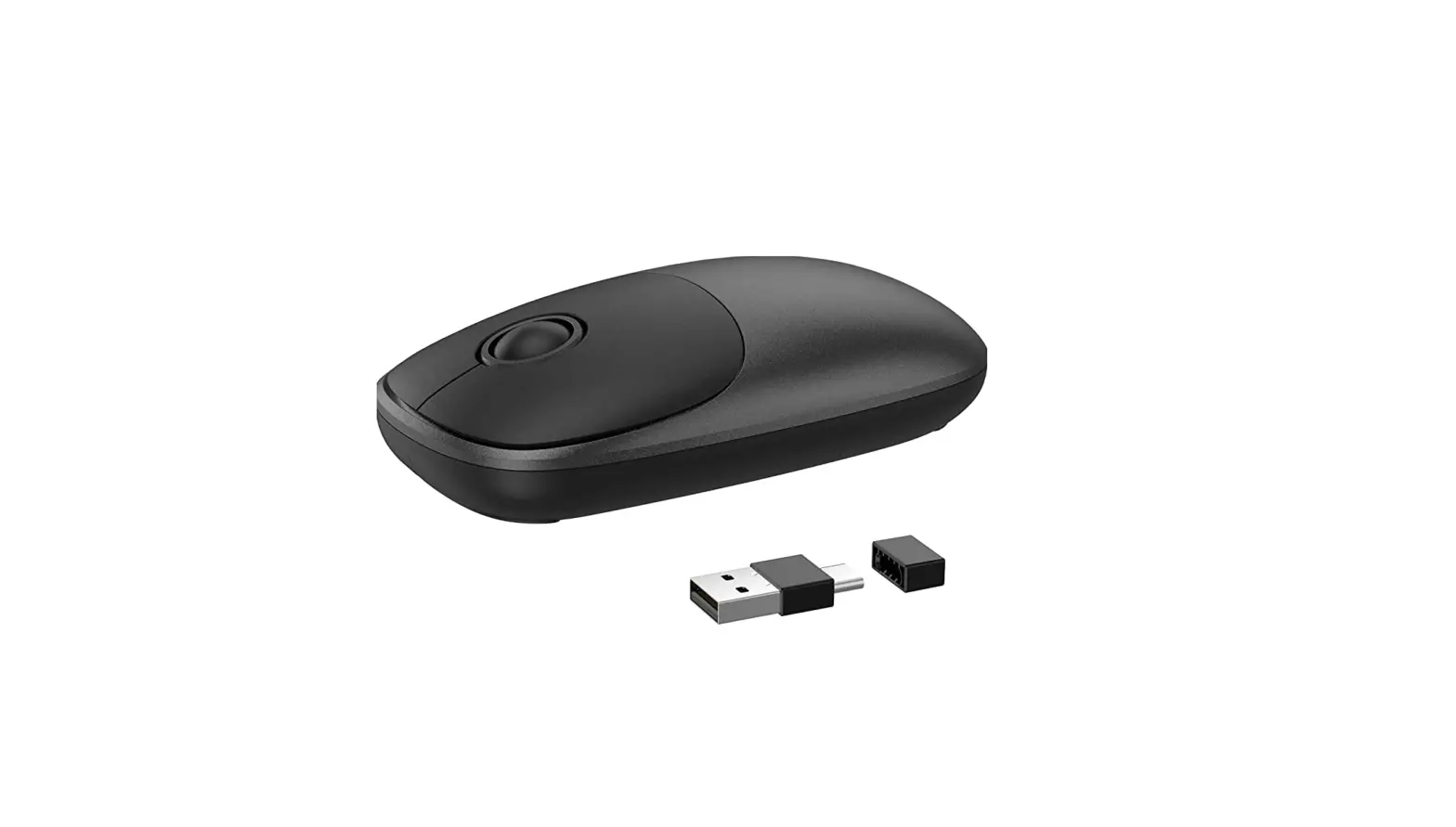
Package include: (1) Wireless Mouse (1) AA Battery (1) USB Nano Receiver (1) User Manual
 Always lead. Never follow. Official MONSTER Store