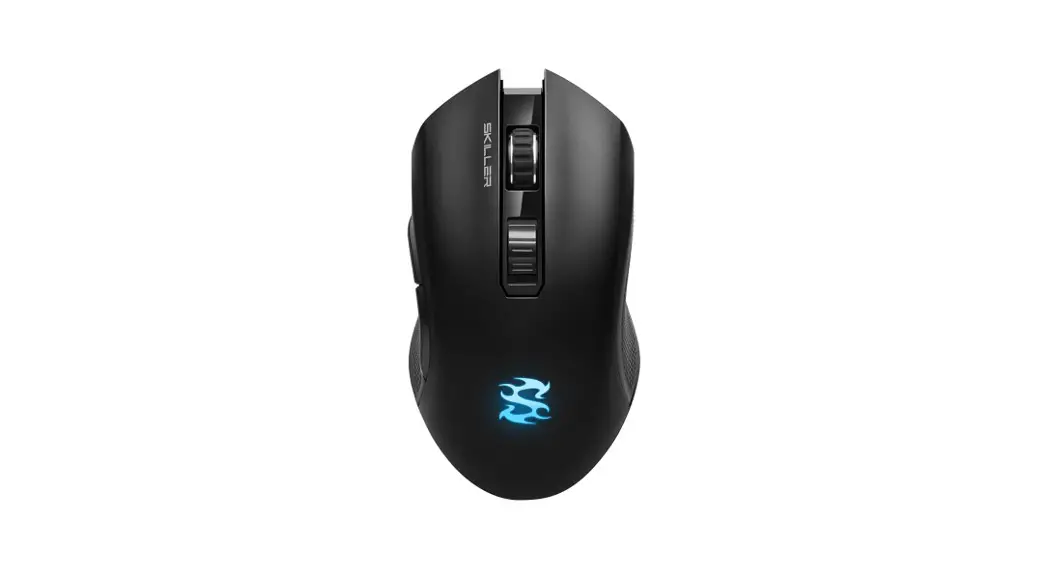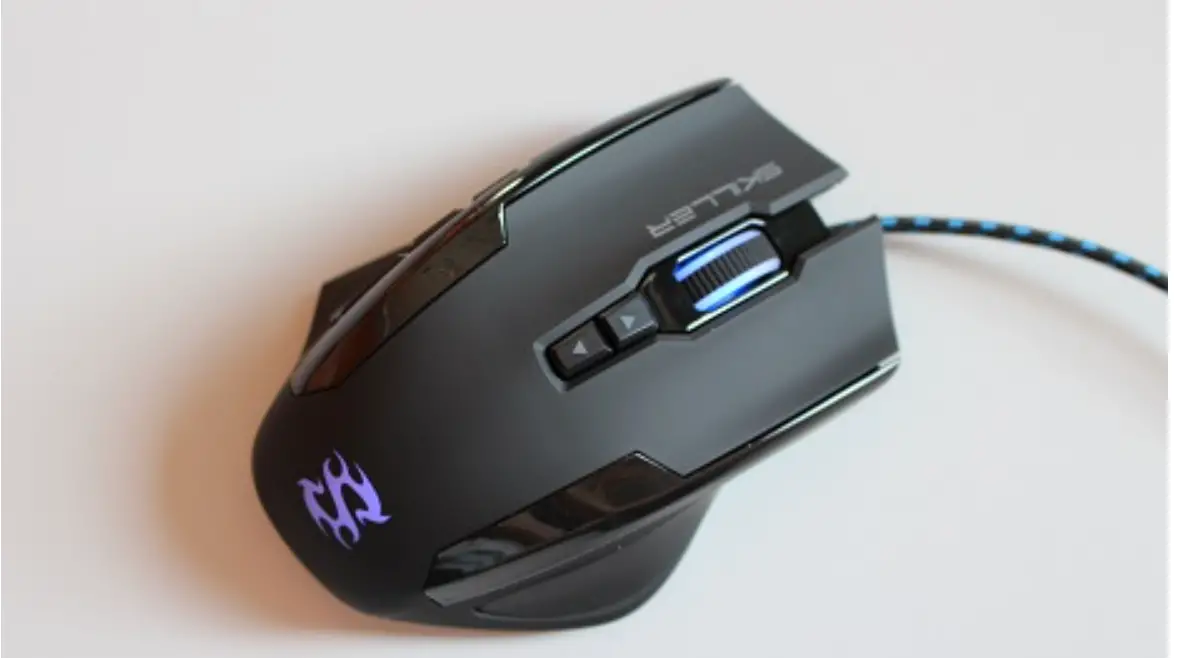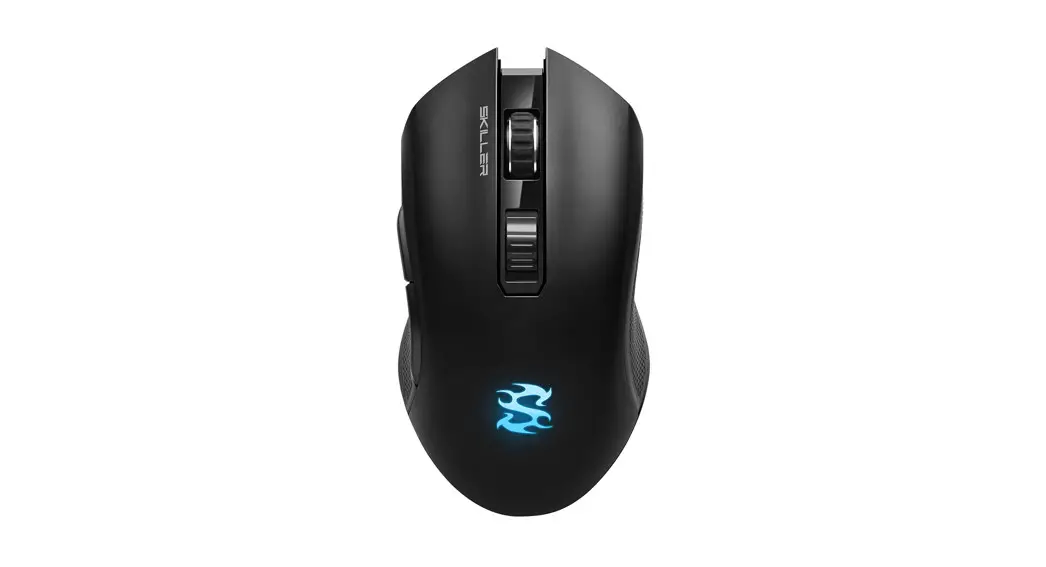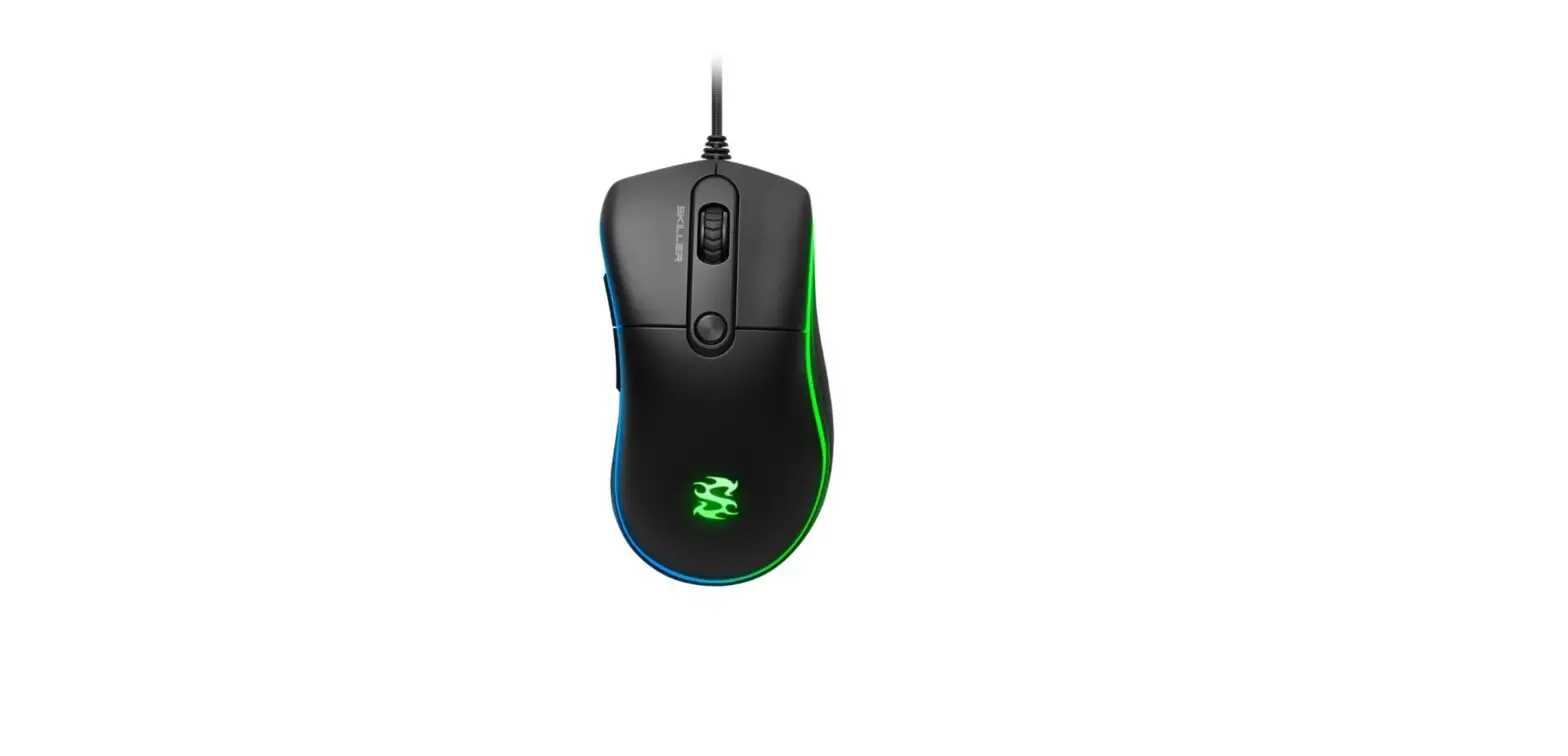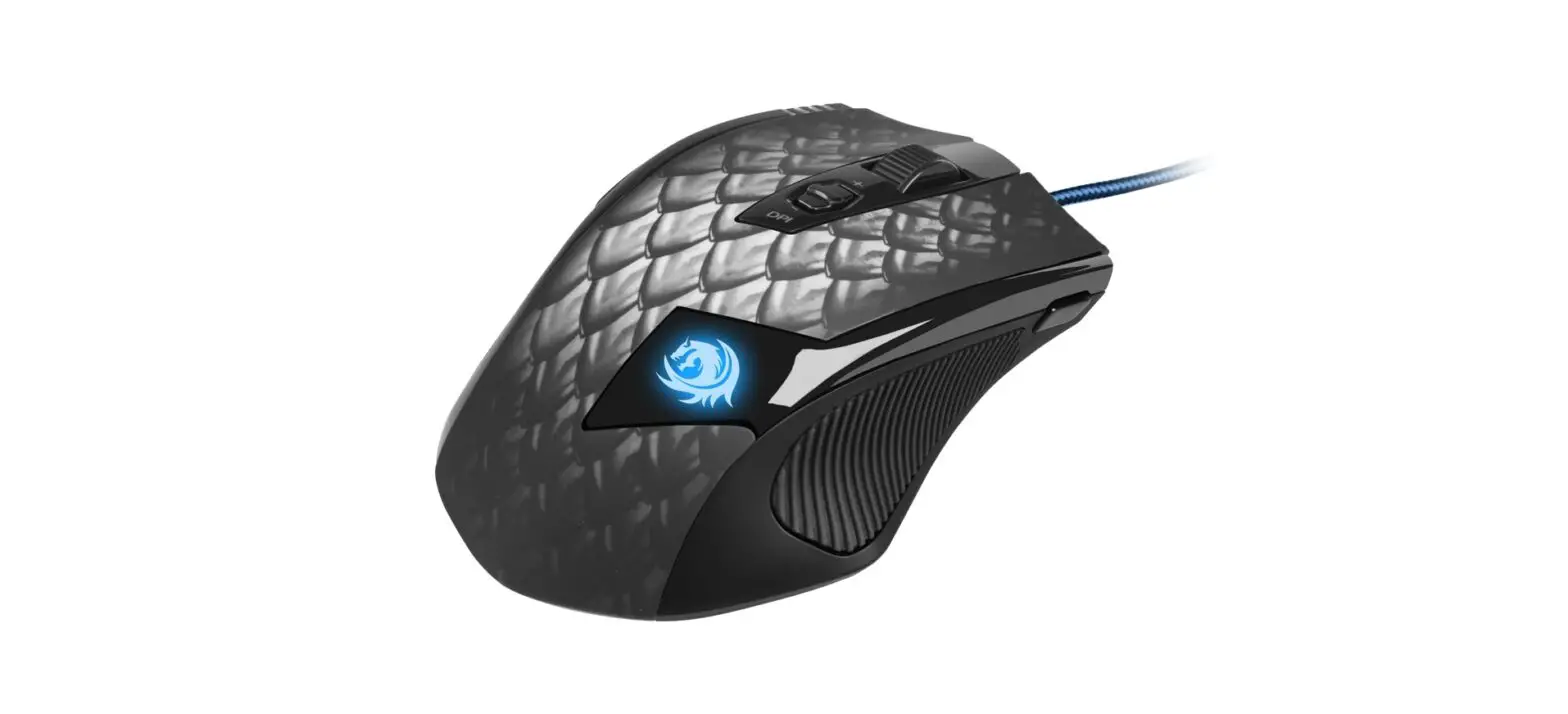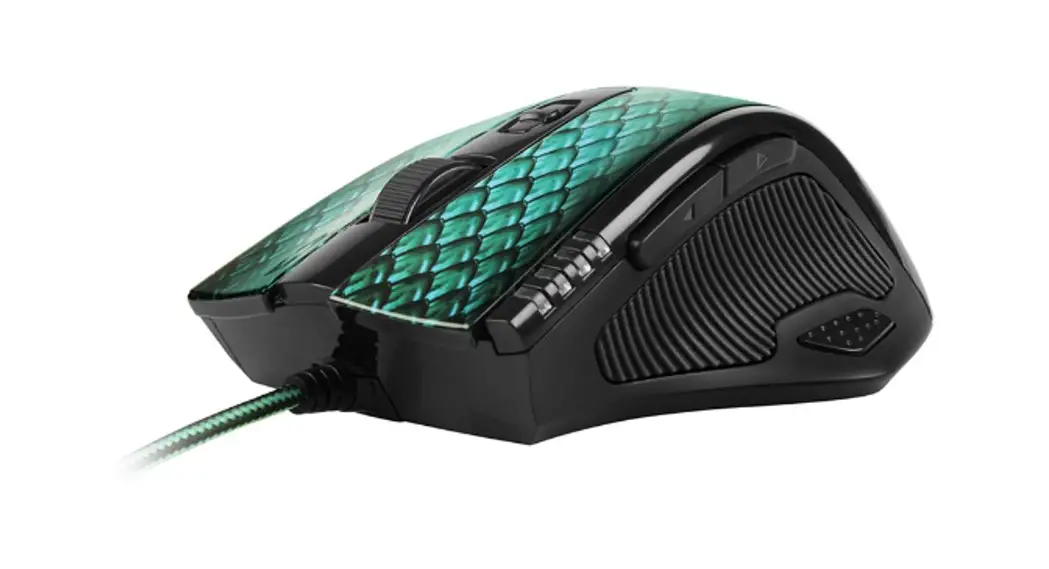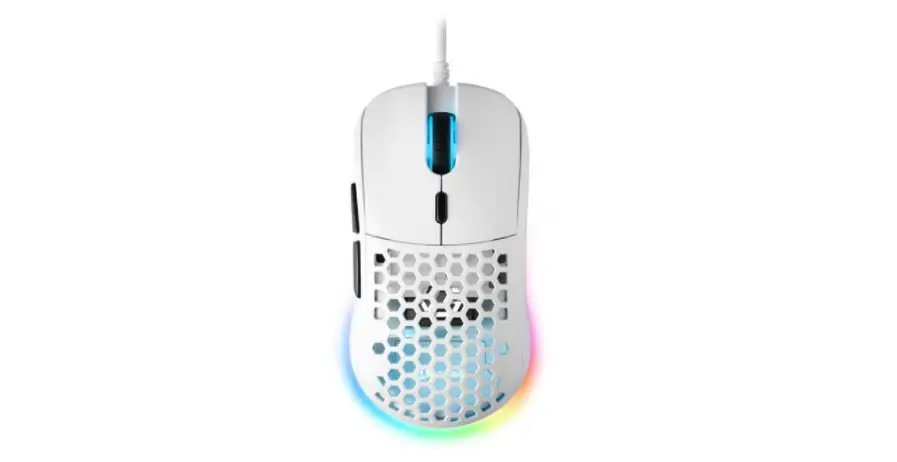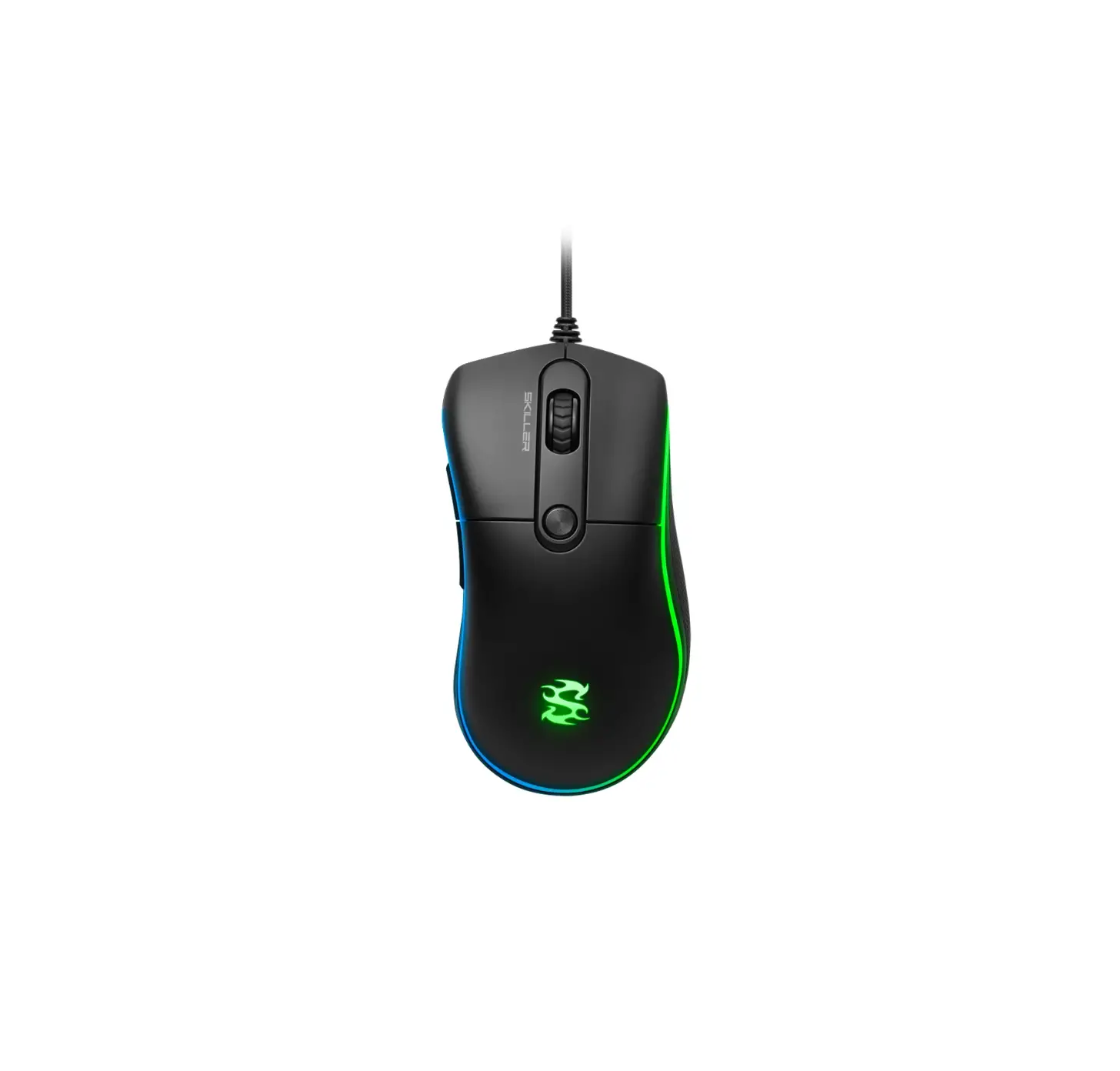
Sharkoon SKILLER SGM2 Wireless Mouse
Specifications
General
| Max. DPI/CPI I Min. DPI/CPI | 6,400 I 400 |
| Sensor | Optical |
| Chip | SPCP6651 |
| Illumination | ✔ |
| Max. Polling Rate | 1,000 |
| Lift-Off Distance | 2mm |
| Frames Per Second | 6,000 |
| Inches Per Second | 66 |
| Max. Acceleration | 22.5 g |
| Mouse Feet | 4,PTFE |
| Weight without Cable | 106 g |
| Dimensions(L x W x H) | 131.6 x 69.2 x 42.4 mm |
| Supported Operating Systems | Windows |
| Number of Buttons | 6 |
| Operating Life Cycles of Buttons | Min. 5 Million Clicks |
DPI Properties:
| DPI Levels | 400/1,200/3,200/6,400 |
| DPI Switch | ✔ |
| DPI Indicator | ✔ |
Cable and Connectors:
| Connector | USB |
| Gold-Plated USB Plug | ✔ |
| Textile-Braided Cable | ✔ |
| Cable Length | 180 cm |
Package Contents
- SKILLER SGM2,
- Additional Set of Mouse Feet,
- Manual
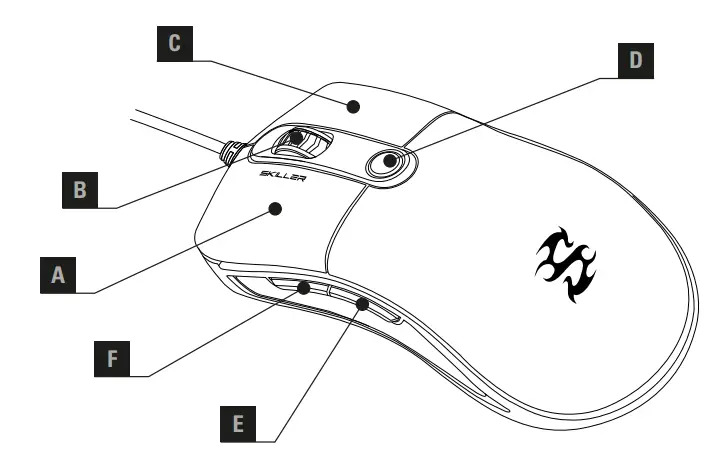
Overview
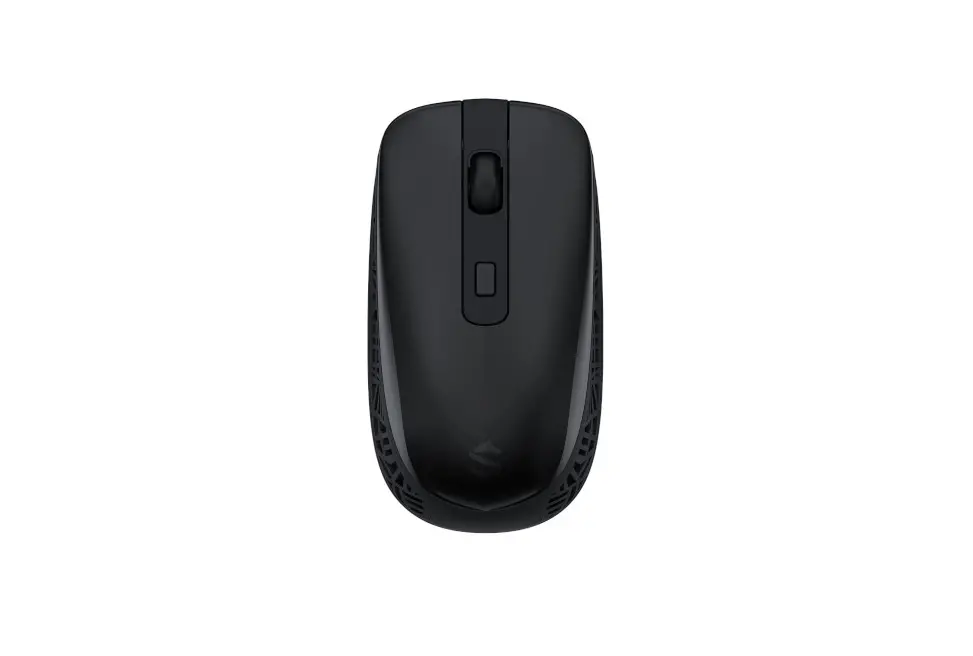
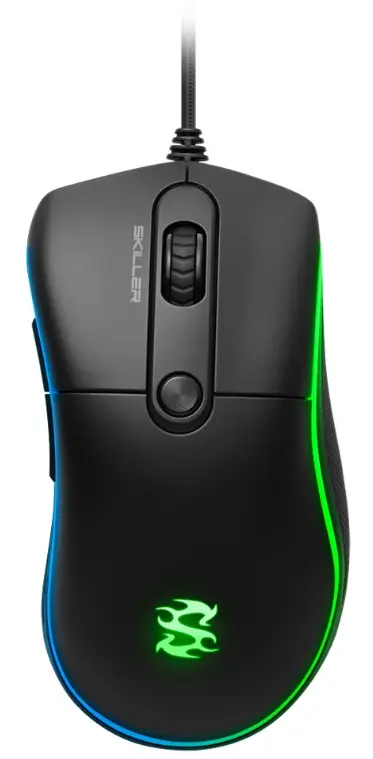
- A Left Mouse Button
- B Scroll Wheel
- C Right Mouse Button
- D DPI Switch
- E Thumb Button 2
- F Thumb Button 1
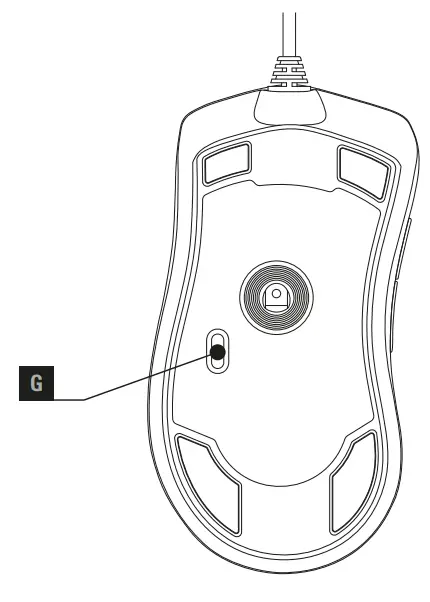
- G LED Mode Selector


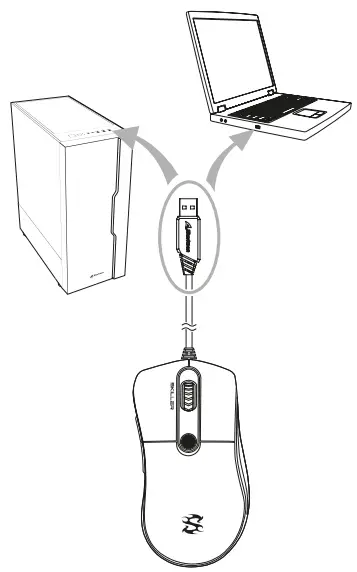
Connecting To The PC
DPI Indicator
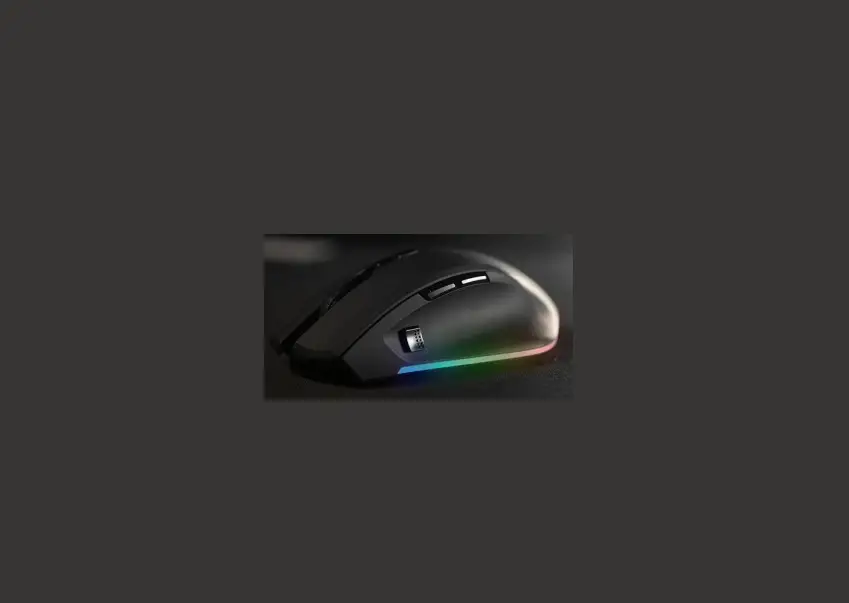
If a new DPI level is selected, all the illumination blinks three times in the color of the selected level. An active illumination mode will be briefly paused. A small delay can occur until the illumination is refreshed. The DPI levels are ordered in the following colors:
| Red SKILLER logo: | 400 DPI |
| Green SKILLER logo: | 1,200 DPI |
| Blue SKILLER logo: | 3,200 DPI |
| Yellow SKILLER logo: | 6,400 DPI |

Illumination Modes
To select the desired illumination mode, press the LED mode selector on the underside of the mouse up to six times. The seventh press will deactivate the illumination.
The illumination modes are as follows:
- Press x 1:
Pulsating (Color depends on the selected DPI level) - Press x 2:
Rainbow - Press x 3:
Color Change - Press x 4:
Color Flow - Press x 5:
Color Marquee - Press x 6:
Segmented Color Flow
Note
Legal Disclaimer
For potential loss of data, especially due to inappropriate handling, Sharkoon assumes no liability.
All named products and descriptions are trademarks and/or registered trademarks of the respective manufacturers and are accepted as protected. As a continuing policy of product improvement at Sharkoon, the design and specifications are subject to change without prior notice. National product specifications may vary. All rights reserved especially (also in extracts) for translation, reprinting, reproduction by copying or other technical means. Infringements will lead to compensation. All rights reserved especially in case of assignation of patent or utility patent. Means of delivery and technical modifications reserved.
Disposal of your old products
Your product is designed and manufactured with high quality materials and components, which can be recycled and reused.
 When this crossed-out wheeled bin symbol is attached to a product, it means the product is covered by the European Directive 2012/19/EU. Please be informed about the local separate collection system for electrical and electronic products. Please act according to your local rules and do not dispose of your old products with your normal household waste. The correct disposal of your old product will help prevent potential negative consequences to the environment and human health.
Customer Support
Sharkoon Technologies GmbH Grüninger Weg 48 35415 Pohlheim
Germany
© Sharkoon Technologies 2019
www.sharkoon.com