BANG OLUFSEN Update Beocom Link A or C User Guide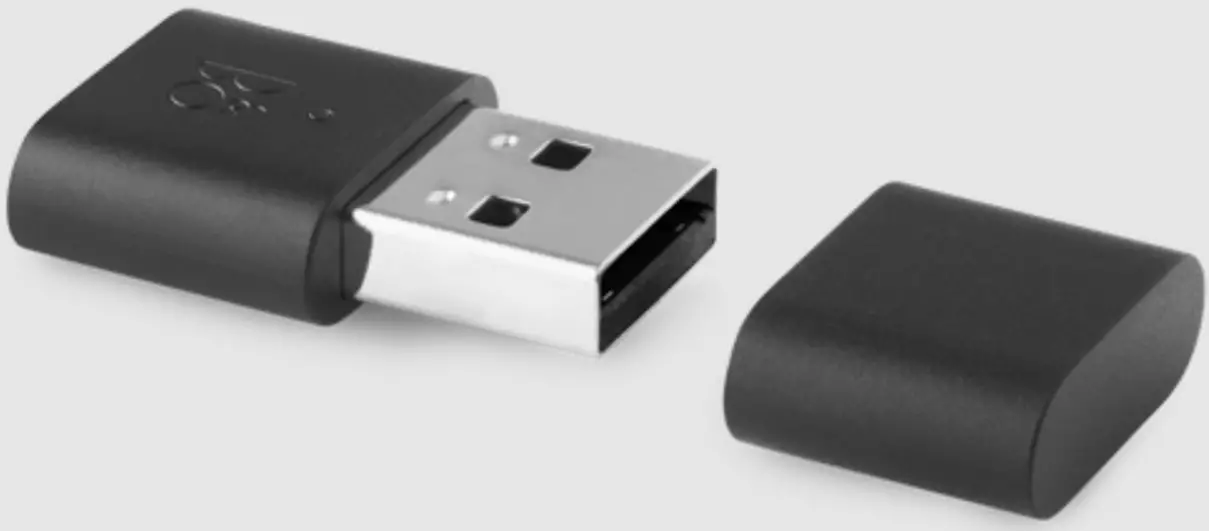
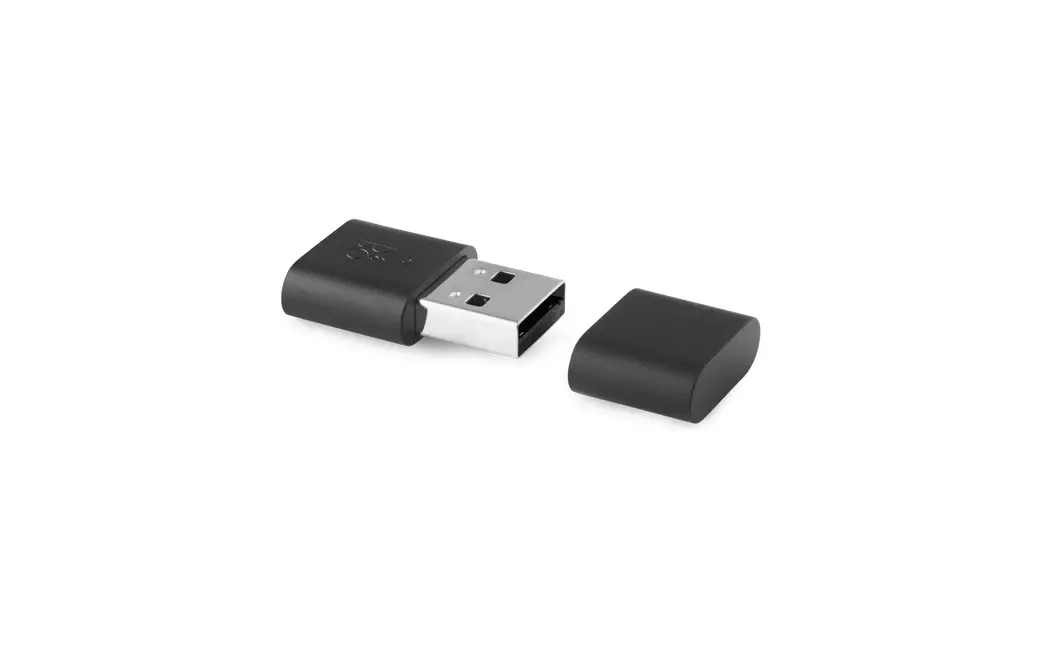
INSERT IN COMPUTER
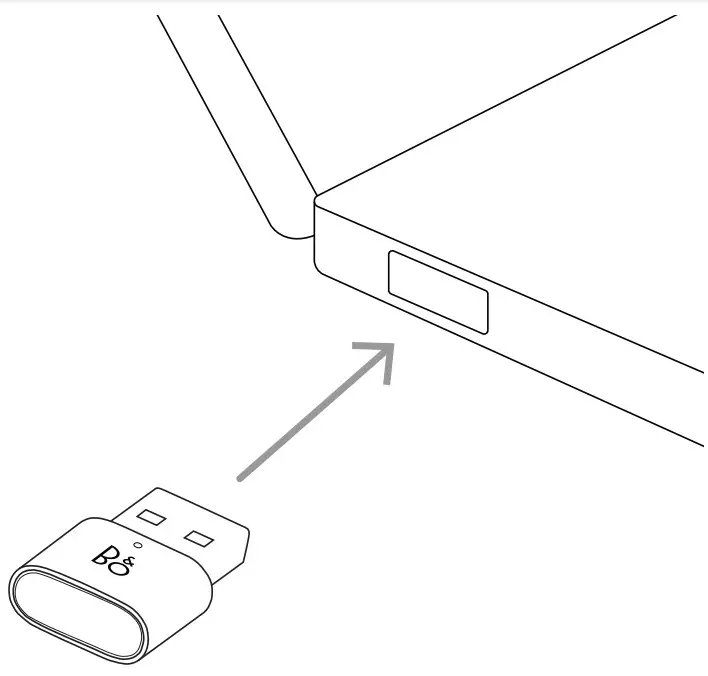
AUTOMATIC PAIRING
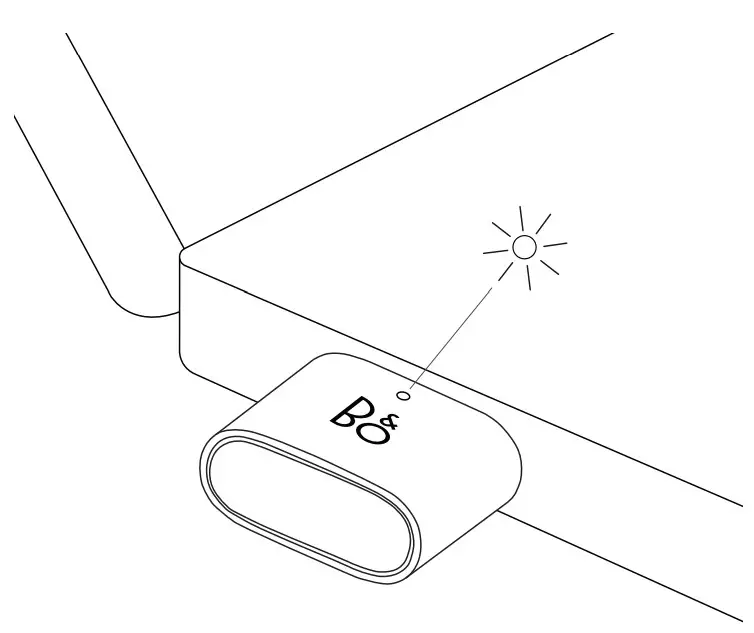
LIGHT INDICATOR ACTIONS
| Blue | |
| Flashing slowly | Searching for Blutooth device |
| Flashing quickly | Pairing to device |
| Solid | Link established to device |
| Off | Pairing failed |
| Red | |
| Solid | Muted microphone |
| Purple (MS Teams Version) | |
| Flashing | Notification from Microsoft Teams |
| Solid | Connected to Microsoft Teams |
| Off | Pairing failed |
| Green | |
| Flashing slowly | Firmware update |
| Flashing quickly | Incoming call |
| Solid | In a call, microphone unmuted |
DONGLE PAIRING
AFTER FIRST-TIME PAIRING Long press (5 secs)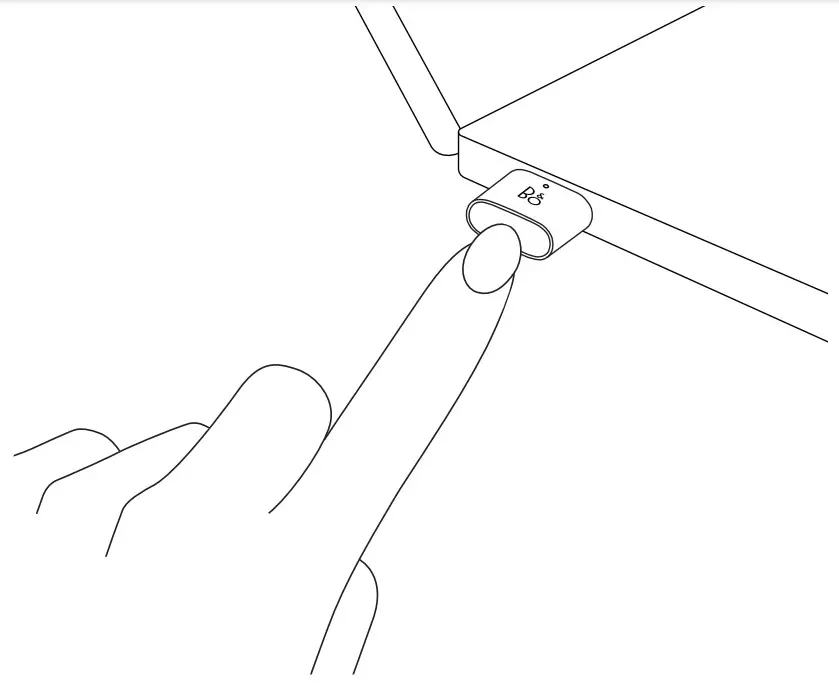
FACTORY RESET
LED FLASHING RED Very long press (8 secs)
NEED HELP? CONTACT OUR SUPPORT
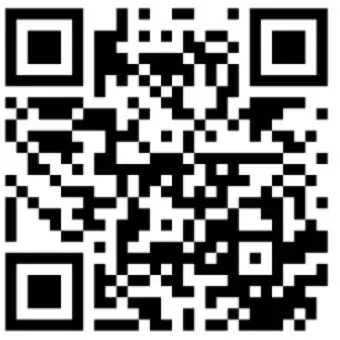
GLOBAL 24/7 ENGLISH HOTLINE : +44 20 37 69 02 54
Register Online
Register online Inscription on-line Online- Register online at www.bang-olufsen.com/registerproduct to receive important information about product and software updates – and to get exciting news and offers from the BANG & OLUFSEN Group. If you have purchased your product at a BANG & OLUFSEN store or at www.bang-olufsen.com, you have automatically been registered. on.beo.com/beocom-link-a-support
 Bang & Olufsen - High-end Headphones, Speakers, and Televisions
 Bang & Olufsen - High-end Headphones, Speakers, and Televisions
 Bang & Olufsen - High-end Headphones, Speakers, and Televisions