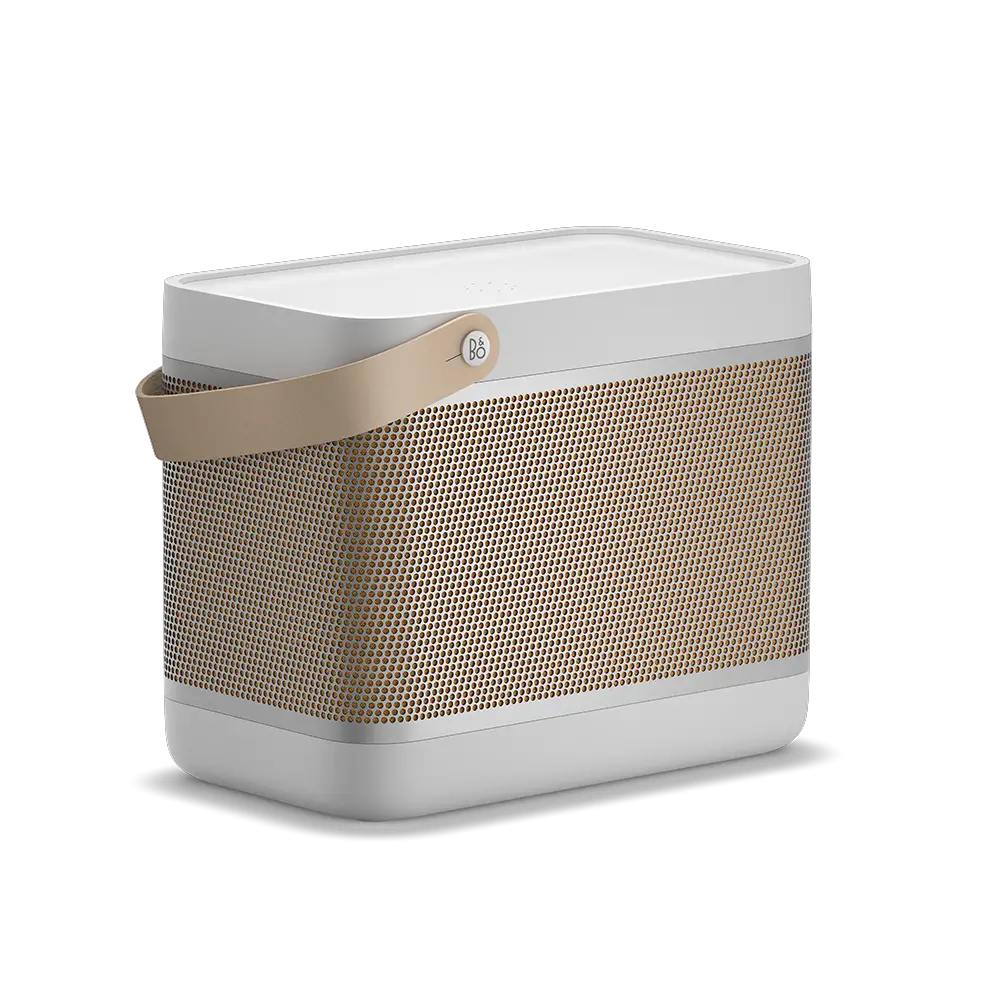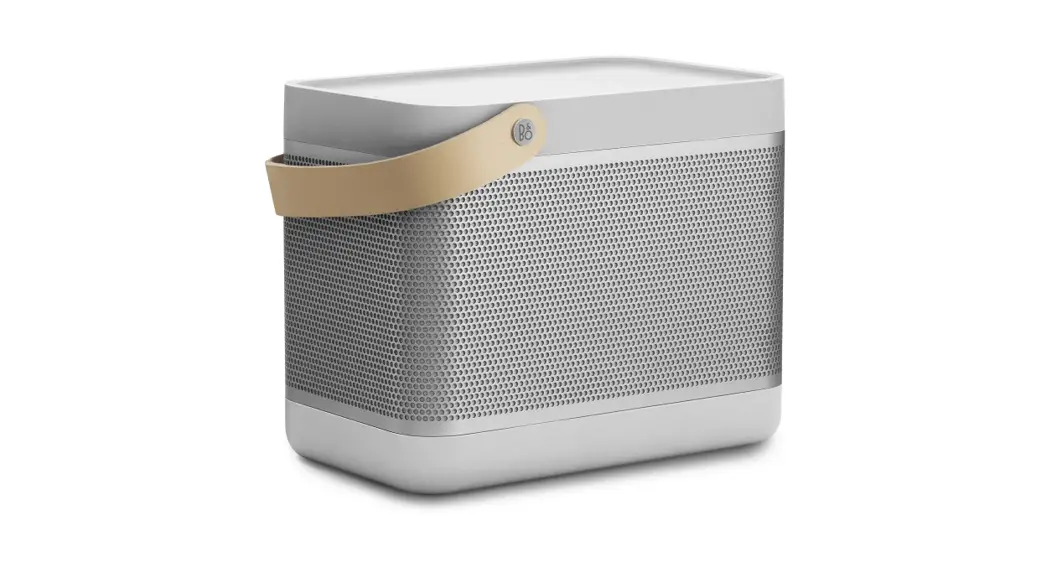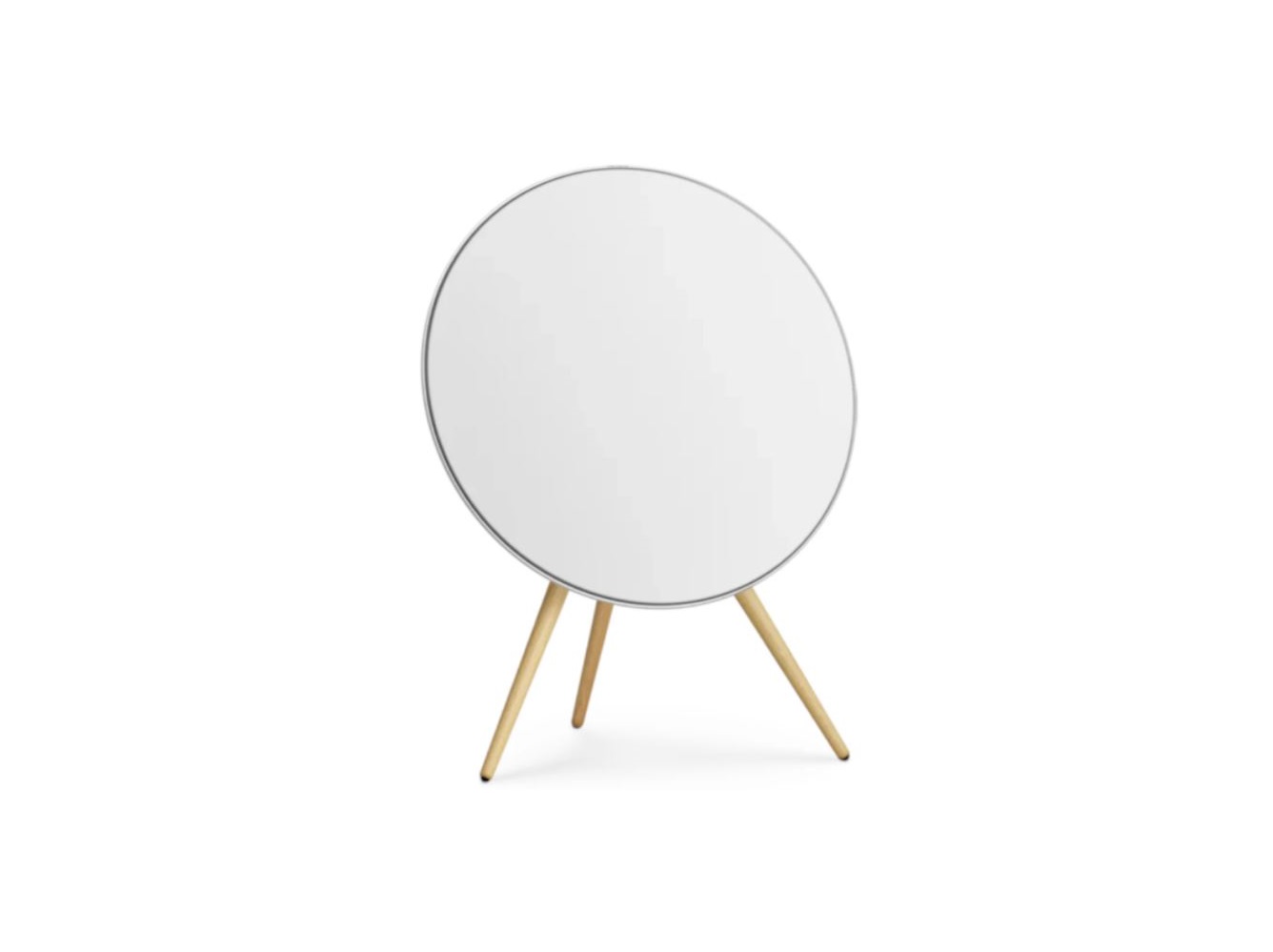
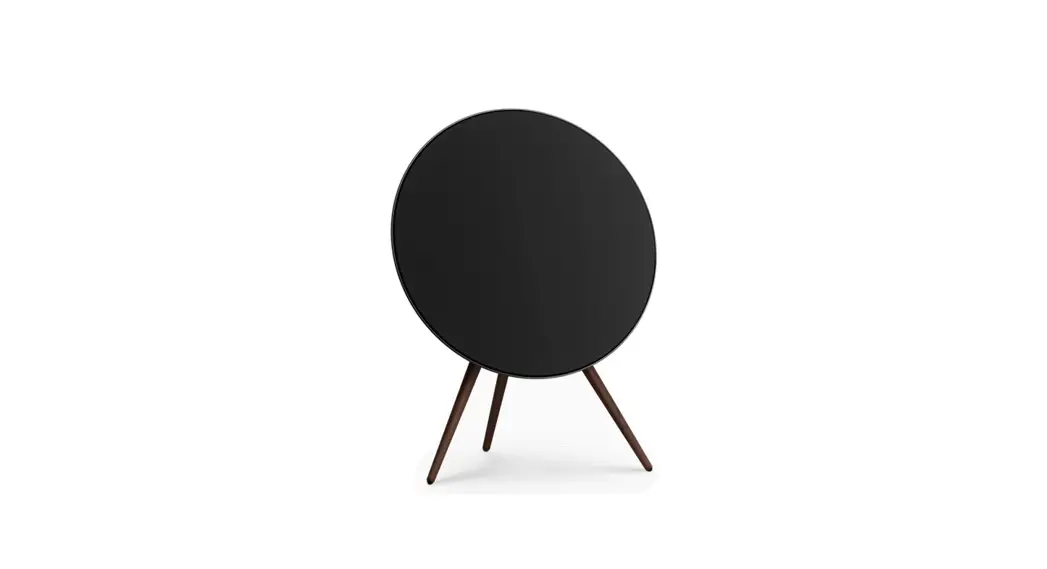
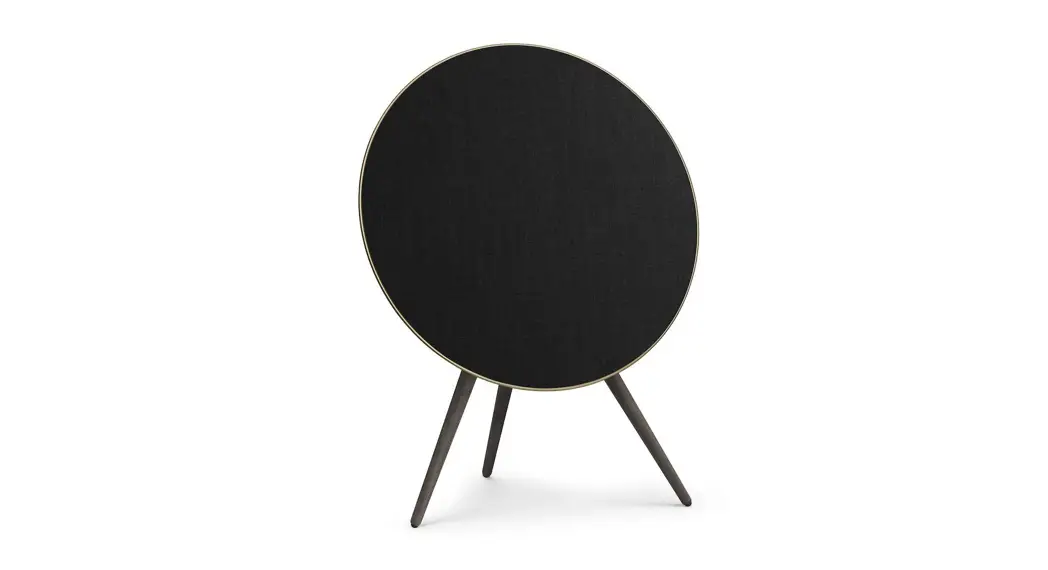
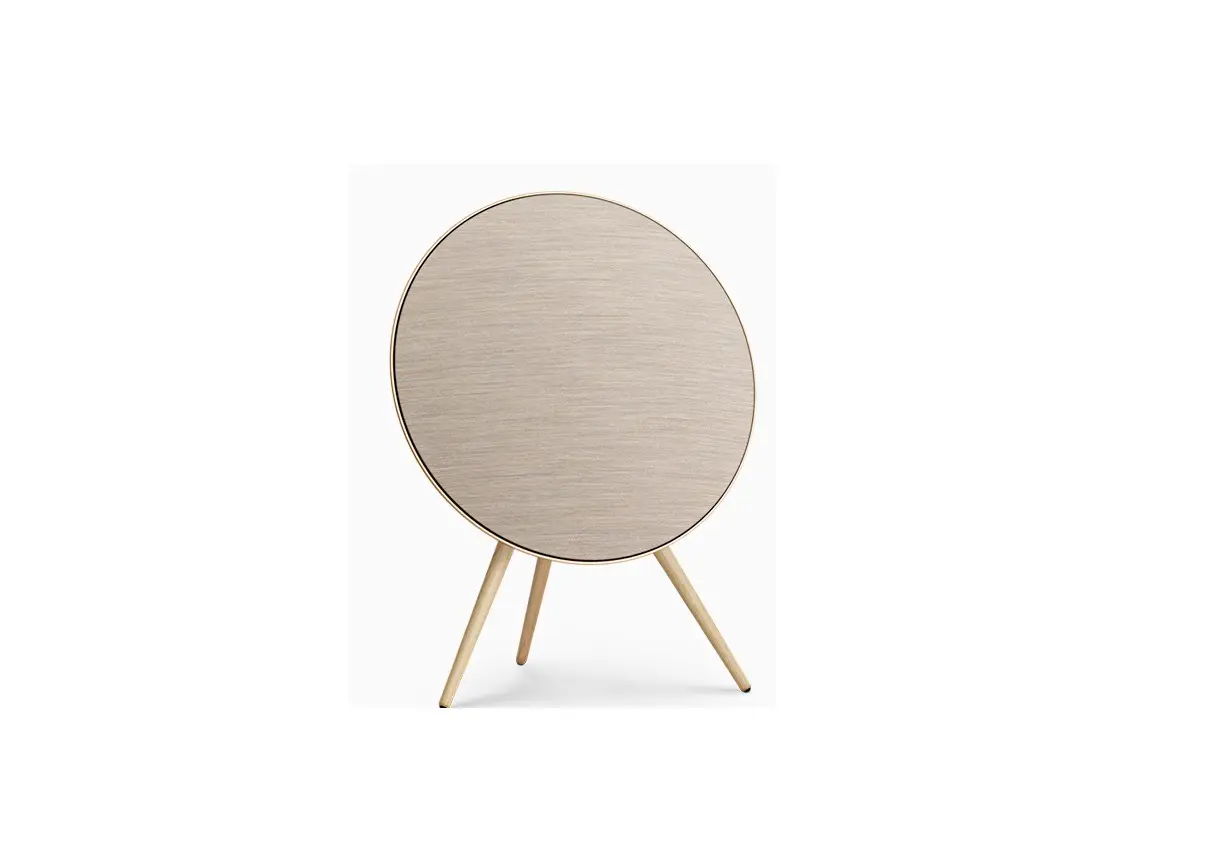
BANG and OLUFSEN Beoplay A9 4th Generation User Guide
Bang & Olufsen App
Bang & Olufsen


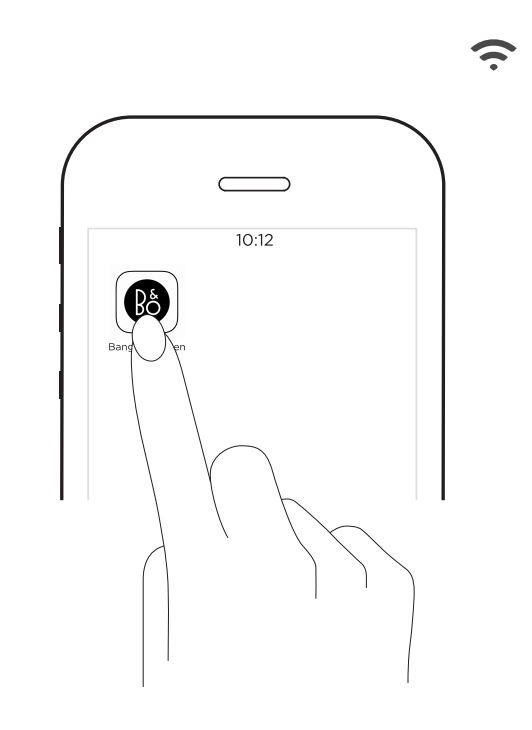
For User Guide, See:
For Air Play 2 only users, the speaker can be set up using the Apple Home App.
Automatic system software update
In order to ensure that your products have the latest features and improvements, automatic system software updates are enabled by default, and this is the recommended setting. You may change this at any time in the UPDATE PRODUCT SOFTWARE menu using the Bang & Olufsen App.
Log information
To help us improve our range of available products and information from your product about its performance and usage patterns. The information will at all times be provided on an anonymous basis only. You can at any time easily disable this function in the STATUS menu using the Bang & Olufsen App.
The Wi-Fi CERTIFIED™ Logo is a certification mark of Wi-Fi Alliance®.
The Bluetooth® word mark and logos are registered trade-marks owned by Bluetooth SIG, Inc. and any use of such marks by Bang & Olufsen group is under license. Other trade-marks and trade names are those of their respective owners.
Register online at www.bang-olufsen.com/register-product to receive important information about product and software updates and to get exciting news and offers from the BANG & OLUFSEN Group. If you have purchased your product at a BANG & OLUFSEN store or at www.bang-olufsen.com, you have automatically been registered
www.bang-olufsen.com/support/beoplay-a9
 Bang & Olufsen - High-end Headphones, Speakers, and Televisions
 Bang & Olufsen - High-end Headphones, Speakers, and Televisions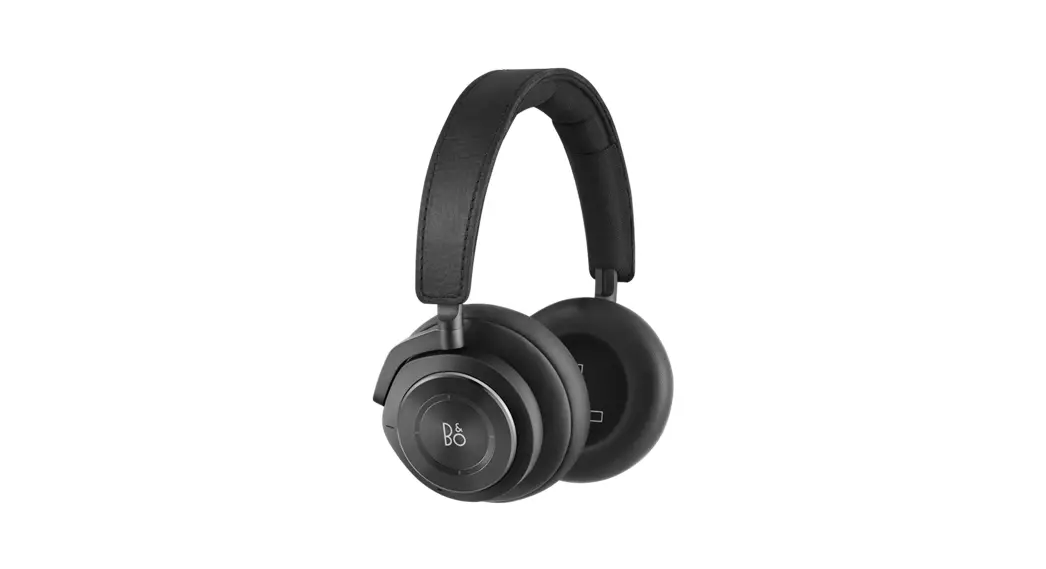
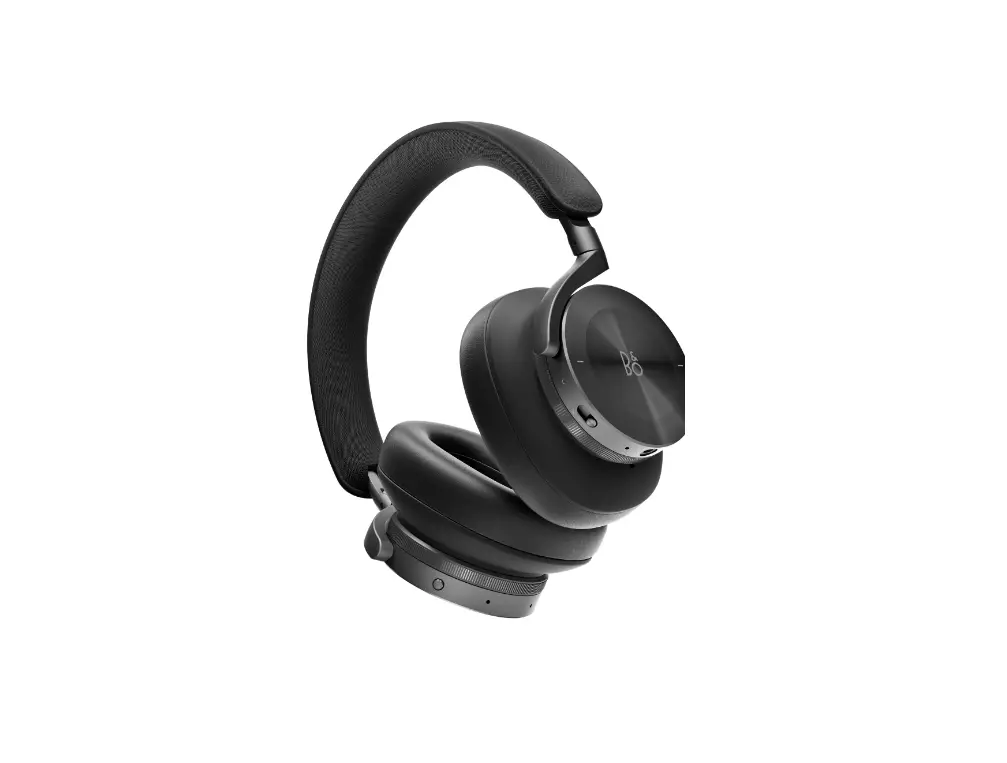
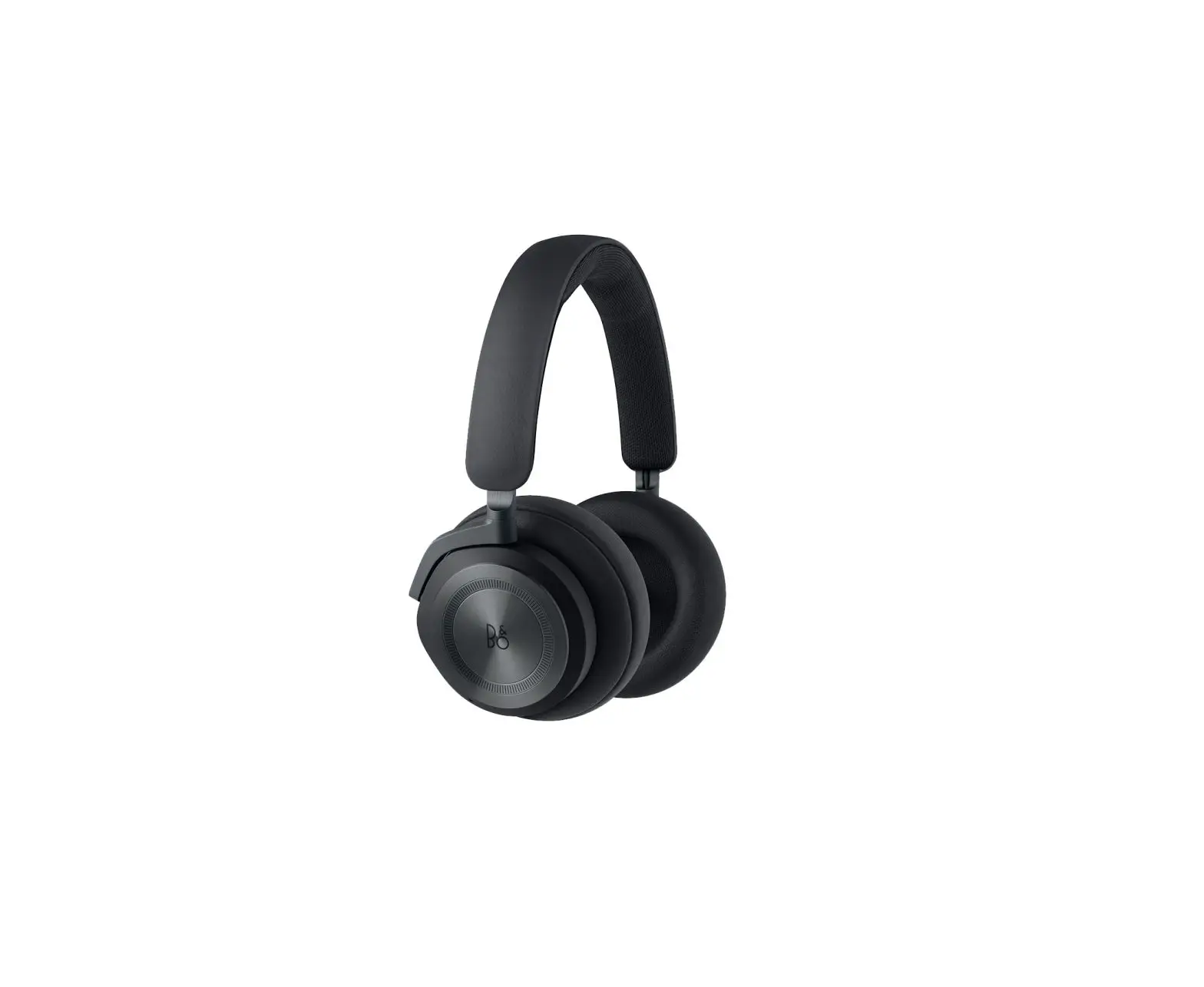
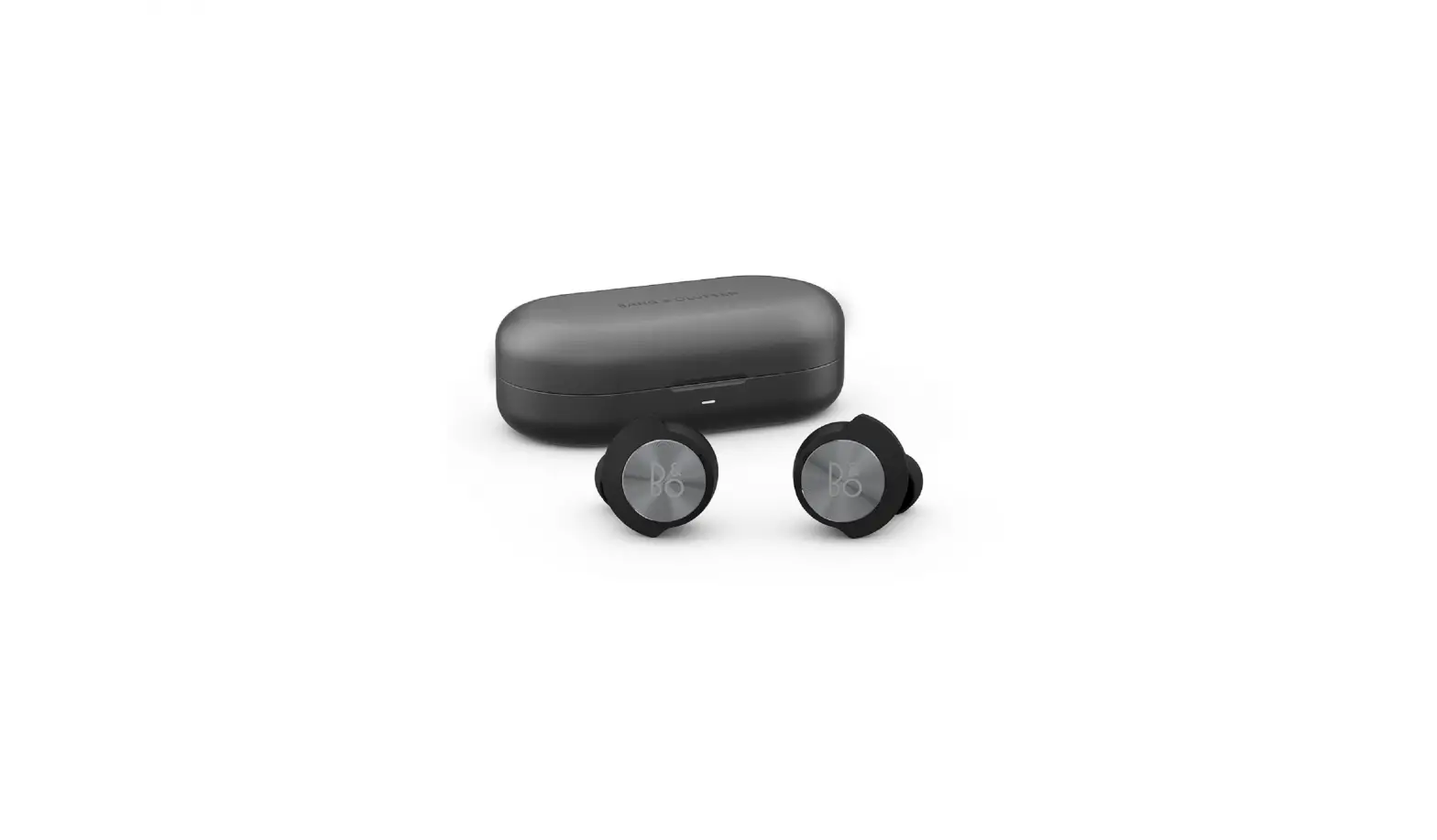
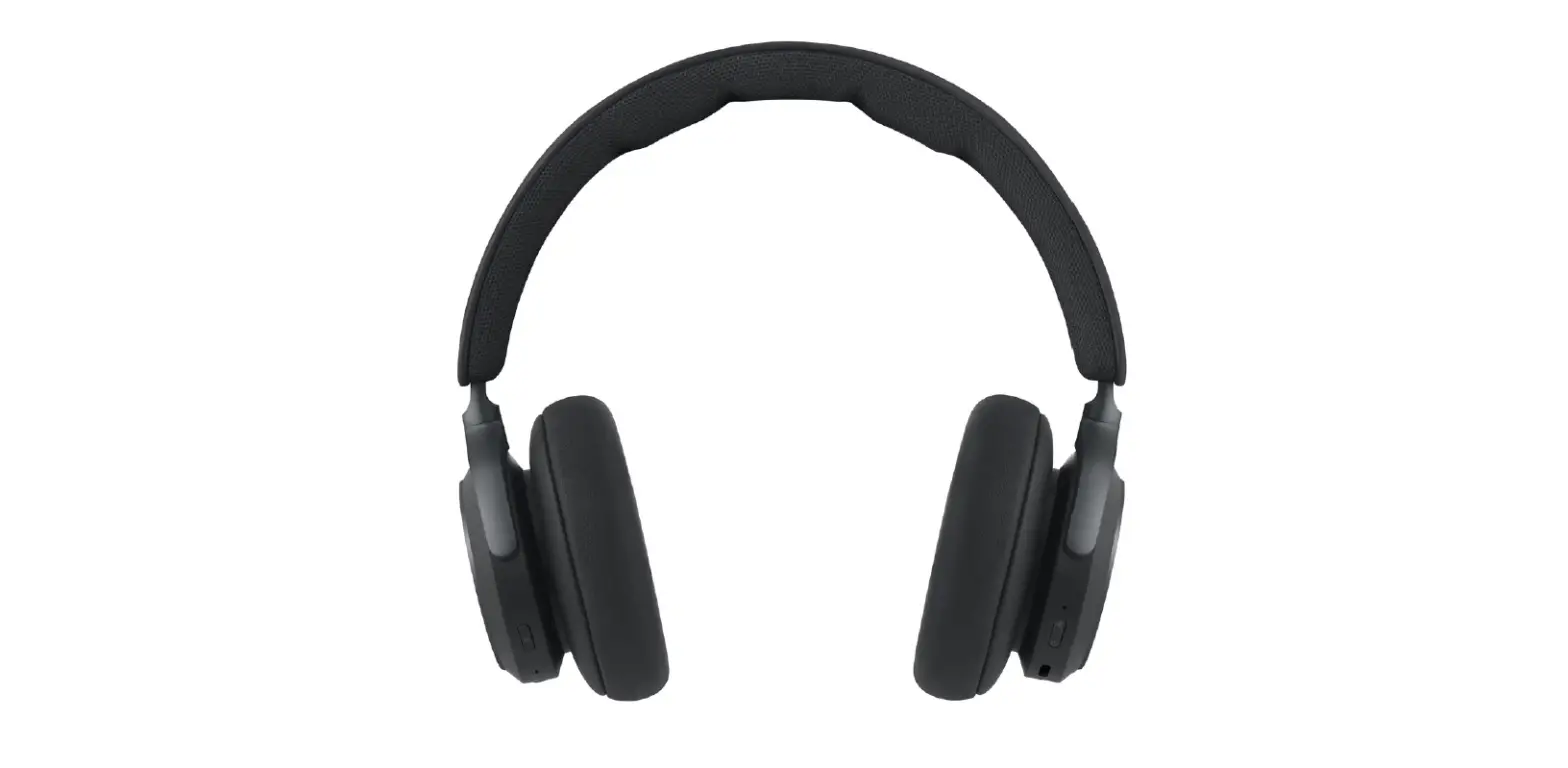
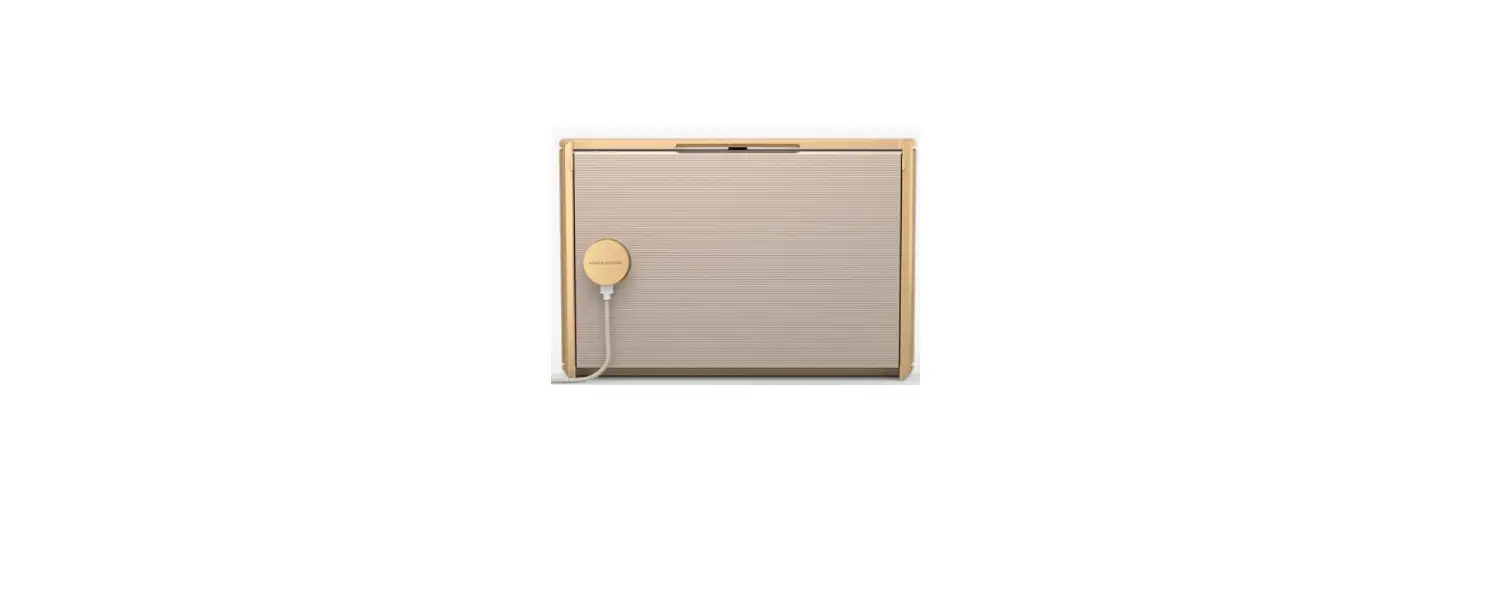
![Beoplay H9 [3rd Gen] User Manual](https://static-data1.manualsee.com/1/img/445/46197/2021/01/Beoplay-H9.png "Beoplay H9 [3rd Gen] User Manual")