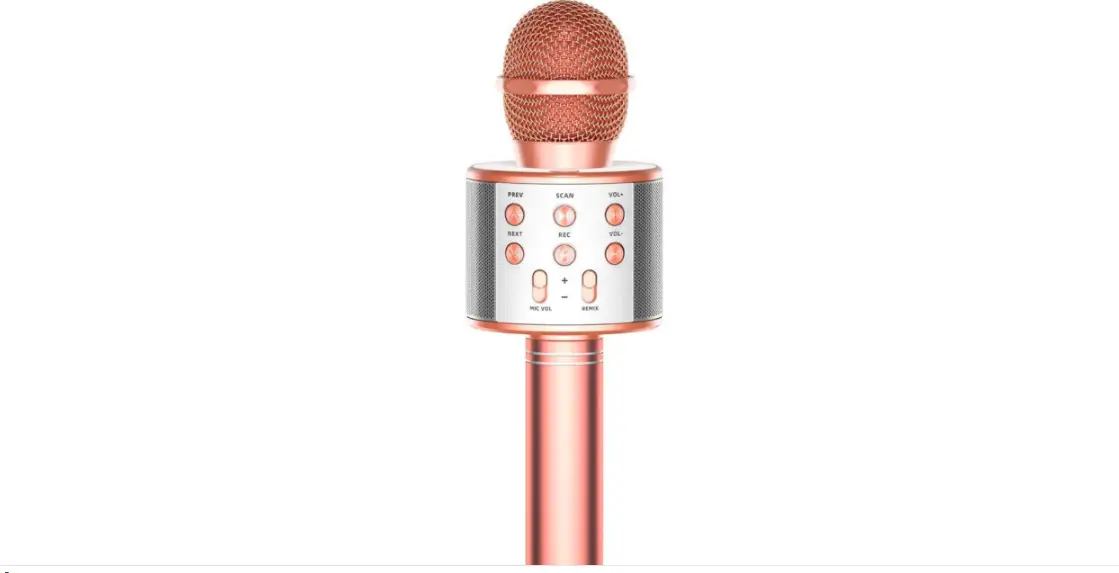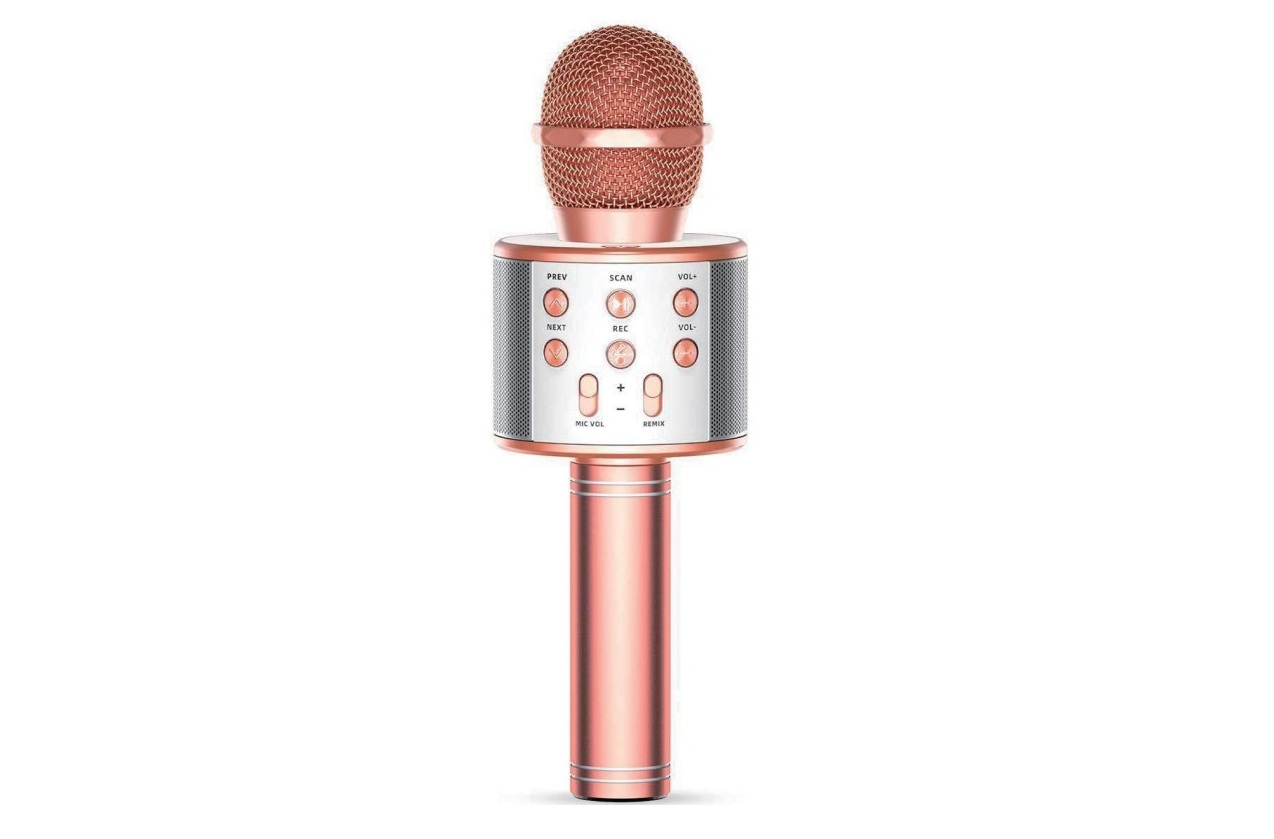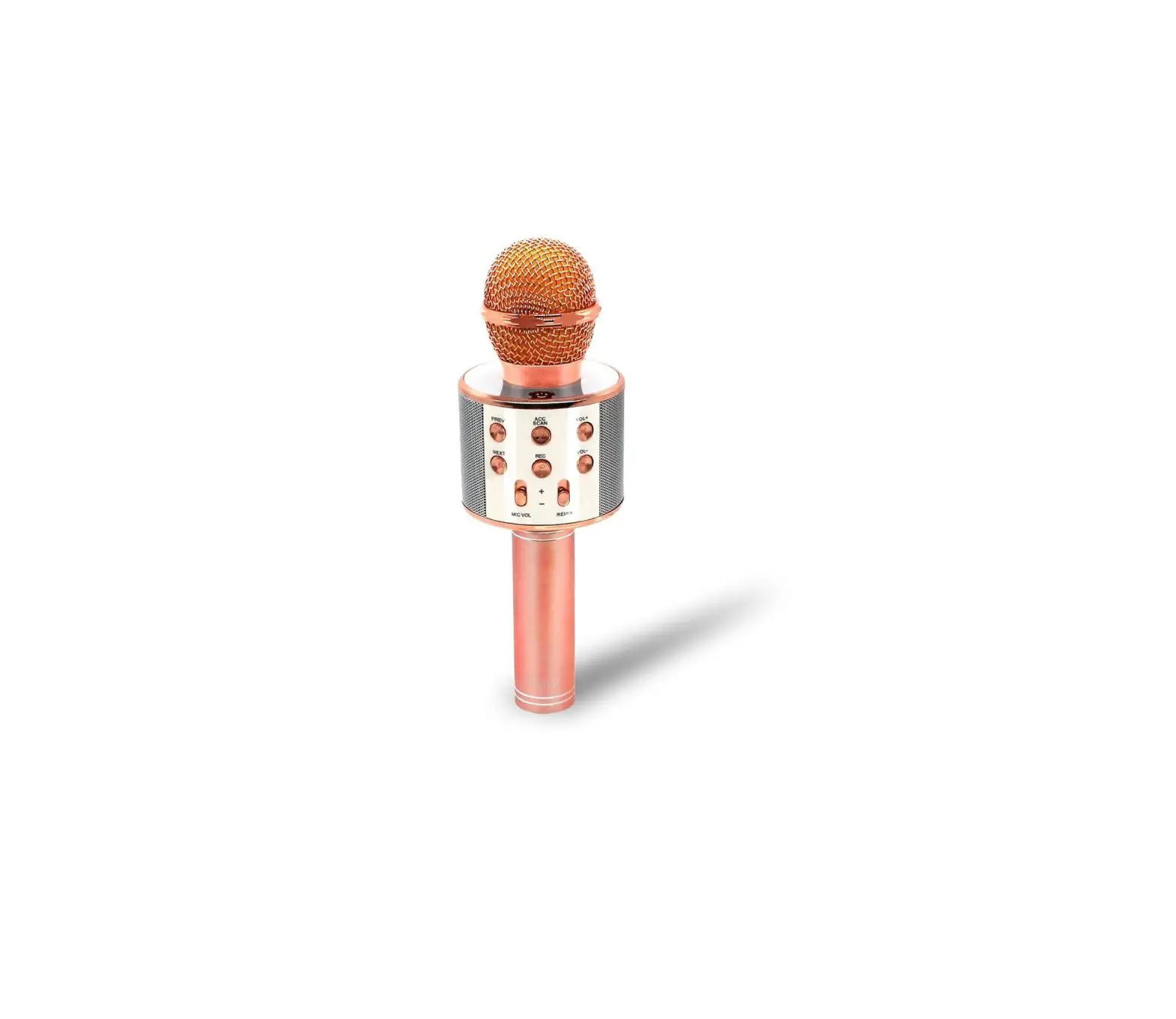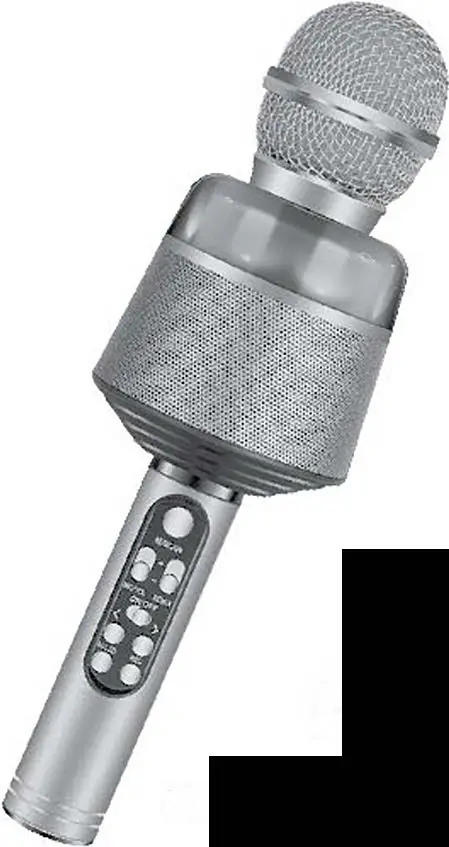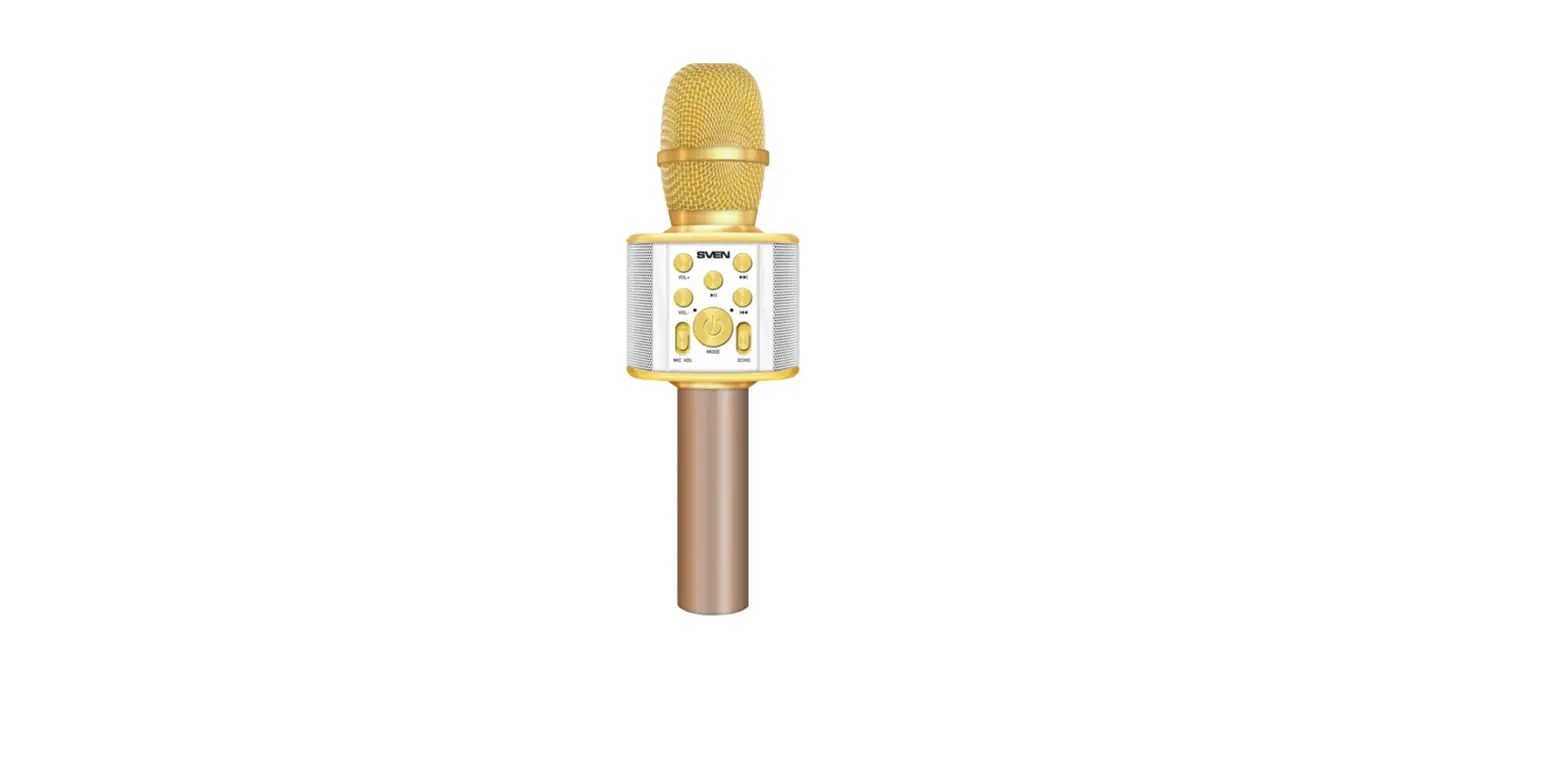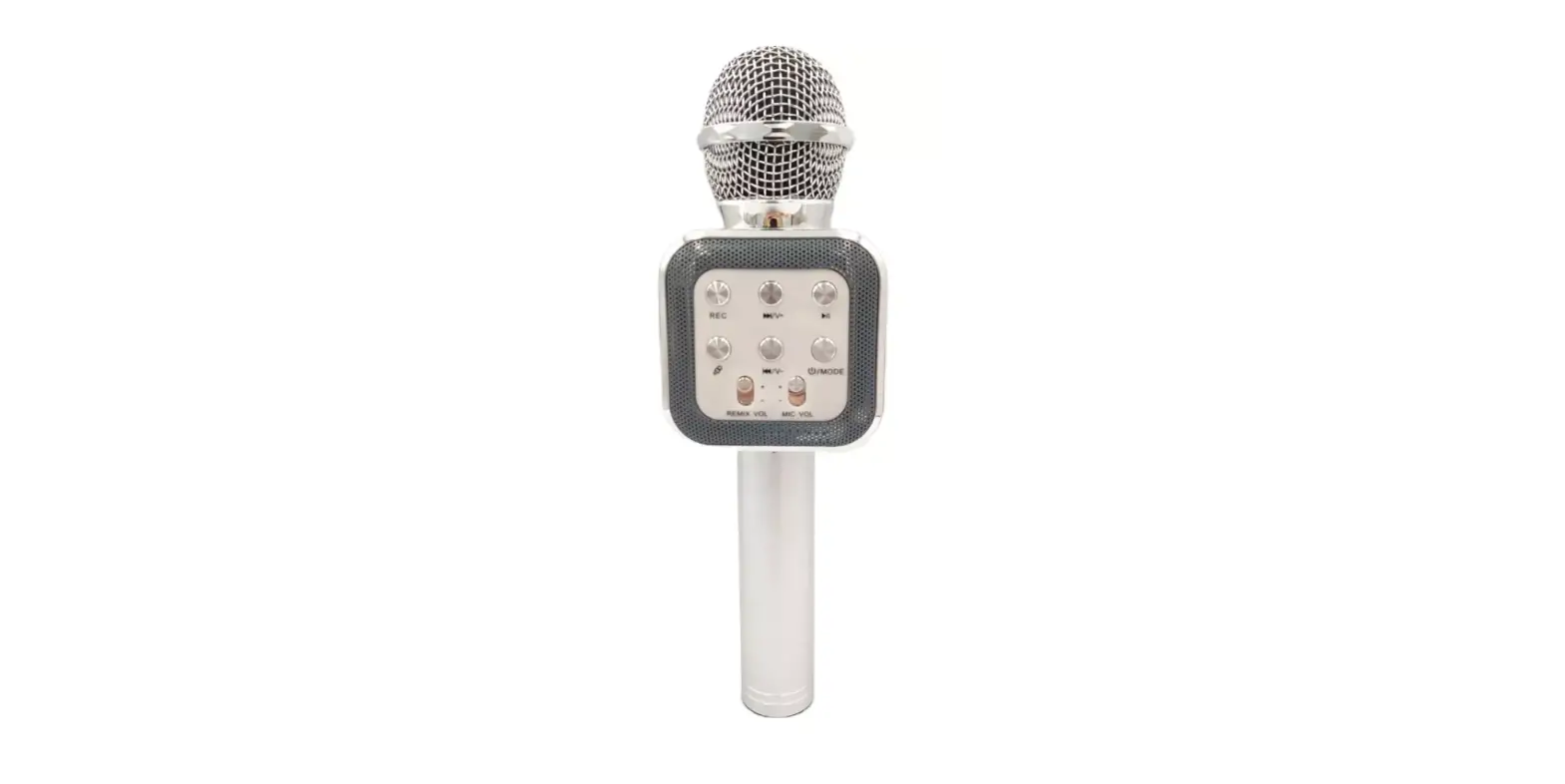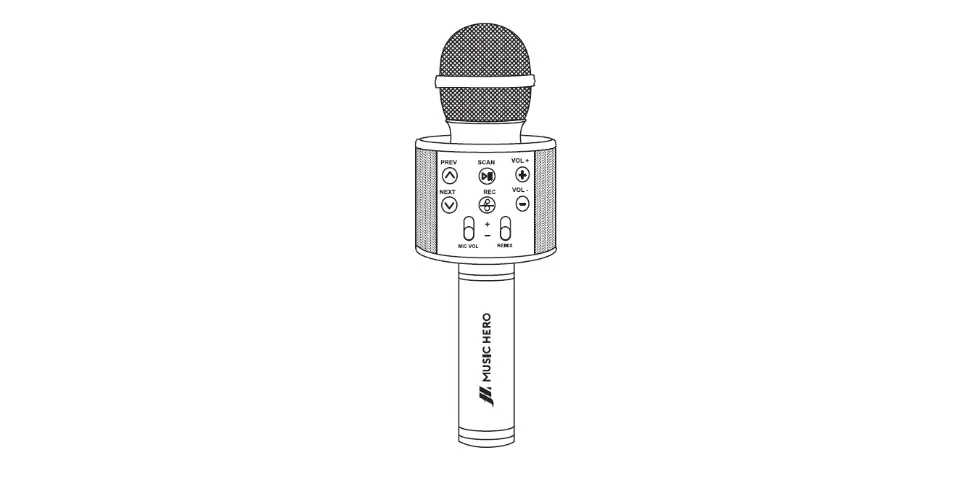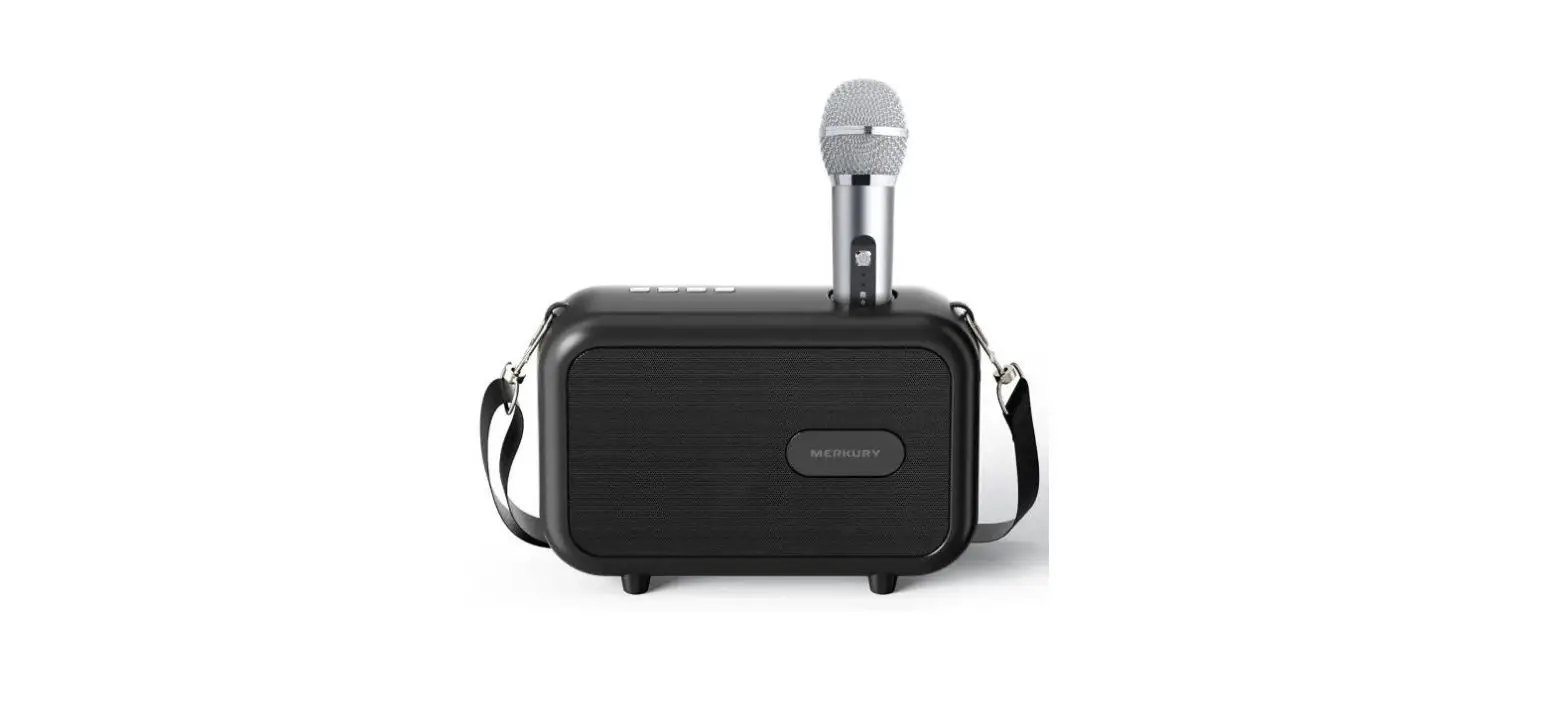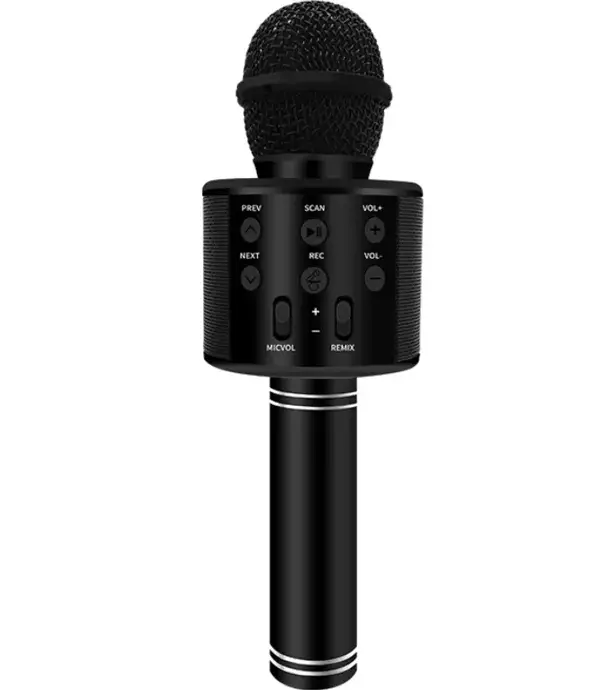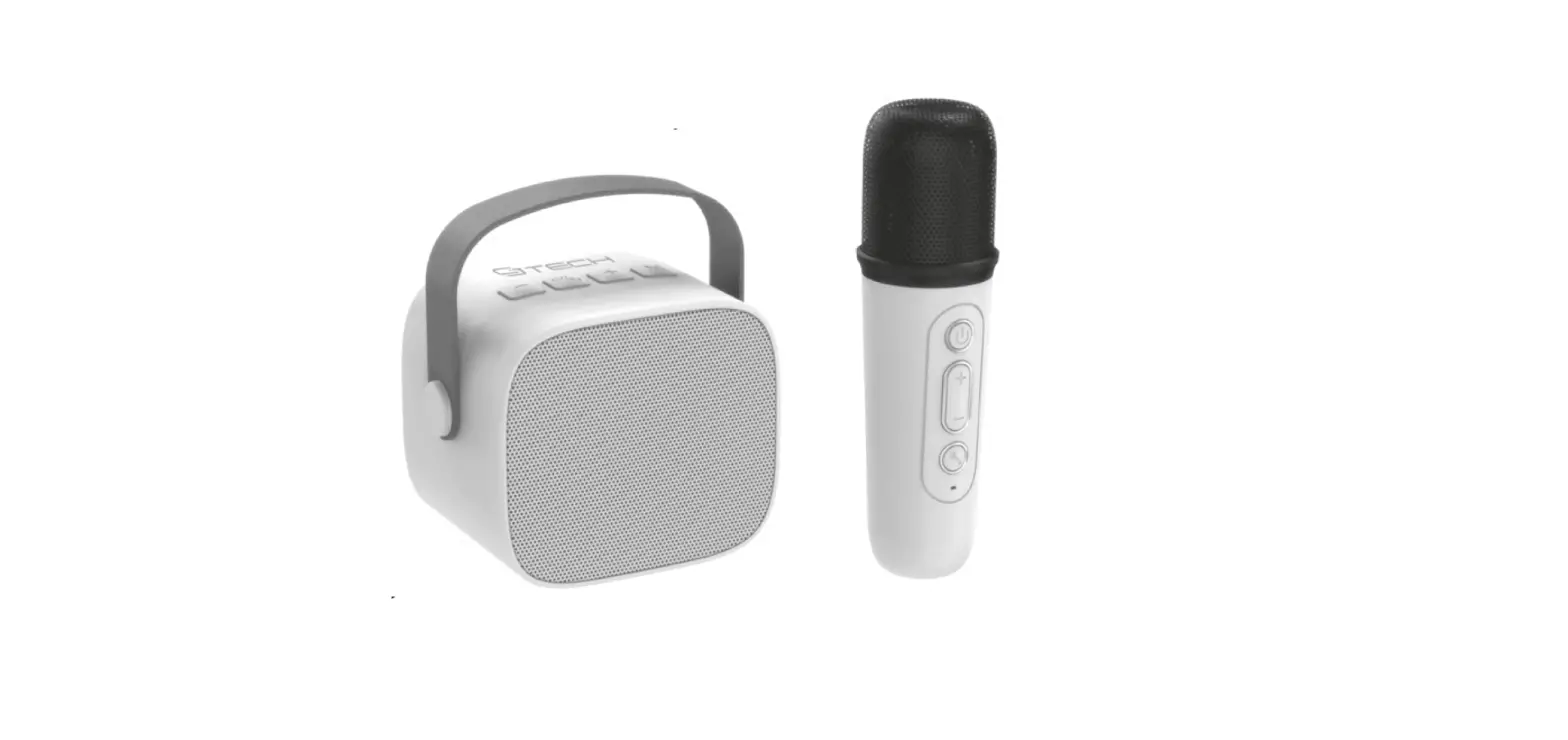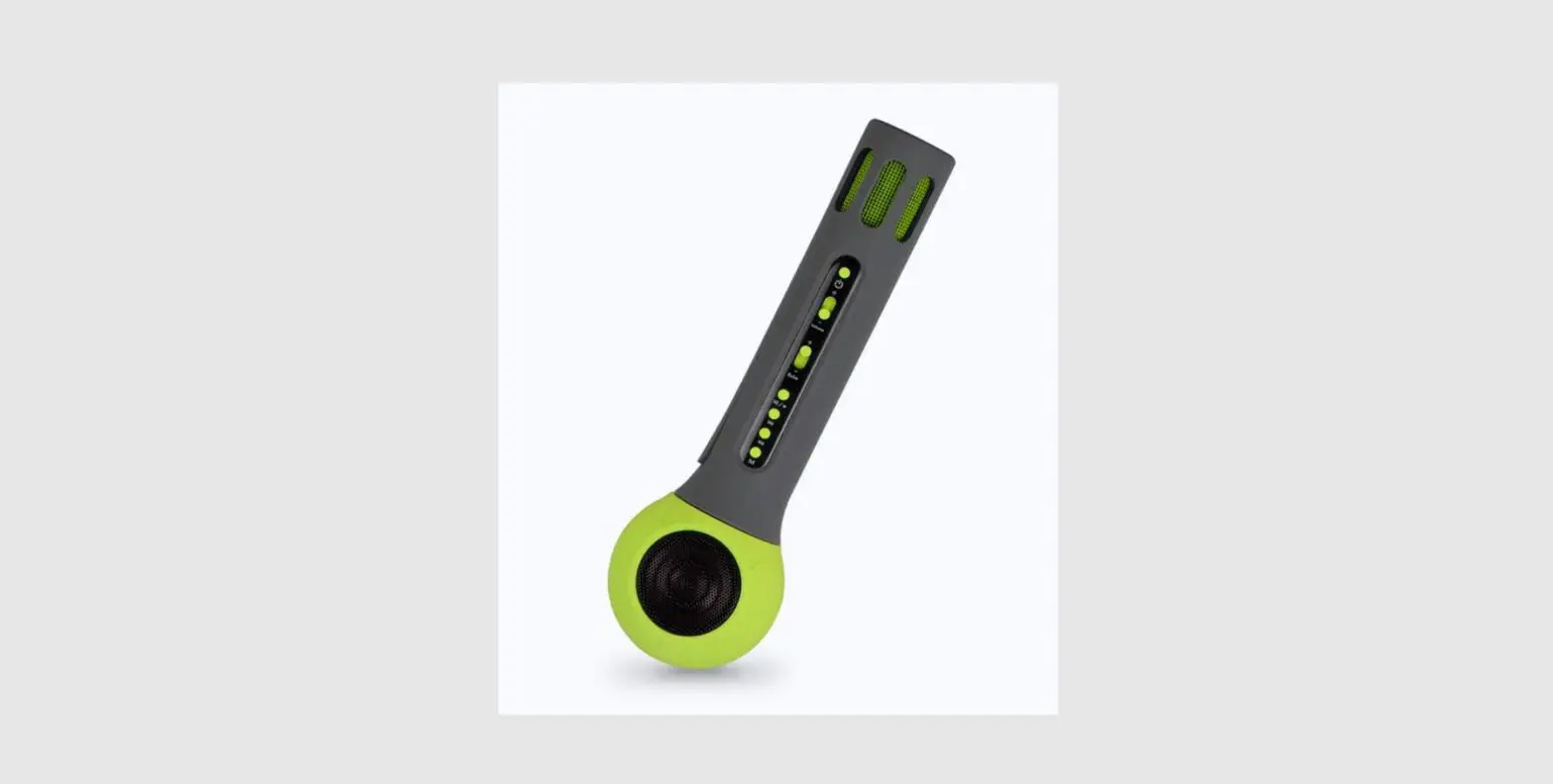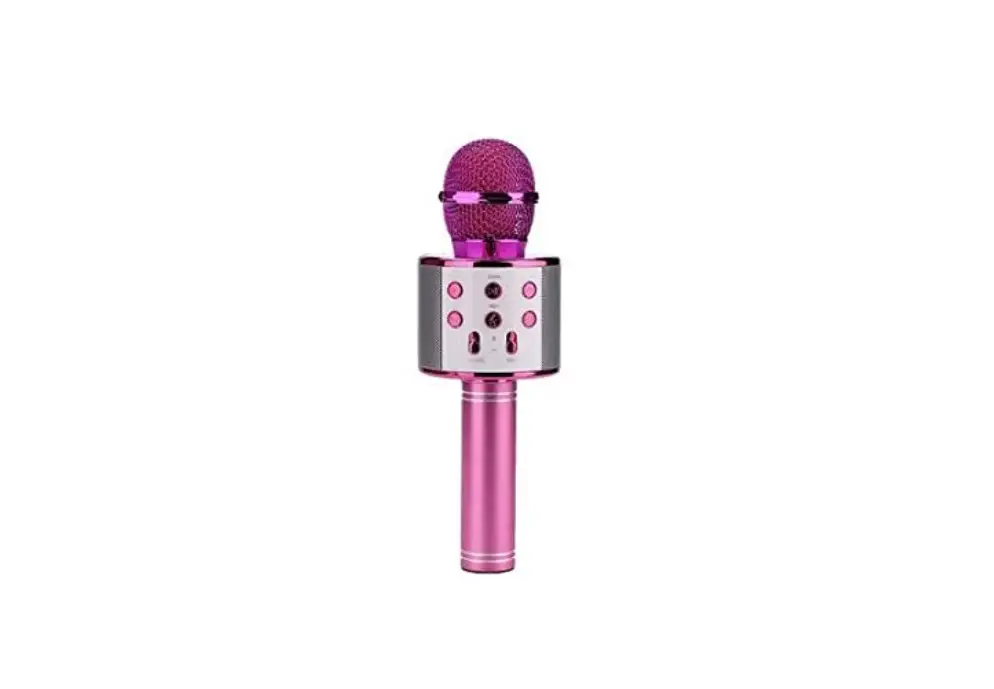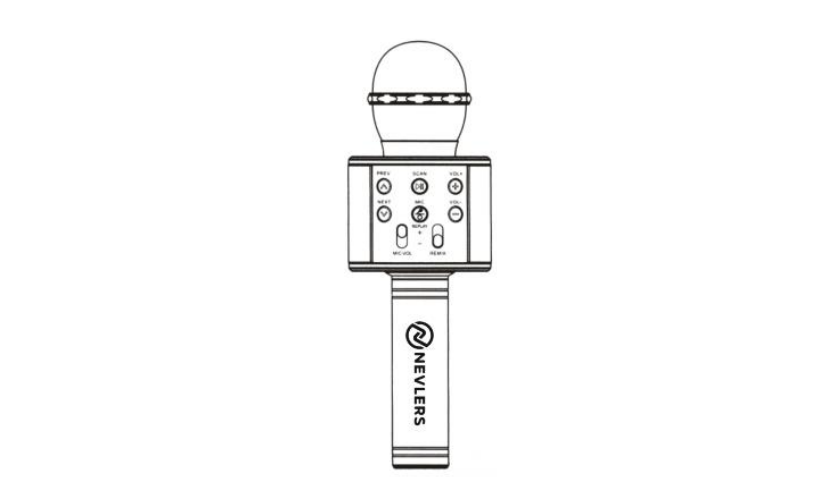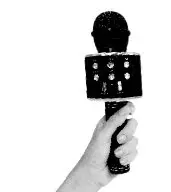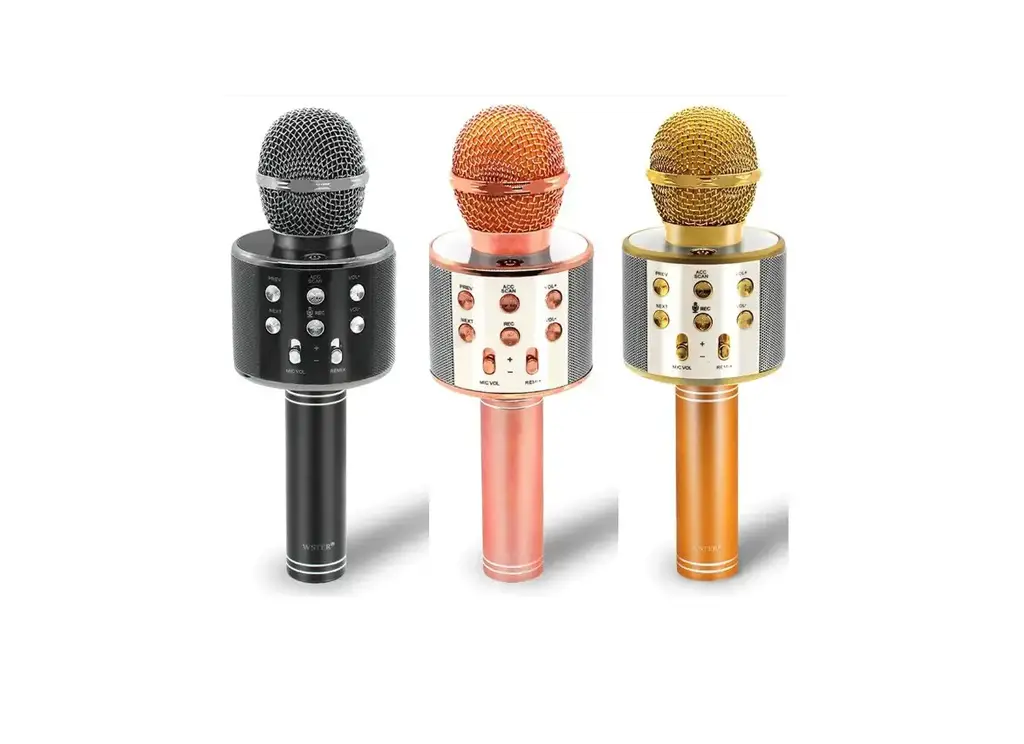
WSTER WS-858 Wireless Karaoke Microphone User Manual
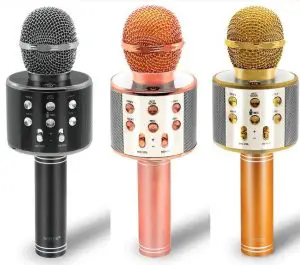
PHOTOGRAPH
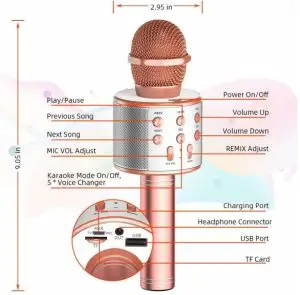
INSTRUCTIONS
HOW TO USE
- Switch on/off: Press the power button, the blue light will be on/off
- Bluetooth connection: Turn on bluetooth on your mobile phone, and search the bluetooth name ’WS-858’, click and pair.
- Playing music: Tum on mobile phone music app, download your favorite songs or accompaniment songs, volume could be adjusted by cellphone.
- Adjusting sound: Adjust voice volume or echo in suitable place.
- Start singing and have fun!
HOW TO RECORD
- Connect the audio cable, plug the micro USB port into pocket and 3.5mm audio port into cellphone.
- Open recording app like Apple Music and follow the using process, Start recording.
PS: Bluetooth will automatically disconnect when audio cable plug in.
FAQS
| Status | Reasons | Solutions |
| LED does not light | Low power or charging cable not plugged in | Charge or check the charging cable |
| Microphone not working | Can’t be turned on or the voice volume can’t be adjusted | Switch on or adjust voice volume |
| No Reverberation | Echo key not adjusted | Adjust Echo to a suitable place |
| Presence of noise | Environmental noise Mobile phone signal Interference | Adjust the distance between microphone and cellphone |
| Poor Recording | Phone does not match, Phone chip processing ability that is weak | Restart the phone to try again or replace the phone |
| When playing music, Staccato appears | Distant Bluetooth connection or Obstructions between Phone and device | Close to mobile phone, keep away from obstructions |
| Accompaniment Sounds weak or no Sound | Mobile phone volume low or music file quality bad | Higher phone volume download high quality music |
| Bluetooth can’t be Paired | Distant Bluetooth connection or already paired with another phone | Get closer to phone or disconnect with previous phone |
| Sound distortion when playing music | Volume too high, battery power is too low | Lower phone volume charge device |
HOW TO CHARGE
- When the battery voltage is too low, the product will automatically turn off;
- Using USB cable to connect with mobile phone standard jack, then the red light will be on;
- Normal charging 4 hours, charging is completed, the red light is automatically extinguished
- Normal conditions work 4 hours.
SPECIFICATIONS
- Microphone: Capacitance
- Output power: 5W/6W (Speaker Output)
- Frequency Range: 100Hz-10Hz
- Maximum sound pressure level: >115dB 1KHz THD<1%
- Reverb Mode:Echo sound reverberation
- Power Supply: Build-in-Li-ion Battery
- Battery Capacity: 1800mAh
- Charging Voltage: DC 5V=1A
SERVICE DESCRIPTION
If you have any problems with the microphone, please don’t hesitate to contact us, we have 24-hour friendly customer service for you at: [email protected]
FCC Requirement
changes or modifications not expressly approved by the party responsible for compliance could void the user’s authority to operate the equipment. This device complies with Part 15 of the FCC Rules. Operation is subject to the following two conditions:
- This device may not cause harmful interference, and
- This device must accept any interference received, including interference that may cause undesired operation.
Note: This equipment has been tested and found to comply with the limits for a Class B digital device, pursuant to Part 15 of the FCC Rules. These limits are designed to provide reasonable protection against harmful interference in a residential installation. This equipment generates, uses, and can radiate radio
frequency energy, and if not installed and used in accordance with the instructions, may cause harmful interference to radio communications. However, there is no
guarantee that interference will not occur in a particular installation. If this equipment does cause harmful interference to radio or television reception, which
can be determined by turning the equipment off and on, the user is encouraged to try to correct the interference by one or more of the following measures:
- Reorient or relocate the receiving antenna.
- Increase the separation between the equipment and receiver.
- Connect the equipment into an outlet on a circuit different from that to which the receiver is connected.
- Consult the dealer or an experienced radio/TV technician for help.
WSTER WS-858 Wireless Karaoke Microphone User Manual – Download [optimized]
WSTER WS-858 Wireless Karaoke Microphone User Manual – Download