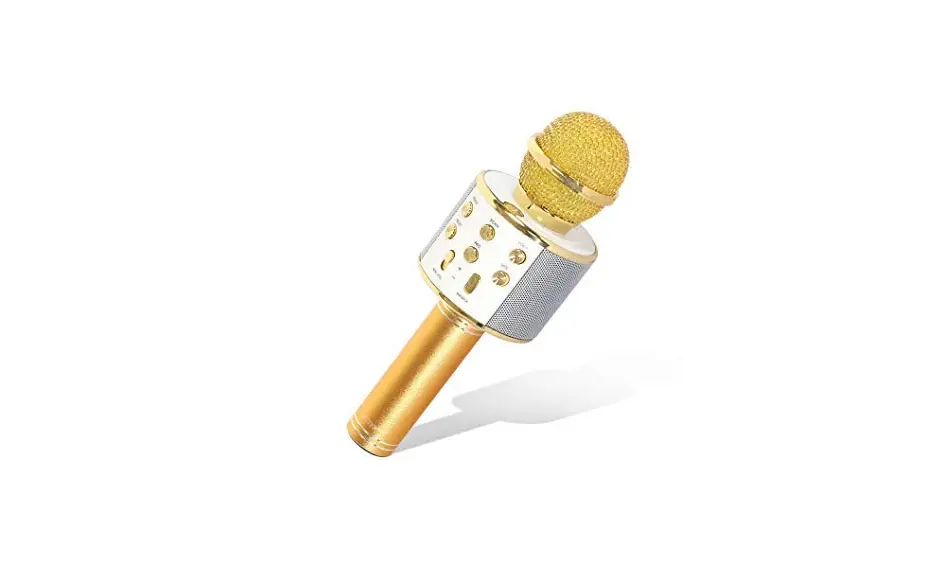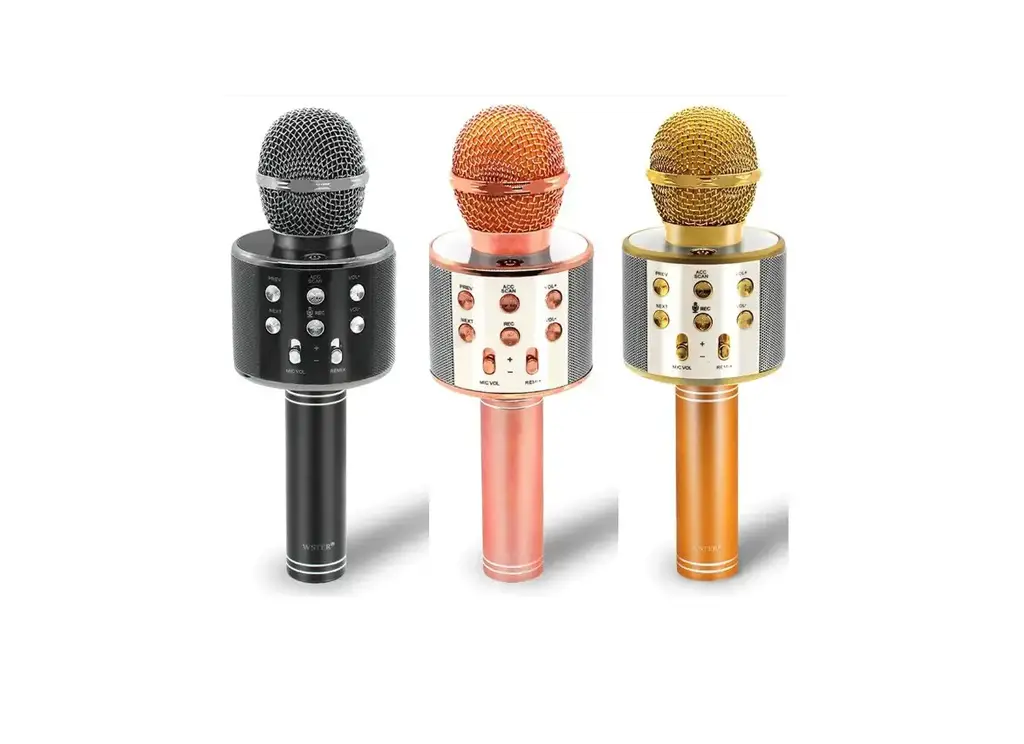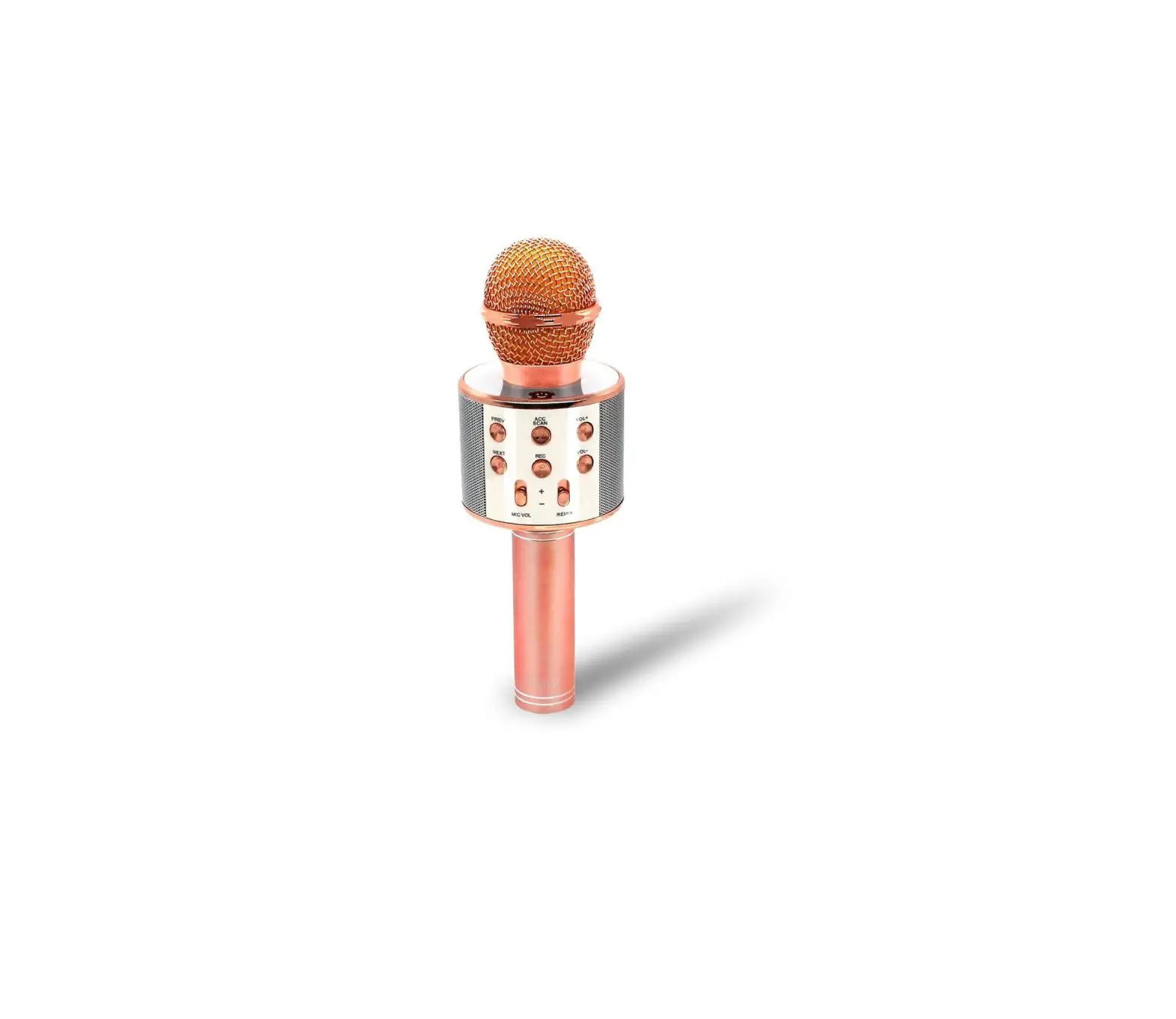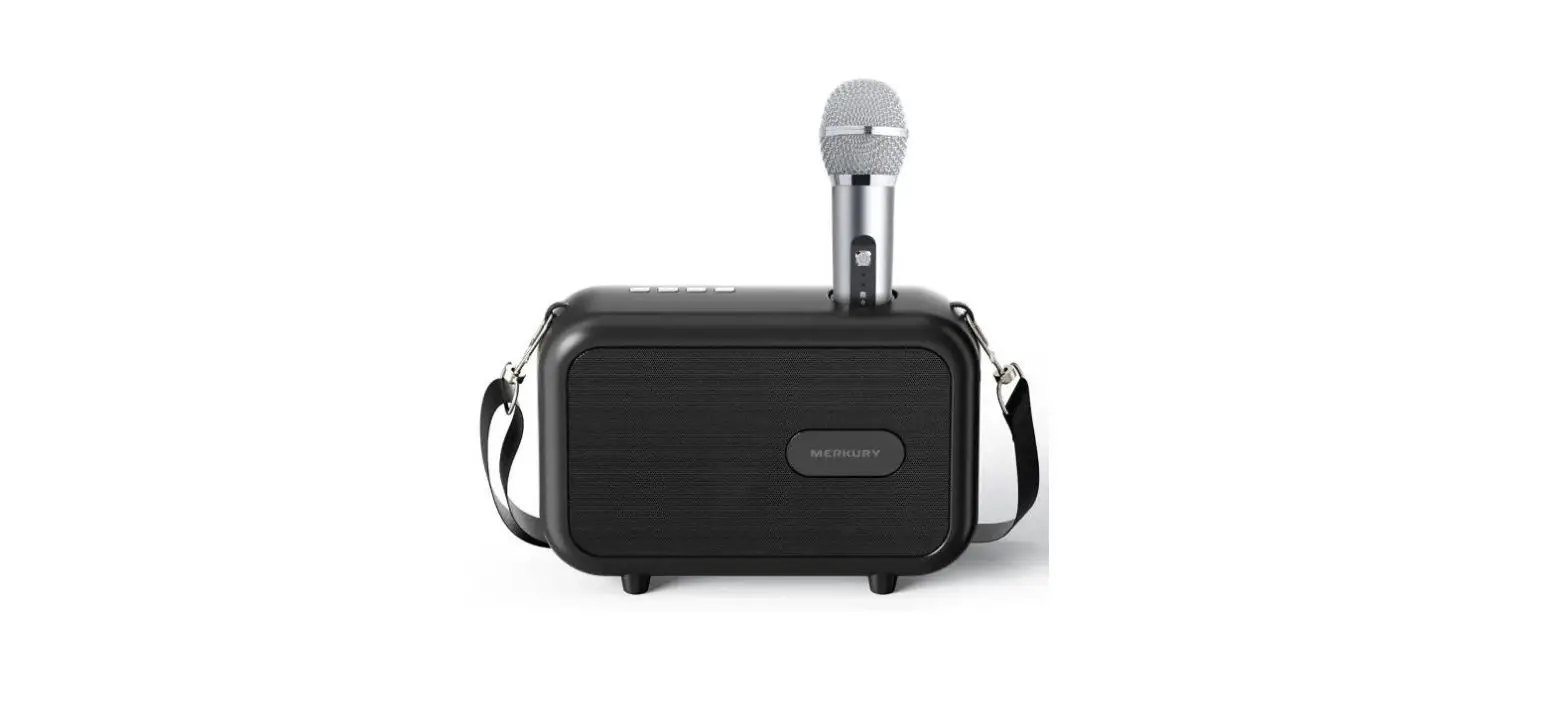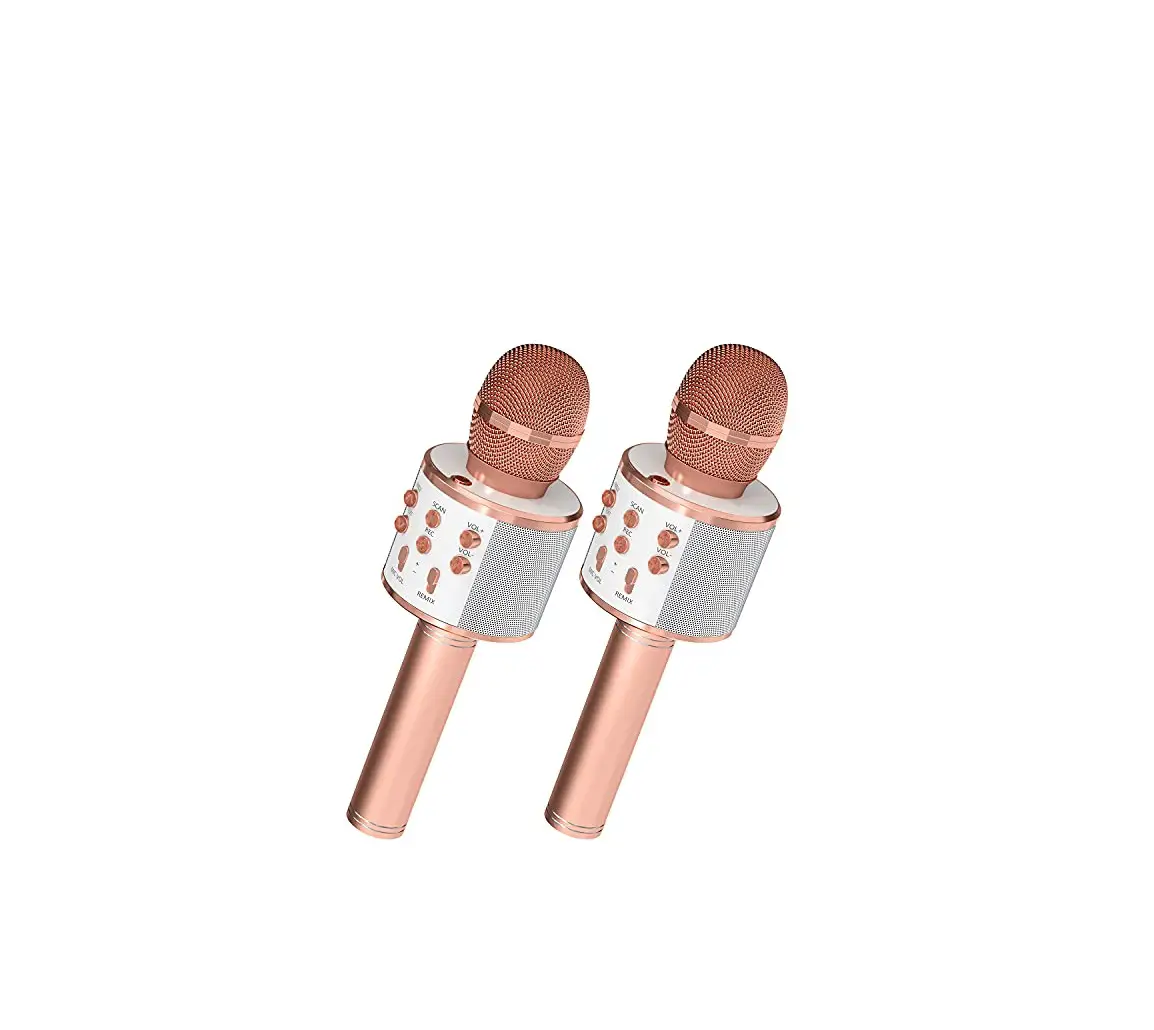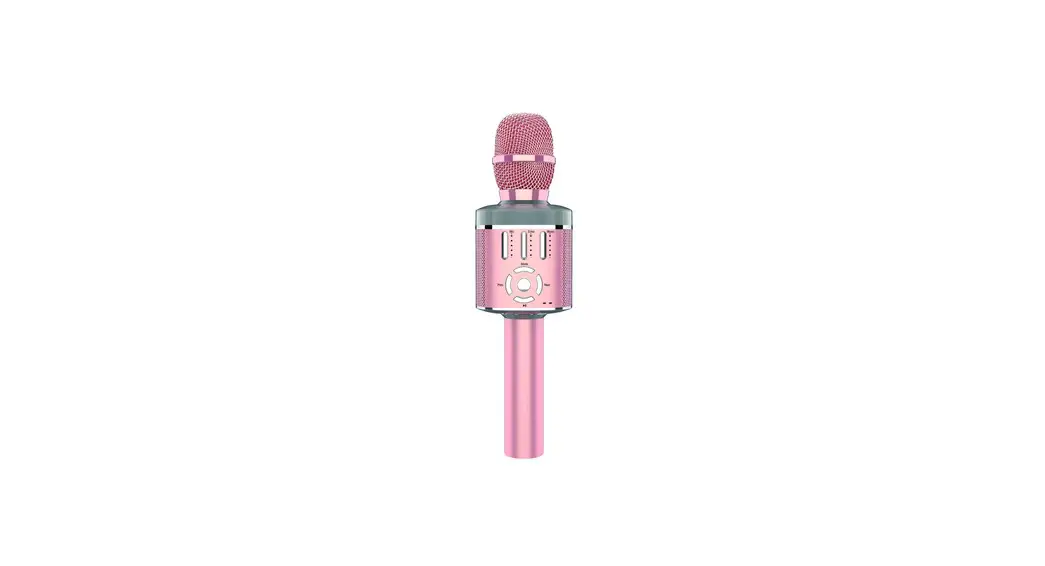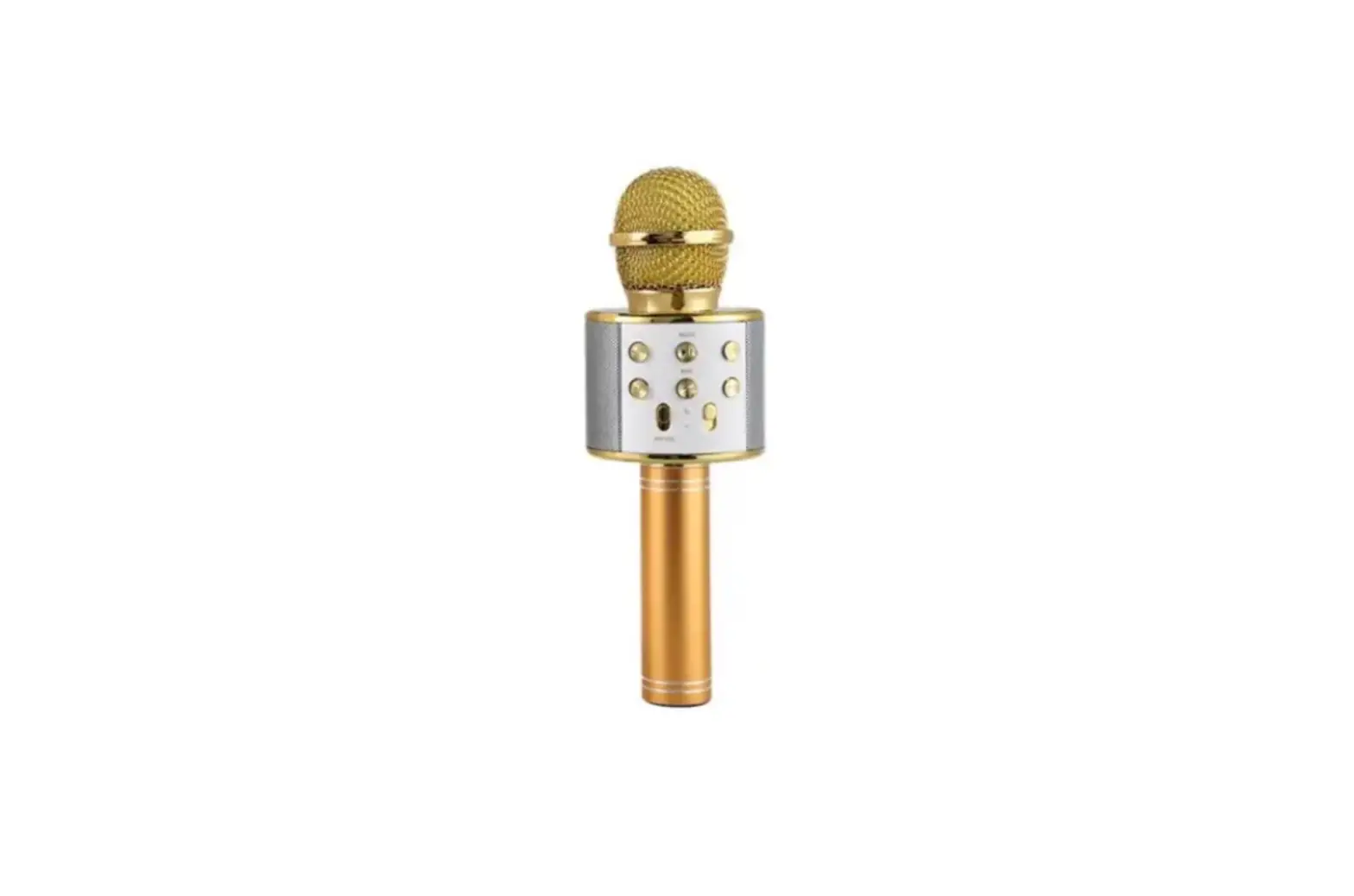
KIMIKU WS858 Handheld Wireless Karaoke Mike Instructions


Karaoke Treasure Instructions
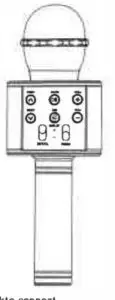
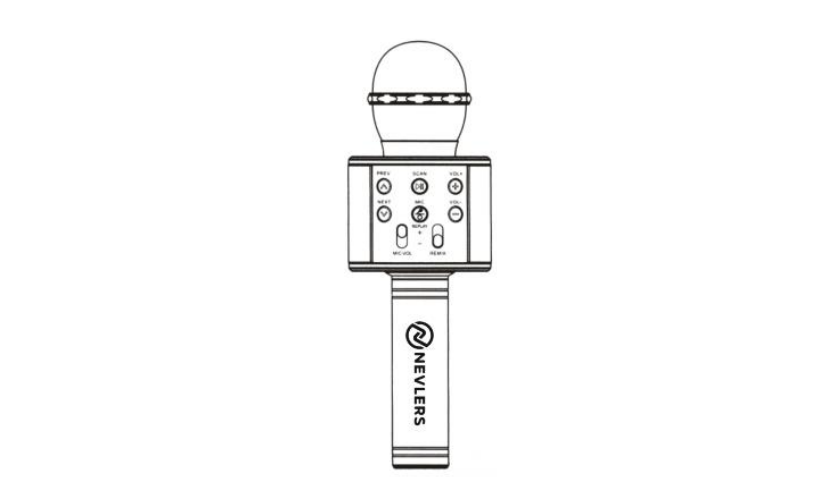
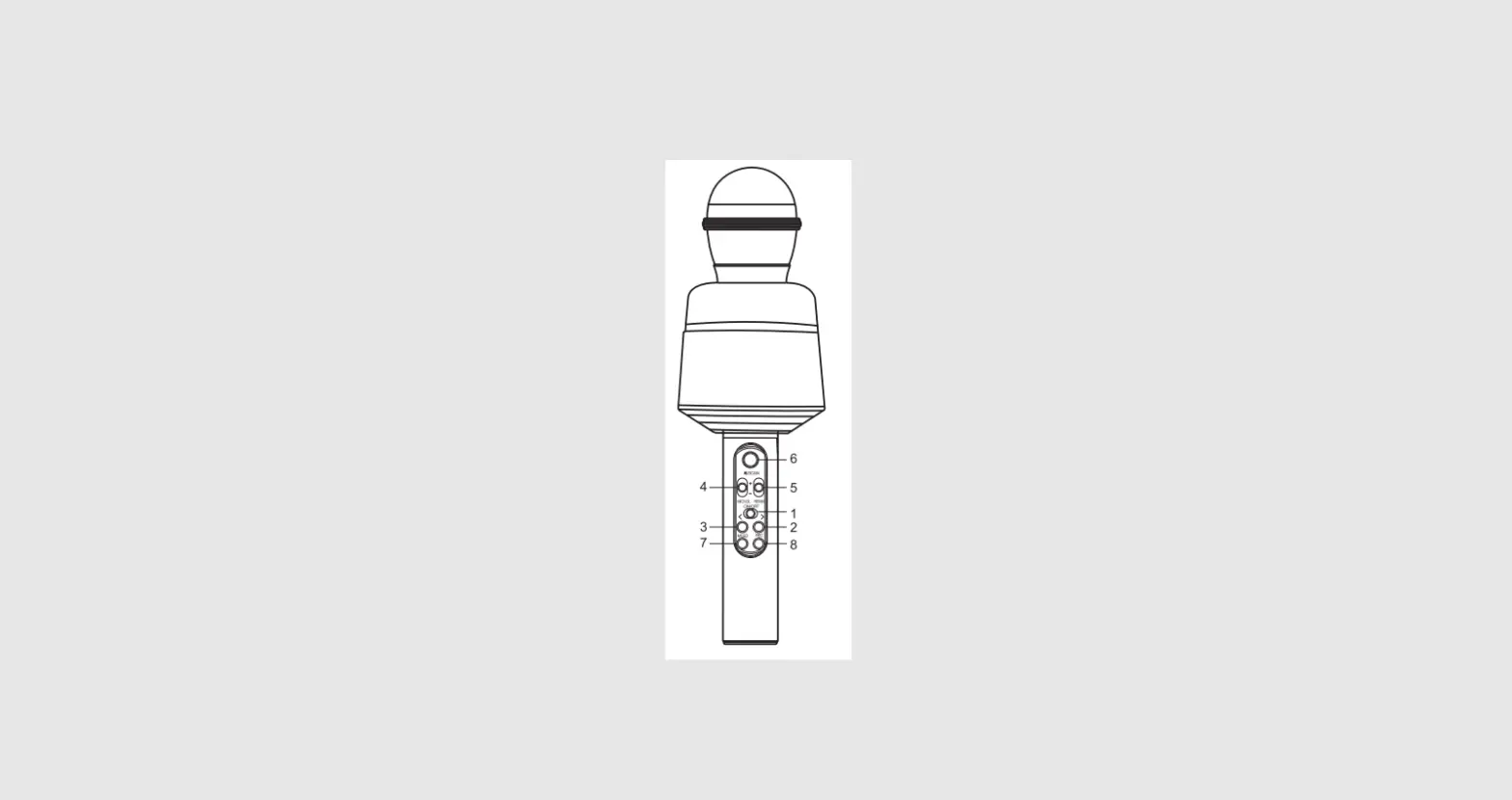
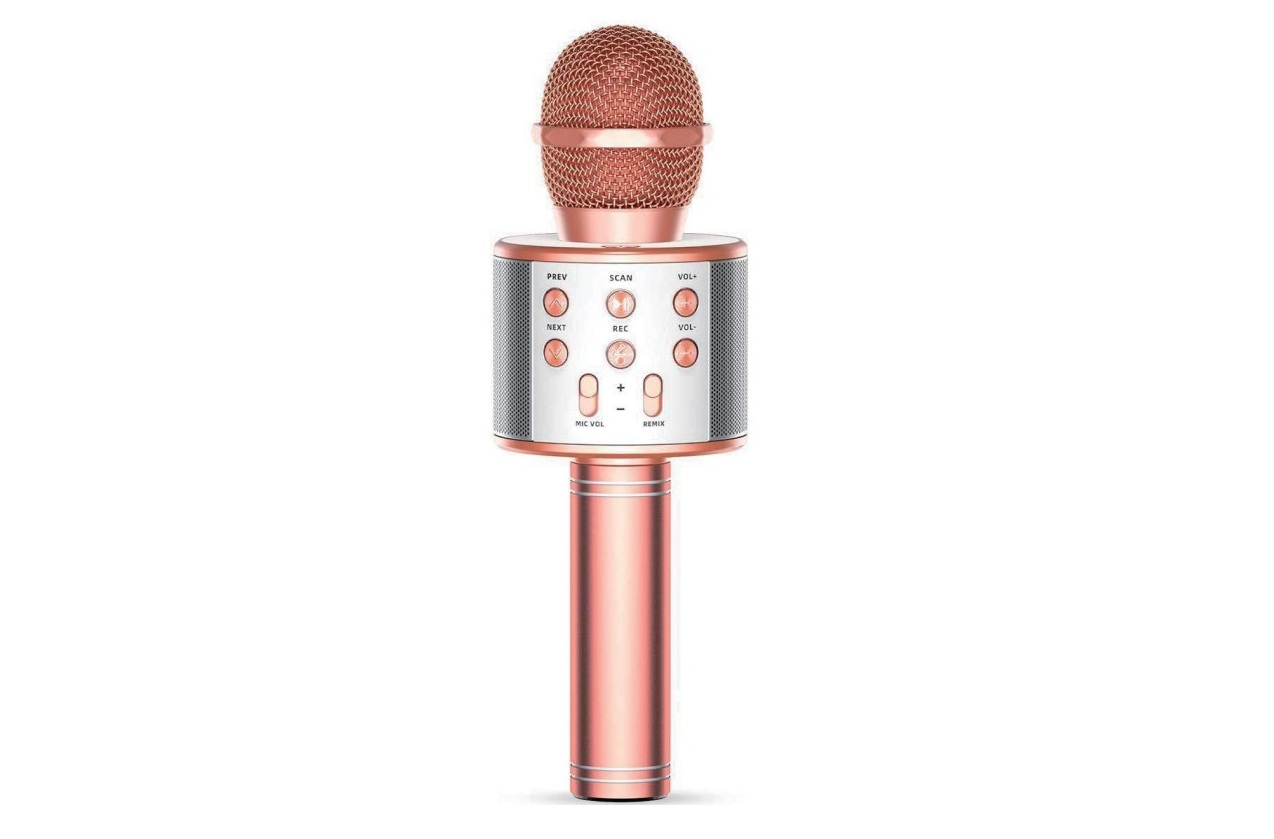
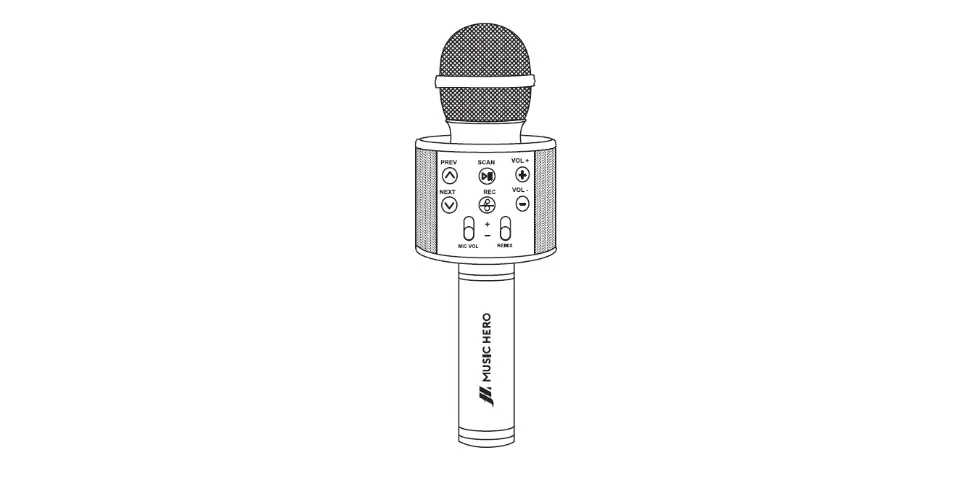
- .• (!). Hoid: ON/OFF Press: Mode switching
 Press: lhe previous song under MP3 mode.
 Press: the previous song under MP3 mode.
 Press: Play/Pause.Under FM sta!e, hold it for automatic search
- .
 MIC/Replay Press: Mike ON/OFF s.·+·1ncreasevolume
  Decrease volume
 Decrease volume
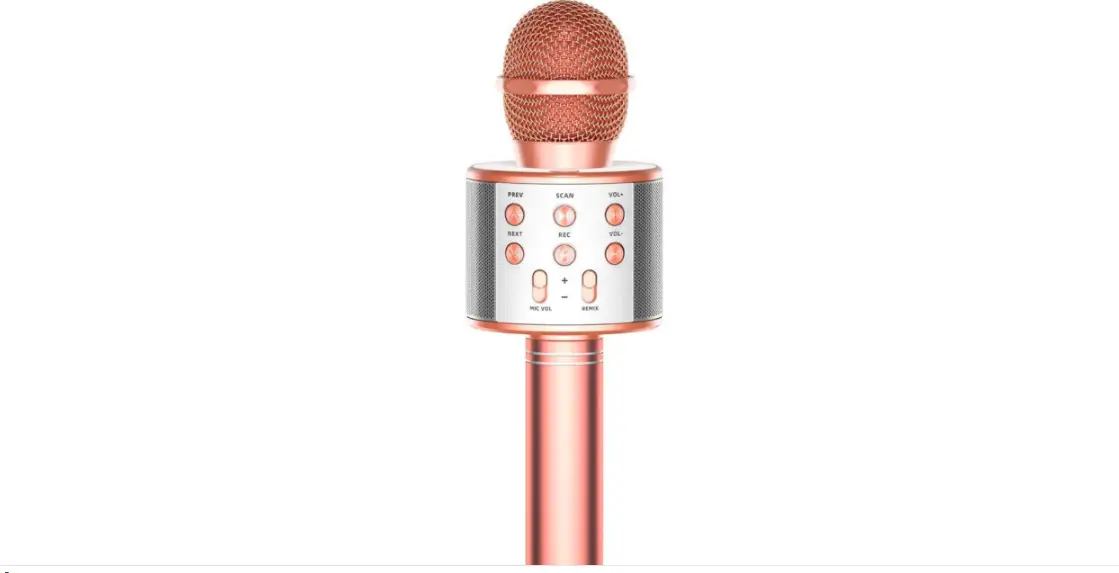
 Press: lhe previous song under MP3 mode.
 Press: the previous song under MP3 mode.
 Press: Play/Pause.Under FM sta!e, hold it for automatic search
 MIC/Replay Press: Mike ON/OFF s.·+·1ncreasevolume
 Decrease volume
 Decrease volume
II. Wireless Karaoke
- Supply power: Hold “(I)” button to start the product.
- Wireless connection: enable the wi re lessof mobile phone, clickto connect, successful connection if prompt tone isproduced.
- Adjust sound: adjust the sound volume of mike and the reverberationto suitable level.
- Start Karaoke
III. Recording with mobile phone
- Connect the recordingw ire: insert the MICRO plug of the recordingw ire into lhe MICRO Interface of Karaoke Treasure, and the 3.5mm inlerface inlo the earphone jack of the mobi!ep hone.
- Open lhe Karaoke software in the mobile phone. Such as: USING. Kugou Music°’ other recordng APPs, select your favorable song. recotd the so,ig according lo the above mentioned sS!ging method.
- Tesl and save the song: opmate according to the lnstruclions ol Karaoke software.
Technlcal Parameters
- Output Power: 3W • Frequency Range: 100HZ10KHZ
- Max Sound Pressure Level: >1150B 1KHZ TOH< 1%
- Reverberation Mode: sound effect reverberation
- Power Supply: Buill-in 18650 Li-battery
- Ba11ery Capacity: 1200mAh , Charging Power: DC5V