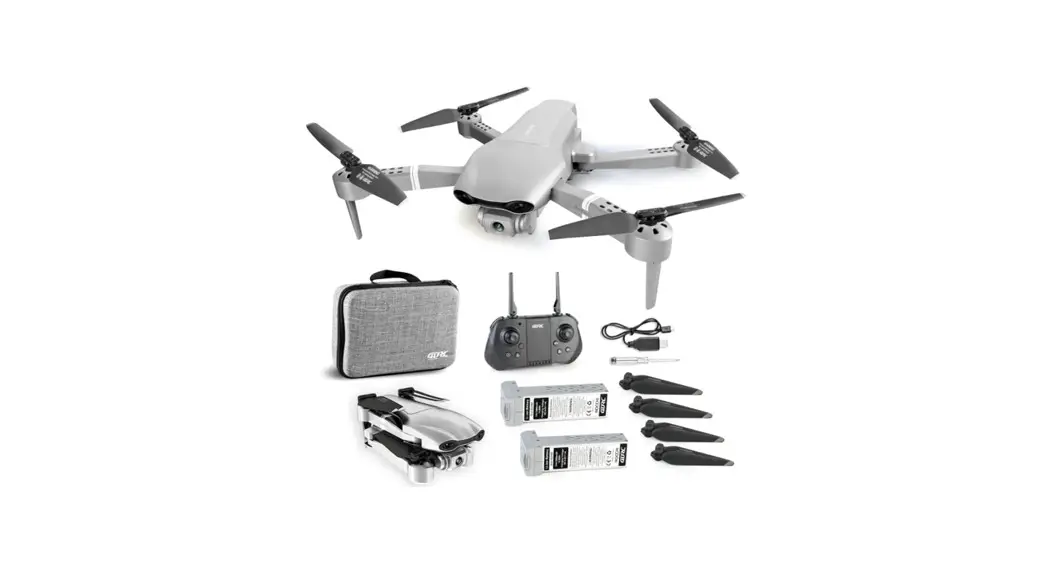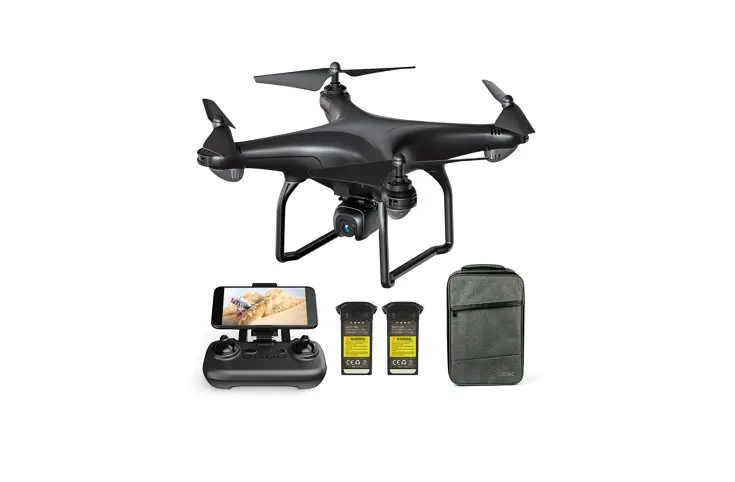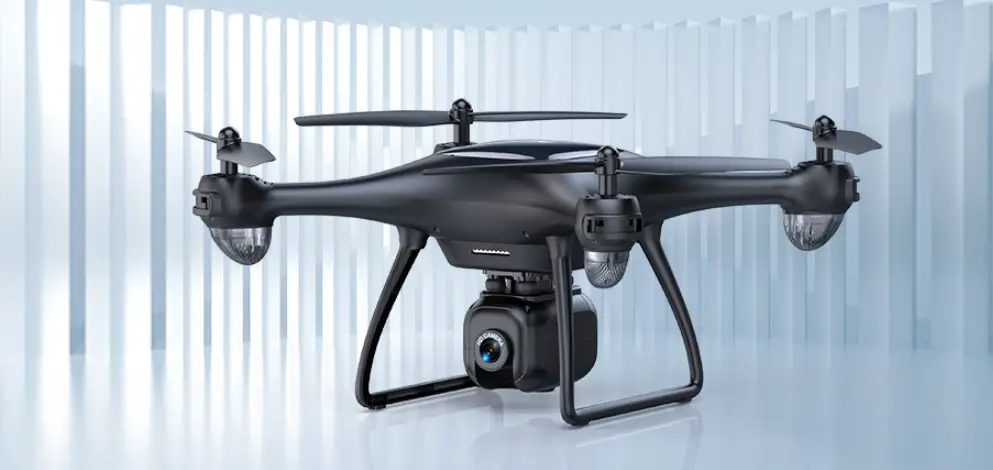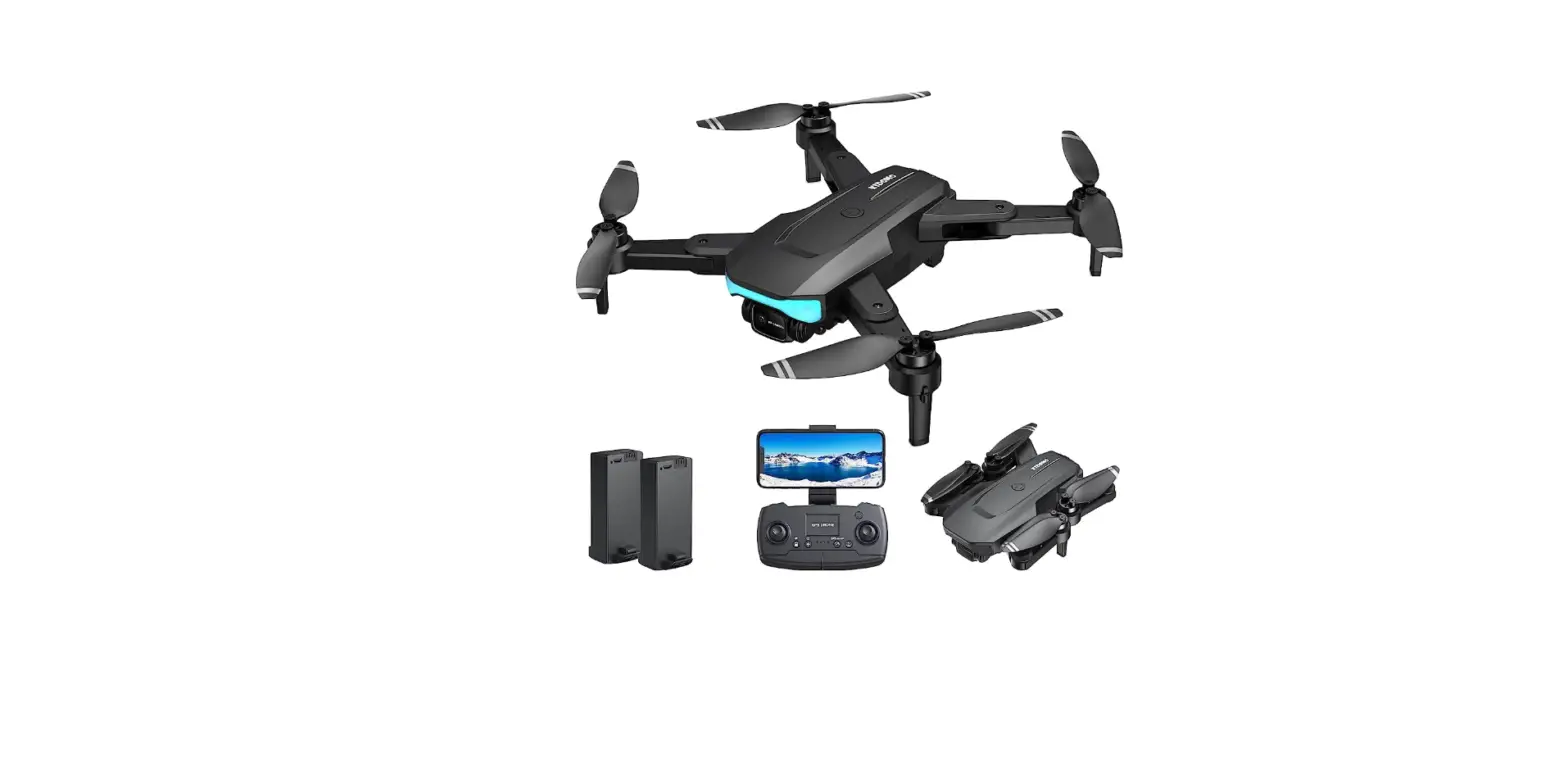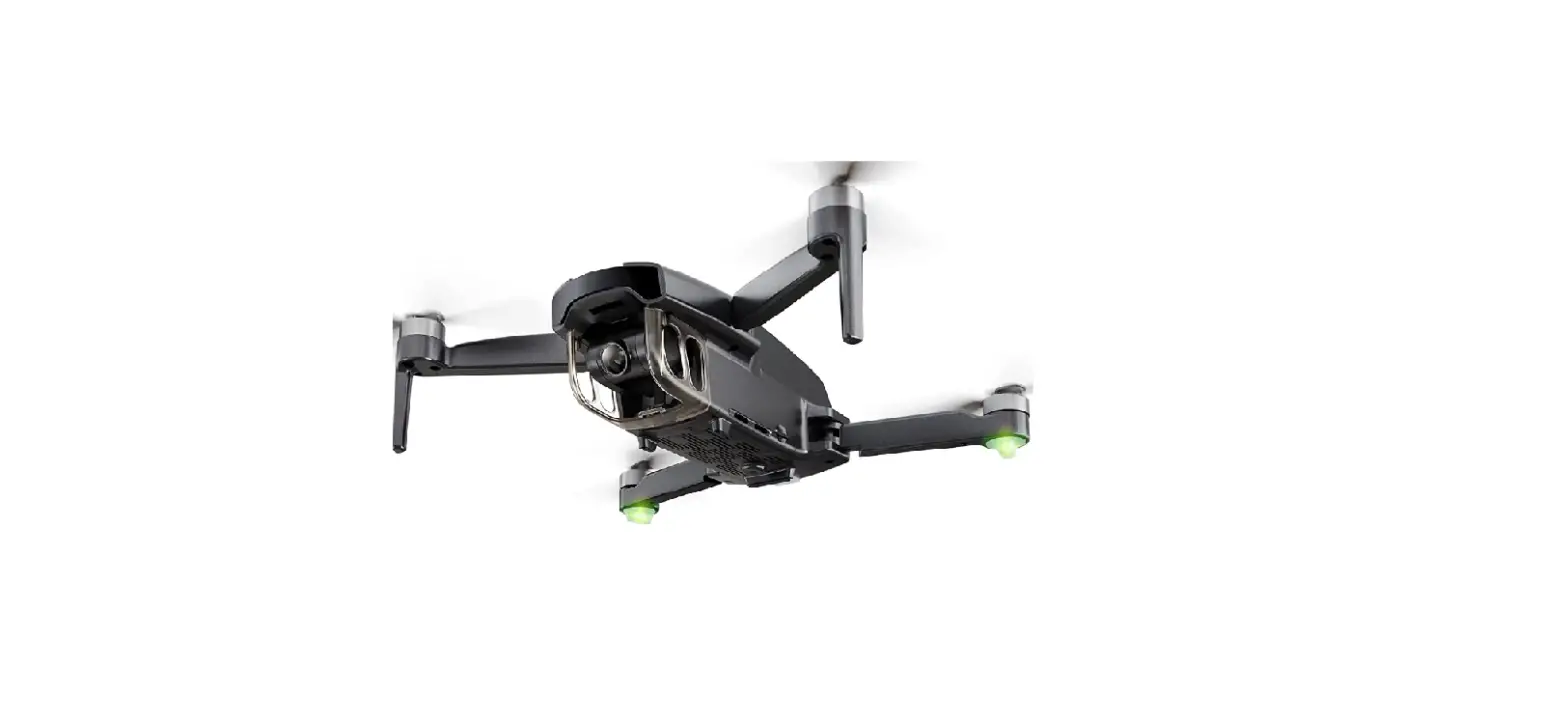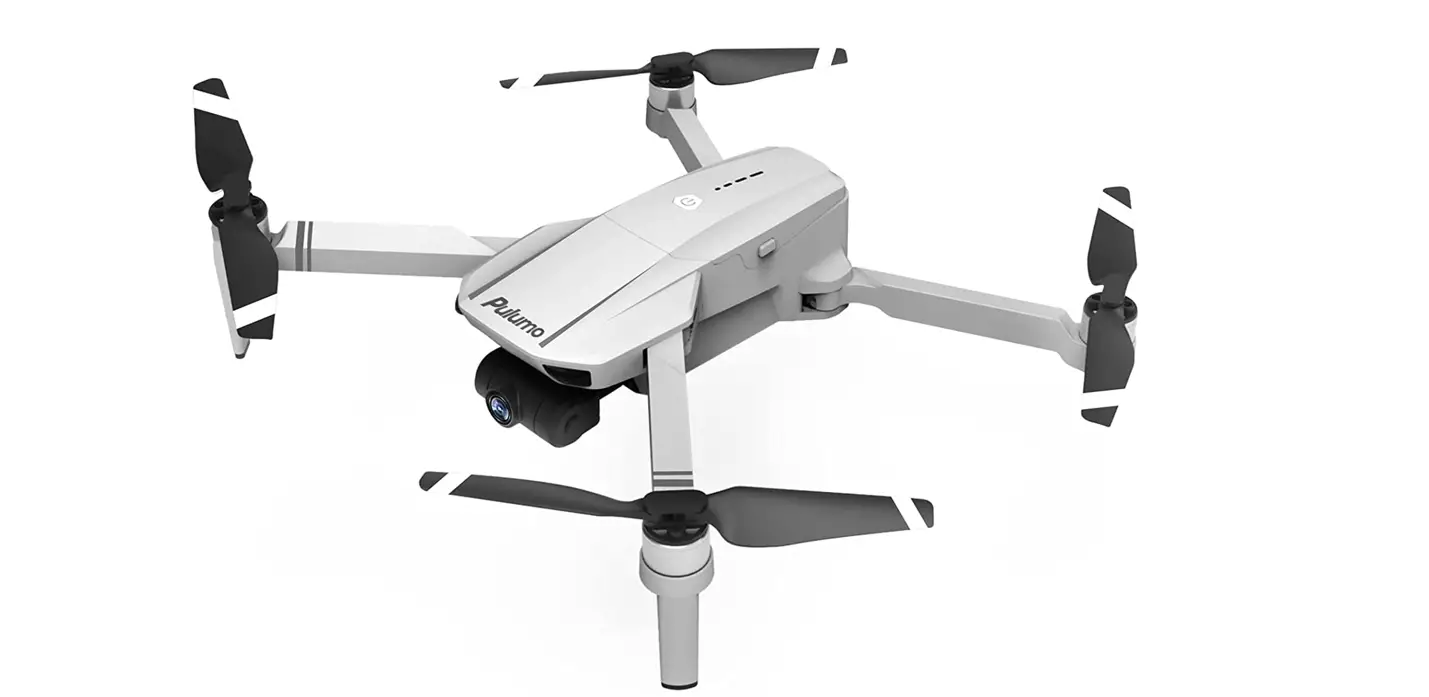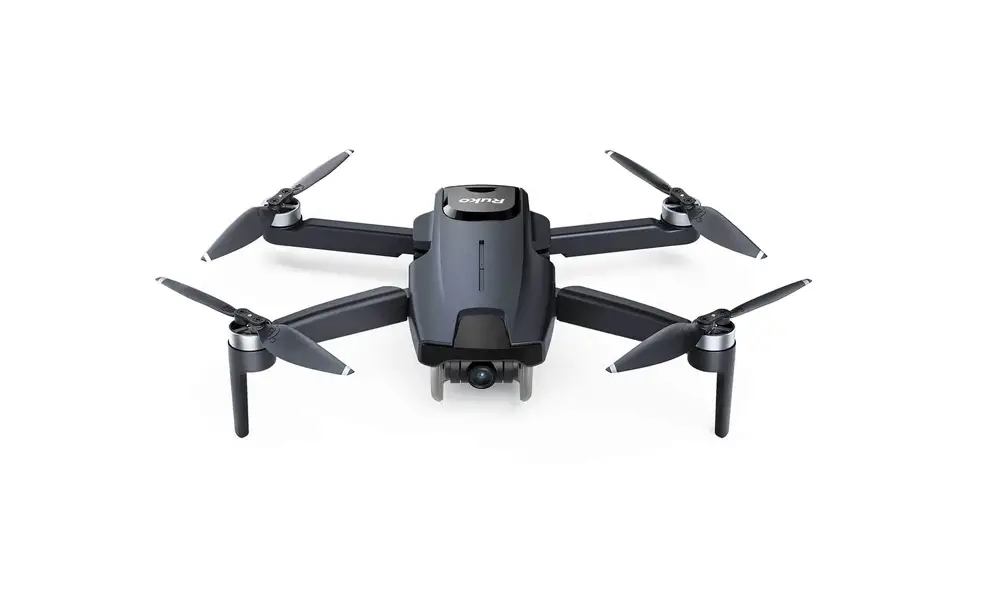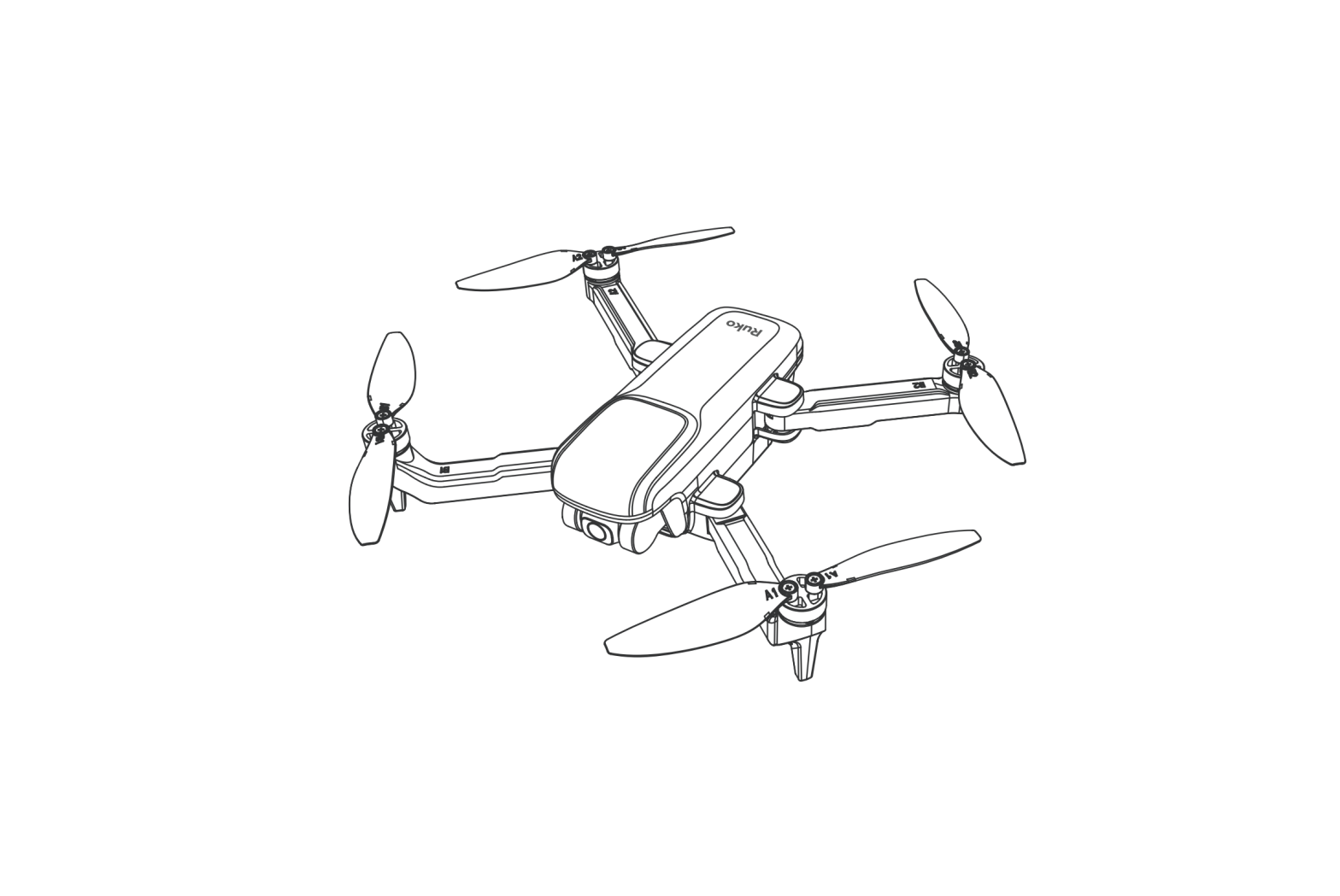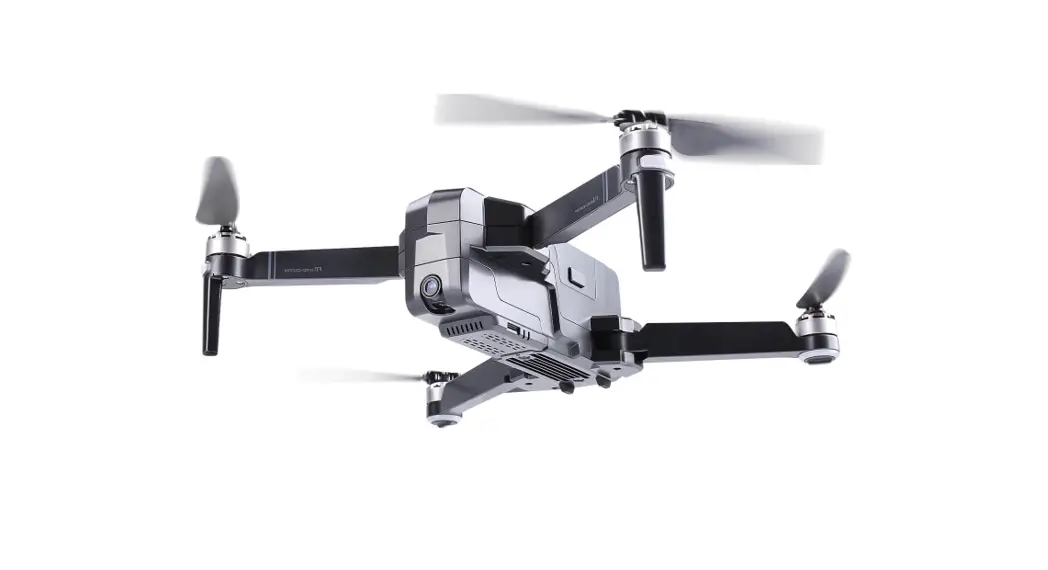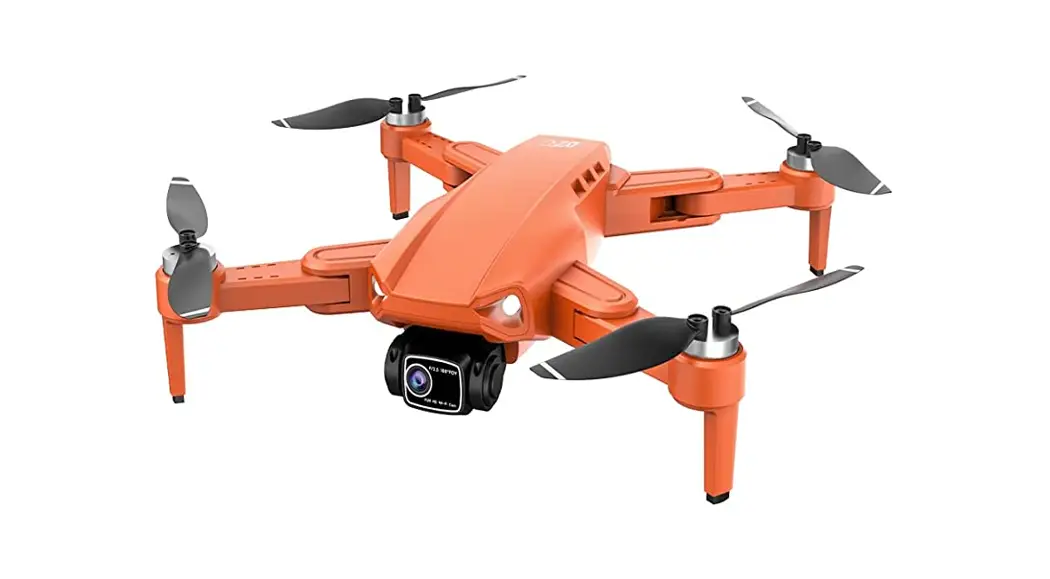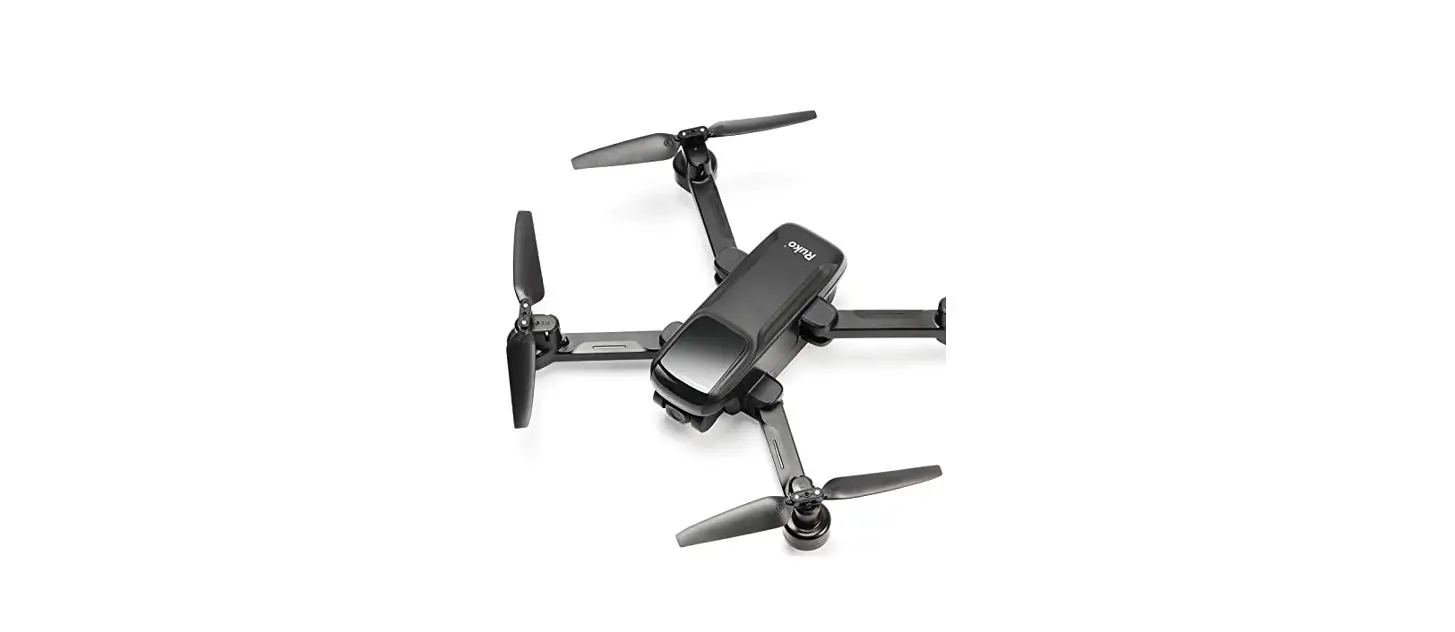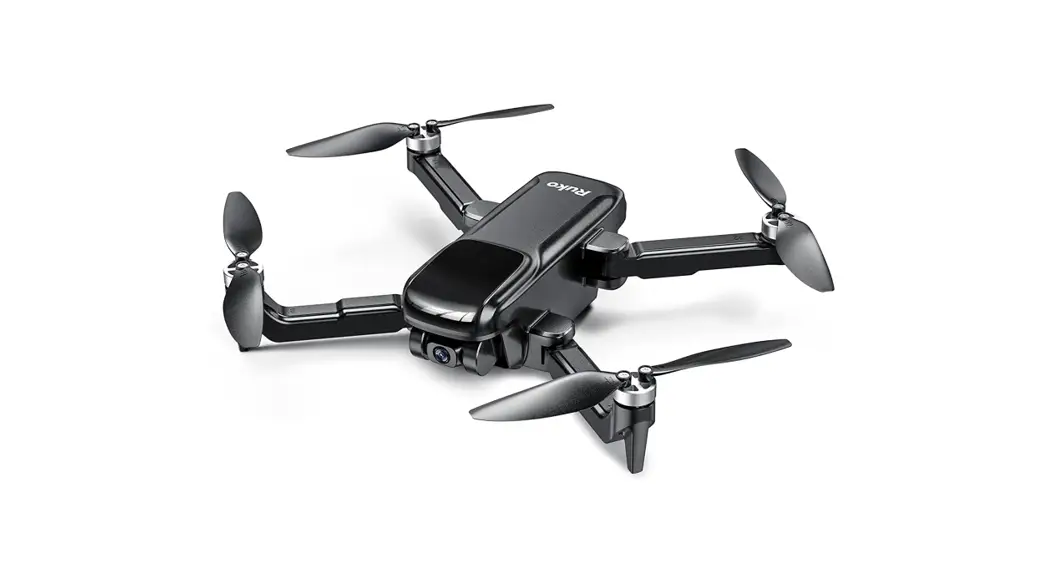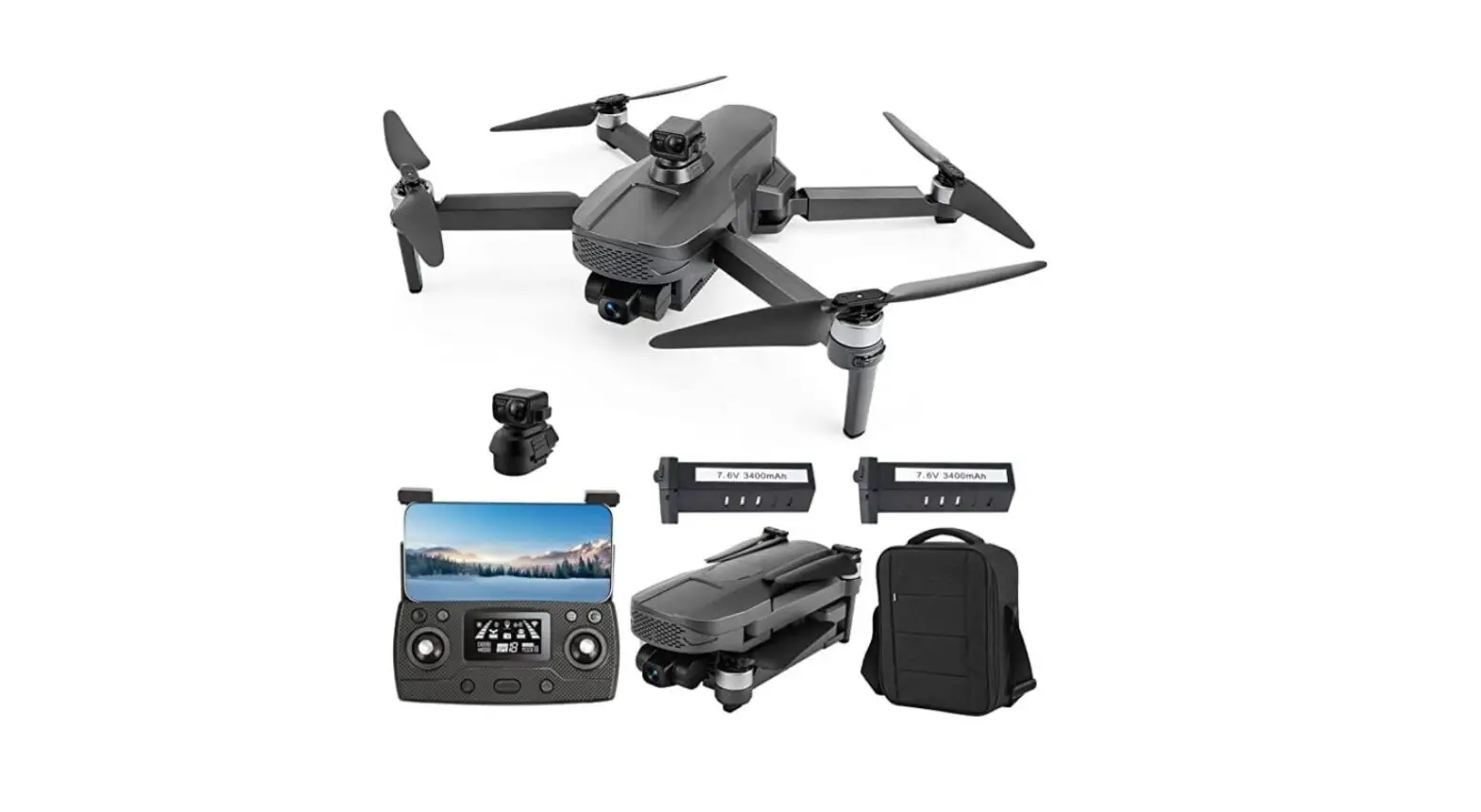

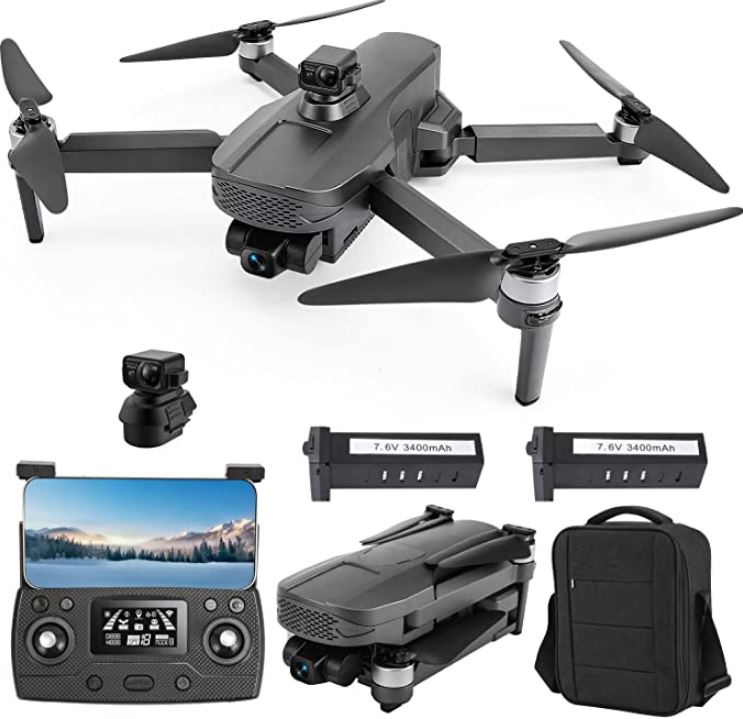
Tucok 193MAX2S GPS Drone with 4K Camera
Download App
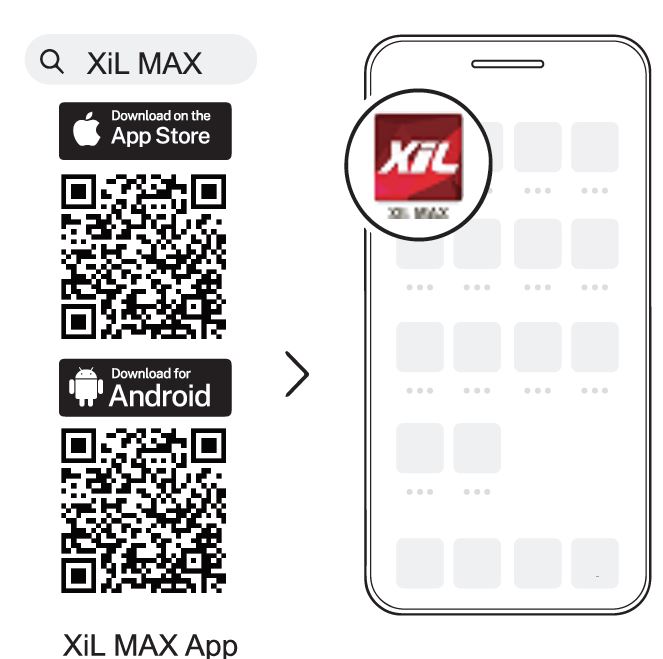
Scan the QR code, corresponding to either App Store TM or Google Play TM Store and download the Xii Max app for free.
Required Operating Systems: iOS 11.0 or late”Android 6.0 or later.
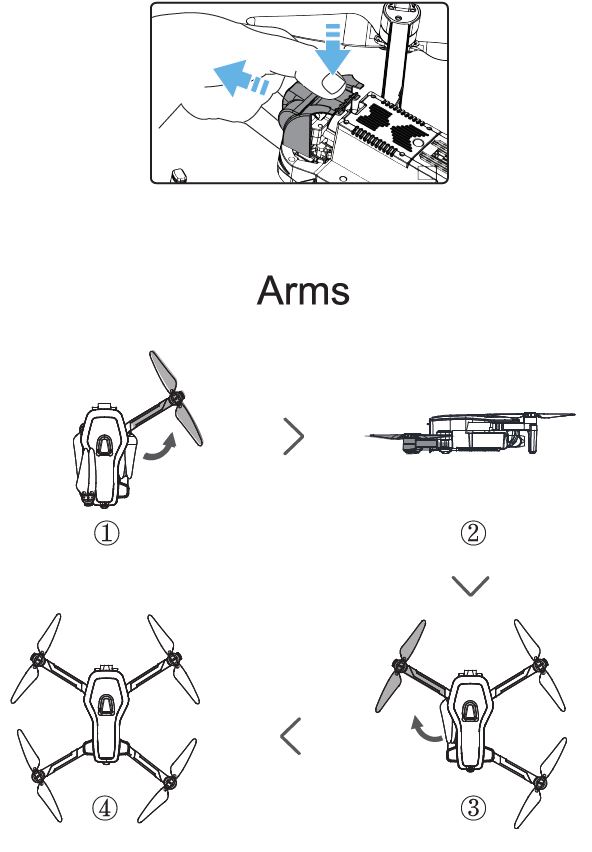
Gimbal Cover
Install the Laser Obstacle Avoidance Camera 
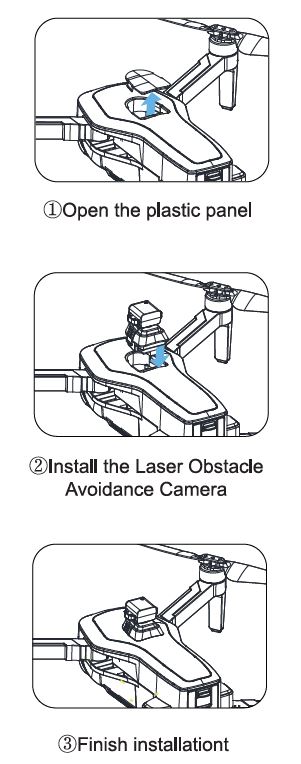
After the drone turns on battery power, the obstacle avoidance camera will have an automatic inspection procedure.
Please don’t use your fingers to rotate the Obstacle Avoidance Camera.
TF Card
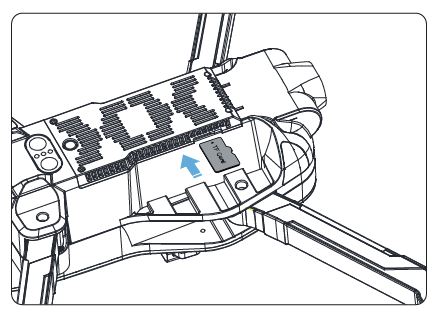
To store your photos and videos, insert the TF card (not included) into the slot as shown above before turning on the drone. The drone supports TF card up to 256 GB.
Note:
Please use the TF card (micro SD Card) with a write speed higher than 30MB/s
Select an Open Area
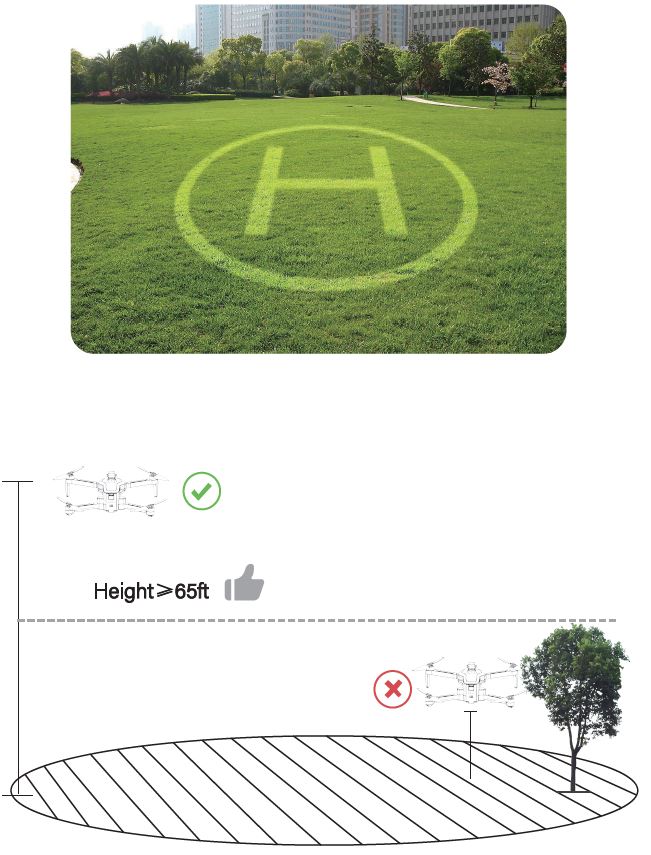
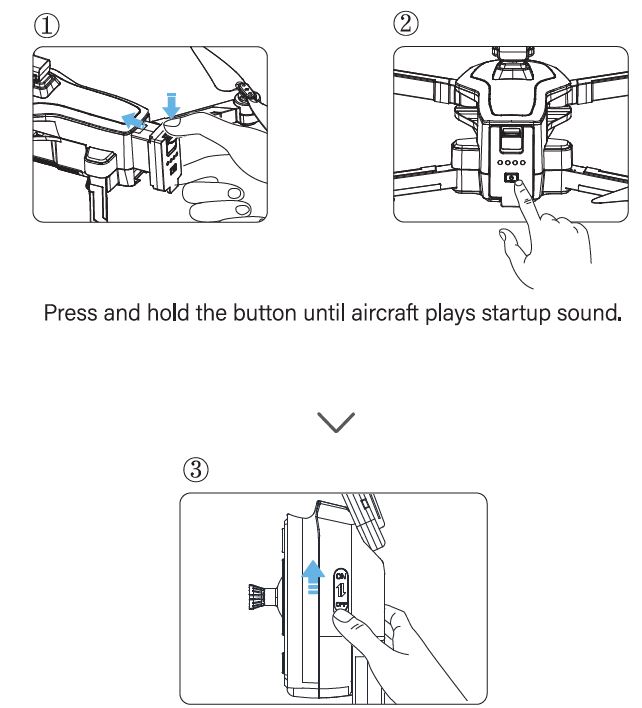
Note:
- The drone and transmitter linking takes around 40 seconds.
- The drone is placed on a flat ground directly in front of the remote control, and the light of the remote control changes from flashing to steady on after the frequency synchronization is successful..
Connect to Wi-Fi
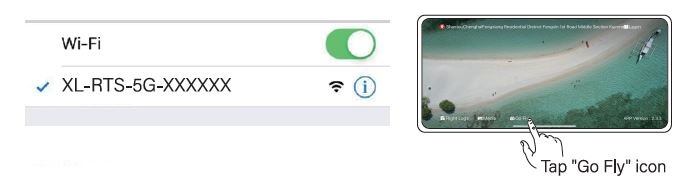
Note:
Open your phone WIFI, Then you could see (XL-PTS-5G-******) in your phone WIFIThe last 6 number is SERIAL NUMBER. For exmple, “XL-PTS-5G-12b346” , then 12b346 is the drone serial number. Each drone have unique serial number.
CALIBRATE THE COMPASS
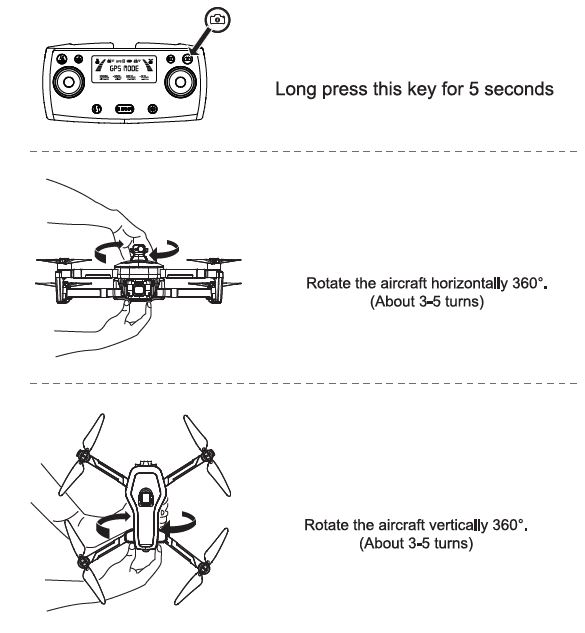
Calibrate the Gyroscope
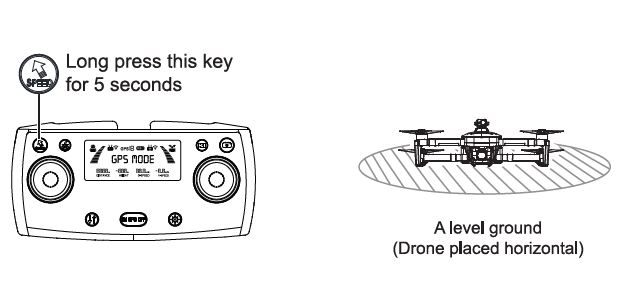
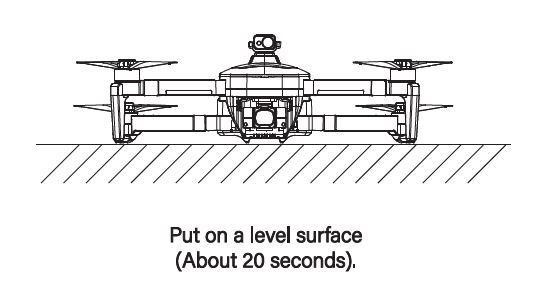
Gimbal Self-inspection
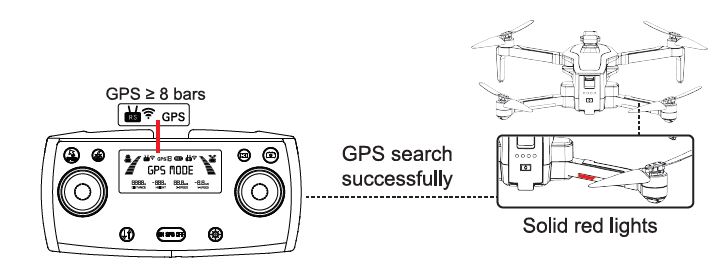
Search for GPS Automatically
Tips:
- The searching time depends on the flight environment.
- The unsuccessful the motors can’t be started.
- The drone can take off only after the LCD screen of the remote control shows GPS MODE.
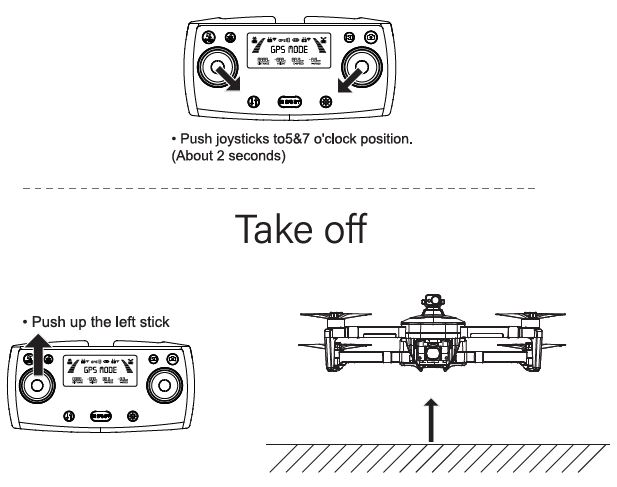
Start the Motors

EMAIL: [email protected]
Common Problems and Solutions
| Question | Cause | Solutions | ||||
|
The motors cannot be started | Weak GPS signal | Turn on the Drone in an open area with strong GPS signal | ||||
| One of the drone’s motors does not work | Please contact customer service by email to handle the problem | |||||
| After the connection is successful, the drone arm light keeps flashing | Please perform geomagnetic gyroscope calibration | calibration | and | |||
| The left and right joystick are not in correct position | Push the left and right joysticks to 5 o’clock and 7 o’clock at the same time for 2 seconds | |||||
|
Unstable flight | Flying too low, Aircraft airfl ow | affected | by | Please fly the Aircraft above 18ft(6 meters) | ||
| The gyroscope is not calibrated | Place the Aircraft on a horizontal surface and conduct eyroscope/horizontal | |||||
| The propellers become deformed and incomplete | Please refer to the” Replace the propellers with new ones”section on page 13 of the user manual Replace the propellers with new ones | |||||
| GPS signal is unstable. Flying near buildings and in obstructed places | Please fly t he Aircraft in an open area free of obstacles with in the circle of radius 66 ft(20 meters) | |||||
|
Out of control, spinning around on its own, abnorma l sound | The Transmitter signal is interfered or the Aircraft exceeds the range of remote control | Please fly the Aircraft outdoor s without interference.and ensure that it is within a controllable range | ||||
|
Compass int erference | Please manually land th e drone in time and cal ibrat e the compass. Please make sure to fly away from the buildings.trees.power lines.and signal towers | |||||
| The propellers become deformed and incomplete | Replace the propellers with new ones Place the drone on landing pad | |||||
|
The camera is tilted/Gimbal is not working/ Can’t adjust the camera angle | The drone was placed on an unlevel surface such as grass and sand and so on | cardboard horizontally and ensure a gap between the camera and the surface | ||||
| The drone was placed on the surface which transfer saml vibration.such as hollow wooden floor desk and so on |
Place the drone on a solid level ground | |||||
| Keep touching the camera and gimbal or holding the drone before all set | Never touch the camera when the power is on, place the drone on a level ground unit the gimbal complete self-check | |||||
| The compass is in calibrating | After complete the compass calibratio n,place the drone on a level ground | |||||
| Question | Cause | So lution s | ||||
|
Video freezes, image transmission distance is short | The Drone is out of Wi-Fi range | Fly the Aircraft within the range of the Wi-Fi | ||||
| WiFi image transmission signal interference | Fly the Airc raft in an unobstructed open area free of buildings, high-voltage wires and sig nal towers | |||||
| The transmitt er and the mobile phone are not pointed at the direction of the drone | Point the Transmitter and the mobile device at the living direction of the Aircraf to maintain the strongest signal connection | |||||
| Phone performance freezes | Close unused apps running in the background to maintain the best performance of the phone | |||||
|
Video freezes |
is |
not |
clear/Video | The drone’s camera has dust or fingerprints | After turning off the power of the drone, wipe it gently with a glasses cloth. | |
| The drone’s camera protective film is not torn off | Remove the protective film with your finger | |||||
| Micro SD card (TF Card) writ ing speed is lower than 30MB/s | Use a micro SD card (TF Card) with a write speed higher than 30MB/s (eg Samsung Pro 64GB UHS-I Speed Grade 3 microSDXC, Samsung Pro 64GB UHS-I Speed Grade 3 microSDXC,) | |||||
| if use APP storage,the pixels are 1280x720P(Store in the phone without inserting a card) | Insert the memory card and storage the video on the memory card | |||||
|
App does not show what the drone’s camera is tak ing | The phone is not connected to the drone’s Wi- Fi | Connect the drone’s Wi-Fi: XL-RTS-SG-****** on the phone | ||||
| The phone operating version is too low | system | The required device operating system to work with the app is Android 6.0 and above, 10 5 10 and above | ||||
| Certain phones’ setting preventing the app working normally | Set the phone to airplane mode | |||||
| The VPN app block the connection of the phone and the drone | Turn off the VPN | |||||
| File media and location permissions for Android system’s phones do not allow authorization | Open the phone sett ings-select [Xil MAX APP]-[Permissions]- [Fil es and media] and [Location]-both select allow access. | |||||
| Didn ‘t keep the drone’s network when trying to connect the drone 1 s WiFi | Please do keep the drone’s WiFi connect ted when the phone pop up reminder that” This network has no internet access11 | |||||
| APP crashes or functions abnormally | Wrong app is downloaded | Download the correct App | ||||
| A few mobile phone versions are old and incompatib le with APP | Provide mobile phone version and model we will adapt and solve it | |||||
| Phone cannot connect to the drone’s Wi-Fi | it might be a long times for connecting at the first time | Try several times or restart the phone | ||||
| The drone’s WiFi name is not displayed in the list | WIFI is OFF | The WiFi will be available when the drone and the transmitter connected which take around 40seconds | ||||
| Question | Cause | Solutions |
|
GPS signal is weak | Turning on the drone indoors | GPS signals cannot be found indoors. Please search for GPS signals in an open place outdoors |
| Under the tree. near to the building,in an obstructed place | Please stav away from obstacles for more than 66 feet(20 meters).and search for GPS signals in an open area | |
| Unable to return home, drifting and flying awayt | In outdoor environment, not take off in GPS mode | Before the drone takes off, please confirm that the remote controller is in GPS mode and the number of GPS satellites is more than 8. |
|
Cannot charge battery/Cannot fully charge battery | Using an inferior charger or charging on the computer with unstable voltage output | Use a mobile USB charger that ensures constant stable voltage output(SV)and amperage output(2A) |
| Using inferior charging cables | Please use the original factory charging cable to charge | |
|
Short battery life | Flying in windy weather | Flying in windy weather will accelerate power loss |
| Flying in cold weather | In low temperatures.the chemical reaction of the lithium batte ry is slowed down and the energy cannot be fully released | |
| The battery is not fully charge | Fully charged with the correct USB charger before flying | |
|
The product has slight marks |
We tested all Aircraft before shipping | In order to give you the best experience we tested functions ofall Drone before shipping therefore .itis inevitable that there will be slight traces. However it can be guaranteed that all Drone are 100% brand new |