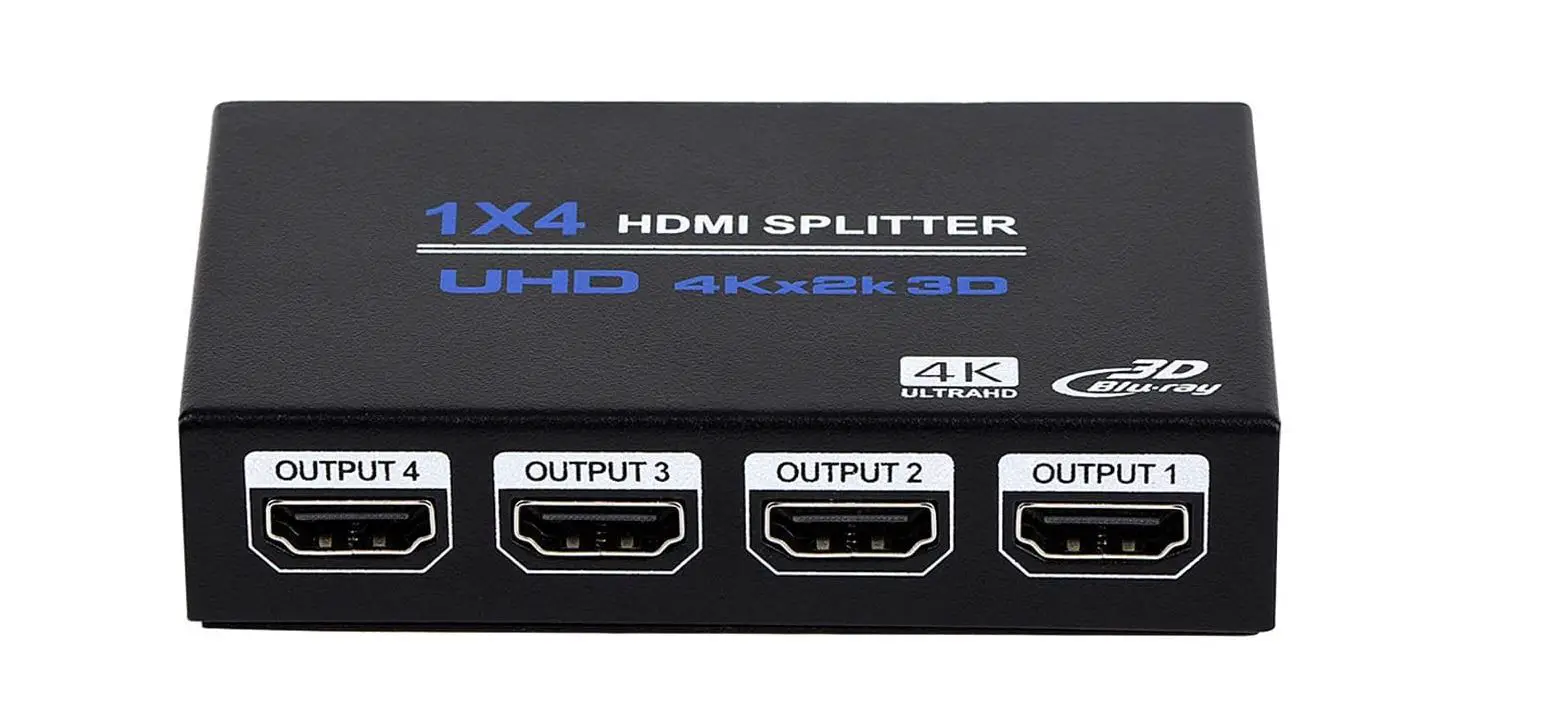
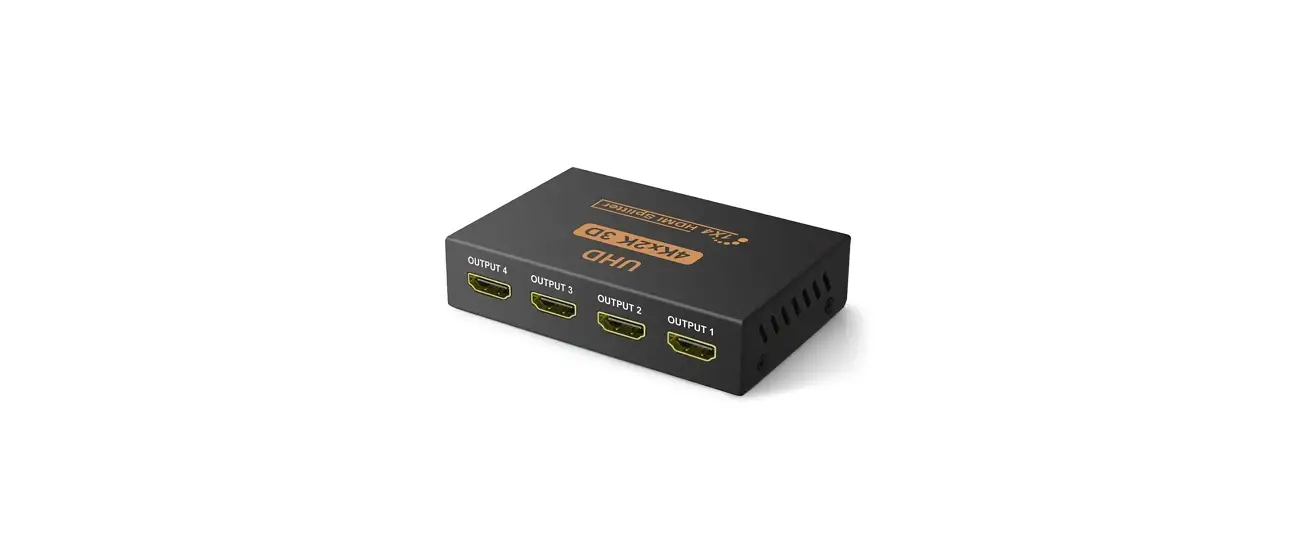
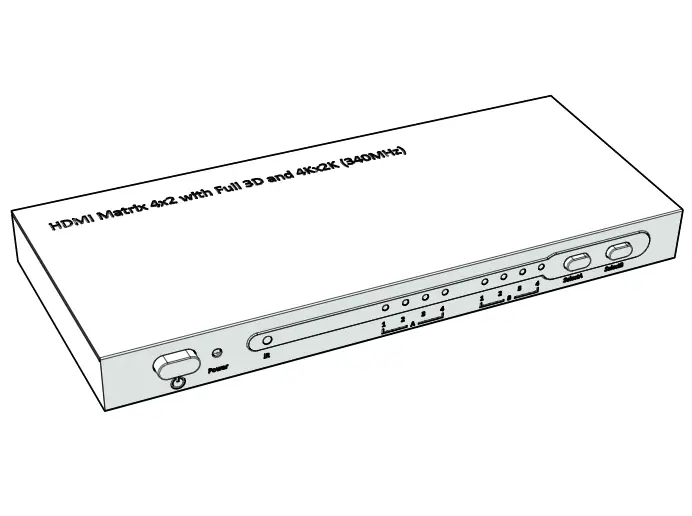
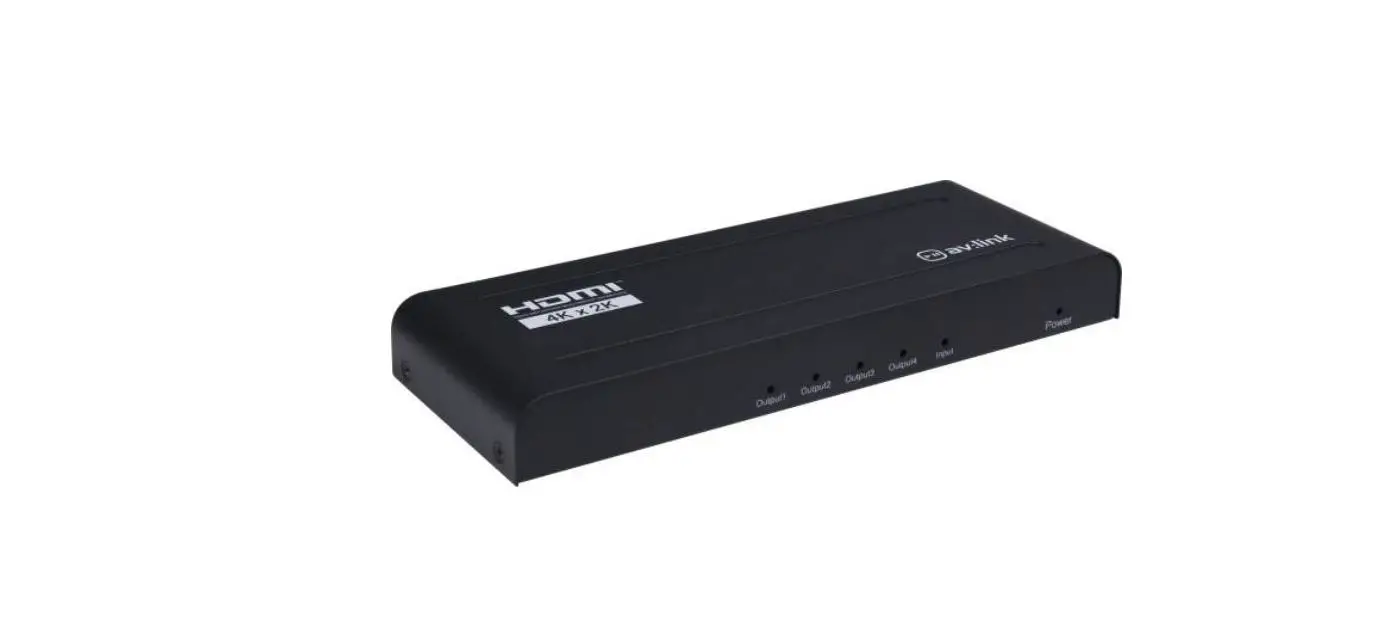
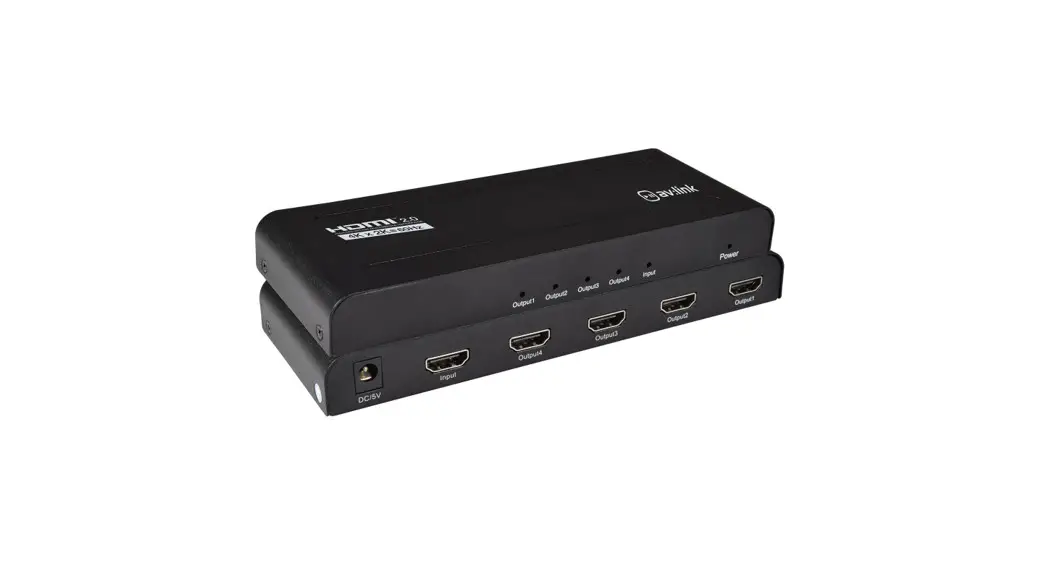
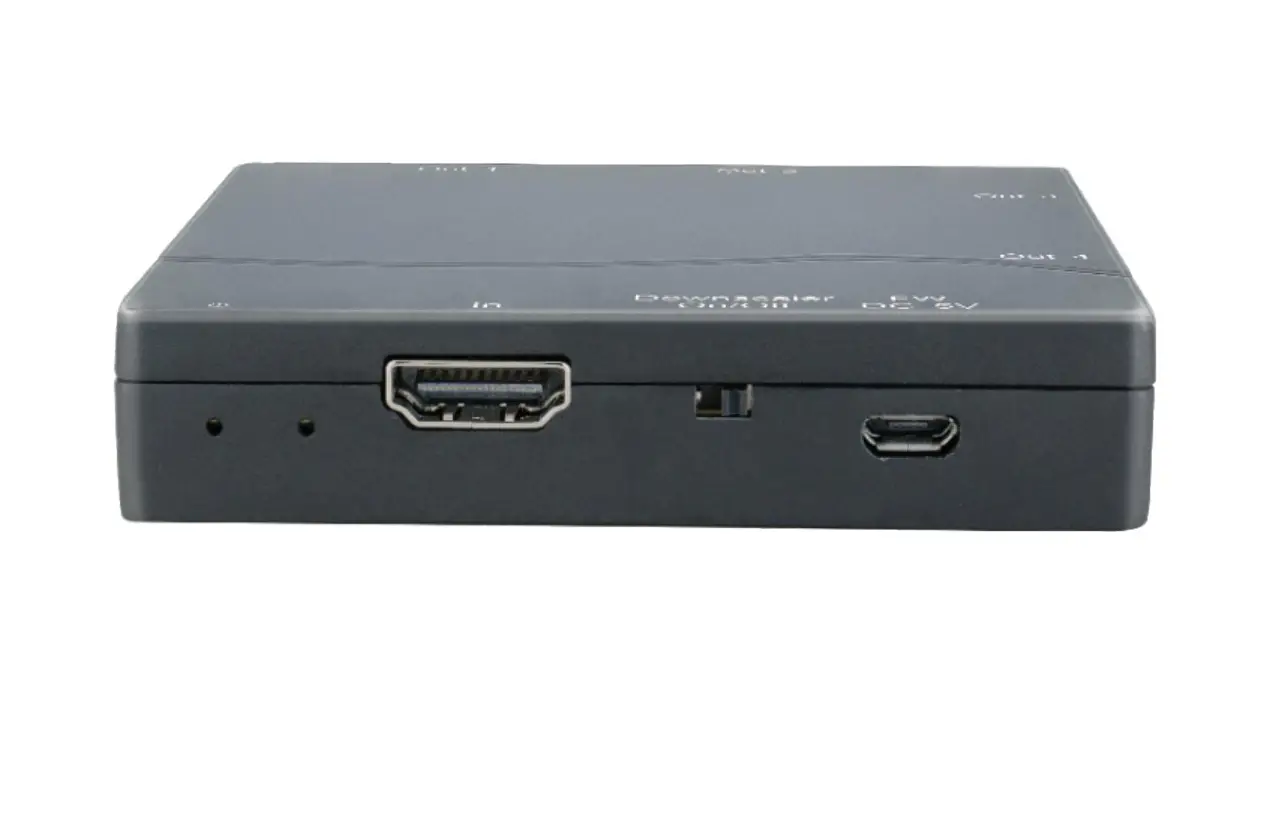
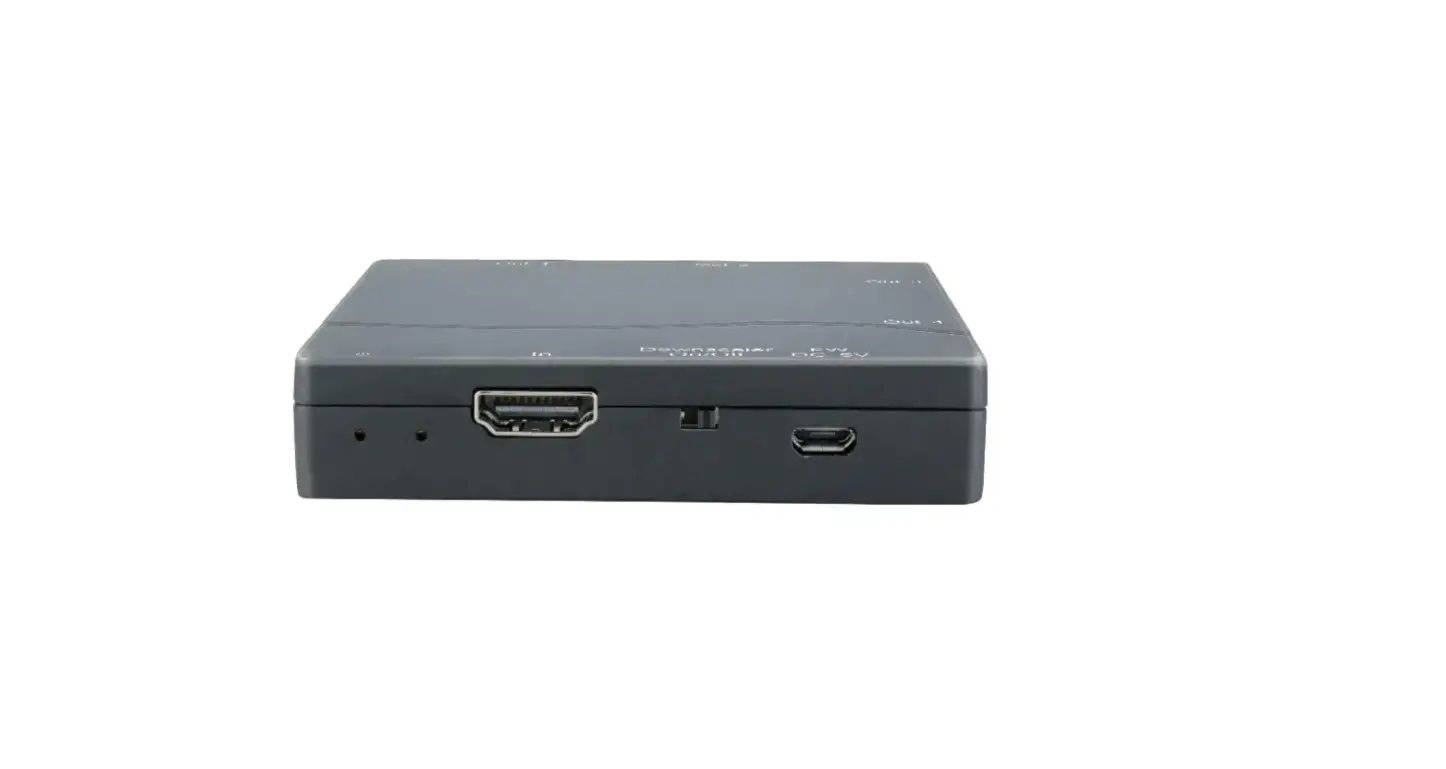
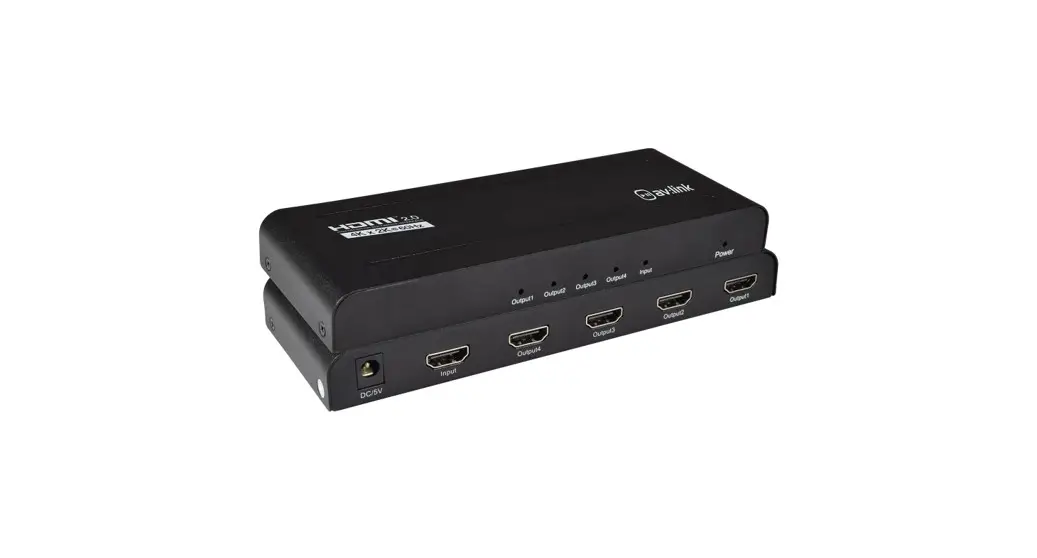
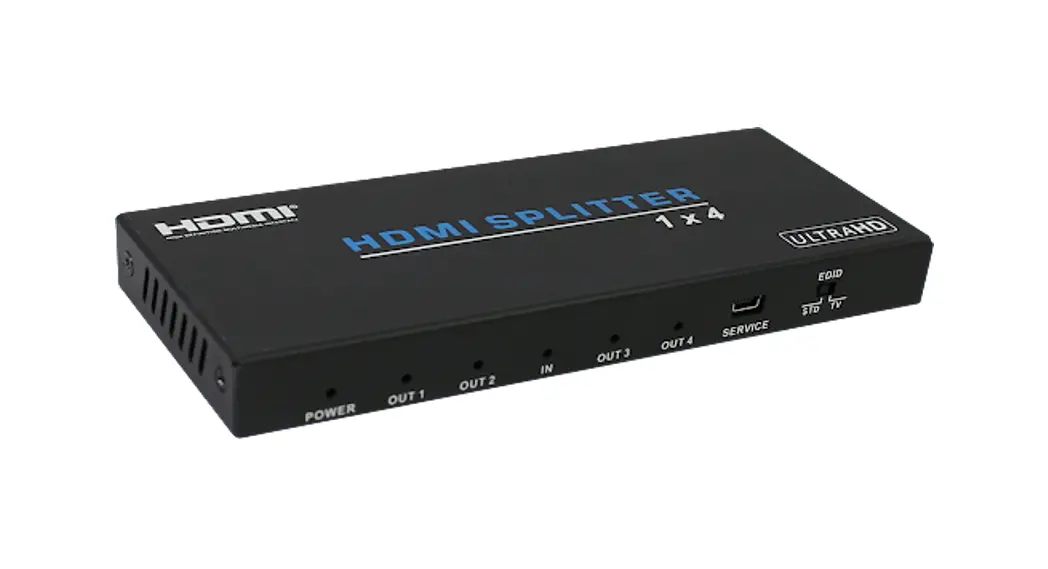
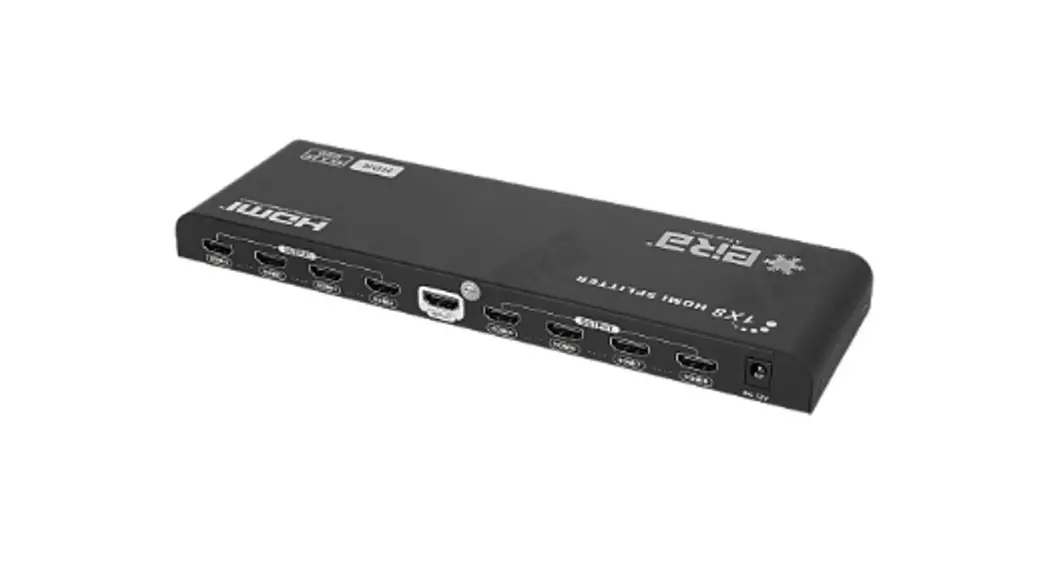
LKV314HDR-V2.0 1X4 HDMI Splitter
Product Information
- Product Dimensions: 360mm x 124mm
- Product Weight: 128g
- Model Number: H21043AH1 : 0106010021961
- Compatibility: STB, DVD, Media Player, Laptop, D-VHS and other
HD-Player devices - Features: 1×4 HDMI splitter distributes 1 HDMI source to 4 HDMI
displays simultaneously. Compatible with HDMI 3D and 4Kx2K. - Ports: HDMI Output Ports, HDMI Input Port, HDMI Output Power
Input Ports, DC5V/1A, EDID Dial Switch, Output LED, Power
indicator - Transmission Rate: HDMI 2.0 standard cable (can support
4Kx2K@60Hz) to the capabilities of each connected monitor, allows
simultaneous mixed 4K and 1080p display outputs
Product Usage Instructions
Safety Instructions
- Please pay attention to all the warnings and hints on this
device. - Do not expose this unit to rain, moisture and liquid.
- Do not put any stuff into the device.
- Do not repair the device or open the enclosure without
professional person guidance to avoid electronic shock. - Make sure good ventilation openings to avoid product
overheating damage. - Shut off power and make sure environment is safe before
installation. - Use DC5V only. Make sure the specification matched if using 3rd
party DC adapters.
Connection Instructions
1. Connect the HDMI video source output port to the splitter
input port by HDMI cable.
2. Connect the splitter output port to HDMI display by HDMI
cable.
3. Set the TV input to right HDMI channel.
4. Power on the splitter (Power indicator will light on).
Operation
- Before output HDMI signal, the splitter will read EDID
information of connected TVs and send it back to HDMI source part
to let it determine the output mode. - Indicator LED shows the working status.
- The splitter is built-in 16 kinds of EDID that can be selected
by 4 switch codes, corresponding as following:Switch Status EDID Information 1110 1080i@60Hz 7.1CH 1111 4K@60Hz HDR 1101 4K@30Hz HDR 1100 1080P@50Hz 7.1CH 1011 MIX3 (Lowest format of audio, and compose down scaling of
video)1010 MIX2 (Highest format of audio, and compose down scaling of
video)1001 MIX1 (Copy Once, Read the EDID of the first connected output
only)1000 4K@60Hz 7.1CH 0111 1080p@50Hz 2CH 0110 1080i@60Hz 2CH 0101 1080p@60Hz 7.1CH 0100 1080p@60Hz 2CH 0011 4k@30Hz 7.1CH 0010 4k@30Hz 2CH 0001 4k@60Hz 2CH 0000 4k@60Hz 2CH
Troubleshooting
No image output?
- Check the power supply of splitter, make sure the power light
is on. - Check if the HDMI cables connected well.
- Check and make sure the TV has been set up to the right
channel. - While connect with PC or notebook via HDMI, please make sure
the output mode is mirror or extend.
Display is unstable, splash screen, snowflakes or audio
stuck?
- Check and make sure all connections are good and correct.
- Try to directly connect HDMI source to display, if it is the
same, please change the source device.
360mmX124mm 128g
H21043AH1 : 0106010021961
· IMPORTANT SAFETY INSTRUCTIONS
Please read below safety instructions carefully before installation and operation: 1. Please pay attention to all the warnings and hints on this device. 2. Do not expose this unit to rain, moisture and liquid. 3. Do not put any stuff into the device. 4. Do not repair the device or open the enclosure without professional
person guidance to avoid electronic shock. 5. Make sure good ventilation openings to avoid product overheating damage. 6. Shut off power and make sure environment is safe before installation. 7. Use DC5V only. Make sure the specification matched if using 3rd party DC
adapters.
· Introduction
1×4 HDMI splitter distributes 1 HDMI source to 4 HDMI displays simultaneously. Apply for STB, DVD, Media Player, Laptop, D-VHS and other HD-Player devices. It’s compatible with HDMI 3D and 4Kx2K.
· Package Contents
HDMI Splitter×1
DC5V/1A Power Adapter×1
User Manual×1
· Installation Requirement
1. Source: HDMI video source, such as DVD, PS3, STB, PC, Etc. 2. Display: HDTV, projector or other display with HDMI port 3. HDMI cable: HDMI 2.0 standard cable (can support 4Kx2K@60Hz)
· Panel Description
· Features
1. Distribute 1 HDMI source to 4 HDMI displays 2. Support ultra HD resolution 4K×2K@60Hz 3. Support HDMI 3D 4. Support YUV 4:4:4 5. Support HDR 6. HDCP 2.2 compliant 7. Low power consumption 8. Support configures the video resolution automatically according
to the capabilities of each connected monitor, allows simultaneous mixed 4K and 1080p display outputs 9. Plug and play
HDMI Output Ports
HDMI Input Port
HDMI Output Power Input
Ports
DC5V/1A
EDID Dial Switch
Output LED
Output LED
Power indicator
· Installation and Connection
1. Connection
DVD
HDMI Splitter
Display
1
3
2
4
2. Connection instruction 1Connect the HDMI video source output port to the splitter input port
by HDMI cable 2Connect the splitter output port to HDMI display by HDMI cable 3Set the TV input to right HDMI channel 4Power on the splitter(Power indicator will light on)
3. Operation
1 ) Before output HDMI signal, the splitter will read EDID information of connected TVs and send it back to HDMI source part to let it determine the output mode
2 ) Indicator led shows the working status 3 ) The splitter is build-in 16 kinds of EDID that can be selected by 4
switch codes, corresponding as following
o
N 1234
Switch up for”1″
o
N 1234
Switch down for “0”
1
2
3
4
EDID information
0
0
0
0
4k@60Hz 2CH
1
0
0
0
4k@60Hz 7.1CH
0
1
0
0
4k@30Hz 2CH
1
1
0
0
4k@30Hz 7.1CH
0
0
1
0
1080p@60Hz 2CH
1
0
1
0
1080p@60Hz 7.1CH
0
1
1
0
1080i@60Hz 2CH
Switch
Status
1
1
1
0
1080i@60Hz 7.1CH
0
0
0
1
1080p@50Hz 2CH
1
0
0
1
1080P@50Hz 7.1CH
0
1
0
1
4K@30Hz HDR
1
1
0
1
4K@60Hz HDR
0
0
1
1
Copy once
1
0
1
1
MIX1
0
1
1
1
MIX2
1
1
1
1
MIX3
[NOTE] Copy OnceRead the EDID of the first connected output only MIX1Lowest format of audio, and lowest format of video MIX2Highest format of audio, and compose down scaling of video MIX3Lowest format of audio, and compose down scaling of video· FAQ
Q: No image output? A: 1 ) Check the power supply of splitter, make sure the power light is on.
2 ) Check if the HDMI cables connected well. 3 ) Check and make sure the TV has been set up to the right channel. 4 ) While connect with PC or notebook via HDMI, please make sure
the output mode is mirror or extend. Q: Display is unstable, splash screen, snowflakes or audio stuck? A: 1 ) Check and make sure all connections are good and correct.
2 ) Tr y to directly connect HDMI source to display, if it is the same, please change the source device.
3 ) Use high-quality HDMI 2.0 cable for transmitting 4K×2K@60Hz signal.
Q: Display can not output 4K×2K UHD image when all connections are correct?
A: 1 ) Check and make sure the input sources are 4K×2K@60Hz UHD signal.
2Check and make sure the TV is support 4K×2K@60Hz resolution. 3Check if the HDMI cables are compliant HDMI2.0 standard. Q: Display can not output HDR effect image when all connections are correct? A: 1 ) Check and make sure the input sources are support HDR effect. 2Check and make sure the TV is support HDR effect image.
· Speccification
Items Input ports Output ports Power indicator led Signal indicator led HDMI Version HDCP Version Transmission rate
1 x HDMI 4 x HDMI
Specifications
1 xLED 4 xLED Compatible with HDMI 2.0, HDMI 1.4
Compatible with HDCP1.4, HDCP2.2
18Gbps
Frequency Range
25MHz~594MHz
Video form
Support 3D video and 4K×2K@30/60Hz ultra HD video
Support audio format Support standard audio and DSDDirect Stream Digitaland HD(HBR) audio
HDMI Resolution HDR
480i/480p/576i/576p/720p/1080i/1080p/ 4K×2K@24/25/30/60Hz
Support
EDID management Working temperature
Support smart EDID management, available to display different resolution monitors at the same time
060
Power supply
DC5V/1A
Power consumption Dimension
<3W 158mm(L)x80mm(W)x17mm(H)
Weight Color
200g Black
Disclaimer
The product name and brand name may be registered trademark of related manufactures. TM and ® may be omitted on the user manual. The pictures in this user manual are just for reference. The terms HDMI, HDMI High-Definition Multimedia Interface, and the HDMI Logo are trademarks or registered trademarks of HDMI Licensing Administrator, Inc. We reserve the rights to make changes without further notice to a product or system described herein to improve reliability, function or design.
1X4 HDMI Splitter User manual