Contents hide

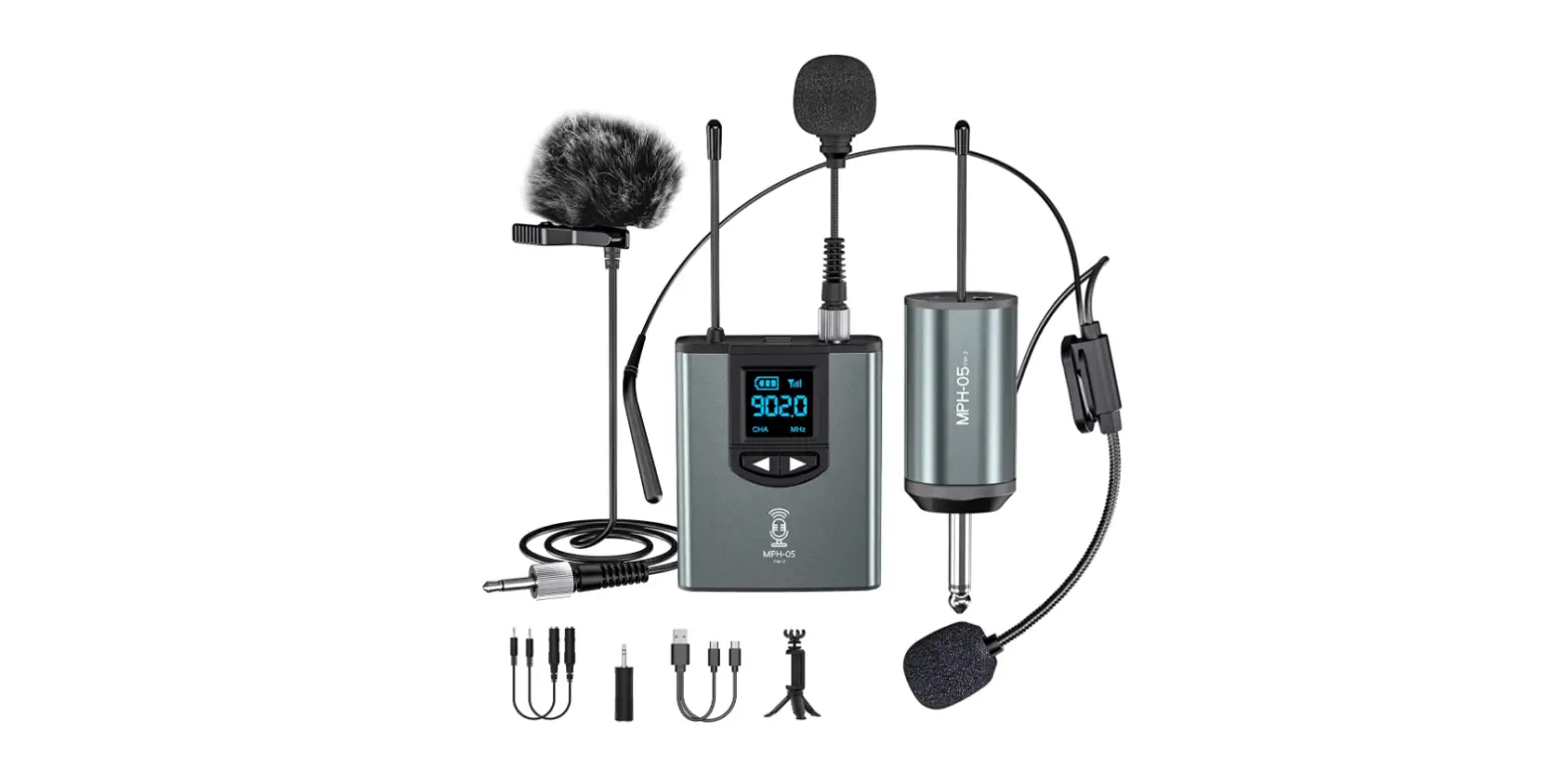
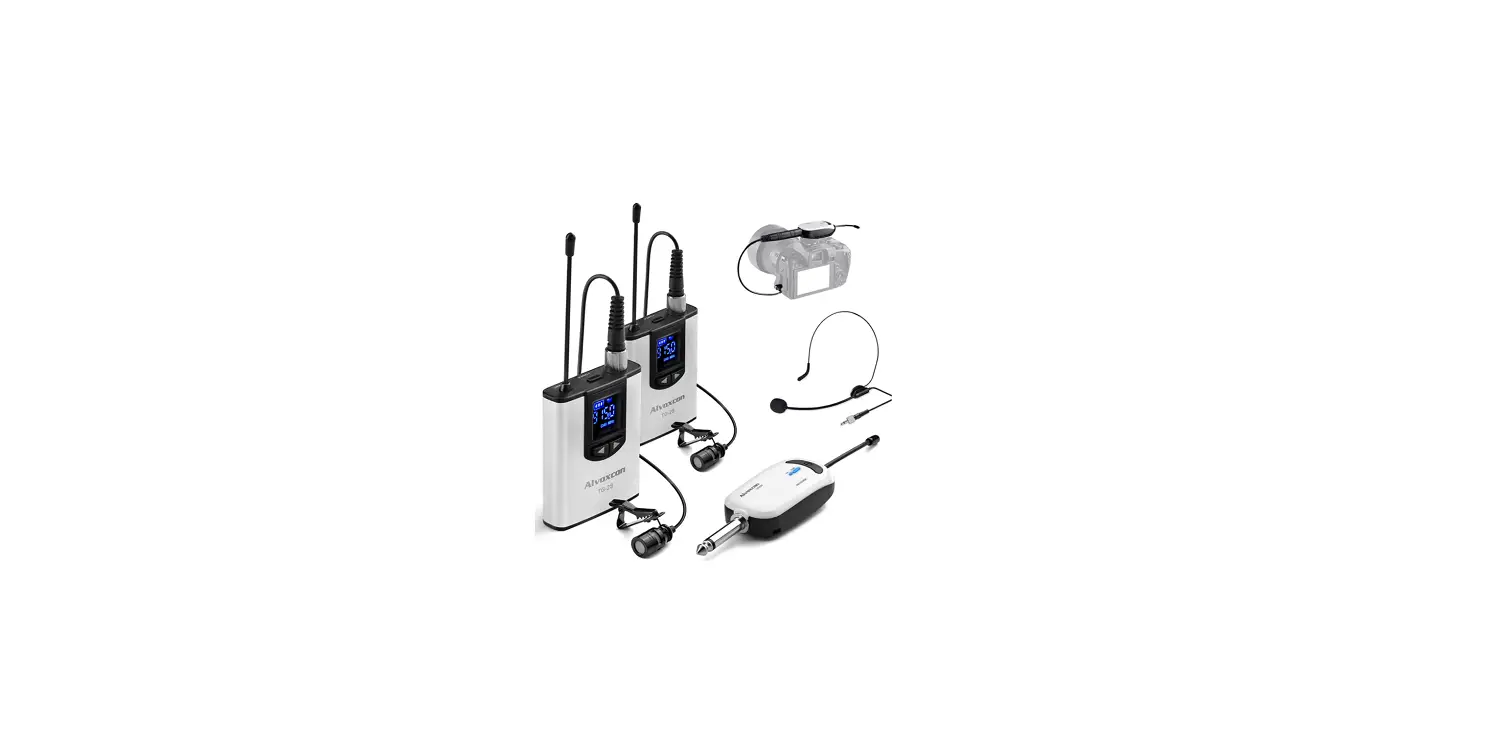
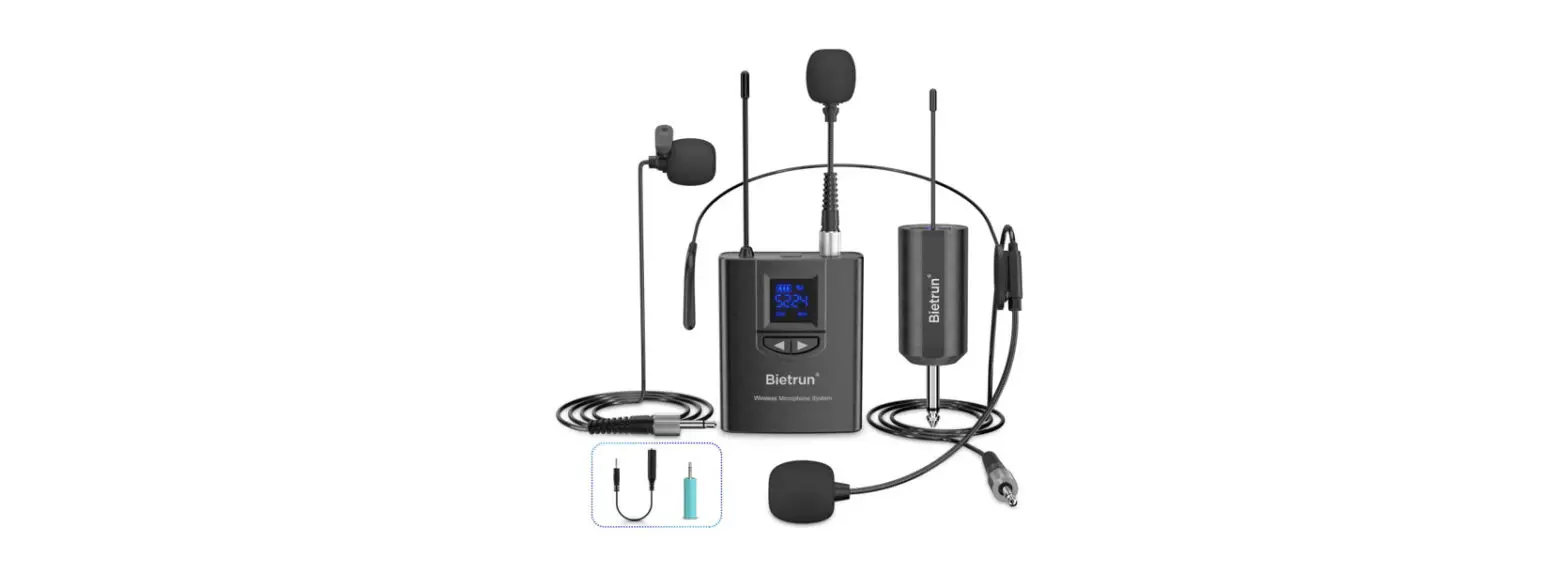
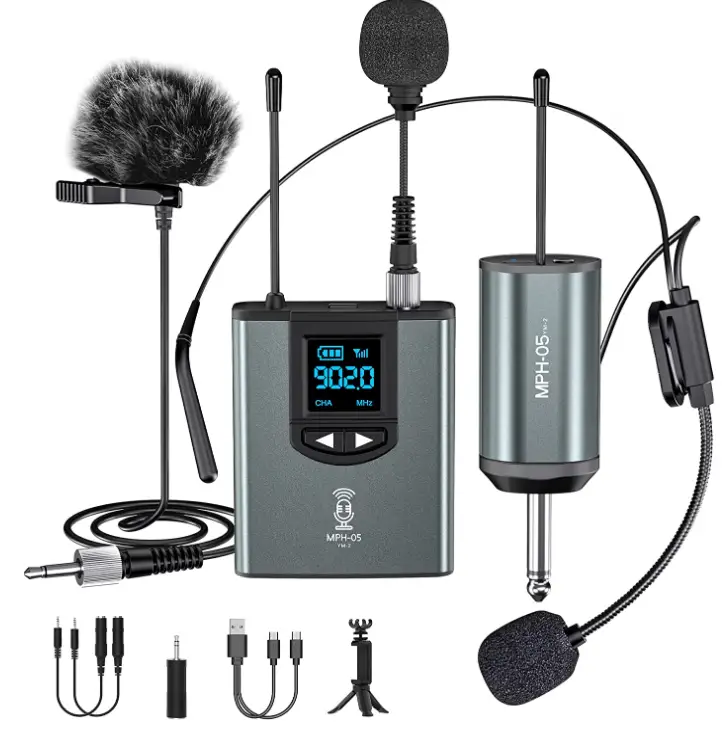
Microphone System Headset Mic/Stand Mic/Lavalier Lapel Mic with Rechargeable Bodypack Transmitter & Receiver
Specifications
- DIMENSIONS: 10.04 x 7.87 x 1.73 inches
- WEIGHT: 12.3 ounces
- FREQUENCY RANGE:0-914.4 MHz
- WORKING RANGE: Up to 300 ft
- S/N RATIO: >98Db
- TRANSMITTER FREQUENCY POWER: 30mw
- TRANSMITTER POWER CONSUMPTION: Up to 6 hours
- RECEIVER POWER CONSUMPTION: Up to 6 hours
- BRAND: Cloud Microphones
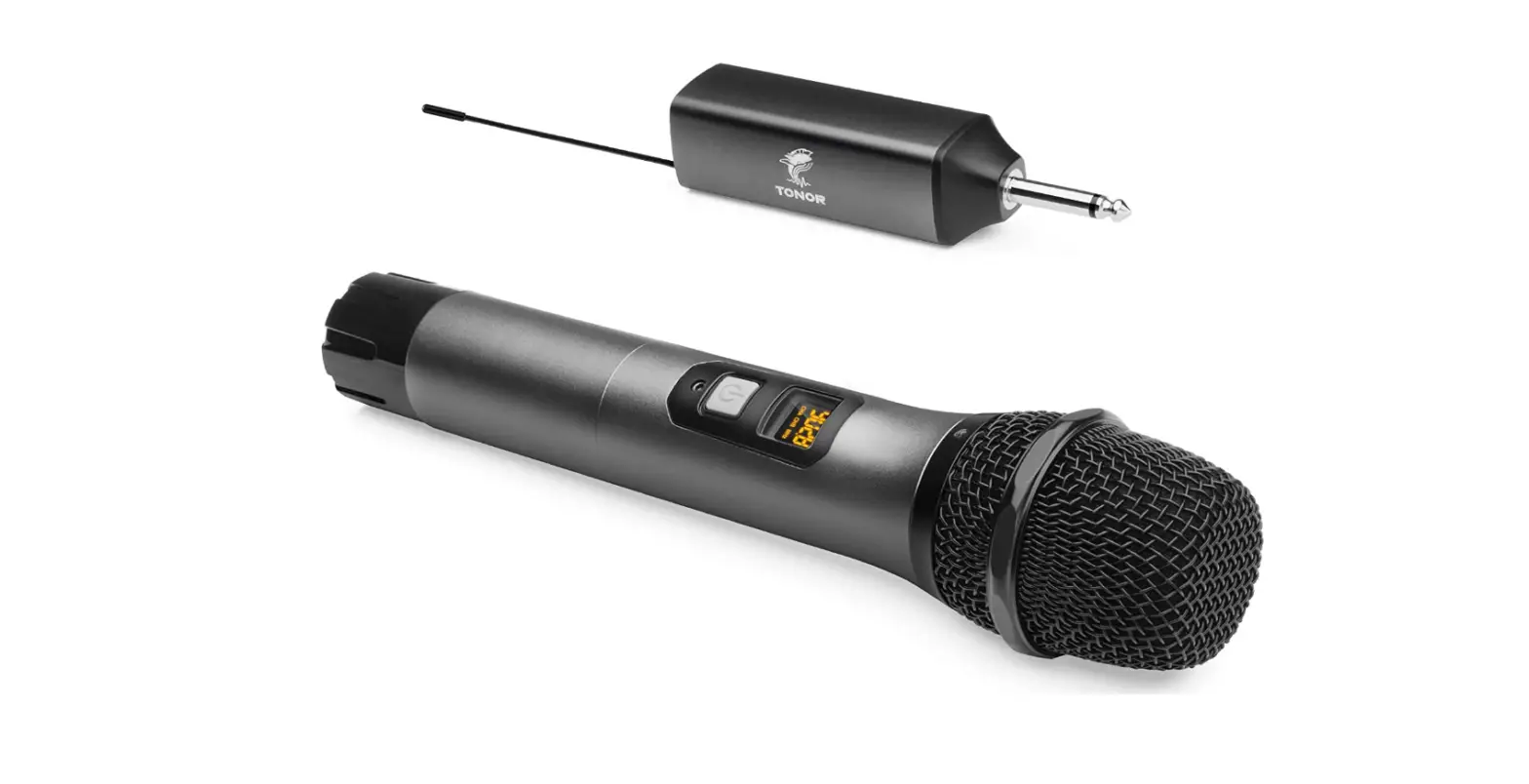
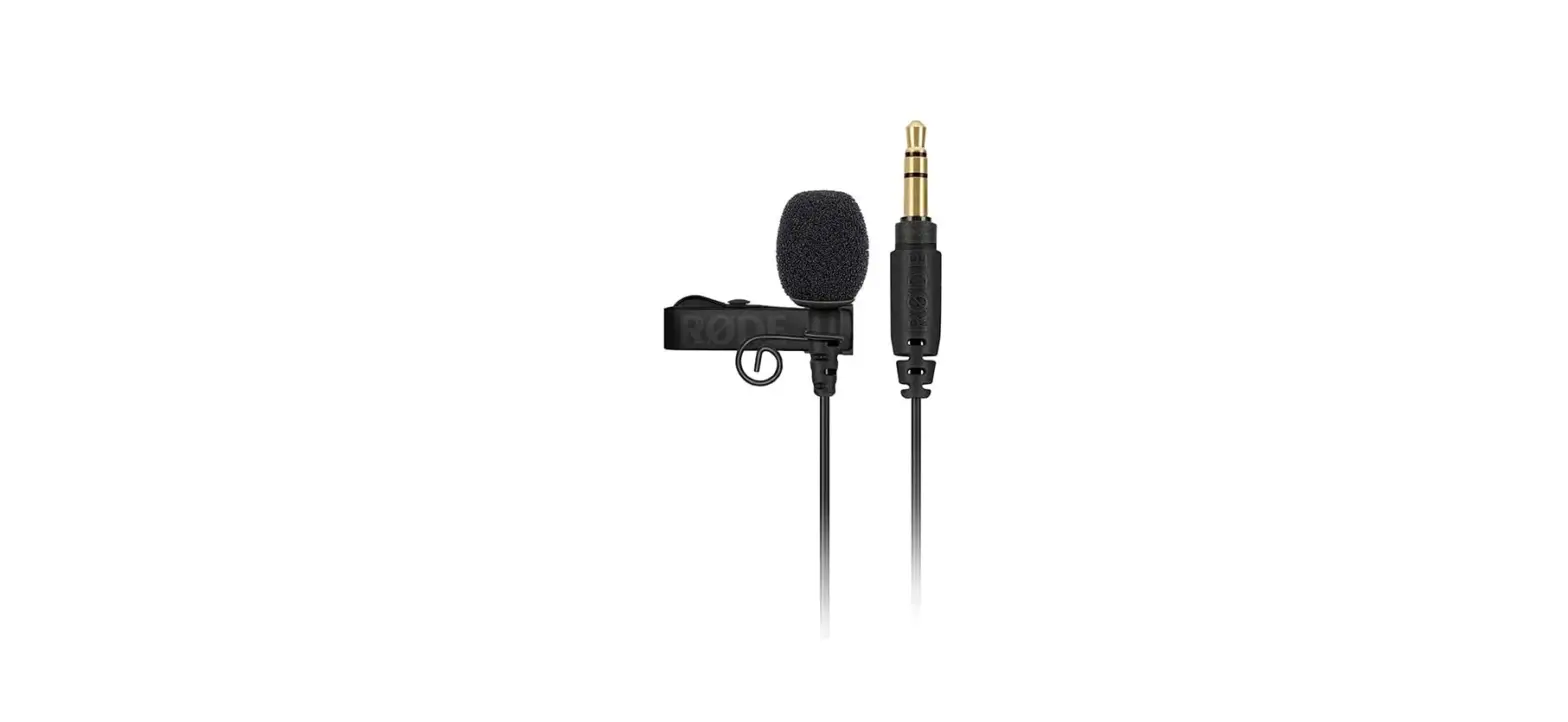
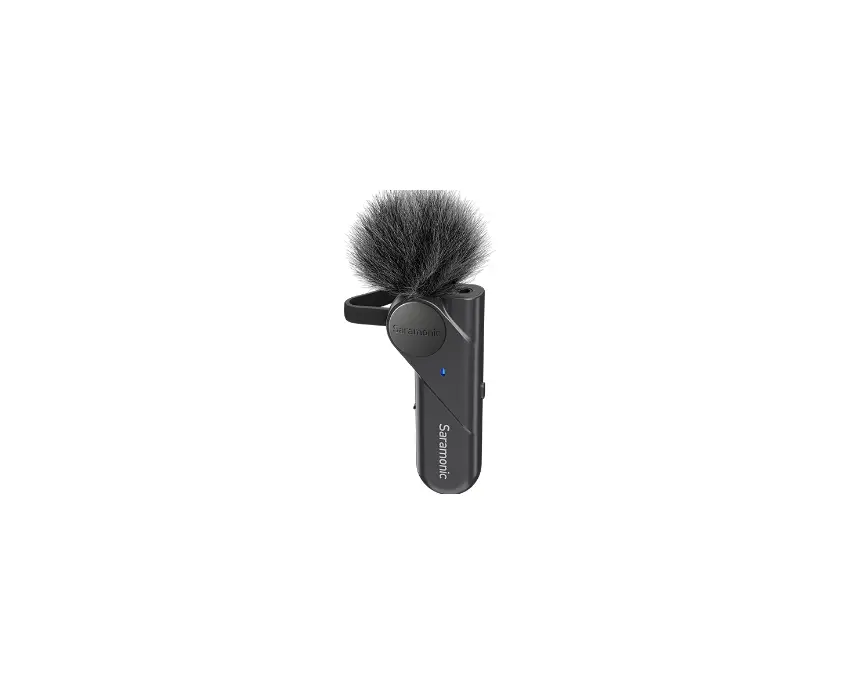
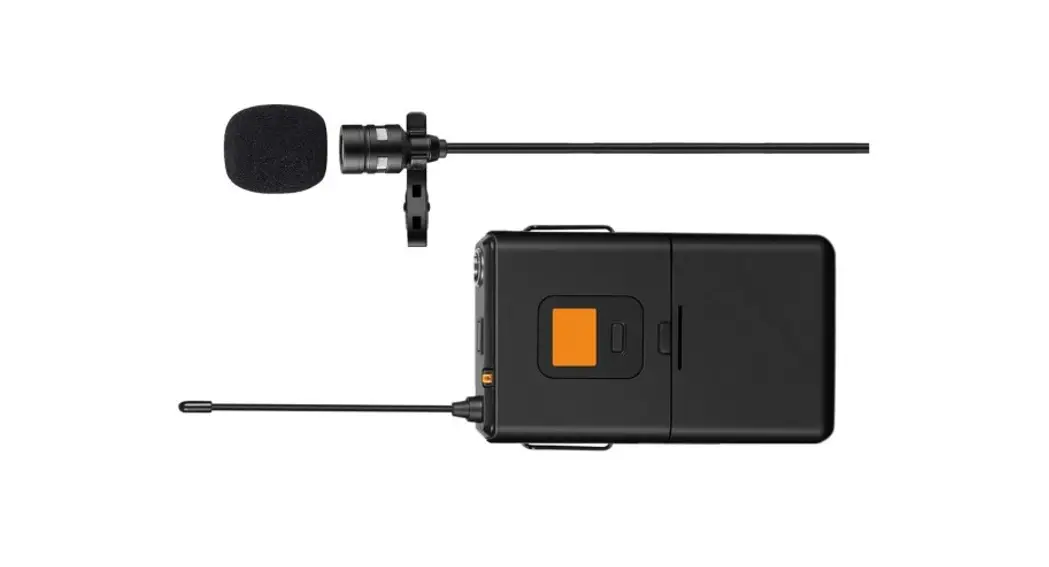
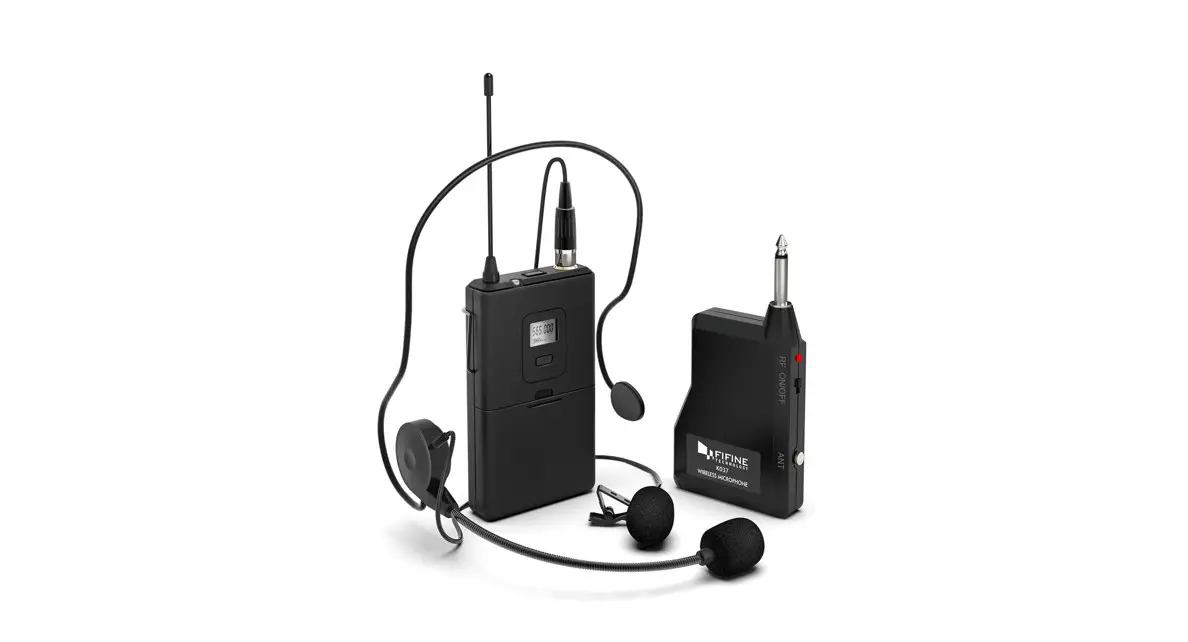
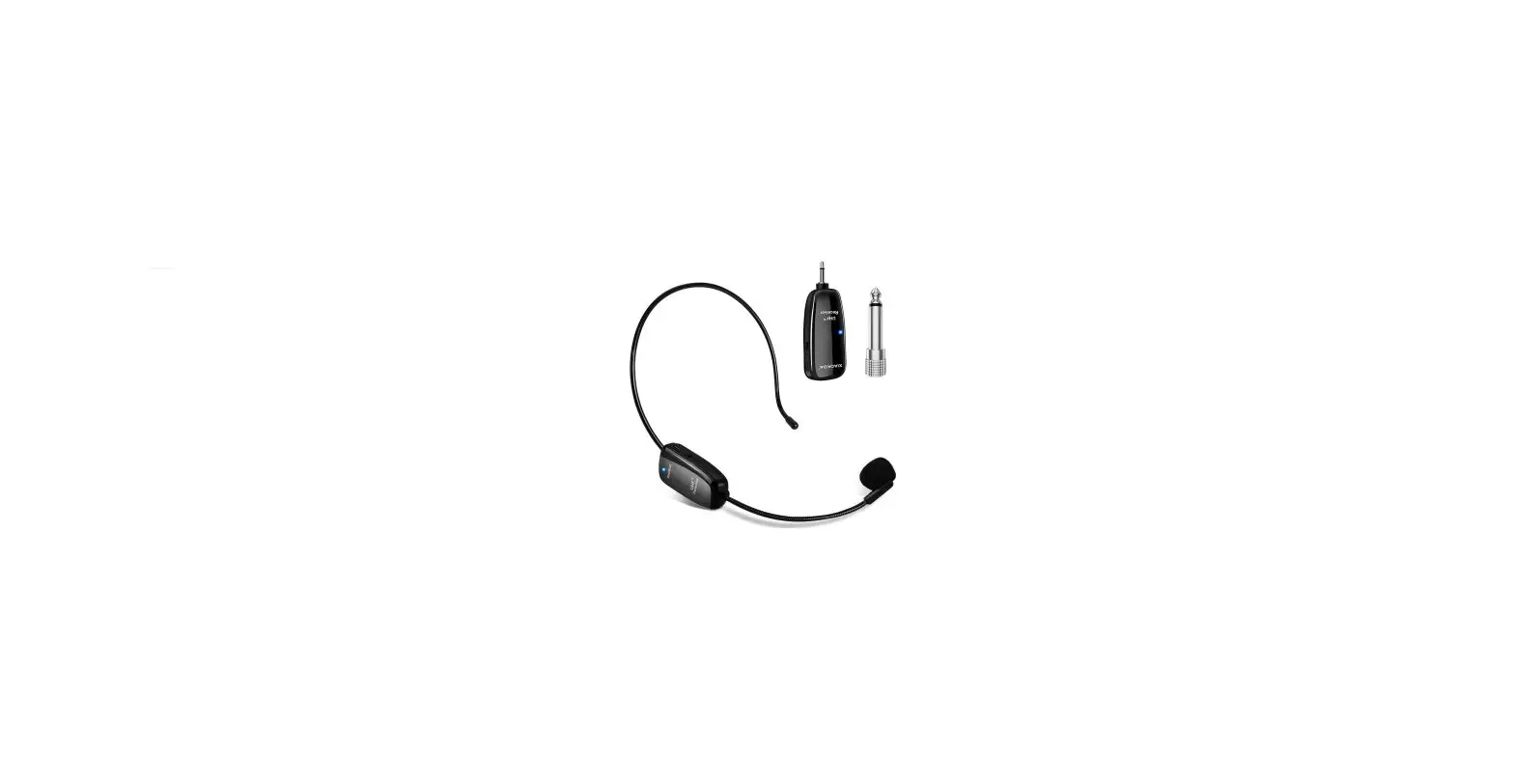
The YM-2 features a wireless microphone system. It has the capability to produce clear sound with effective noise cancellation. It is an ideal device for video recording and works with laptop/desktop. It features a ¼” plug which works with a mixer, and amplifier. It comes with three adapter, 3 mics which are the headset mic, handheld mic and the lavalier lapel mic. It also comes with a multifunctional tripod, windproof fur shield and a charging cable. The microphone delivers 32 frequencies for each channel. It isn’t compatible with Bluetooth speakers or MacBook. However, it comes with a 6.35 to 3.5mm adapter which makes it compatible with mobile phones and also DSLR camera, Digital Camera, laptop, desktop and smartphones.
How to use the Wireless Microphone System?
- On the transmitter, short press the power button. The display of the transmitter will light up.
- Insert a microphone into the transmitter properly.
- On the receiver, short press the power button. The indicator light will turn blue.
- Plug in the receiver to the mic-in jack of the device using the correct adapter.
- Make sure that the transmitter and receiver have paired successfully.
- Now, you can record a video or audio or amplify your voice.
How to pair the transmitter and receiver?
- Short press the power button on the transmitter to turn it on.
- Short press the power button on the receiver to turn it on, immediately.
- When the receiver’s LED lights turn blue, the pairing will be successful.
How to adjust the frequency or volume?
- First of all, make sure that the transmitter and receiver are paired successfully and can record normally.
- Now, check if all three mics have low volume or just one of them.
- Short press the right or the left button on the transmitter to adjust the volume. There are 21 sets of volume.
- Now, try to adjust the volume of your speaker.
What to do if you can’t hear from the device?
- In order to hear your recording, make sure that the receiver has been unplugged from your device.
- If the receiver is plugged in to your device, you will not hear any audio.
- It can’t be used for meetings and calls.
Why does the charging go off quickly?
- First make sure that the transmitter and receiver are charging properly.
- If the charging time is too long, this means that the device requires 2 to 3 hours to charge but if you leave it let’s say overnight to charge, this will shorten the battery life of the product.
- When the receiver’s indicator shows red light or the battery symbol on the transmitter’s display, it is important to turn them off and charge them timely.
FREQUENTLY ASKED QUESTIONS
- Compatible with android phones?
Yes, it is compatible with Android phones. - Can I use on iPad?
It comes with TRRS to TRS adapter which can be used to plug in to your iPad. - Can you also hear through of the microphone headset or just talk?
It doesn’t work as a speaker, so if you have this plugged in to your device, you can’t hear anything. - How long are the cables?
The cable of the lavalier mic is about 1m long. - How do I know which speaker would work? I plan to use the mic and a speaker doing outdoor events.
If your speaker has a ¼” mic input jack, the microphone will work completely fine with it. - How long does the battery last?
It features a battery of 500mA and a battery life of about 3 to 4 hours. - How can I connect different mic in the transmitter?
The mic has the standard 3.5mm port to connect mics. - Can multiple devices (amplifiers) be used in close proximity like classrooms across the hall?
For the MPH-05 wireless microphone, you can connect one transmitter to multiple receivers. - Does this work with iPhone 6s?
Yes, it can work iPhone 6s, but you will require to use the lightning adapter that comes with your device. - Can the receiver function with two transmitters?
No, the receiver can’t function with two transmitters. - Can this be used with zoom? the video conferencing software.
No, because when connected to your device, it will work as the audio input and you won’t be able to hear anything.