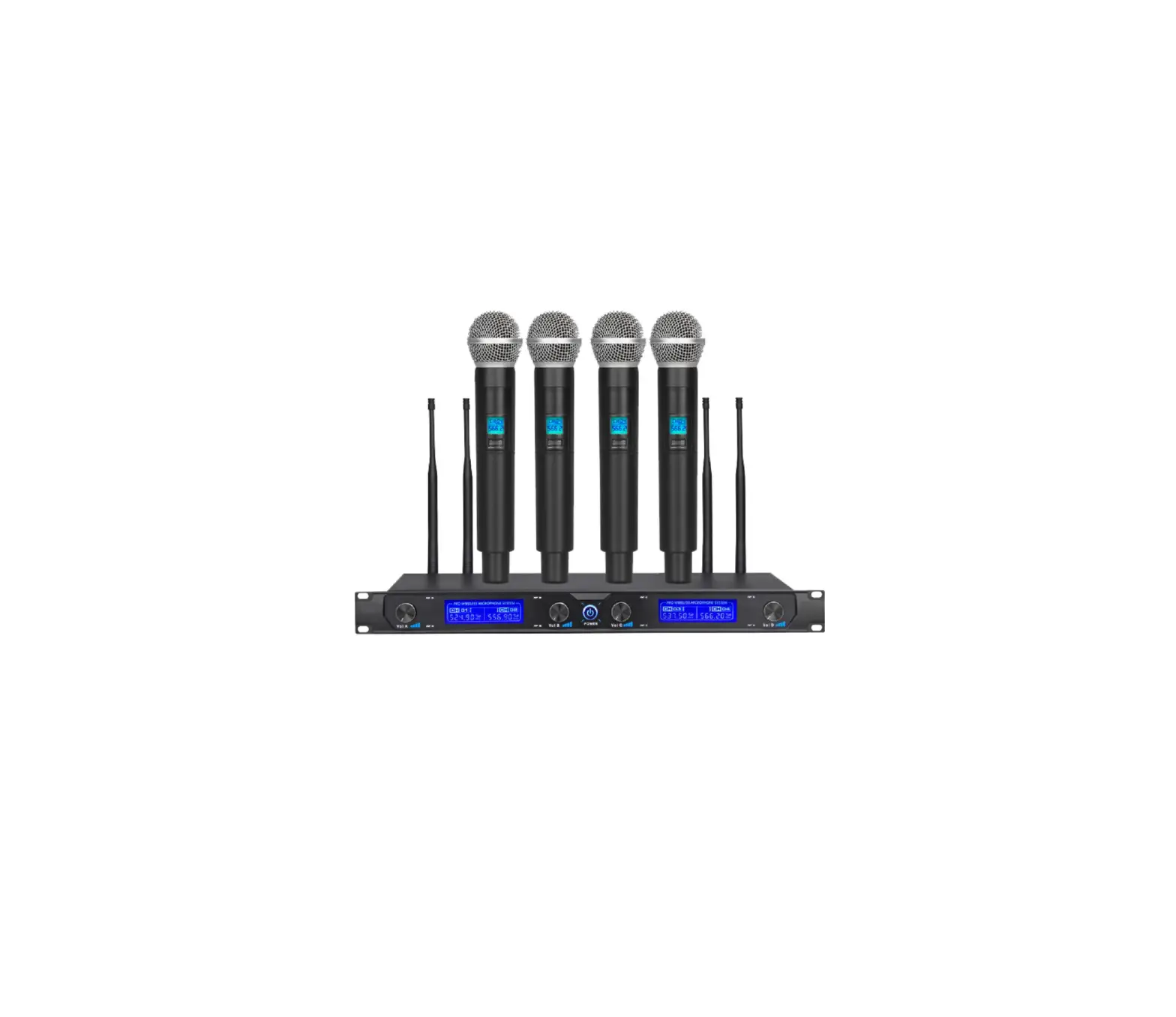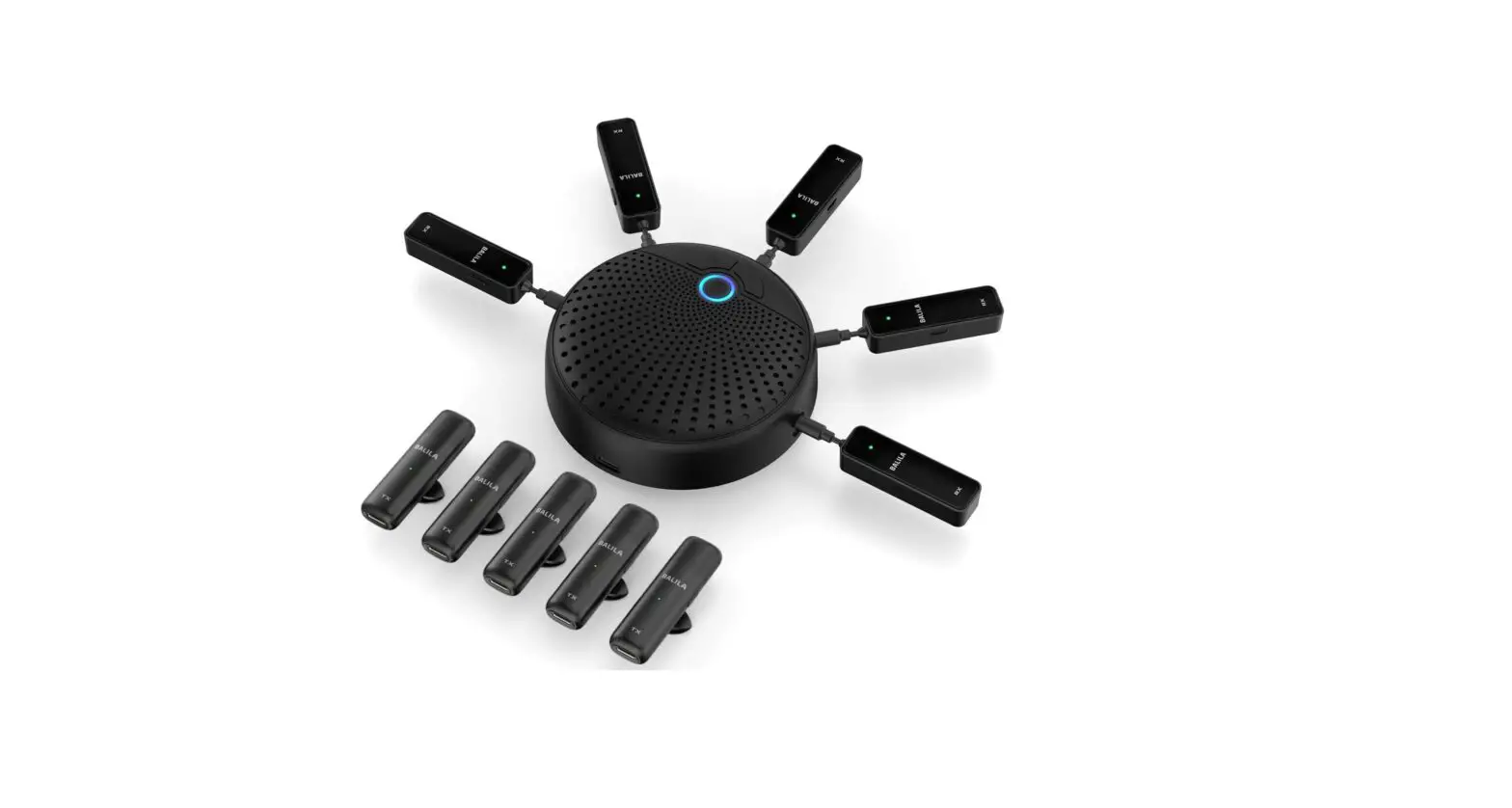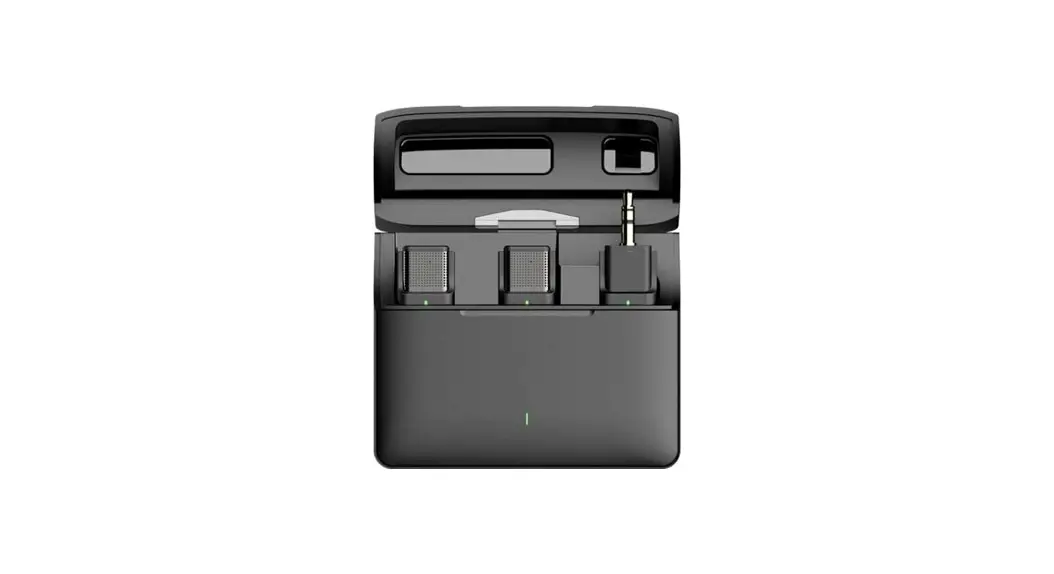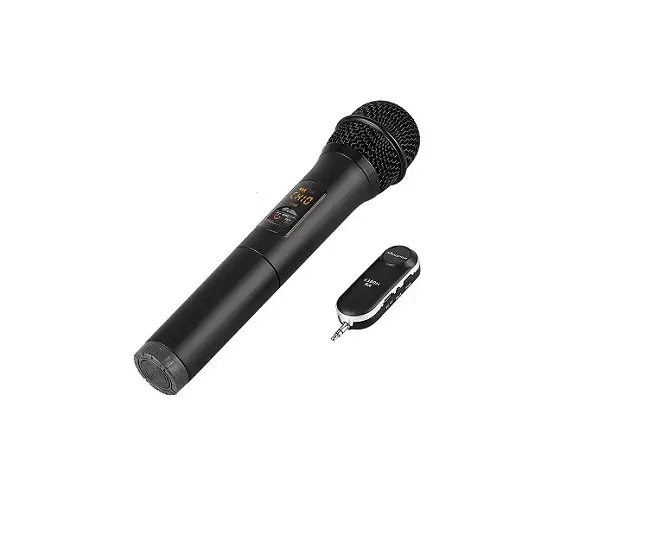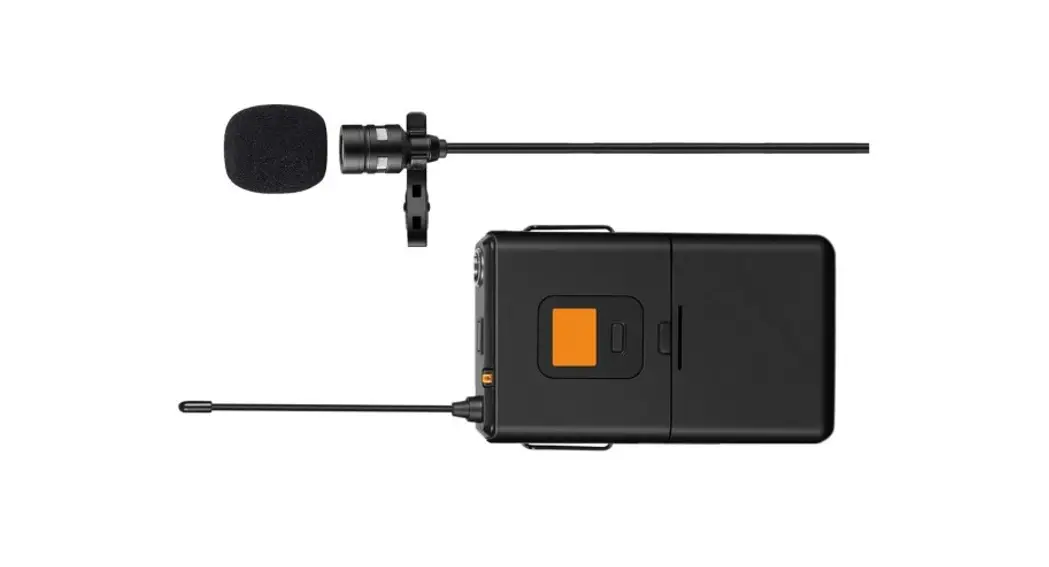
Microphones
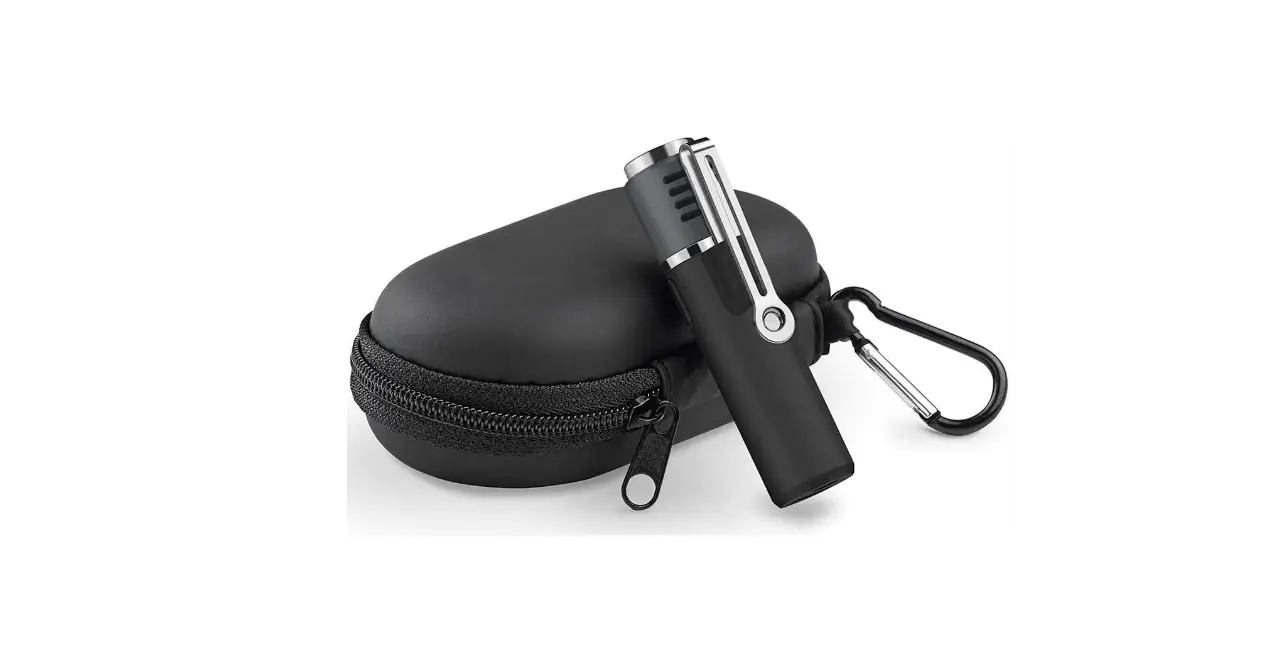
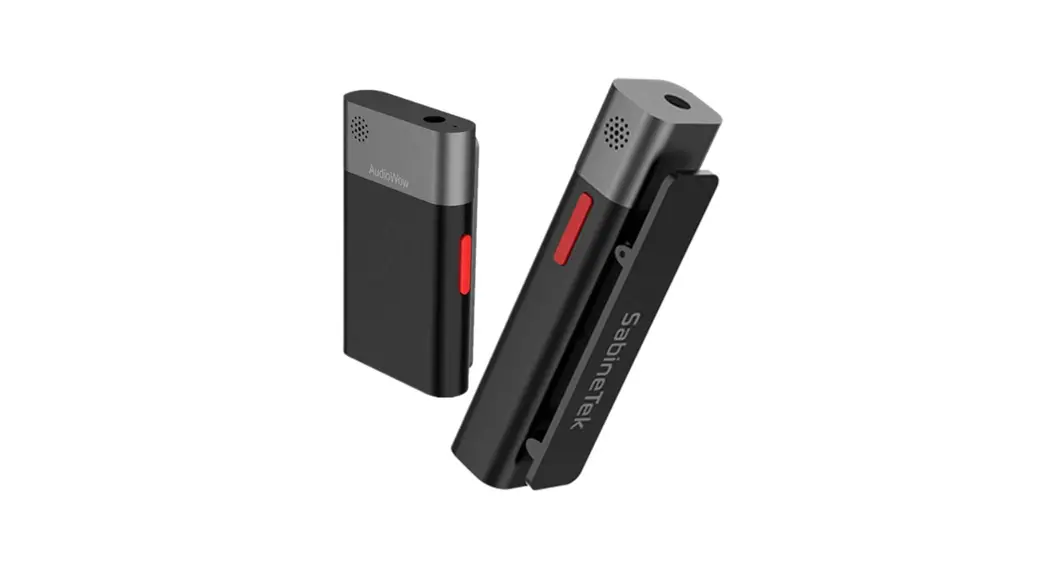
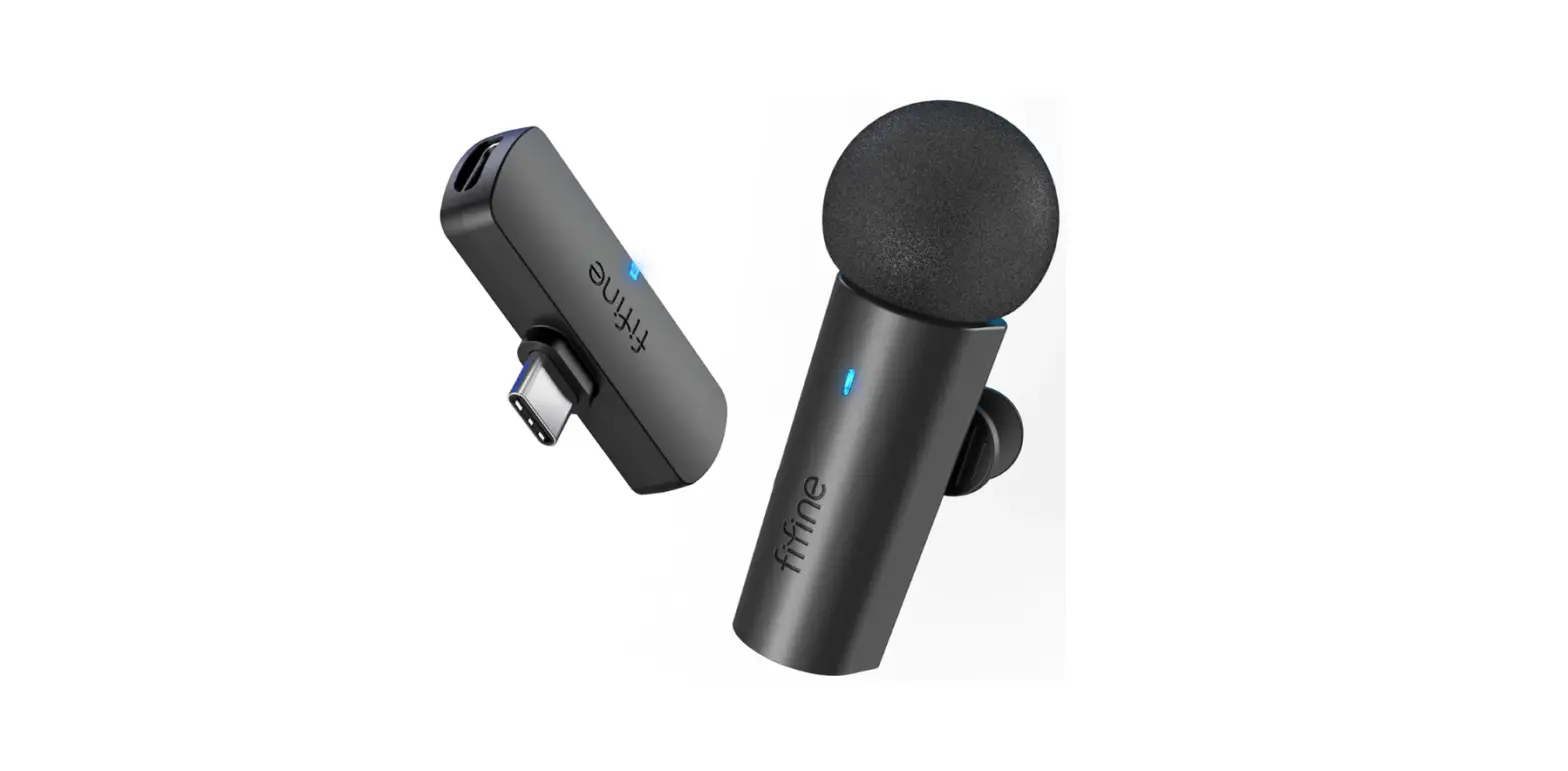
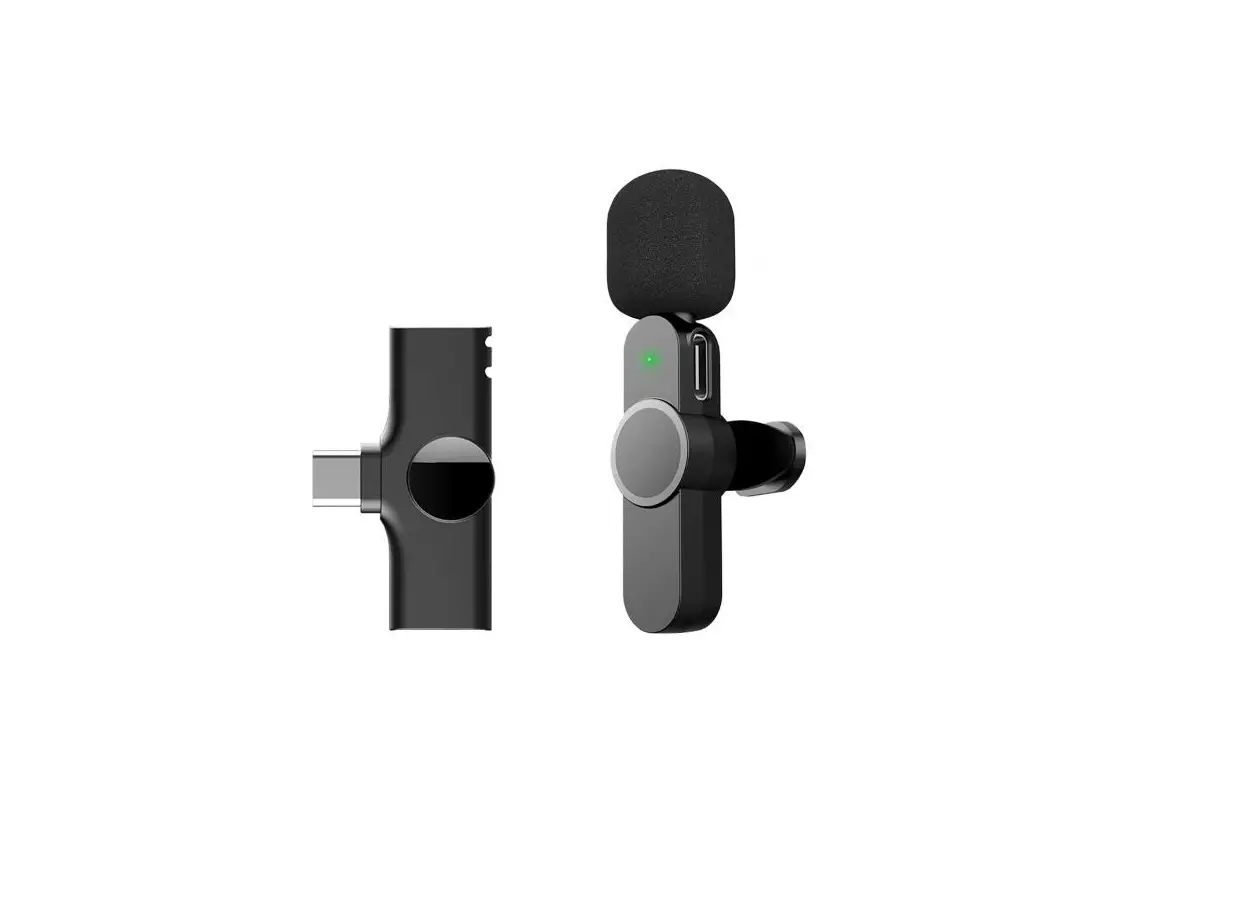
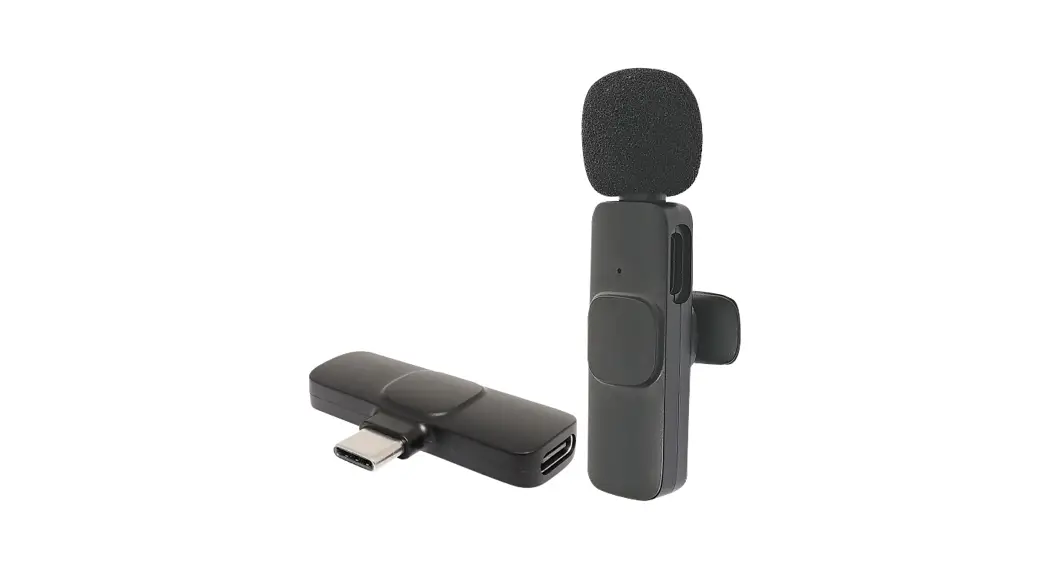
MK06 Wireless lapel Microphone
User Manual
ID Diagram
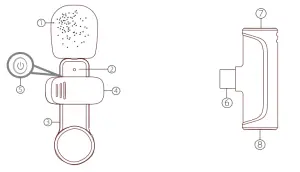
| 1. Windproof net. | 5 Turn on/Off/ Pause. |
| 2 Microphone indicator. | 6 Type-C/lightning port : |
| 3 Microphone charging por. | 7 Receiver indicator. |
| 2. Microphone clip. | 8 Type-C/lightning port of the receiver. |
How to use
Step 1 Plug the microphone receiver into the phone. After the plug-in, the receiver’s indicator turns red.
When receiver and phone are successfully connected: For type-c port: A small icon will display on the phone. For lightning port: The volume control bar changes.
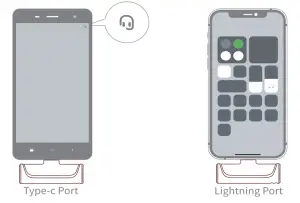
If the receiver’s indicator doesn’t turn red after plug-in, you need to (search “OTG” – turn on the OTG power supply)
Step 2 Press the Turn on/Off/Pause button of the microphone. The indicator of the microphone turns green.
Note, if it is the first time you use the microphone, it will take a few minutes to search the receiver. During searching, the indicator of the microphone turns red and green. After successfully connecting, the indicator turns green.
Now the microphone is ready to work. 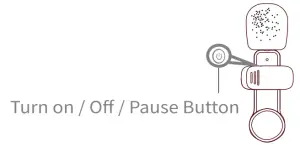
Note, to stop the microphone from working, you can press the Turn on/Off/Pause button. The indicator of the microphone flashes slowly.
When your phone is a low battery, you can charge it through the type-c /lightning port of the receiver.
For phones with a type-c port, charge it with the type-c cable. For phones with lightning ports, charge it with the lightning cable.
Note, some models may not have this function.
The actual product shall govern.
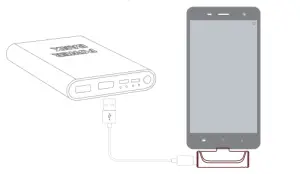 When the microphone is low battery, the indicator of the microphone flashes a red light. Charge the microphone with the type-c cable.
About UI
Microphone Transmitter
| Function | How to use | Light |
| Power on | Press button | Red and green light flashing |
| Power off | Press the button for 3 seconds | Light off |
| Pairing | Red and green light flashing | |
| Paired | Greenlight | |
| Pause(Mute) | Press button | Greenlight flashing |
| Low battery | Red light flashing | |
| Charging | Charging with Type-c cable | Charging – red light Fully Charged – light off |
Type-C Receiver
| Function | How to use | Light |
| Power on | Plugin the device | Red light |
| Power off | off | Light off |
| Plug the device | ||
| Pairing | Red light flashing | |
| Paired | Red light |
Packing List
- Microphone transmitter
- Type-C/ Lightning receiver
- Type-C charging cable
- User manual
This device complies with part 15 of the FCC Rules. Operation is subject to the following two conditions: (1) This device may not cause harmful interference, and (2) this device must accept any interference received, including interference that may cause undesired operation.
Any changes or modifications not expressly approved by the party responsible for compliance could void the user’s authority to operate the equipment.
Note: This equipment has been tested and found to comply with the limits for a Class B digital device, pursuant to part 15 of the FCC Rules. These limits are designed to provide reasonable protection against harmful interference in a residential installation. This equipment generates uses and can radiate radio frequency energy and, if not installed and used in accordance with the instructions, may cause harmful interference to radio communications. However, there is no guarantee that interference will not occur in a particular installation. If this equipment does cause harmful interference to radio or television reception, which can be determined by turning the equipment off and on, the user is encouraged to try to correct the interference by one or more of the following measures:
- Reorient or relocate the receiving antenna.
- Increase the separation between the equipment and receiver.
- Connect the equipment into an outlet on a circuit different from that to which the receiver is connected.
- Consult the dealer or an experienced radio/TV technician for help.