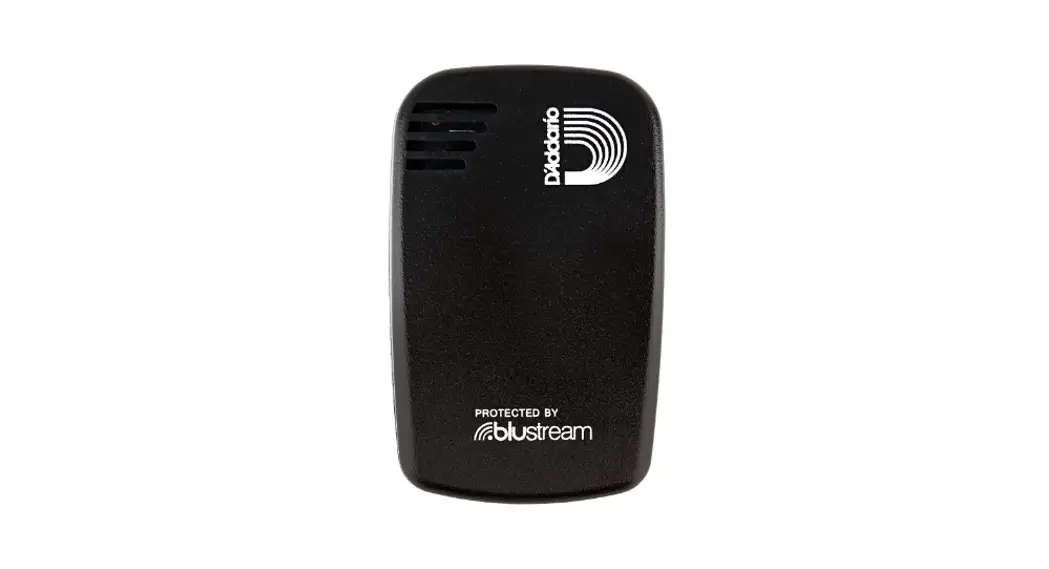
 PW-HTK-01 Humiditrak Bluetooth Smart Sensor
Instructions
PW-HTK-01 Humiditrak Bluetooth Smart Sensor
HUMIDITRAKTM BLUETOOTH SMART SENSOR
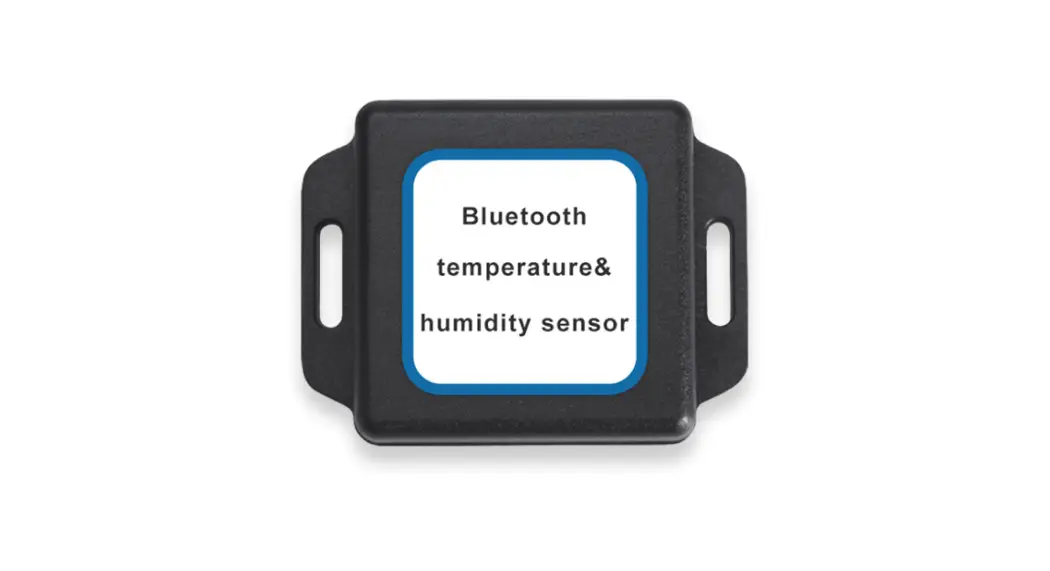
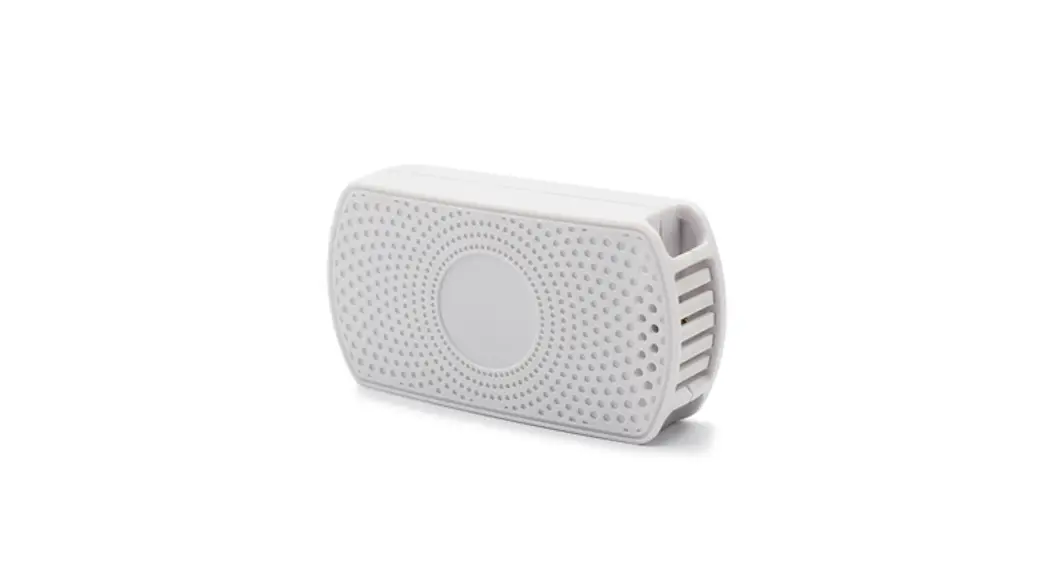
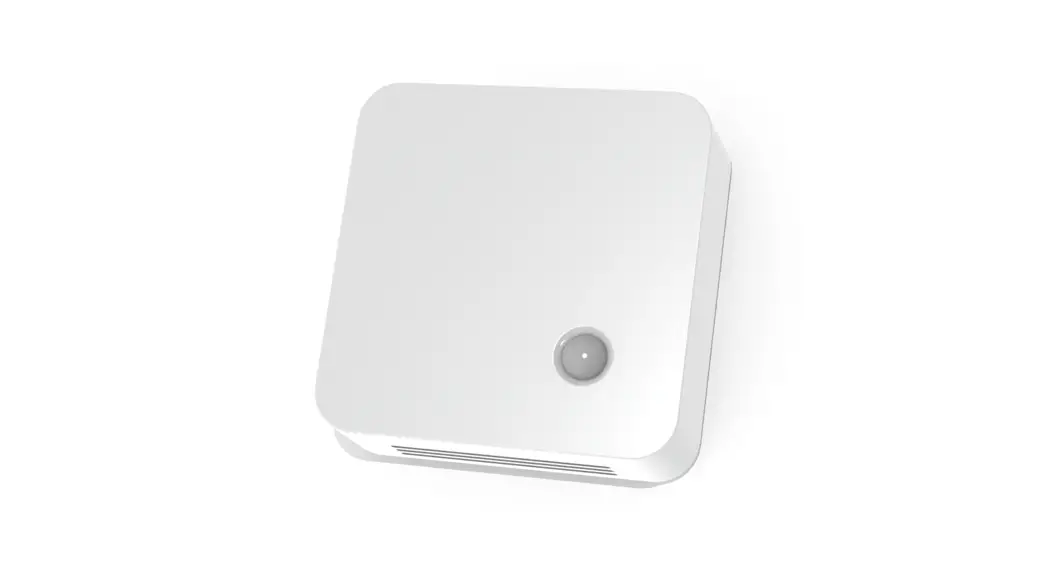
Musical instruments can be easily damaged by large and rapid changes in humidity and temperature. D’Addario’s Humiditrak with Blustream Technology provides a constant stream of temperature, humidity, and impact data to the free smartphone app, alerting you of hazardous conditions that can lead to diminished playability, costly repairs, and lost value to your instrument.
QUICK START
- Download and launch the D’Addario Humiditrak app from the app store.
- IMPORTANT! Before removing the battery insulator from your new Humiditrak, move to a location at least 10 feet away from any other active Humiditrak sensors to ensure the best pairing experience.
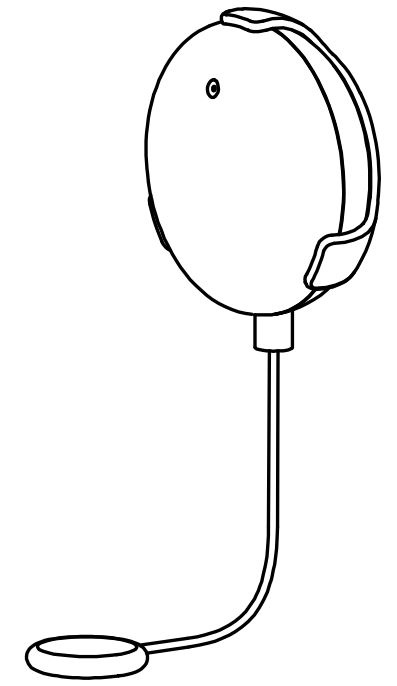
- When prompted, remove the plastic pull tab from the battery housing and place the Humiditrak sensor on the screen of your smartphone or tablet.
- See daddario.com/humiditrak for product info, instructions and video guide.
 Humiditrak | Accessories | D'Addario