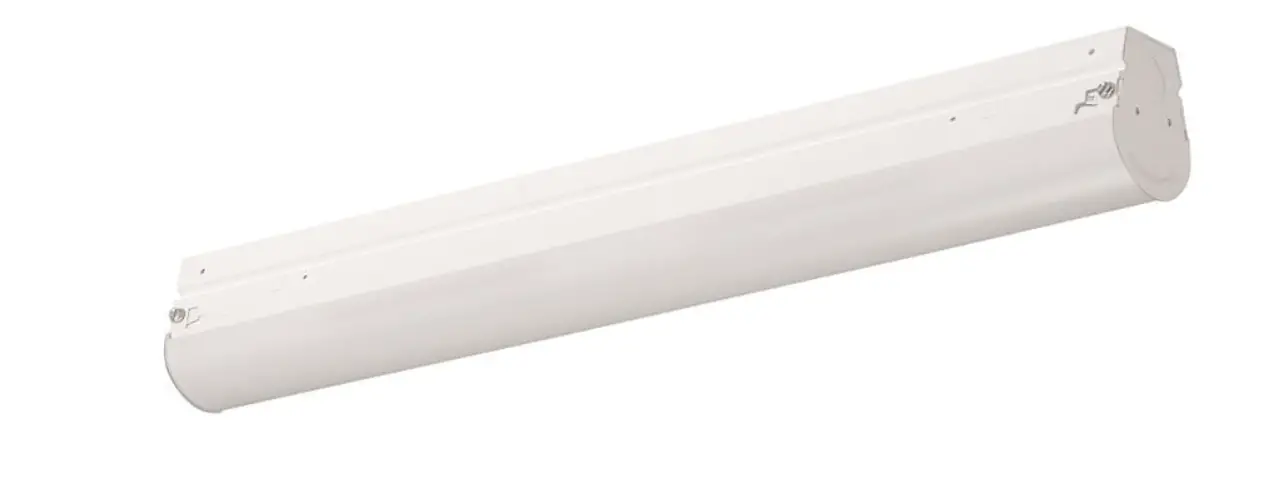
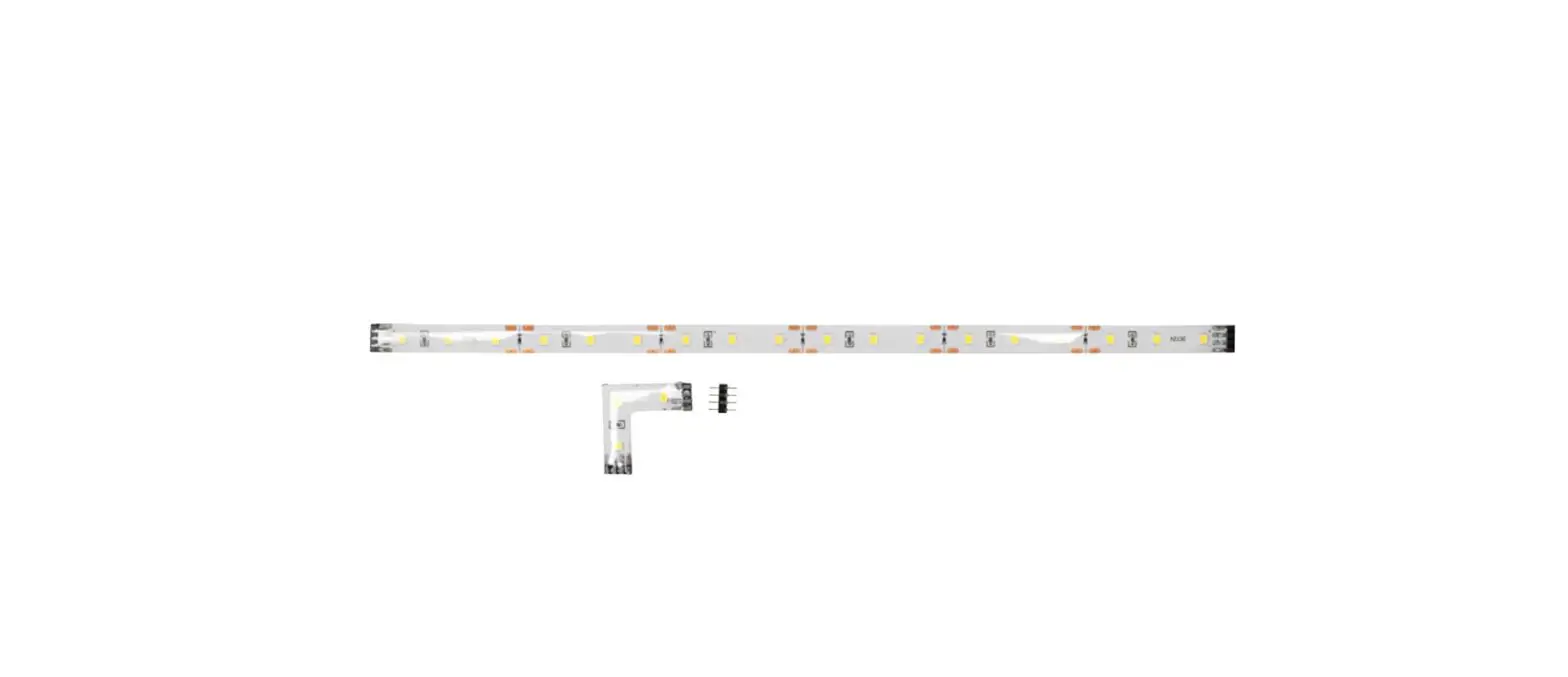
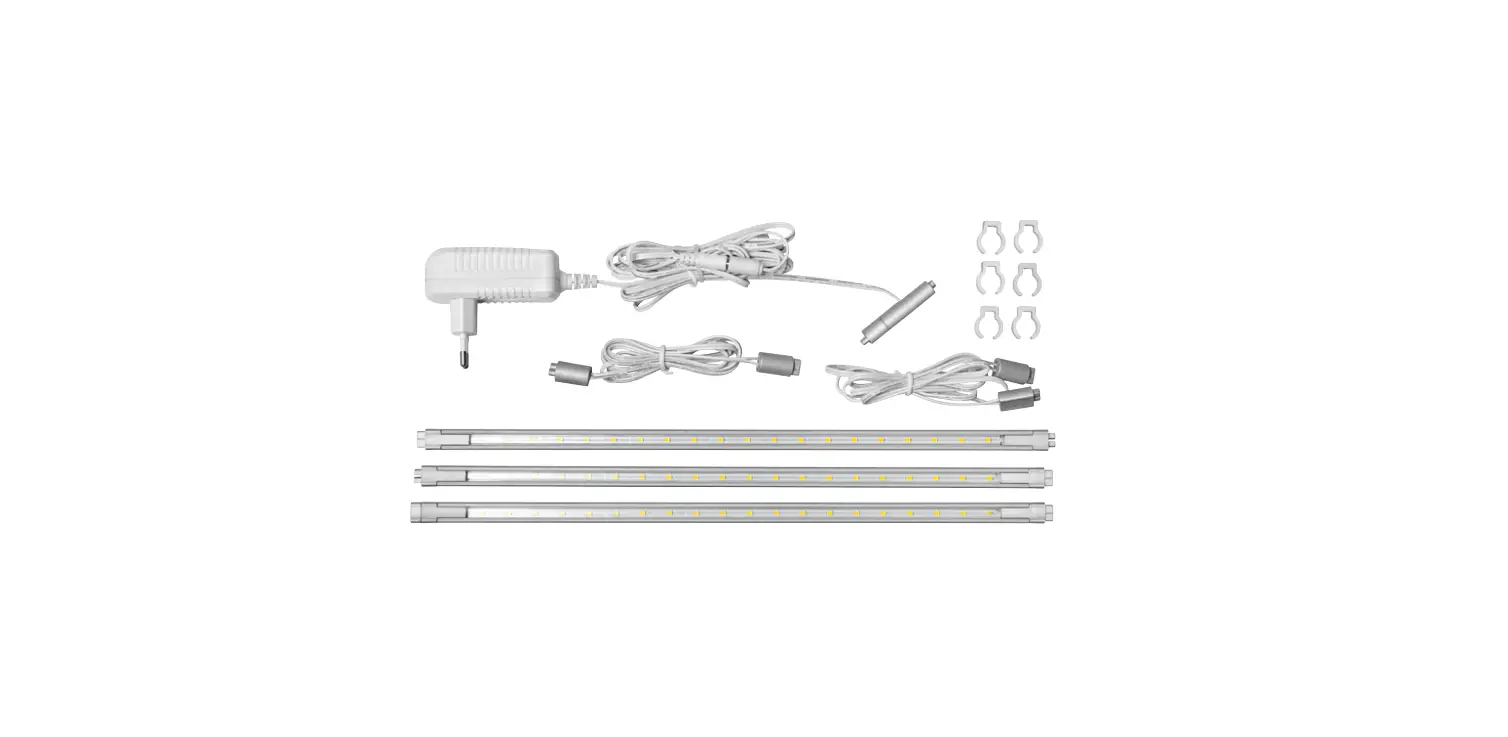
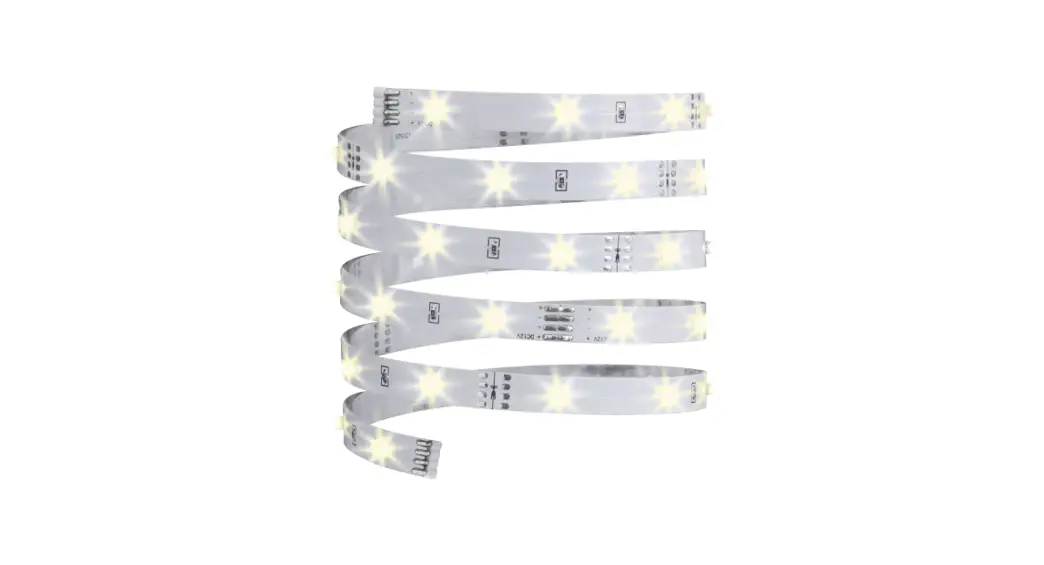
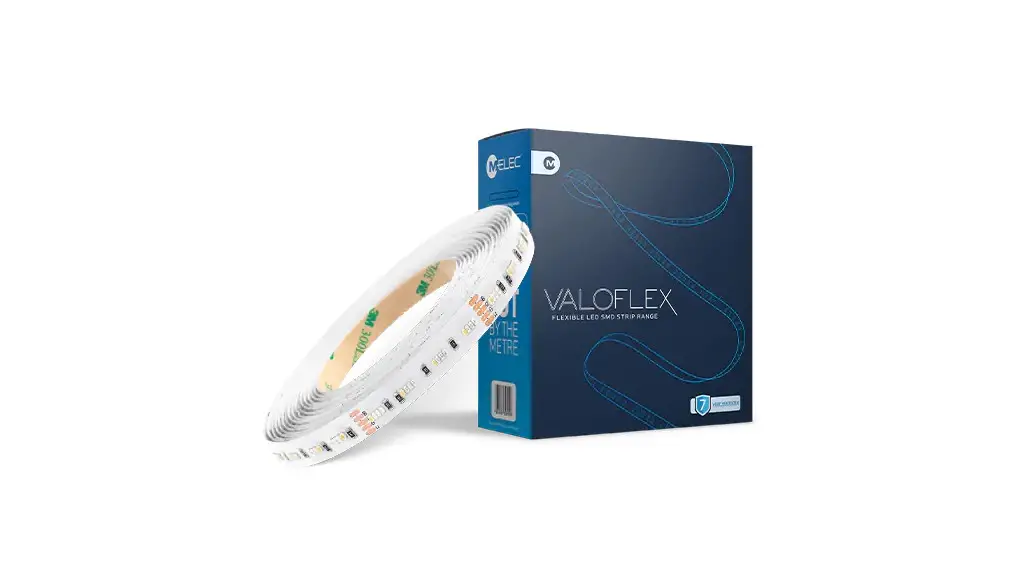
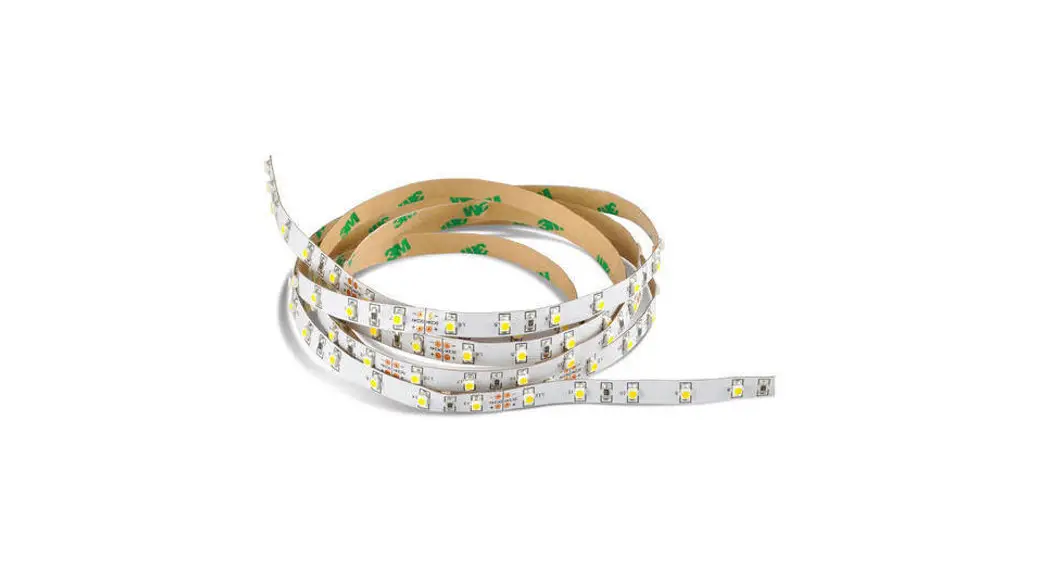
Day-Brite FluxSpace LED Strip
Product Information
The Signify Classified – Internal General Purpose Linear
FluxSpace LED Strip is a lighting fixture designed for various
applications. It provides efficient and uniform lighting with LED
technology. Please note that the installation and servicing of this
product should be performed by a qualified electrician or service
personnel.
Product Usage Instructions
Installation Instructions for Row Mounting with Power
Connector:
- Cut and discard the male plug from the row’s first fixture,
strip the wires, and connect them to the main power. Alternatively,
you can pull out the male plug from the KOs (knockouts) on top of
the housing and connect the power supply from there. - Choose the mounting method (surface, v-hooks, or sliding
hangers) and mount the first fixture of the row following the steps
in the main instruction sheet. Ensure that the center mullion (only
for fixtures with a lens) is still in position in the joiner
bracket side. If not, put it back in place. - If the row’s next fixture is going to be the last one, remove
its joiner bracket by removing its screw and sliding it outwards,
along with the center mullion. If not, proceed to the next
step. - Make sure the joiner bracket slides below both tabs. There
should be a gap for the joiner bracket in the housing endplate.
Also, ensure that the center mullion fits into the slot
provided. - After finishing the row, install the endcaps in the first and
last fixture. Secure them with screws on top.
Note: It is suggested to perform the installation between two
people for safety reasons.
Signify Classified – Internal
General Purpose Linear
FluxSpace LED Strip
FluxSpace Power Connector 442296135441
CAUTION: THE INSTALLATION AND SERVICING OF THIS PRODUCT SHOULD BE PERFORMED BY A QUALIFIED ELECTRICIAN OR SERVICE PERSONNEL.
Note: It is suggested to perform installation between two people. INSTALLATION INSTRUCTIONS FOR ROW MOUNTING WITH POWER CONNECTOR.
1. Cut and discard the male plug from row’s first fixture, strip the wires and connect them to the main power. It is also possible to pull out the male plug from the KOs on top of the housing and connect the power supply from there.
Alternate KOs
2. Choose the mounting method (surface, v-hooks or sliding hangers) and mount the first fixture of the row following the steps in the main instruction sheet. When the fixture is mounted, make sure the center mullion (only for fixtures with lens) is still in position (in the joiner bracket side), if not, put it as shown.
JOINER BRACKET
CENTER MULLION
NOTE: Prepare the row’s next fixture. If it is going to be the last one, remove its joiner bracket (by removing its screw and sliding it outwards) and center mullion, if not, move to next step.
JOINER BRACKET SCREW
3/15/2023 page 1 www.day-brite.com www.cfi-lighting.com
Signify Classified – Internal
Power Connector
FluxSpace LED Strip
3. Place the next fixture in position next to the first one already mounted (female plug side of the first one next to male plug side of the second one). Connect the plugs and pass them both through the endplate KO hole of the first fixture. Once the connectors are inside the first fixture, slide the first fixture joiner bracket in the gap between the endplate and housing of the second fixture until both housings are touching each other. Make sure the center mullion matches the rectangular slot in the second fixture. Finally screw joiner bracket to housing (if possible). Repeat for all the fixtures in the row.
GAP FOR JOINER BRACKET
HOUSING ENDPLATE
Make sure the joiner bracket slides below BOTH tabs.
SLOT FOR CENTER MULLION
4. After finishing the row, proceed to install the endcaps in the first and last fixture. Secure with screw on top.
3/15/2023 page 2
Signify Classified – Internal
Power Connector FluxSpace LED Strip
CAUTION: This fixture is designed for permanent installation in ordinary (Non-Hazardous) locations in accordance with the National Electrical Code and all applicable local codes. Do not use in areas of limited ventilation or in high ambient enclosures. The lamp and fixture operate at high temperatures. Contact with combustible materials can cause fire and personal contact can cause severe burns. NOTE: This equipment has been tested and found to comply with the limits for a Class A digital service, pursuant to Part 15 of the FFC Rules. These limits are designed to provide reasonable protection against harmful interference when the equipment is operated in a commercial environment. This equipment generates, uses, and can radiate radio frequency energy and, if not installed and used in accordance with the instruction manual, many cause harmful interference to radio communications. Operation of this equipment in a residential area is likely to cause harmful interference in which case the user will be required to correct the interference at his own expense.
3/15/2023 page 3
Signifie Classé – Interne
Linéaire à usage général
FluxSpace Bande LED
FluxSpace Câble d’alimentation 442296135441
PRÉCAUTION: L’INSTALLATION ET L’ENTRETIEN DE CE PRODUIT DOIVENT ÊTRE
EFFECTUÉS PAR UN ÉLECTRICIEN OU UN PERSONNEL D’ENTRETIEN QUALIFIÉ.
REMARQUE : Il est suggéré d’effectuer l’installation entre deux personnes. INSTRUCTIONS D’INSTALLATION POUR LE MONTAGE EN RANGÉE AVEC CONNECTEUR D’ALIMENTATION.
1. Coupez et jetez la fiche mâle du premier luminaire de la rangée, dénudez les fils et connectez-les au pouvoir. Il est également possible de retirer la fiche mâle des KO sur le dessus du boîtier et de brancher le alimentation à partir de là.
Alterner KOs
2. Choisissez la méthode de montage (surface, crochets en V ou suspensions coulissantes) et montez le premier
luminaire de la rangée en suivant les étapes de la feuille d’instructions principale. Lorsque le luminaire est monté, assurez-vous que le centre le meneau (uniquement pour les luminaires avec lentille) est toujours en place (côté support de menuiserie), sinon, placez-le comme indiqué.
SUPPORT DE MENUSIER
MENEAU CENTRAL
REMARQUE : Préparez le prochain luminaire de la rangée. S’il s’agit du dernier, retirez son support de menuiserie (en retirant sa vis et en le faisant glisser vers l’extérieur) et le meneau central, sinon, passez à l’étape suivante.
VIS DE SUPPORT DE JONCTEUR
2/7/2023 page 1 www.day-brite.com www.cfi-lighting.com
Signify Classé – Interne
Câble d’alimentation
FluxSpace Bande LED
3. Placez le prochain luminaire en position à côté du premier déjà monté (le côté prise femelle du premier à côté du
côté fiche mâle du second). Connectez les fiches et passez-les toutes les deux à travers la plaque d’extrémité KO du premier appareil. Une fois que les connecteurs sont à l’intérieur du premier luminaire, faites glisser le raccord du premier luminaire support dans l’espace entre la plaque d’extrémité et le boîtier du deuxième luminaire jusqu’à ce que les deux boîtiers se touchent. Assurez-vous que le meneau central correspond à la fente rectangulaire du deuxième luminaire. Enfin, vissez le support de jonction au boîtier (si possible). Répétez l’opération pour tous les luminaires de la rangée.
ÉCART POUR SUPPORT DE JONCTEUR
LOGEMENT
Assurez-vous que le support de menuisier glisse sous les DEUX onglets.
PLAQUE D’EXTRÉMITÉ
FENTE POUR LE CENTRE MENEAU
4. Après avoir terminé la rangée, installez les capuchons d’extrémité dans le premier et le dernier luminaire. Fixez avec une vis sur le dessus.
2/7/2023 page 2
Signify Classé – Interne
Câble d’alimentation FluxSpace Bande LED
ATTENTION : Ce luminaire est conçu pour une installation permanente dans des emplacements ordinaires (non dangereux) conformément au Code national de l’électricité et à tous les codes locaux applicables. Ne pas utiliser dans des zones à ventilation limitée ou dans des enceintes à température ambiante élevée. La lampe et le luminaire fonctionnent à des températures élevées. Le contact avec des matériaux combustibles peut provoquer un incendie et le contact personnel peut provoquer de graves brûlures.
REMARQUE : cet équipement a été testé et déclaré conforme aux limites d’un service numérique de classe A, conformément à la partie 15 des règles FFC. Ces limites sont conçues pour fournir une protection raisonnable contre les interférences nuisibles lorsque l’équipement est utilisé dans un environnement commercial. Cet équipement génère, utilise et peut émettre de l’énergie de radiofréquence et, s’il n’est pas installé et utilisé conformément au manuel d’instructions, peut causer des interférences nuisibles aux communications radio. L’utilisation de cet équipement dans une zone résidentielle est susceptible de provoquer des interférences nuisibles, auquel cas l’utilisateur devra corriger les interférences à ses propres frais.
© 2021 Signify Holding. Tous les droits sont réservés. Ce document peut être sujet à modification. Aucune représentation ou garantie quant à l’exactitude ou l’exhaustivité des informations incluses dans ce document n’est donnée et la responsabilité pour toute action sur la base de celles-ci est déclinée. Toutes les marques déposées sont la propriété de Signify Holding ou de leurs propriétaires respectifs.
2/7/2023 page 3
Signify North America Corporation 400 Crossing Blvd, Suite 600 Bridgewater, NJ 08807, USA Téléphone 855-486-2216
Signify Canada Ltée. 281 Hilmount Road. Markham, ON, Canada L6C 2S3 Téléphone 800-668-9008
Toutes les marques déposées sont la propriété de Signify Holding ou de leurs propriétaires respectifs.
 Commercial Lighting Company - Commercial LED
 Commerical and industrial project lighting solutions | Day-Brite CFI | Signify Lighting