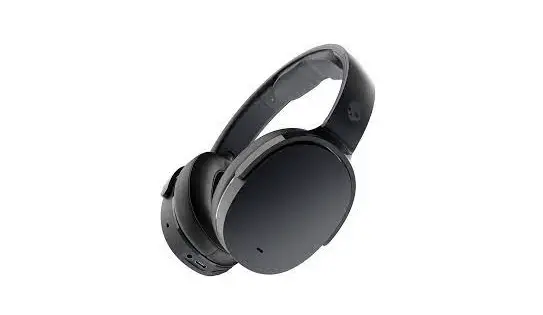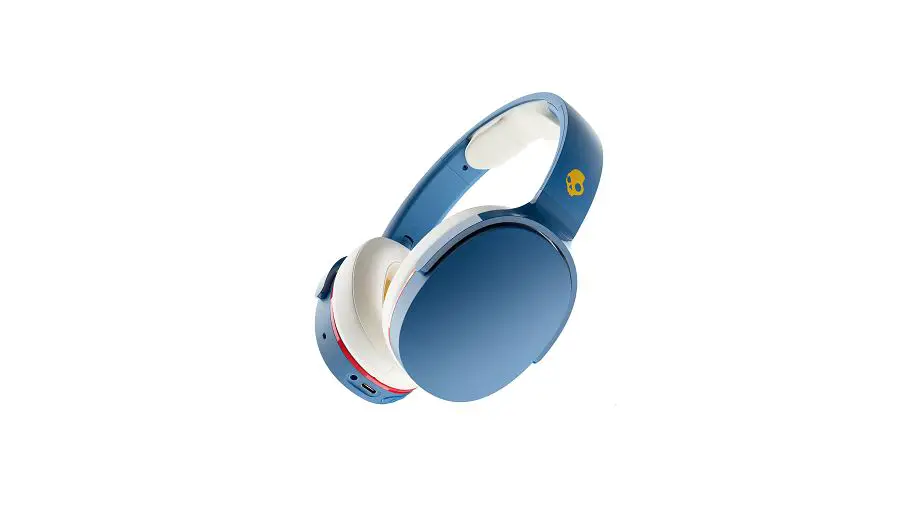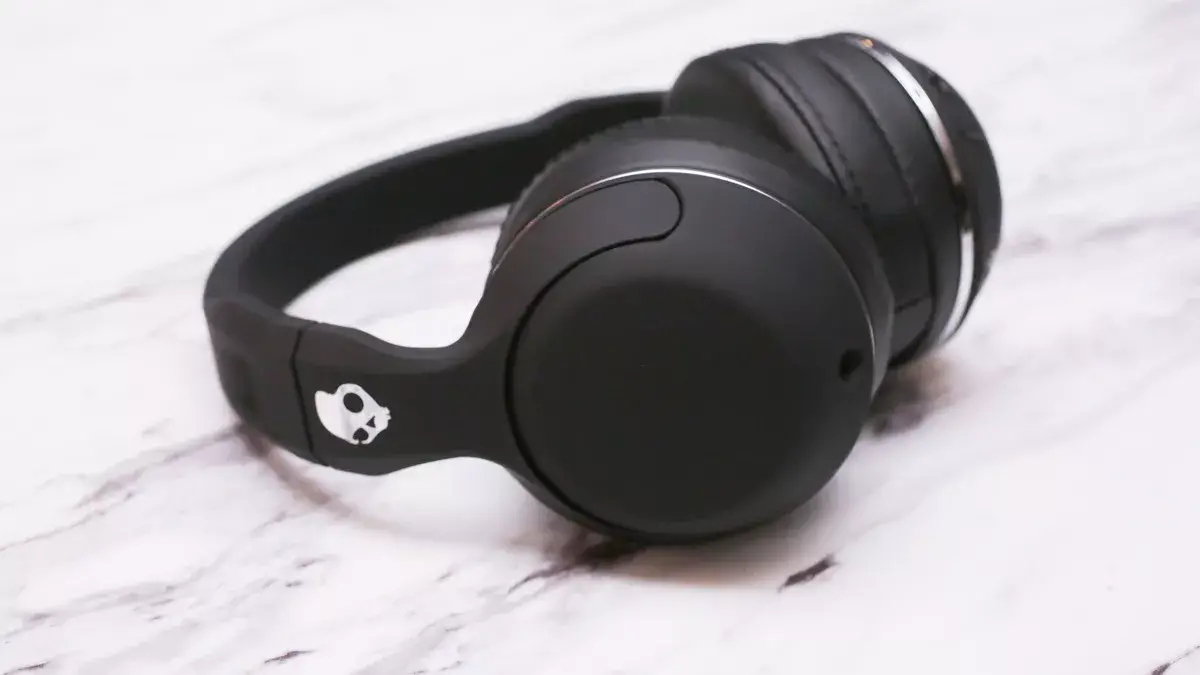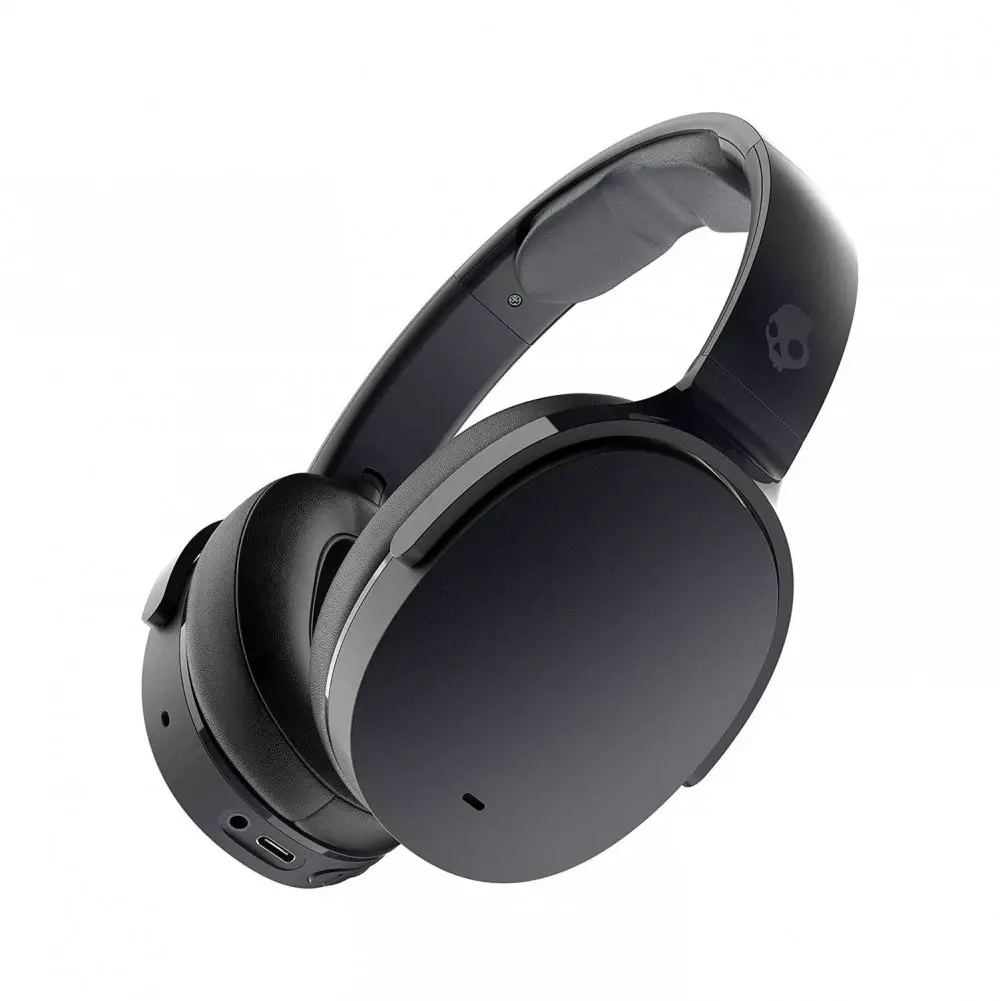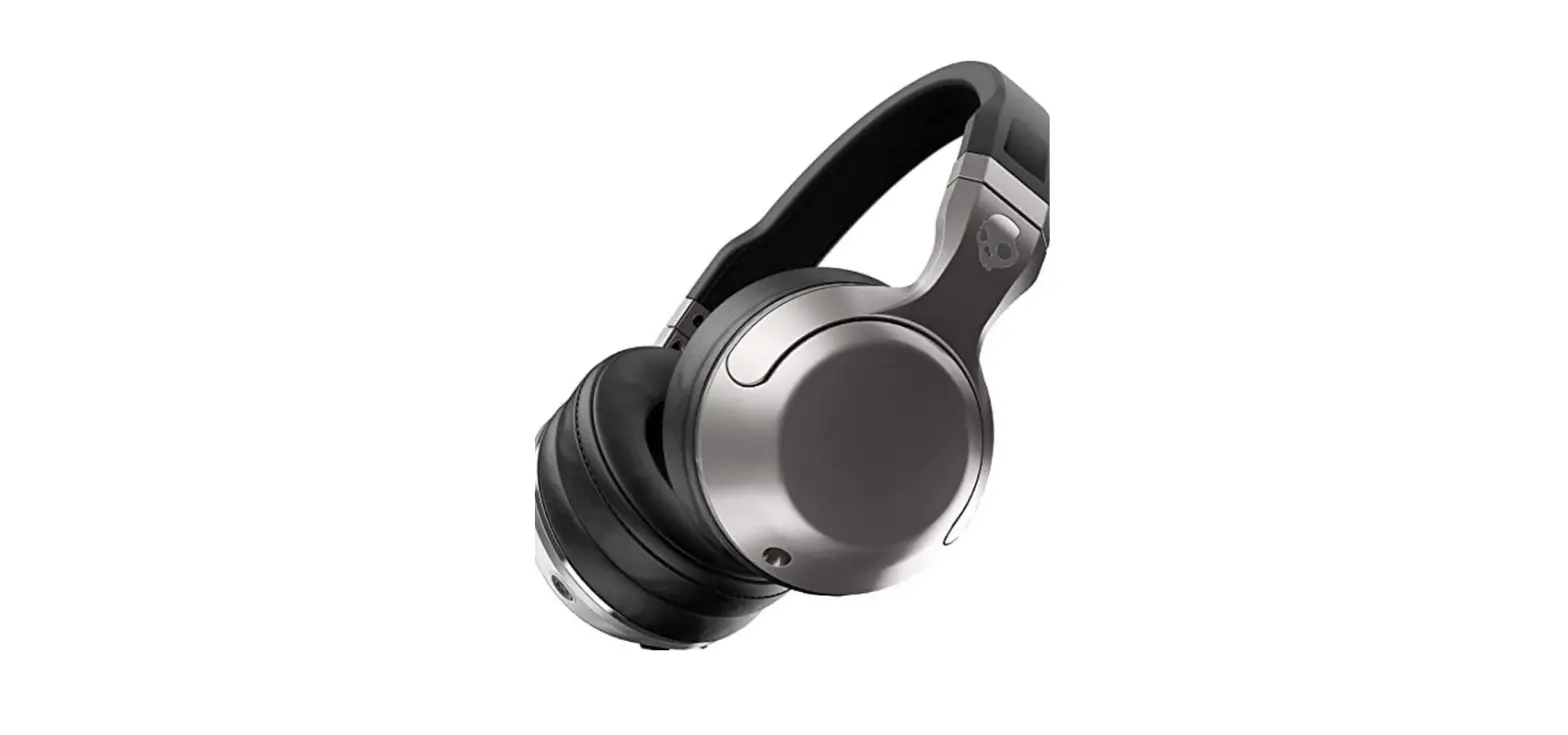

Skullcandy Hesh 2 Wireless Over-Ear Headphones
Specifications
- DIMENSIONS: 8.07 x 3.74 x 8.46 inches,
- WEIGHT: 1.04 pounds,
- CONNECTIVITY: Bluetooth V5.0,
- IMPEDANCE: 32 ohms, THD: <3%,
- SOUND PRESSURE LEVEL: 102.7Db,
- MANUFACTURER: Skullcandy
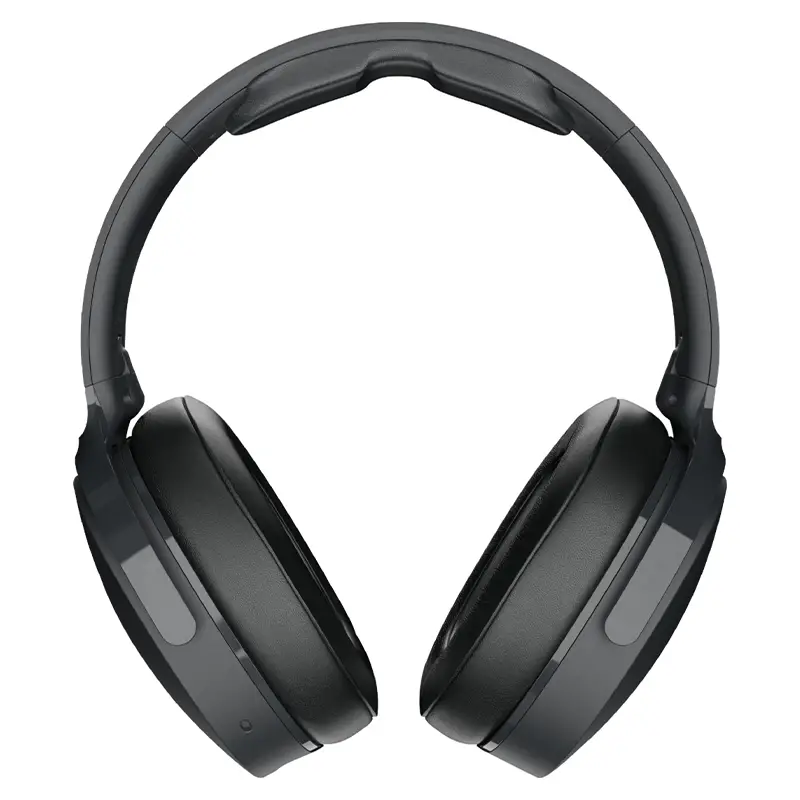
Skullcandy Hesh 2 wireless over-ear headphones are one of the most popular budgets friendly over-ear headphones. These headphones are the wireless version of Skullcandy’s Hesh 2 wired headphones. These headphones have a number of features including supreme sound, a comfortable design, and long battery life. They allow you to stream your music from any Bluetooth-enabled device. They also have some controls present on the earcups for you to adjust the volume, control the tracks and answer/reject calls. They also come with a wired mode. These headphones provide a comfortable experience of music to its users.
DESIGN
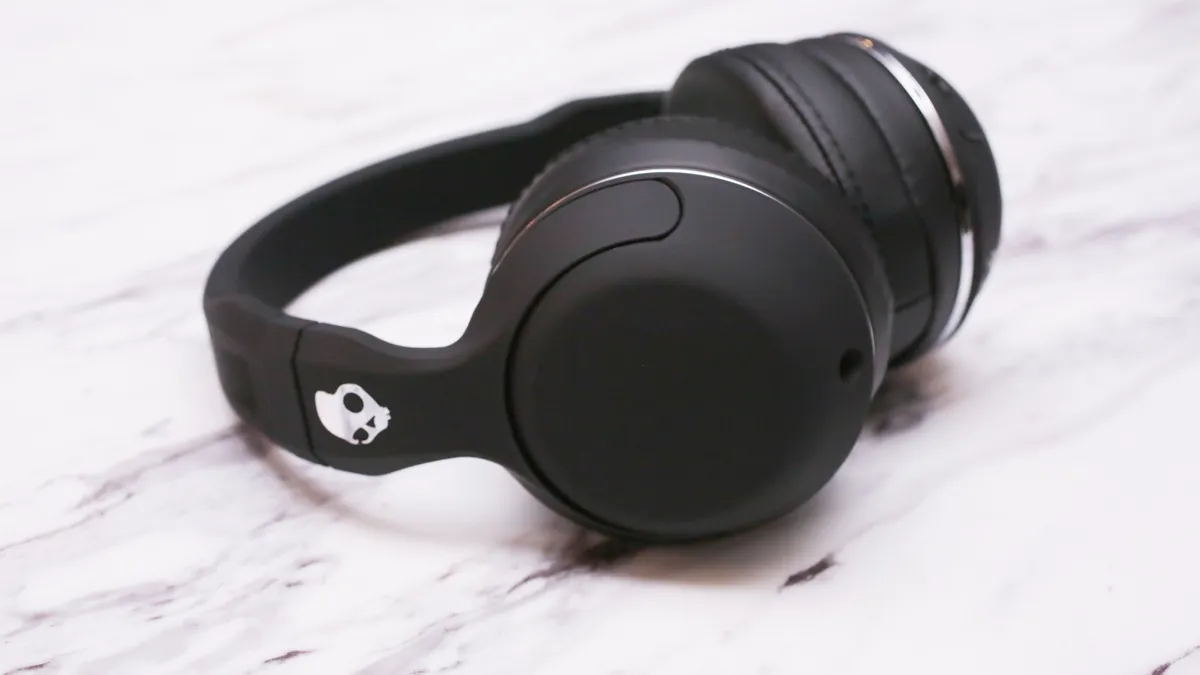
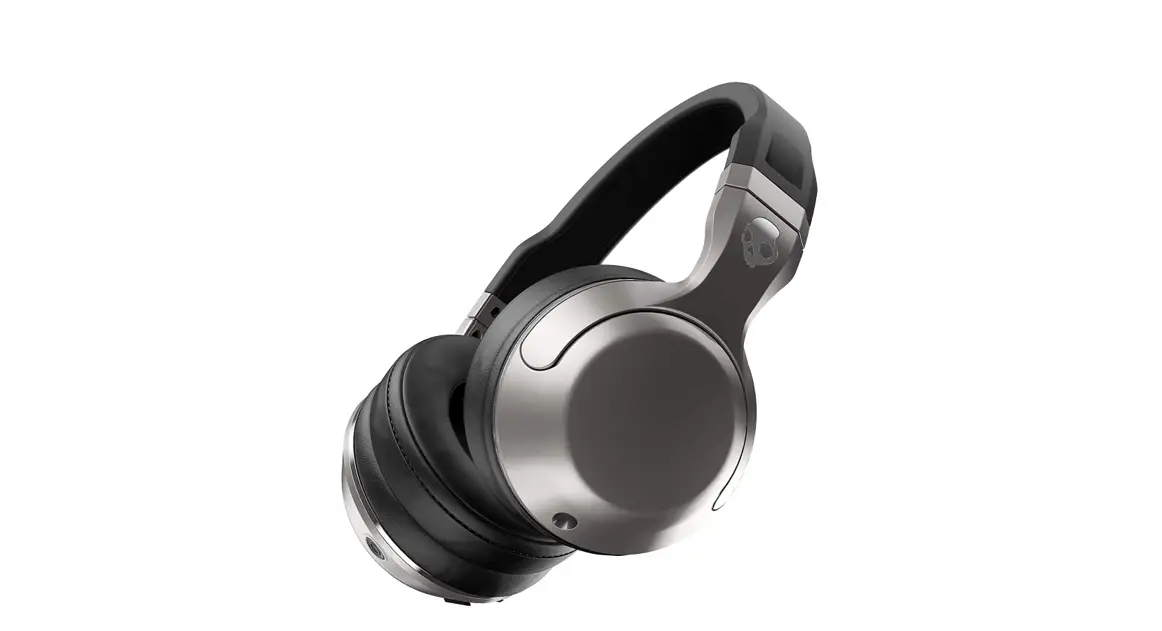
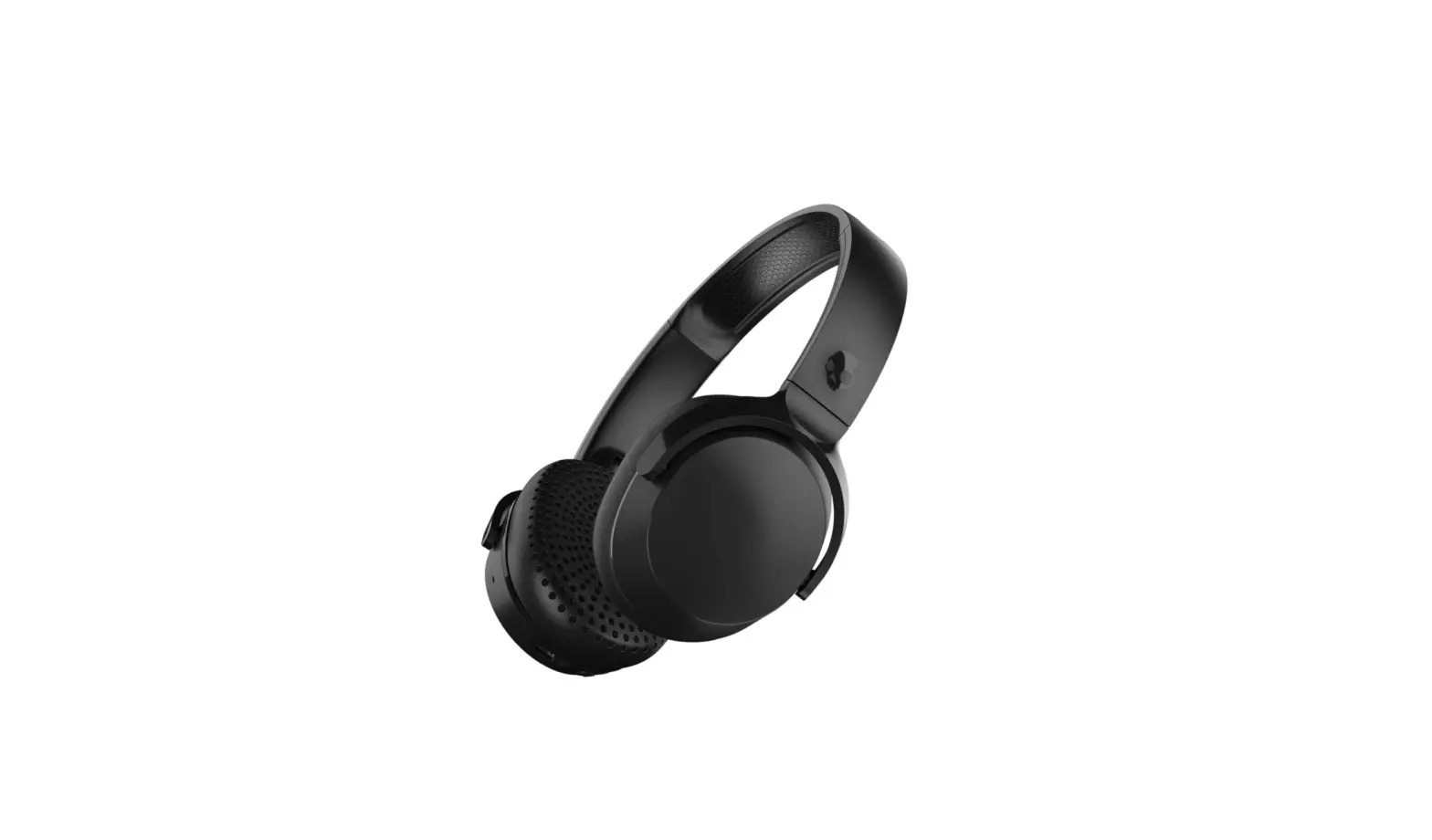
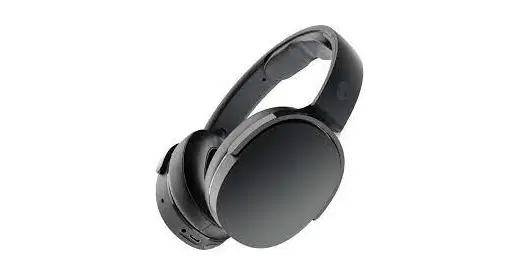
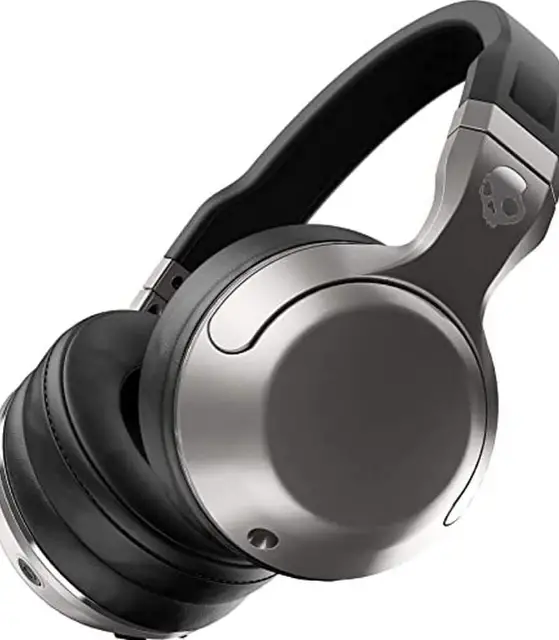
The design of these headphones is pretty good They aren’t bulky like most other over-ear headphones. They come in an all-black matte finish and a thin silver lining around the earcups. They are a comfortable and lightweight pair of headphones. The ear cups are well padded from the inner side. The Headbands aren’t padded. Apart from the design they also have some buttons that allow you to control calls, audio and volume.
SOUND QUALITY
The sound quality of these headphones is pretty decent. The sound produced by these headphones is smooth. The large drivers deliver sound of good quality. They provide soften edges on both the midrange and treble, which decreases the quality of the sound produced.
COMPATIBILITY
These headphones use Bluetooth for connecting with your devices. They don’t feature NFC or multi-device pairing. The latency of these headphones is 144ms, which is not ideal for watching videos, however, it doesn’t cause a lot of delays. If you are planning to use these headphones for gaming or watching videos for long periods of time, its better to use them in the wired mode. They come with a 3.5mm audio cable of a length of 4.33 ft, which can be used to connect to the device directly for better sound quality.
BATTERY LIFE
These headphones have a continuous battery life of 28.3 hours and a charge time of 2.6 hours. This is outstanding battery life. This makes them a good option to use while travelling.
WHAT’S IN THE BOX?
- Skullcandy Hesh 2 Headphones x 1
- Carrying pouch x 1
- Audio cable x 1
- USB cable x 1
- Manual x 1
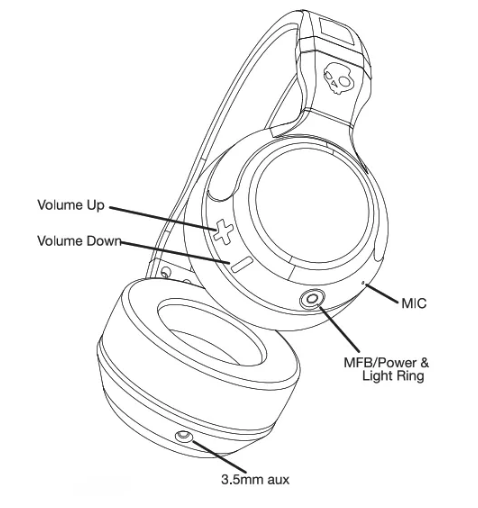
Skullcandy Hesh 2 Wireless Headphones Controls
How to turn on the headphones?
- Press and hold the MFB for 3 seconds. The LED lights will flash magenta and the sound will be heard.
How to turn off the headphones?
- Press and hold the MFB for 5 seconds and the headset will turn off after playing the turning off sound and the LED will flash in magenta color.
How to Enter Pairing Mode?
- Turn off the headphones
- Press and hold the MFB for 5 seconds to reach the pairing mode.
- The LED will flash magenta, indicating the device has turned on and the voice prompt will say “Pairing” while flashing red and blue lights alternatively.
How to Connect using Bluetooth?
- Turn on your device’s Bluetooth while the headphones are in pairing mode. Look for HESH BT and connect to it. The voice prompt will say “Connected”. The LED will flash blue light after every 5 seconds.
- If the device has been paired previously, simply turn on the headphones and they will connect automatically connect to the available previously paired device.
How to Clear the Pairing List?
- Turn on the headphones. The headphones will go to device search mode.
- Hold the volume + and volume – buttons simultaneously for 5 seconds to clear the pairing list. A long double tone will be heard indicating that the pairing list has been cleared.
How to Charge the Headphones?
- Use the provided USB charging cable to charge the headphones. The LED light will be red indicating that the headphones are charging.
- The LED will turn off when the headphones will be completely charged.
- The LED will start blinking red once the battery falls below 5-10% and a voice prompt will say “please charge device” every 15 minutes.
How to Control the Headphones?
- To Play Music: Press the MFB once.
- To Pause Music: Short Press the MFB once.
- To Increase the Volume: Press the + button rapidly.
- To Decrease the Volume: Press the – button rapidly.
- To go to Next Track: Press and hold the + button for 3 seconds.
- To go to Previous Track: Press and hold the – button for 3 seconds
- To Answer/Hang-up Calls: Press once the MFB, while a call is incoming to answer and once to hang up.
- To Reject a Call: Press and Hold the MFB for 2 seconds.
- To Put a Call on Hold: When the call is active, press and hold the MFB for 2 seconds. To release the call, short press the MFB.
- To Mute Mic.: While on call, double press the Volume – button to mute and to unmute double press the – button.
PROS
- Lightweight
- Wired/Wireless
- Distortion-Free Audio
CONS
- Poor Noise Isolation
- Uncomfortable for long listening periods
VERDICT
If you are looking for headphones that provide good quality sound and come in both wired and wireless modes, these headphones are a good option for you.
FREQUENTLY ASKED QUESTIONS
- Do these have a built-in mic?
Yes, they have a built-in mic to use with the call feature. You can also mute or unmute using the controls of the headphones. - Can you skip songs?
Yes, you can skip to songs by pressing and holding the – button. - Will it work for my son’s Kindle Fire?
Yes, it will work with Kindle Fire. - Can I listen to music without a charge?
Yes, you can use the headphones without charge using the provided wire for connection. - Are they wireless and have a cord option?
Yes, they are wireless and also have a wired option.