 Filter Replacement Guide
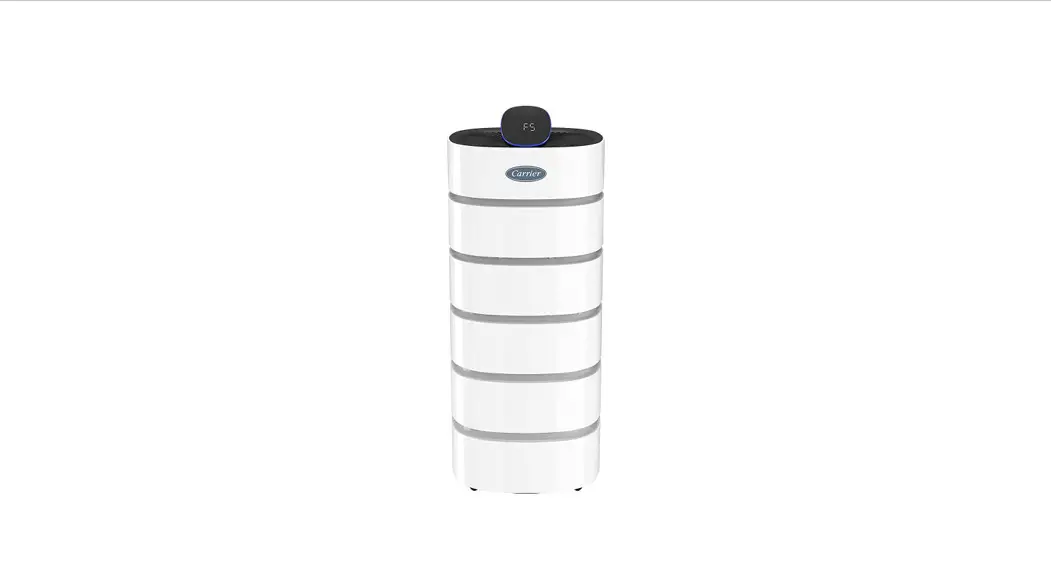
CARRIER ROOM
AIR PURIFIER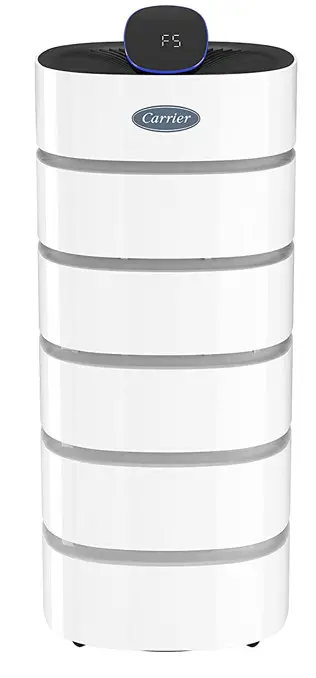
How to replace the filter
An integrated filter is included in a new product.

CAUTION
- Remove the plastic packaging from the filter before use.
- Keep plastic packaging away from children as it may cause suffocation.
- Be sure to unplug the unit before removing the filter packaging.
 NOTE You can not return the filter once the plastic packaging is removed.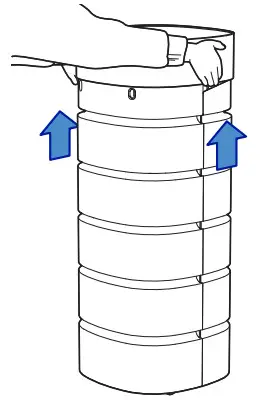
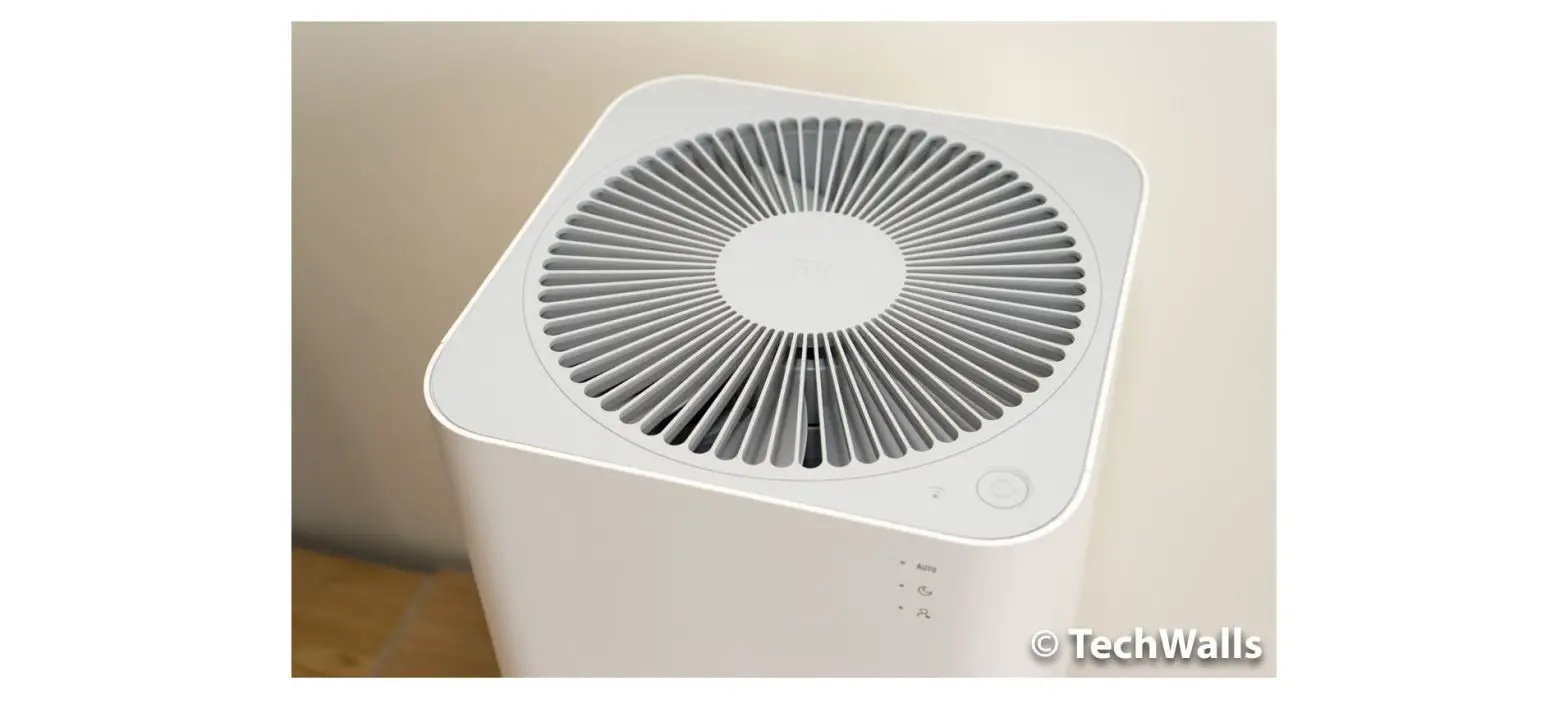
- Hold the top cover of the product with both hands and pull upwards.

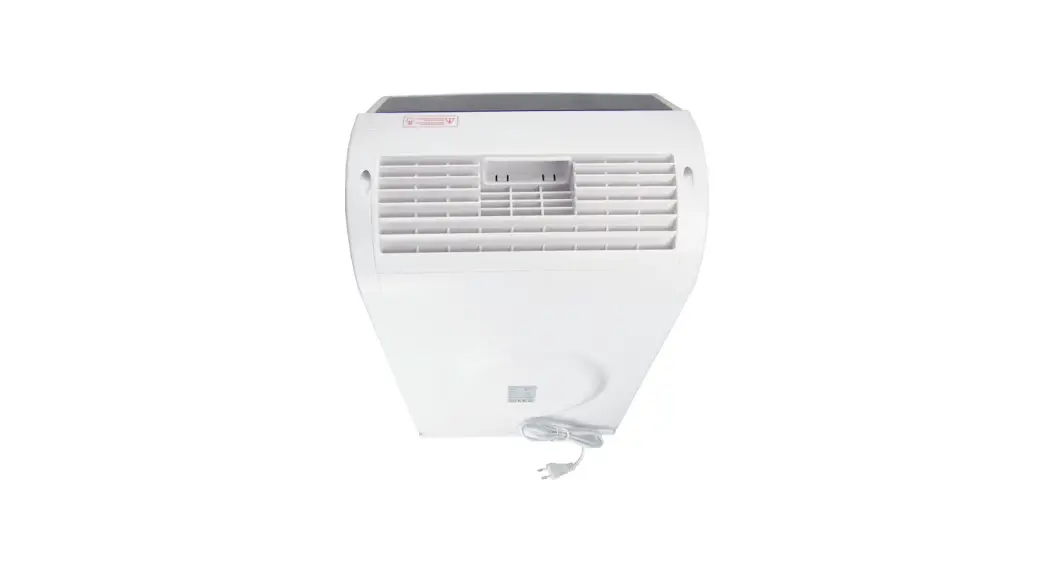
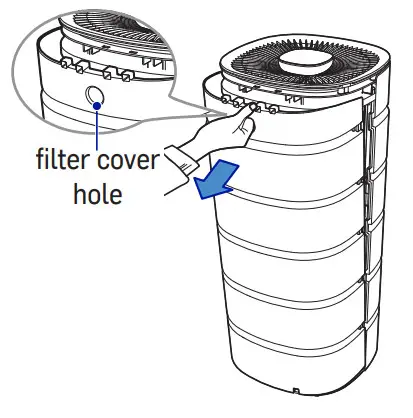
- Grasp the filter cover hole on the rear filter cover and pull it forward.

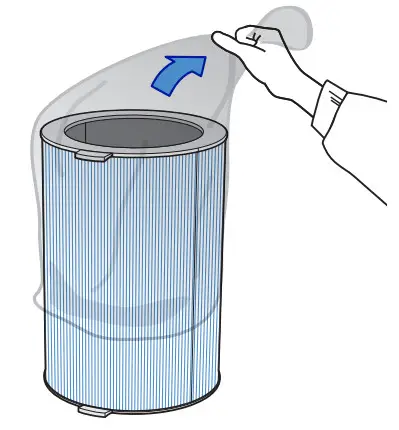
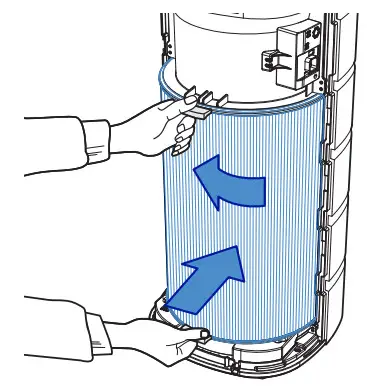
- Remove the plastic packaging from the filter.

- Push the filter into the top and bottom part of the product with the filter in close contact.

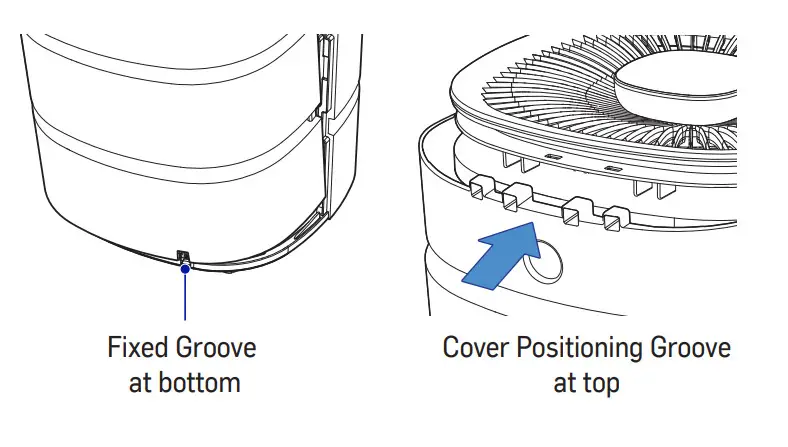
- Replace filter cover.
Insert the cover into the fixed groove at the bottom of the product first.
Slide the cover forward so that the cover fits into the top grooves.
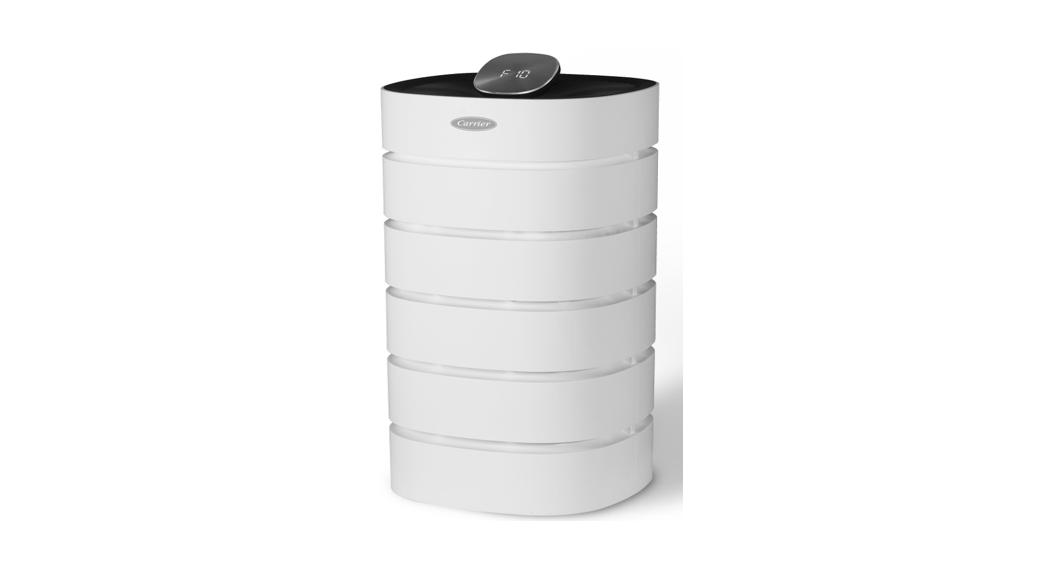
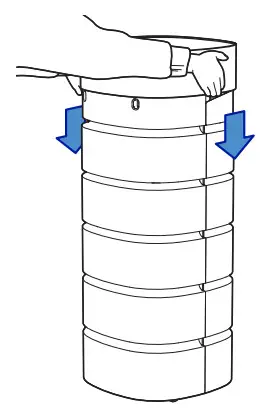
- Hold the top cover of the product with both hands and slide it back in place, making sure the logo appears in the front.
- When the filter installation is complete, press the Sleep + ” Auto” button on the control panel for 5 seconds or more to initialize it.
- The red filter light will go off when the product is reset.
Cleaning the filter
- If the filter is very dirty, replace it.
Filter contamination may vary depending on your environment.
The timing of filter cleaning may vary accordingly. - In between filter replacements, clean the pre-filter with a vacuum cleaner or a soft brush.
Never wash the filter with water.
HEALTHY HOMES
carrierathome.com 1-888-320-0909
01-811-20536-01
©2020 Carrier. All rights reserved.
The manufacturer reserves the right to discontinue or change at any time, specifications, or designs without notice or without incurring obligations. Third-party trademarks and logos are the property of their respective owners.
 Carrier @ Home