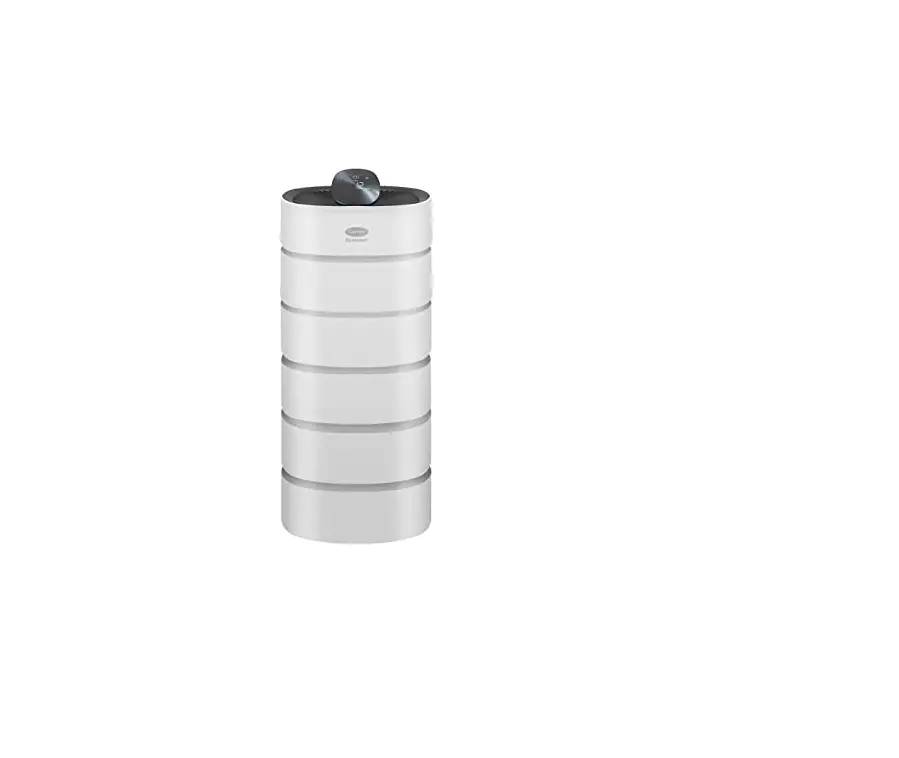
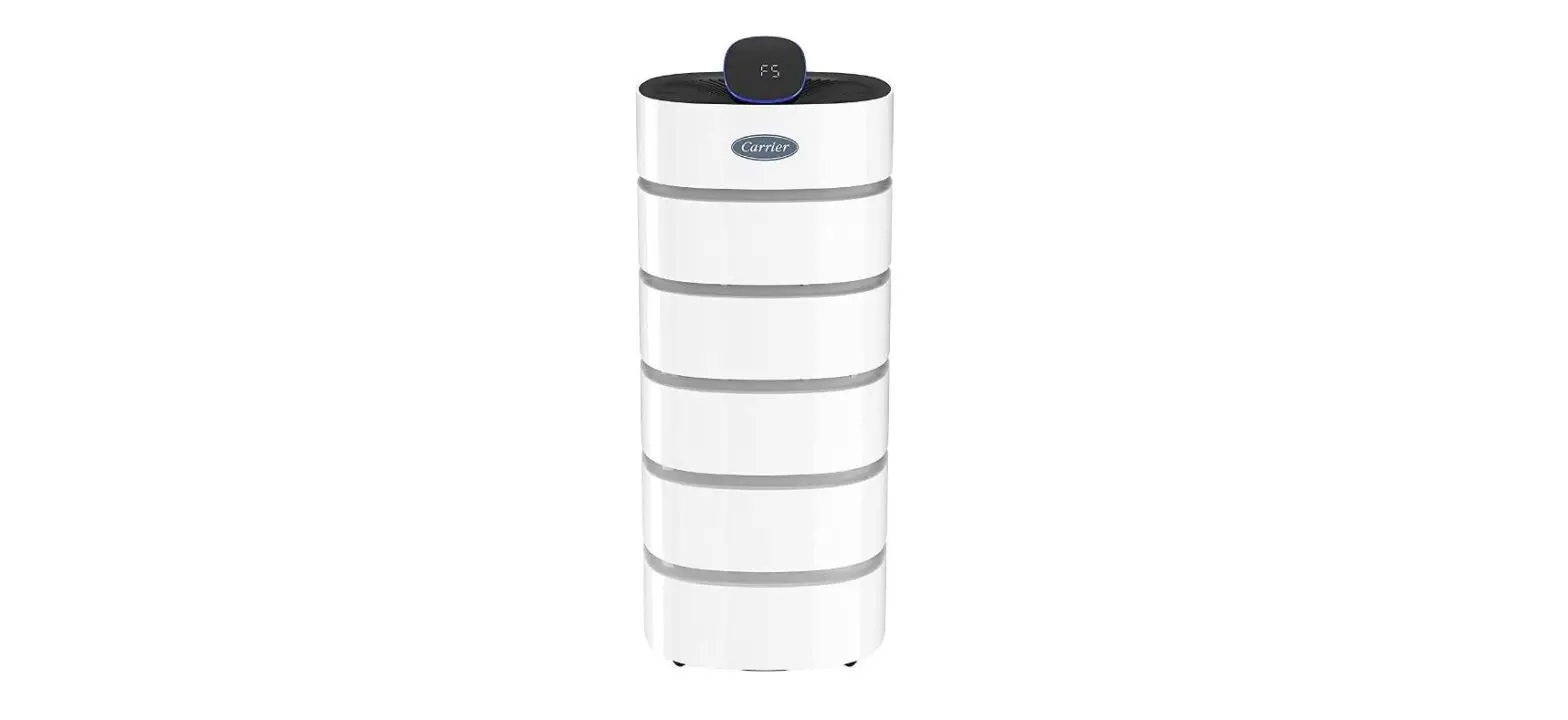
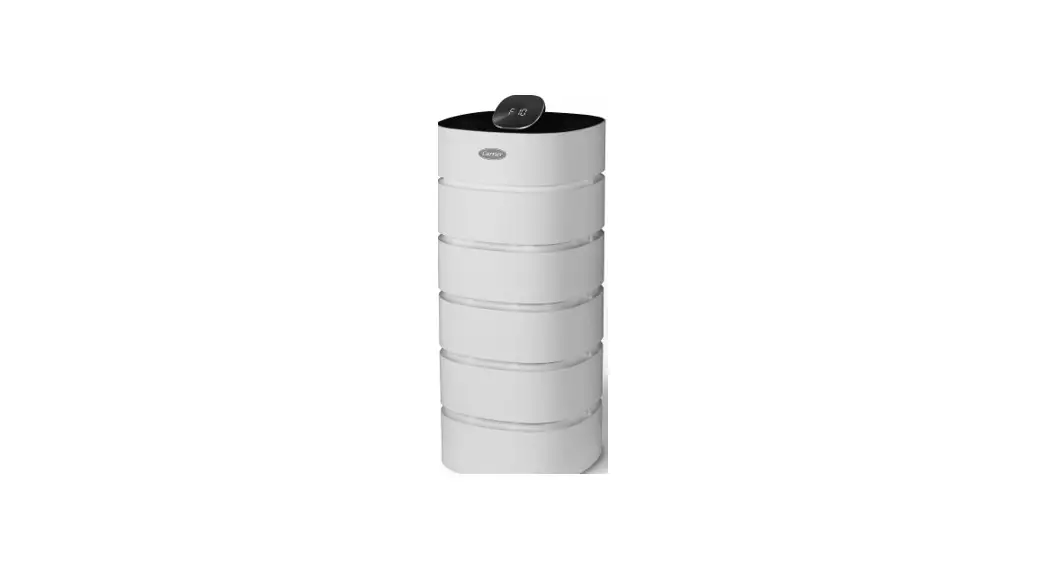
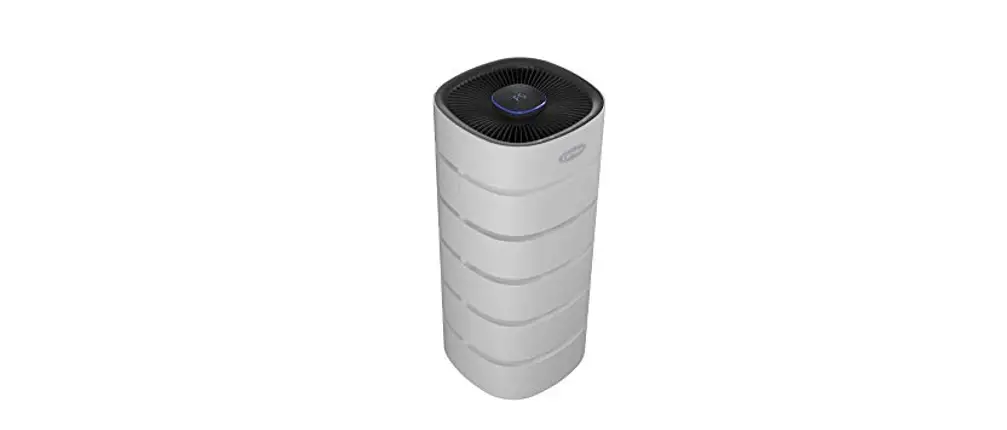
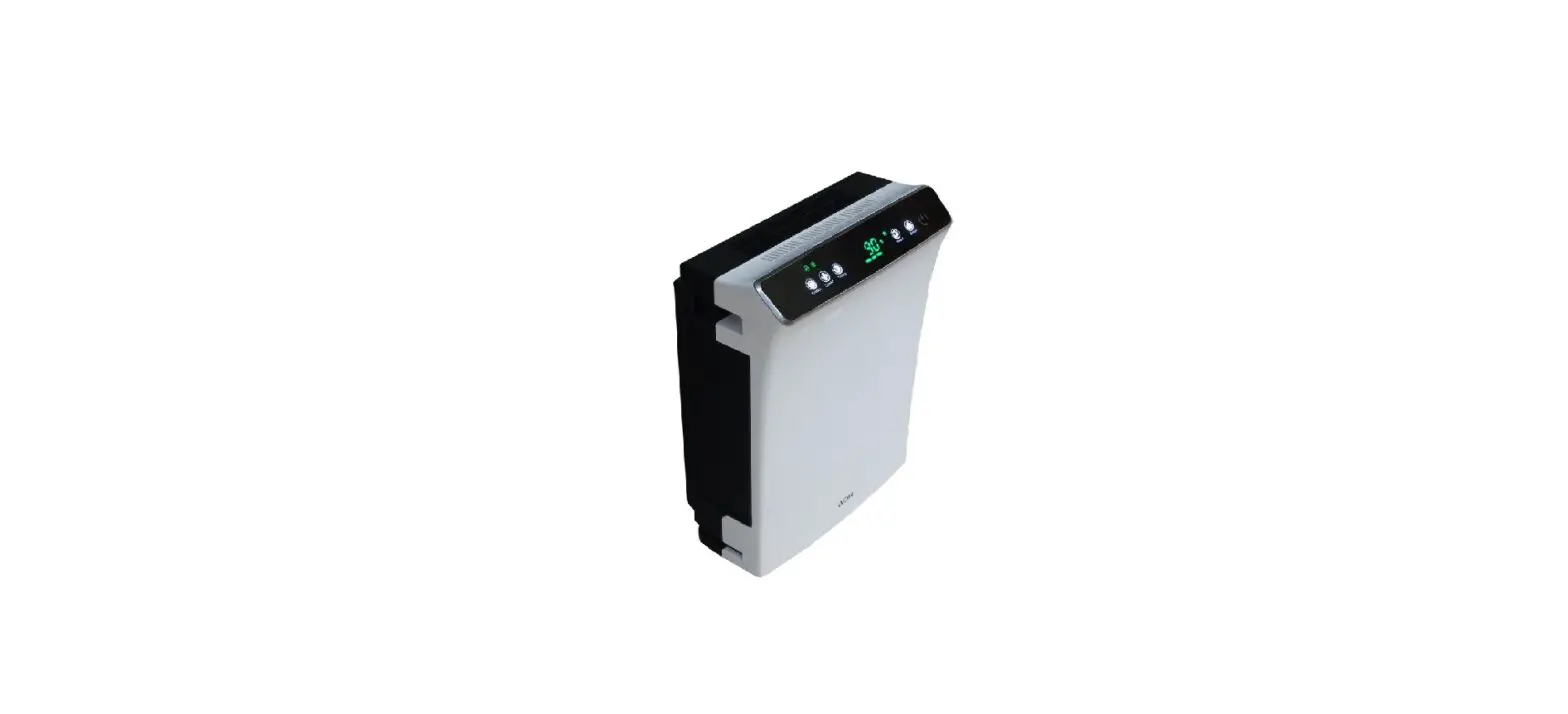
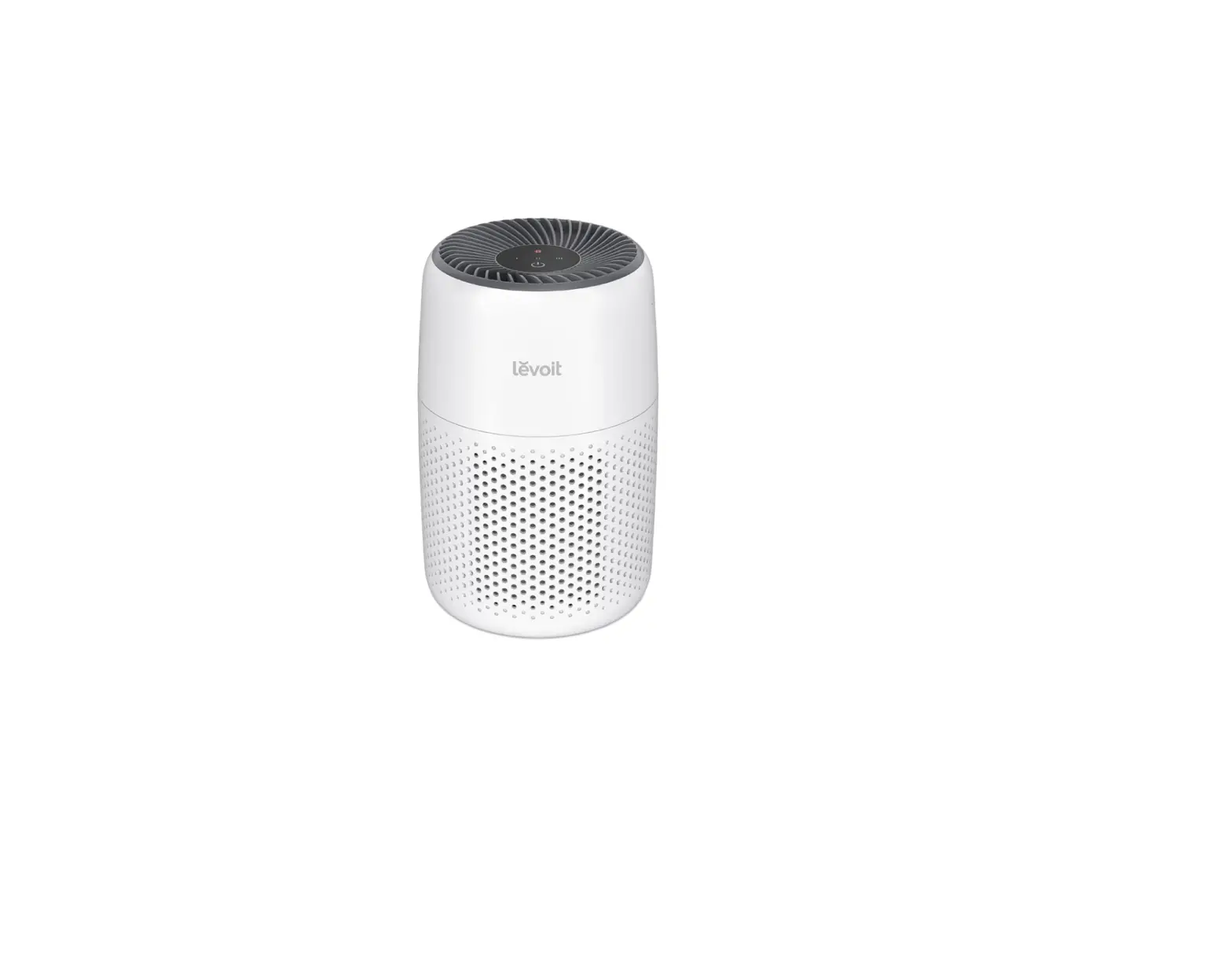
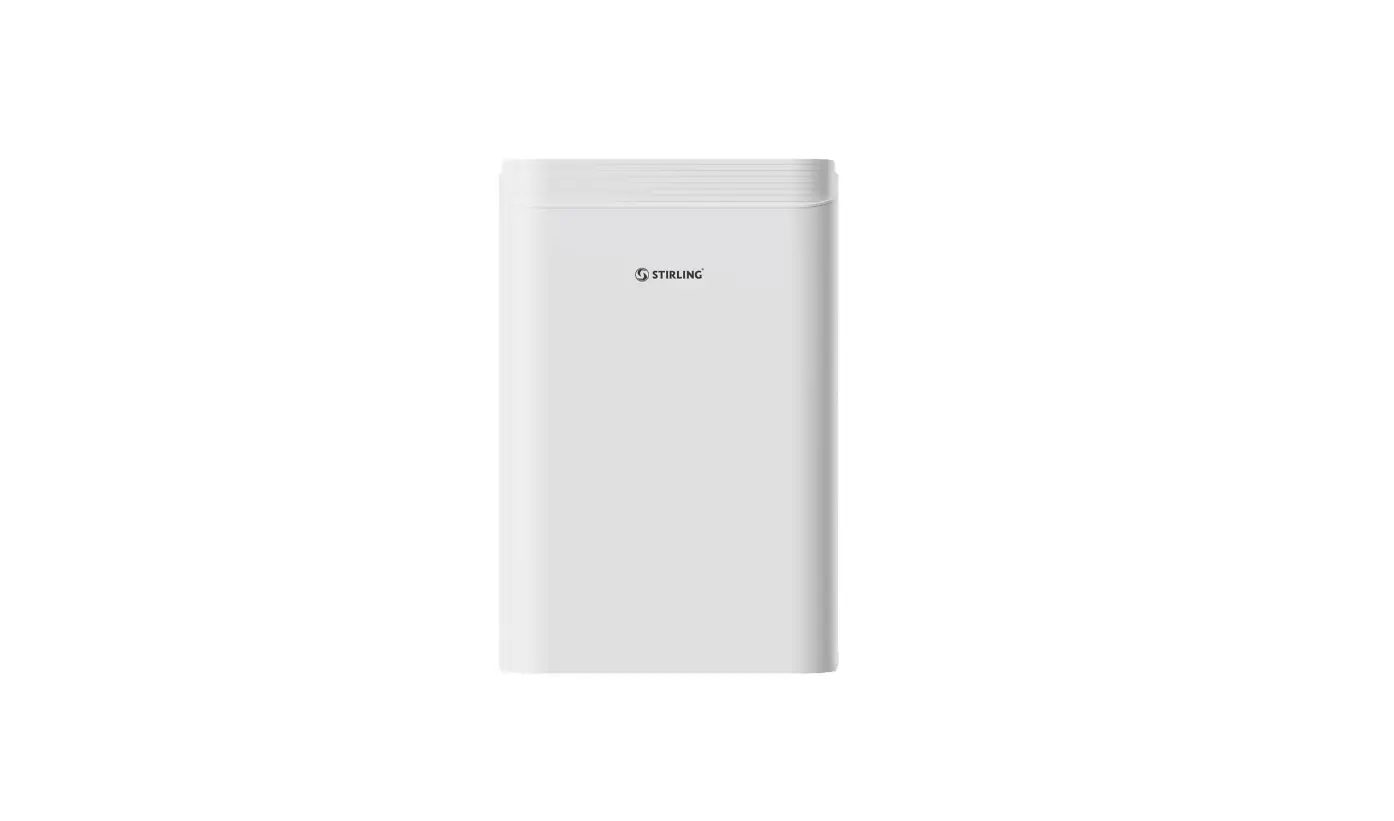
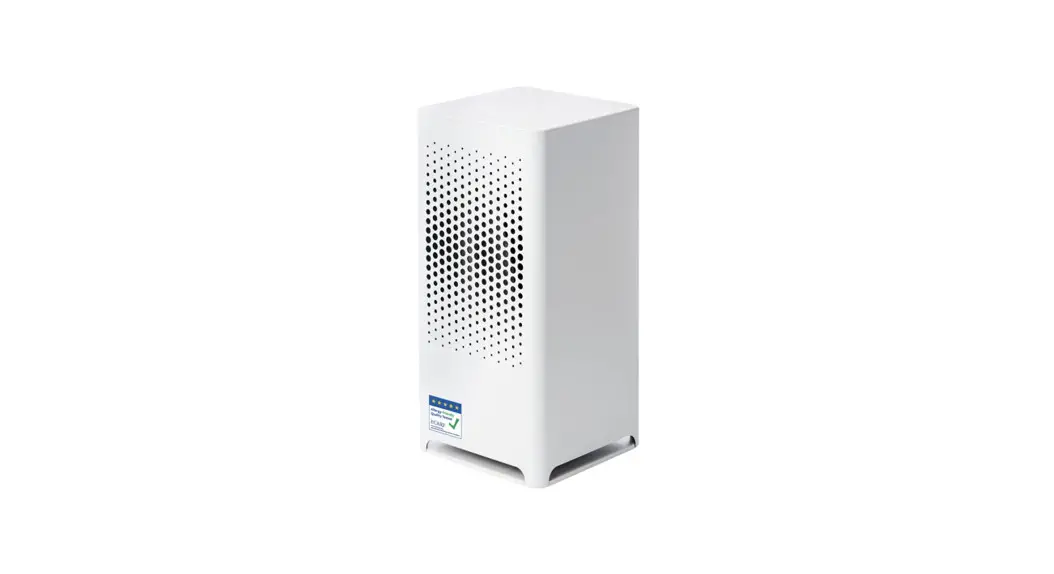
RMAP-ST Air Purifier
Product Information
The Air Purifier and Smart Air Purifier are advanced devices
designed to improve indoor air quality. The Air Purifier models
available are RMAP-ST and RMAP-XL, while the Smart Air Purifier
models are RMAP-SST and RMAP-SXL.
Please note that this quick start guide is intended for
reference purposes only. For comprehensive product information and
operational instructions, please refer to the User Manual.
Product Usage Instructions
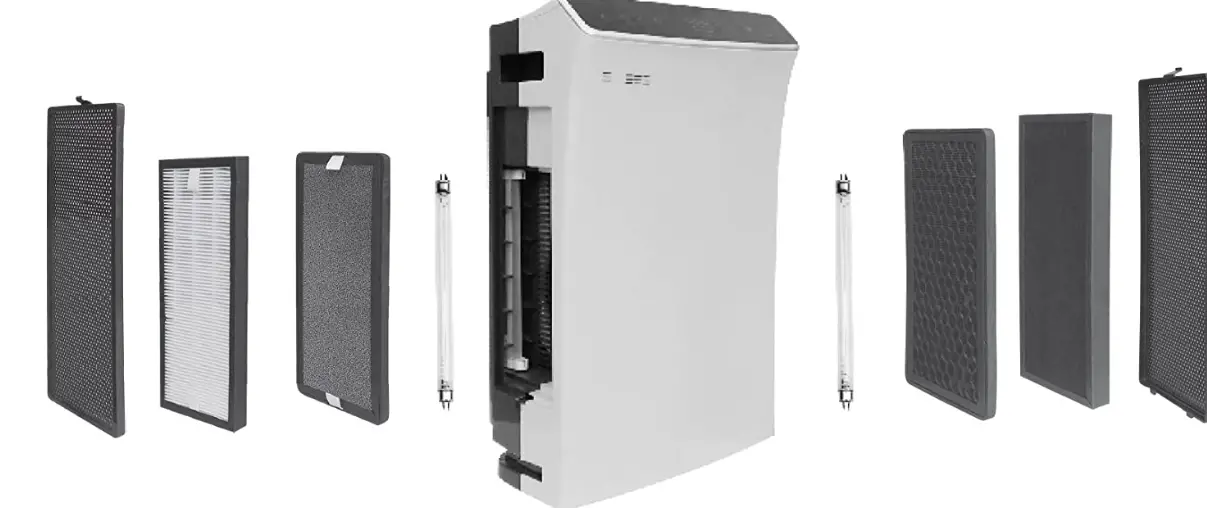
How to Prepare/Change the Filter
- Hold the top cover of the product with both hands and pull up.
Remove any tape used to secure the unit during transit. - Grasp the filter cover hole on the rear and pull the cover out
and then up to remove and access the filter. - Remove the filter from the product and then remove the plastic
packaging from the filter. It is crucial to remove the packaging to
ensure proper filter functionality, prevent abnormal sounds, and
avoid potential fire or damage to the product. - Slide the filter back into the unit with the tabs on the filter
facing outward. - Replace the filter cover by inserting it into the fixed groove
at the bottom of the product. Slide the cover forward until it fits
into the top grooves. - Hold the top cover of the product with both hands and slide it
back in place, ensuring that the logo appears in front. - Place the purifier in the desired location and plug it into a
wall outlet. - For filter replacement: After completing the filter
installation, press and hold the Sleep + Auto button on the control
panel for five seconds or more to reset the filter indicator light.
The red filter light will turn off when the product is reset.
Control Panel Descriptions
The control panel provides various functions and settings for
the Air Purifier and Smart Air Purifier. Here are the descriptions
of the control panel buttons:
- Sleep: Activates sleep mode or sets the timer.
- Auto: Adjusts the timer and fan speed setting value in Smart
Auto mode. - Power ON/OFF: Turns the device on or off.
Normal Operation
When the air purifier is turned on, the sensor is initialized,
and the display shows the previously selected operation mode. To
adjust the fan speed, press the button on the control panel and
select your desired level from 1 (F1) to 18 (F18).
The display also shows a PM2.5 reading. Pressing the button will
switch the display to show the designated fan speed.
How to Install Casters (Optional)
If you have the Smart Air Purifier models, you can install
casters for easier mobility. Follow these steps:
- Inside the air purifier package, locate a small box containing
four casters and eight screws. - Using a screwdriver, remove the four bottom bases from the air
purifier. - Replace each base with a caster, using two screws per
caster. - Keep the removed bottom bases and screws for future use.
If you do not find a caster box inside the product box, please
contact customer service at 1-888-320-0909 or visit
carrierathome.com for assistance.
Manufacturer reserves the right to discontinue or change
specifications or designs without notice or incurring obligations.
Third-party trademarks and logos mentioned in this manual are the
property of their respective owners.
AIR PURIFIER AND SMART AIR PURIFIER
Quick Start Guide
Air Purifier Models RMAP-ST | RMAP-XL Smart Air Purifier Models RMAP-SST | RMAP-SXL
Note
This guide is for quick reference only. Please see the User Manual for complete product information and operational instructions.
· Be sure to unplug the unit before removing the filter packaging. · Remove the plastic packaging from the filter before use. CAUTION · Keep plastic packaging away from children as it may cause suffocation.
How to Prepare/Change the Filter
1 Hold the top cover of the product with both hands and pull up. Remove any tape used to secure unit during transit.
2 Grasp the filter cover hole on the rear and pull cover out and then up to remove and access filter.
Filter cover hole
3 Remove the filter from the product and then remove the plastic packaging from the filter. Failing to remove the packaging will result in abnormal sounds and the filter will not work properly; and it may cause a fire or other damage to the product.
Plastic packaging
4 Slide the filter back into the unit with tabs on filter facing outward.
5 Replace filter cover. Insert the cover into the fixed groove at the bottom of the product.
Slide the cover forward so that the cover fits into the top grooves.
Fixed groove at bottom
Cover-positioning groove at top
6 Hold the top cover of the product with both hands and slide it back in place, making sure the logo appears in the front.
Display
7 Place purifier in desired location and plug into wall outlet.
8 For filter replacement: When the filter installation is complete, press the Sleep +”Auto” button on the control panel for five seconds or more to reset the filter indicator light. The red filter light will turn off when the product is reset.
Smart Auto Mode Sleep Mode
Filter Replacement Indicator Wi-Fi
(Smart Air Purifier only)
Timer
LED Indoor Air Quality Indicator
Control Panel
Sleep LED
Turbo
Auto
Control Panel Descriptions
Sleep Sleep mode / Timer
LED LED ON/OFF & Wi-Fi® connection (LED off cycle lasts 6 hours) Decrease the timer and fan speed setting value
Auto
Increase the timer and fan speed setting value
Smart Auto mode
Power ON/OFF
Normal Operation
When the air purifier turns on, the sensor is initialized and the display
Note shows
during initialization.
1 Press the button to turn on. The previously selected operation mode will be displayed.
2 Press the
button on the control panel to
select your desired fan speed.
You can adjust the fan speed from level 1 (F1) to
level 18 (F18).
Note: The default home display on Wi-Fi® models
will show a PM2.5 reading. Once the
button
is pushed, the display will switch to show designated
fan speed.
How to Install Casters (Optional)
Refer to the User Manual and the Carrier Home Note app for complete set up instructions for the Smart Air Purifier models.
1 Inside of the air purifier package, there is a small box containing four casters and eight screws. 2 Remove the four bottom bases from the air purifier with a screw driver. 3 Replace each base with a caster, utilizing two screws per caster. 4 Retain the removed bottom bases and screws for future use.
If there is no caster box inside the product box, please contact customer Note service at 1-888-320-0909.
carrierathome.com 1-888-320-0909
01-811-20535-01
©2022 Carrier. All Rights Reserved.
10/2022
Manufacturer reserves the right to discontinue, or change at any time, specifications
or designs without notice or without incurring obligations. Third-party trademarks and
Third-party trademarks and logos are the property of their respective owners.
 Carrier @ Home