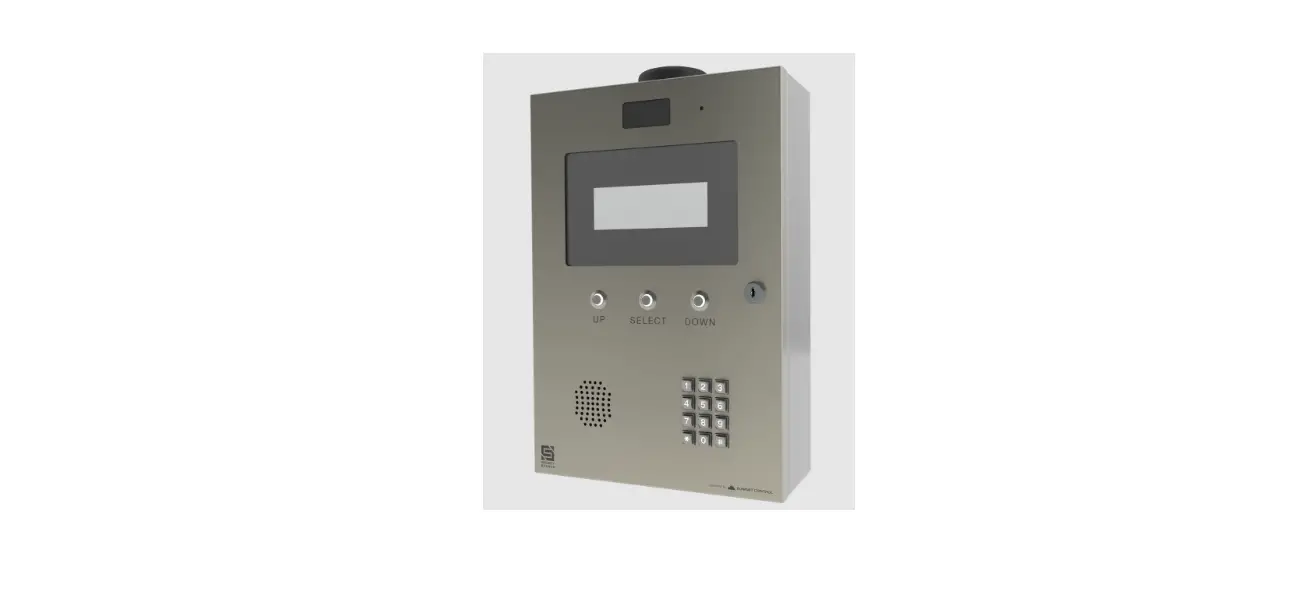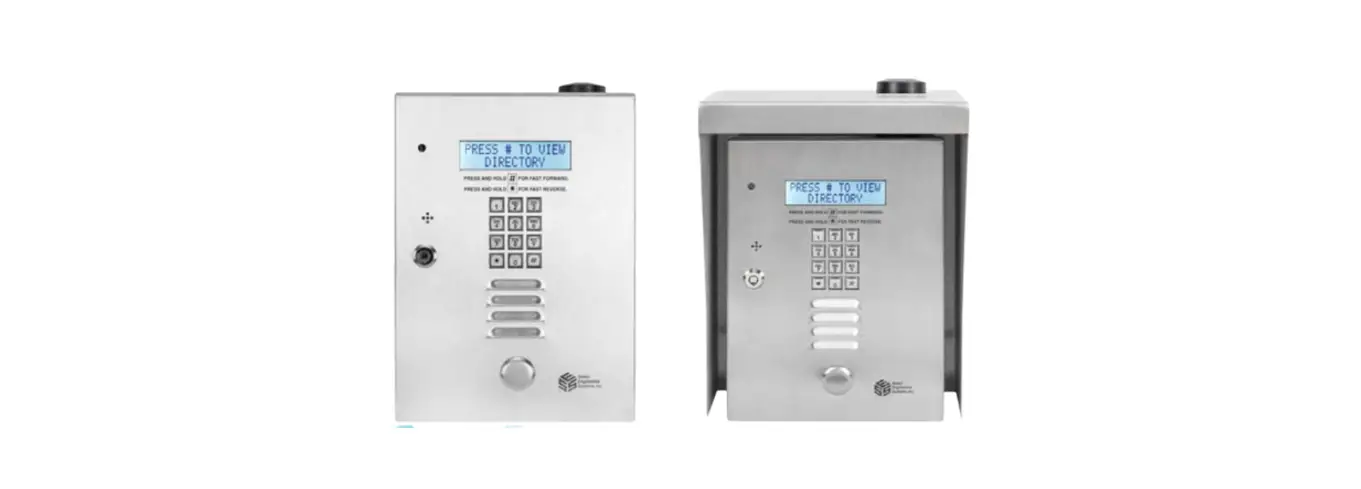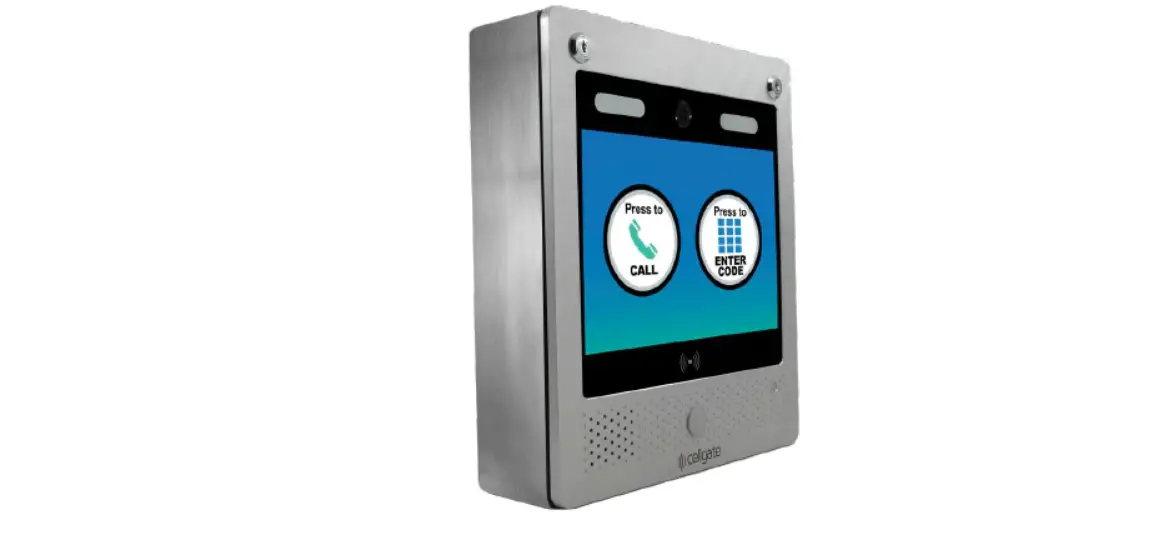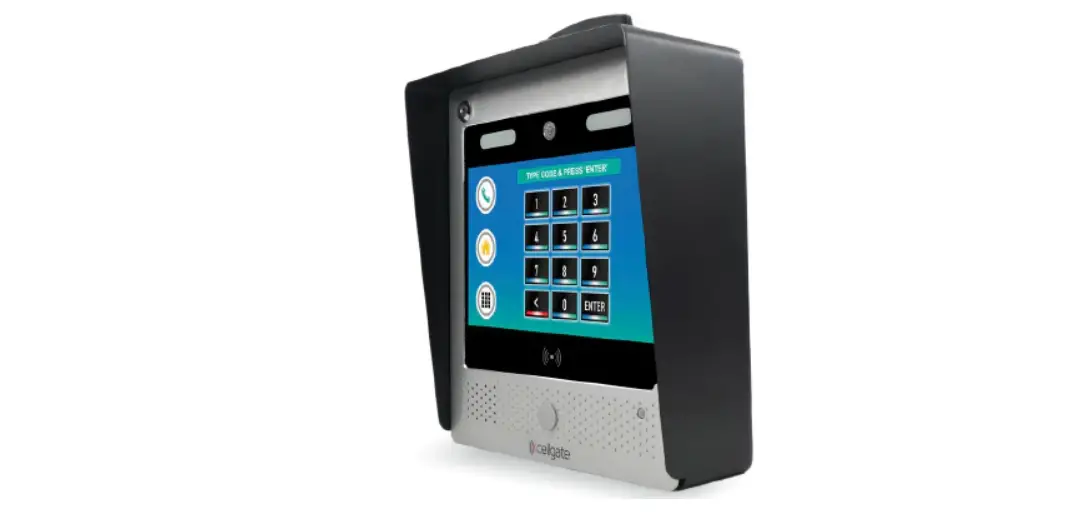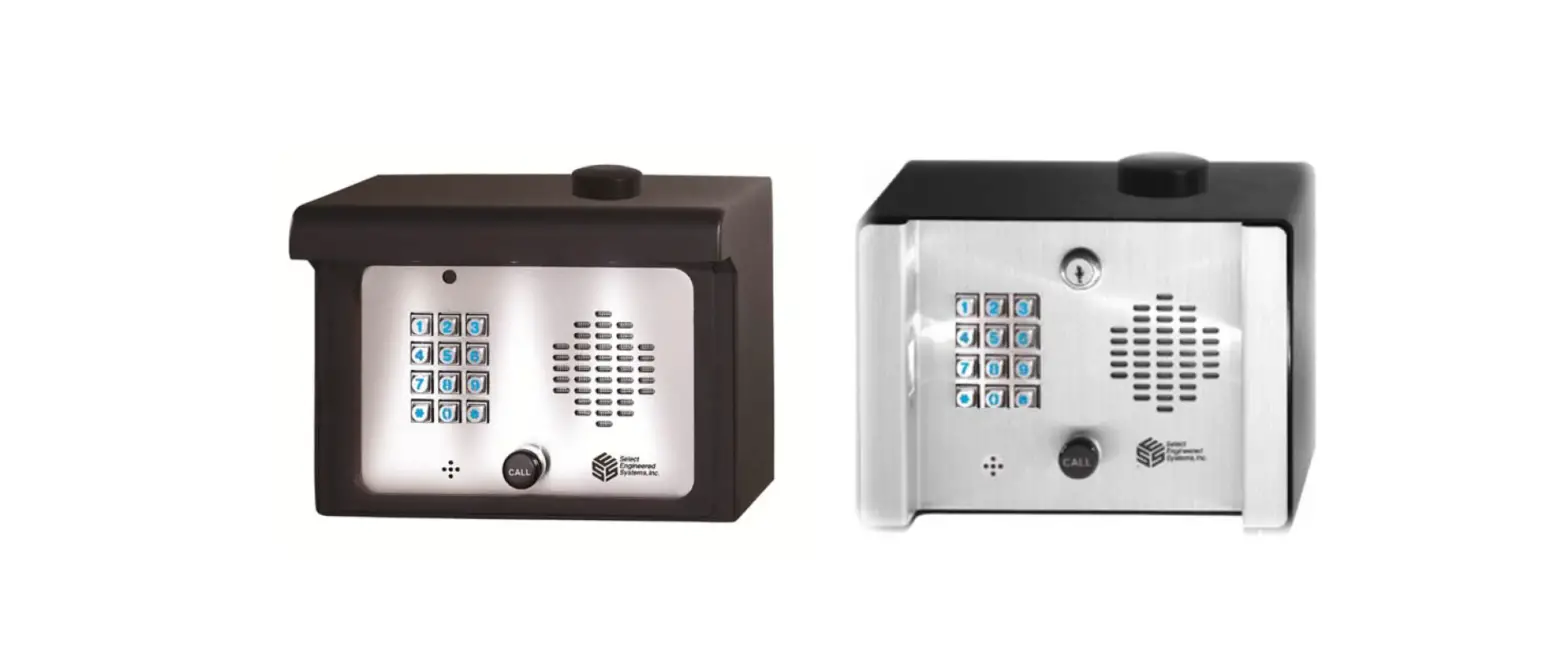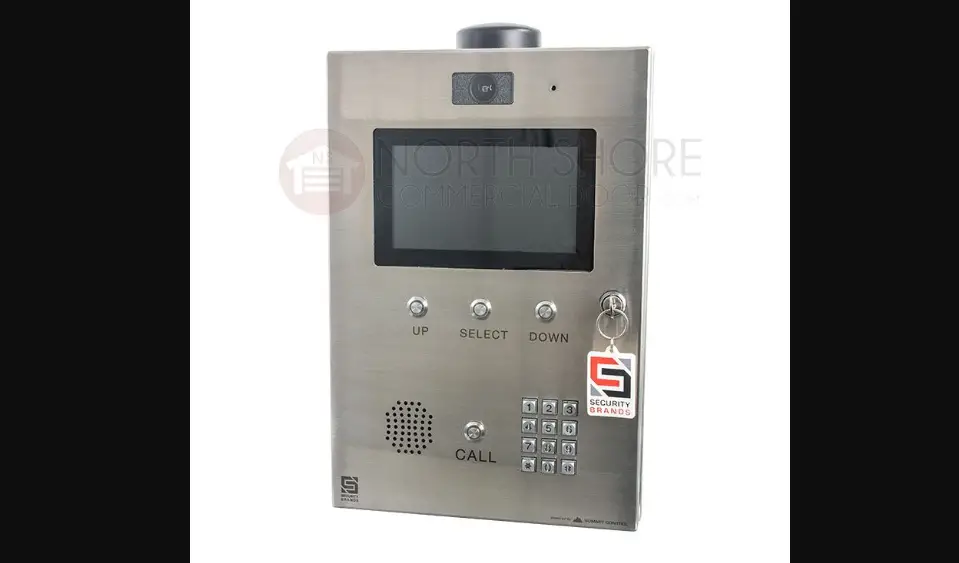

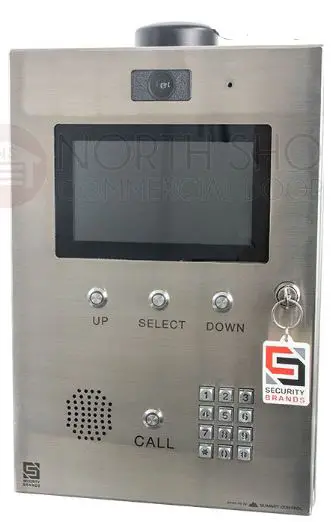
ASCENT 16-X2 Cellular Multi-Tenant Entry System
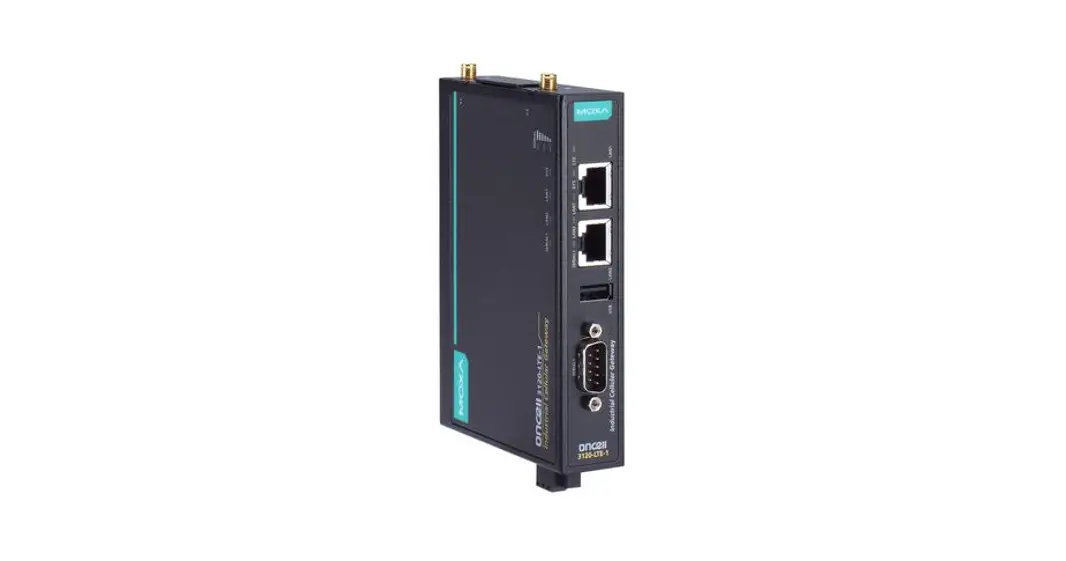
Carefully unpack box and make sure you have all items shown here. (Screwdriver not shown)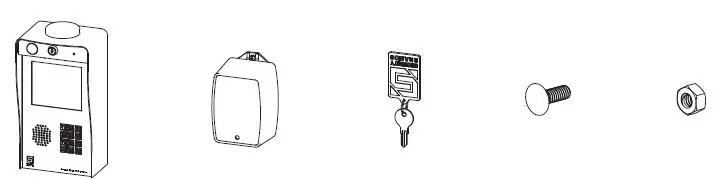
- Ascent Unit
- 12-V AC/DC Adapter (PS-12DC1)
- Key
- Carriage Bolt
- Hex Nut
IMPORTANT!
Ascent WILL NOT WORK until the activation process is COMPLETE! Follow the Activation Guide or call Summit Control at (972) 474-6422 to activate your unit.
WARNING!
AUTOMATIC GATES CAN CAUSE SERIOUS INJURY OR DEATH! ALWAYS CHECK that the GATE PATH IS CLEAR BEFORE OPERATING! REVERSING or other SAFETY DEVICES SHOULD ALWAYS BE USED!
STOP!
This is a cellular accessory for a gate/door, so an uninterrupted cellular connection CAN NOT BE GUARANTEED. An emergency egress or primary entry mechanism SHOULD ALWAYS BE USED (transmitter, fire box, mechanical release). Consult with your dealer, distributor, and/or system designer for more information.
Unlock and open the front panel of the unit for wiring and setup.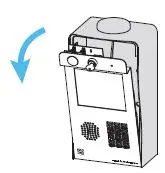
What’s what?
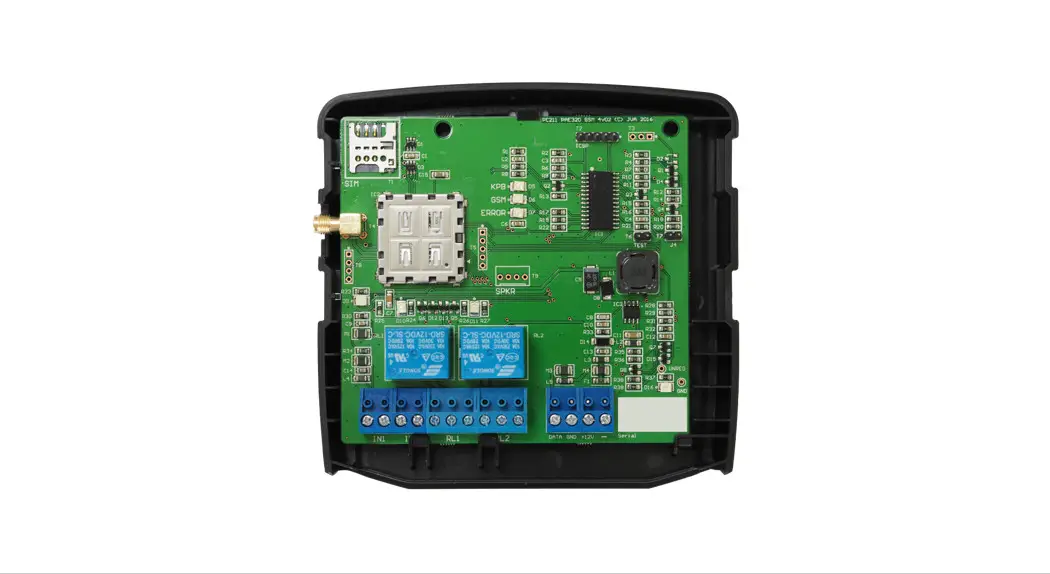
Important components labeled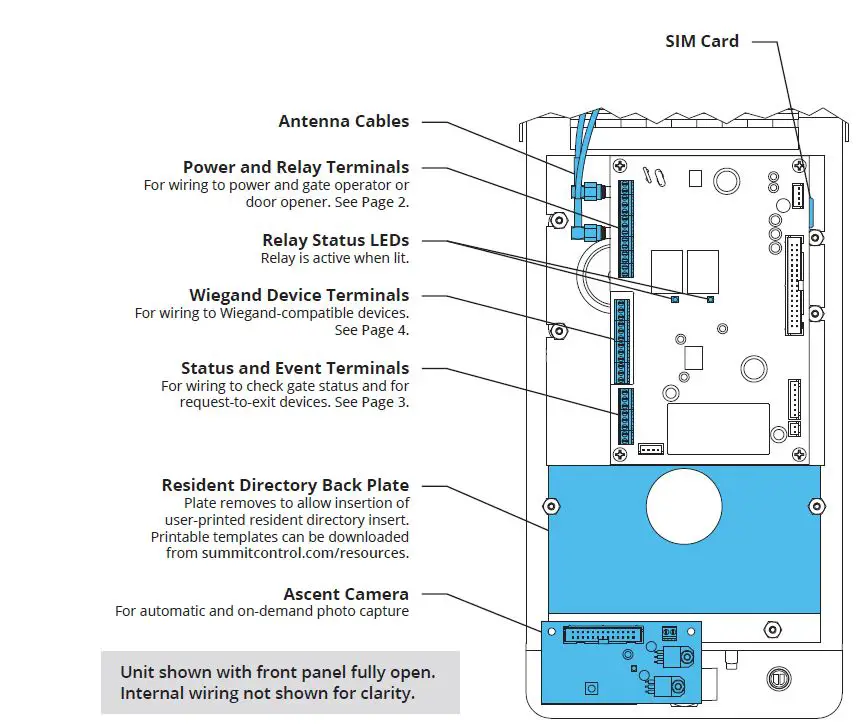 CAUTION!
Please use all four screws when mounting the unit to the pedestal. Leave the “hockey puck” antenna in place, even if using the extension. Seal any holes or gaps created in the unit enclosure.
Failure to follow instructions can damage the unit!
Connect wires
Feed wires through the back of unit and connect as shown using included screwdriver. Excessive force can damage unit.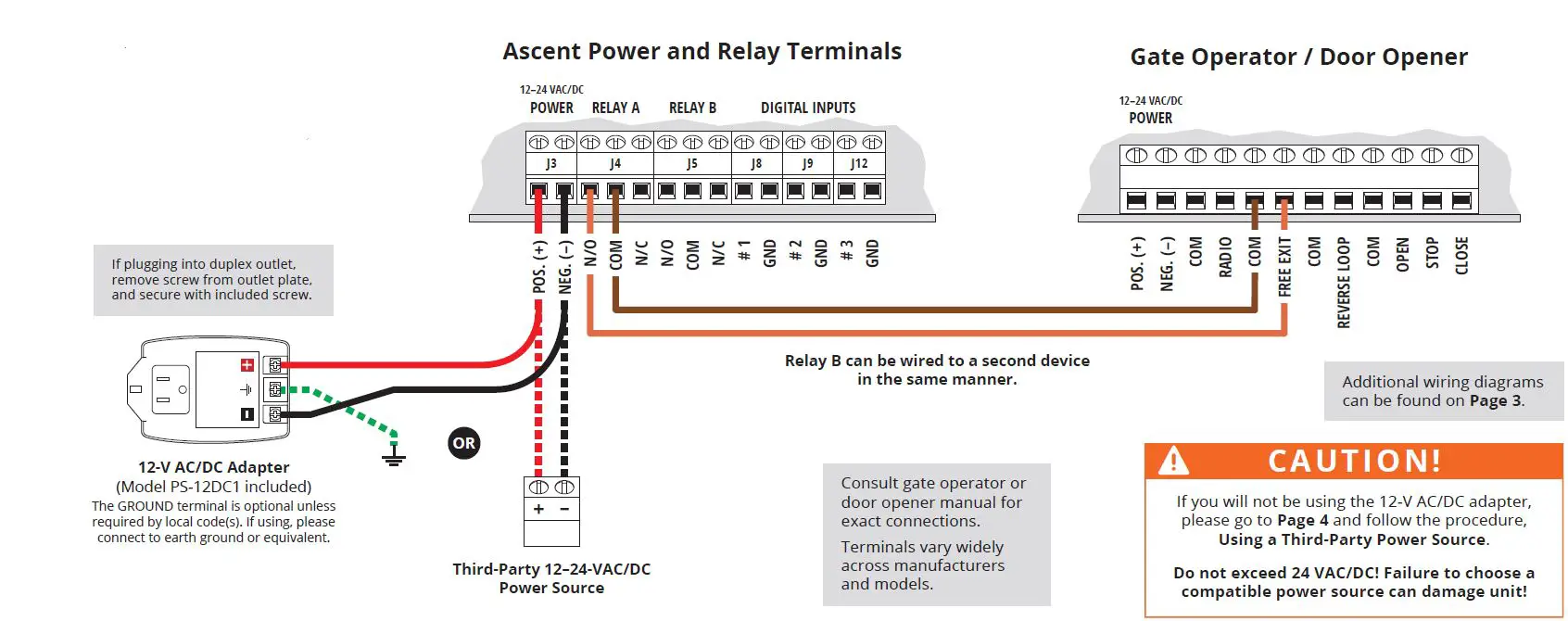
STOP!
Before going forward, double-check wiring and ensure the unit has power!
Close and lock the front panel.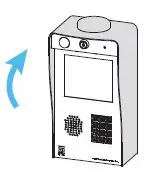
Make sure gate path is clear, then key in temporary code 2012 on keypad and confirm gate opens.
Adding and deleting codes is done through Summit Control and NOT from the keypad!
Status Check
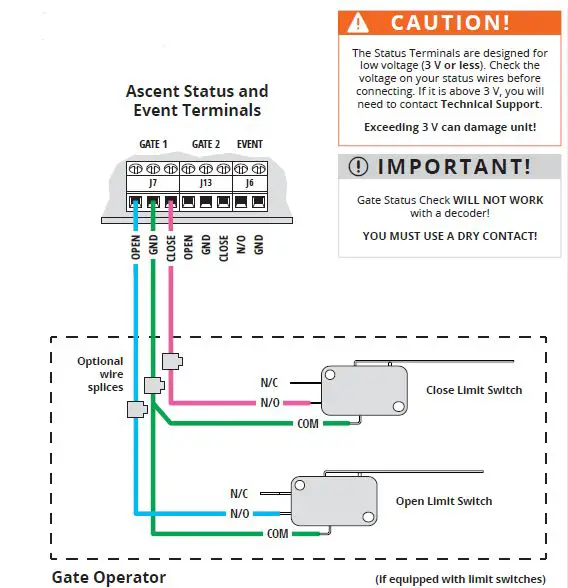
Event Input
Wiring for accessories such as a request-to-exit device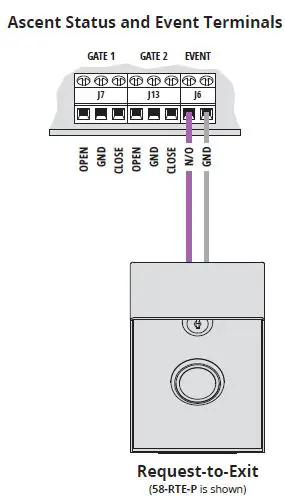
Wiegand Device
Wiring for Wiegand devices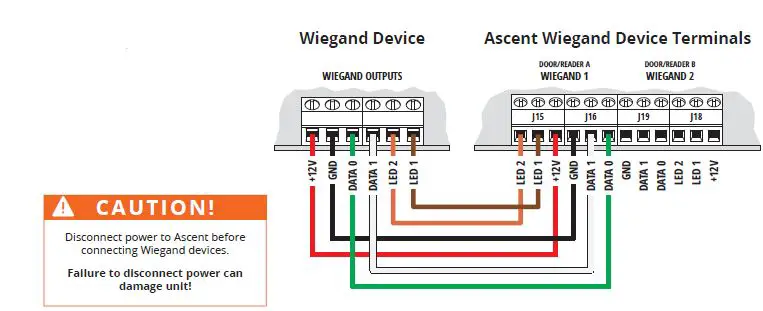
IMPORTANT!
If you would like to use a third-party power source, such as solar, verify that it conforms to the following specs:
- Input 12–24 VAC/DC no more than 10% beyond this range
- Current Draw less than 260 mA @ 12 VDC less than 160 mA @ 24 VDC
Connect wires to unit as shown in Step 3.
Connect wires to your power source, making sure you connect positive to positive and negative to negative.
IMPORTANT!
We recommend mounting Ascent on a gooseneck pedestal using the included hardware. If using an alternate mounting, the 4G LTE Antenna Extension Kit (p/n 16-ANTX-1)
should be purchased and installed. Failure to do so may result in NO SIGNAL!
CAUTION!
Double-check that you’ve wired from positive on Ascent to positive on your power source and negative on Ascent to negative on your power source.
Reverse polarity can damage the unit!
Call (972) 474-6422 Email support@summitcontrol.com We are available Mon–Fri / 8am–5pm Central