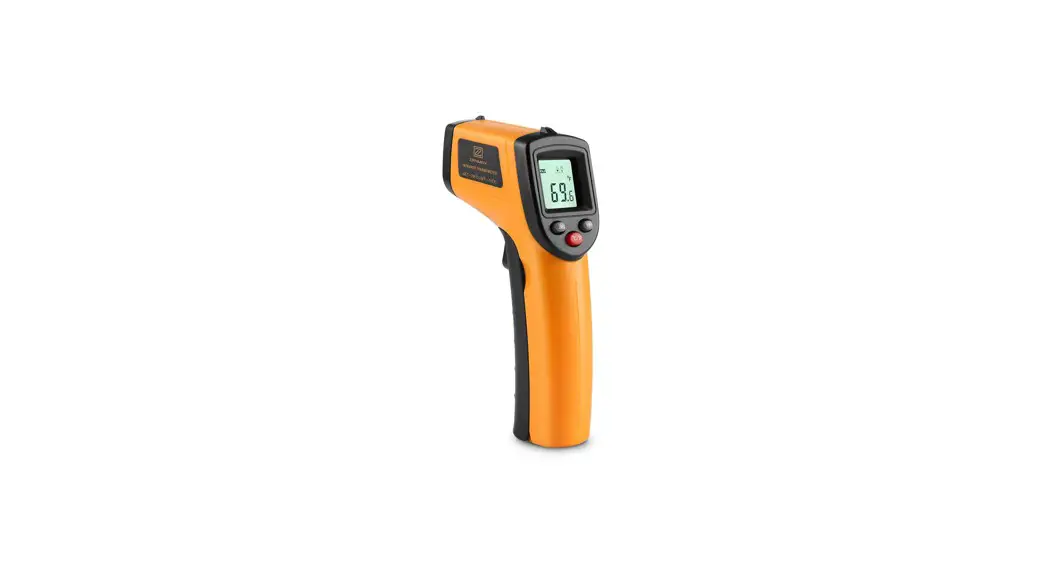
 Digital Laser Thermometer
Instruction Manual
Specifications
| Product | Infrared Thermometer |
| Accuracy | ≥ 100°C, ±2% / ≤ 100°C, ±2°C |
| Response time | 0.55 seconds |
| Emissivity | Adjustable, 0.1 to 1.0 |
| Distance-to-spot ratio | 12:01 |
| Storage temperature | -20°C to 50°C (-4~122°F) |
| Operating Temperature | 0°C to 50°C (32 ~ 122°F) |
| Power/Power life | 2 x AAA batteries – about 9 hours |
Warning
Do not point the laser directly or indirectly (through reflective surfaces) at the eye.
Operation
Turn on
Once the batteries are placed into the battery compartment, press the measurement trigger.
The thermometer will then turn on and show the temperature readings.
LCD display
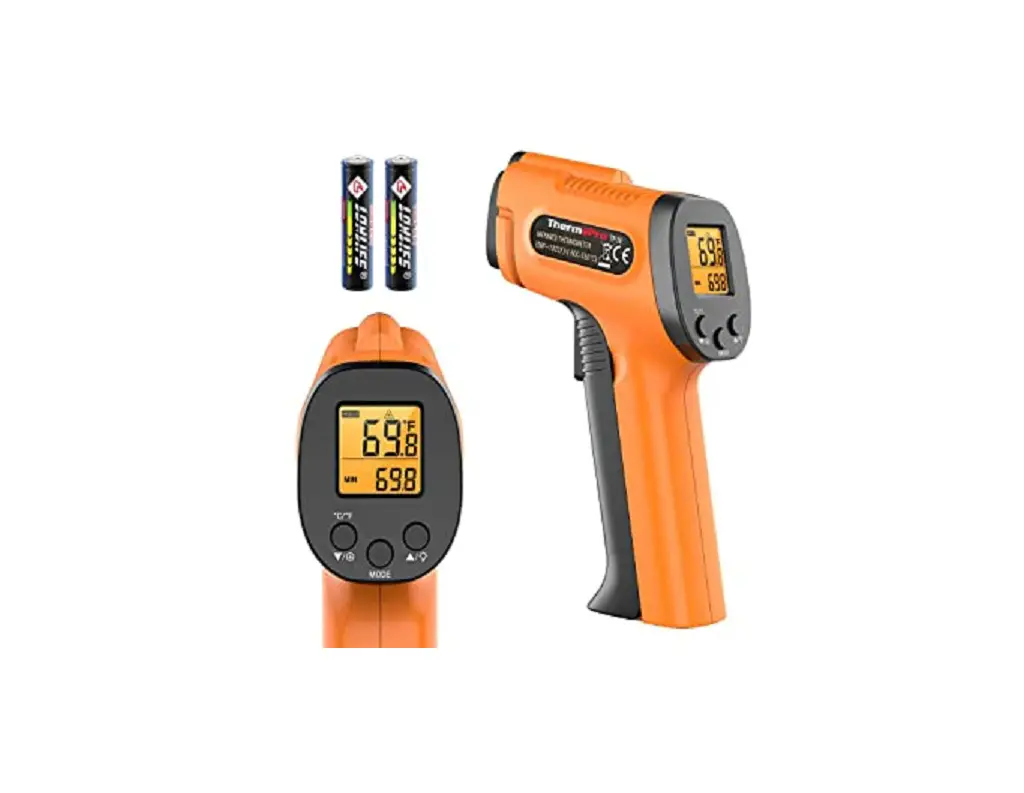
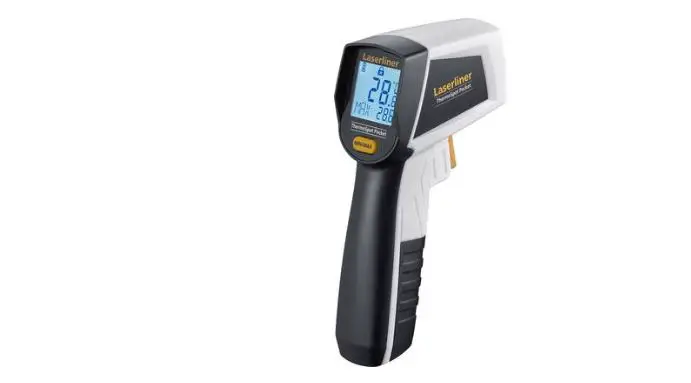
The LCD screen displays the functions and temperature readings (as shown in diagram 2).
Measurement
Point the laser at the required target and press the measurement trigger. The current temperature reading will display after the button is held for at least half a second.
Turn off
The thermometer will turn off automatically after 15 seconds without any operation.
Distance to Spot Ratio
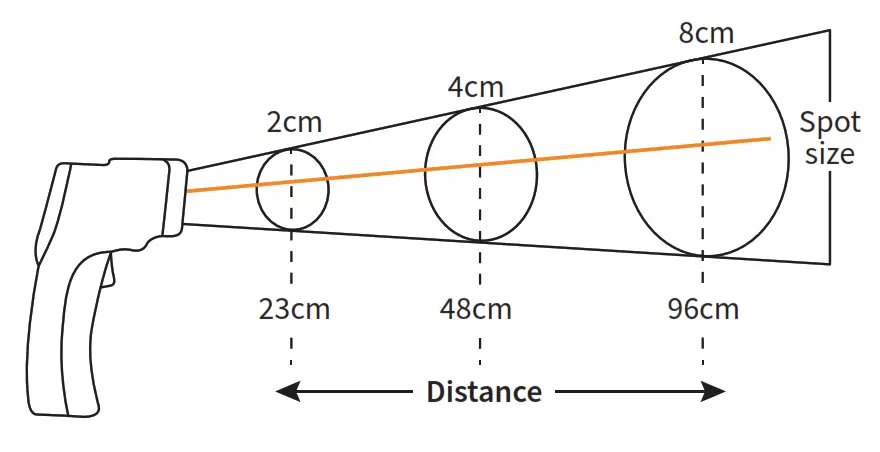
The further the thermometer is from the target, the larger the measurement spot area. That means: As the distance from the thermometer to the object increases, the spot size of the measuring area becomes larger, (as in Diagram 1). This is called “D:S” (Distance to Spot Ratio).
For example, the diameter of the target spot area will be 3cm when you test from a distance of 36cm, and the thermometer will show the average temperature of the target spot area within a diameter of 3cm.
Diagram 1
Distance (D) to Spot Size (S)
D : S = 12:1
Emissivity
EMS (Emissivity) is a measure of a material’s ability to emit infrared energy. Since not all surfaces are the same, you may get variations in emitted infrared energy. Emissivity is measured on a scale from 0.00 to just below 1.00. Inaccurate readings will result from measuring shiny or polished metal surfaces (for example, stainless steel or aluminum).
Please note: Thermometers can not test the temperature of target objects through glass, steam, dust, or smog.
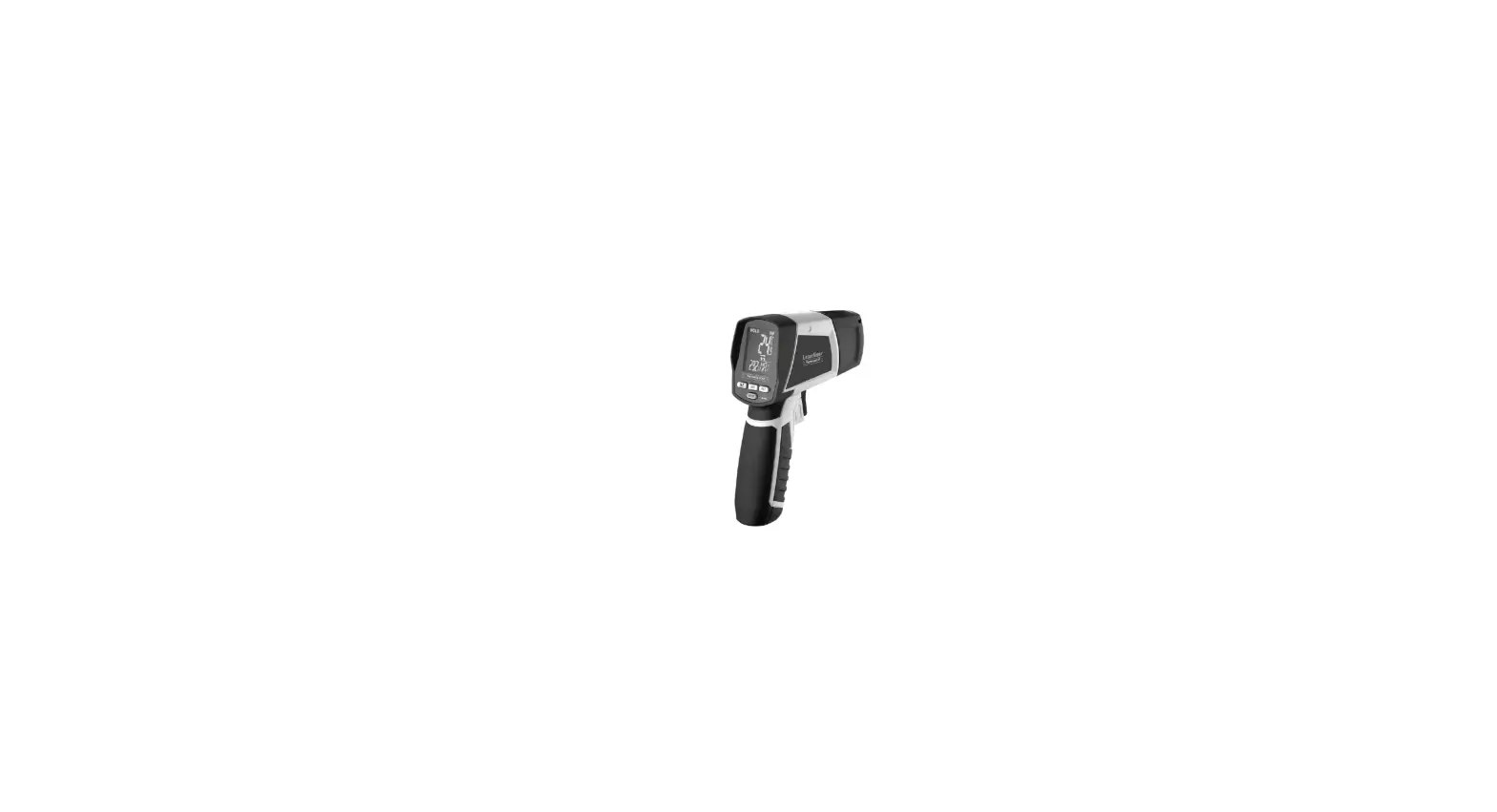
Function Diagram
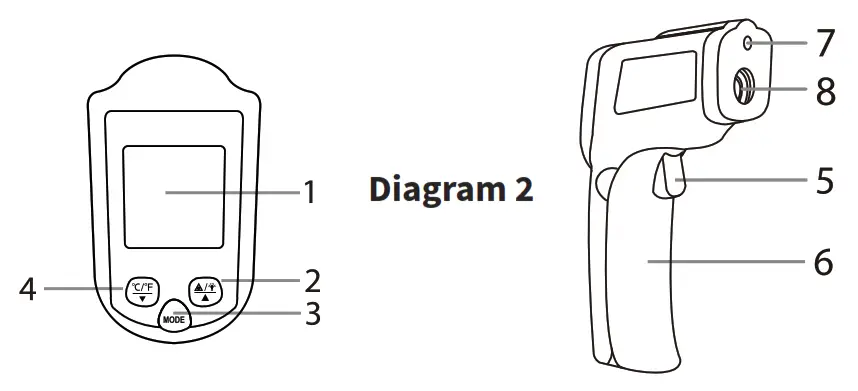
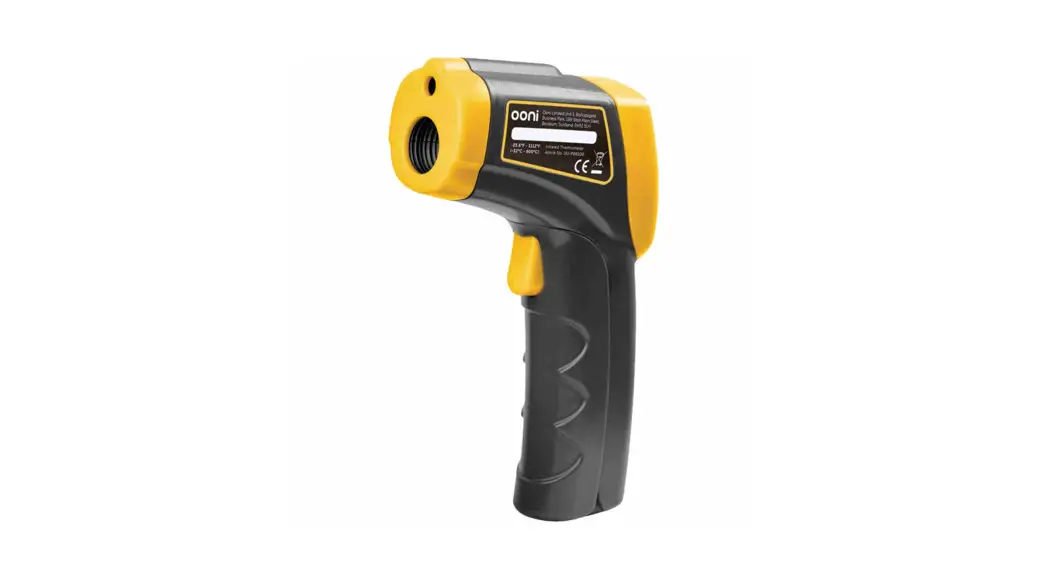
| 1. LCD screen | 5. Measurement trigger |
| 2. Laser (up button) | 6. Battery compartment |
| 3. Function button | 7. Laser hole |
| 4. °C/°F (down button) | 8. Infrared Sensor |
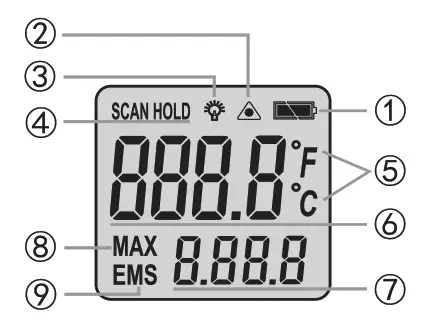
| 1. Battery symbol 2. Laser signal on/off 3. Backlight sign-on/off 4. Scan 5. °C/°F symbol | 6. Current temperature 7. Max temperature emissivity reading 8. Max temperature sign 9. Adjustable emissivity sign |
Function
- To toggle between °C and °F, press button 4
- To alternate the laser between on or off, press button 2.
- Press button 3 to get into the emissivity adjustments. Press button 2 or button 4 to adjust the emissivity.
- To turn the backlight on or off, press and hold button 5 and then at the same time press button 2.
Caution
This infrared thermometer should be protected from the following:
- EMF (electro-magnetic fields) from arc welders, and induction heaters.
- Thermal shock (caused by large or abrupt ambient temperature changes; allow 30 minutes for the unit to stabilize before use.)
- Do not leave the unit on or near objects of high heat temperatures.
Maintenance
Lens cleaning: Use clean compressed air to blow off loose particles, and use the soft brush to dust debris away. If required, clean with a damp cloth.
NOTES
- Do not use solvent to clean the lens.
- Do not submerge the unit in water.
| Emissivity of Surfaces | |||
| Material | Emissivity | Material | Emissivity |
| Aluminum | 0.20-0.40 | Human skin | 0.98 |
| 0.02-0.04 | Graphite | 0.20-0.60 | |
| Brass | 0.40-0.80 | Plastic | 0.95 |
| 0.02-0.05 | Rubber | 0.95 | |
| Gold | 0.01-0.10 | Plastic | 0.85-0.95 |
| Iron | 0.70-0.90 | Concrete | 0.95 |
| Steel | 0.70-0.90 | Cement | 0.96 |
| Asbestos | 0.95 | Soil | 0.90-0.98 |
| Plaster | 0.80-0.90 | Mortar | 0.89-0.91 |
| Asphalt | 0.95 | Brick | 0.90-0.96 |
| Rock | 0.70 | Marble | 0.94 |
| Wood | 0.90-0.95 | Textile | 0.90 |
| Charcoal | 0.96 | Paper | 0.95 |
| Carbon | 0.85 | Sand | 0.90 |
| Lacquerwork | 0.97 | Clay | 0.92-0.96 |
| Carbon cement | 0.90 | Gravel | 0.95 |
| Soap bubble | 0.75-0.80 | Glass | 0.85-0.92 |
| Water | 0.93 | Textile | 0.95 |
| Snow | 0.83-0.90 | Heated food | 0.95 |
| Ice | 0.96-0.98 | Plastic | 0.95 |
| Frozen foods | 0.95 | Oil | 0.94 |
| Ceramics | 0.95 | Steel and iron | 0.80 |
| Limestone | 0.98 | Wool | 0.94 |
| Paint | 0.93 | Lead | 0.50 |